How to open Acer Aspire 3 (A315-59) – disassembly and upgrade options
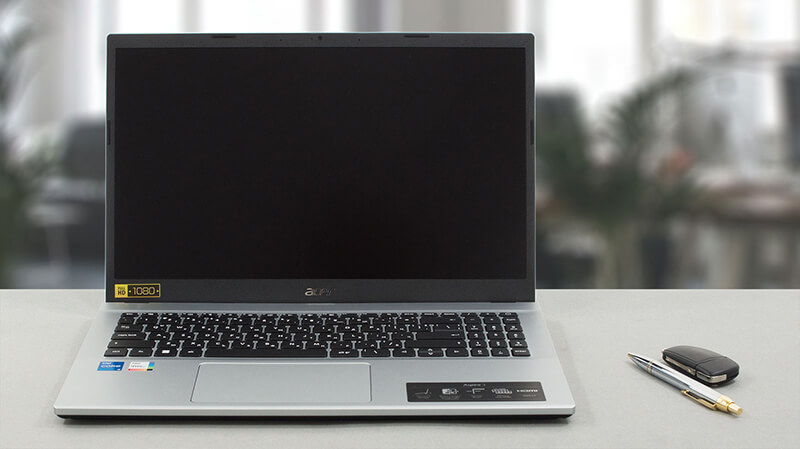
It is quite surprising that the Aspire 3 has better upgrade options than the Aspire 7. However, facts are facts, and users can be pretty happy about this particular device. Well, at least from the context of upgradeability.
Check out all Acer Aspire 3 (A315-59) prices and configurations in our Specs System, or read more in our In-Depth review.
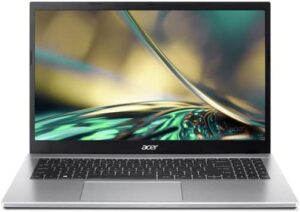
1. Remove the bottom plate
To open this device, you have to undo 10 Phillips-head screws. Then, pry the bottom panel with a plastic tool, and remove it from the chassis.

2. Remove the battery
Here, we find a 43Wh battery pack. To take it out, you need to unplug the battery connector and undo the two Phillips-head screws, securing the battery in place.
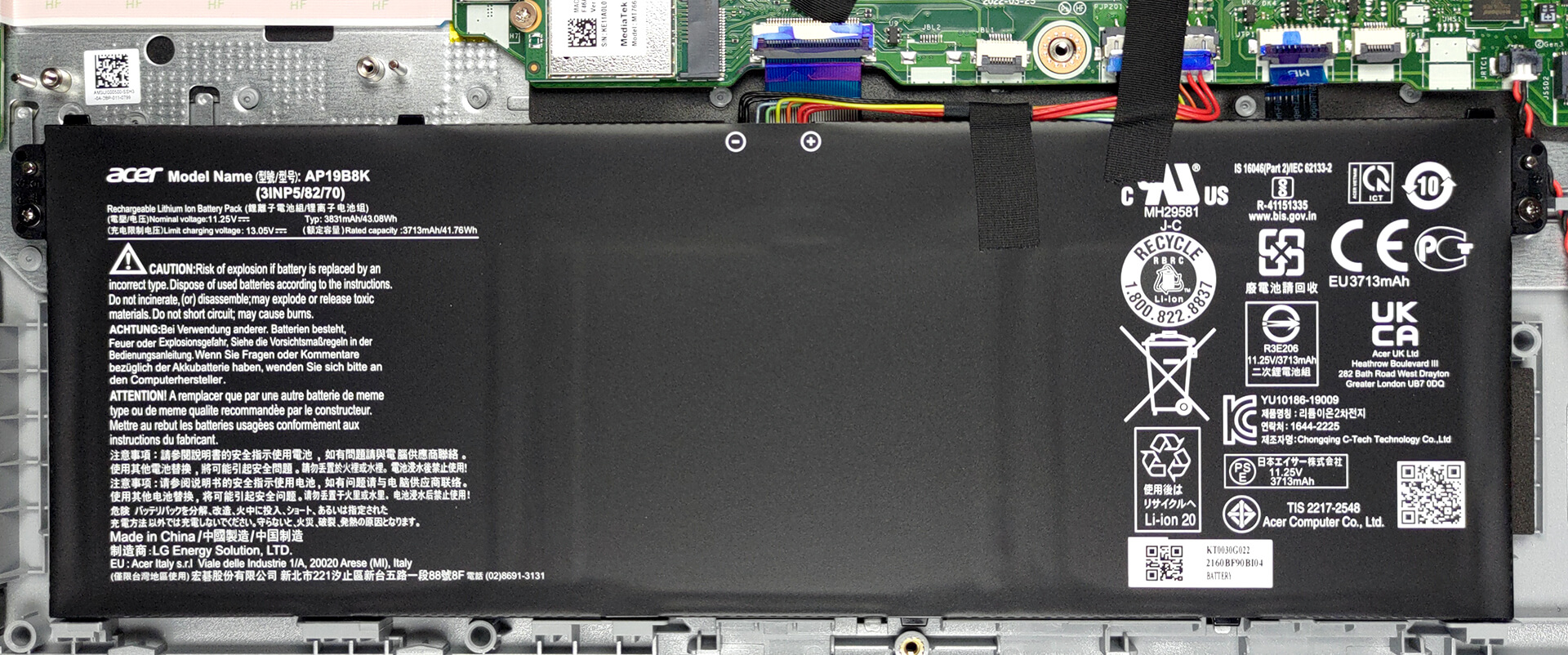
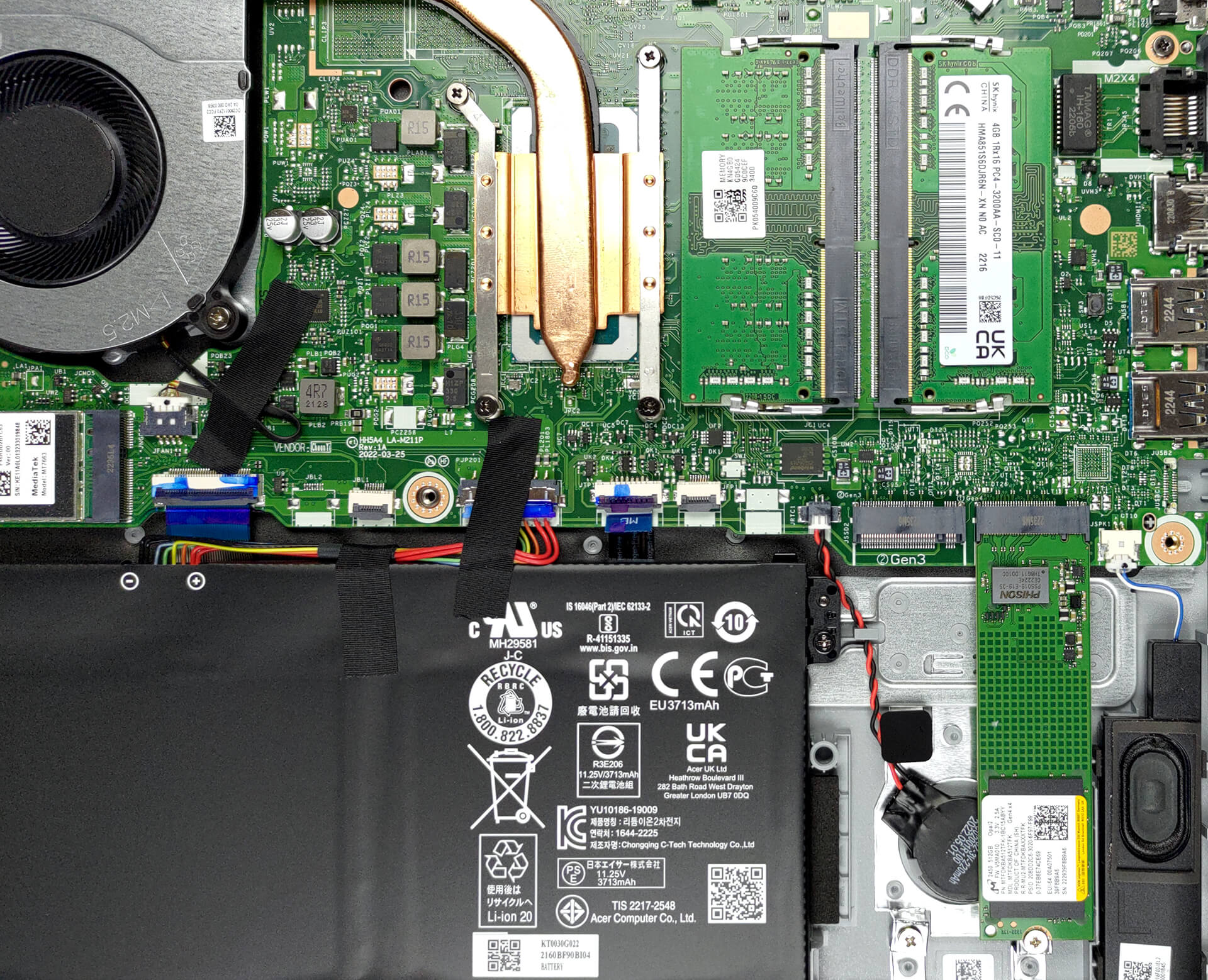
3. Upgrade memory and storage
As you can see, there are two SODIMM slots for memory expansion. They work with DDR4 and support dual-channel mode. Storage-wise, there are also two slots. One of the M.2 PCIe x4 slots supports Gen 3 SSDs, while the other can work with Gen 4 too.
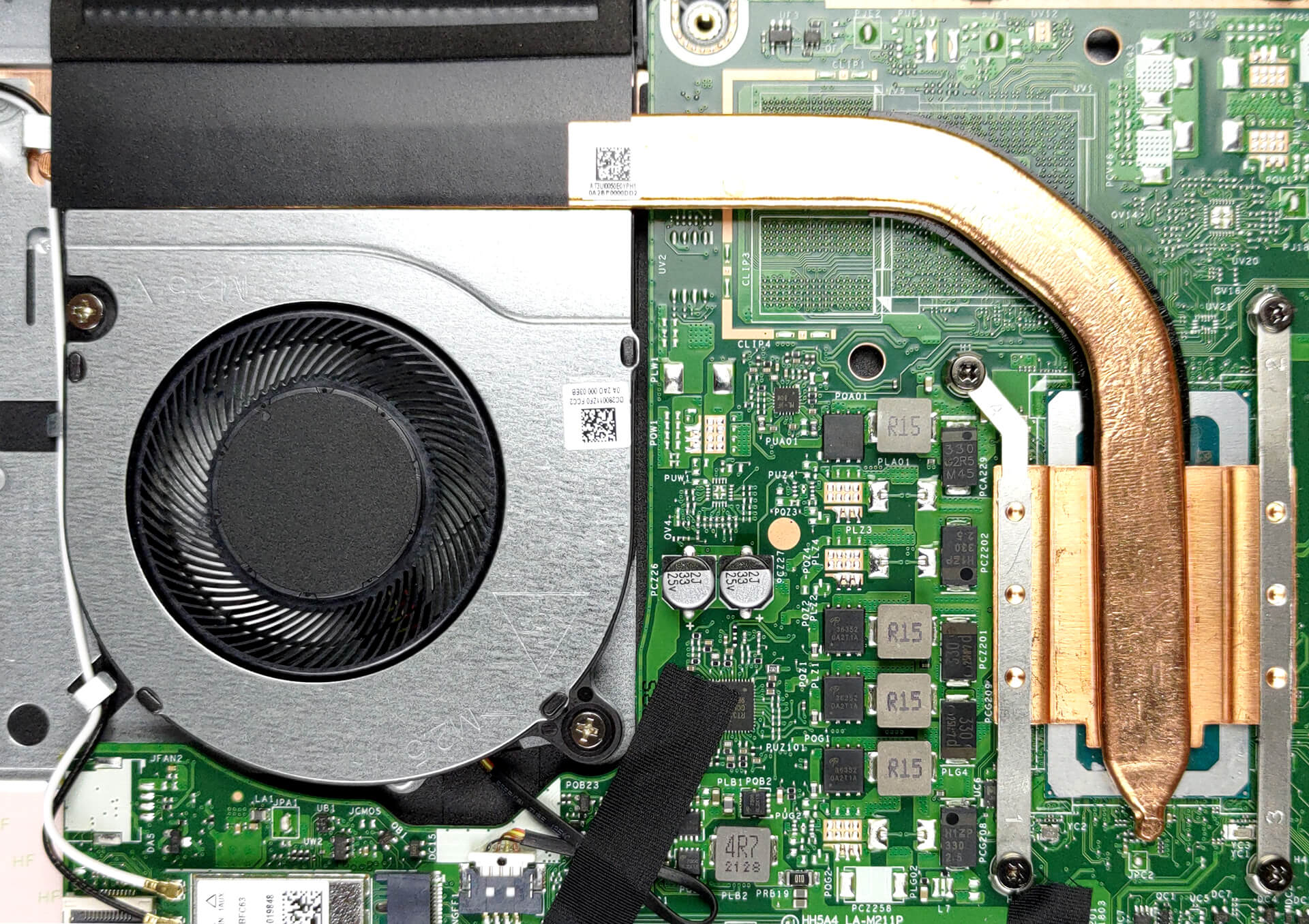
4. Cooling system
The cooling comprises one heat pipe, a heat sink, and a fan of medium size.
Check out all Acer Aspire 3 (A315-59) prices and configurations in our Specs System, or read more in our In-Depth review.
Acer Aspire 3 (A315-59 / A315-59G) uitgebreide review
Er is één ding dat voorop moet staan als je op zoek bent naar een nieuwe notebook: je budget. Soms kun je het je veroorloven om veel geld uit te geven, maar vaker wel dan niet is de prijsklasse een behoorlijke beperking. Dit is waar laptops zoals de Acer Aspire 3 (A315-59) om de hoek komen kijken.In wezen is dit een van de meest bevolkte segmenten van de markt voor mobiele computers. De concurrentie is hevig, maar alle fabrikanten hebben te maken met één groot probleem. De balans vinden tussen de kostenbesparende maatregelen.Een eerste blik op de Acer Aspire 3 (A315-59) laat zien [...]
Pros
- 2x SODIMM + 2x M.2 PCIe x4 Gen 4
- Comfortabel toetsenbord
- Geen PWM (Innolux N156HCA-EAB (CMN15E7))
- Optionele vingerafdruklezer
- Fatsoenlijke prestaties
- Adequate koeling
Minpunten
- Dekt slechts 56% van sRGB (Innolux N156HCA-EAB (CMN15E7))
- Geen USB Type-C poort
- Geen achtergrondverlichting toetsenbord
- Geen SD-kaartlezer
 Author: Alex Iliev

![[juni 2026] Bestverkochte laptopmerken op Amazon Global – Apple’s ongeëvenaarde dominantie in aantal verkochte exemplaren en omzet](https://laptopmedia.com/wp-content/uploads/2026/07/GLOBAL-Best-Brands-400x225.jpg)
![[juni 2026] Amazon Global: Top 10 bestverkochte laptops – De nieuwe MacBook Neo van Apple stormt naar de eerste plaats en zet de markt op zijn kop dankzij zijn betaalbaarheid](https://laptopmedia.com/wp-content/uploads/2026/07/Best-Selling-Laptops-GLOBAL-Top-10-400x225.jpg)
![[juni 2026] Amazon Global: Top 10 van best verkochte gaminglaptops – De Nitro V 16S AI van Acer domineert de verkoopcijfers, terwijl ASUS qua totale omzet aan kop gaat](https://laptopmedia.com/wp-content/uploads/2026/07/Best-Selling-Gaming-Laptops-GLOBAL-Top-10-400x225.jpg)
![[juni 2026] Wereldwijde ranglijst van bestverkochte laptop-GPU’s op Amazon – De NVIDIA RTX 5060 is de bestverkochte speciale GPU](https://laptopmedia.com/wp-content/uploads/2026/07/Best-Selling-GPUs-GLOBAL-Top-10-400x225.jpg)
![[juni 2026] Wereldwijde ranglijst van bestverkochte laptop-CPU’s op Amazon – Apple M5 domineert, AMD Ryzen 7 260 verovert een stevig aandeel in het premiumsegment](https://laptopmedia.com/wp-content/uploads/2026/07/Best-Selling-CPUs-GLOBAL-Top-10-400x225.jpg)
