How to open Lenovo ThinkBook 15 Gen 4 – disassembly and upgrade options
Upgradeable memory and super fast SSD speeds make the ThinkBook 15 Gen 4 a laptop worth buying.
Check out all Lenovo ThinkBook 15 Gen 4 prices and configurations in our Specs System, or read more in our In-Depth review.
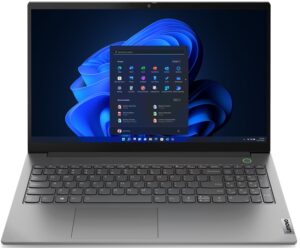
1. Remove the bottom plate
To pop this laptop open, you need to undo a total of 10 Phillips-head screws. Then, pry the bottom panel, starting from the front. It is best to use a plastic tool.
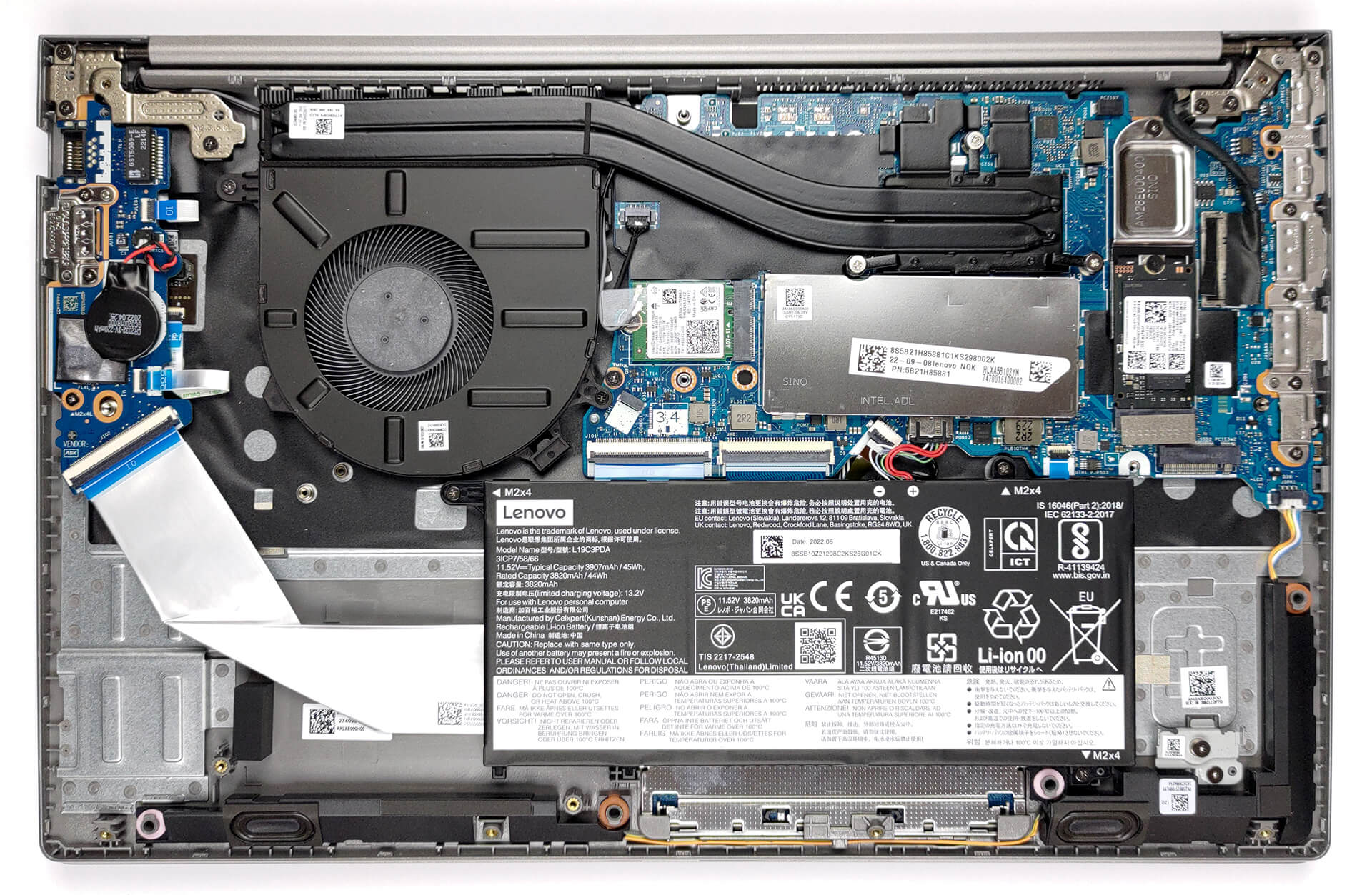
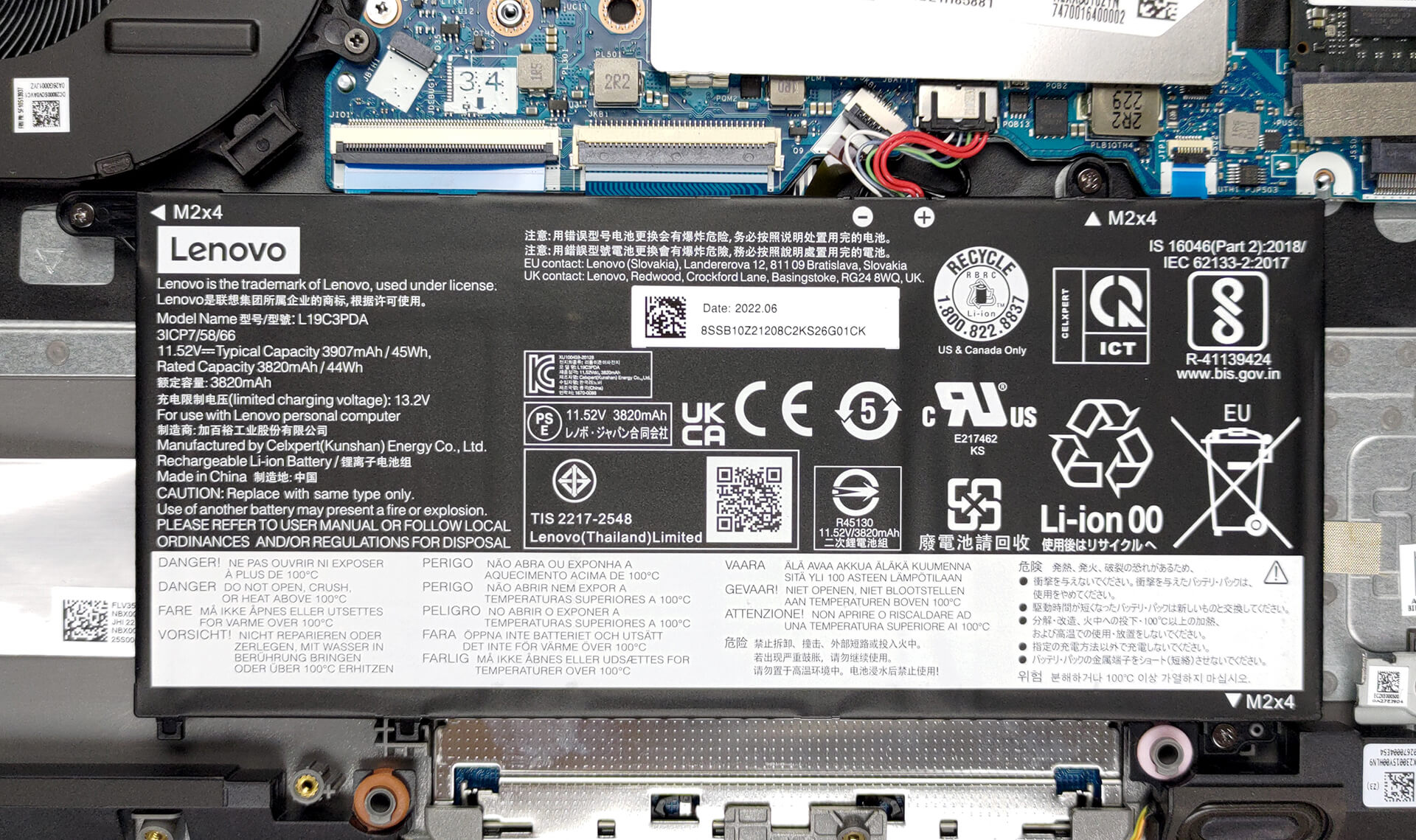
2. Remove the battery
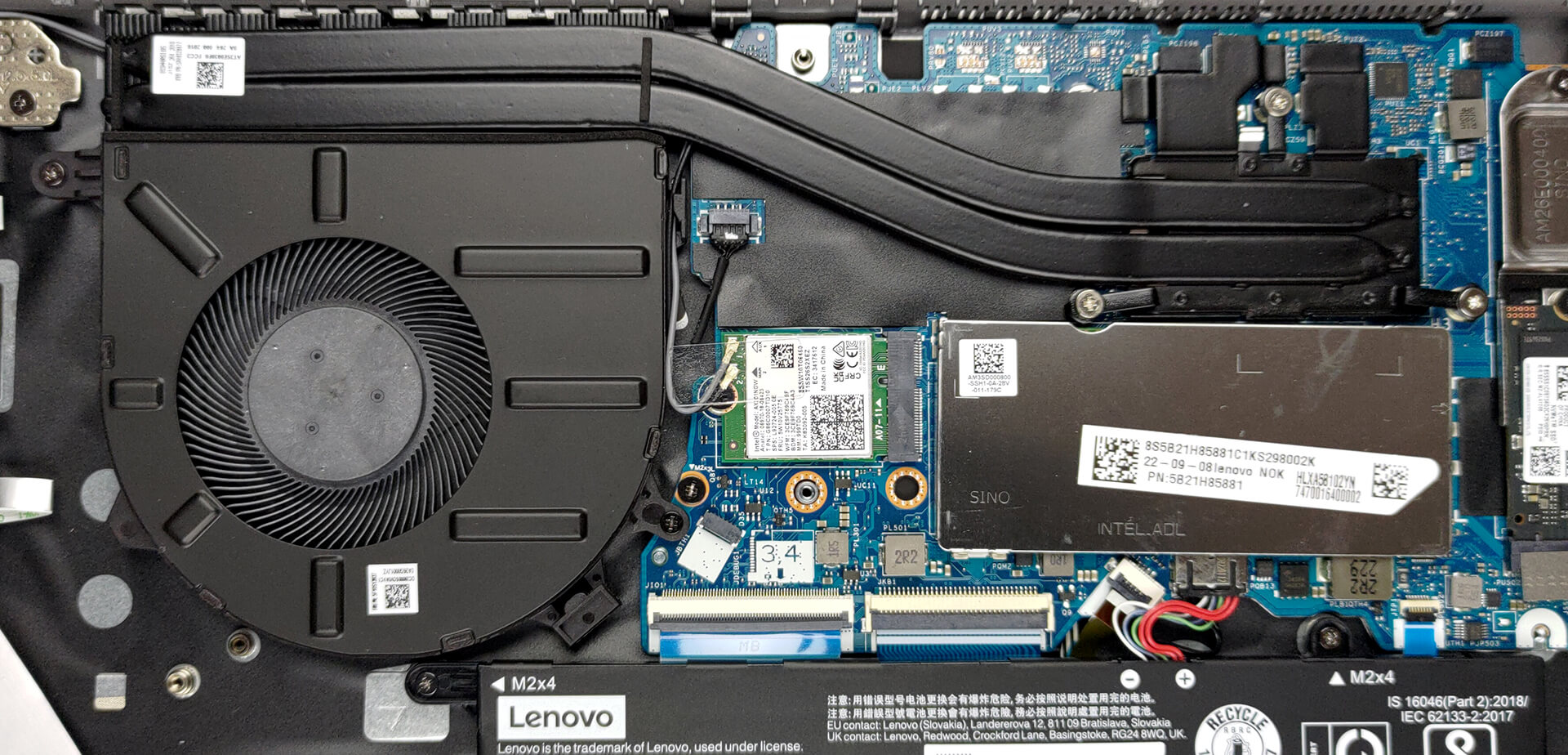
Our configuration features the smaller 45Wh battery pack. It lasts for 7 hours of Web browsing, or 5 hours of video playback. To remove it, unplug it from the motherboard, and undo all three Phillips-head screws that keep it attached to the chassis.
3. Upgrade memory and storage
This machine comes with 8GB of DDR4 RAM soldered to the motherboard. You can further expand it by up to 32GB via the single SODIMM slot. Storage-wise, there are two M.2 PCIe x4 slots, both of which support Gen 4 SSDs.
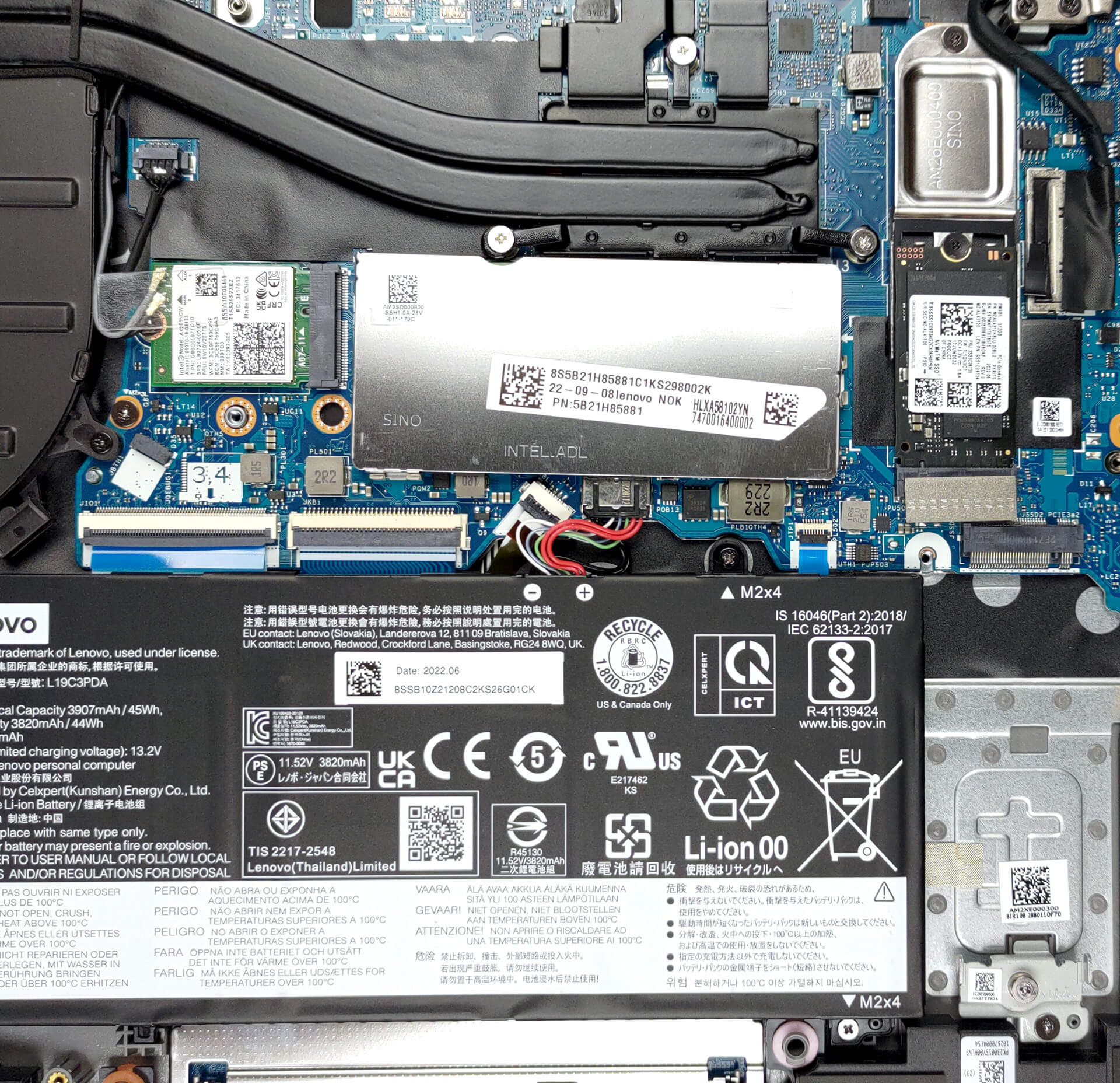
4. Cooling system
Respectively, the cooling comprises two heat pipes, a heat sink, and a fan. In addition, there is a heat spreader over the VRMs.
Check out all Lenovo ThinkBook 15 Gen 4 prices and configurations in our Specs System, or read more in our In-Depth review.
Lenovo ThinkBook 15 Gen 4 (Intel) uitgebreide review
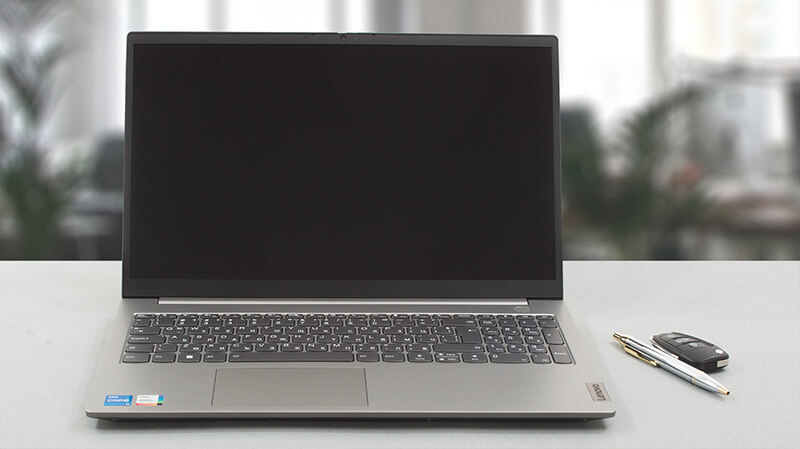
One of the youngest members of the Lenovo laptop family, the ThinkBook is here to get a certain group of people. Those, who need a secure business notebook, but have a foul opinion of the ThinkPad series. Those, who are repulsed by its "dated" look. A feature that has actually given it a huge fan group.Well, on the bright side, the ThinkBook looks really sleek. Sharp lines and a two-tone Grey finish make the ThinkBook 15 Gen 4 a lot more appealing. However, looks would be meaningless if the laptop doesn't perform up to the task.This is why you get a choice of Alder Lake processors. If[...]
Pros
- Adequate price tag
- 1x SODIMM + 2x M.2 PCIe x4 Gen 4 slots
- Thunderbolt 4 and Wi-Fi 6 connections + SD card reader on board
- The power button is equipped with an optional fingerprint reader
- Sustains the larger 28W power limit
- Doesn't use PWM for brightness adjustment (LEN156FHD (LEN9052))
- It has comfortable viewing angles and a good contrast ratio (LEN156FHD (LEN9052))
Minpunten
- Build quality is not the best
- Unsatisfactory iGPU performance
- Average battery life
- Covers only 50% of sRGB (LEN156FHD (LEN9052))
 Author: Alex Iliev

![[juni 2026] Bestverkochte laptopmerken op Amazon Global – Apple’s ongeëvenaarde dominantie in aantal verkochte exemplaren en omzet](https://laptopmedia.com/wp-content/uploads/2026/07/GLOBAL-Best-Brands-400x225.jpg)
![[juni 2026] Amazon Global: Top 10 bestverkochte laptops – De nieuwe MacBook Neo van Apple stormt naar de eerste plaats en zet de markt op zijn kop dankzij zijn betaalbaarheid](https://laptopmedia.com/wp-content/uploads/2026/07/Best-Selling-Laptops-GLOBAL-Top-10-400x225.jpg)
![[juni 2026] Amazon Global: Top 10 van best verkochte gaminglaptops – De Nitro V 16S AI van Acer domineert de verkoopcijfers, terwijl ASUS qua totale omzet aan kop gaat](https://laptopmedia.com/wp-content/uploads/2026/07/Best-Selling-Gaming-Laptops-GLOBAL-Top-10-400x225.jpg)
![[juni 2026] Wereldwijde ranglijst van bestverkochte laptop-GPU’s op Amazon – De NVIDIA RTX 5060 is de bestverkochte speciale GPU](https://laptopmedia.com/wp-content/uploads/2026/07/Best-Selling-GPUs-GLOBAL-Top-10-400x225.jpg)
![[juni 2026] Wereldwijde ranglijst van bestverkochte laptop-CPU’s op Amazon – Apple M5 domineert, AMD Ryzen 7 260 verovert een stevig aandeel in het premiumsegment](https://laptopmedia.com/wp-content/uploads/2026/07/Best-Selling-CPUs-GLOBAL-Top-10-400x225.jpg)
