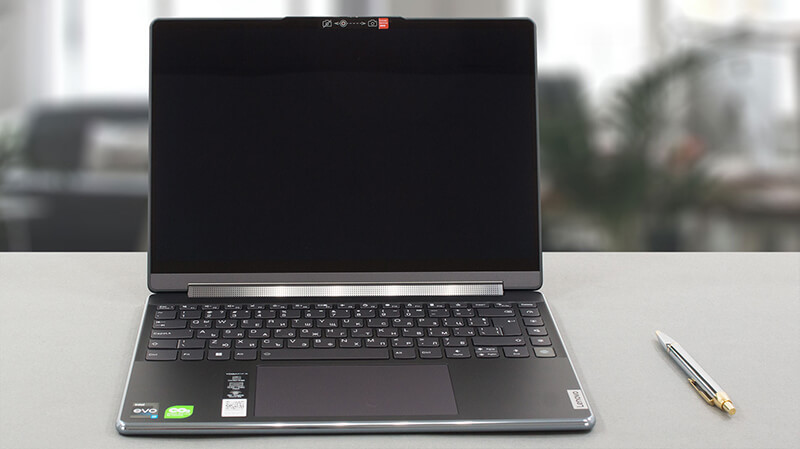
How to open Lenovo Yoga 9 (14″, 2023) – disassembly and upgrade options
The Lenovo Yoga 9 (14″, 2023) is a really impressive notebook. However, upgradeability is definitely not among its strong points. On the bright side, you can still swap the default SSD for one with more speed or higher capacity.
Check out all Lenovo Yoga 9 (14″, 2023) prices and configurations in our Specs System, or read more in our In-Depth review.
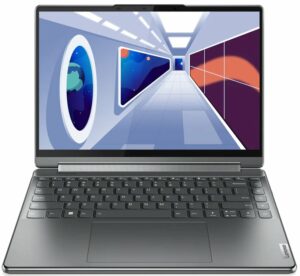
1. Remove the bottom plate
To access this laptop’s internals, you need to remove the back rubber foot. Then, undo the three Phillips-head screws, as well as the six other Torx-head screws. After that, pry the bottom panel with a plastic tool and lift it away from the chassis.
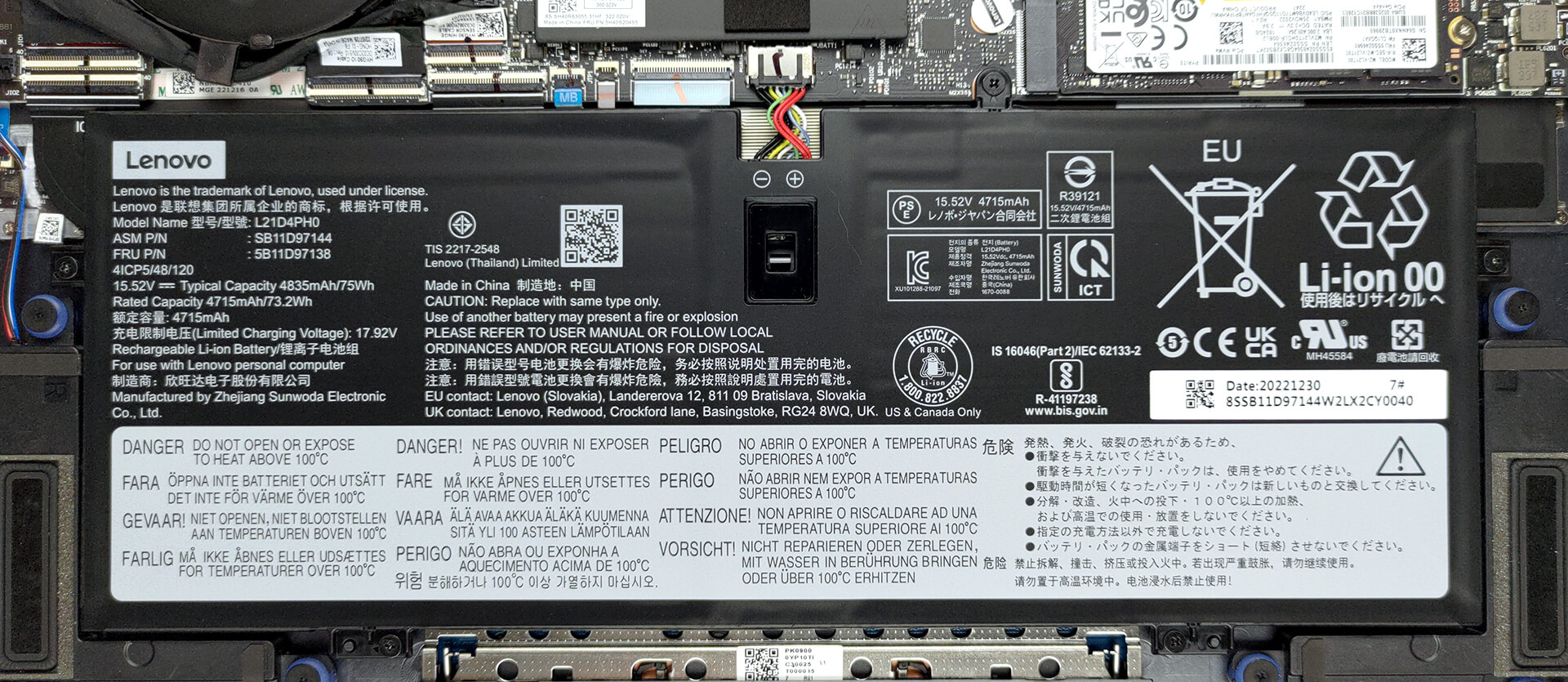
2. Remove the battery
This machine is equipped with a 75Wh battery pack. It lasts for 11 hours of Web browsing, or 10 hours and 30 minutes of video playback. To remove it, undo the 5 Phillips-head screws that hold it in place, and unplug the battery connector.
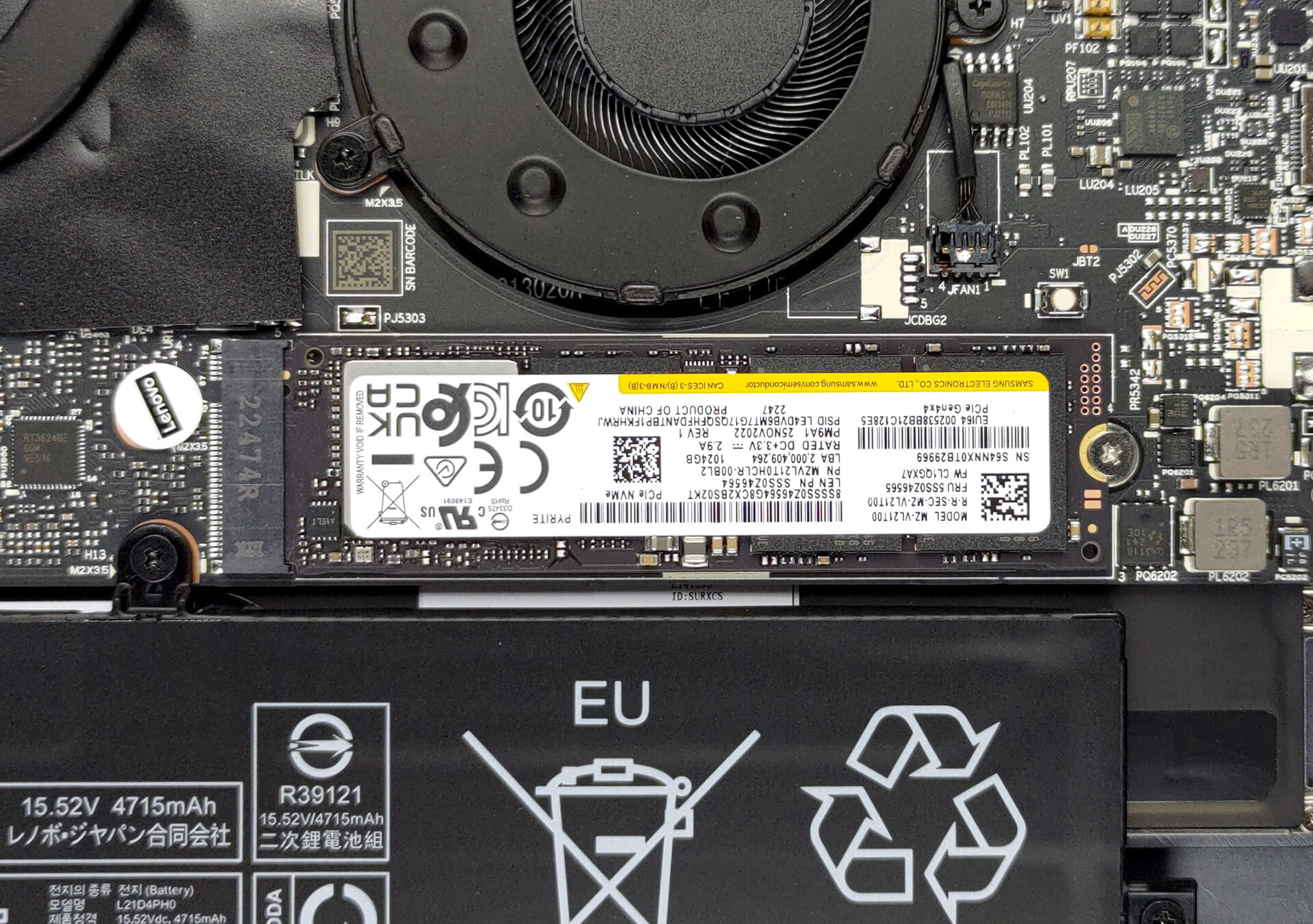
3. Upgrade memory and storage
In terms of memory, you get 16GB of soldered LPDDR5 RAM, working at 5200MHz. There is no option for upgrades. Storage-wise, there is one M.2 PCIe x4 slot, which supports Gen 4 SSDs.
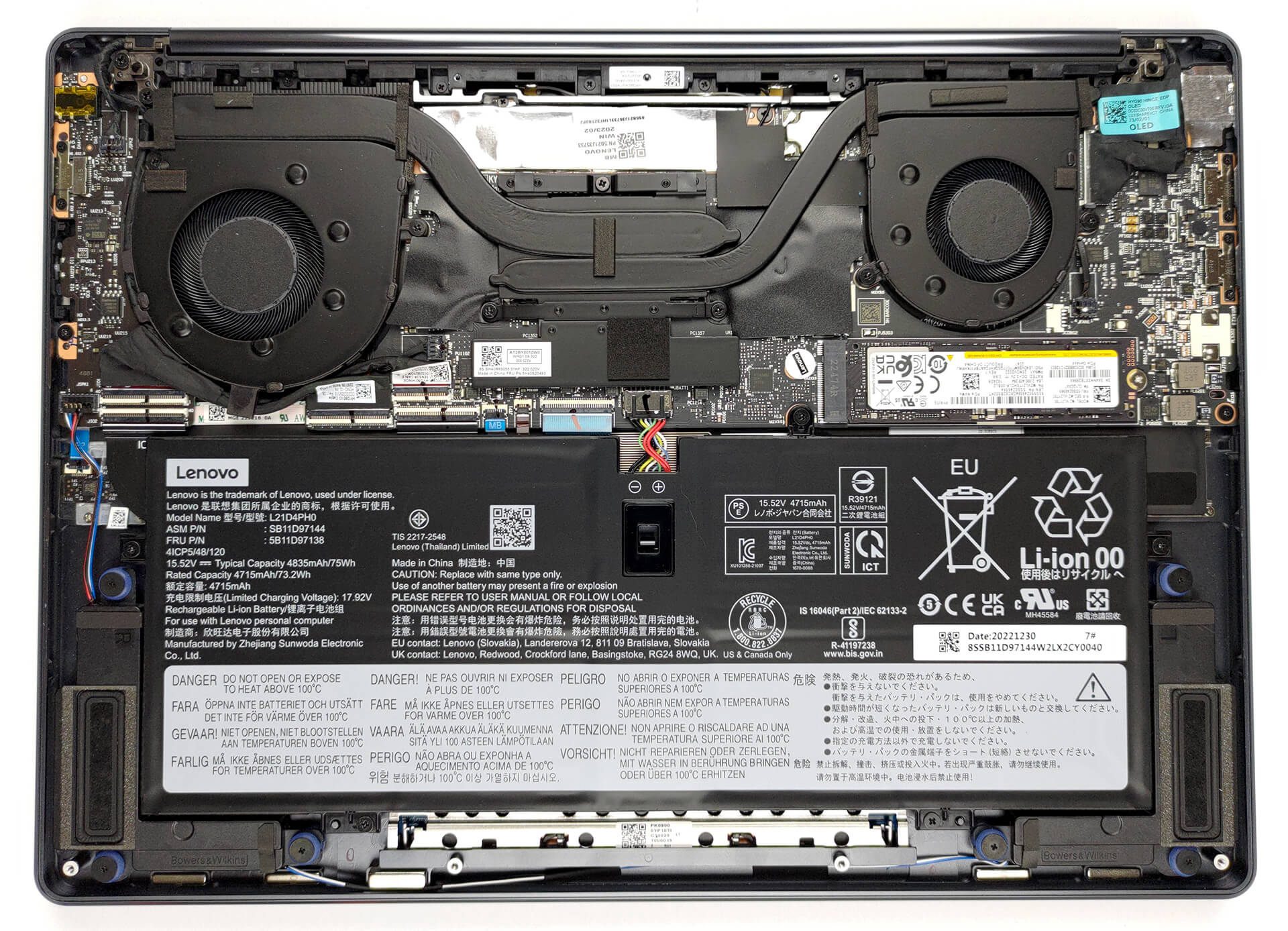
4. Cooling system
As for cooling, you get two heat pipes, two heat sinks, and two fans. In addition, the VRMs are being cooled by a heat spreader.

Check out all Lenovo IdeaPad 1 (15″, 2023) prices and configurations in our Specs System, or read more in our In-Depth review.
Lenovo Yoga 9i (14", 2023) uitgebreide review
Converteerbare laptops zijn niets nieuws. Maar als je op zoek bent naar het beste van het beste, dan is de Lenovo Yoga 9 (14", 2023) het hoogst haalbare op de 2-in-1 voedselketen. Zijn concurrenten zijn onder andere de HP Spectre x360 14. In feite is dit een zeer moeilijk deel van de markt, omdat het gemakkelijker is om te falen dan om te slagen.Mensen hebben hoge verwachtingen als ze een meerprijs betalen voor hun apparaten. Aan de andere kant laat Lenovo het zelden afweten om indruk te maken. Deze notebook heeft de geweldige visuals van zijn voorganger behouden, maar is uitgerust met In[...]
Pros
- Sterk en stijlvol aluminium chassis
- Fatsoenlijke koeling en prestaties
- Volledige sRGB- en DCI-P3-dekking
- Supersnelle pixelreactietijd
- Oneindige contrastverhouding
- Hoge resolutie en 16:10 beeldverhouding
- IR-camera + vingerafdruklezer
- 2x Thunderbolt 4 + USB Type-A 3.2 (Gen. 2)
- Een beschermhoes en een stylus in de doos
Minpunten
- Gesoldeerd geheugen
- Geen SD-kaartlezer
 Author: Alex Iliev

![[juni 2026] Bestverkochte laptopmerken op Amazon Global – Apple’s ongeëvenaarde dominantie in aantal verkochte exemplaren en omzet](https://laptopmedia.com/wp-content/uploads/2026/07/GLOBAL-Best-Brands-400x225.jpg)
![[juni 2026] Amazon Global: Top 10 bestverkochte laptops – De nieuwe MacBook Neo van Apple stormt naar de eerste plaats en zet de markt op zijn kop dankzij zijn betaalbaarheid](https://laptopmedia.com/wp-content/uploads/2026/07/Best-Selling-Laptops-GLOBAL-Top-10-400x225.jpg)
![[juni 2026] Amazon Global: Top 10 van best verkochte gaminglaptops – De Nitro V 16S AI van Acer domineert de verkoopcijfers, terwijl ASUS qua totale omzet aan kop gaat](https://laptopmedia.com/wp-content/uploads/2026/07/Best-Selling-Gaming-Laptops-GLOBAL-Top-10-400x225.jpg)
![[juni 2026] Wereldwijde ranglijst van bestverkochte laptop-GPU’s op Amazon – De NVIDIA RTX 5060 is de bestverkochte speciale GPU](https://laptopmedia.com/wp-content/uploads/2026/07/Best-Selling-GPUs-GLOBAL-Top-10-400x225.jpg)
![[juni 2026] Wereldwijde ranglijst van bestverkochte laptop-CPU’s op Amazon – Apple M5 domineert, AMD Ryzen 7 260 verovert een stevig aandeel in het premiumsegment](https://laptopmedia.com/wp-content/uploads/2026/07/Best-Selling-CPUs-GLOBAL-Top-10-400x225.jpg)
