Inside ASUS ROG GL704 (SCAR II / HERO II) – disassembly and upgrade options
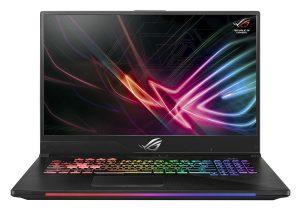
One of the first devices with an RTX GPU available to the market. That’s the ASUS ROG GL704 (SCAR II / HERO II) in all its shine. Cooling a hexa-core CPU and an RTX 2070 simultaneously is never going to be an easy job, but the ROG GL704 manages its temperatures pretty well.
Check out all ASUS ROG GL704 (SCAR II / HERO II) prices and configurations in our Specs System or read more in our In-depth Review.
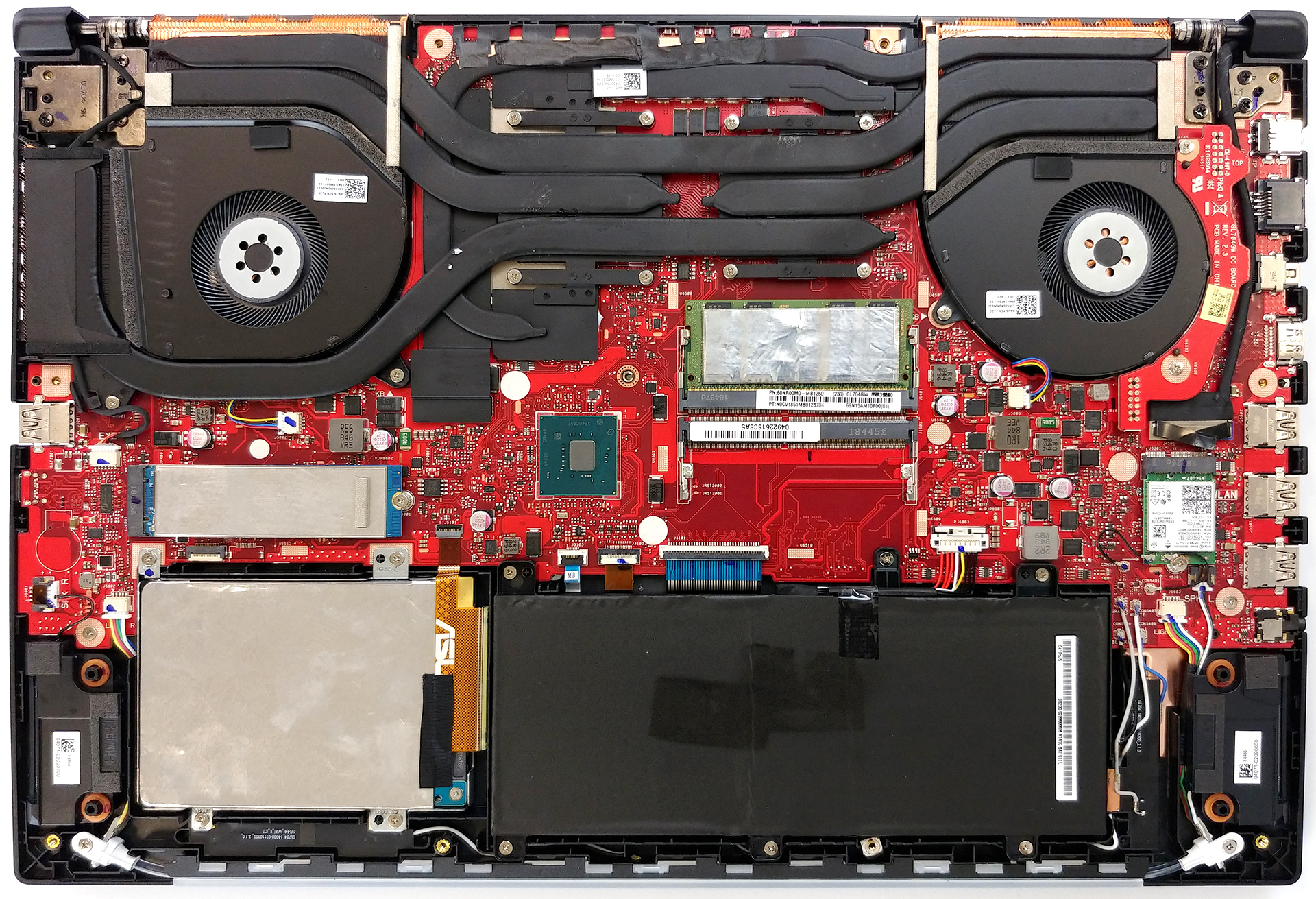
1. Remove the bottom plate
ASUS follows the latest trends of not including a service lid, which means if you want to upgrade your RAM or storage, you’ll need to remove the whole bottom plate. It is held in place by 11 Phillips head screws and some clips on the outer side of the plate. Removing it reveals a huge red motherboard – typically ASUS.
2. Memory
Expectedly, there are two RAM DIMMs which support up to 32GB of DDR4 2667 MHz memory. The sticks themselves are held secure by two clips on each side of the slot.

3. Battery and storage
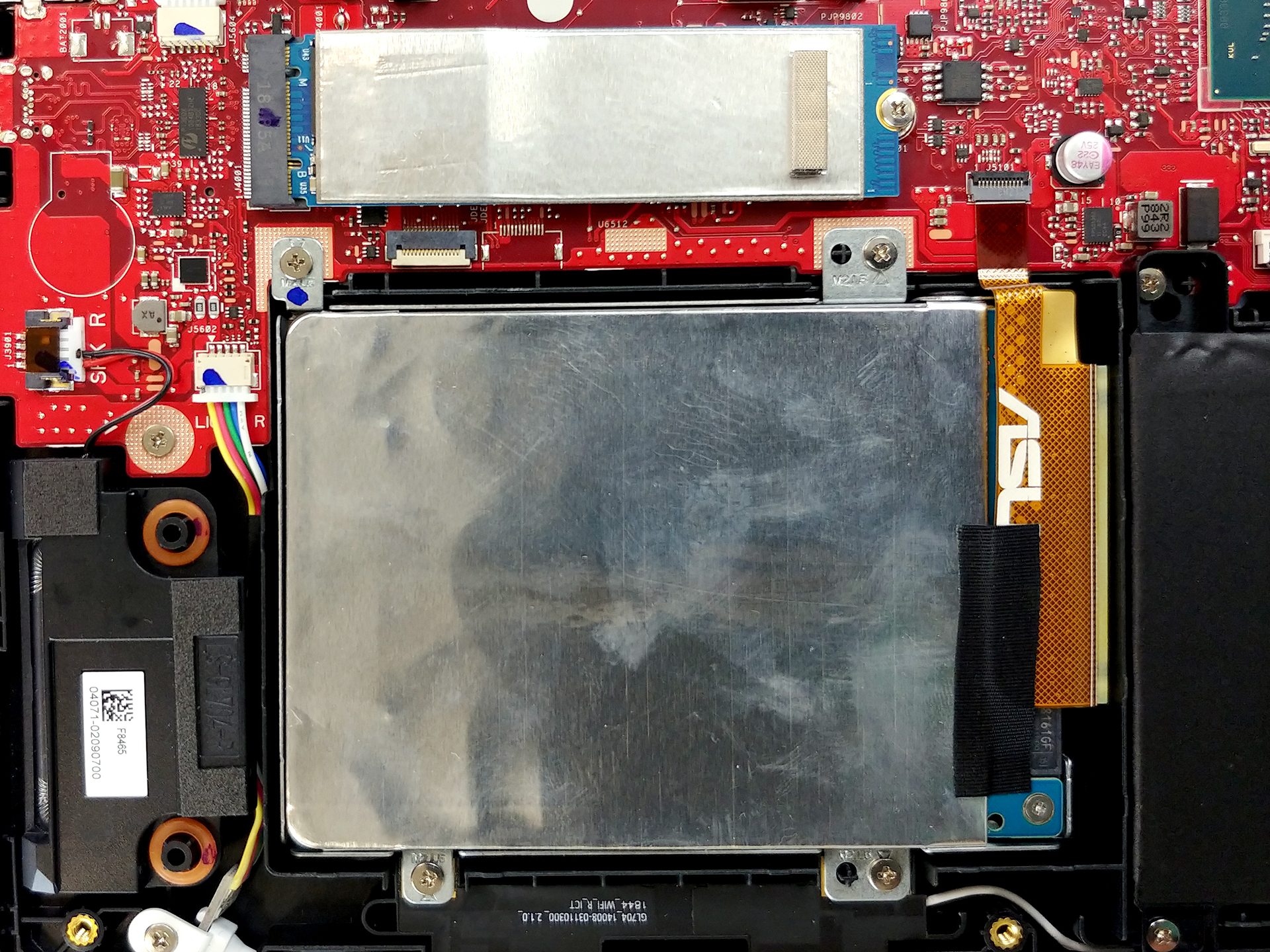
ROG GL704’s storage options comprise of an M.2 NVMe enabled slot and a SATA connector – again, a standard for a gaming device. In order to remove the SATA device, you need to unscrew four Phillips head screws. However, we recommend first to disconnect the ribbon cable, running from the SATA connector to the motherboard as it is very fragile and can easily be torn.
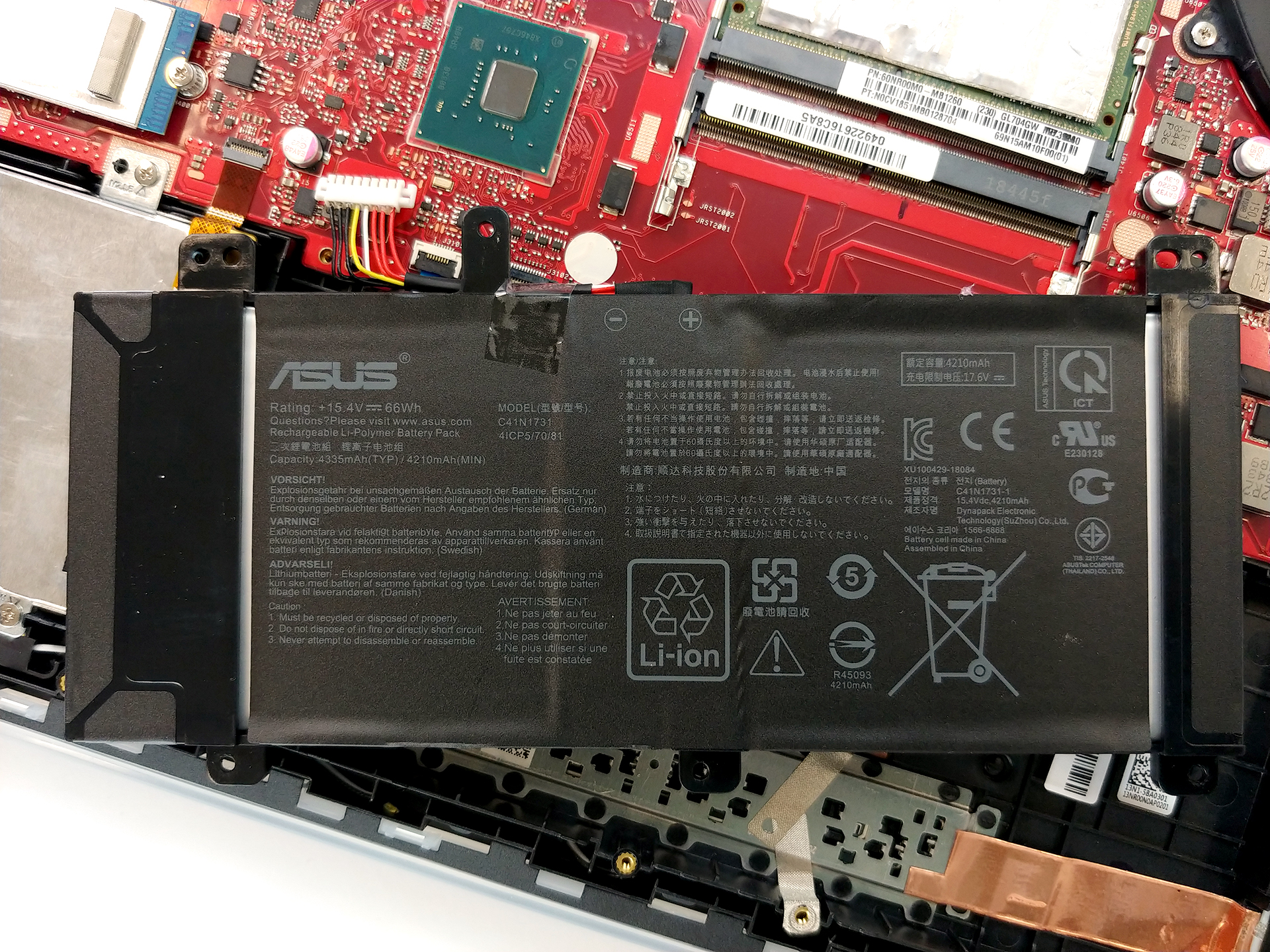
Next, there is the 66Wh battery unit. It is secured by a total of six screws five beneath the bonnet and one – shared with the bottom plate.
4. Cooling system
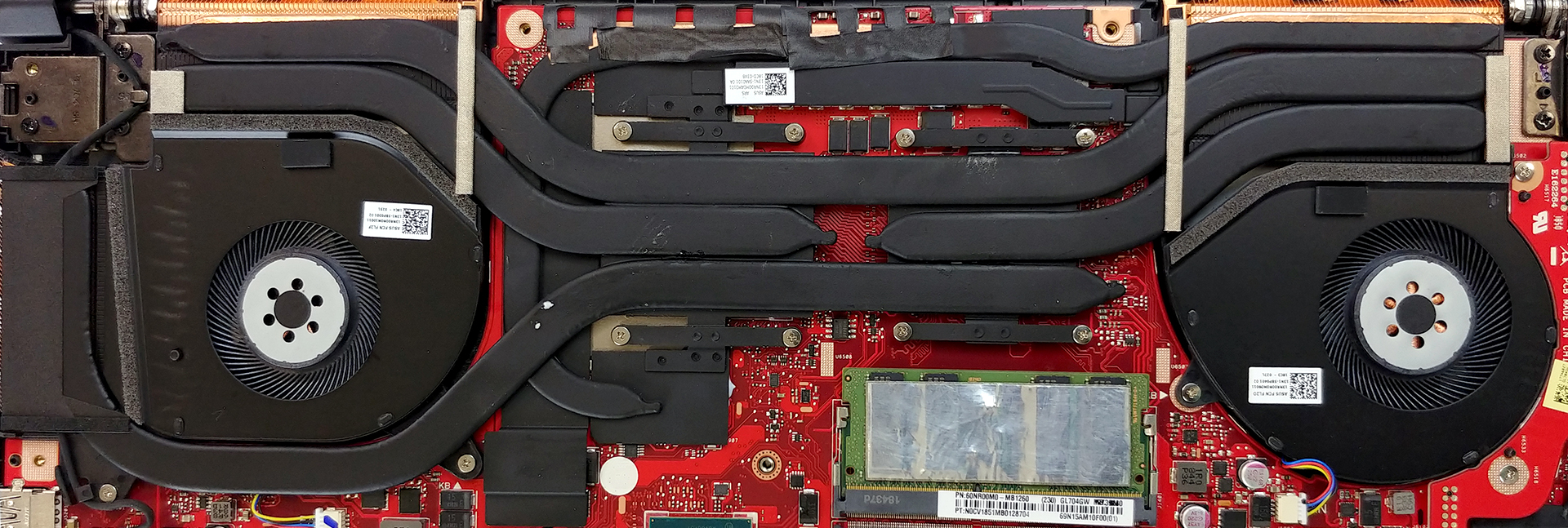
Certainly an interesting cooling assembly. It embodies five heat pipes, weirdly shaped and routed around the system. The bottommost one cools both the CPU and the GPU and runs the heat towards the left (on the image) fan. Next, there is a heat pipe that goes all the way around the processor and the graphics chip, cooling the VRMs and the VRAM. After that, there are two heat pipes going in mirrored directions – one for the CPU and one for the GPU and finally, there is one more shared between the chips. In theory, this should provide good thermal management, especially when you have control of each fan’s working curves.
Check out all ASUS ROG GL704 (SCAR II / HERO II) prices and configurations in our Specs System or read more in our In-depth Review.
 Author: Alex Iliev

![[juni 2026] Bestverkochte laptopmerken op Amazon Global – Apple’s ongeëvenaarde dominantie in aantal verkochte exemplaren en omzet](https://laptopmedia.com/wp-content/uploads/2026/07/GLOBAL-Best-Brands-400x225.jpg)
![[juni 2026] Amazon Global: Top 10 bestverkochte laptops – De nieuwe MacBook Neo van Apple stormt naar de eerste plaats en zet de markt op zijn kop dankzij zijn betaalbaarheid](https://laptopmedia.com/wp-content/uploads/2026/07/Best-Selling-Laptops-GLOBAL-Top-10-400x225.jpg)
![[juni 2026] Amazon Global: Top 10 van best verkochte gaminglaptops – De Nitro V 16S AI van Acer domineert de verkoopcijfers, terwijl ASUS qua totale omzet aan kop gaat](https://laptopmedia.com/wp-content/uploads/2026/07/Best-Selling-Gaming-Laptops-GLOBAL-Top-10-400x225.jpg)
![[juni 2026] Wereldwijde ranglijst van bestverkochte laptop-GPU’s op Amazon – De NVIDIA RTX 5060 is de bestverkochte speciale GPU](https://laptopmedia.com/wp-content/uploads/2026/07/Best-Selling-GPUs-GLOBAL-Top-10-400x225.jpg)
![[juni 2026] Wereldwijde ranglijst van bestverkochte laptop-CPU’s op Amazon – Apple M5 domineert, AMD Ryzen 7 260 verovert een stevig aandeel in het premiumsegment](https://laptopmedia.com/wp-content/uploads/2026/07/Best-Selling-CPUs-GLOBAL-Top-10-400x225.jpg)

Where is the cmos battery ?