Inside Dell Latitude 15 3520 – disassembly and upgrade options
Here, you get decent upgrade options and a choice of two battery packs.
Check out all Dell Latitude 15 3520 prices and configurations in our Specs System or read more in our In-Depth review.
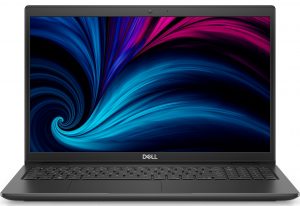
1. Remove the bottom plate
There are 9 captive Phillips-head screws that you need to undo before you pry this laptop’s bottom panel. After that, remove it from the chassis.
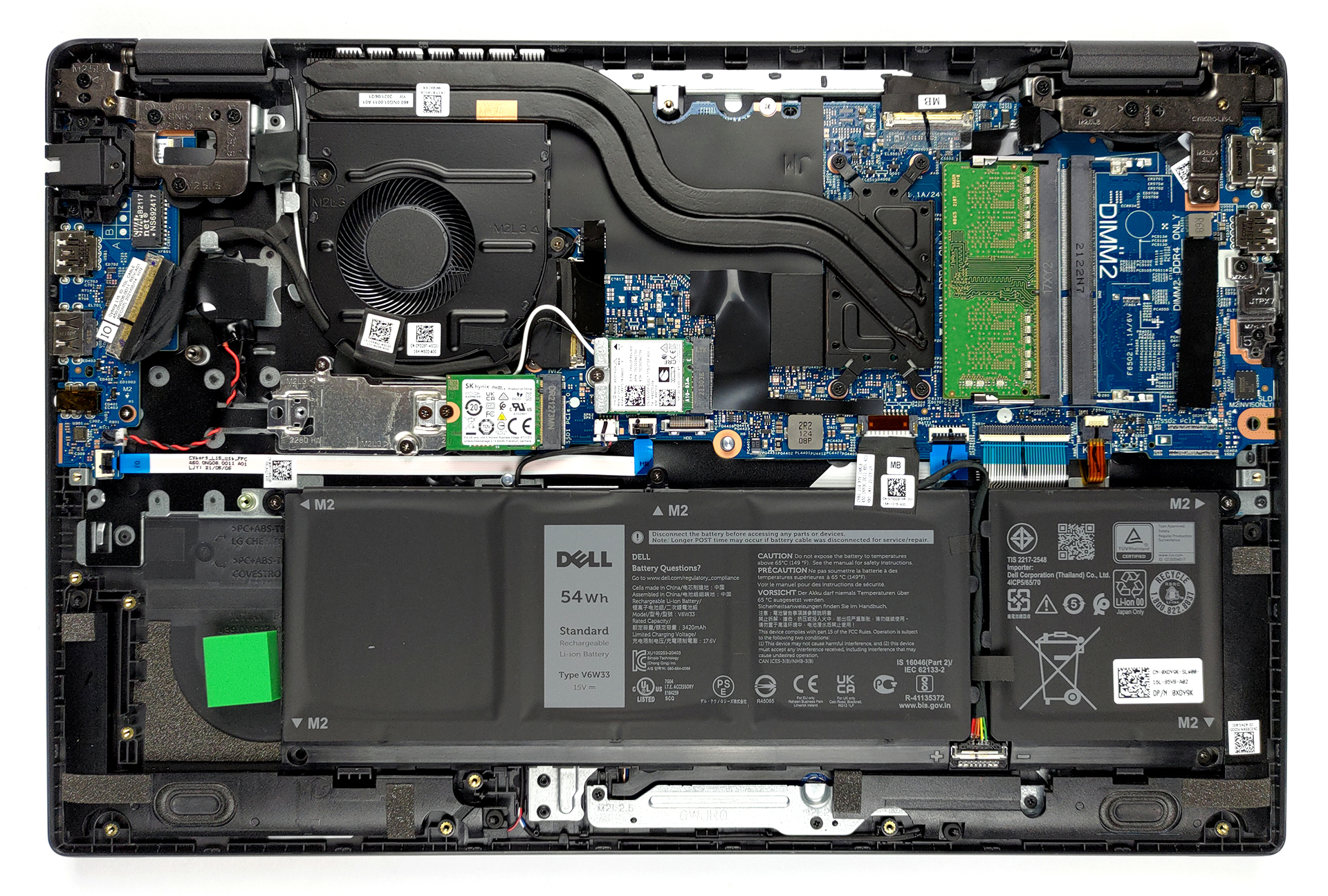
2. Battery
Here, you get two battery options. There is a 3-cell 41Wh unit, as well as a 4-cell 54Wh one.
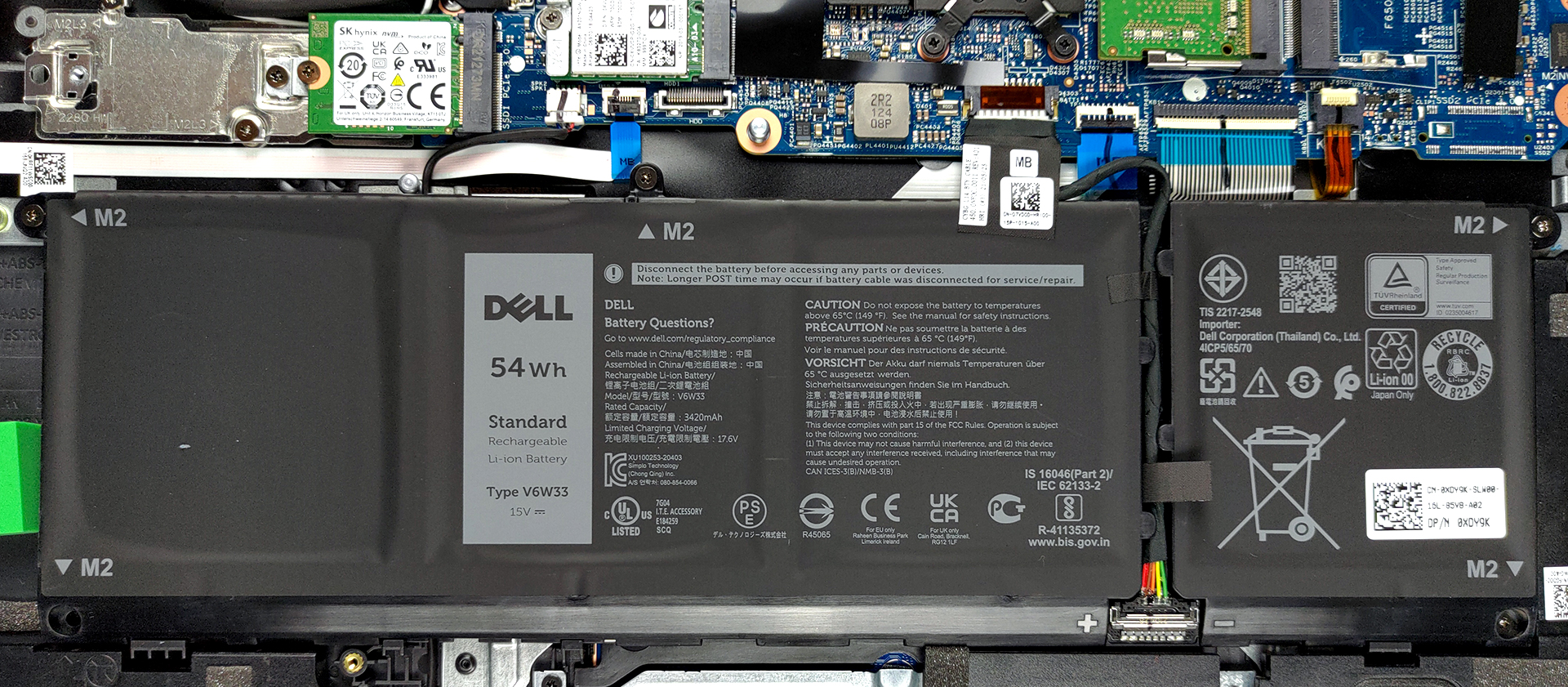
3. Мemory and storage
In terms of memory, there are two SODIMM slots, which support up to 32GB of DDR4 RAM in total, according to Dell. And for the storage, you get one M.2 slot that fits either 30mm or 82mm drives. Additionally, if you get the smaller battery option, you can fit a 2.5-inch SATA device.

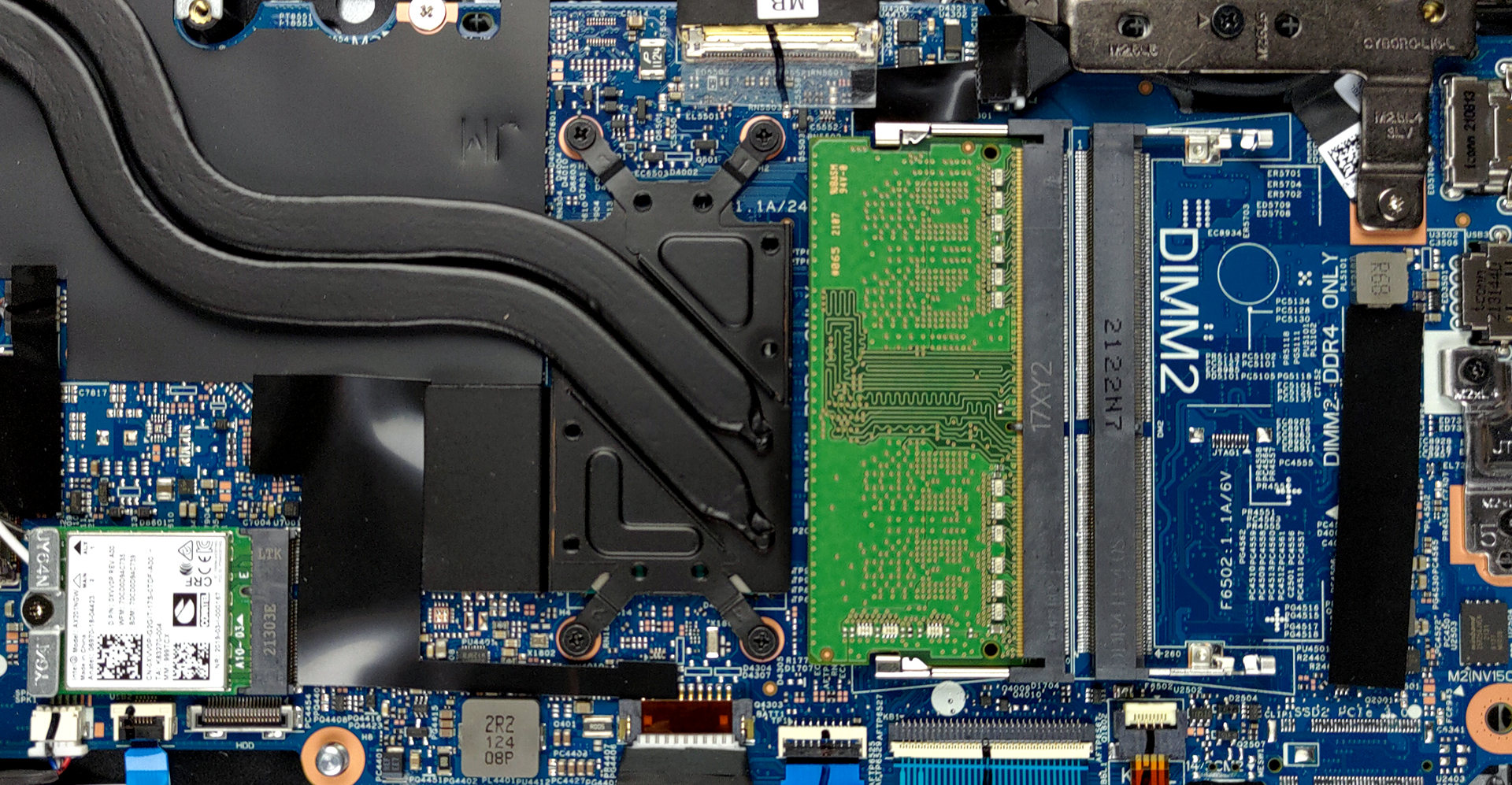
4. Cooling system
Cooling-wise, there are two heat pipes, a heat sink, and a fan. Also, there is a small heat spreader over some VRMs.
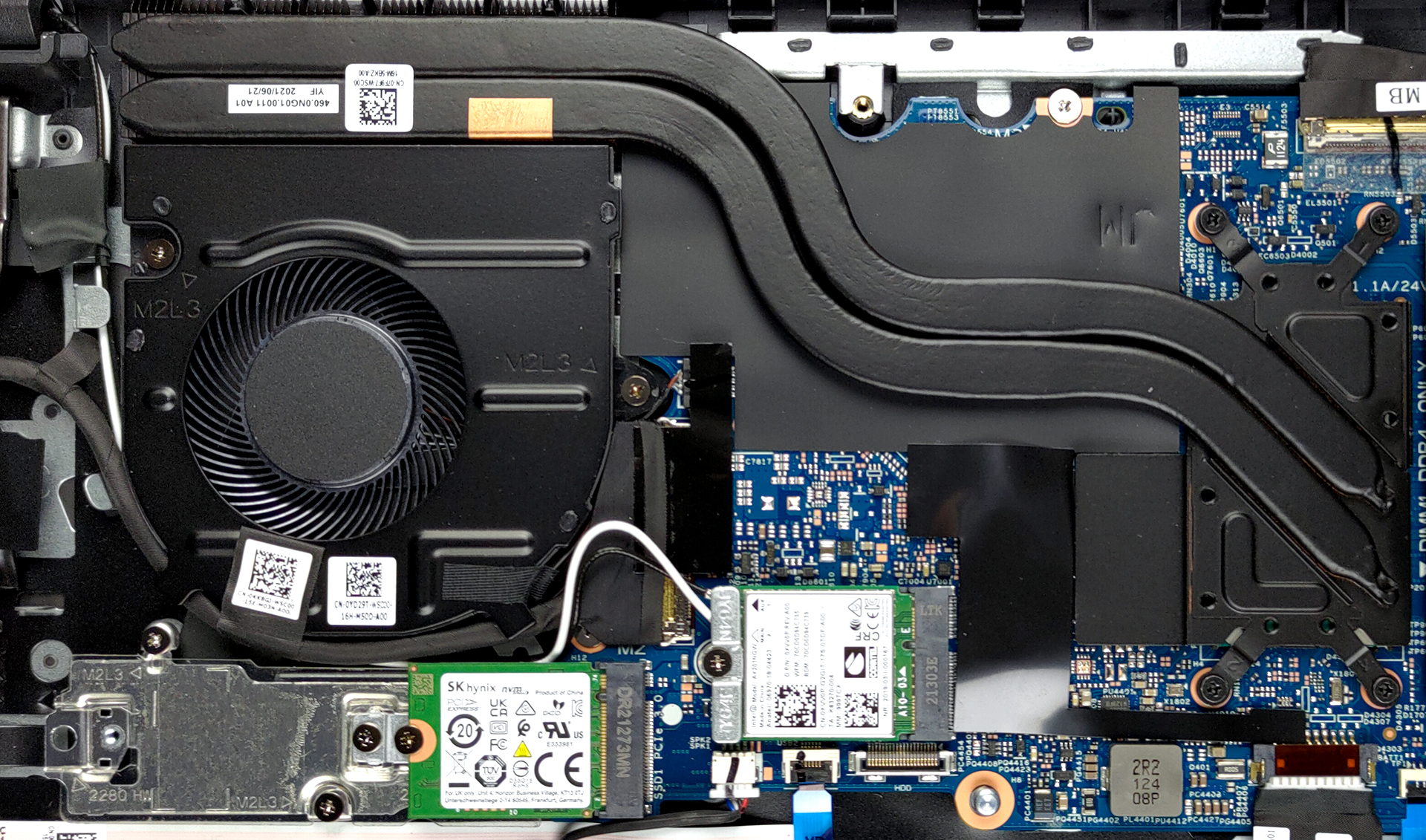
Check out all Dell Latitude 15 3520 prices and configurations in our Specs System or read more in our In-Depth review.
Dell Latitude 15 3520 (Intel 11th Gen) uitgebreide review
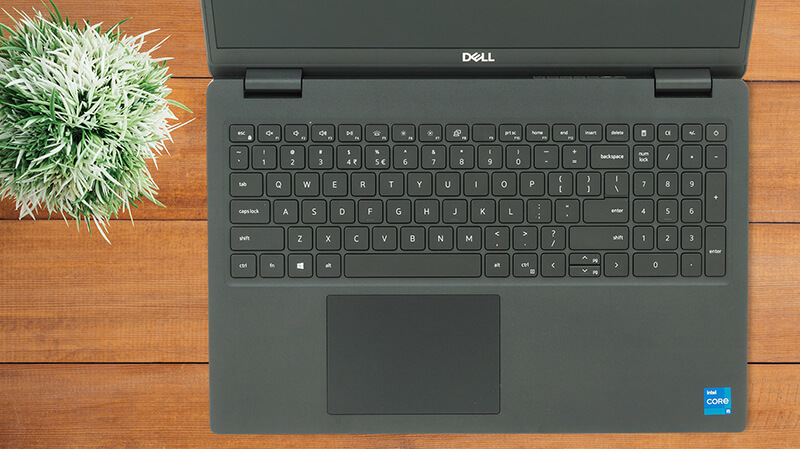
Dell might be suffering the consequence of lack of innovation across its Inspiron lineup, but the Latitude sits ever so strong in the business market. This is mainly to the necessity of stability and security in the branch, and people see the Latitude brand as such.And what are the best-sellers in pretty much every segment of the market? Exactly - affordable devices. The Latitude 15 3520 is one of them, and its simplistic design, combined with Dell's security enhancements might attract a lot of customers. Especially since you can now find the laptop equipped with Tiger Lake-U processors. [...]
Pros
- Great upgradability
- Good battery life
- MicroSD card slot and a USB Type-C 3.2 (Gen. 2x2)
- Optional fingerprint reader and IR face recognition
Minpunten
- Uses PWM below 89 nits (our Health-Guard profile fixes that)
- Not a very rigid structure
- Covers only half of the colors in the sRGB gamut
 Author: Alex Iliev

![[juni 2026] Bestverkochte laptopmerken op Amazon Global – Apple’s ongeëvenaarde dominantie in aantal verkochte exemplaren en omzet](https://laptopmedia.com/wp-content/uploads/2026/07/GLOBAL-Best-Brands-400x225.jpg)
![[juni 2026] Amazon Global: Top 10 bestverkochte laptops – De nieuwe MacBook Neo van Apple stormt naar de eerste plaats en zet de markt op zijn kop dankzij zijn betaalbaarheid](https://laptopmedia.com/wp-content/uploads/2026/07/Best-Selling-Laptops-GLOBAL-Top-10-400x225.jpg)
![[juni 2026] Amazon Global: Top 10 van best verkochte gaminglaptops – De Nitro V 16S AI van Acer domineert de verkoopcijfers, terwijl ASUS qua totale omzet aan kop gaat](https://laptopmedia.com/wp-content/uploads/2026/07/Best-Selling-Gaming-Laptops-GLOBAL-Top-10-400x225.jpg)
![[juni 2026] Wereldwijde ranglijst van bestverkochte laptop-GPU’s op Amazon – De NVIDIA RTX 5060 is de bestverkochte speciale GPU](https://laptopmedia.com/wp-content/uploads/2026/07/Best-Selling-GPUs-GLOBAL-Top-10-400x225.jpg)
![[juni 2026] Wereldwijde ranglijst van bestverkochte laptop-CPU’s op Amazon – Apple M5 domineert, AMD Ryzen 7 260 verovert een stevig aandeel in het premiumsegment](https://laptopmedia.com/wp-content/uploads/2026/07/Best-Selling-CPUs-GLOBAL-Top-10-400x225.jpg)

hey i have this laptop and was wondering how i would switch out the gpu if i even can and where it would be located and what it would even look like
Any answers yet? I have this too and I recently upgraded the ram.