Inside Lenovo 300e (2nd Gen) – disassembly and upgrade options
The Lenovo 300e (2nd Gen) is one of the most affordable Windows laptops money can buy. But is it any good on the inside? Let’s find out!
Check out all Lenovo 300e (2nd Gen) prices and configurations in our Specs System or read more in our In-Depth review.
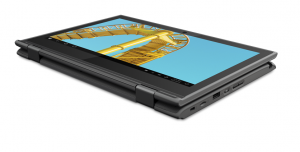
1. Remove the bottom plate
To access this device’s internals, you need to undo 9 Phillips-head screws. Then, pry the bottom panel with a plastic tool.

2. Battery
Here, we find a 42Wh battery pack.
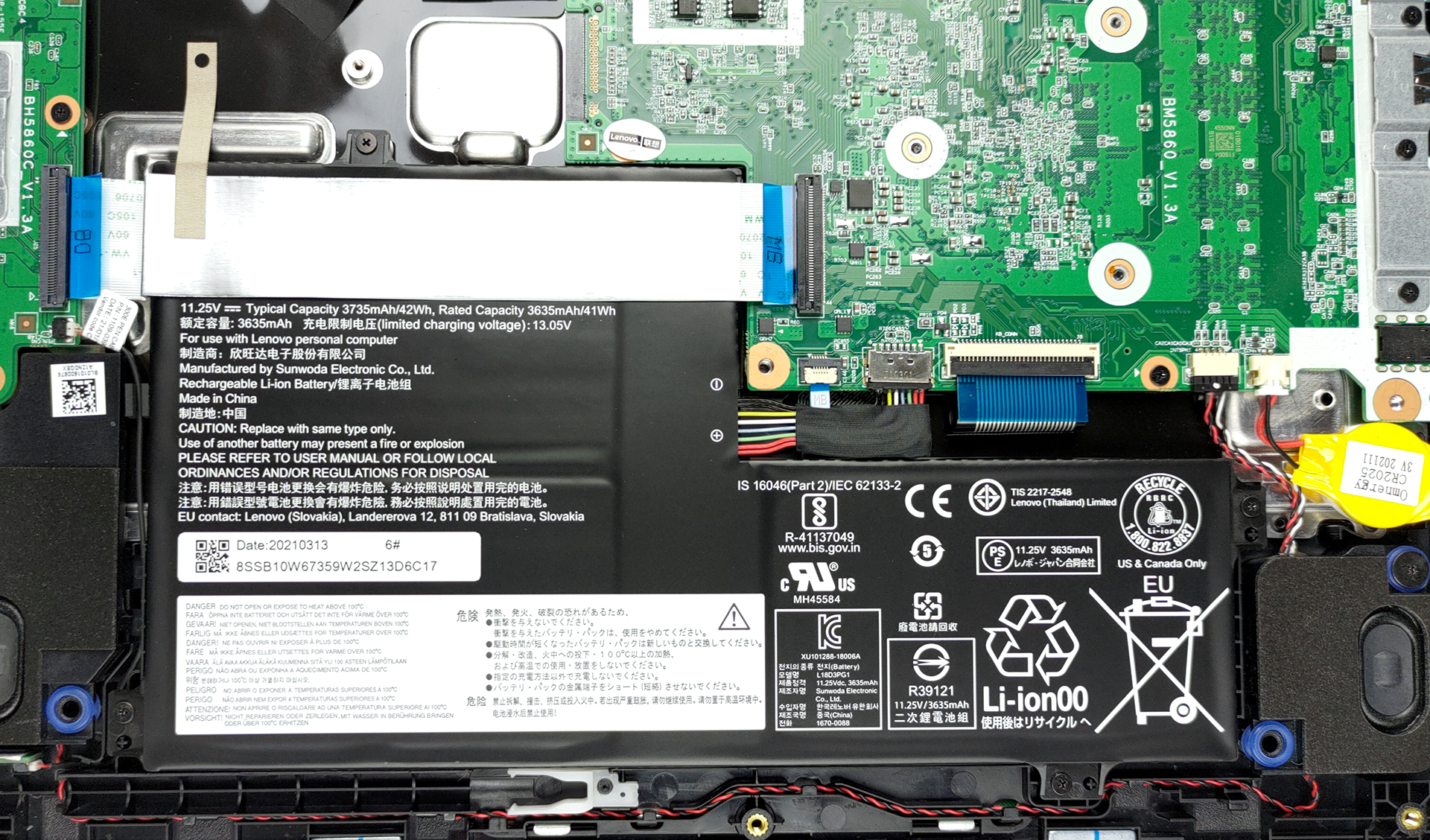
3. Мemory and storage
Unfortunately, the memory is soldered to the motherboard, and the only options you get are with 4 or 8GB of RAM. As for the storage, you have two options. Our unit comes with eMMC storage, while others are equipped with an M.2 SSD.

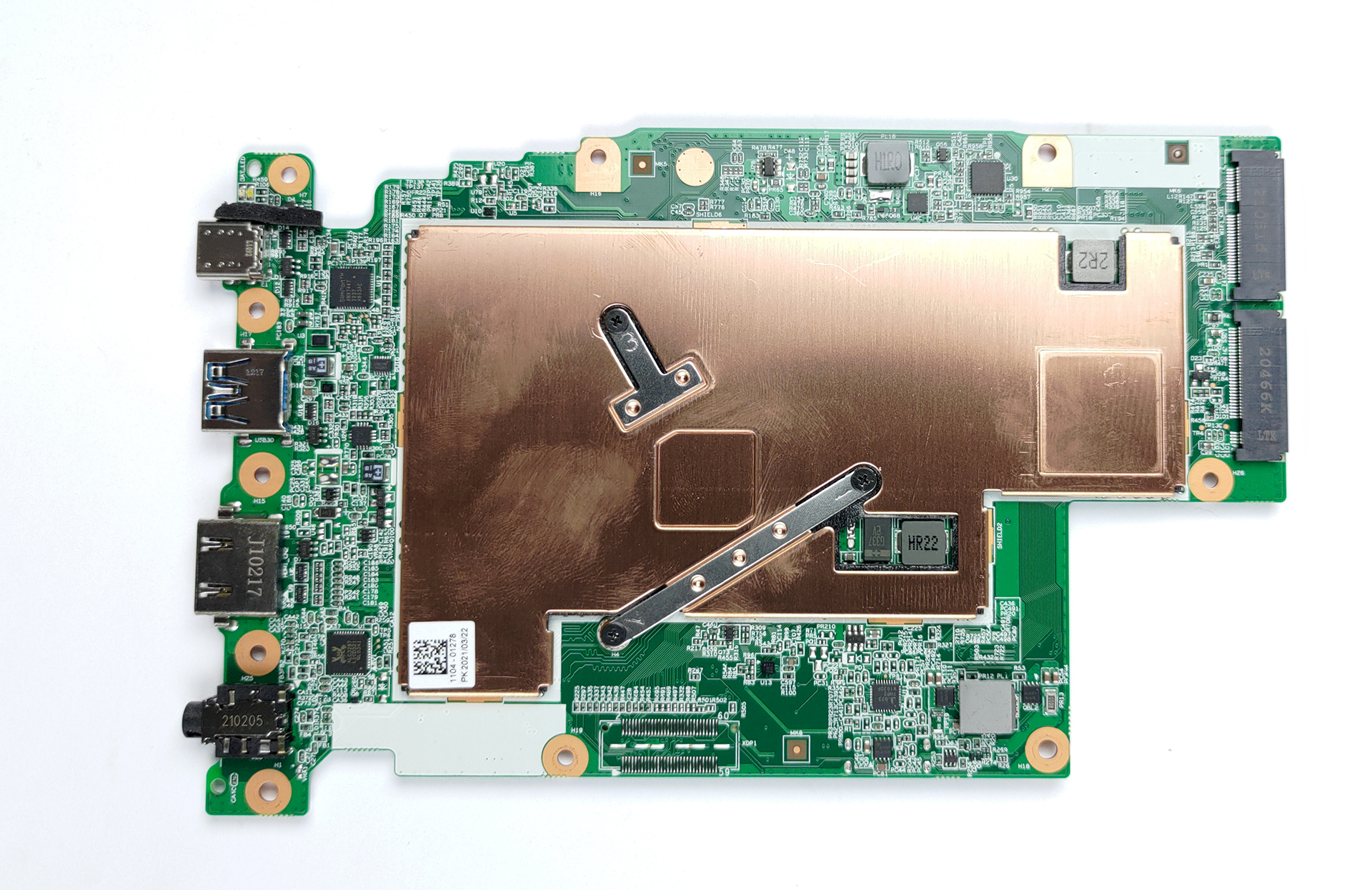
4. Cooling system
For a completely silent setup, there is no fan, but only a large heat spreader on the CPU. In order to see the cooling solution, however, you need to remove the motherboard. Thankfully, the process is super easy and requires only the removal of a couple of screws and connectors.
Check out all Lenovo 300e (2nd Gen) prices and configurations in our Specs System or read more in our In-Depth review.
Lenovo 300e (2nd Gen) uitgebreide review
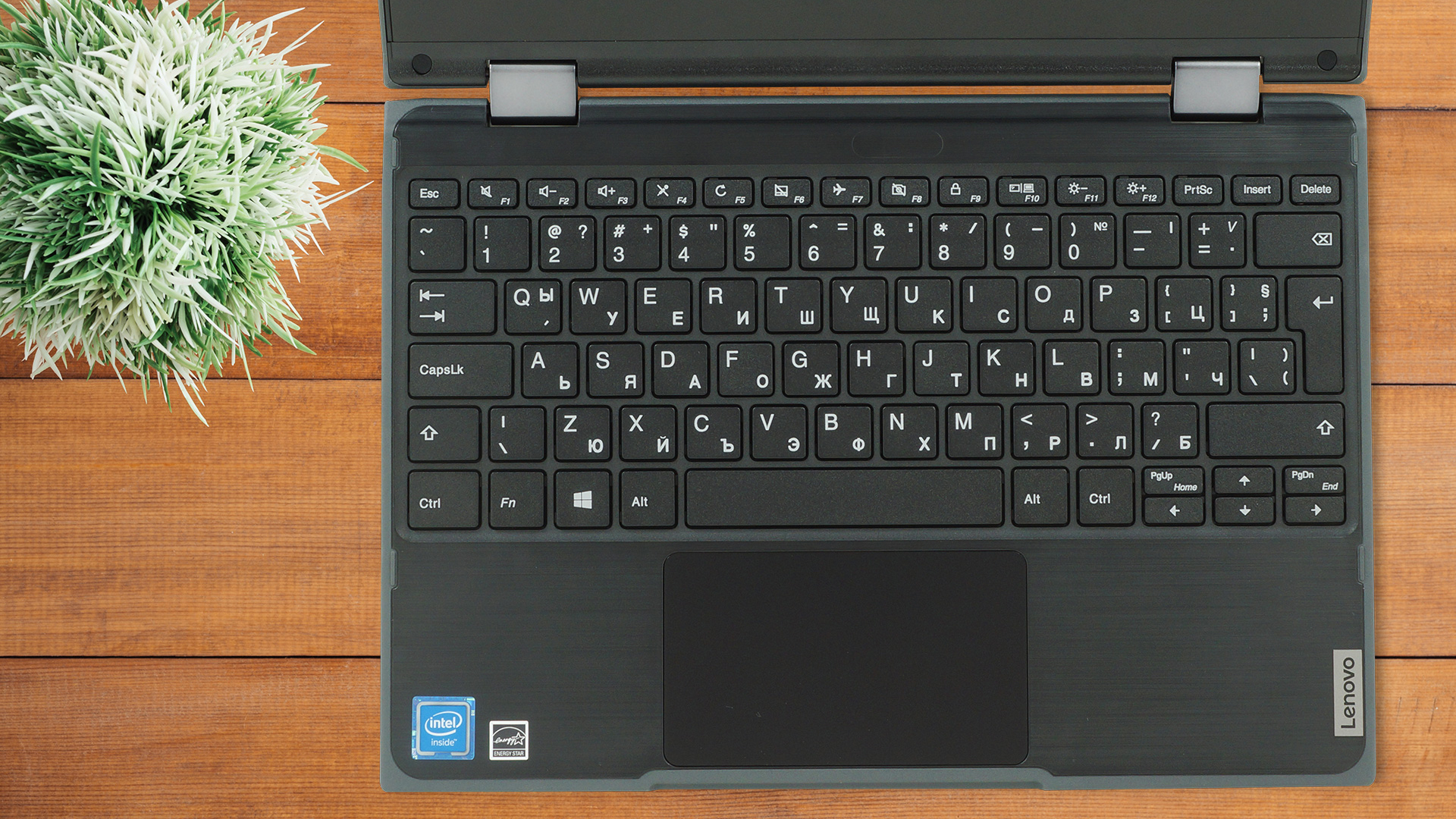
Right of the bat, this device is intended for students. Its small and portable design, 360° hinges, and robust structure should make for the ultimate classroom companion. Well, if it wasn't for the competition. A couple of days ago, we visited the Dell Latitude 11 3190 (2-in-1). While it wasn't anything spectacular in terms of performance or visual appeal, it was a breeze to use, and it also featured rubber edges for better protection.A quick word about the specs would basically start and finish with the Celeron/Pentium processor choice. However, there are other things we want to mention[...]
Pros
- Rubber protection on the edges
- Does what it's intended for
- Great viewing angles and contrast ratio
- Great battery life
- Included Pen
Minpunten
- Covers only 57% of sRGB
- Soldered memory
- Dated design
 Author: Alex Iliev

![[augustus 2026] Wereldwijde ranglijst van bestverkochte laptop-GPU’s op Amazon – Apple is onbetwist nummer één, NVIDIA’s RTX 5060 staat bovenaan de ranglijst voor dedicated GPU’s](https://laptopmedia.com/wp-content/uploads/2026/09/Best-Selling-GPUs-GLOBAL-Top-10-400x225.jpg)
![[augustus 2026] Wereldwijde ranglijst van bestverkochte laptop-CPU’s op Amazon – Apple domineert zowel het budget- als het premiumsegment: A18 Pro en M5 verslaan Intel en AMD in augustus 2026](https://laptopmedia.com/wp-content/uploads/2026/09/Best-Selling-CPUs-GLOBAL-Top-10-400x225.jpg)
![[augustus 2026] Amazon Global: Top 10 van best verkochte laptops – De Apple MacBook Neo domineert de hitlijsten, terwijl goedkope en middenklasse Windows-laptops strijden om het verkoopvolume](https://laptopmedia.com/wp-content/uploads/2026/09/Best-Selling-Laptops-GLOBAL-Top-10-400x225.jpg)
![[augustus 2026] Bestverkochte laptopmerken op Amazon Global – Apple domineert qua omzet, terwijl HP koploper is qua modelvariëteit](https://laptopmedia.com/wp-content/uploads/2026/09/GLOBAL-Best-Brands-400x225.jpg)
![[augustus 2026] Amazon Global: Top 10 bestverkochte gaminglaptops – HP Victus 15 pakt de eerste plaats terwijl budgetvriendelijke modellen de hitlijsten domineren](https://laptopmedia.com/wp-content/uploads/2026/09/Best-Selling-Gaming-Laptops-GLOBAL-Top-10-400x225.jpg)

Cualquier M.2 es compatible con esta máquina?
no amigo, no le puedes cambiar nada, lo unico que yo pude hacer es poner una tarjeta de memoria clase 10 externa para guardar mis archivos