Inside Lenovo IdeaPad Gaming 3 (15″, 2022) – disassembly and upgrade options
Even though the IdeaPad Gaming 3 (15″, 2022) is an inexpensive product, it comes with DDR5 memory, which is great.
Check out all Lenovo IdeaPad Gaming 3 (15″, 2022) prices and configurations in our Specs System, or read more in our In-Depth review.
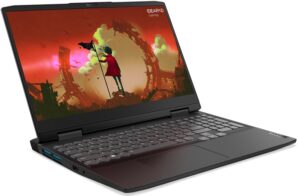
1. Remove the bottom plate
To get inside this laptop you first need to undo two Phillips-head screws located on the back, and two on the bottom panel. Then, pull the plastic shroud. After that, undo all 10 Phillips-head screws left on the bottom panel, and pry it with a plastic tool.
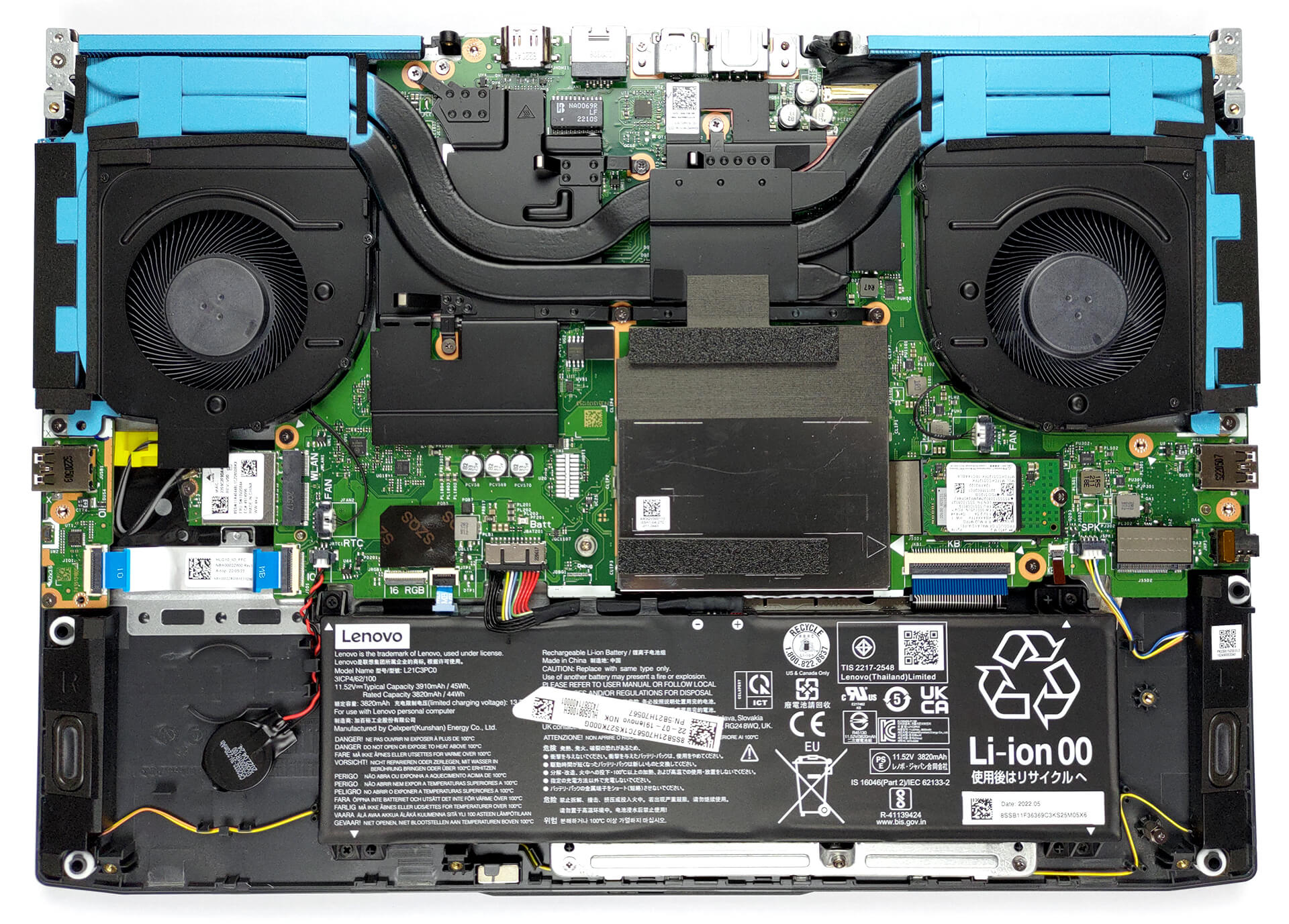
2. Battery
Inside, we see a 45Wh battery pack. It lasts for more than 6 hours of either Web browsing or video playback, which is not a great result. To take it out, unplug the battery connector from the motherboard, and undo all 4 Phillips-head screws that keep it in place.
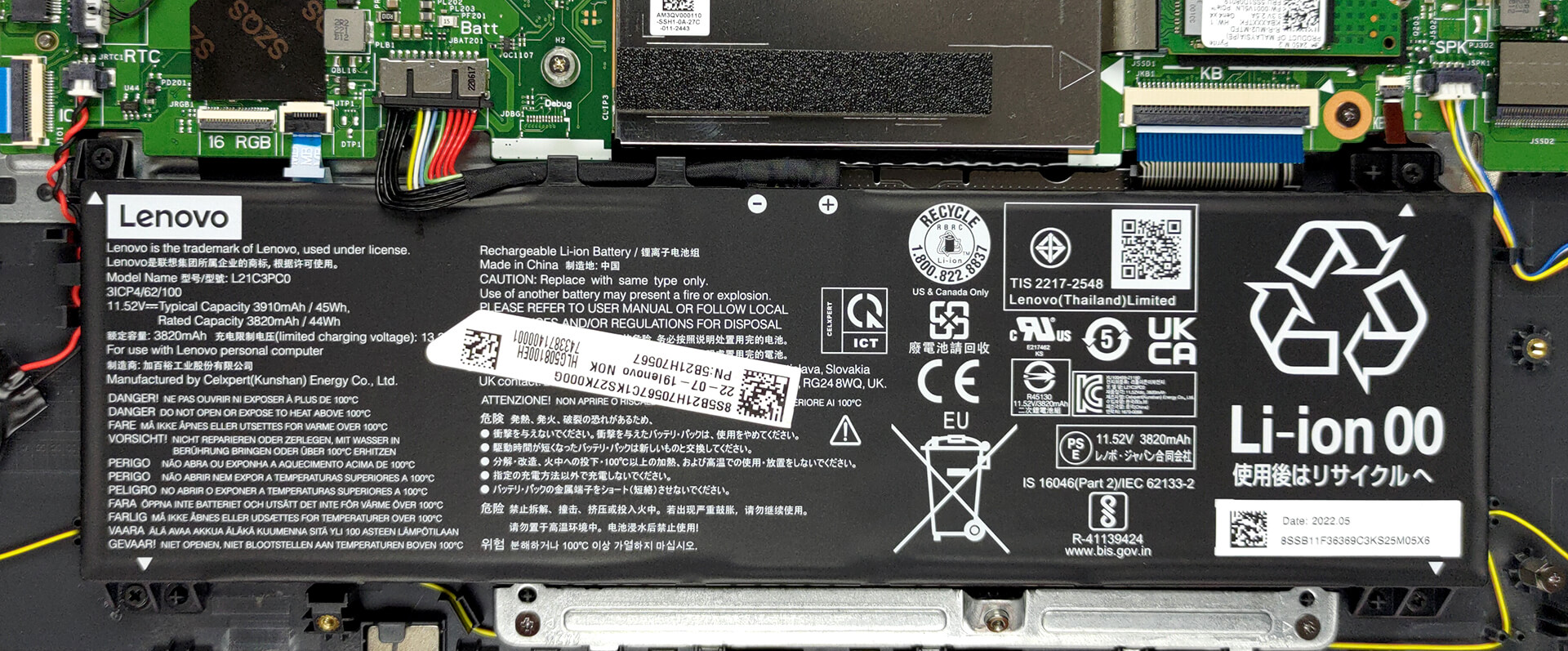
3. Memory and storage
Remove the metal shroud to access the two SODIMM slots. They work with DDR5 modules and we are pretty confident that you can fit up to 64GB in total. Storage-wise, there are two M.2 PCIe x4 slots. The 42mm one supports Gen 4 drives, while the 80mm one is limited to Gen 3 SSDs.

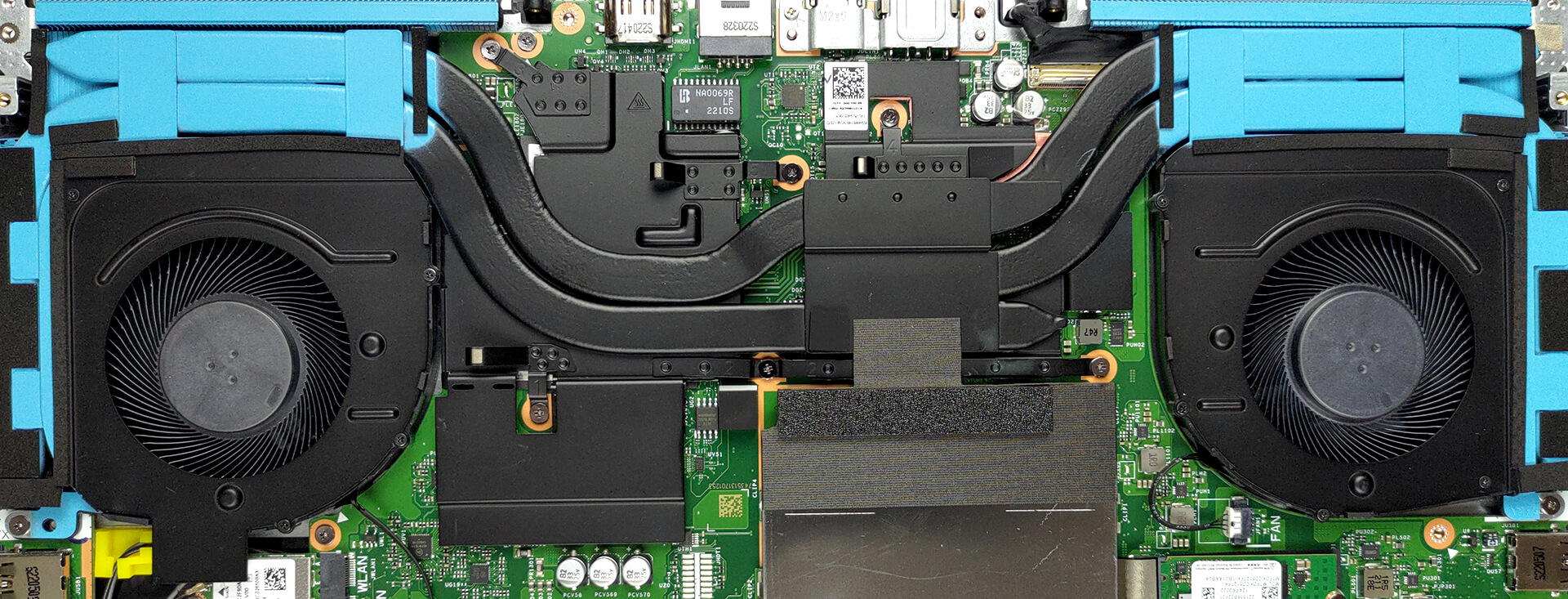
4. Cooling system
In terms of cooling, two heat pipes are shared between the CPU and GPU, a third one meant for the processor, plus a total of four heat sinks, and two fans. Furthermore, there are heat spreaders cooling the VRMs and the graphics memory.
Check out all Lenovo IdeaPad Gaming 3 (15″, 2022) prices and configurations in our Specs System, or read more in our In-Depth review.
Lenovo IdeaPad Gaming 3 (15", 2022) uitgebreide review
Net als de TUF serie van ASUS, brengt Lenovo zijn IdeaPad Gaming 3 notebooks uit in twee versies. Natuurlijk wordt de ene geleverd met een Intel chipset, terwijl de andere is uitgerust met een AMD chipset. Aangezien we de versie met Team Blue al hebben bekeken, gaan we nu kijken of het AMD model beter is. En in de toekomst gaan we een diepgaande vergelijking maken tussen de twee, en mogelijk enkele concurrenten in dit segment van de markt.Wat kun je verwachten van deze laptop? Nou, hij heeft een veranderd uiterlijk, dat nu erg doet denken aan de Legion-serie. Natuurlijk is de assemblage v[...]
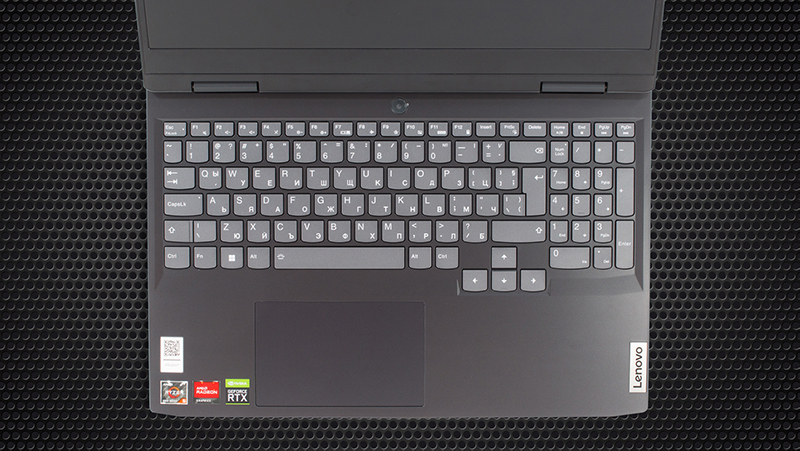
Pros
- Fantastische prijs/prestatieverhouding
- Geweldig toetsenbord met optionele RGB-achtergrondverlichting
- 2x SODIMM DDR5 + 2x M.2 slots (één ondersteunt Gen 4 schijven)
- Fatsoenlijke koeling
- Geen PWM (BOE NV156FHM-NX1, BOE0A81)
Minpunten
- Geen SD-kaartlezer
- Slechts 50% sRGB-dekking (BOE NV156FHM-NX1, BOE0A81)
- Slappe scharnieren, resulterend in een bouncy deksel
 Author: Alex Iliev

![[juni 2026] Bestverkochte laptopmerken op Amazon Global – Apple’s ongeëvenaarde dominantie in aantal verkochte exemplaren en omzet](https://laptopmedia.com/wp-content/uploads/2026/07/GLOBAL-Best-Brands-400x225.jpg)
![[juni 2026] Amazon Global: Top 10 bestverkochte laptops – De nieuwe MacBook Neo van Apple stormt naar de eerste plaats en zet de markt op zijn kop dankzij zijn betaalbaarheid](https://laptopmedia.com/wp-content/uploads/2026/07/Best-Selling-Laptops-GLOBAL-Top-10-400x225.jpg)
![[juni 2026] Amazon Global: Top 10 van best verkochte gaminglaptops – De Nitro V 16S AI van Acer domineert de verkoopcijfers, terwijl ASUS qua totale omzet aan kop gaat](https://laptopmedia.com/wp-content/uploads/2026/07/Best-Selling-Gaming-Laptops-GLOBAL-Top-10-400x225.jpg)
![[juni 2026] Wereldwijde ranglijst van bestverkochte laptop-GPU’s op Amazon – De NVIDIA RTX 5060 is de bestverkochte speciale GPU](https://laptopmedia.com/wp-content/uploads/2026/07/Best-Selling-GPUs-GLOBAL-Top-10-400x225.jpg)
![[juni 2026] Wereldwijde ranglijst van bestverkochte laptop-CPU’s op Amazon – Apple M5 domineert, AMD Ryzen 7 260 verovert een stevig aandeel in het premiumsegment](https://laptopmedia.com/wp-content/uploads/2026/07/Best-Selling-CPUs-GLOBAL-Top-10-400x225.jpg)
