Inside Lenovo Legion 5 (15″, 2022) – disassembly and upgrade options
Legion 5 is one of the pinnacles of mobile gaming. As such, you get good upgrade options, and it is not too difficult to open.
Check out all Lenovo Legion 5 (15″, 2022) prices and configurations in our Specs System, or read more in our In-Depth review.
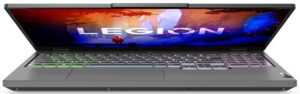
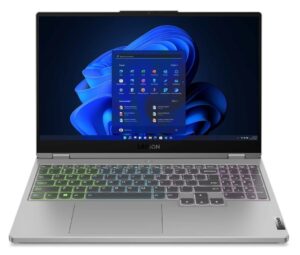
1. Remove the bottom plate
To get this notebook opened, you need to undo a total of 10 Phillips-head screws. Then, pry the bottom panel with a plastic tool, and remove it from the chassis.
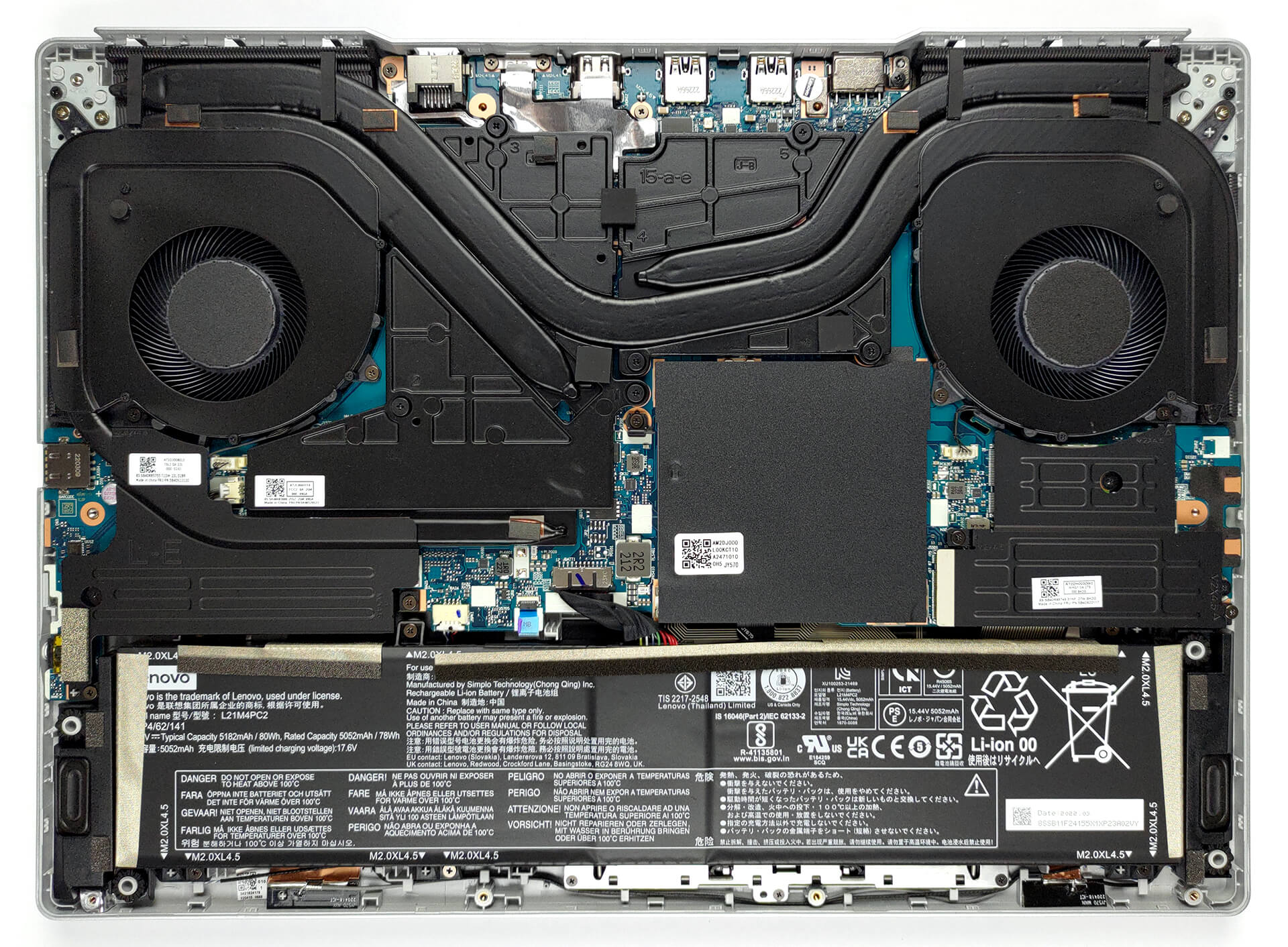
2. Battery
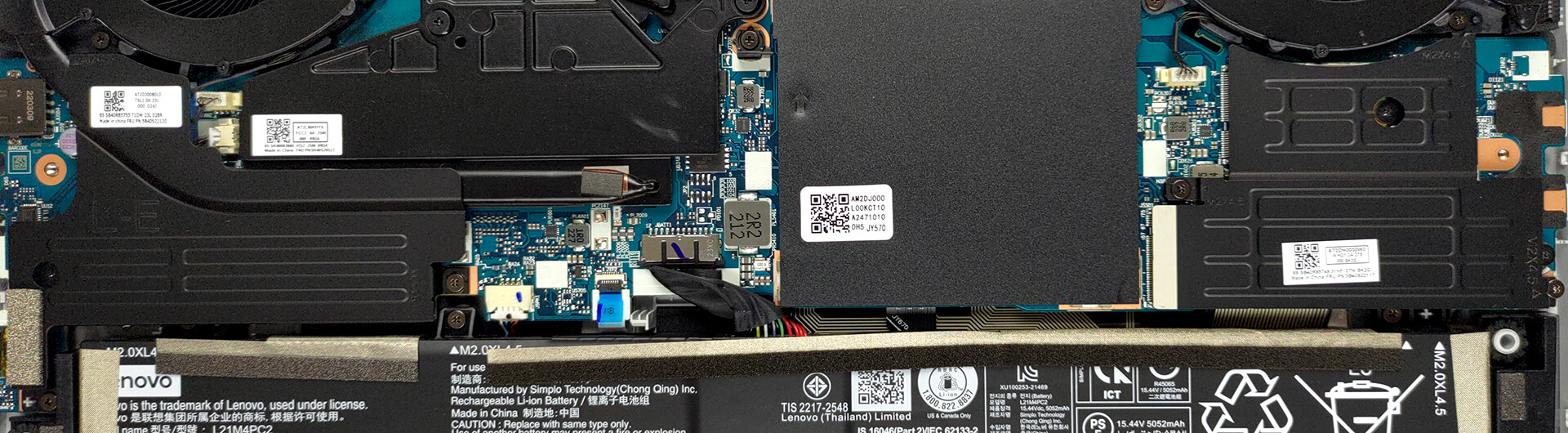
If you need to take the battery out for some reason, you should first remove the two SSD heat spreaders. By the way, the battery has a capacity of 80Wh. It lasts for about 15 hours of Web browsing, or more than 9 hours of video playback.
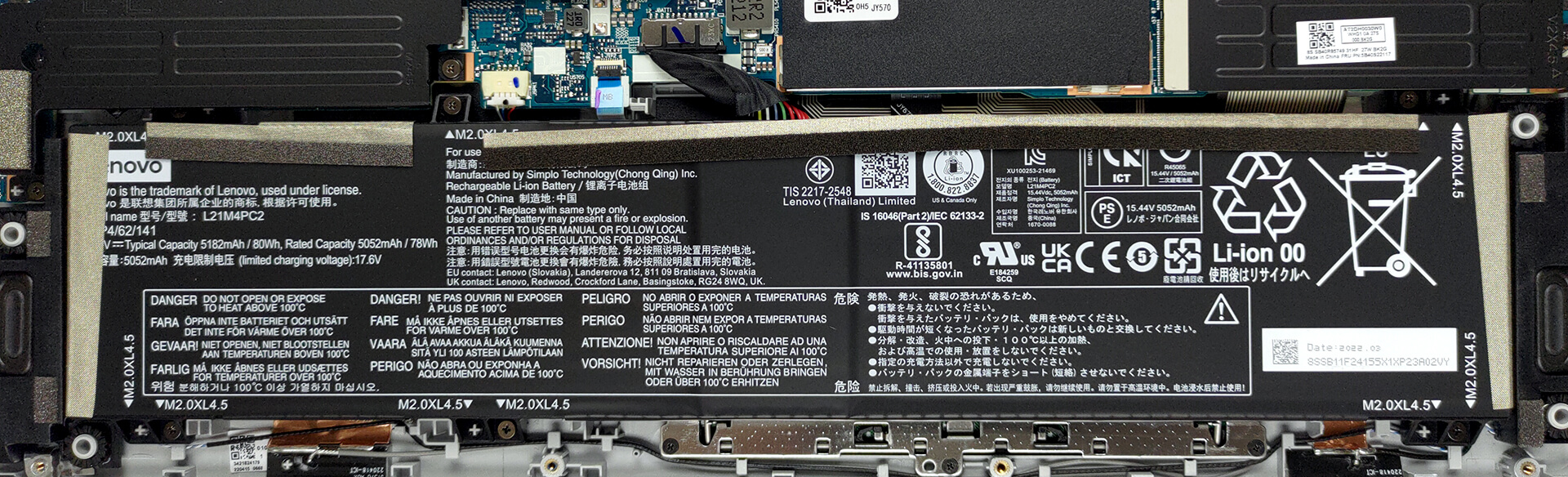
3. Memory and storage
Memory-wise, there are two SODIMM slots, placed beneath a metal shroud. They work in dual-channel mode and support DDR5 modules. As for the storage, there are two M.2 PCIe x4 slots, both of which work with Gen 4 SSDs.
4. Cooling system
The cooling seems like nothing too special with one heat pipe shared between the CPU and GPU, and one more for each of them. Then, there are four heat sinks, two fans, and a couple of big heat spreaders for the VRMs and the graphics memory.

Check out all Lenovo Legion 5 (15″, 2022) prices and configurations in our Specs System, or read more in our In-Depth review.
Lenovo Legion 5 (15" AMD, 2022) uitgebreide review
De Legion 5 heeft zich opgewerkt tot een meer premium gaming notebook, in plaats van een notebook die geschikt is voor allerlei budgetten. Dit wordt geholpen door de opkomst van de IdeaPad Gaming 3 familie en ongetwijfeld de hogere prestatiecijfers van Intel, AMD en NVIDIA.Lenovo is echter niet het enige merk dat met de jaren steeds beter uitziende en beter uitgeruste laptops aanbiedt. Acer is een voorbeeld met zijn vernieuwde Nitro 5-serie, die extreem goede koeling en zeer hoge TGP grafische kaarten biedt. Dat is trouwens ook het geval met de Legion 5. Je kunt kiezen uit de RTX 3050 (95[...]
Pros
- Hoge TGP GPU's
- 2x M.2 PCIe x4 Gen 4-sleuven, 2x DDR5 RAM SODIMM-sleuven in dubbel kanaal, Wi-Fi 6
- Dekt 97% van het sRGB-kleurengamma en heeft een nauwkeurige kleurweergave met ons Gaming en Webdesign profiel (BOE NE156QHM-NY4 (BOE0A2D))
- Snel paneel met snelle responstijden (BOE NE156QHM-NY4 (BOE0A2D))
- Heel veel poorten
- Geweldige invoerapparaten
- Het toetsenbord blijft relatief koel na lange gamesessies
- Goede bouwkwaliteit
Minpunten
- Geen SD-kaart
- Wordt steeds duurder
 Author: Alex Iliev

![[augustus 2026] Wereldwijde ranglijst van bestverkochte laptop-GPU’s op Amazon – Apple is onbetwist nummer één, NVIDIA’s RTX 5060 staat bovenaan de ranglijst voor dedicated GPU’s](https://laptopmedia.com/wp-content/uploads/2026/09/Best-Selling-GPUs-GLOBAL-Top-10-400x225.jpg)
![[augustus 2026] Wereldwijde ranglijst van bestverkochte laptop-CPU’s op Amazon – Apple domineert zowel het budget- als het premiumsegment: A18 Pro en M5 verslaan Intel en AMD in augustus 2026](https://laptopmedia.com/wp-content/uploads/2026/09/Best-Selling-CPUs-GLOBAL-Top-10-400x225.jpg)
![[augustus 2026] Amazon Global: Top 10 van best verkochte laptops – De Apple MacBook Neo domineert de hitlijsten, terwijl goedkope en middenklasse Windows-laptops strijden om het verkoopvolume](https://laptopmedia.com/wp-content/uploads/2026/09/Best-Selling-Laptops-GLOBAL-Top-10-400x225.jpg)
![[augustus 2026] Bestverkochte laptopmerken op Amazon Global – Apple domineert qua omzet, terwijl HP koploper is qua modelvariëteit](https://laptopmedia.com/wp-content/uploads/2026/09/GLOBAL-Best-Brands-400x225.jpg)
![[augustus 2026] Amazon Global: Top 10 bestverkochte gaminglaptops – HP Victus 15 pakt de eerste plaats terwijl budgetvriendelijke modellen de hitlijsten domineren](https://laptopmedia.com/wp-content/uploads/2026/09/Best-Selling-Gaming-Laptops-GLOBAL-Top-10-400x225.jpg)
