Microsoft Surface Pro 9 – Top 5 Pros and Cons
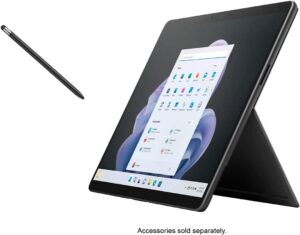
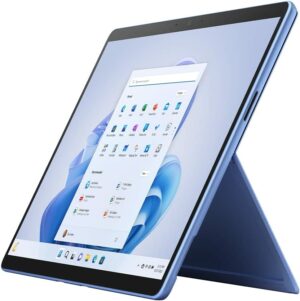
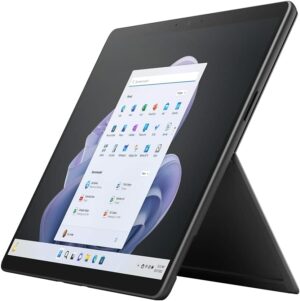
 The notion that tablets will soon replace laptops is already coming true, at least to a small degree. The Microsoft Surface Pro 9 comes as a portable 13-inch tablet with an amazing screen and decent hardware that has enough power to outmatch other tablets when it comes to performance.
Of course, with a tablet form factor, you have to think about maximizing battery life and efficiency, which leads to the use of the Alder Lake U-series from Intel. With a few simple additions and accessories, you can absolutely transform the Surface Pro 9 into a mobile productivity workhorse, while having a portable tablet to use for something other than work.
Today we’re presenting you with LaptopMedia’s top 5 picks about the Microsoft Surface Pro 9.
Microsoft Surface Pro 9: Full Specs / In-depth Review
4 reasons to BUY the Microsoft Surface Pro 9
1. Battery
The Surface Pro 9 has a slightly smaller battery size, downgrading to a 47.7Wh battery pack, which lasts for 10 hours of Web browsing, or 7 hours and 30 minutes of video playback. Compared to last year’s Surface Pro 8, you get more time in web browsing, but less time in video playback.
Now, we conduct the battery tests with the Windows Better performance setting turned on, screen brightness adjusted to 120 nits, and all other programs turned off except for the one we are testing the notebook with. The
Helderheid: 180 nits; Weergavemodus: SDR
Tijd tot Volledige Ontlading: Hoger is Beter
Om realistische omstandigheden te simuleren, hebben we ons eigen script gebruikt voor automatisch surfen op meer dan 70 websites.
2. Display quality
The 13.0-inch IPS display on the laptop has a 3:2 aspect ratio, a 2.8K resolution, and a 120Hz refresh rate. The panel is amazing for any type of work, offering excellent viewing angles, a peak brightness of 454 nits, and a high contrast ratio of 1320:1. The brightness uniformity is amazing, while also covering 99% of the sRGB color gamut.
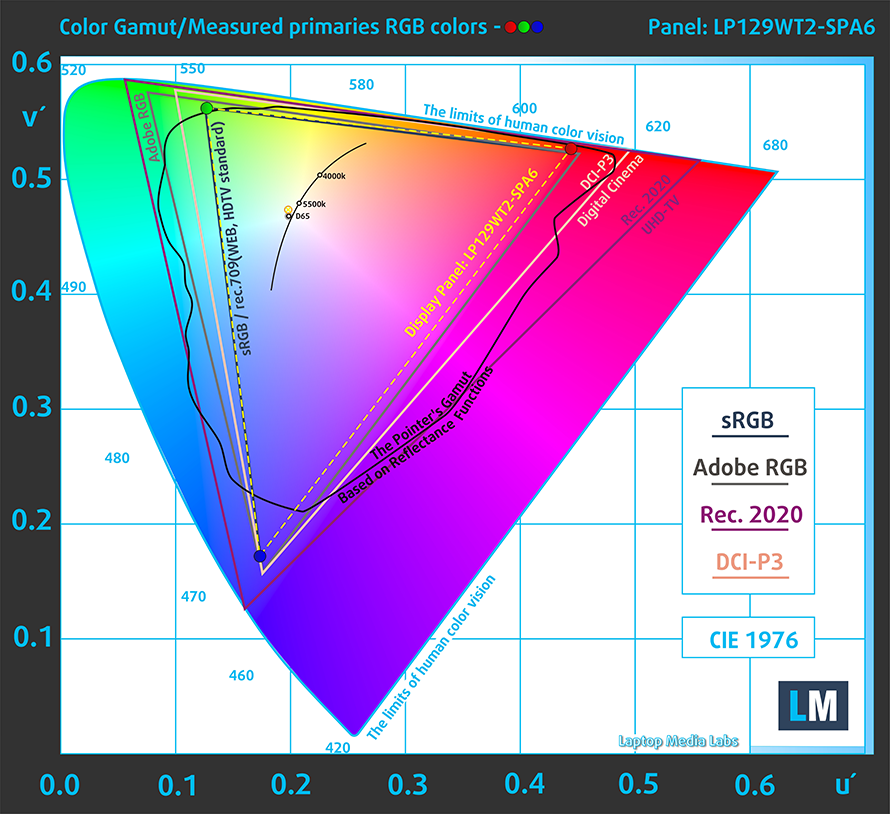
We tested the color accuracy using both the stock settings (left) and while using our Design and Gaming profile (right). Our profile lowers the dE value down to 1.1, which is ideal, as you’re getting accurate colors for both design work and when enjoying watching movies or reading comics.


Buy our profiles
Since our profiles are tailored for each individual display model, this article and its respective profile package are meant for Microsoft Surface Pro 9 configurations with 12.9″ LP129WT2-SPA6.
*Should you have problems with downloading the purchased file, try using a different browser to open the link you’ll receive via e-mail. If the download target is a .php file instead of an archive, change the file extension to .zip or contact us at [email protected].
Read more about the profiles HERE.
Naast het ontvangen van efficiënte en gezondheidsvriendelijke profielen, ondersteunt u door het kopen van LaptopMedia's producten ook de ontwikkeling van onze labs, waar we apparaten testen om zo objectief mogelijke reviews te produceren.

Office Work
Office Work is voornamelijk bedoeld voor gebruikers die de meeste tijd besteden aan het bekijken van teksten, tabellen of gewoon surfen. Dit profiel streeft naar een betere onderscheidbaarheid en helderheid door een vlakke gammacurve (2.20), native kleurtemperatuur en perceptueel accurate kleuren te behouden.

Design and Gaming
Dit profiel is bedoeld voor ontwerpers die professioneel met kleuren werken, maar ook voor games en films. Design and Gaming haalt het uiterste uit beeldschermen, waardoor ze zo nauwkeurig mogelijk zijn in de sRGB IEC61966-2-1 norm voor Web en HDTV, met witpunt D65.

Health-Guard
Health-Guard elimineert de schadelijke Pulsbreedtemodulatie (PWM) en vermindert het negatieve Blauwe Licht dat onze ogen en lichaam beïnvloedt. Omdat het op maat gemaakt is voor elk paneel, slaagt het erin de kleuren perceptueel accuraat te houden. Health-Guard simuleert papier zodat de druk op de ogen sterk wordt verminderd.
Krijg alle 3 profielen met 33% korting

3. Performance
The Core i5-1235U performs exceptionally, outscoring most of its competition in both 3D Rendering and Photoshop.
De resultaten zijn afkomstig van de Cinebench R23 CPU-test (hoe hoger de score, hoe beter)
4. Upgradeability
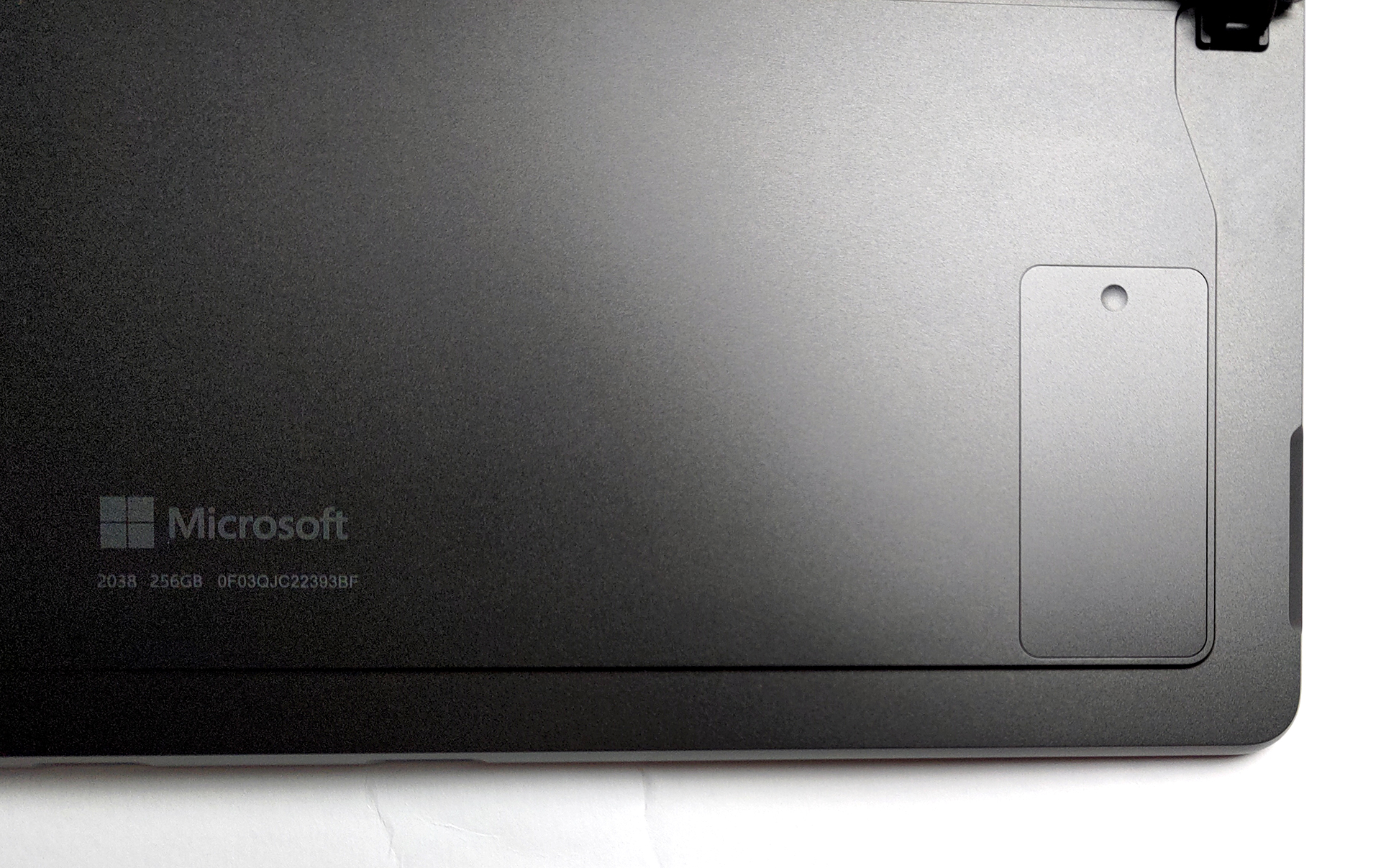
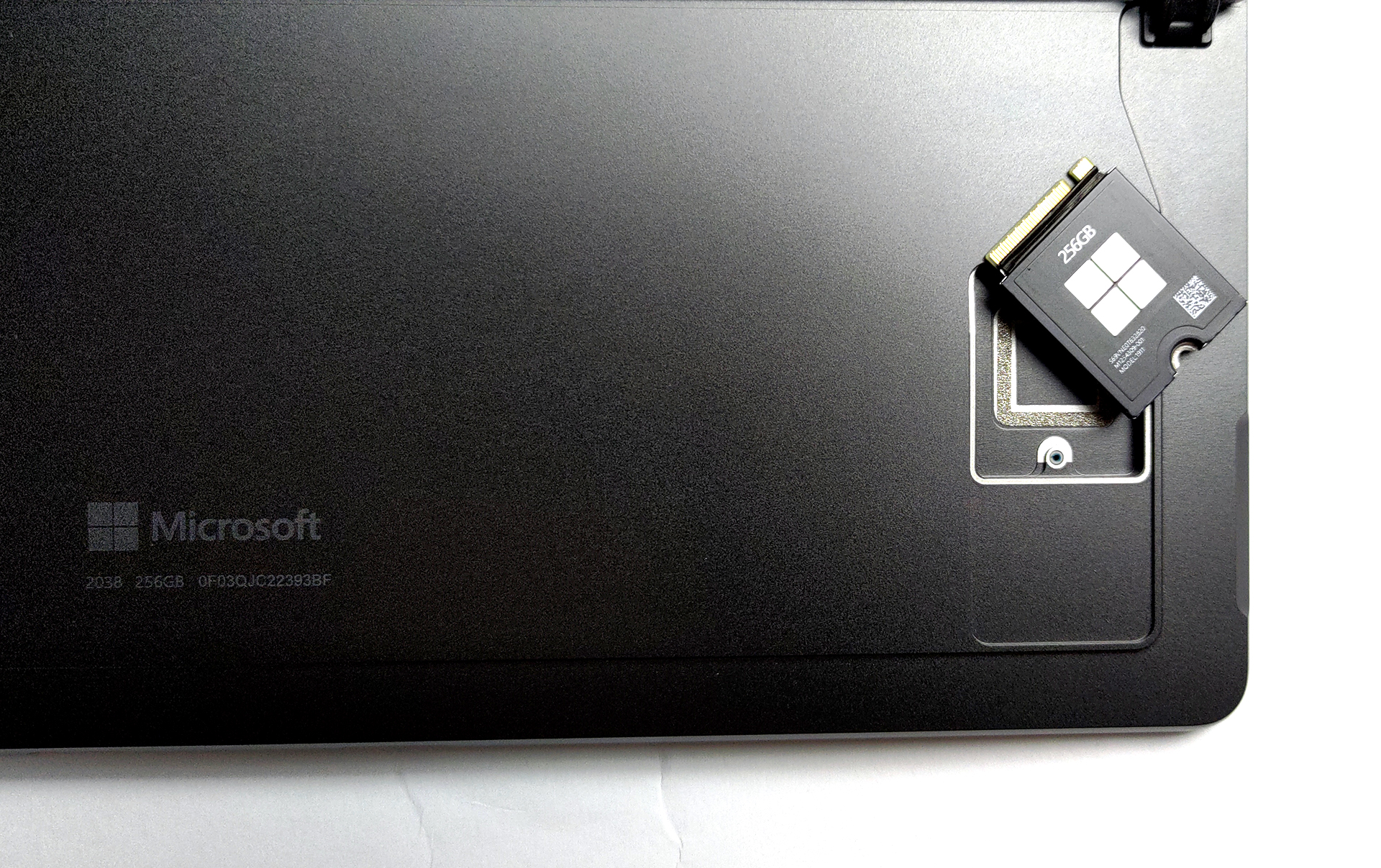
The laptop comes with soldered memory, however, that’s the case with all tablets as well. Thankfully, you’re getting up to 32GB of LPDDR5 memory in quad-channel mode. In terms of storage, there’s a trap door, with a screw, which gives you access to one M.2 slot for 30 mm SSDs.

1 reason NOT to buy the Microsoft Surface Pro 9
1. I/O
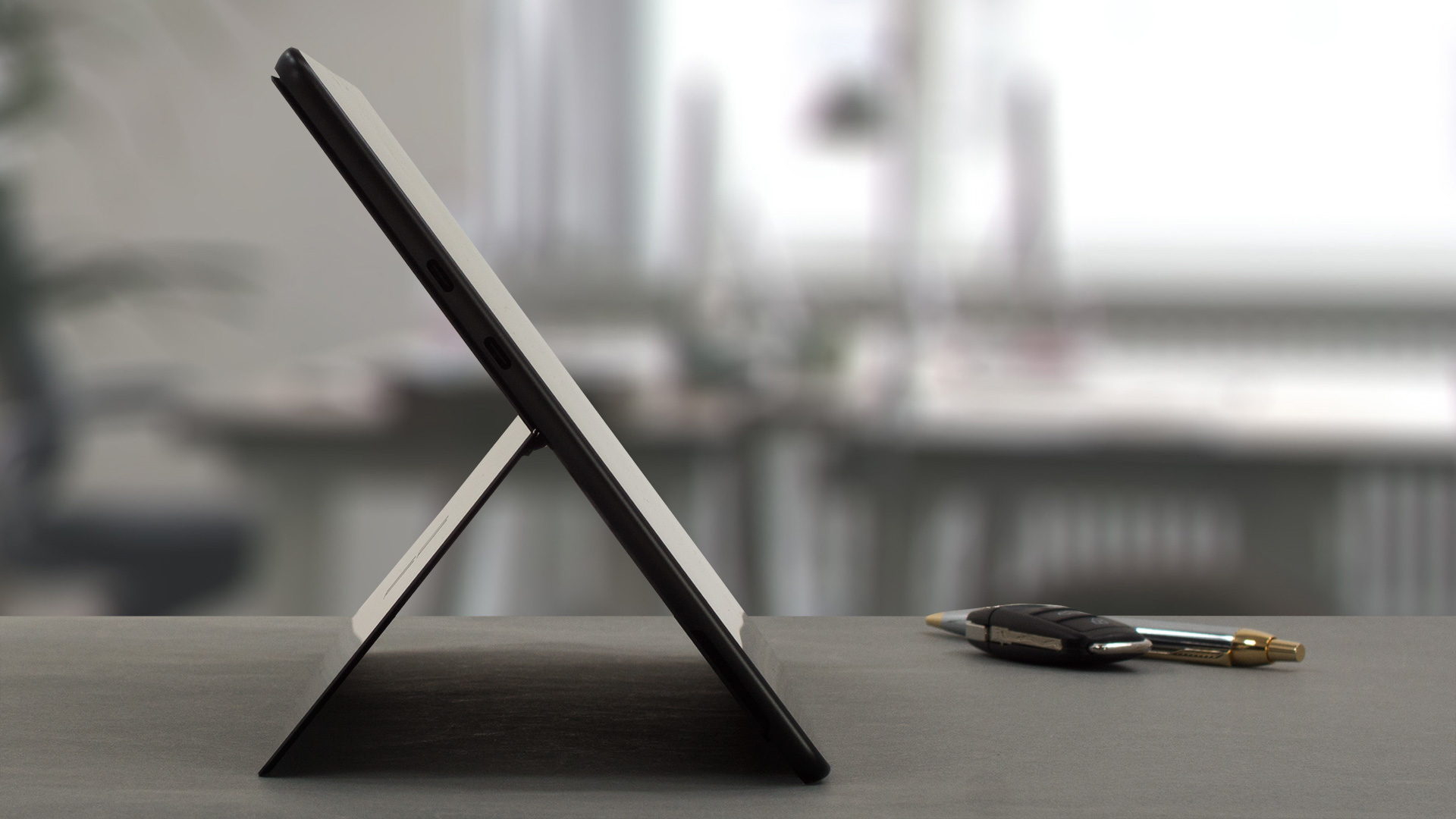
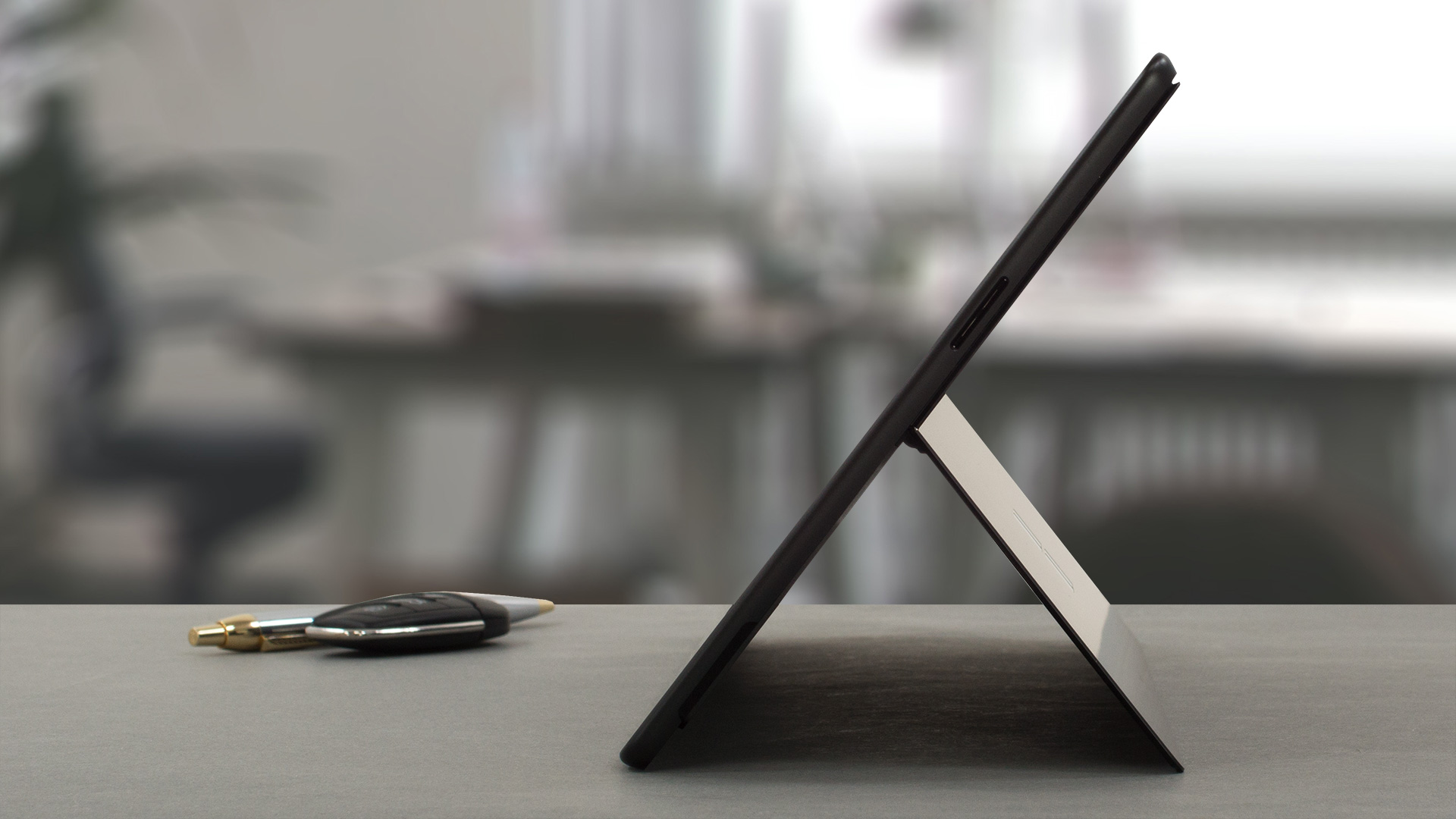
The port selection includes only two Thunderbolt 4 ports and a Surface Connect port for charging. On the bottom, there’s a connector for a Surface keyboard.

All Microsoft Surface Pro 9 configurations:

 Author: Severin Kolakov

![[augustus 2026] Wereldwijde ranglijst van bestverkochte laptop-GPU’s op Amazon – Apple is onbetwist nummer één, NVIDIA’s RTX 5060 staat bovenaan de ranglijst voor dedicated GPU’s](https://laptopmedia.com/wp-content/uploads/2026/09/Best-Selling-GPUs-GLOBAL-Top-10-400x225.jpg)
![[augustus 2026] Wereldwijde ranglijst van bestverkochte laptop-CPU’s op Amazon – Apple domineert zowel het budget- als het premiumsegment: A18 Pro en M5 verslaan Intel en AMD in augustus 2026](https://laptopmedia.com/wp-content/uploads/2026/09/Best-Selling-CPUs-GLOBAL-Top-10-400x225.jpg)
![[augustus 2026] Amazon Global: Top 10 van best verkochte laptops – De Apple MacBook Neo domineert de hitlijsten, terwijl goedkope en middenklasse Windows-laptops strijden om het verkoopvolume](https://laptopmedia.com/wp-content/uploads/2026/09/Best-Selling-Laptops-GLOBAL-Top-10-400x225.jpg)
![[augustus 2026] Bestverkochte laptopmerken op Amazon Global – Apple domineert qua omzet, terwijl HP koploper is qua modelvariëteit](https://laptopmedia.com/wp-content/uploads/2026/09/GLOBAL-Best-Brands-400x225.jpg)
![[augustus 2026] Amazon Global: Top 10 bestverkochte gaminglaptops – HP Victus 15 pakt de eerste plaats terwijl budgetvriendelijke modellen de hitlijsten domineren](https://laptopmedia.com/wp-content/uploads/2026/09/Best-Selling-Gaming-Laptops-GLOBAL-Top-10-400x225.jpg)
