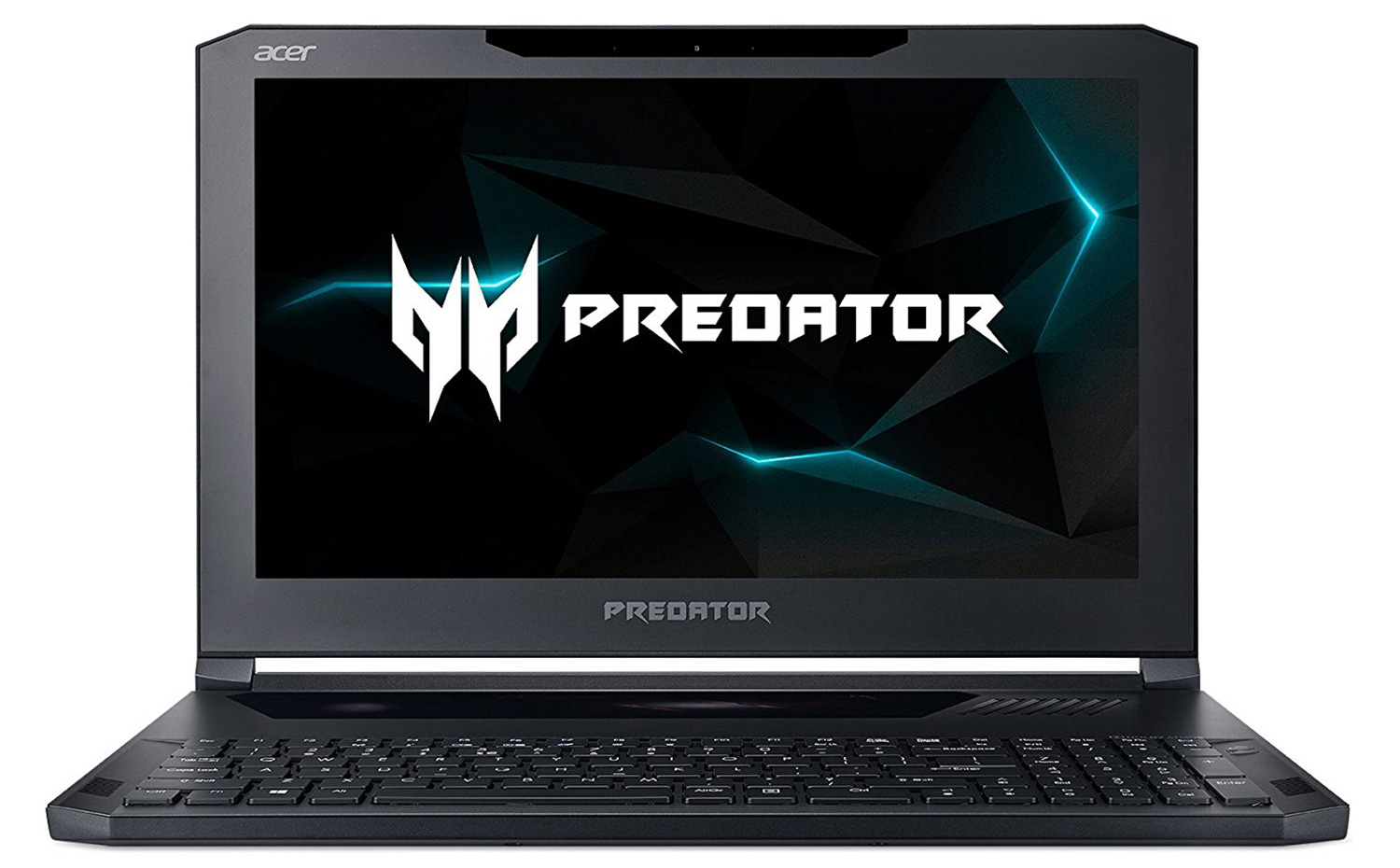
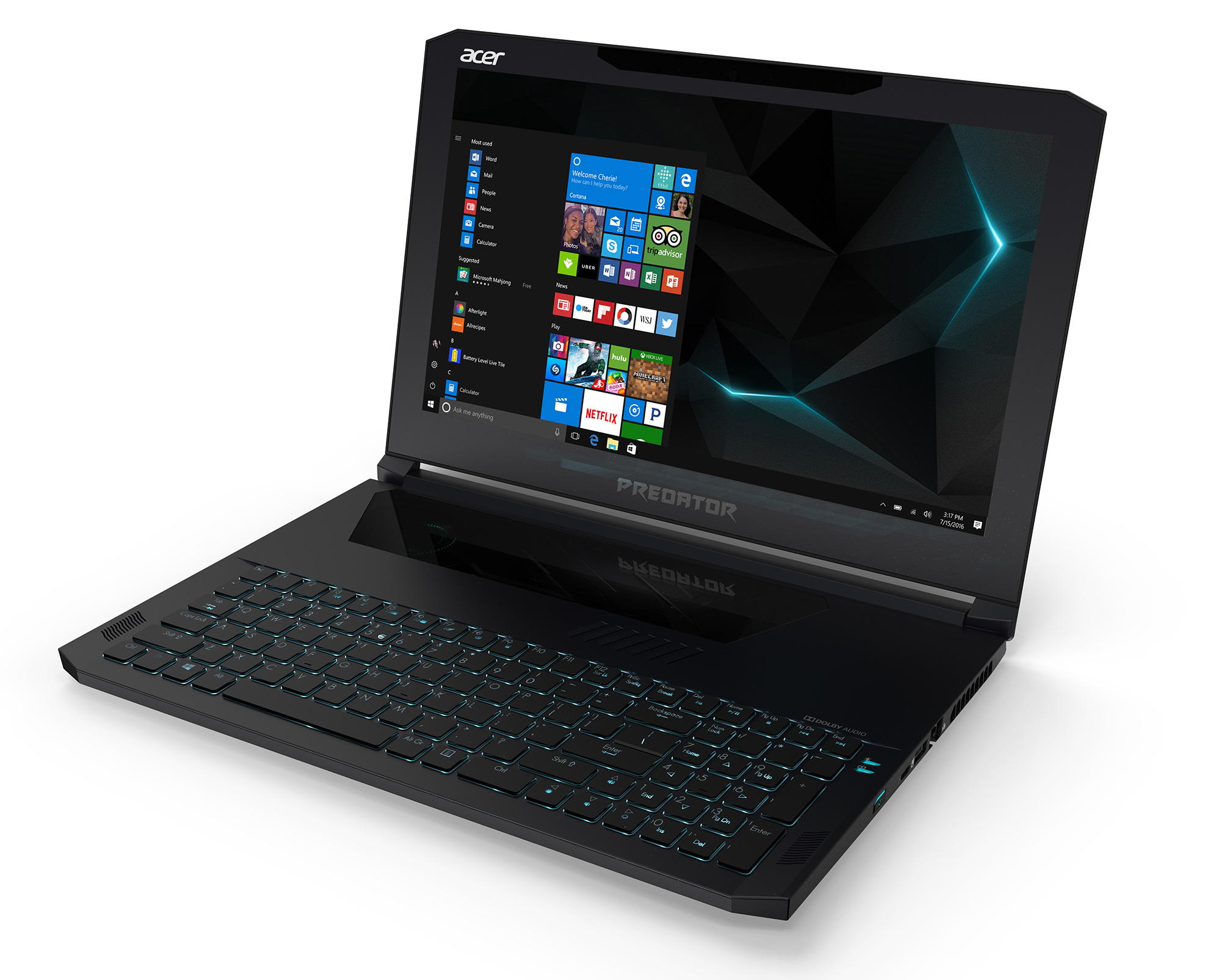
Acer Predator Triton 700
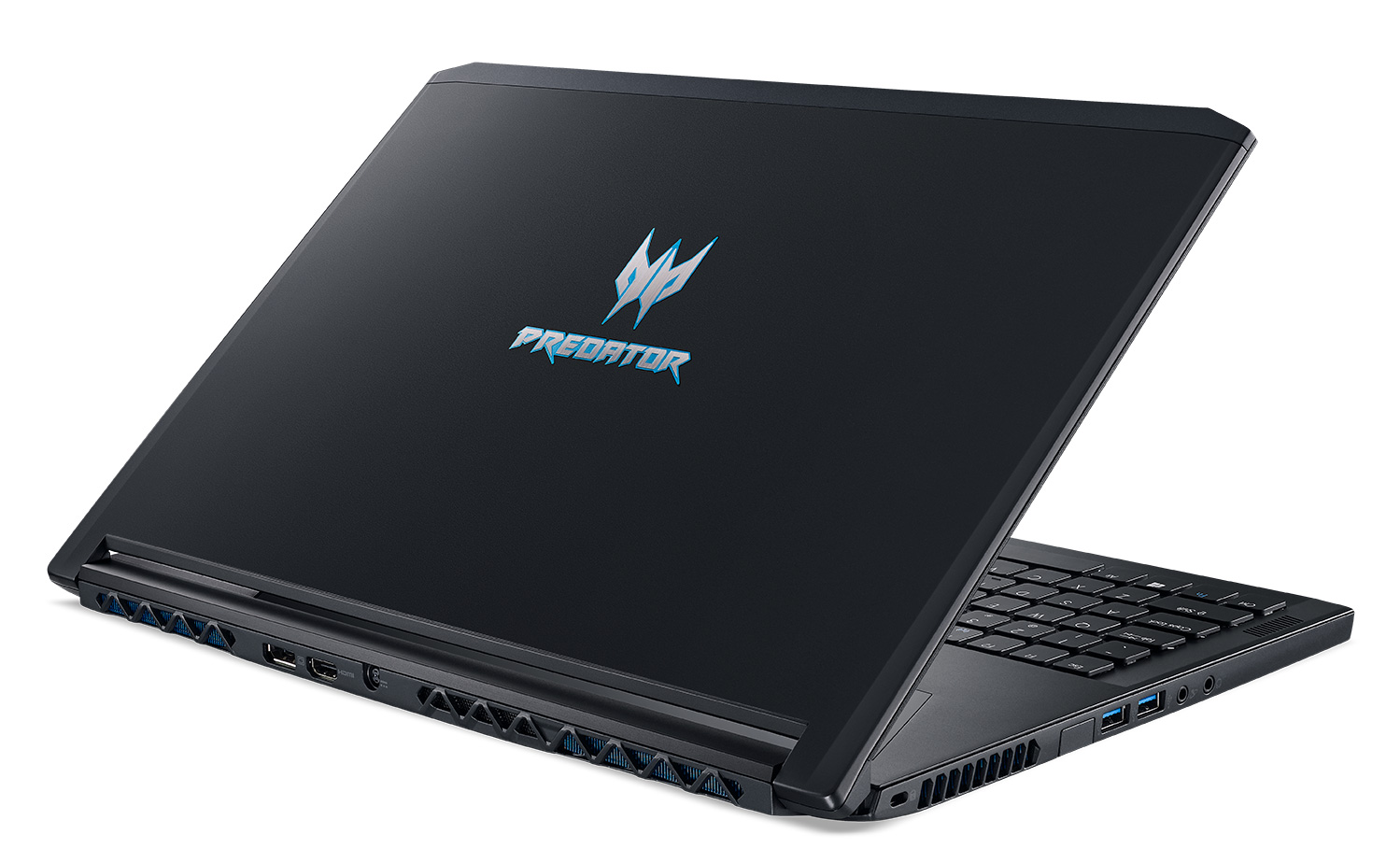
Acer Predator Triton 700 - Specs

- HDD/SSD
- tot 4000GB SSD
- M.2 Sleuf
- 2x 2280 PCIe NVMe SSD slots
- RAM
- up to 32GB
- OS
- Windows 10 Home, Windows 10 Pro
- Accu
- 54Wh, 3-cell, 54Wh, 4670 mAh, 3-cell, 54 Wh, 4670 mAh, 3-cell
- Materiaal behuizing
- Aluminum (All-aluminum chassis, plastic bezels)
- Afmetingen
- 393 x 266 x 18.9 mm (15.47" x 10.47" x 0.74")
- Gewicht
- 2.39 kg (5.3 lbs)
- Poorten en connectiviteit
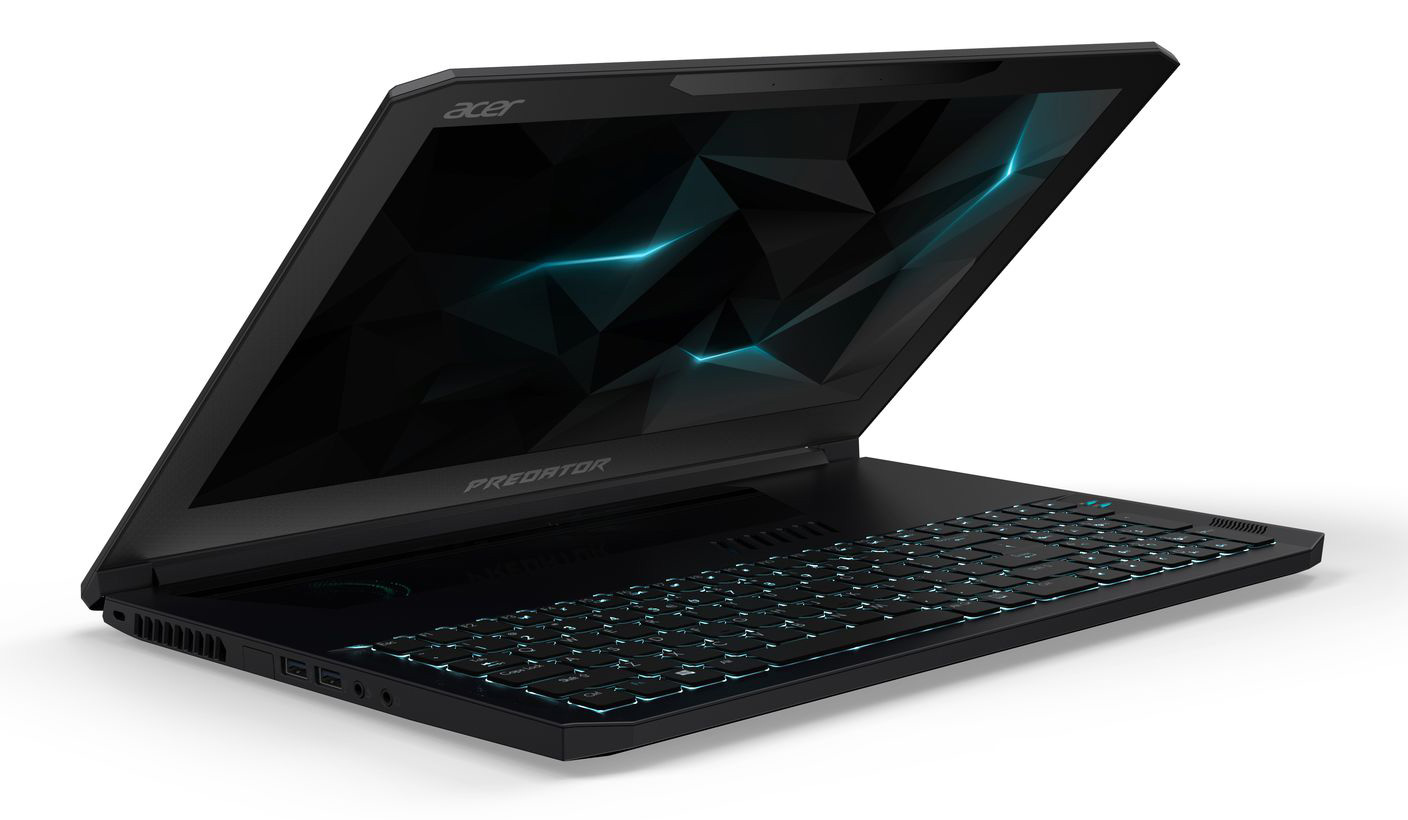
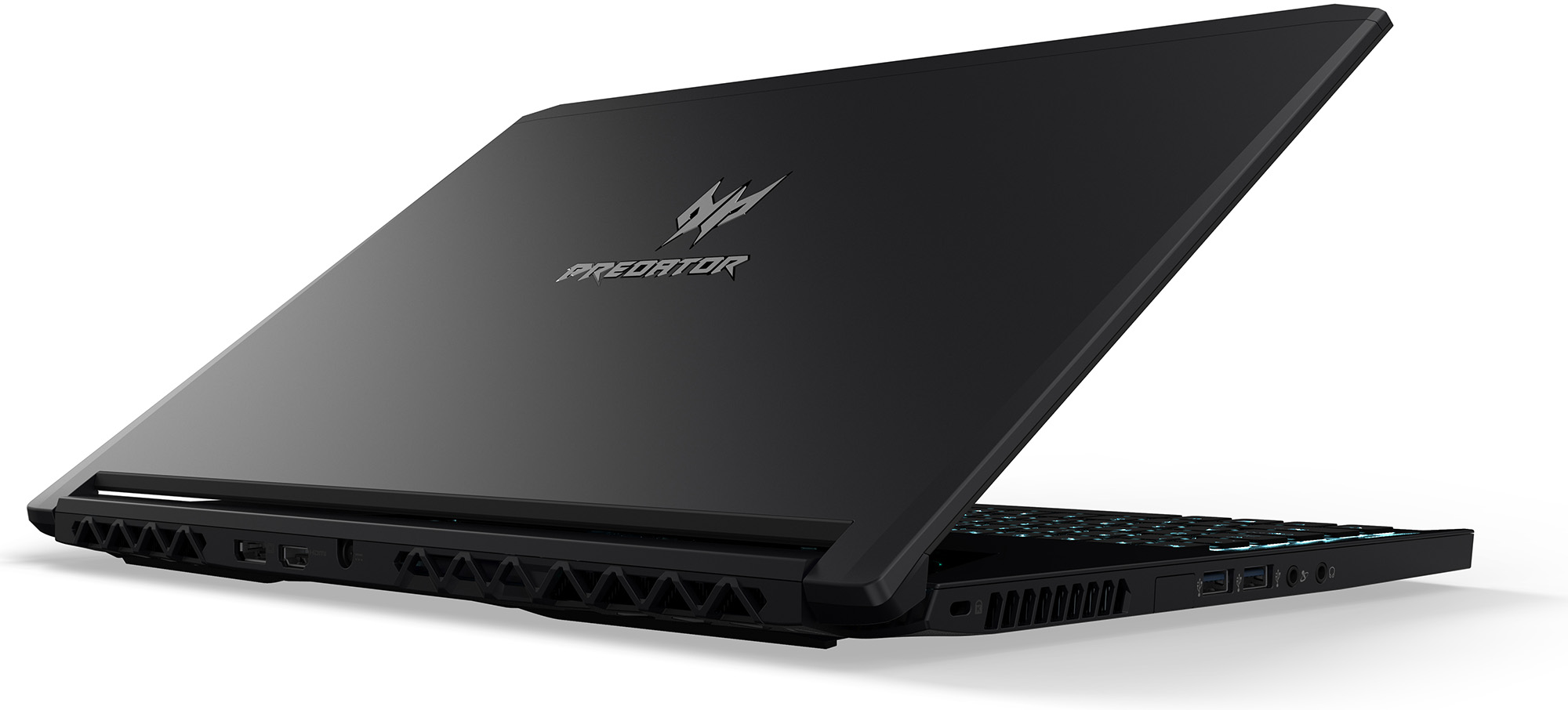
- 1x USB Type-A
- 2.0
- 3x USB Type-A
- 3.2 Gen 1 (5 Gbps)
- 1x USB Type-C
- 3.2 Gen 2 (10 Gbps), Thunderbolt 3, DisplayPort, HDMI
- HDMI
- 2.0
- VGA
- Displayport volledig
- Kaartlezer
- Ethernet LAN
- Killer E2500 Gigabit Ethernet
- Wi-Fi
- Wi-Fi 802.11ac
- Bluetooth
- 4.1
- Audio-aansluiting
- 1x microphone, 1x headphones
- Functies
- Vingerafdruklezer
- Webcamera
- 720p HD
- Verlicht toetsenbord
- optional
- Microfoon
- Luidsprekers
- Optische drive
- Sleuf voor veiligheidsslot
- Dual AeroBlade metal fans
- Corning Gorilla Glass Precision touchpad
- Mechanical keyboard (1.6 mm key travel)
- N-keys-Roll-Over
Alle Acer Predator Triton 700 configuraties
Koop onze profielen voor AUO B156HAN04.2 (Acer Predator Triton 700) / 15.6”, Full HD (1920 x 1080), 120 Hz, IPS
Naast het ontvangen van efficiënte en gezondheidsvriendelijke profielen, ondersteunt u door het kopen van LaptopMedia's producten ook de ontwikkeling van onze labs, waar we apparaten testen om zo objectief mogelijke reviews te produceren.

Office Work
Office Work is voornamelijk bedoeld voor gebruikers die de meeste tijd besteden aan het bekijken van teksten, tabellen of gewoon surfen. Dit profiel streeft naar een betere onderscheidbaarheid en helderheid door een vlakke gammacurve (2.20), native kleurtemperatuur en perceptueel accurate kleuren te behouden.

Design and Gaming
Dit profiel is bedoeld voor ontwerpers die professioneel met kleuren werken, maar ook voor games en films. Design and Gaming haalt het uiterste uit beeldschermen, waardoor ze zo nauwkeurig mogelijk zijn in de sRGB IEC61966-2-1 norm voor Web en HDTV, met witpunt D65.

Health-Guard
Health-Guard elimineert de schadelijke Pulsbreedtemodulatie (PWM) en vermindert het negatieve Blauwe Licht dat onze ogen en lichaam beïnvloedt. Omdat het op maat gemaakt is voor elk paneel, slaagt het erin de kleuren perceptueel accuraat te houden. Health-Guard simuleert papier zodat de druk op de ogen sterk wordt verminderd.
Krijg alle 3 profielen met 33% korting

GPU Prestaties
Hier vindt u het prijs/prestatieverschil tussen alle GPU's die in de Acer Predator Triton 700 Series.
De resultaten zijn van 3DMark Time Spy (Graphics). Hoger is beter.
Acer Predator Triton 700 uitgebreide review
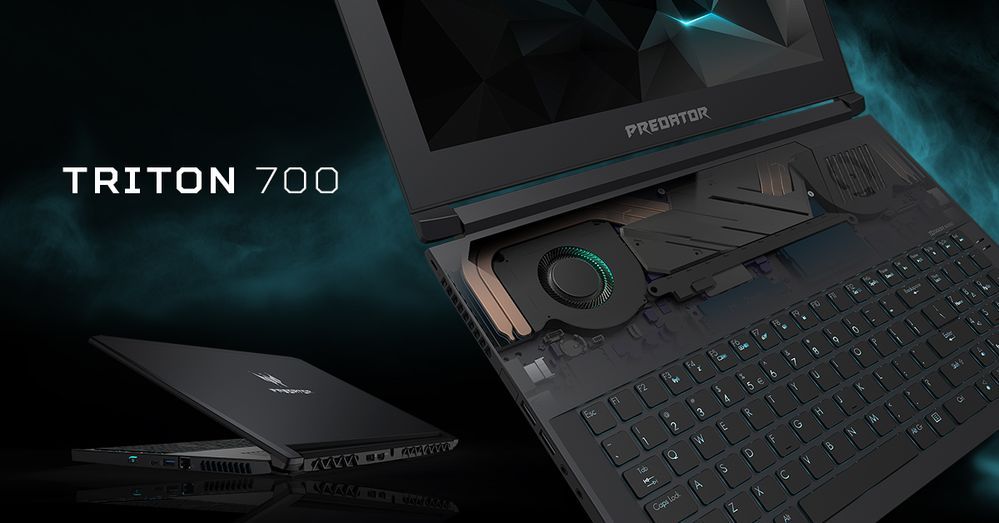
Thin, light and gaming-ready? Not an oxymoron anymore thanks to ASUS, Acer (for now) and, of course, NVIDIA by coming up with the so-called Max-Q design, which allows integrating a desktop-grade GPU inside... practically an ultrabook. Acer's solution at this point is the so-called Predator Triton 700 - a powerful and premium gaming 15-inch laptop with plenty of unusual features that include a strangely positioned touchpad, mechanical RGB backlit keyboard, 120Hz G-Sync-enabled IPS display and it's most notable feature - portability without sacrificing too much of the performance.Acer cl[...]
Pros
- Sturdy all-aluminum chassis
- Ultra-portable for a 15-inch gaming laptop
- Low-profile mechanical per key RGB keyboard
- Good cooling solution given the nature of the laptop
- 2x M.2 PCIe NVMe SSD slots supporting RAID 0
- Excellent IPS display with 120 Hz refresh rate and G-Sync support
- The panel doesn't use PWM for regulating screen brightness
- Plenty of I/O with good placement/distribution
Minpunten
- Exceptionally short battery life
- Pricey
- Awkward placement of the touchpad


![[Oktober 2026] bestverkopende laptopmerken op Amazon wereldwijd – Apple haalt de meeste omzet, hoewel HP de meeste modellen aanbiedt](https://laptopmedia.com/wp-content/uploads/2026/11/GLOBAL-Best-Brands-400x225.jpg)
![[Oktober 2026] Amazon wereldwijd: top 10 bestverkochte laptops – Apple voert de wereldmarkt aan en de MacBook Air 13 met M5-chip staat op nummer 1](https://laptopmedia.com/wp-content/uploads/2026/11/Best-Selling-Laptops-GLOBAL-Top-10-400x225.jpg)
![[Oktober 2026] Amazon wereldwijd: de 10 bestverkochte gaminglaptops – HP Victus 15 voert de lijst aan, terwijl betaalbare configuraties wereldwijd de verkoop domineren](https://laptopmedia.com/wp-content/uploads/2026/11/Best-Selling-Gaming-Laptops-GLOBAL-Top-10-400x225.jpg)
![[Oktober 2026] Wereldwijde ranglijst van bestverkochte laptop-GPU’s op Amazon – Apple M5 domineert, terwijl NVIDIA’s RTX 5060 de bestverkochte aparte GPU is in oktober 2026](https://laptopmedia.com/wp-content/uploads/2026/11/Best-Selling-GPUs-GLOBAL-Top-10-400x225.jpg)
![[oktober 2026] Wereldwijde ranglijst van bestverkochte laptopprocessors op Amazon – Apple’s M5 staat bovenaan, terwijl Intel en AMD om de overige plaatsen strijden](https://laptopmedia.com/wp-content/uploads/2026/11/Best-Selling-CPUs-GLOBAL-Top-10-400x225.jpg)
