Inside HP Victus 16 (16-d1000) – disassembly and upgrade options
HP Victus 16 is a pretty affordable gaming machine. However, it is no slouch when it comes to upgradeability.
Check out all HP Victus 16 (16-d1000) prices and configurations in our Specs System, or read more in our In-Depth review.
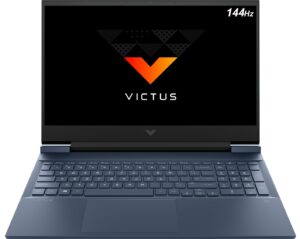
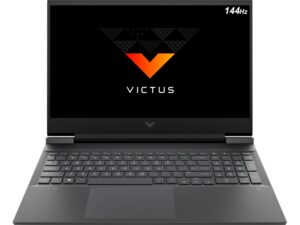
1. Remove the bottom plate
To open this device, you need to undo a total of 8 Phillips-head screws. Then, pry the bottom panel starting from the front.
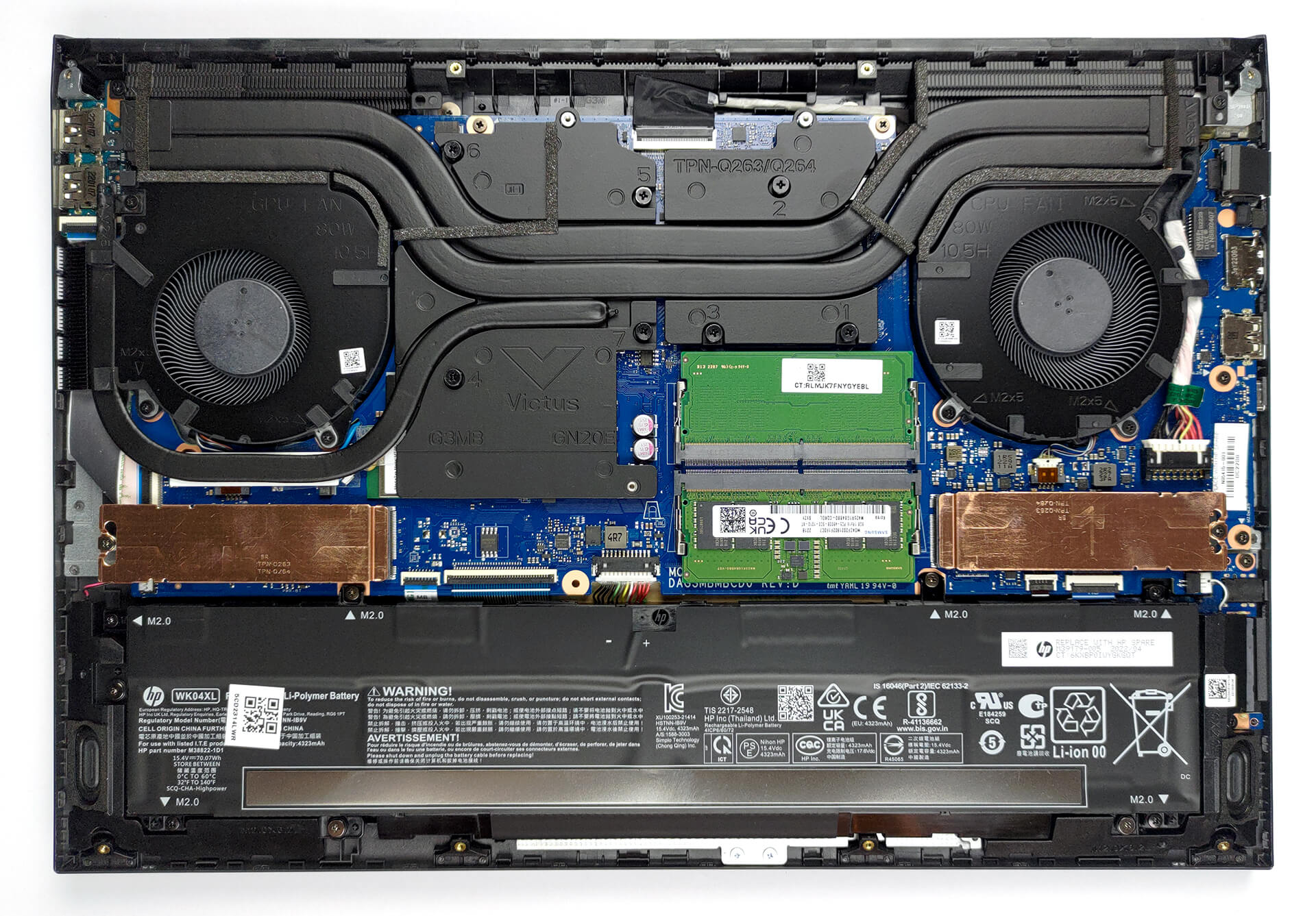
2. Battery
Inside, we find a 70Wh battery pack. It lasts for nearly 10 hours of Web browsing, or about 9 hours of video playback. To take it out, remove the 6 Phillips-head screws that keep it in place, and unplug the battery connector from the motherboard.
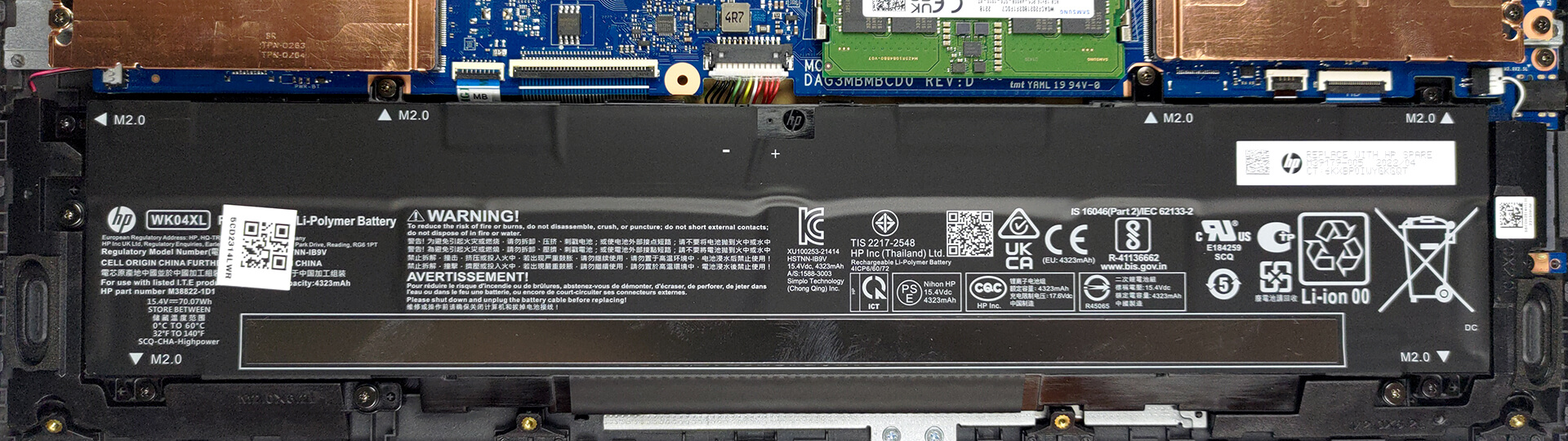
3. Memory and storage
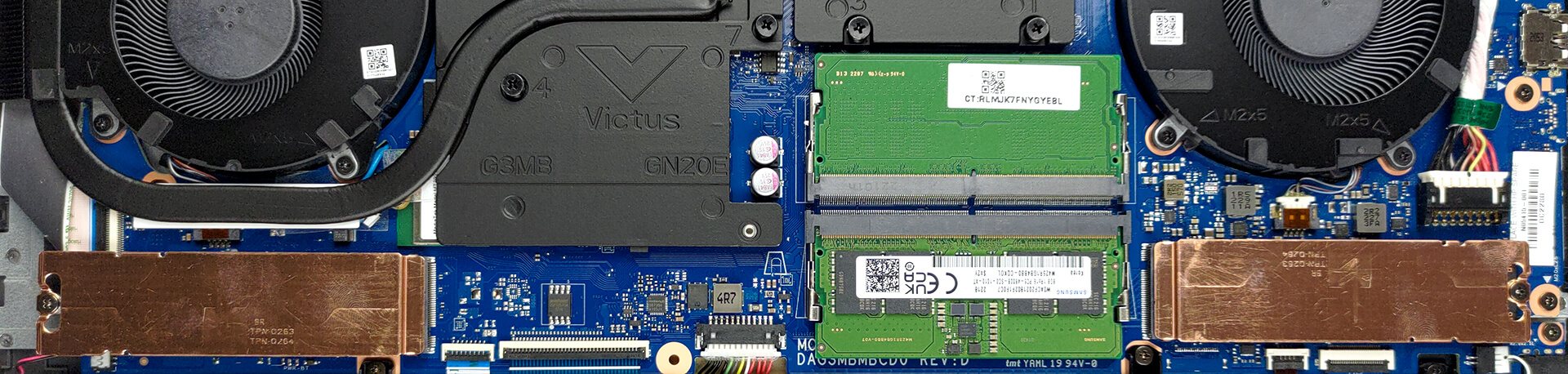
You get two SODIMM slots, which fit DDR5 memory, working at 4800MHz. They also run in dual-channel mode. Storage-wise, there are two M.2 PCIe x4 slots, one of which supports Gen 4 drives.
4. Cooling system
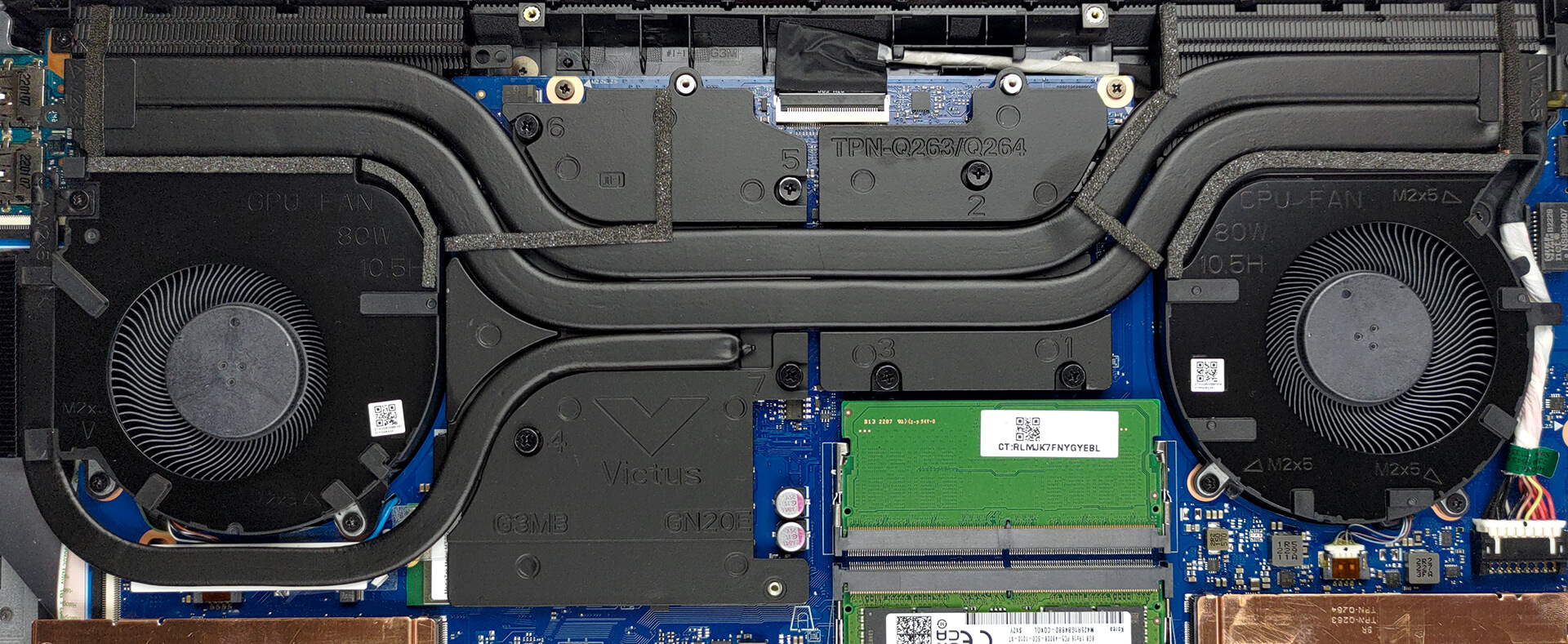
Here, the cooling comprises two heat pipes shared between the CPU and the GPU, as well as a third one meant for the graphics card. It also connects to a separate heat sink. Furthermore, two heat spreaders take care of the graphics memory and the VRMs.
Check out all HP Victus 16 (16-d1000) prices and configurations in our Specs System, or read more in our In-Depth review.
HP Victus 16 (16-d1000, e1000) dogłębna recenzja
Podczas gdy niektóre marki obchodziły w tym roku swoje 30. urodziny, inne są na tyle młode, że właśnie zostały przyjęte do przedszkola. Tak, mówimy o serii Victus od HP. Na początku może wydawać się nieco bardziej premium wersją serii Pavilion Gaming, ale aspiruje do bycia czymś więcej.Czy był jednak powód, dla którego HP stworzyło tę markę? Cóż, odpowiedź na to pytanie może nie być tak optymistyczna, jak życzyłoby sobie tego HP. Niemniej jednak, ponieważ kupujemy wszystkie testowane przez nas urządzenia, jesteśmy dumni z naszej niezależności. I właśni[...]
Pros
- Przystępny cenowo
- Dobra klawiatura
- 2x SODIMM DDR5 + 2x gniazda M.2 (jedno obsługuje dyski 4. generacji)
- Przyzwoite chłodzenie
- Brak PWM (BOE0AAD)
- Dobra żywotność baterii
- Opcjonalna częstotliwość odświeżania 144 Hz z krótkim czasem reakcji pikseli (BOE0AAD)
Cons
- Niska wydajność procesora przy długim obciążeniu
- Brak złącza Thunderbolt
- Tylko 50% pokrycia palety sRGB (BOE0AAD)
- Odbijająca się pokrywa i ogólnie niezbyt dobra jakość wykonania
 Author: Alex Iliev

![[Czerwiec 2026 r.] Najlepiej sprzedające się marki laptopów w serwisie Amazon Global – bezkonkurencyjna dominacja firmy Apple pod względem liczby sprzedanych egzemplarzy i przychodów](https://laptopmedia.com/wp-content/uploads/2026/07/GLOBAL-Best-Brands-400x225.jpg)
![[Czerwiec 2026] Amazon Global: 10 najlepiej sprzedających się laptopów – nowy MacBook Neo firmy Apple szturmem zdobywa pierwsze miejsce, zmieniając oblicze rynku dzięki przystępnej cenie](https://laptopmedia.com/wp-content/uploads/2026/07/Best-Selling-Laptops-GLOBAL-Top-10-400x225.jpg)
![[Czerwiec 2026] Amazon Global: 10 najlepiej sprzedających się laptopów do gier – model Nitro V 16S AI firmy Acer dominuje pod względem sprzedaży, podczas gdy firma ASUS zajmuje pierwsze miejsce pod względem całkowitych przychodów](https://laptopmedia.com/wp-content/uploads/2026/07/Best-Selling-Gaming-Laptops-GLOBAL-Top-10-400x225.jpg)
![[Czerwiec 2026] Globalny ranking najlepiej sprzedających się kart graficznych do laptopów na Amazonie – NVIDIA RTX 5060 to najlepiej sprzedająca się dedykowana karta graficzna](https://laptopmedia.com/wp-content/uploads/2026/07/Best-Selling-GPUs-GLOBAL-Top-10-400x225.jpg)
![[Czerwiec 2026] Globalny ranking najlepiej sprzedających się procesorów do laptopów na Amazonie – Apple M5 dominuje, a AMD Ryzen 7 260 zdobywa solidny udział w segmencie premium](https://laptopmedia.com/wp-content/uploads/2026/07/Best-Selling-CPUs-GLOBAL-Top-10-400x225.jpg)
