_1 48.jpg)



- Data publikacji: 19 Jun 2025
- Intel Core i7-1165G7
- Intel Iris Xe Graphics G7 (96EU)
- 13.5”, 2K (2256 x 1504), IPS
- 4000GB SSD
- 8GB RAM
- 1.20 kg (2.6 lbs)
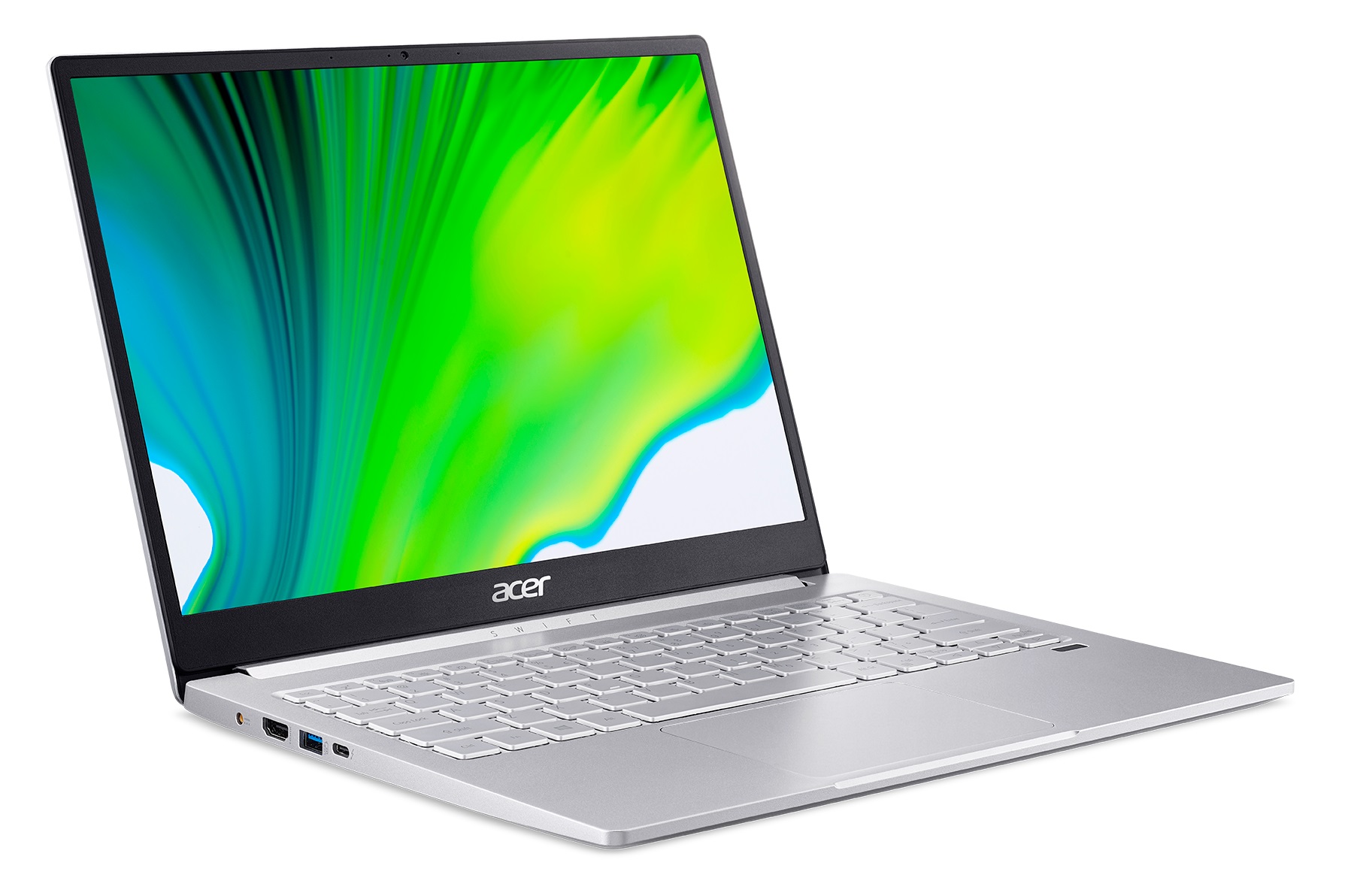
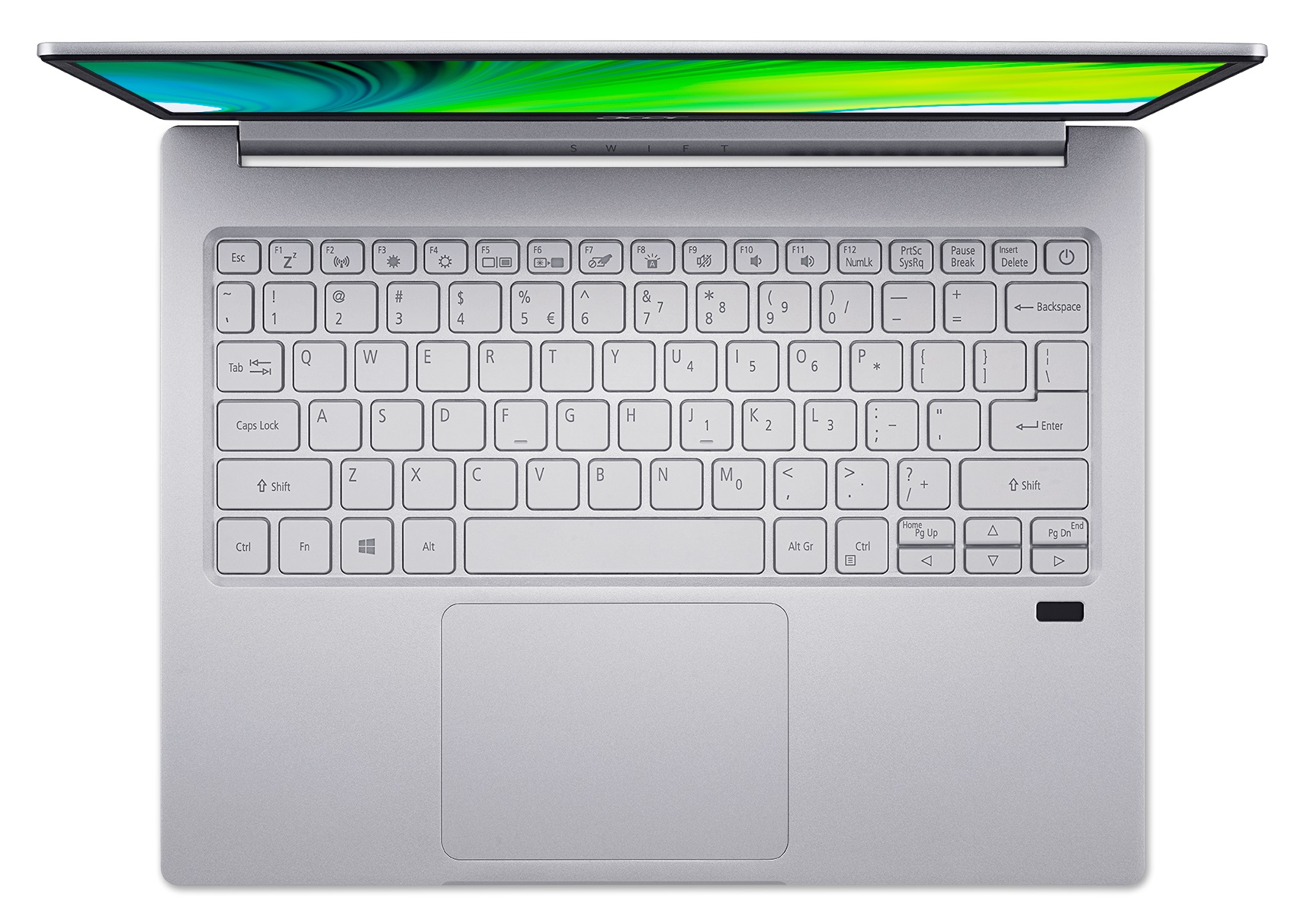
Acer Swift 3 (SF313-53 / SF313-53G) dogłębna recenzja
Earlier this year, Acer revealed a 13-inch laptop that was aimed at workaholics. It sported a 3:2 display with a rather high resolution and a very light chassis. Now, we have its successor - the Swift 3 (SF313-53). What's different? Well, expectedly you get the higher performance and better [...]
Przeczytaj pełną recenzję
Recenzja
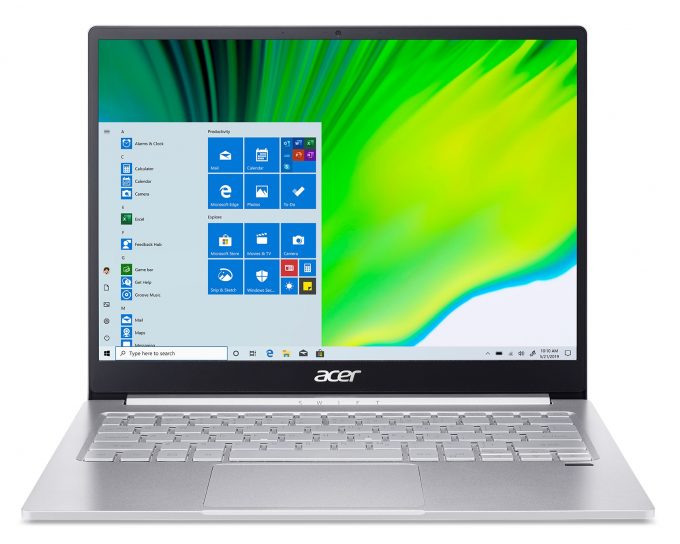
Acer Swift 3 dogłębna recenzja
Earlier this year, Acer revealed a 13-inch laptop that was aimed at workaholics. It sported a 3:2 display with a rather high resolution and a very light chassis. Now, we have its successor - the Swift 3 (SF313-53). What's different? Well, expectedly you get the higher performance and better optimization of the Intel Tiger Lake processor family. Yep, this means that you get the fastest integrated graphics yet - the Iris Xe Graphics G7.Nevertheless, let's keep the details for the lines below. Other than that, Acer is boasting with its lightweight design. To achieve it, they have used aluminum and magnesium-aluminum alloy. Yep, this makes the laptop a bit premium, so don't expect to get it on the cheap.Let's waste no more time, though, and get straight to the review.You can check[...]
Przeczytaj pełną recenzjęPros
- Ultra-lightweight
- Tiger Lake CPU, that provides capable integrated graphics
- Decent battery life
- Covers 99% sRGB (BOE08BC)
- Our Gaming and Web design profile improves the color accuracy to comply with the standard Average dE of 0.6 (BOE08BC)
- Work-friendly 3:2 aspect ratio
- Thunderbolt 4 port onboard and support of NVMe M.2 drives
Cons
- No SD card reader
- Memory is soldered
Demontaż, konserwacja i opcje modernizacji
This device has very potent mobile hardware, but sadly, it doesn't shine with its upgradability.Check out all Acer Swift 3 (SF313-53) prices and configurations in our Specs System or read more in our In-Depth review.1. Remove the bottom plate To get inside this notebook, you have to undo 11 Torx-head screws. After that, pry the panel with a plastic tool, and lift it away.2. Battery, memory, and storage First, unplug the battery, which has a capacity of 55.9Wh.As you can see, the RAM chips are soldered above the processor. This means you won't be able to upgrade th[...]
Czytaj więcej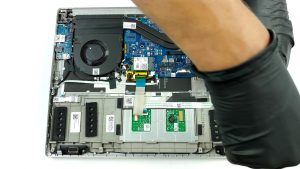
Wyświetlacz: 13.5-inch, 2256 x 1504, IPS
- Nazwa
- BOE NE135FBM-N41 (BOE08BC)
- Przekątna
- 13.5"
- Gęstość pikseli
- 200.84 ppi
- Refresh rate
- 60 Hz
- Jasność
- 466 cd/m2
- sRGB
- 98%
- Typ Panelu
- IPS
- Rozdzielczość
- 2256 x 1504
- Staje się "Retina" od
- 17 inches (44 cm)
- Kontrast
- 1400:1
- dE Color Checker
- 2.8 1.3

Kup nasze profile dla BOE NE135FBM-N41 (BOE08BC)
Oprócz otrzymywania wydajnych i przyjaznych dla zdrowia profili, kupując produkty LaptopMedia, wspierasz również rozwój naszych laboratoriów, w których testujemy urządzenia w celu tworzenia jak najbardziej obiektywnych recenzji.

Office Work
Office Work powinien być używany głównie przez użytkowników, którzy spędzają większość czasu patrząc na teksty, tabele lub po prostu przeglądając internet. Ten profil ma na celu zapewnienie lepszej wyrazistości i klarowności poprzez utrzymanie płaskiej krzywej gamma (2.20), natywnej temperatury barwowej i percepcyjnie dokładnych kolorów.

Design and Gaming
Ten profil jest przeznaczony dla projektantów, którzy pracują z kolorami zawodowo, a także do gier i filmów. Design and Gaming wykorzystuje panele wyświetlaczy do granic ich możliwości, czyniąc je tak dokładnymi, jak to tylko możliwe w standardzie sRGB IEC61966-2-1 dla stron internetowych i telewizji HD, przy punkcie bieli D65.

Health-Guard
Health-Guard eliminuje szkodliwą modulację szerokości impulsu (PWM) i redukuje negatywne niebieskie światło, które wpływa na nasze oczy i ciało. Ponieważ jest on dostosowany do każdego panelu, udaje mu się utrzymać percepcyjnie dokładne kolory. Health-Guard symuluje papier, dzięki czemu nacisk na oczy jest znacznie zmniejszony.





