- Data publikacji: 20 Feb 2021
- Intel Core i7-10870H
- NVIDIA GeForce RTX 3070 (Laptop, 105W)
- 15.6”, Full HD (1920 x 1080), 240 Hz, IPS
- 16000GB SSD
- 2x 32GB DDR4, 3200 MHz
- 2.00 kg (4.4 lbs)
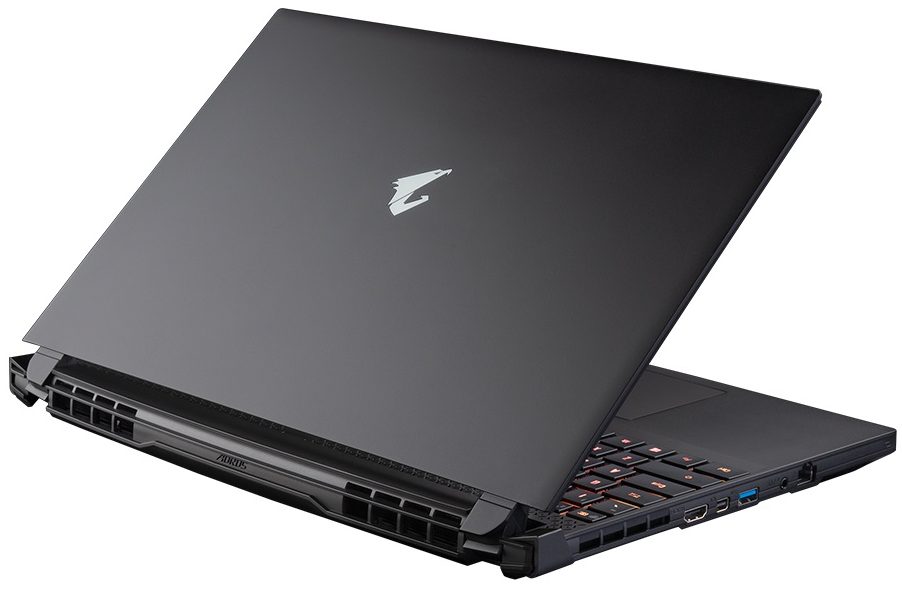
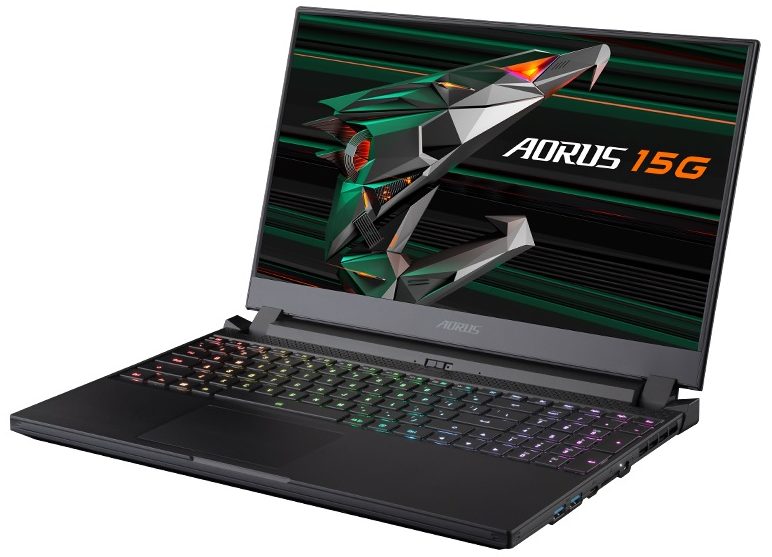
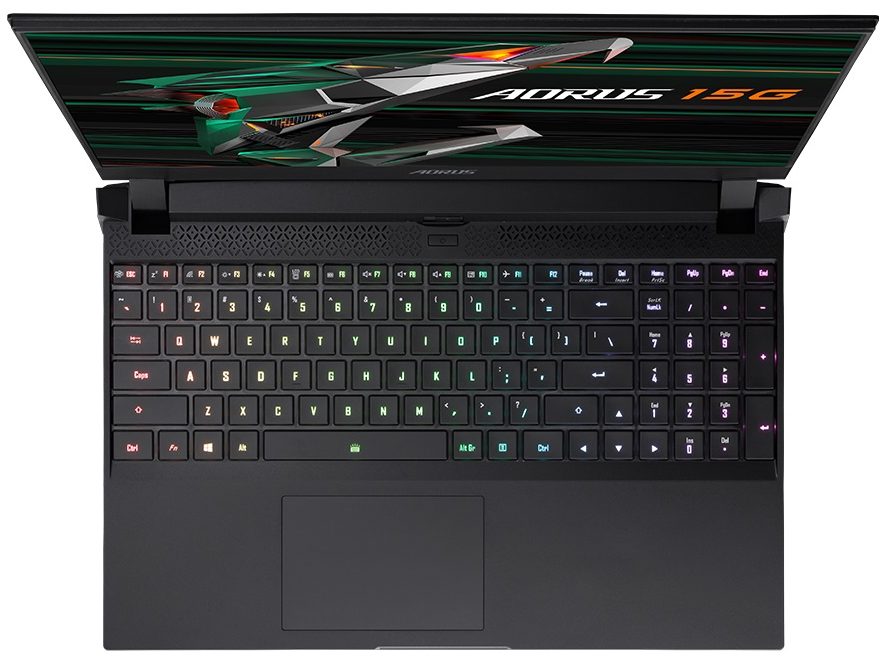
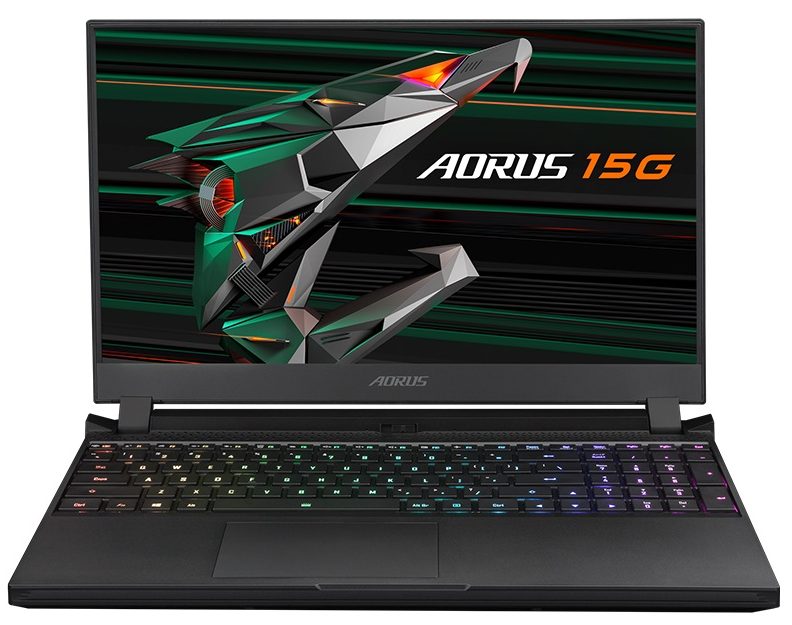
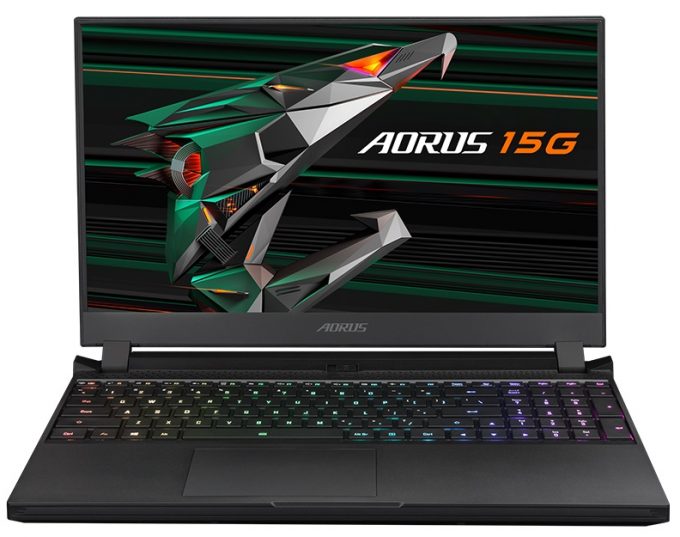
AORUS 15G (RTX 30) dogłębna recenzja
Today, we say. Hello to the AORUS 15G from GIGABYTE. This is a brand highly associated with gaming, so we feel that the expectations are already set high. Obviously, if you want to be competitive, you need the best in terms of hardware. And while GIGABYTE provides you with the latest from NVIDIA in [...]
Przeczytaj pełną recenzję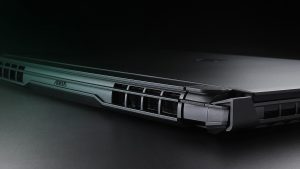
Recenzja
AORUS 15G dogłębna recenzja
Today, we say. Hello to the AORUS 15G from GIGABYTE. This is a brand highly associated with gaming, so we feel that the expectations are already set high. Obviously, if you want to be competitive, you need the best in terms of hardware. And while GIGABYTE provides you with the latest from NVIDIA in the form of the RTX 3060, RTX 3070, and RTX 3080, we were surprised to see that the processor of choice is the Core i7-10870H. Yep, there is only one option. Although it is slower in computational workloads compared to the Zen 3 and Tiger Lake H45 architectures, it is still a very good gaming CPU.So, the feature list doesn't stop here. You get a 240Hz refresh rate display by default and a 72% NTSC color coverage (this roughly translates to a full sRGB coverage). Also, the addition of the RT[...]
Przeczytaj pełną recenzjęPros
- 99% sRGB coverage and brilliant color accuracy
- Good performance
- Decent battery life
- Per-key RGB backlight
- 240Hz refresh rate with super-fast pixel response time
- SD card slot and generally wide I/O
- HD camera with a privacy shutter
- 2x RAM SODIMM slots + 2x M.2 storage slots
Cons
- Plastic body
- Horrid battery life
- No Thunderbolt connection
Demontaż, konserwacja i opcje modernizacji
Well, the AORUS 15G had its downsides but upgradability is definitely not one of them.Check out all GIGABYTE AORUS 15G (RTX 30) prices and configurations in our Specs System or read more in our In-Depth review.1. Remove the bottom plate To get inside of this device, you need to undo 12 Torx-head screws. Then, pry the bottom panel starting from the front side.2. Battery Here, we see a huge 99Wh battery pack.3. Мemory and storage Its two SODIMM slots support up to 64GB of dual-channel memory in total. Storage-wise, there are two M.2 slots. One of them fits only PCIe [...]
Czytaj więcej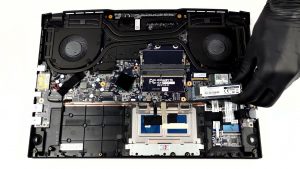
Wyświetlacz: 15.6-inch, 1920 x 1080, IPS
- Nazwa
- Sharp LQ156M1JW26 (SHP1532)
- Przekątna
- 15.6"
- Gęstość pikseli
- 141.21 ppi
- Jasność
- 310 cd/m2
- sRGB
- 99%
- Typ Panelu
- IPS
- Rozdzielczość
- 1920 x 1080
- Staje się "Retina" od
- 24 inches (62 cm)
- Kontrast
- 1120:1
- dE Color Checker
- 0.8 0.5

Kup nasze profile dla Sharp LQ156M1JW26 (SHP1532)
Oprócz otrzymywania wydajnych i przyjaznych dla zdrowia profili, kupując produkty LaptopMedia, wspierasz również rozwój naszych laboratoriów, w których testujemy urządzenia w celu tworzenia jak najbardziej obiektywnych recenzji.

Office Work
Office Work powinien być używany głównie przez użytkowników, którzy spędzają większość czasu patrząc na teksty, tabele lub po prostu przeglądając internet. Ten profil ma na celu zapewnienie lepszej wyrazistości i klarowności poprzez utrzymanie płaskiej krzywej gamma (2.20), natywnej temperatury barwowej i percepcyjnie dokładnych kolorów.

Design and Gaming
Ten profil jest przeznaczony dla projektantów, którzy pracują z kolorami zawodowo, a także do gier i filmów. Design and Gaming wykorzystuje panele wyświetlaczy do granic ich możliwości, czyniąc je tak dokładnymi, jak to tylko możliwe w standardzie sRGB IEC61966-2-1 dla stron internetowych i telewizji HD, przy punkcie bieli D65.

Health-Guard
Health-Guard eliminuje szkodliwą modulację szerokości impulsu (PWM) i redukuje negatywne niebieskie światło, które wpływa na nasze oczy i ciało. Ponieważ jest on dostosowany do każdego panelu, udaje mu się utrzymać percepcyjnie dokładne kolory. Health-Guard symuluje papier, dzięki czemu nacisk na oczy jest znacznie zmniejszony.





