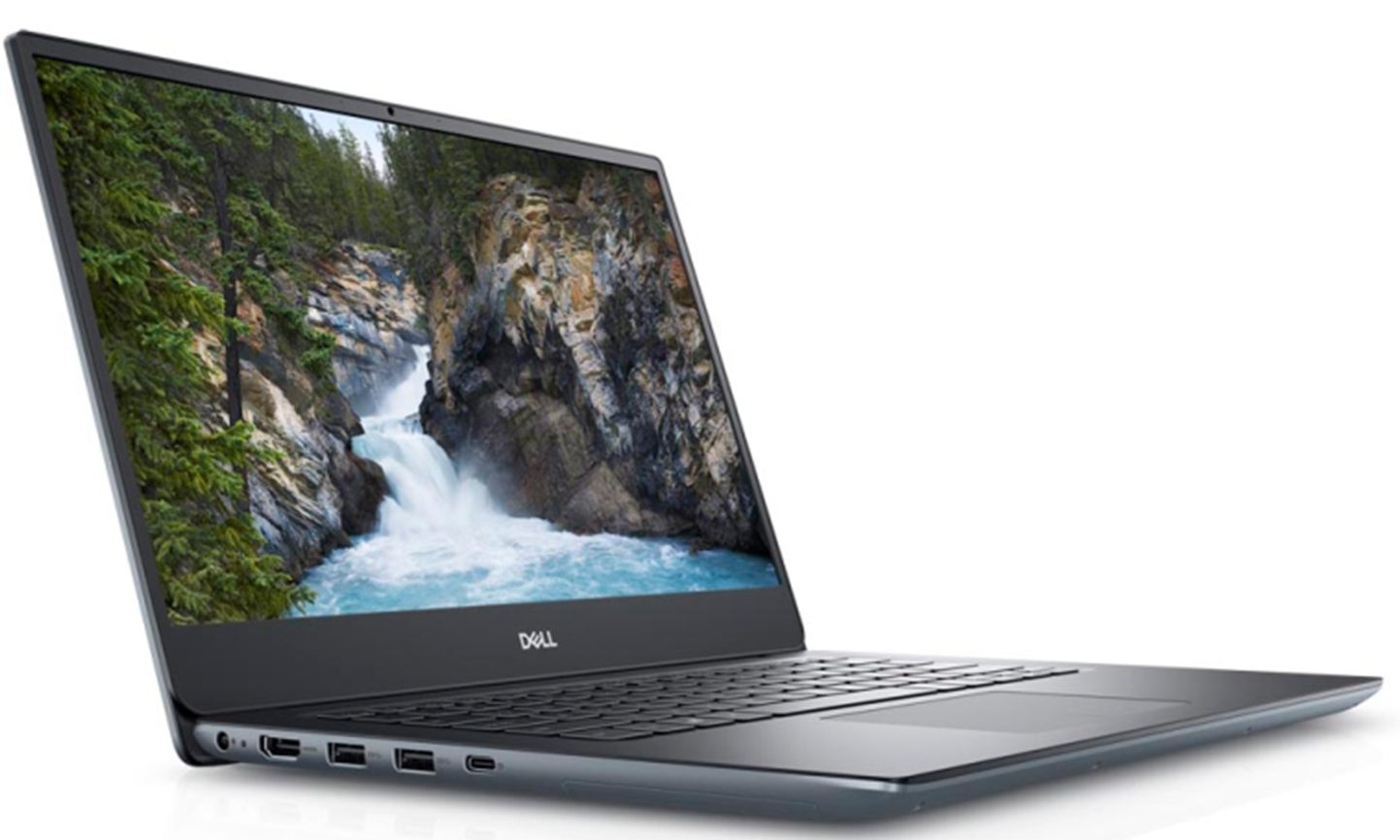
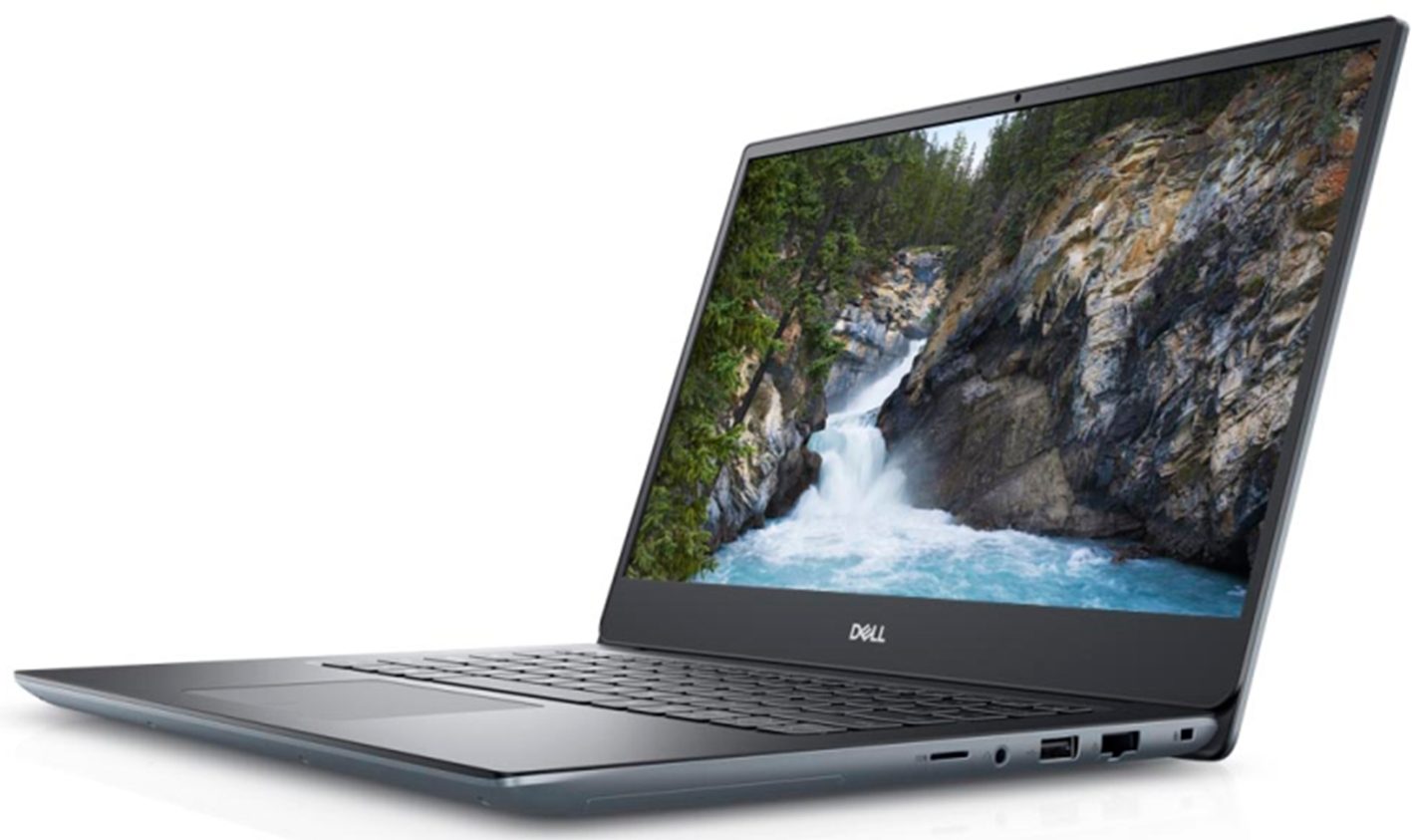
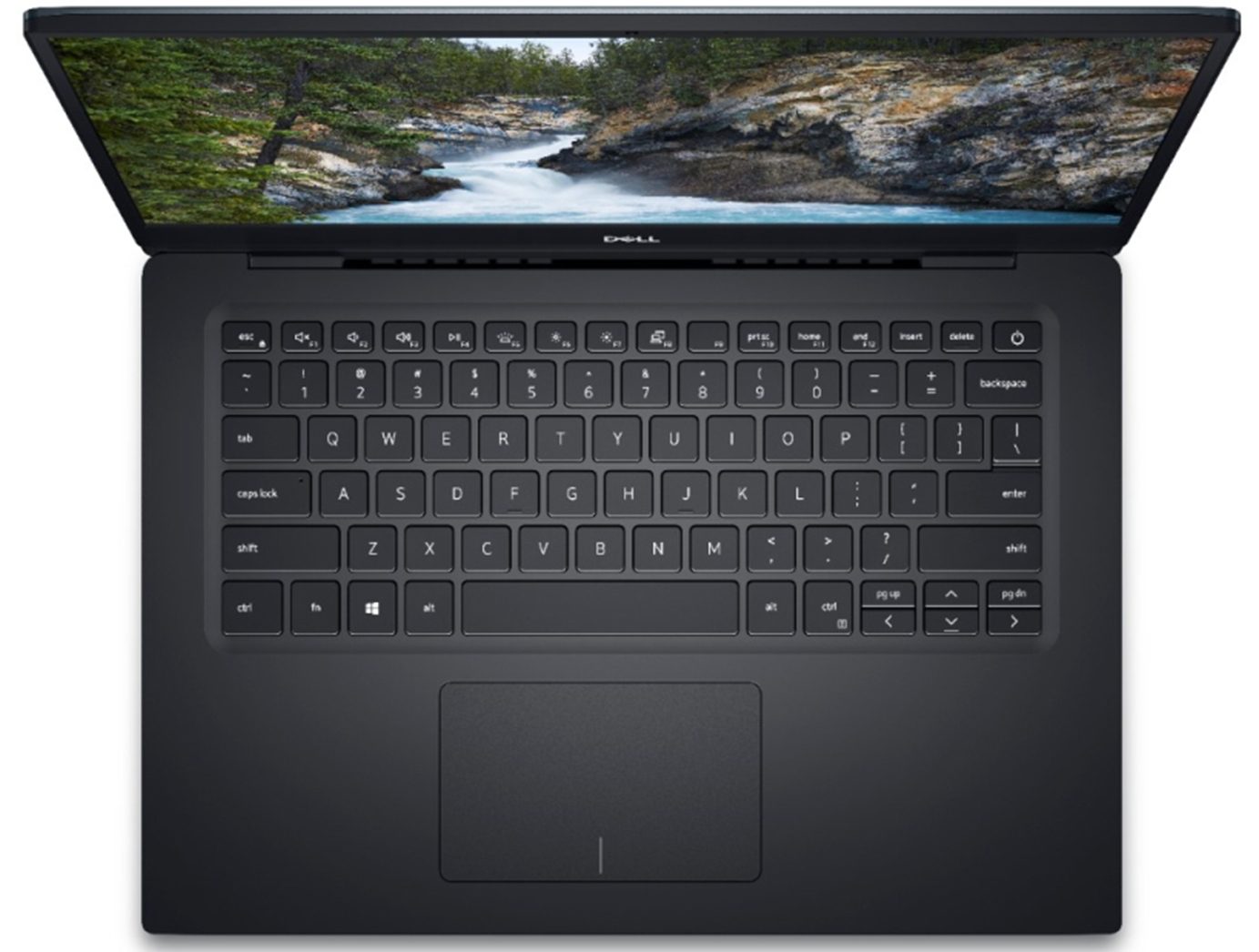
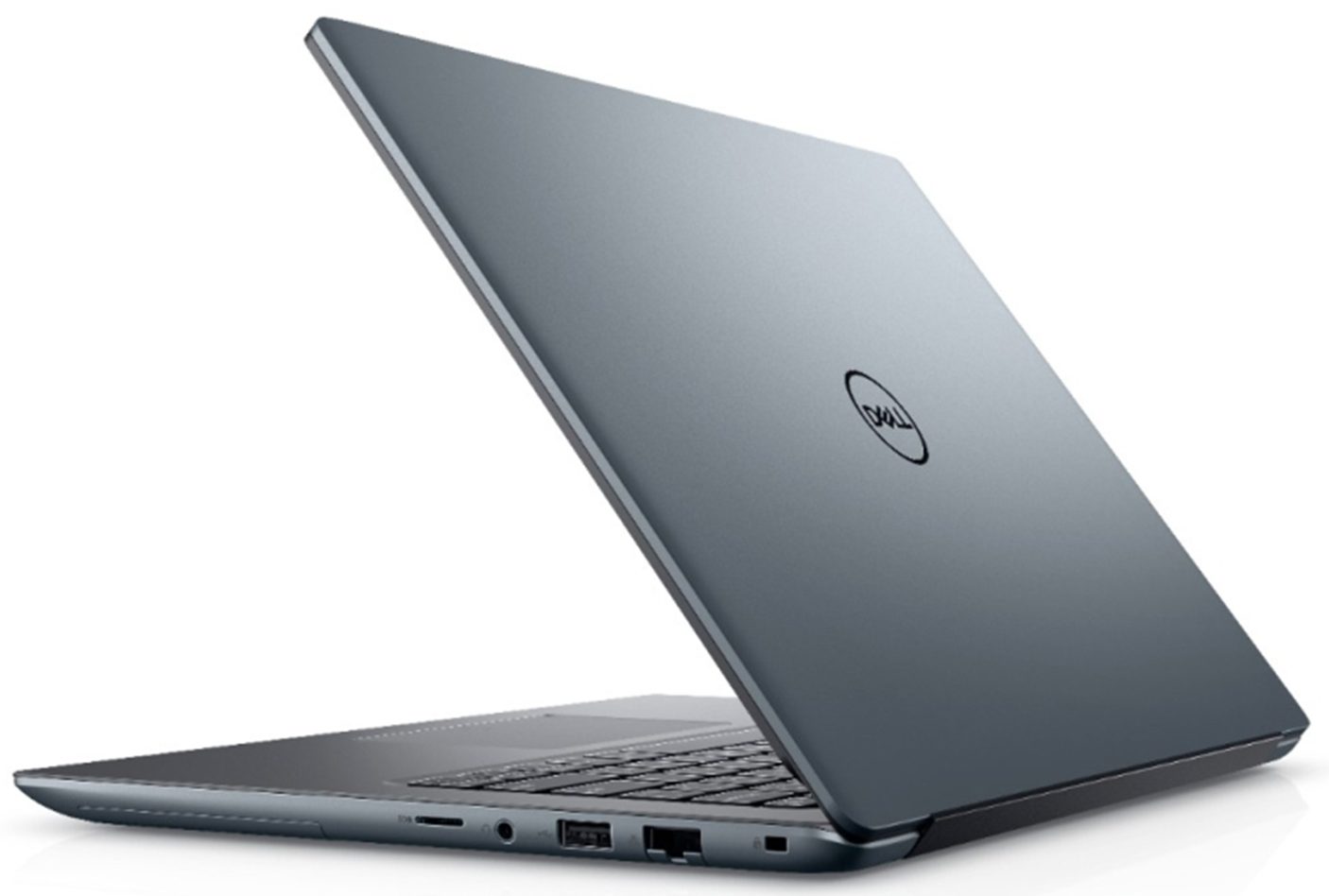
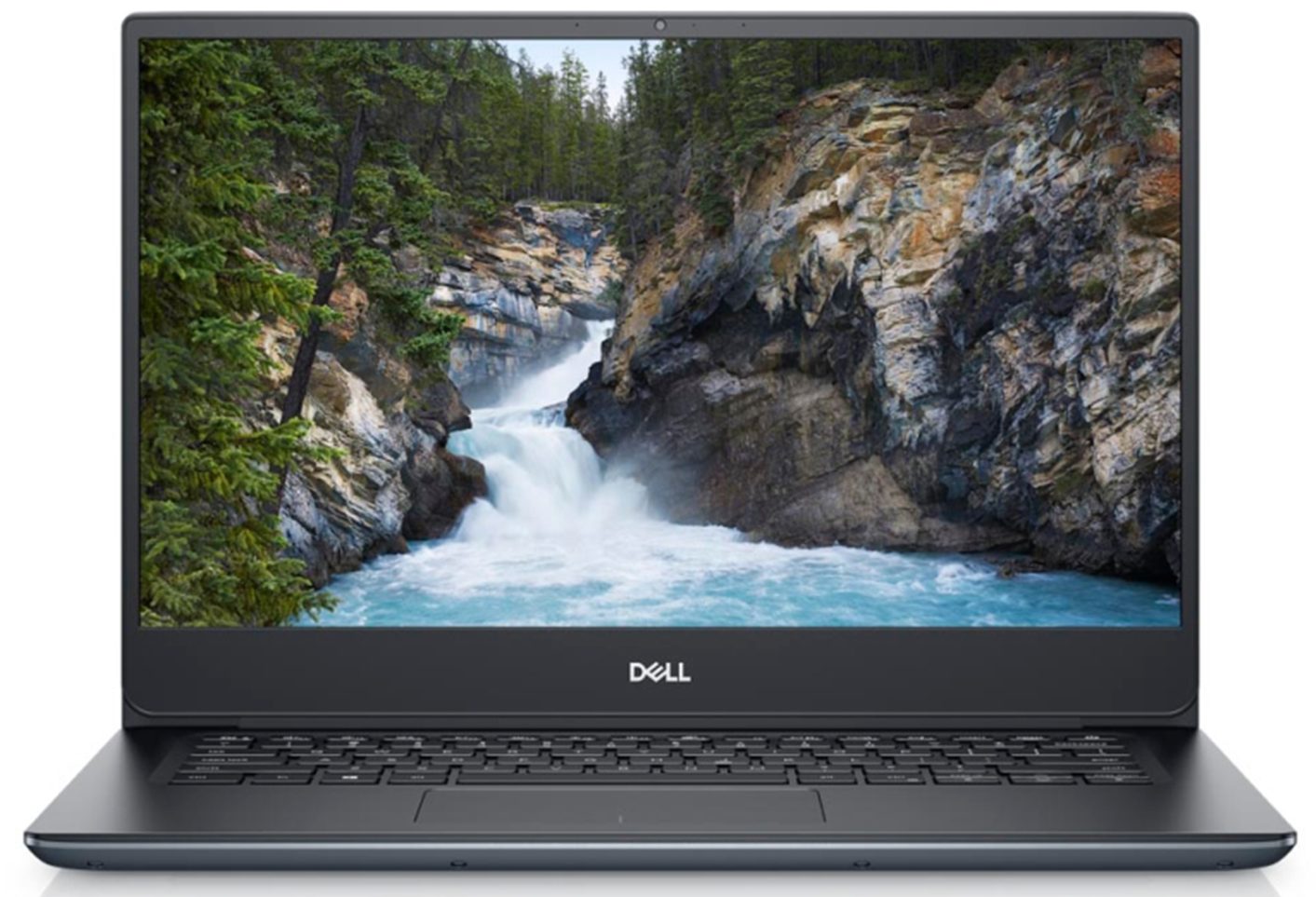
Dell Vostro 5490
- Data publikacji: 07 Apr 2020
- Intel Core i7-10510U
- NVIDIA GeForce MX250 (25W)
- 14.0”, Full HD (1920 x 1080), IPS
- 512GB SSD
- 16GB DDR4
- 1.49 kg (3.3 lbs)
Recenzja
Dell Vostro 5490 dogłębna recenzja
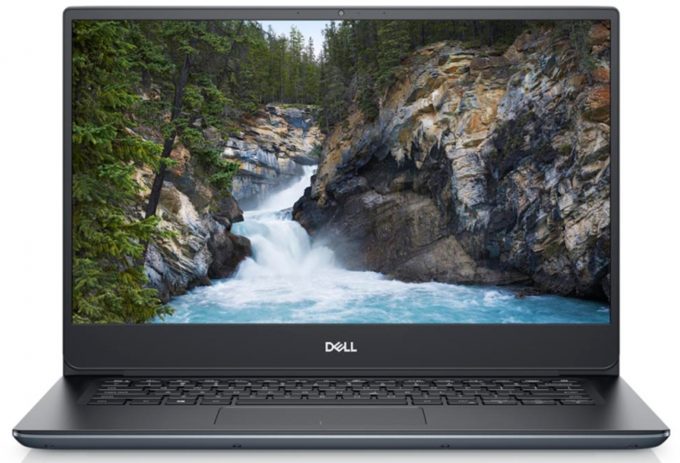
Maybe you remember the Vostro 5590? We tried it out recently, and it was a heck of a deal! Great looks, good performance, and versatility - both at a good price. Well, nowhere is its smaller brother. Since we've tested the big one with only the integrated graphics card, now we've decided to max out the Vostro 5490 in terms of computational and graphics performance.Currently, the max out configuration includes the Core i7-10510U in a combination with the GeForce MX250 (25W). All of this is hidden inside of a chassis that resembles the more premium XPS (and previously Precision) brands of Dell. So, to put it clearly, this notebook is not a budget offering by any means, but more like a compromise between quality and cost-efficiency.You can check the prices and configurations in our S[...]
Przeczytaj pełną recenzję
Pros
- Minimal stylish looks
- Nice performance/efficiency ratio + 25W GeForce MX250
- Good battery life
- Supports PCIe x4 SSDs
- Good contrast ratio and comfortable viewing angles
- Doesn't use aggressive PWM to adjust its brightness
- Wide upgradability options
Cons
- We got some driver issues with the touchpad
- Lacks Thunderbolt connection
- Covers only 54% of sRGB
- Gets warm on the outside while under pressure
Demontaż, konserwacja i opcje modernizacji
A laptop that keeps your budget from flying off to the moon, but yet looks like it ... comes from the moon. Yep, this is the Vostro 5490.Check out all Dell Vostro 5490 prices and configurations in our Specs System or read more in our In-Depth review.1. Remove the bottom plate This laptop's bottom panel is held in place by 9 Phillips-head screws. After that start the prying process from the hinge side or the front side, where you can see some little creases.2. Battery When you are inside, first unplug the battery connector. By the way, it has a 42Wh capacity and you can re[...]
Czytaj więcej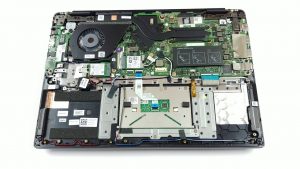
Wyświetlacz: 14.0-inch, 1920 x 1080, IPS
- Nazwa
- Innolux N140HCA-EAC
- Przekątna
- 14.0"
- Gęstość pikseli
- 157.35 ppi
- Jasność
- 265 cd/m2
- sRGB
- 52%
- Typ Panelu
- IPS
- Rozdzielczość
- 1920 x 1080
- Staje się "Retina" od
- 22 inches (56 cm)
- Kontrast
- 1300:1
- dE Color Checker
- 5.8 3.5

Kup nasze profile dla Innolux N140HCA-EAC
Oprócz otrzymywania wydajnych i przyjaznych dla zdrowia profili, kupując produkty LaptopMedia, wspierasz również rozwój naszych laboratoriów, w których testujemy urządzenia w celu tworzenia jak najbardziej obiektywnych recenzji.

Office Work
Office Work powinien być używany głównie przez użytkowników, którzy spędzają większość czasu patrząc na teksty, tabele lub po prostu przeglądając internet. Ten profil ma na celu zapewnienie lepszej wyrazistości i klarowności poprzez utrzymanie płaskiej krzywej gamma (2.20), natywnej temperatury barwowej i percepcyjnie dokładnych kolorów.

Design and Gaming
Ten profil jest przeznaczony dla projektantów, którzy pracują z kolorami zawodowo, a także do gier i filmów. Design and Gaming wykorzystuje panele wyświetlaczy do granic ich możliwości, czyniąc je tak dokładnymi, jak to tylko możliwe w standardzie sRGB IEC61966-2-1 dla stron internetowych i telewizji HD, przy punkcie bieli D65.

Health-Guard
Health-Guard eliminuje szkodliwą modulację szerokości impulsu (PWM) i redukuje negatywne niebieskie światło, które wpływa na nasze oczy i ciało. Ponieważ jest on dostosowany do każdego panelu, udaje mu się utrzymać percepcyjnie dokładne kolory. Health-Guard symuluje papier, dzięki czemu nacisk na oczy jest znacznie zmniejszony.





