
- Data publikacji: 24 Mar 2025
- Intel Core i7-13700H
- Intel Arc A370M
- 16.0", WQXGA (2560 x 1600), 120 Hz, IPS
- 1000GB SSD
- 32GB RAM
- 2.30 kg (5.1 lbs)
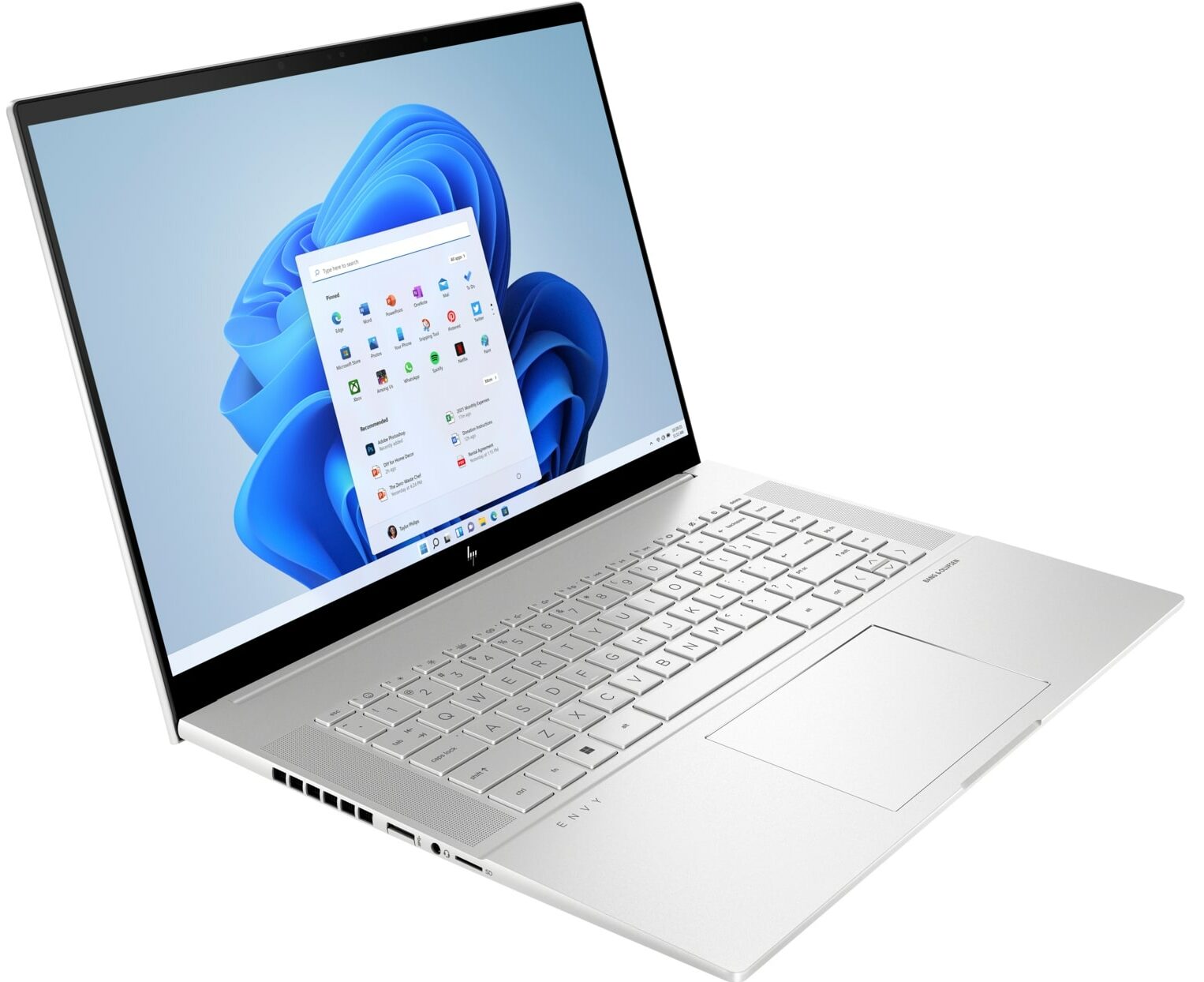
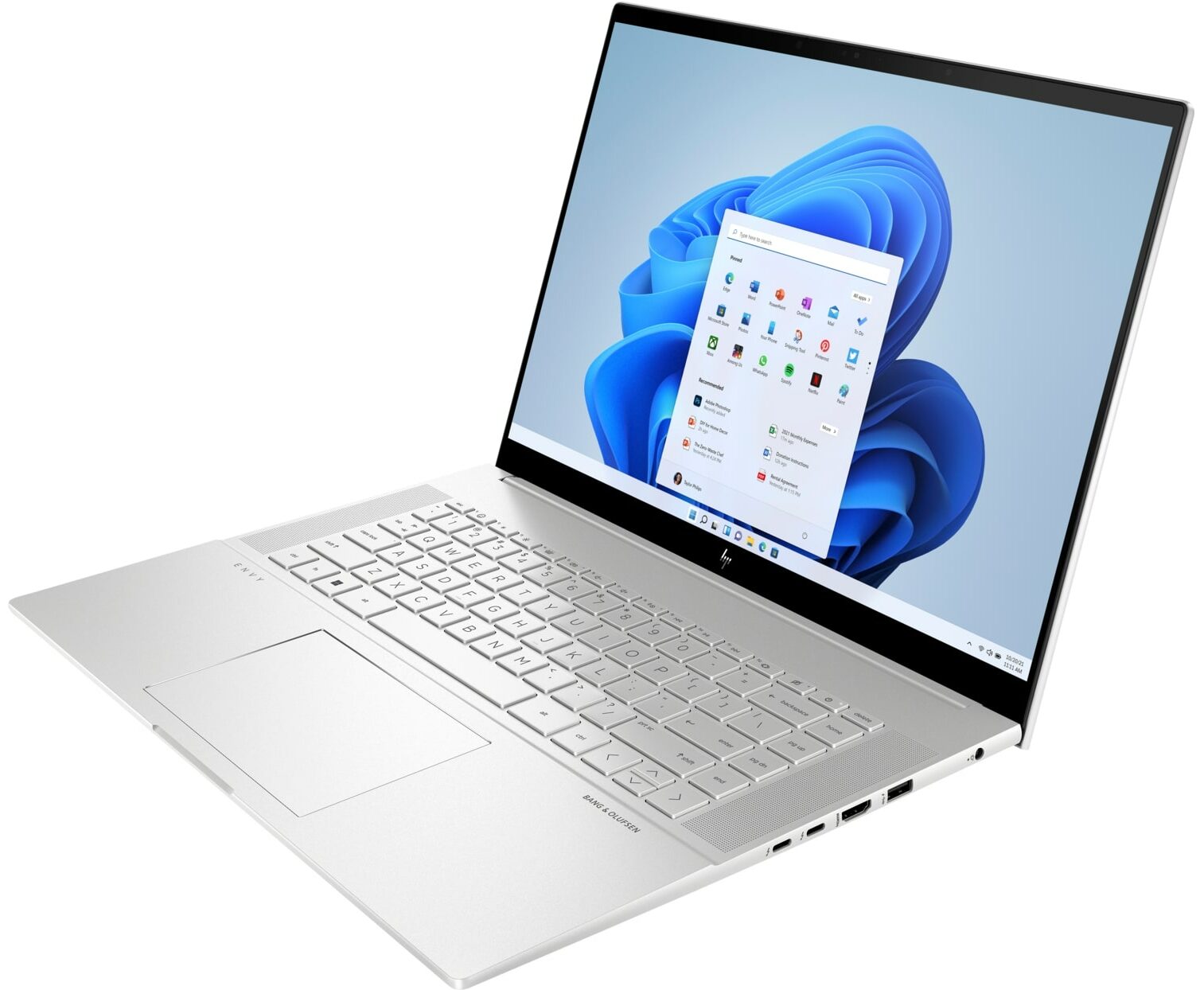
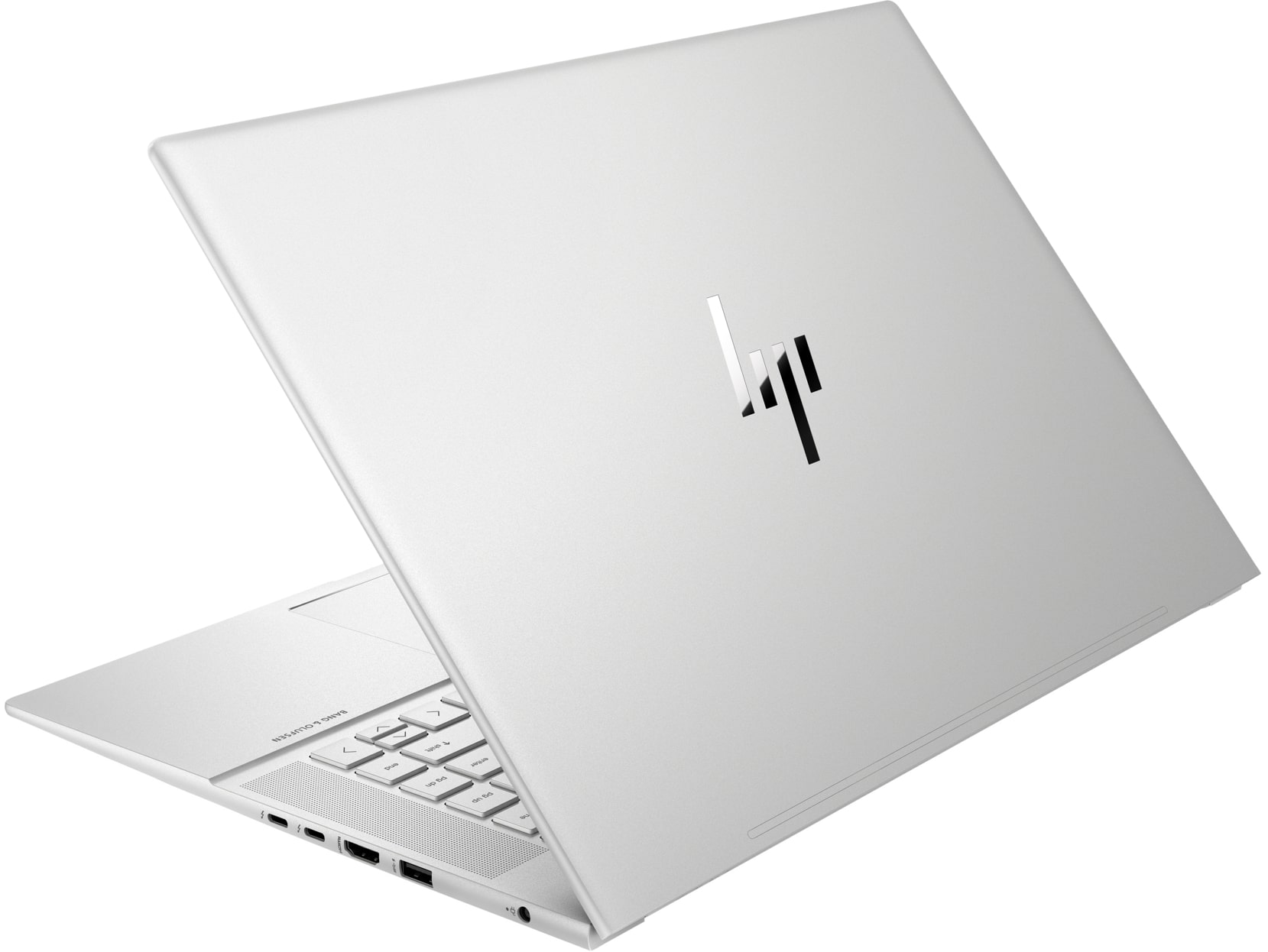
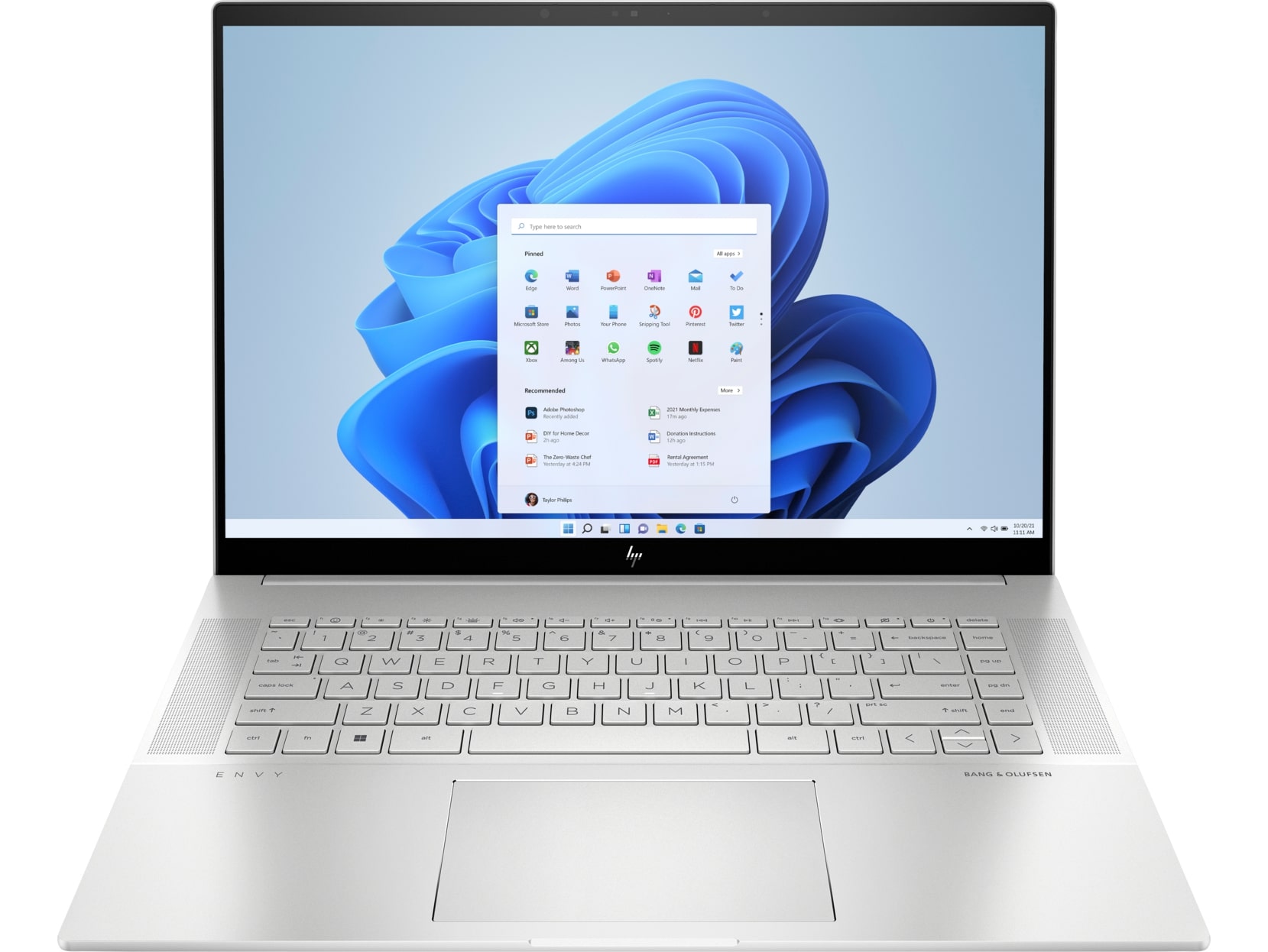
HP ENVY 16 (16-h0000, h1000) dogłębna recenzja
Even though it is not the most expensive series, the Envy is probably HP's most exquisite subbrand. Now that 16-inch notebooks are becoming the new norm, it was only natural for them to perceive the Envy 16 (16-h0000). While it looks pretty sleek, you can definitely tell that it has a ton of power [...]
Przeczytaj pełną recenzję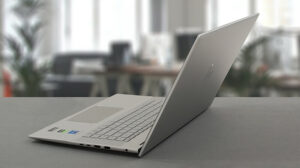
Recenzja
HP ENVY 16 dogłębna recenzja
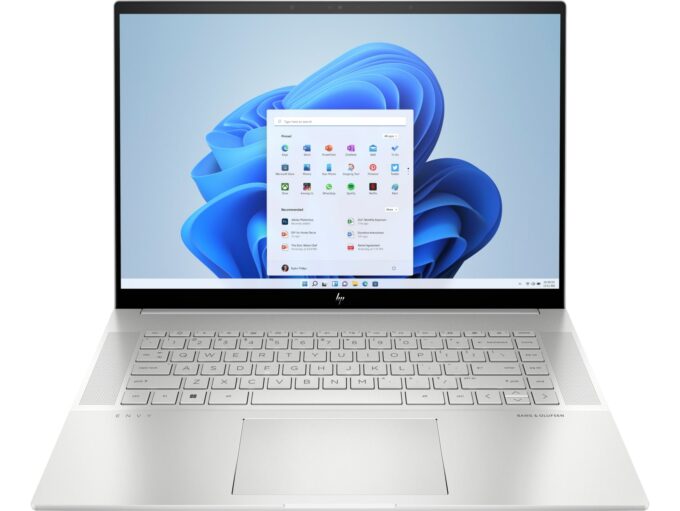
Even though it is not the most expensive series, the Envy is probably HP's most exquisite subbrand. Now that 16-inch notebooks are becoming the new norm, it was only natural for them to perceive the Envy 16 (16-h0000).While it looks pretty sleek, you can definitely tell that it has a ton of power on the inside. We'll get to that later. What we're going to tell you right now, is that its hardware is pretty ...enviable.This MacBook / XPS slayer can be equipped with Intel's Core i9-12900H. And if you want the maximum graphics performance for your video edits or 3D renders, you can get the RTX 3060 with 95W of TGP. Let's be honest, however, even though it has NVIDIA RTX Studio drivers, you would pick the RTX 3060 to play Cyberpunk 2077.By the way, the Envy 16 is one of the first l[...]
Przeczytaj pełną recenzjęPros
- Sleek metal design
- 92% sRGB coverage and accurate color representation (CSO1608)
- Quick pixel response times (CSO1608)
- No PWM (CSO1608)
- 2x SODIMM slots + 2x M.2 PCIe Gen 4 x4 slots
- Great keyboard
- 2x Thundebrolt 4 + HDMI 2.0 + MicroSD card slot
- Vapor chamber
Cons
- Can't extract Alder Lake's full potential
- No NumberPad
Demontaż, konserwacja i opcje modernizacji
The Envy 16 is a very special device. It's good to see that HP relies more and more on vapor chambers for cooling.Check out all HP Envy 16 (16-h0000) prices and configurations in our Specs System, or read more in our In-Depth review.1. Remove the bottom plate Getting inside this laptop is really easy. Just undo the 5 Torx-head screws holding the bottom panel in place, and pry it with a plastic tool, starting from the back.2. Remove the battery Here, you get an 83Wh battery pack. It lasts for 12 hours and 30 minutes of Web browsing, or about 12 hours of video playback. To [...]
Czytaj więcej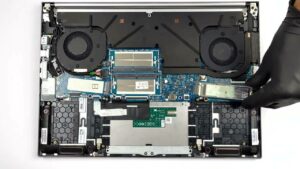
Wyświetlacz: 16.0-inch, 2560 x 1600, IPS
- Nazwa
- CSO1608
- Przekątna
- 16.0"
- Gęstość pikseli
- 188.68 ppi
- Jasność
- 461 cd/m2
- sRGB
- 92%
- Typ Panelu
- IPS
- Rozdzielczość
- 2560 x 1600
- Staje się "Retina" od
- 18 inches (46 cm)
- Kontrast
- 1260:1
- dE Color Checker
- 3.6 1.1

Kup nasze profile dla CSO1608
Oprócz otrzymywania wydajnych i przyjaznych dla zdrowia profili, kupując produkty LaptopMedia, wspierasz również rozwój naszych laboratoriów, w których testujemy urządzenia w celu tworzenia jak najbardziej obiektywnych recenzji.

Office Work
Office Work powinien być używany głównie przez użytkowników, którzy spędzają większość czasu patrząc na teksty, tabele lub po prostu przeglądając internet. Ten profil ma na celu zapewnienie lepszej wyrazistości i klarowności poprzez utrzymanie płaskiej krzywej gamma (2.20), natywnej temperatury barwowej i percepcyjnie dokładnych kolorów.

Design and Gaming
Ten profil jest przeznaczony dla projektantów, którzy pracują z kolorami zawodowo, a także do gier i filmów. Design and Gaming wykorzystuje panele wyświetlaczy do granic ich możliwości, czyniąc je tak dokładnymi, jak to tylko możliwe w standardzie sRGB IEC61966-2-1 dla stron internetowych i telewizji HD, przy punkcie bieli D65.

Health-Guard
Health-Guard eliminuje szkodliwą modulację szerokości impulsu (PWM) i redukuje negatywne niebieskie światło, które wpływa na nasze oczy i ciało. Ponieważ jest on dostosowany do każdego panelu, udaje mu się utrzymać percepcyjnie dokładne kolory. Health-Guard symuluje papier, dzięki czemu nacisk na oczy jest znacznie zmniejszony.





