ASUS ROG GL752
ASUS ROG GL752 - Specyfikacja
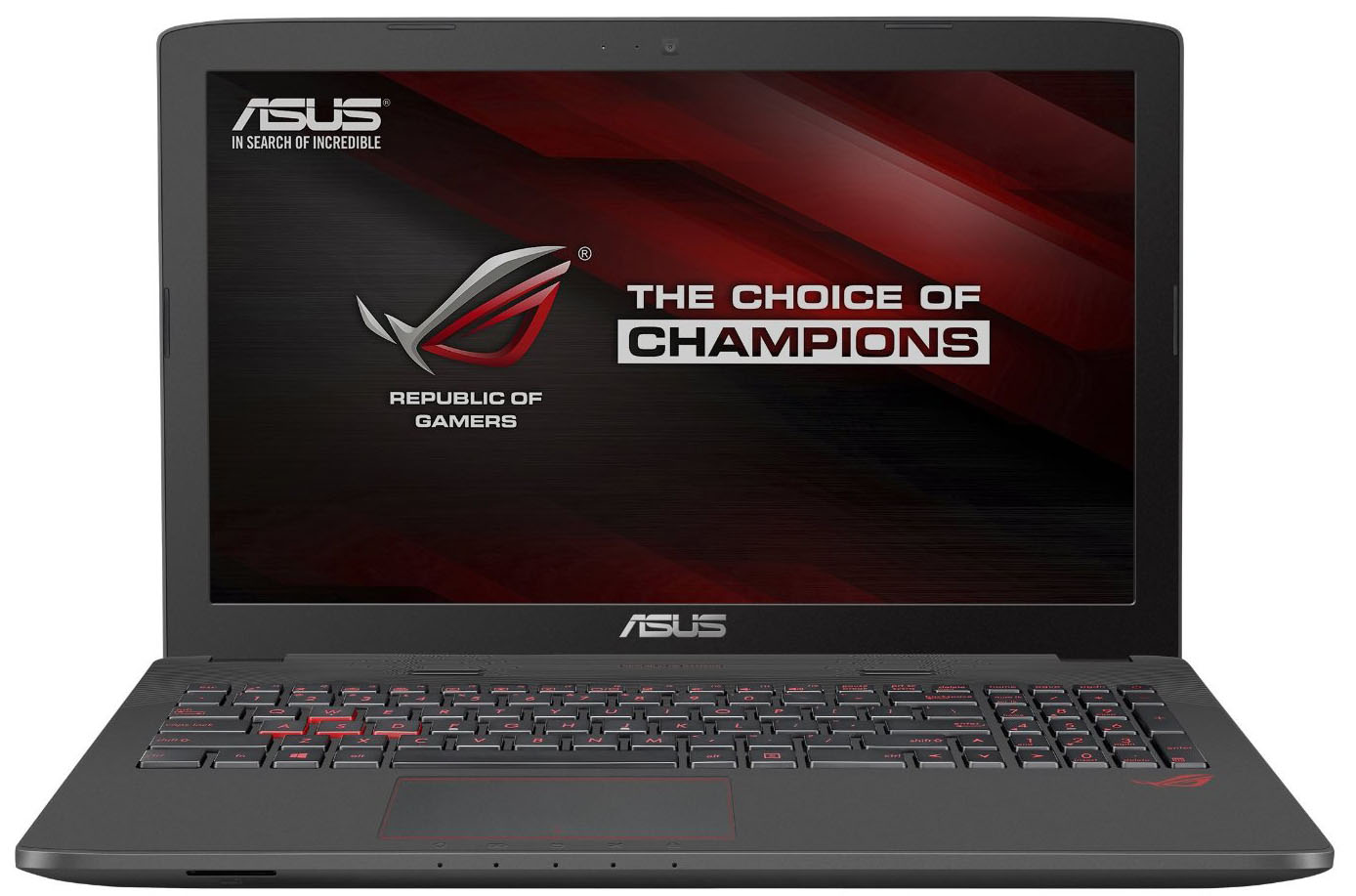
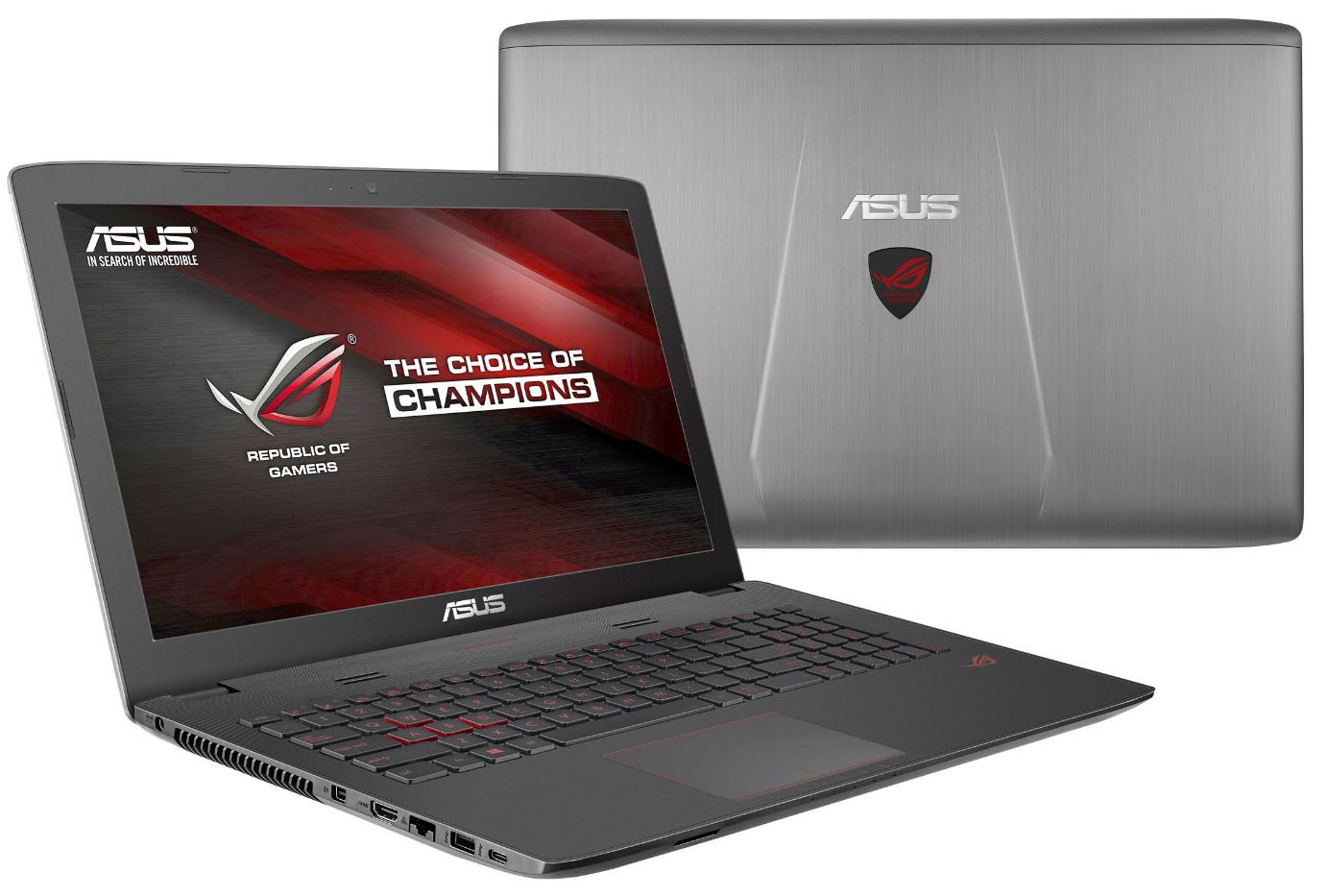
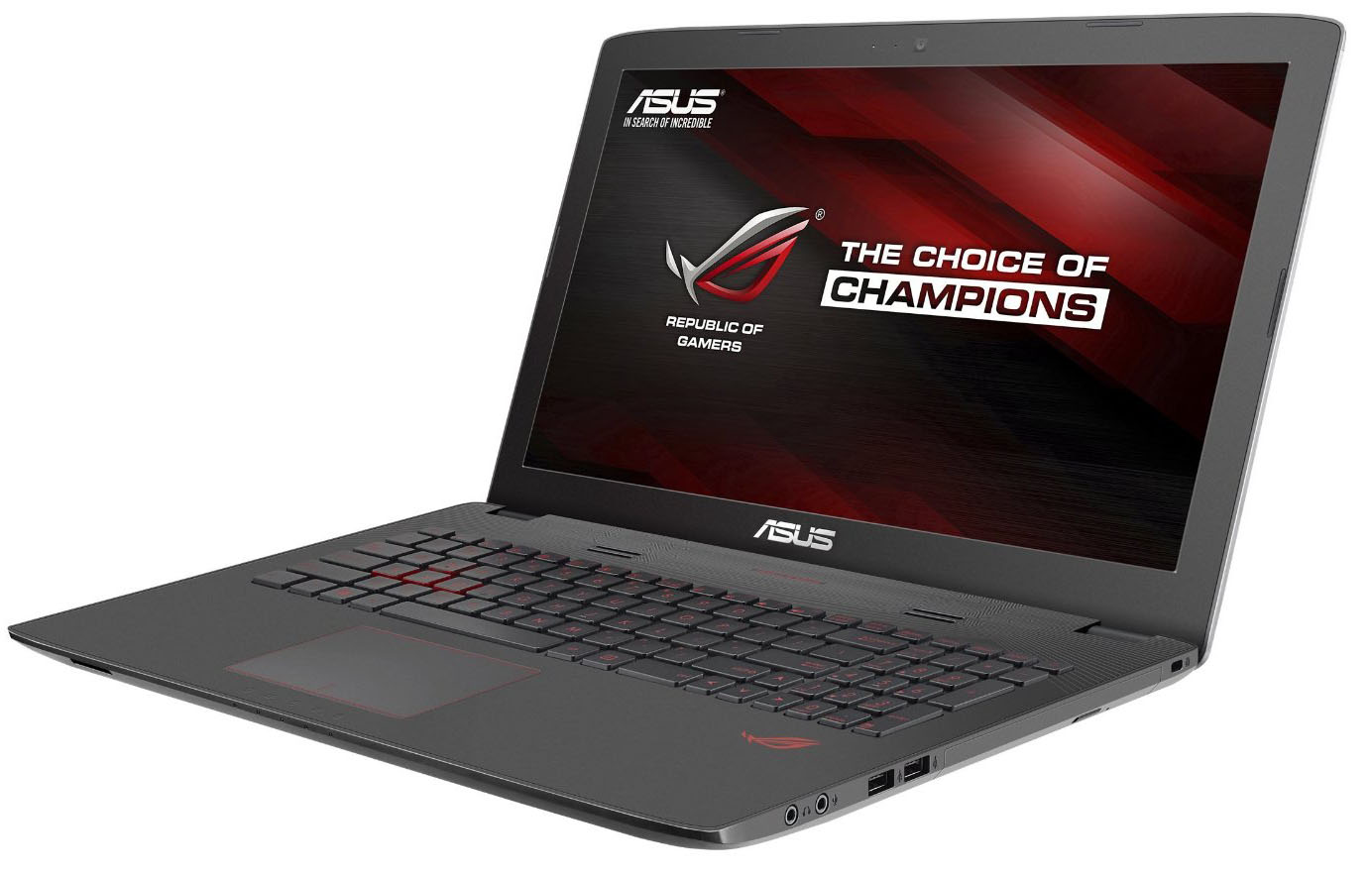
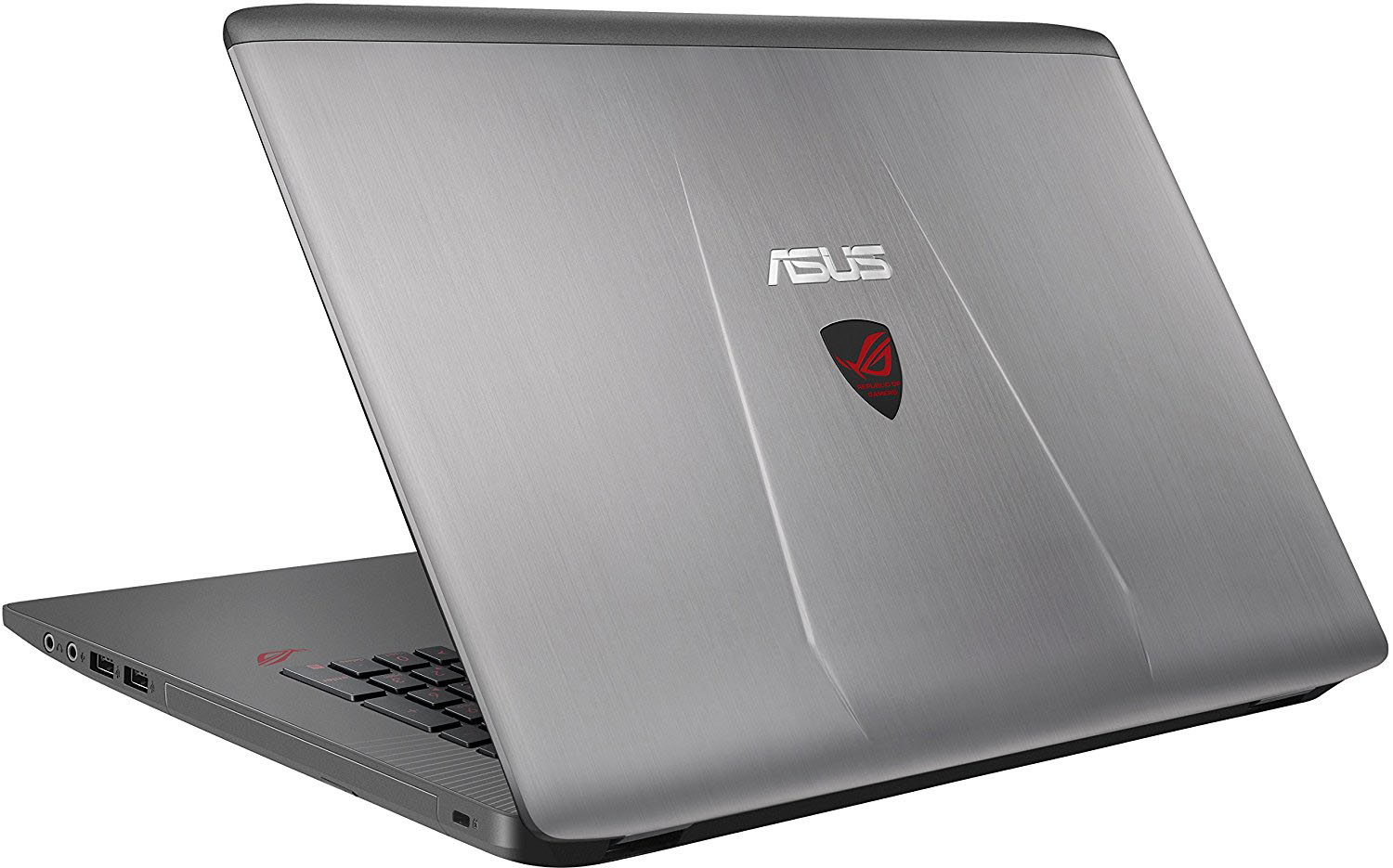
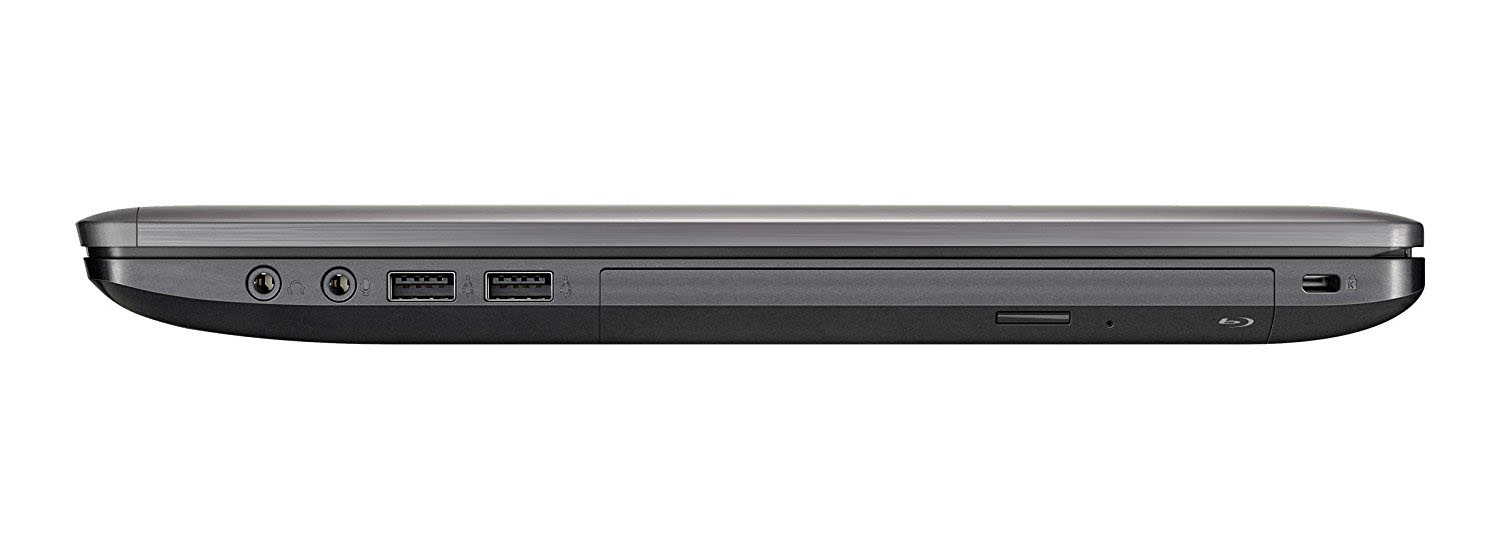
- Wyświetlacz
- 17.3”, Full HD (1920 x 1080), TN

- HDD/SSD
- do 256GB SSD + do 2000GB HDD
- Gniazdo M.2
- 1x 2280 SATA III (M key)
- RAM
- up to 32GB
- System operacyjny
- Windows 10 Home, Windows 10 Home
- Bateria
- 48Wh, 4-cell, Li-Ion
- Materiał obudowy
- Aluminum / Plastic
- Wymiary
- 415 x 273.8 x 38-40 mm (16.34" x 10.78" x 1.50")
- Waga
- 3.52 kg (7.8 lbs)
- Porty i łączność
- 2x USB Type-A
- 2.0
- 1x USB Type-A
- 3.2 Gen 1 (5 Gbps)
- 1x USB Type-C
- 3.2 Gen 1 (5 Gbps)
- HDMI
- 1
- Displayport mini
- Czytnik kart
- SD, MMC, MS
- Ethernet LAN
- 10, 100, 1000 Mbit/s
- Wi-Fi
- 802.11ac
- Bluetooth
- 4.0
- Gniazdo audio
- 3.5 mm jack
- Cechy
- Czytnik linii papilarnych
- Kamera internetowa
- HD webcam
- Podświetlana klawiatura
- optional
- Mikrofon
- Głośniki
- Napęd optyczny
- optional
- Gniazdo blokady bezpieczeństwa
Wszystkie ASUS ROG GL752 konfiguracje
Kup nasze profile dla Innolux N173HGE-E11 / 17.3”, Full HD (1920 x 1080), TN
Oprócz otrzymywania wydajnych i przyjaznych dla zdrowia profili, kupując produkty LaptopMedia, wspierasz również rozwój naszych laboratoriów, w których testujemy urządzenia w celu tworzenia jak najbardziej obiektywnych recenzji.

Office Work / Web Design
If your field is office work or web design, or you just want your monitor's color set to be as accurate as possible for the Internet color space, this profile will prove to be useful.

Gaming and Movie Nights
We developed this profile especially for games and movies. It makes fine nuances in dark scenes easier to discern during long sessions in front of the display.

Health-Guard
This profile reduces the negative impact of Pulse-Width Modulation (PWM) and the Blue Light spectrum, while keeping colors perceptually accurate for this panel.
Zdobądź wszystkie 3 profile z 33% zniżką

ASUS ROG GL752 dogłębna recenzja
Following the success of the ASUS ROG GL552, the company apparently saw an opportunity with the 17-inch version of the model as well and just shortly after the launch, the ROG GL752 gained pretty big popularity. And why shouldn't it? It offers pretty good price/performance value and comfortable keyboard but downgrades the display from IPS on the 15-inch version to a TN one in the GL752. We are eager to see if the change is really that noticeable. Yes, of course, it has some drawbacks like not so good build quality and a bit hefty chassis, but some users don't mind that. And we understand,[...]
Pros
- Excellent keyboard and touchpad experience
- Extraordinary cooling system
- Good performance/price ratio
- The panel offers almost full sRGB coverage, high contrast ratio and low response time, which is desirable for smooth gameplay
- Supports M.2 SATA SSD storage
- Offers easy access to the most commonly upgradeable hardware
Cons
- Hefty and bulky
- Uses TN panel with poor viewing angles and relatively low maximum brightness
- Underwhelming build quality and not the best choice of materials
- Short battery runtimes
- PWM from 0 to 99% screen brightness


![[Wrzesień 2026 r.] Najlepiej sprzedające się marki laptopów w serwisie Amazon Global – firma Apple dominuje na rynku z ponad 70-procentowym udziałem w przychodach](https://laptopmedia.com/wp-content/uploads/2026/10/GLOBAL-Best-Brands-400x225.jpg)
![[Wrzesień 2026] Amazon Global: 10 najlepiej sprzedających się laptopów – MacBook Neo firmy Apple zajmuje pierwsze miejsce, a rynek zdominowały urządzenia z segmentu budżetowego i premium](https://laptopmedia.com/wp-content/uploads/2026/10/Best-Selling-Laptops-GLOBAL-Top-10-400x225.jpg)
![[Wrzesień 2026] Amazon Global: 10 najlepiej sprzedających się laptopów do gier – ASUS ROG Strix G16 dominuje na rynku, osiągając rekordową sprzedaż](https://laptopmedia.com/wp-content/uploads/2026/10/Best-Selling-Gaming-Laptops-GLOBAL-Top-10-400x225.jpg)
![[Wrzesień 2026] Globalny ranking najlepiej sprzedających się procesorów graficznych do laptopów na Amazonie – układ M5 firmy Apple zdecydowanie wyprzedza NVIDIA w segmencie laptopów klasy premium, ale RTX 5060 jest jedynym dedykowanym procesorem graficznym, który znalazł się w pierwszej dziesiątce](https://laptopmedia.com/wp-content/uploads/2026/10/Best-Selling-GPUs-GLOBAL-Top-10-400x225.jpg)
![[Wrzesień 2026] Globalny ranking najlepiej sprzedających się procesorów do laptopów na Amazonie – procesor M5 firmy Apple miażdży Intela, a rynek produktów z wyższej półki staje się areną wyścigu z jednym faworytem](https://laptopmedia.com/wp-content/uploads/2026/10/Best-Selling-CPUs-GLOBAL-Top-10-400x225.jpg)
