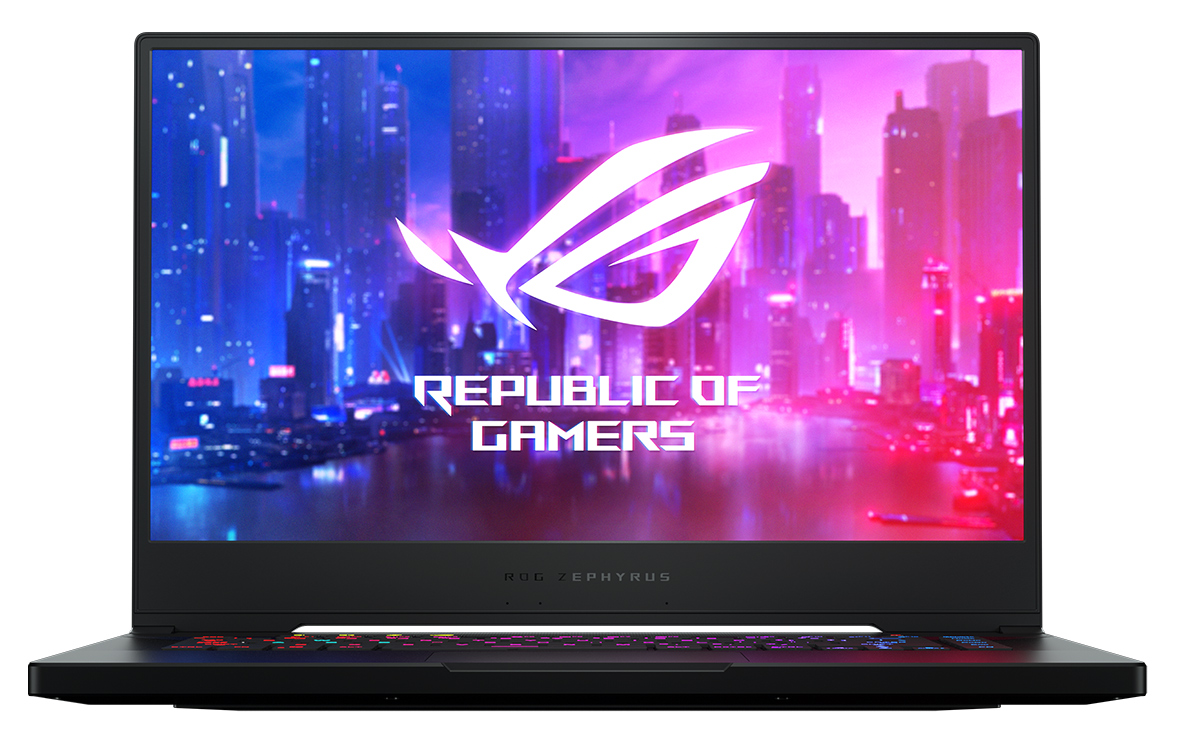
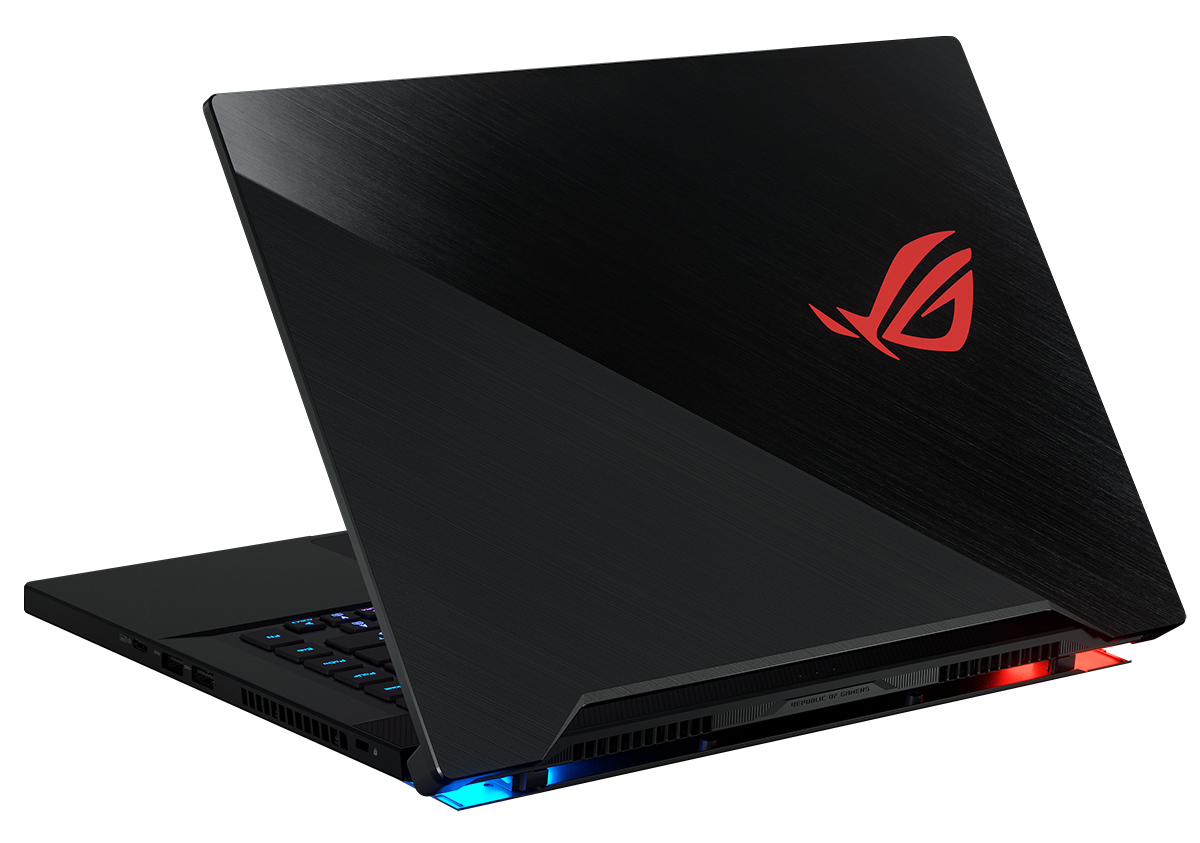
ASUS Zephyrus S GX502
ASUS Zephyrus S GX502 - Specyfikacja

- HDD/SSD
- do 4000GB SSD
- RAM
- up to 48GB
- System operacyjny
- Windows 10 Home, Windows 10 Pro
- Bateria
- 76Wh, 4-cell, 41Wh, 6-cell
- Wymiary
- 358 x 251 x 18.8 mm (14.09" x 9.88" x 0.74")
- Waga
- 2.00 kg (4.4 lbs)
- Porty i łączność
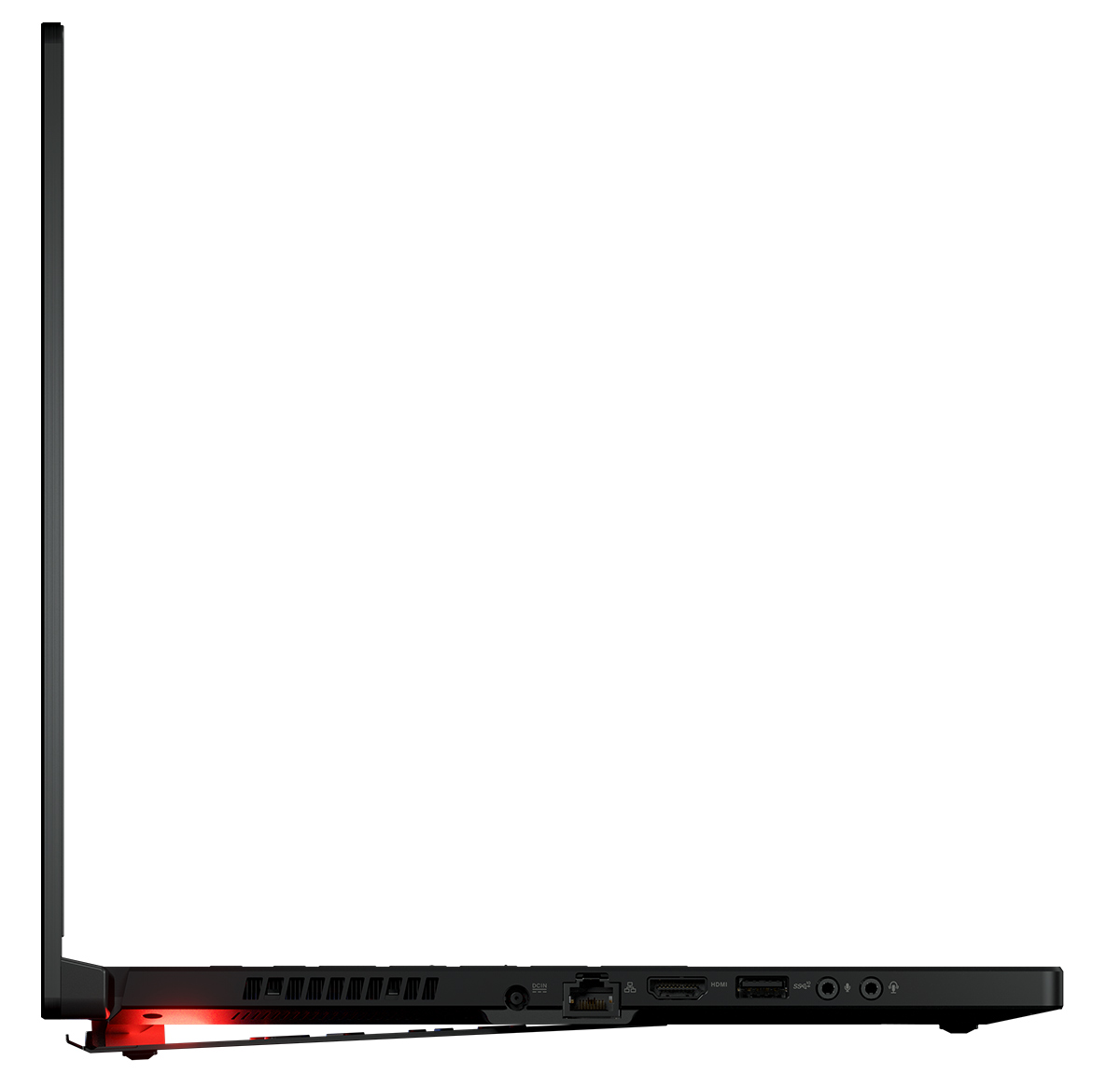
- 1x USB Type-C
- 3.2 Gen 2 (10 Gbps), DisplayPort
- 1x USB Type-A
- 3.2 Gen 2 (10 Gbps)
- 2x USB Type-A
- 3.2 Gen 1 (5 Gbps)
- HDMI
- 2.0b
- Ethernet LAN
- Gigabit Ethernet
- Wi-Fi
- Intel 9560 2x2 802.11ac Wave 2 Gigabit WiFi
- Bluetooth
- 5.0
- Gniazdo audio
- 2x 3.5mm audio jacks
- Cechy
- Czytnik linii papilarnych
- Kamera internetowa
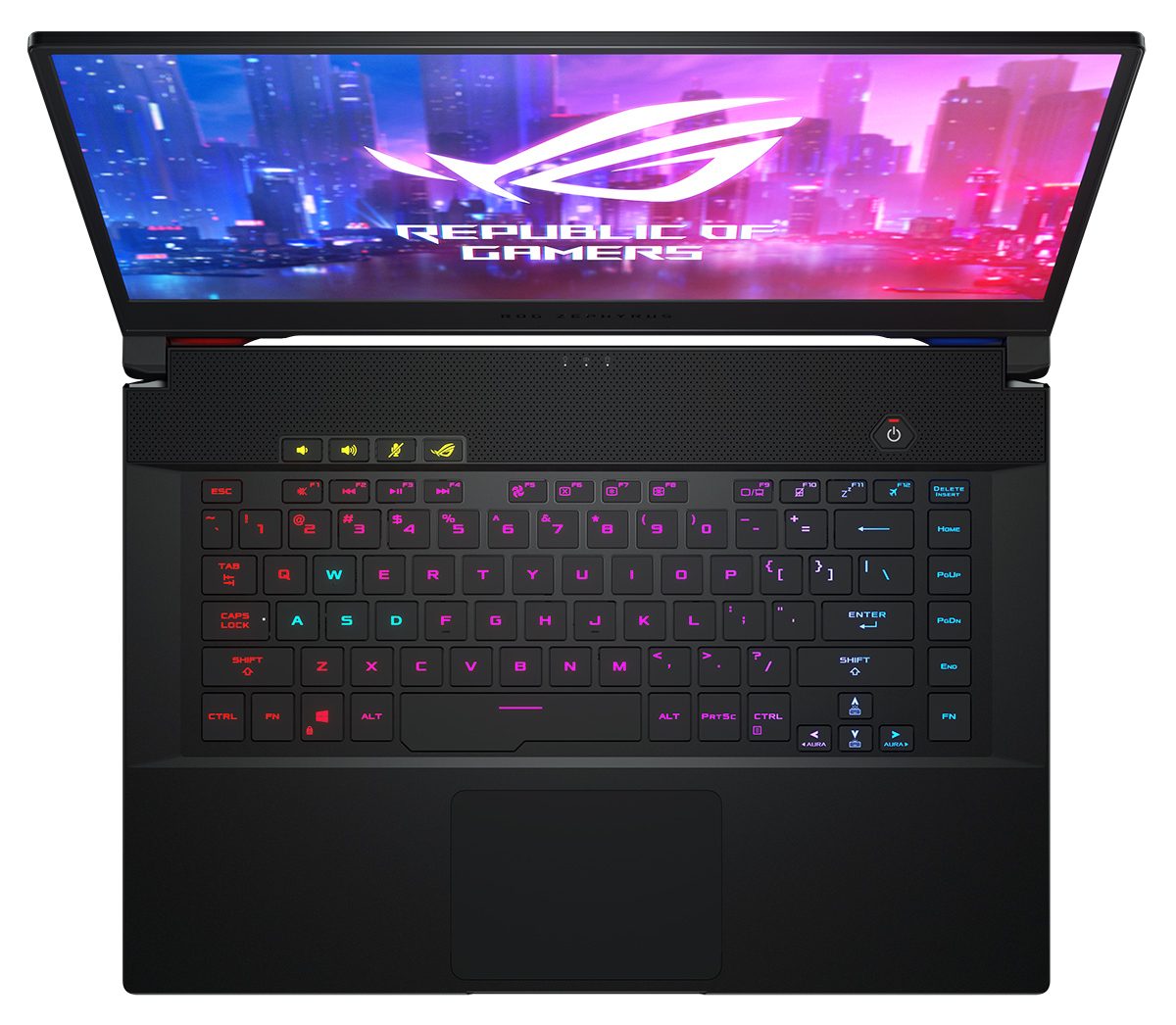
- Podświetlana klawiatura
- optional
- Mikrofon
- Głośniki
- 2x 2W
- Napęd optyczny
- Gniazdo blokady bezpieczeństwa
Wszystkie ASUS Zephyrus S GX502 konfiguracje

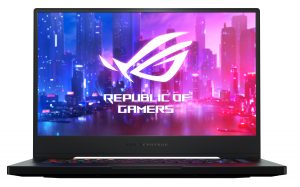

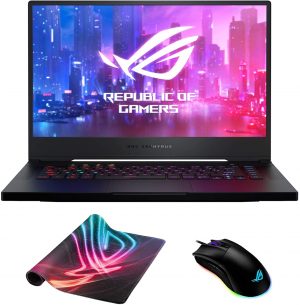


Wydajność GPU
Tutaj można znaleźć informacje o różnicy między ceną a wydajnością wszystkich procesorów graficznych wchodzących w skład ASUS Zephyrus S GX502 Serie.
Wyniki pochodzą z testu 3DMark Time Spy (Graphics). Wyższy wynik jest lepszy.
ASUS Zephyrus S GX502 dogłębna recenzja
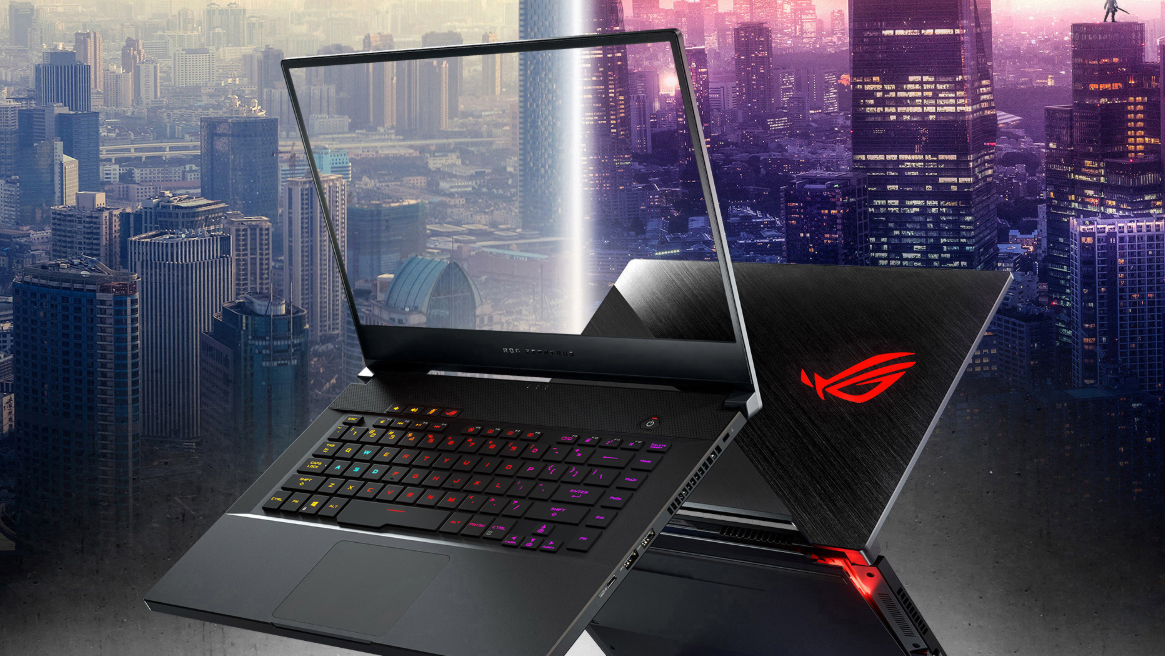
ASUS' ROG Zephyrus line-up is all-in thin and light gaming solutions. It was exactly the Zephyrus GX501 that started the niche of gaming ultrabooks. Now, the market is populated with the likes of Acer Predator Triton 500 and MSI GS65 Stealth, which have stolen the thunder of the ROG Zephyrus devices.Now, however, they return stronger than ever. Equipped with the latest 9th Generation Core i7-9750H and counting on NVIDIA's RTX 2060 and RTX 2070 to drive the beast. Well, you surely need something to display the content from these monster GPUs. In this case, you have the choice of a 144Hz IP[...]
Pros
- Magnesium-alloy to keep the profile thin and the weight - low
- Packs a killer hardware in a sleek chassis
- Butter smooth 144Hz display and optional 240Hz one
- Per-key RGB backlight
- Great stereo speakers
Cons
- Uncomfortable keyboard for gaming
- Lacks Thunderbolt support
- Goes pretty warm during gaming
Inside ASUS ROG Zephyrus S GX502 - disassembly and upgrade options
Gry, w które można grać na tej serii laptopów

Resolution: 1920 x 1080 (Full HD) |
NORMAL |
HIGH |
VERY HIGH |
MAX |
|---|---|---|---|---|
 | 180 FPS PLAY VIDEO | 145 FPS PLAY VIDEO | 84 FPS PLAY VIDEO | 62 FPS PLAY VIDEO |
| NVIDIA GeForce RTX 2060 (Laptop) | 163 FPS PLAY VIDEO | 124 FPS PLAY VIDEO | 72 FPS PLAY VIDEO | 49 FPS PLAY VIDEO |

Resolution: 1920 x 1080 (Full HD) |
MIN |
MAX |
|---|---|---|
| 1946 FPS PLAY VIDEO | 96 FPS PLAY VIDEO |
| NVIDIA GeForce RTX 2060 (Laptop) | 1239 FPS PLAY VIDEO | 83 FPS PLAY VIDEO |

Resolution: 1920 x 1080 (Full HD) |
VERY LOW |
MED |
MAX |
|---|---|---|---|
| 416 FPS PLAY VIDEO | 332 FPS PLAY VIDEO | 315 FPS PLAY VIDEO |
| NVIDIA GeForce RTX 2070 (Laptop) | 427 FPS PLAY VIDEO | 295 FPS PLAY VIDEO | 313 FPS PLAY VIDEO |

Resolution: 1920 x 1080 (Full HD) |
MIN |
MED |
HIGH |
ULTRA |
|---|---|---|---|---|
| 102 FPS PLAY VIDEO | 93 FPS PLAY VIDEO | 43 FPS PLAY VIDEO | 24 FPS PLAY VIDEO |
| NVIDIA GeForce RTX 2060 (Laptop) | 84 FPS | 60 FPS | 35 FPS | 16 FPS |

Resolution: 1920 x 1080 (Full HD) |
LOW |
MED |
HIGH |
EPIC |
|---|---|---|---|---|
| 156 FPS PLAY VIDEO | 97 FPS PLAY VIDEO | 79 FPS PLAY VIDEO | 50 FPS PLAY VIDEO |
| NVIDIA GeForce RTX 2060 (Laptop) | 137 FPS PLAY VIDEO | 77 FPS PLAY VIDEO | 63 FPS PLAY VIDEO | 43 FPS PLAY VIDEO |

Resolution: 1920 x 1080 (Full HD) |
LOW |
MED |
HIGH |
ULTRA |
|---|---|---|---|---|
| 105 FPS | 87 FPS | 70 FPS | 59 FPS |
| NVIDIA GeForce RTX 2060 (Laptop) | 92 FPS PLAY VIDEO | 76 FPS PLAY VIDEO | 60 FPS PLAY VIDEO | 50 FPS PLAY VIDEO |

Resolution: 1920 x 1080 (Full HD) |
VERY LOW |
NORMAL |
ULTRA |
|---|---|---|---|
| 136 FPS PLAY VIDEO | 120 FPS PLAY VIDEO | 92 FPS PLAY VIDEO |
| NVIDIA GeForce RTX 2060 (Laptop) | 117 FPS PLAY VIDEO | 105 FPS PLAY VIDEO | 80 FPS PLAY VIDEO |

Resolution: 1920 x 1080 (Full HD) |
MIN |
MED |
ULTRA |
|---|---|---|---|
| 638 FPS PLAY VIDEO | 298 FPS PLAY VIDEO | 176 FPS PLAY VIDEO |
| NVIDIA GeForce RTX 2060 (Laptop) | 534 FPS PLAY VIDEO | 247 FPS PLAY VIDEO | 144 FPS PLAY VIDEO |

Resolution: 1920 x 1080 (Full HD) |
LOW |
MED |
MAX |
|---|---|---|---|
| 425 FPS PLAY VIDEO | 375 FPS PLAY VIDEO | 338 FPS PLAY VIDEO |
| NVIDIA GeForce RTX 2060 (Laptop) | 323 FPS PLAY VIDEO | 290 FPS PLAY VIDEO | 252 FPS PLAY VIDEO |

Resolution: 1920 x 1080 (Full HD) |
LOW |
NORMAL |
HIGH |
MAX |
|---|---|---|---|---|
| 181 FPS | 151 FPS | 142 FPS | 124 FPS |
| NVIDIA GeForce RTX 2060 (Laptop) | 142 FPS PLAY VIDEO | 119 FPS PLAY VIDEO | 116 FPS PLAY VIDEO | 103 FPS PLAY VIDEO |


![[Czerwiec 2026 r.] Najlepiej sprzedające się marki laptopów w serwisie Amazon Global – bezkonkurencyjna dominacja firmy Apple pod względem liczby sprzedanych egzemplarzy i przychodów](https://laptopmedia.com/wp-content/uploads/2026/07/GLOBAL-Best-Brands-400x225.jpg)
![[Czerwiec 2026] Amazon Global: 10 najlepiej sprzedających się laptopów – nowy MacBook Neo firmy Apple szturmem zdobywa pierwsze miejsce, zmieniając oblicze rynku dzięki przystępnej cenie](https://laptopmedia.com/wp-content/uploads/2026/07/Best-Selling-Laptops-GLOBAL-Top-10-400x225.jpg)
![[Czerwiec 2026] Amazon Global: 10 najlepiej sprzedających się laptopów do gier – model Nitro V 16S AI firmy Acer dominuje pod względem sprzedaży, podczas gdy firma ASUS zajmuje pierwsze miejsce pod względem całkowitych przychodów](https://laptopmedia.com/wp-content/uploads/2026/07/Best-Selling-Gaming-Laptops-GLOBAL-Top-10-400x225.jpg)
![[Czerwiec 2026] Globalny ranking najlepiej sprzedających się kart graficznych do laptopów na Amazonie – NVIDIA RTX 5060 to najlepiej sprzedająca się dedykowana karta graficzna](https://laptopmedia.com/wp-content/uploads/2026/07/Best-Selling-GPUs-GLOBAL-Top-10-400x225.jpg)
![[Czerwiec 2026] Globalny ranking najlepiej sprzedających się procesorów do laptopów na Amazonie – Apple M5 dominuje, a AMD Ryzen 7 260 zdobywa solidny udział w segmencie premium](https://laptopmedia.com/wp-content/uploads/2026/07/Best-Selling-CPUs-GLOBAL-Top-10-400x225.jpg)
