How to open Lenovo ThinkPad T14s Gen 4 – disassembly and upgrade options
Step 1: Accessing the Internal Components
- Ensure the Lenovo ThinkPad T14s Gen 4 is powered off and placed on a soft, clean surface to prevent scratches or damage.
- Remove the 5 captive Phillips-head screws from the bottom of the laptop.
- Begin prying the bottom panel off with a plastic tool, starting from one of the top two corners.
Hint: Be gentle during this process to avoid damaging the internal clips or the laptop casing.
Step 2: Removing the Battery
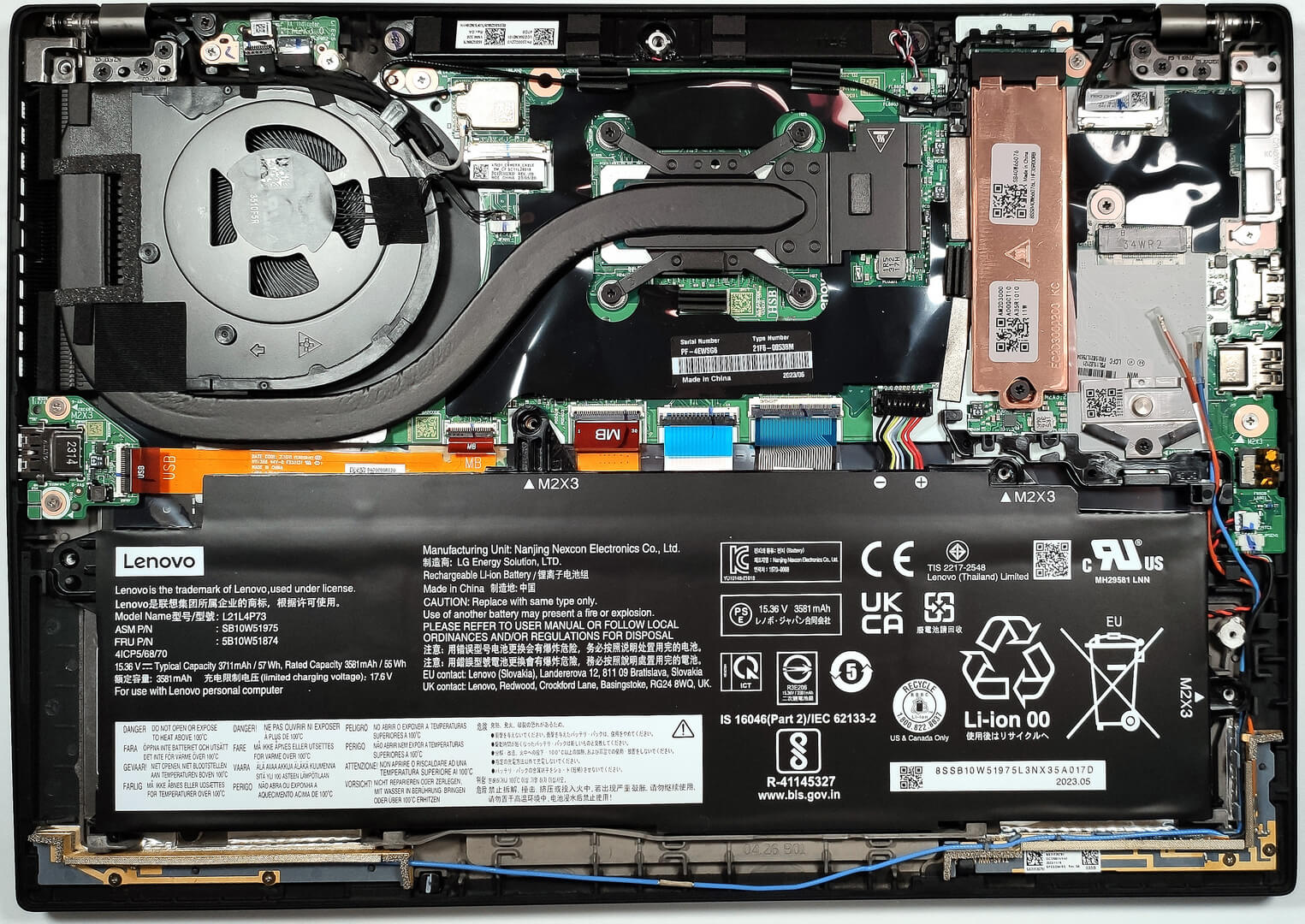
- Disconnect the battery by unplugging its connector from the motherboard.
- Remove the 4 Phillips-head screws securing the battery to the laptop’s chassis, then lift the 57Wh battery away from the device.
Caution: Handle the battery and its connector with care to avoid any damage.
More info: The 57Wh battery provides up to 11 hours and 7 minutes of web browsing or 8 hours and 20 minutes of video playback, showcasing efficient power usage.
Memory
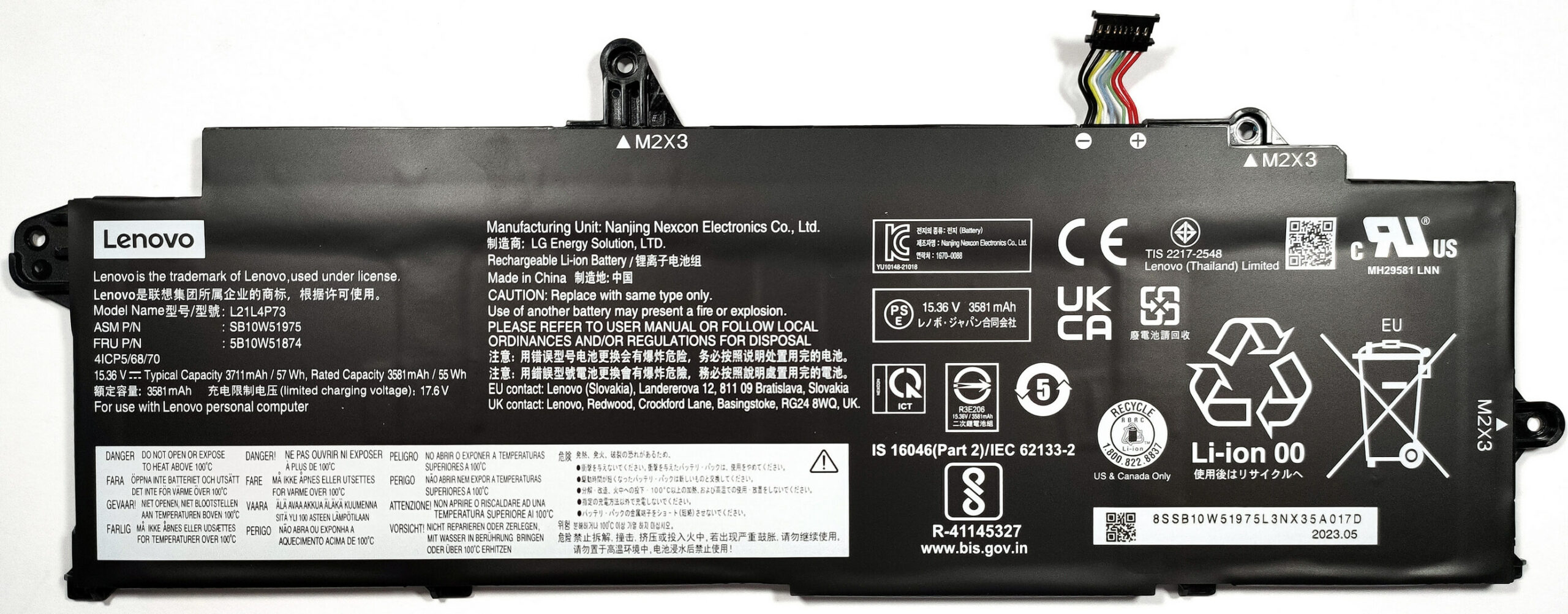
The Lenovo ThinkPad T14s Gen 4 comes with soldered 16 or 32GB of LPDDR5x-4800MHz RAM. Unfortunately, it’s not upgradable but it is enough for multitasking and productivity tasks.
Storage Upgrade
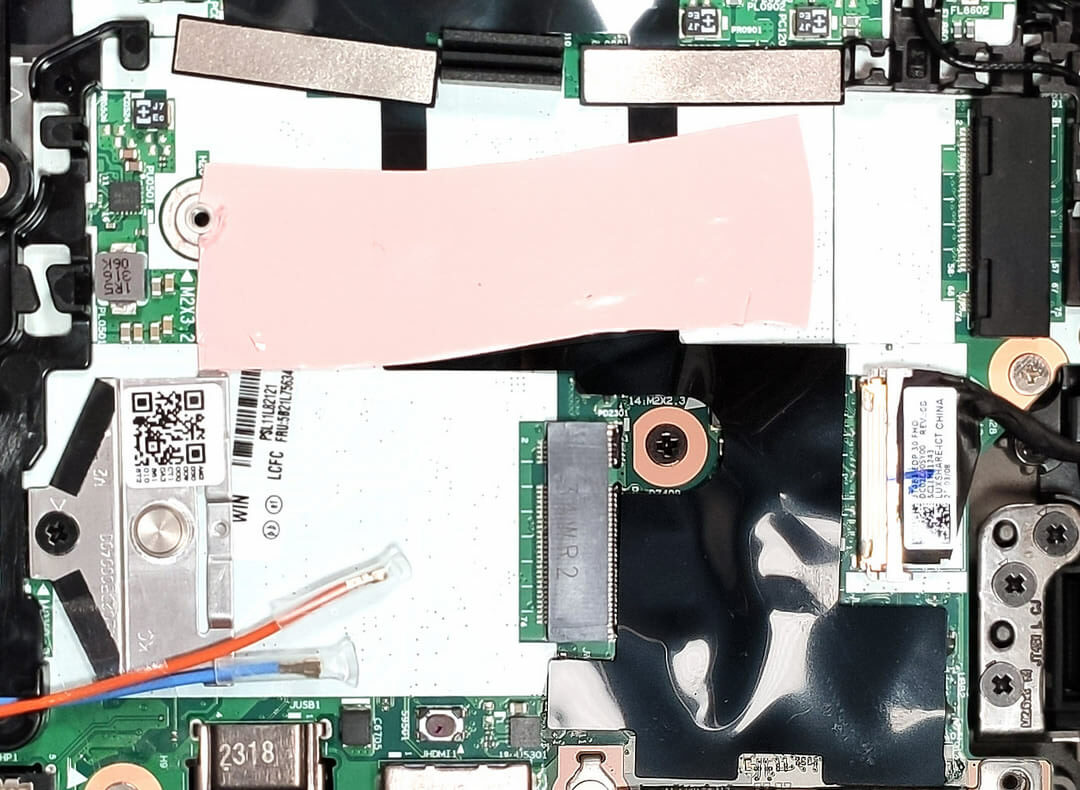
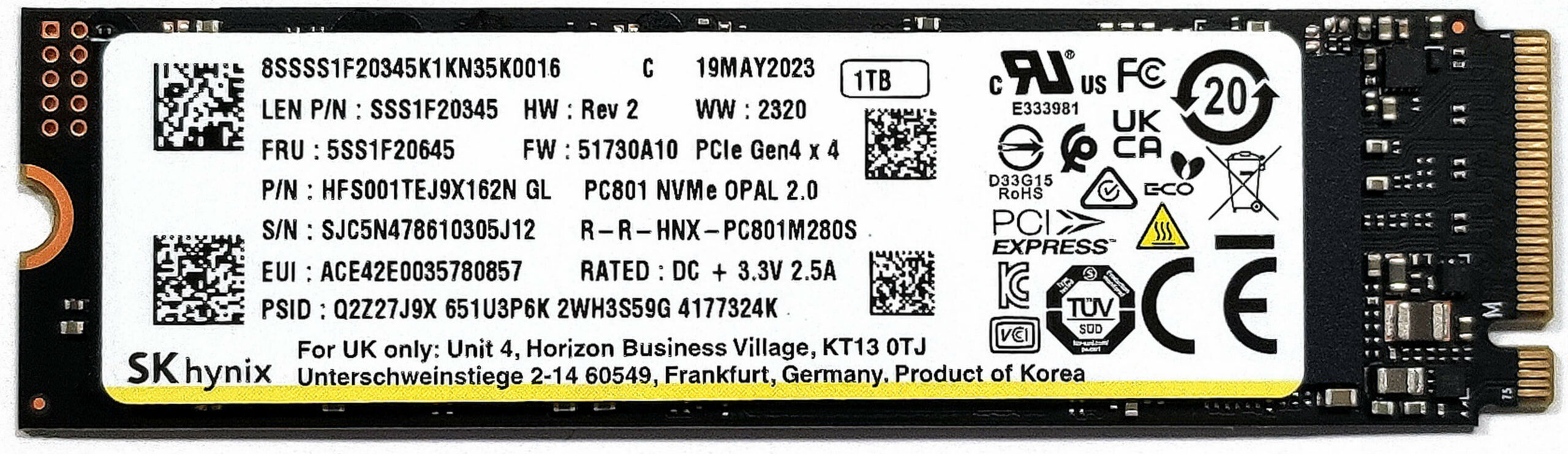
- Locate the M.2 slot compatible with 2280 Gen 4 NVMe SSDs.
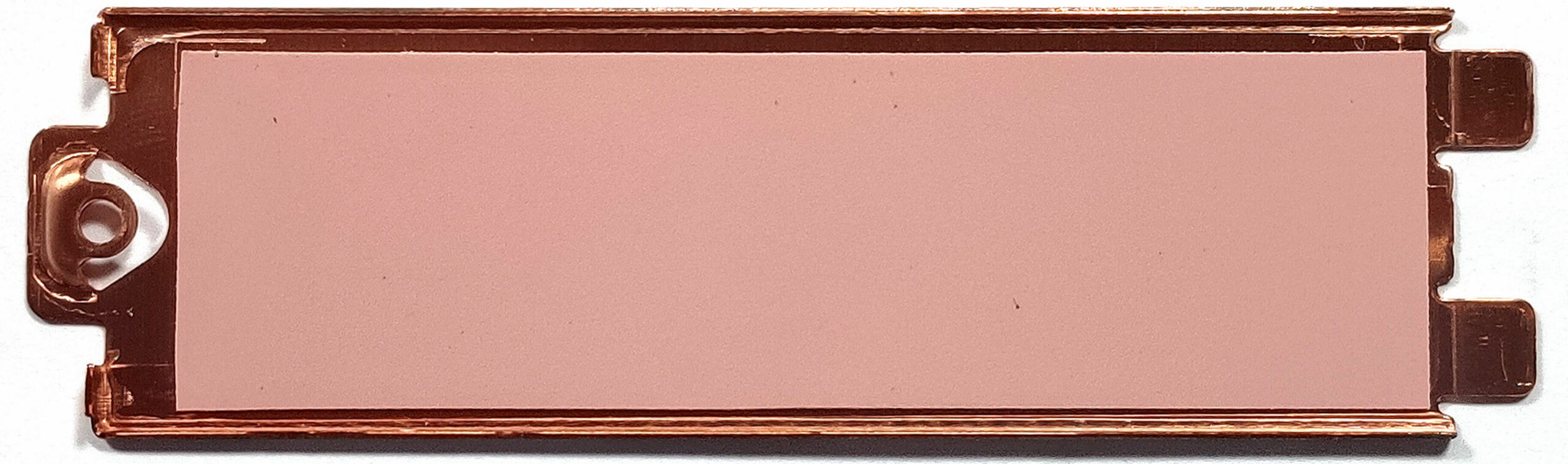
- The preinstalled NVMe benefits from additional cooling provided by a metal plate with a thermal pad on the inside, as well as another thermal pad placed on the mainboard beneath the SSD.
- Choose and purchase a new drive when needed. Don’t forget to check out our Top M.2 SSDs Performance Rankings.
You can buy Gen 4 M.2 SSD modules here: Cumpărați de pe Amazon.com (#CommissionsEarned)
Examining the Cooling System
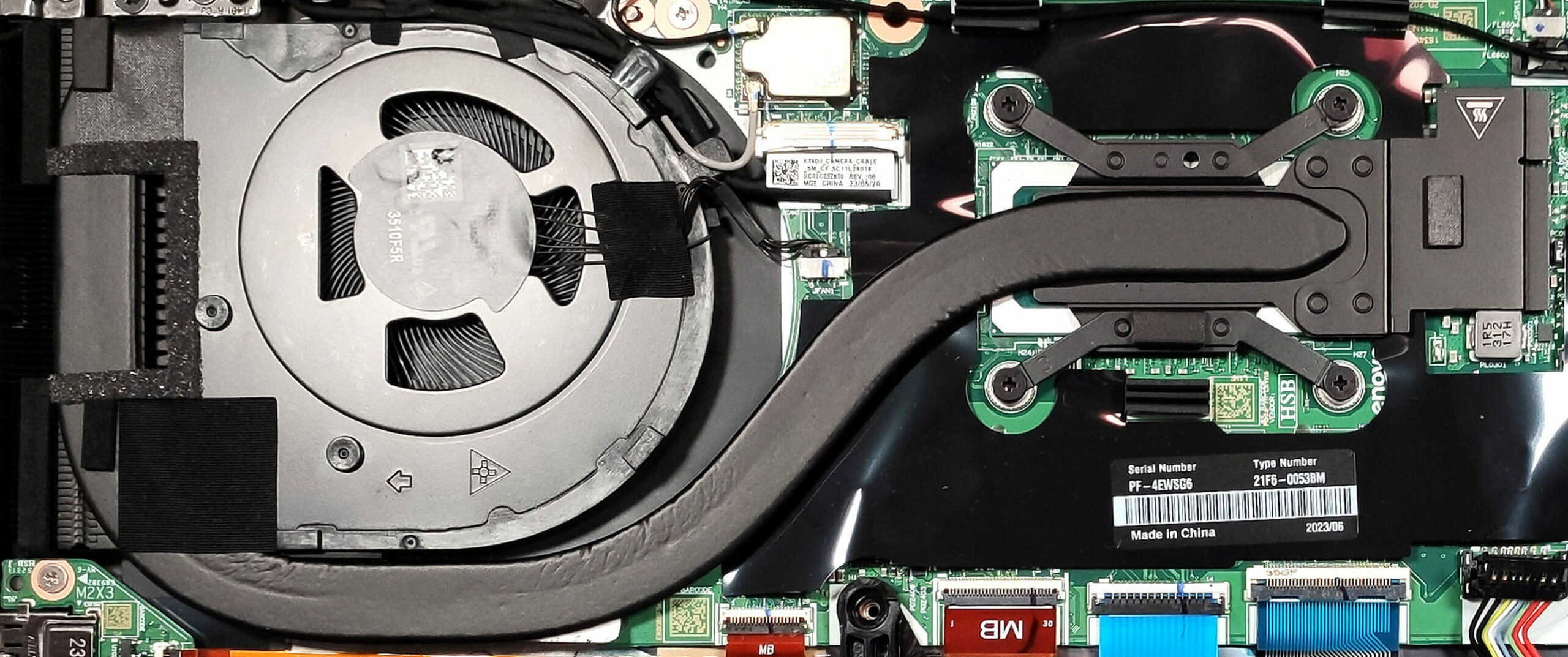
Review the cooling system, which includes one fan, a single heat pipe, one heat sink, and a heat spreader, designed to efficiently manage the thermal output of the device.
 Author: Anna Iorgova

![[August 2026] Amazon Global: Top 10 cele mai vândute laptopuri – Apple MacBook Neo domină clasamentul, în timp ce laptopurile Windows din gama economică și de mijloc se luptă pentru volumul vânzărilor](https://laptopmedia.com/wp-content/uploads/2026/09/Best-Selling-Laptops-GLOBAL-Top-10-400x225.jpg)
![[August 2026] Cele mai vândute mărci de laptopuri pe Amazon Global – Apple domină în ceea ce privește veniturile, în timp ce HP se află pe primul loc în ceea ce privește varietatea de modele](https://laptopmedia.com/wp-content/uploads/2026/09/GLOBAL-Best-Brands-400x225.jpg)
![[August 2026] Amazon Global: Top 10 cele mai bine vândute laptopuri pentru jocuri – HP Victus 15 ocupă primul loc, în timp ce modelele accesibile domină clasamentul](https://laptopmedia.com/wp-content/uploads/2026/09/Best-Selling-Gaming-Laptops-GLOBAL-Top-10-400x225.jpg)
![[August 2026] Best-Selling Laptop Brands on Amazon Japan – Apple Dominates Market Share and Revenue Led by Strong Unit Sales](https://laptopmedia.com/wp-content/uploads/2026/09/CO.JP-Best-Brands-1-400x225.jpg)
![[August 2026] Best-Selling Laptop Brands on Amazon USA – Apple Dominates Market Revenue and Volume Despite Lower Model Diversity](https://laptopmedia.com/wp-content/uploads/2026/09/COM-Best-Brands-1-400x225.jpg)
