Inside Lenovo Ideapad S340 (15) – disassembly and upgrade options
After the Ideapad 330 was split into several different line-ups of devices, it is not unusual to see the same package fit into a different shell, over and over again. This is why we expected to see the Ideapad L340 (15) painted gray. To our surprise – this was not the case!
Check out all Lenovo Ideapad S340 (15) prices and configurations in our Specs System or read more in our In-Depth review.
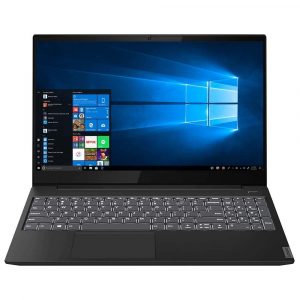
1. Remove the bottom plate
This laptop’s backplate is attached to the chassis of the machine via 10 Torx-head screws. After you remove them, you can casually pry it up with the help of a plastic tool.
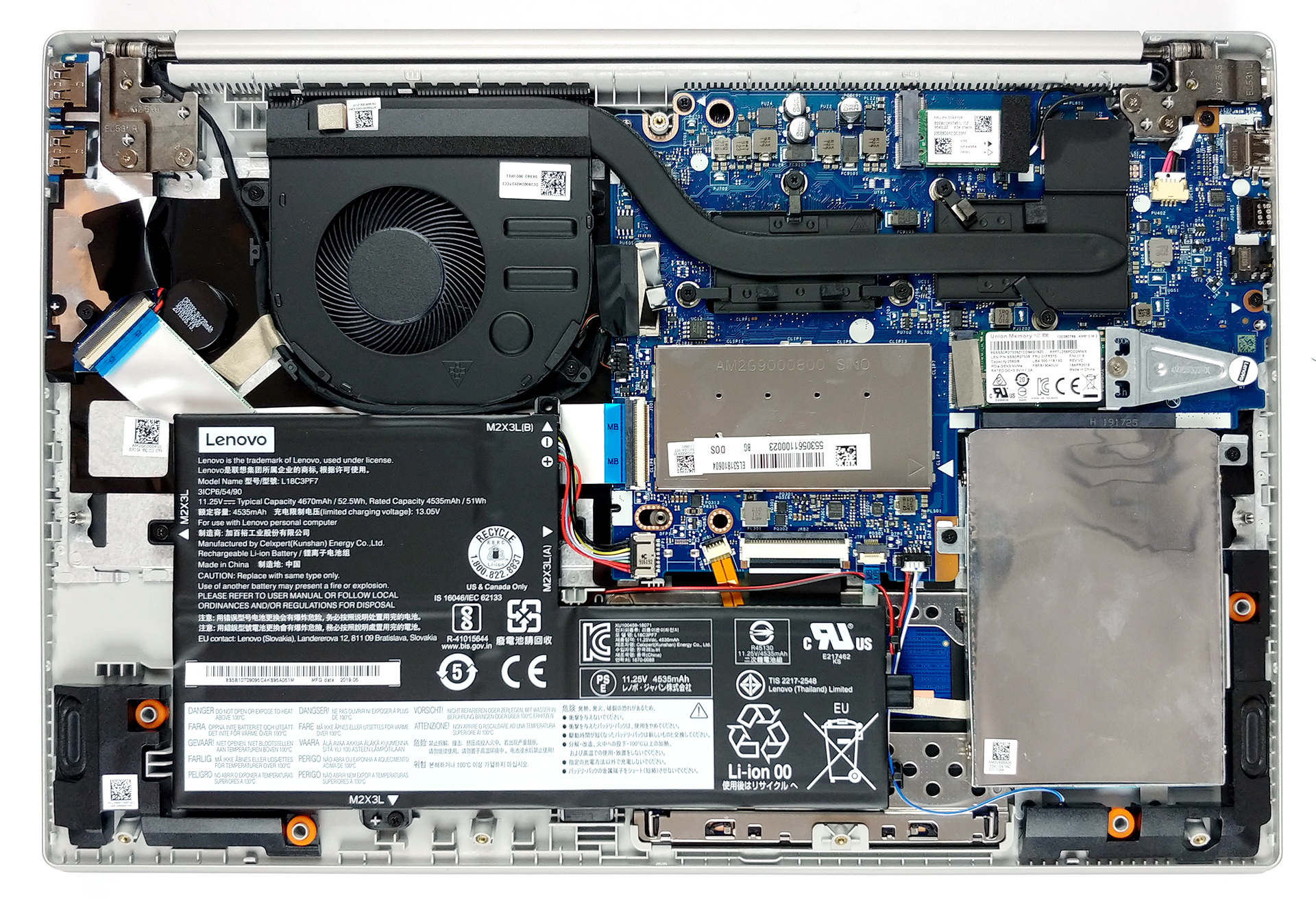
2. Battery
For a budget device, 52.5Wh is not a bad capacity to have. We would recommend unplugging the battery before you proceed further. By the way, if you want to remove the battery itself, it has four Phillips-head screws, that in typical Lenovo fashion are marked by a white arrow.
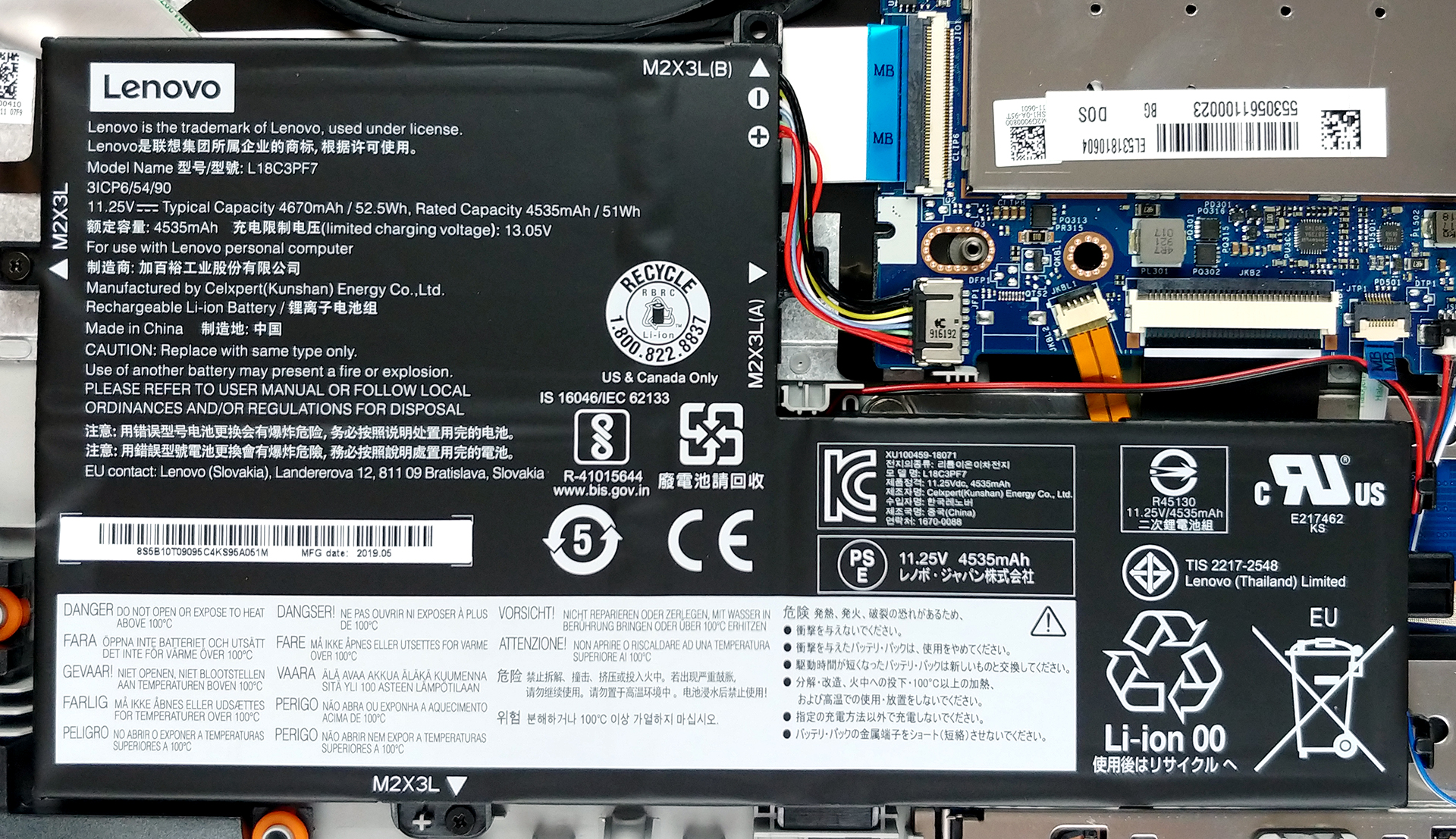
3. Memory and storage
Upgradability is pretty straightforward – there is one RAM DIMM for DDR4 memory, an M.2 NVMe-enabled slot and a 2.5″ SATA drive slot.

4. Cooling system
Yes… the cooling. Well, frankly, this is one of the worst solutions we’ve seen on a laptop. While it is miles better than the one on ASUS X509, it still looks dumb to put a single heat pipe although it is almost as thick as a thumb, to cool both your CPU and your GPU. As we expected, in combined load, the GPU was throttling heavily, compared to the competition.
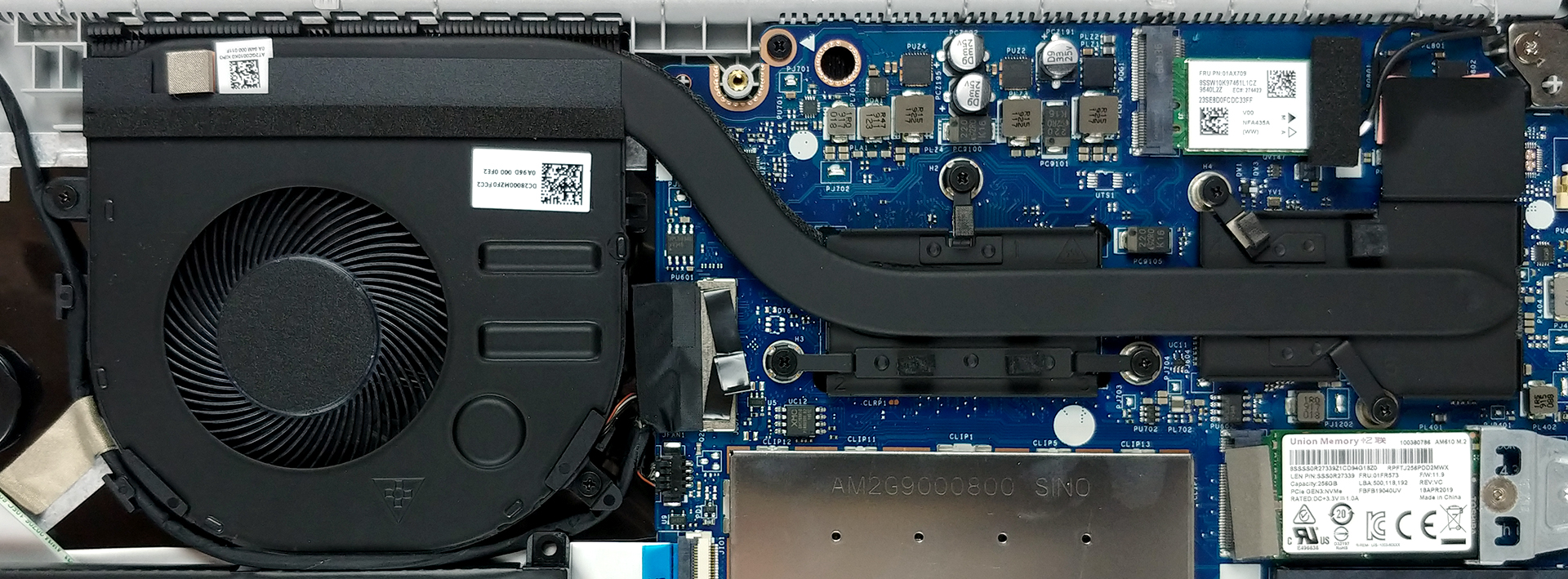
| NVIDIA GeForce MX230 | GPU frequency/ Core temp (after 2 min) | GPU frequency/ Core temp (after 30 min) |
|---|---|---|
| Lenovo Ideapad S340 (15″) | 1721 MHz @ 80°C | 1262 MHz @ 65°C |
| Lenovo Ideapad L340 (15″) | 1632 MHz @ 69°C | 1532 MHz @ 69°C |
Check out all Lenovo Ideapad S340 (15) prices and configurations in our Specs System or read more in our In-Depth review.
 Author: Alex Iliev

![[Mai 2026] Clasamentul global al celor mai bine vândute GPU-uri pentru laptopuri pe Amazon – Apple domină cu o cotă de 45%, ocupă primele 3 locuri; RTX 5060 de la NVIDIA conduce în topul GPU-urilor dedicate](https://laptopmedia.com/wp-content/uploads/2026/06/Best-Selling-GPUs-GLOBAL-Top-10-400x225.jpg)
![[Mai 2026] Clasamentul global al celor mai bine vândute procesoare pentru laptopuri pe Amazon – Apple zdrobește concurența cu o cotă de piață de 45,2%, M5 domină](https://laptopmedia.com/wp-content/uploads/2026/06/Best-Selling-CPUs-GLOBAL-Top-10-400x225.jpg)
![[May 2026] Amazon Germany: Top 7 Best-Selling Gaming Laptops – Lenovo Legion 5i Crowned Champion Amidst Fierce Mid-Range Competition](https://laptopmedia.com/wp-content/uploads/2026/06/Best-Selling-Gaming-Laptops-DE-Top-10-1-400x225.jpg)
![[May 2026] Amazon Italy: Top 10 Best-Selling Laptops – Apple MacBook Neo Reigns Supreme, Premium Models Capture Dominant Revenue Share](https://laptopmedia.com/wp-content/uploads/2026/06/Best-Selling-Laptops-IT-Top-10-400x225.jpg)
![[May 2026] Best-Selling Laptop Brands on Amazon Italy – Apple Dominates Across All Metrics](https://laptopmedia.com/wp-content/uploads/2026/06/IT-Best-Brands-400x225.jpg)

Thank you
does anyone know if this computer supports 32 g Ram?