How Acer’s tiny PC, Revo One, looks on the inside
We are currently working on a full review of Acer’s new mini PC named Revo One. First of all, we are quite impressed by the storage options that the device offers compared considering the size of the chassis. However, just like every other device the Revo One will be needing a spring cleaning every now and then. Also, if you want to swap the stock 5400 rpm HDD or you Wi-Fi module breaks, it would be cool to know how. Keep on reading to find out how to perform a full disassembly.
1. Removing the main chassis
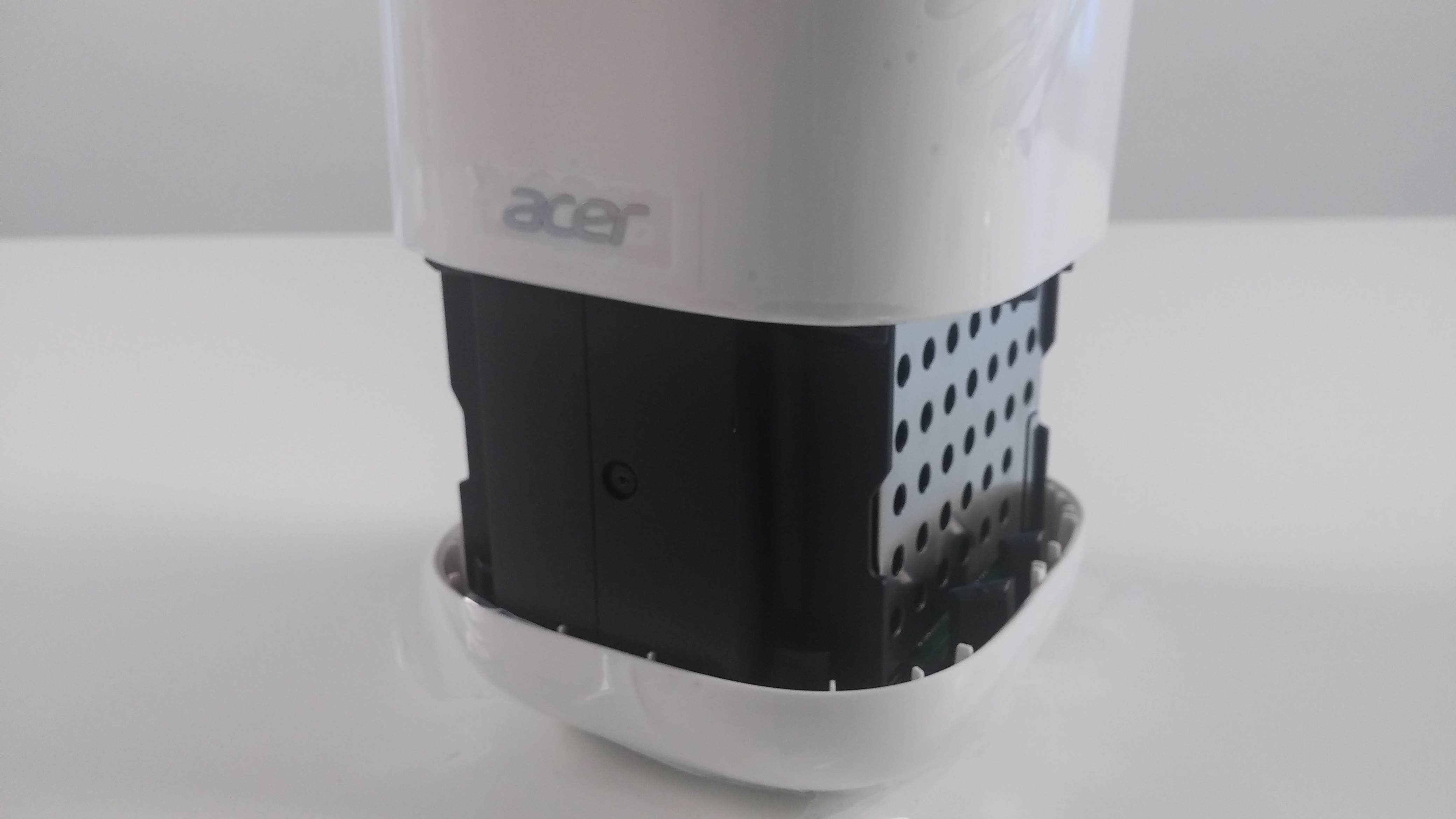
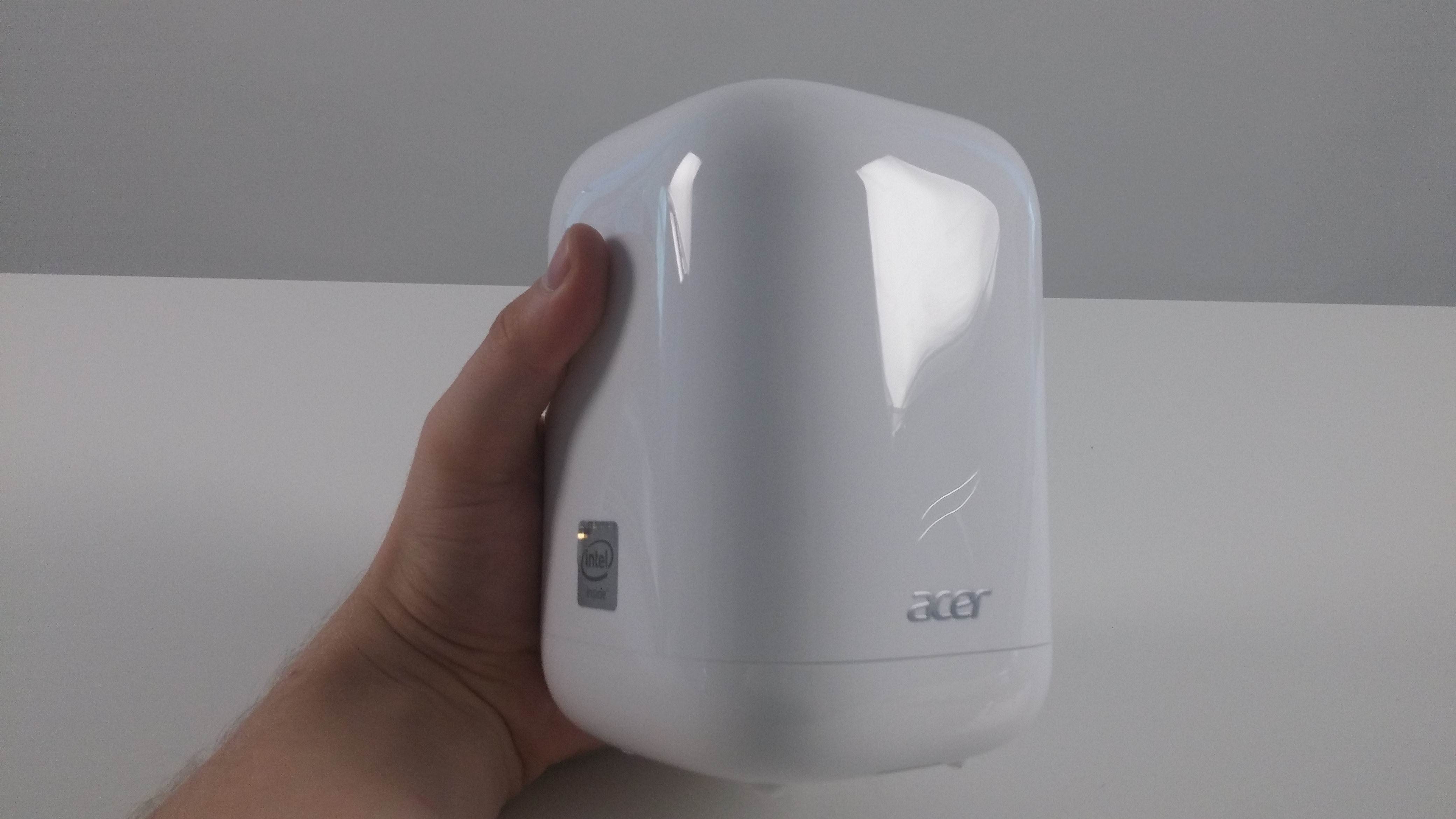
At the back of the device, you will find a small button between the DC charging port and the power on button. Pressing it will release the main cover of the device and a gentle pull will let it off the hooks inside.
2. Upgrade options
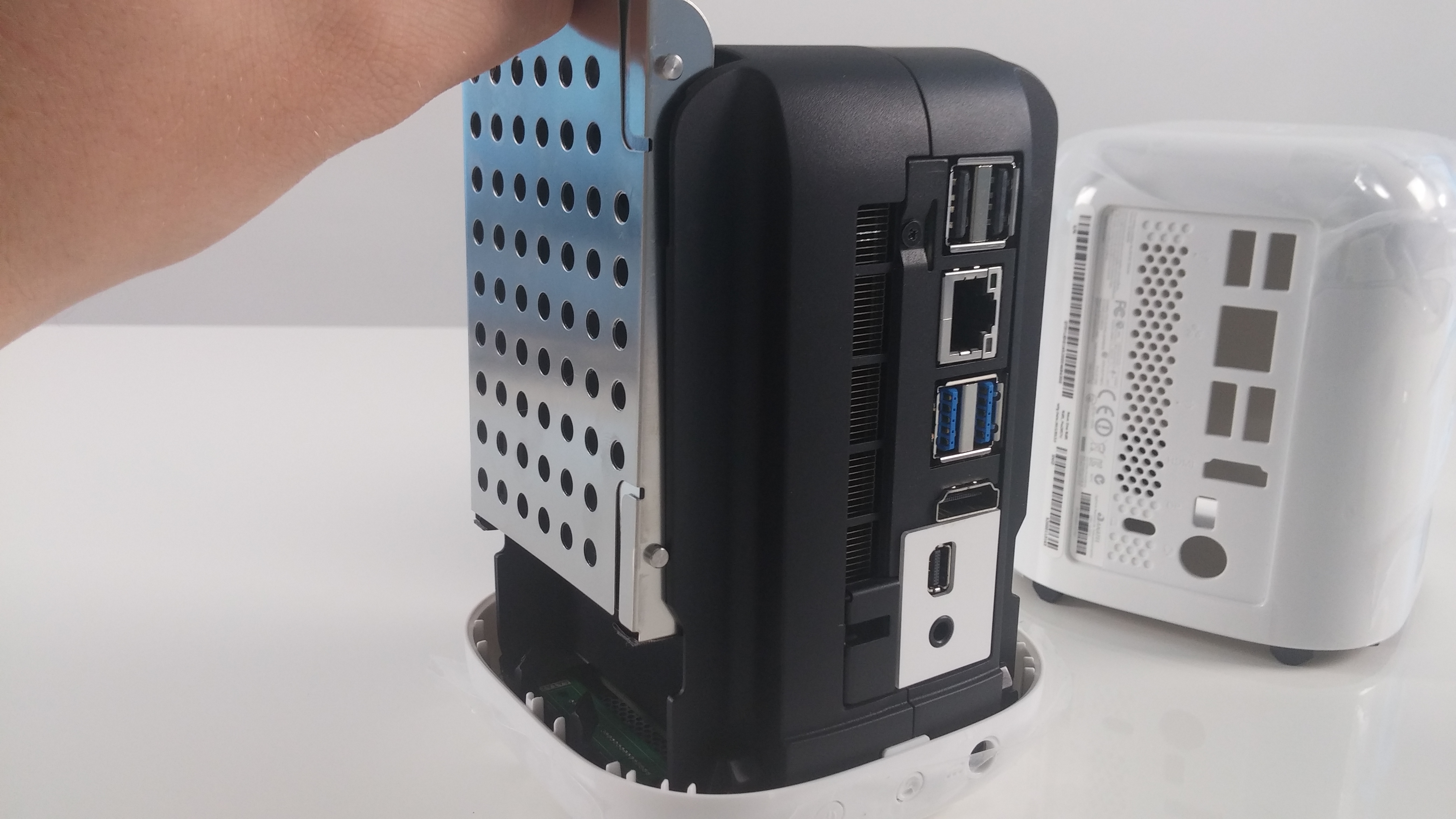
After you’ve gone through the first step, you will be presented with two slots for 2.5″ HDD or SSD devices that connect via SATA III interfaces found on the bottom of the Revo One.
3. Disassembling the main body
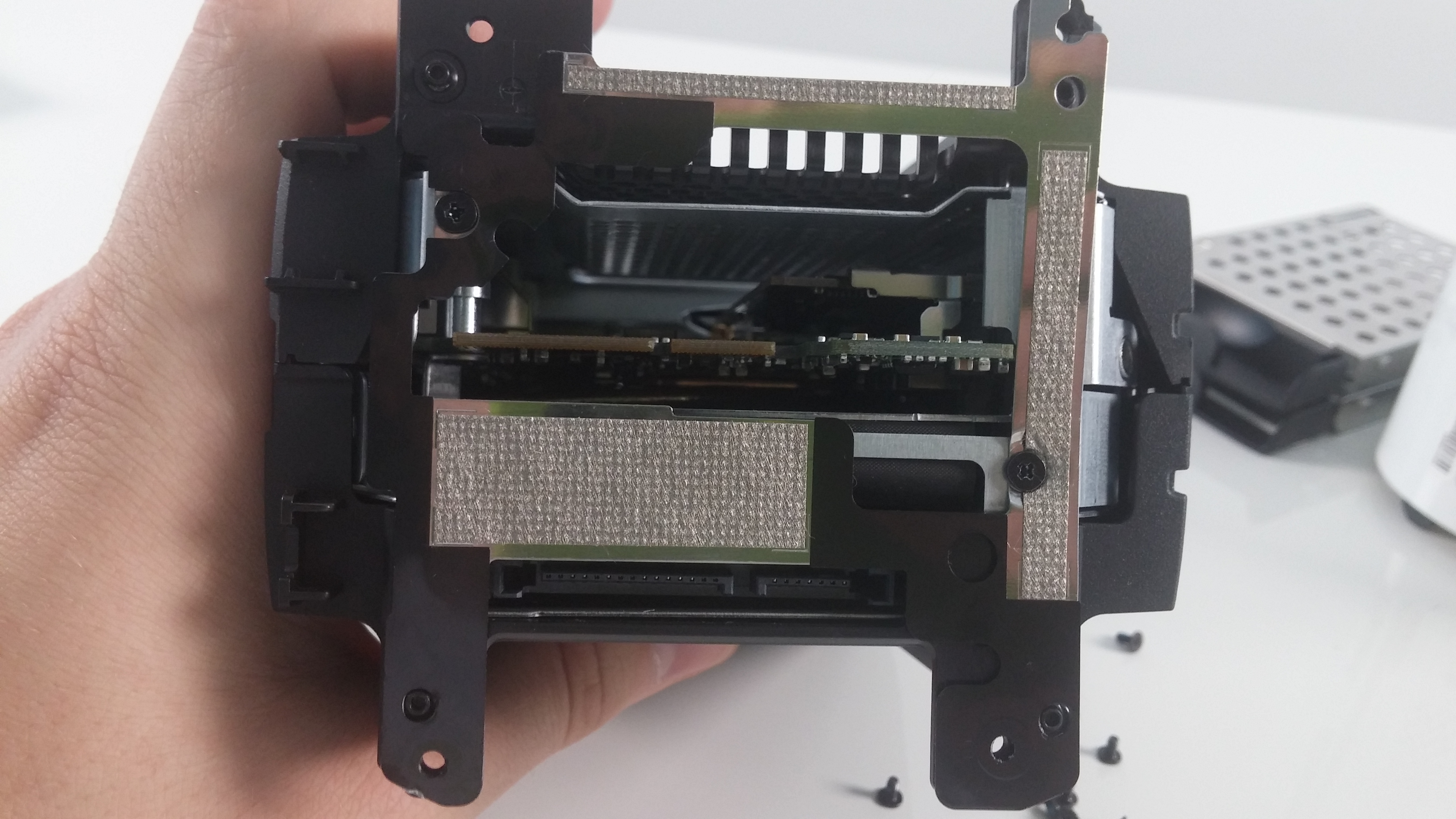
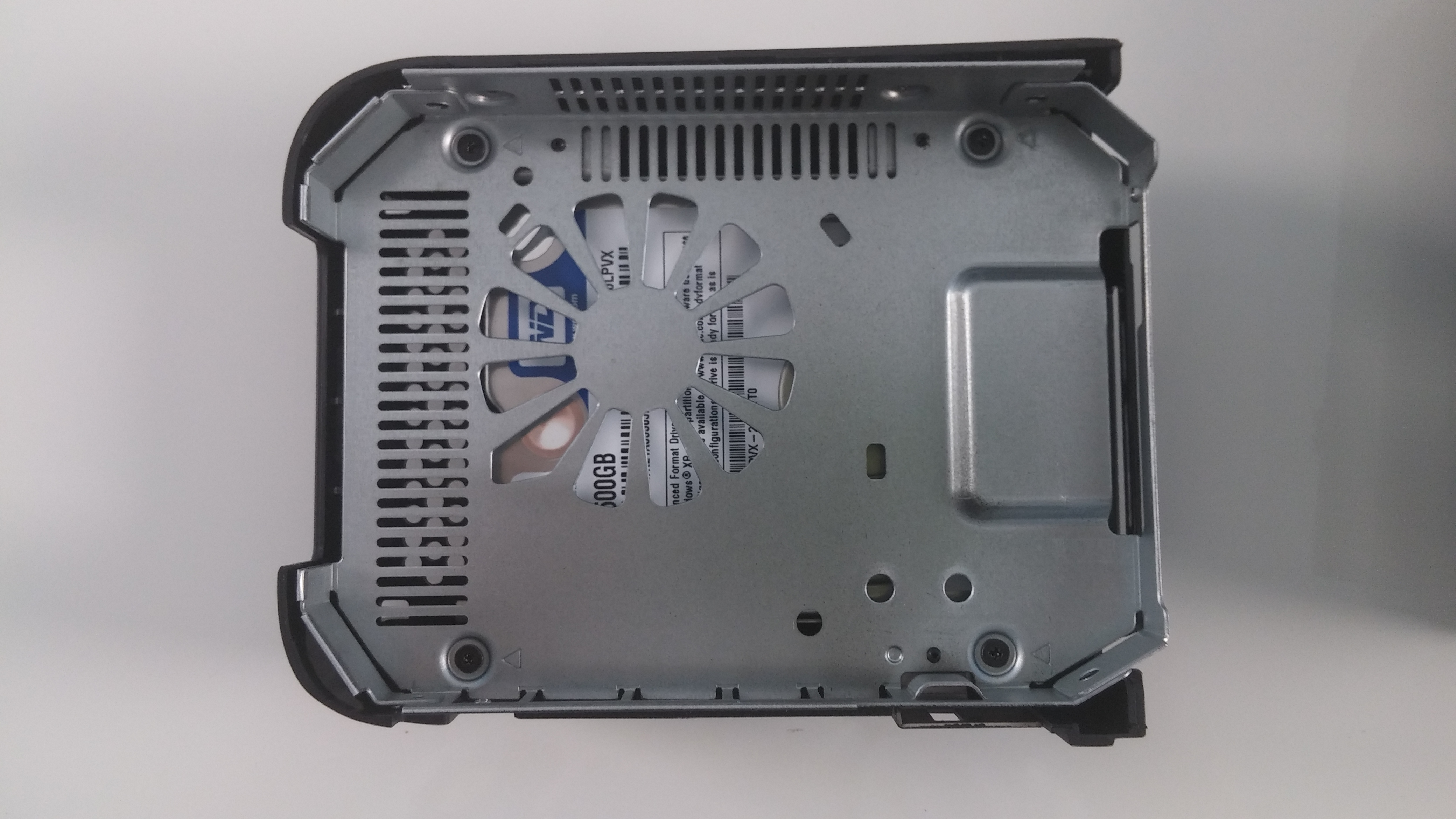
The main frame consists of two big parts. To separate them you will need to unscrew one bolt found near the ports and two found on the opposite side. After that, you will have to remove the bottom part of the device with removing four more screws that are placed near the SATA III ports on both sides of the machine. The final touch is to remove the bottom metal-like piece holding the main frame together.
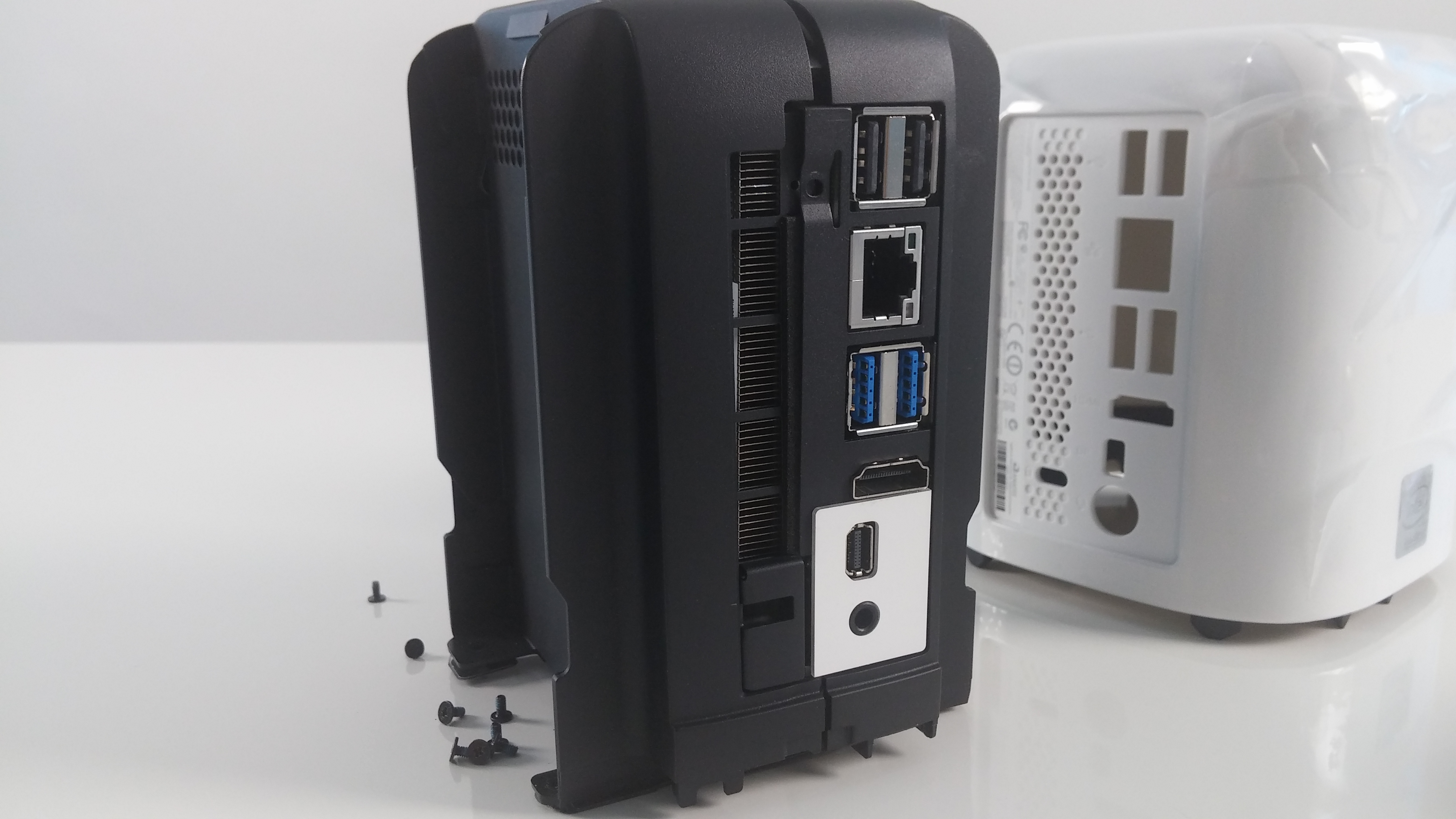
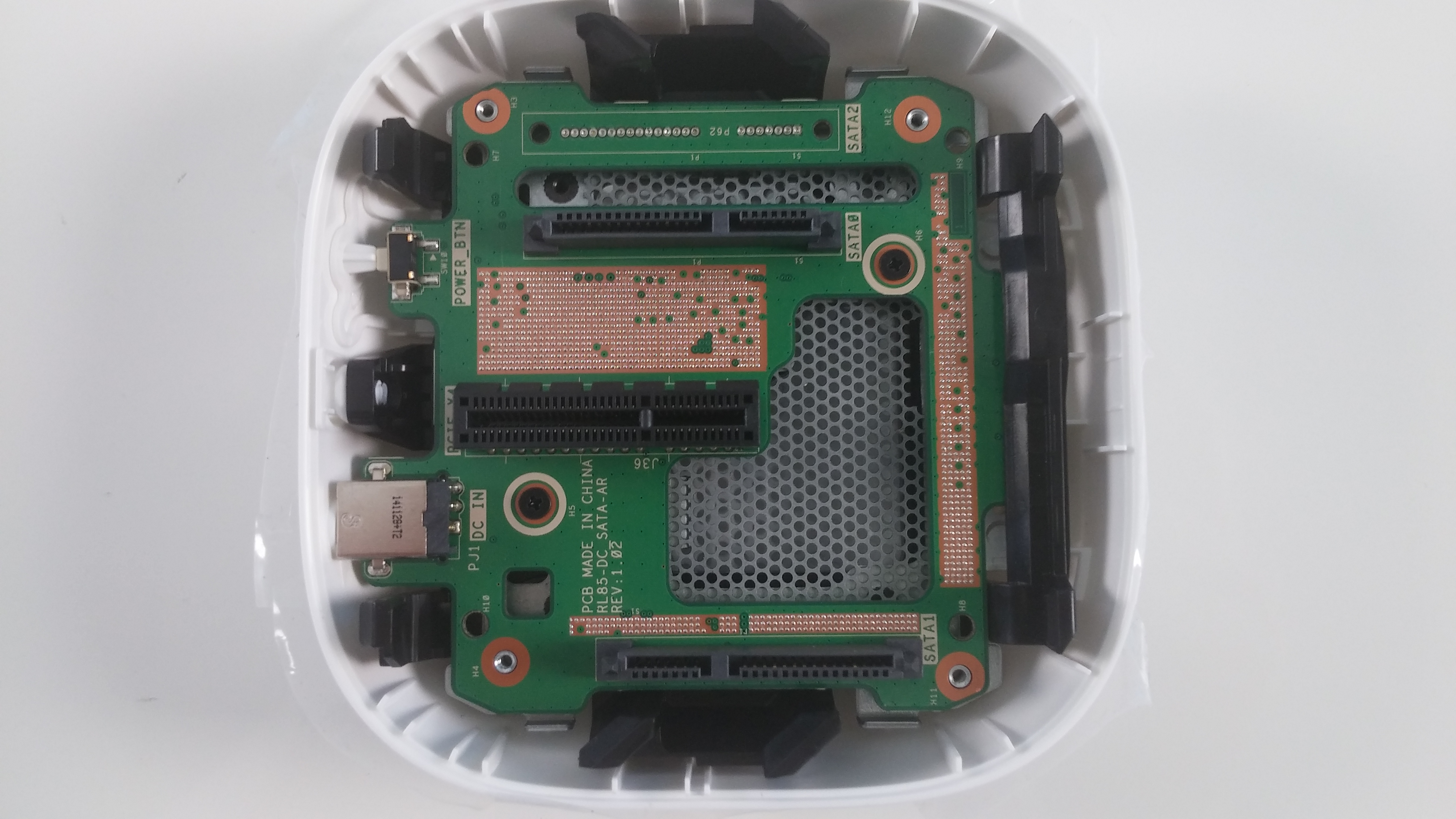
4. Accessing the stock drive and CPU fan
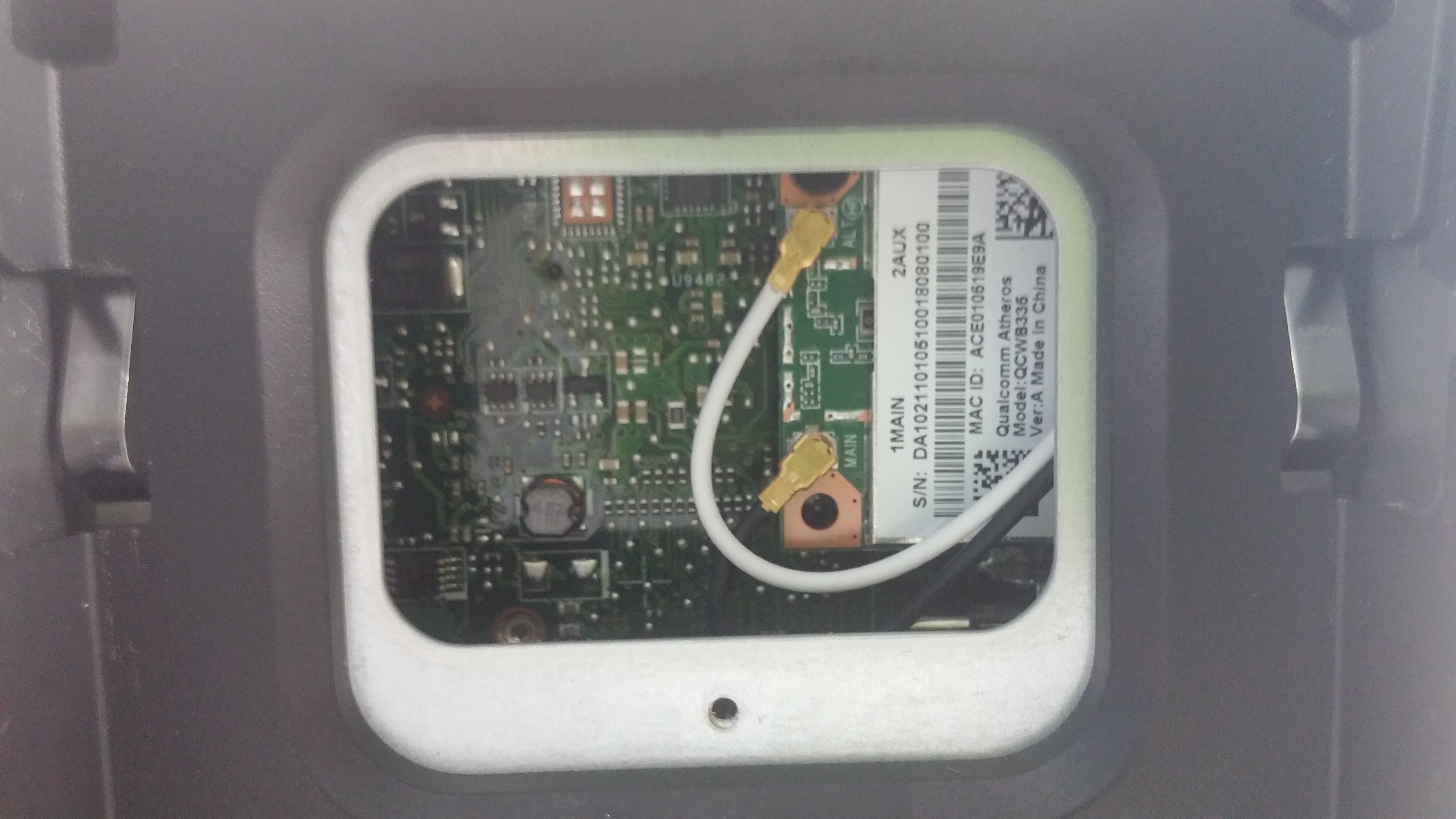
The separation after removing all the screws and pieces is done really easy. One half contains the 500GB HDD manufactured by Western Digital while the other holds the CPU fan, the CPU itself and one RAM chip with the rest of the mainboard. The Wi-Fi module is found under a small cap that’s closed with one screw.
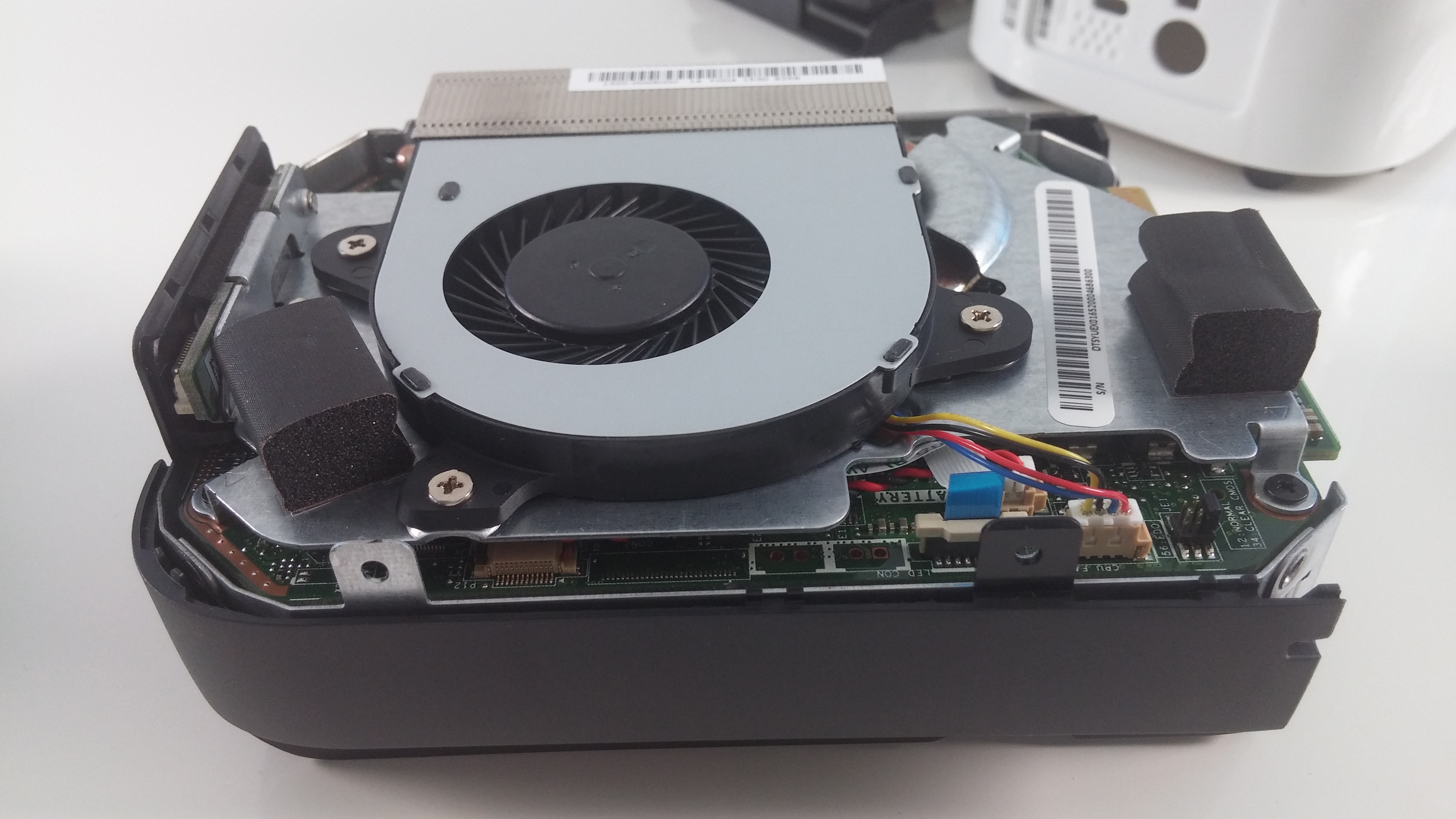
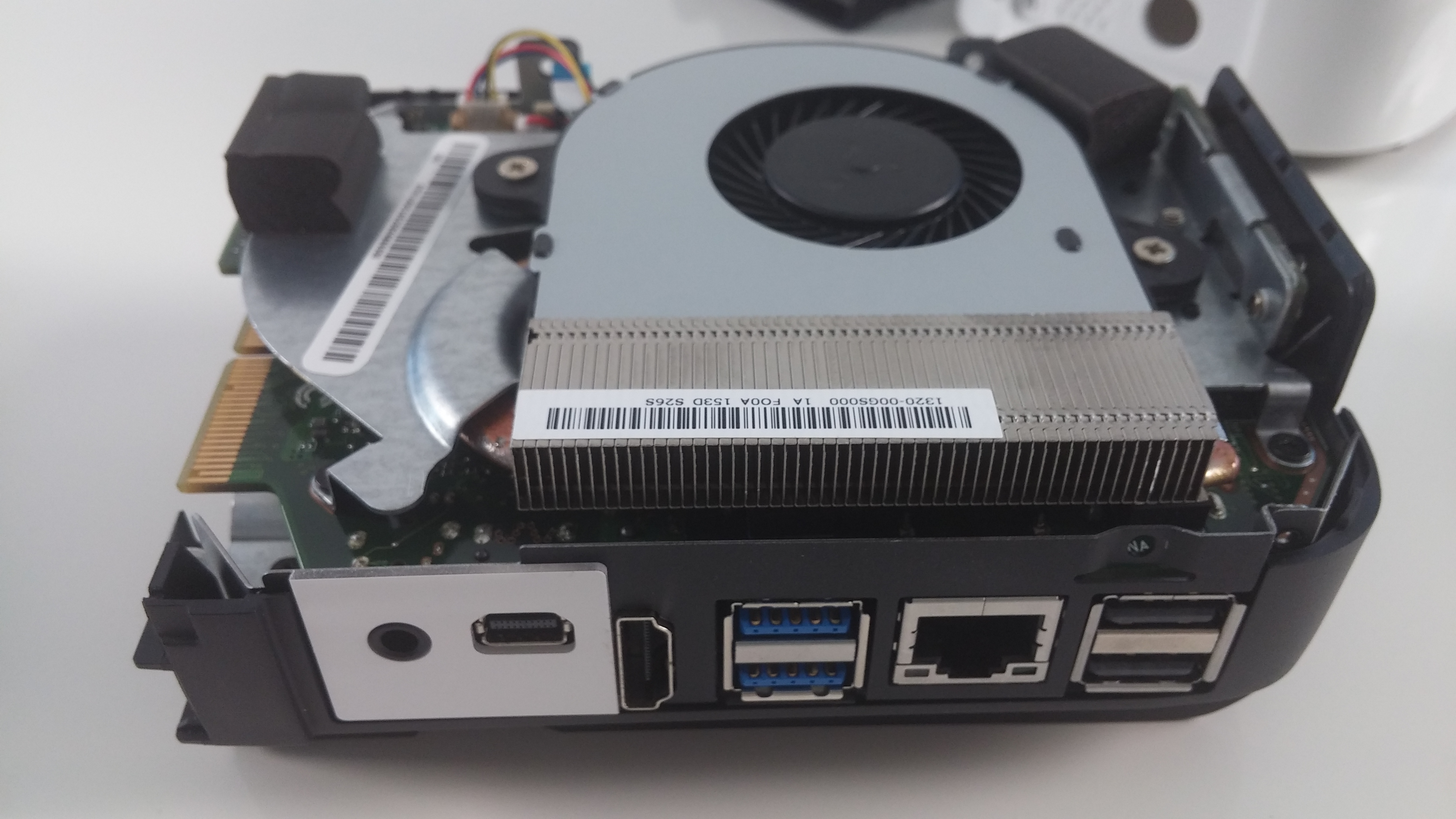

 Author: Rossen Pandev

![[Septembrie 2026] Cele mai vândute mărci de laptopuri pe Amazon Global – Apple domină piața cu o cotă de venituri de peste 70%](https://laptopmedia.com/wp-content/uploads/2026/10/GLOBAL-Best-Brands-400x225.jpg)
![[Septembrie 2026] Amazon Global: Top 10 cele mai vândute laptopuri – MacBook Neo de la Apple ocupă locul 1, pe fondul dominanței dispozitivelor din gama economică și a celor premium](https://laptopmedia.com/wp-content/uploads/2026/10/Best-Selling-Laptops-GLOBAL-Top-10-400x225.jpg)
![[Septembrie 2026] Amazon Global: Top 10 cele mai bine vândute laptopuri pentru jocuri – ASUS ROG Strix G16 domină piața cu vânzări record](https://laptopmedia.com/wp-content/uploads/2026/10/Best-Selling-Gaming-Laptops-GLOBAL-Top-10-400x225.jpg)
![[Septembrie 2026] Clasamentul global al celor mai bine vândute plăci grafice pentru laptopuri de pe Amazon – Cipul M5 de la Apple surclasează NVIDIA în segmentul laptopurilor premium, dar RTX 5060 este singura placă grafică dedicată care a reușit să intre în top 10](https://laptopmedia.com/wp-content/uploads/2026/10/Best-Selling-GPUs-GLOBAL-Top-10-400x225.jpg)
![[Septembrie 2026] Clasamentul global al celor mai bine vândute procesoare pentru laptopuri de pe Amazon – M5 de la Apple surclasează Intel, iar piața premium devine o cursă cu un singur concurent](https://laptopmedia.com/wp-content/uploads/2026/10/Best-Selling-CPUs-GLOBAL-Top-10-400x225.jpg)
