How to open ASUS Vivobook Pro 16X OLED (M7600) – disassembly and upgrade options
This notebook comes with a huge battery pack. However, the memory is soldered to the motherboard.
Check out all ASUS Vivobook Pro 16X OLED (M7600) prices and configurations in our Specs System, or read more in our In-Depth review.
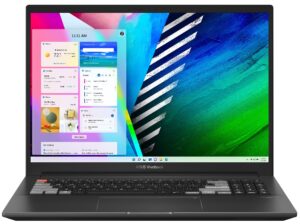
1. Remove the bottom plate
To access this notebook’s internals, you need to undo 11 Torx-head screws. Then, pry the bottom panel with a plastic tool, preferably starting from the front two corners.
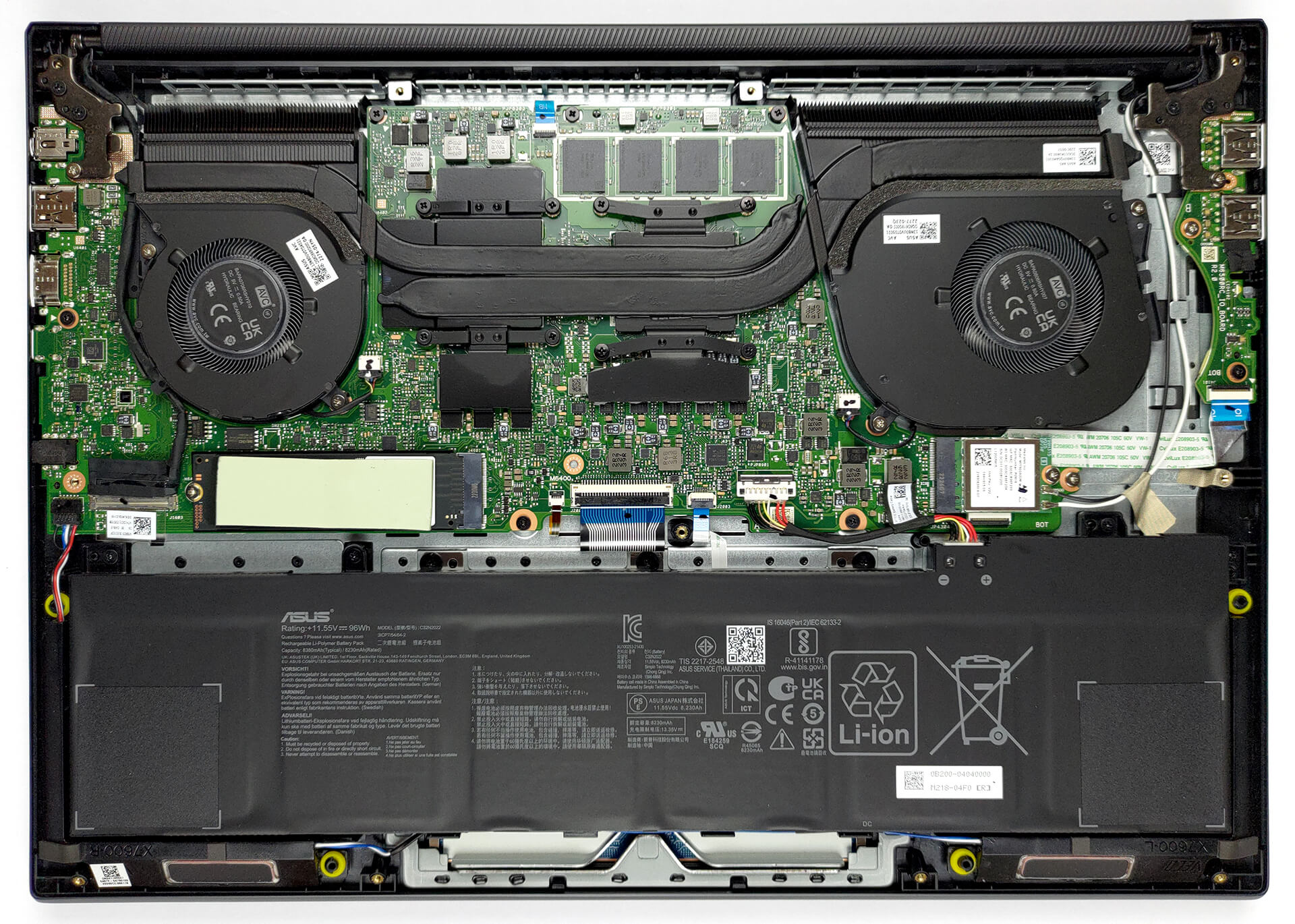
2. Remove the battery
Inside, we find a 96Wh battery pack. It lasts for 16 hours and 30 minutes of Web browsing, or 12 hours and 30 minutes of video playback. To remove it, unplug the battery connector, and undo all four Phillips-head screws that keep it attached to the chassis.

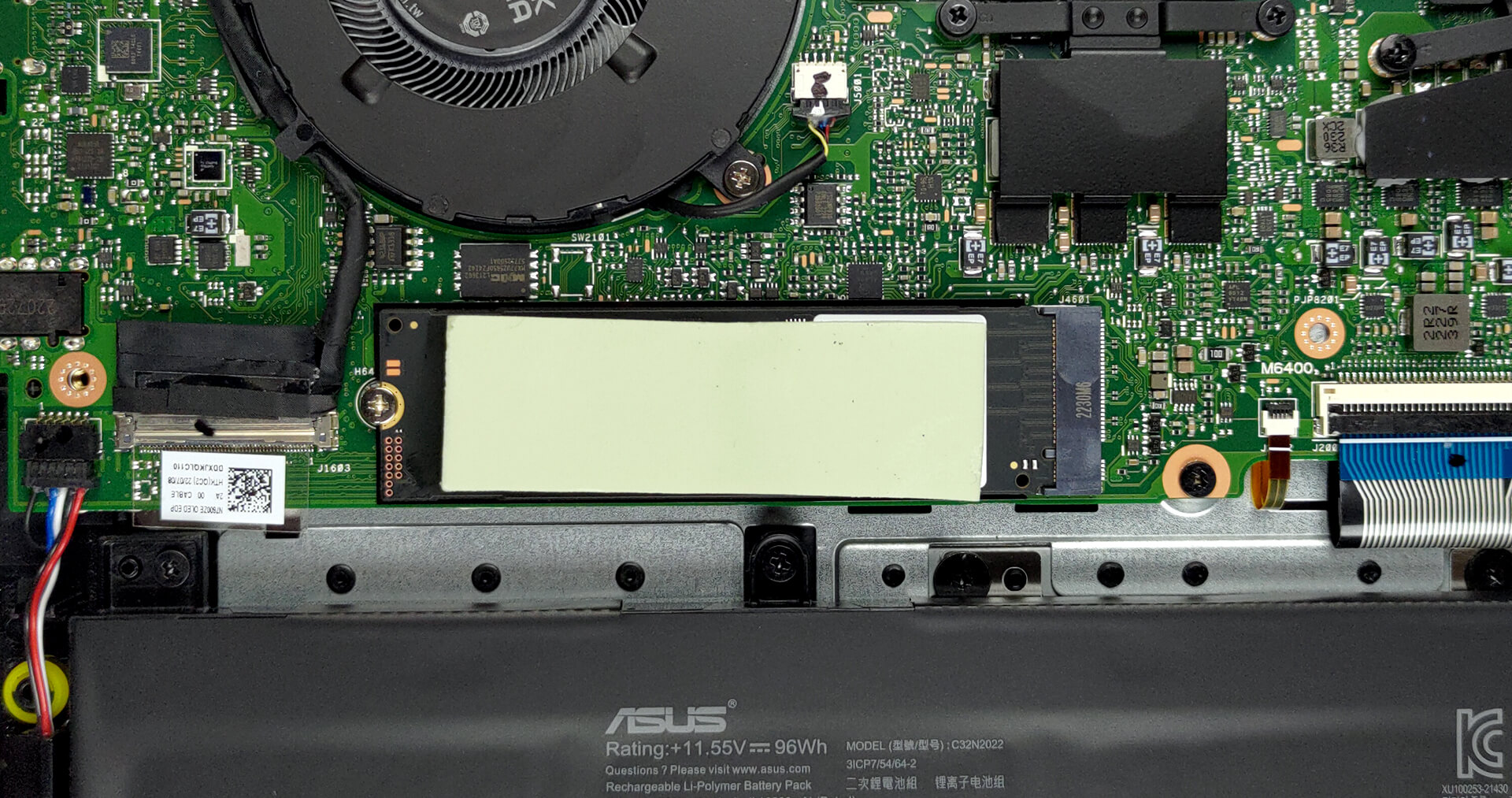
3. Upgrade memory and storage
Here, the memory comes soldered to the motherboard. You can find configurations of the device with either 16 or 32GB of LPDDR5 RAM. Storage-wise, there is one M.2 PCIe x4 slot, which supports both Gen 3 and Gen 4 drives.
4. Cooling system
The cooling comprises a couple of heat pipes, connected to two heat sinks, and two fans. In addition, you can see some heat spreaders on top of the VRMs.
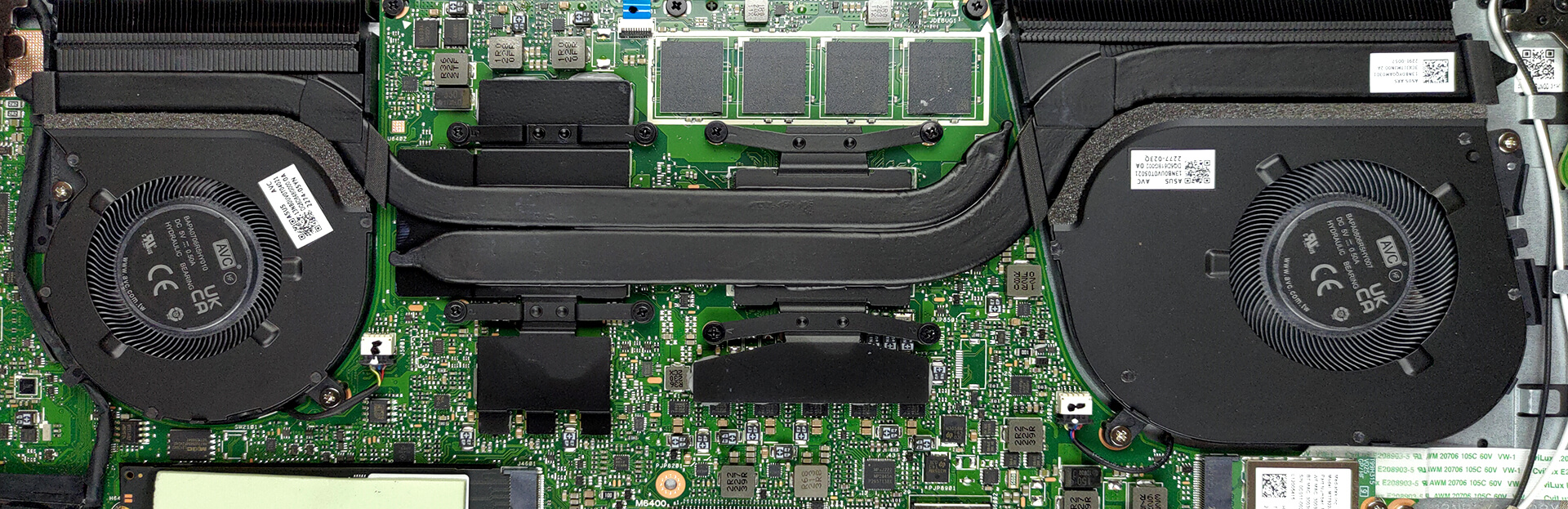
Check out all ASUS Vivobook Pro 16X OLED (M7600) prices and configurations in our Specs System, or read more in our In-Depth review.
ASUS Vivobook Pro 16X OLED (M7600, AMD Ryzen 6000 Series) recenzie detaliată
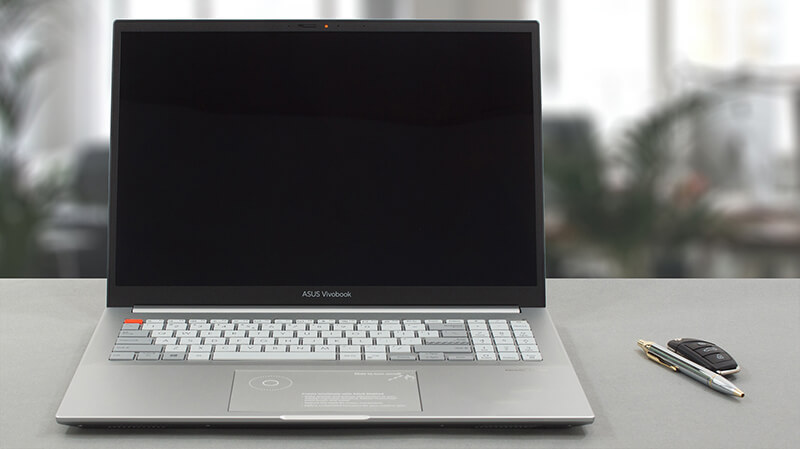
As you may know, the Vivobook is one of the most populous subbrands on the market. It comes in all kinds of shapes and form-factors. However, one of its most interesting iterations is the Vivobook Pro 16X OLED (M7600).The models, which have an "M" before the final four numbers, come with AMD processors. In our case, the machine is fitted with Ryzen 6000H CPUs, which are among the most powerful options on the market right now.In addition to that, ASUS gives you a 65W NVIDIA RTX 3050 Ti graphics card with Studio drivers. Ultimately, this means you can use the device for professional wor[...]
Avantaje
- Fantastic battery life
- Strong aluminum chassis
- 100% sRGB and DCI-P3 coverage + HDR support
- High resolution and 16:10 aspect ratio + fast pixel response times
- Deep blacks and virtually infinite contrast ratio
- DialPad + fingerprint reader
- USB4 + MicroSD card slot
Dezavantaje
- Uses PWM below 110 nits (fixed by the My ASUS app)
- 2 out of 3 USB Type-A ports run at 2.0 speeds
- Soldered memory
 Author: Alex Iliev

![[August 2026] Clasamentul global al celor mai bine vândute plăci grafice pentru laptopuri de pe Amazon – Apple domină clasamentul, iar modelul RTX 5060 de la NVIDIA ocupă primul loc în clasamentul dedicat](https://laptopmedia.com/wp-content/uploads/2026/09/Best-Selling-GPUs-GLOBAL-Top-10-400x225.jpg)
![[August 2026] Clasamentul global al celor mai bine vândute procesoare pentru laptopuri de pe Amazon – Apple domină atât segmentul economic, cât și cel premium: A18 Pro și M5 surclasează Intel și AMD în august 2026](https://laptopmedia.com/wp-content/uploads/2026/09/Best-Selling-CPUs-GLOBAL-Top-10-400x225.jpg)
![[August 2026] Amazon Global: Top 10 cele mai vândute laptopuri – Apple MacBook Neo domină clasamentul, în timp ce laptopurile Windows din gama economică și de mijloc se luptă pentru volumul vânzărilor](https://laptopmedia.com/wp-content/uploads/2026/09/Best-Selling-Laptops-GLOBAL-Top-10-400x225.jpg)
![[August 2026] Cele mai vândute mărci de laptopuri pe Amazon Global – Apple domină în ceea ce privește veniturile, în timp ce HP se află pe primul loc în ceea ce privește varietatea de modele](https://laptopmedia.com/wp-content/uploads/2026/09/GLOBAL-Best-Brands-400x225.jpg)
![[August 2026] Amazon Global: Top 10 cele mai bine vândute laptopuri pentru jocuri – HP Victus 15 ocupă primul loc, în timp ce modelele accesibile domină clasamentul](https://laptopmedia.com/wp-content/uploads/2026/09/Best-Selling-Gaming-Laptops-GLOBAL-Top-10-400x225.jpg)
