How to open HP Elite Dragonfly G3 – disassembly and upgrade options
As always, the HP Elite Dragonfly G3 doesn’t impress with its upgrade options. However, it is good that the manufacturer gives you options for its memory configuration, while the single storage slot supports Gen 4 M.2 PCIe x4 SSDs.
Check out all HP Elite Dragonfly G3 prices and configurations in our Specs System, or read more in our In-Depth review.
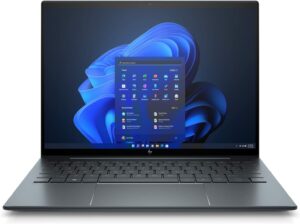
1. Remove the bottom plate
To open this device, undo the four captive Torx-head screws, holding the bottom panel in place. Then, pry the panel with a plastic tool, starting from the hinge gaps.
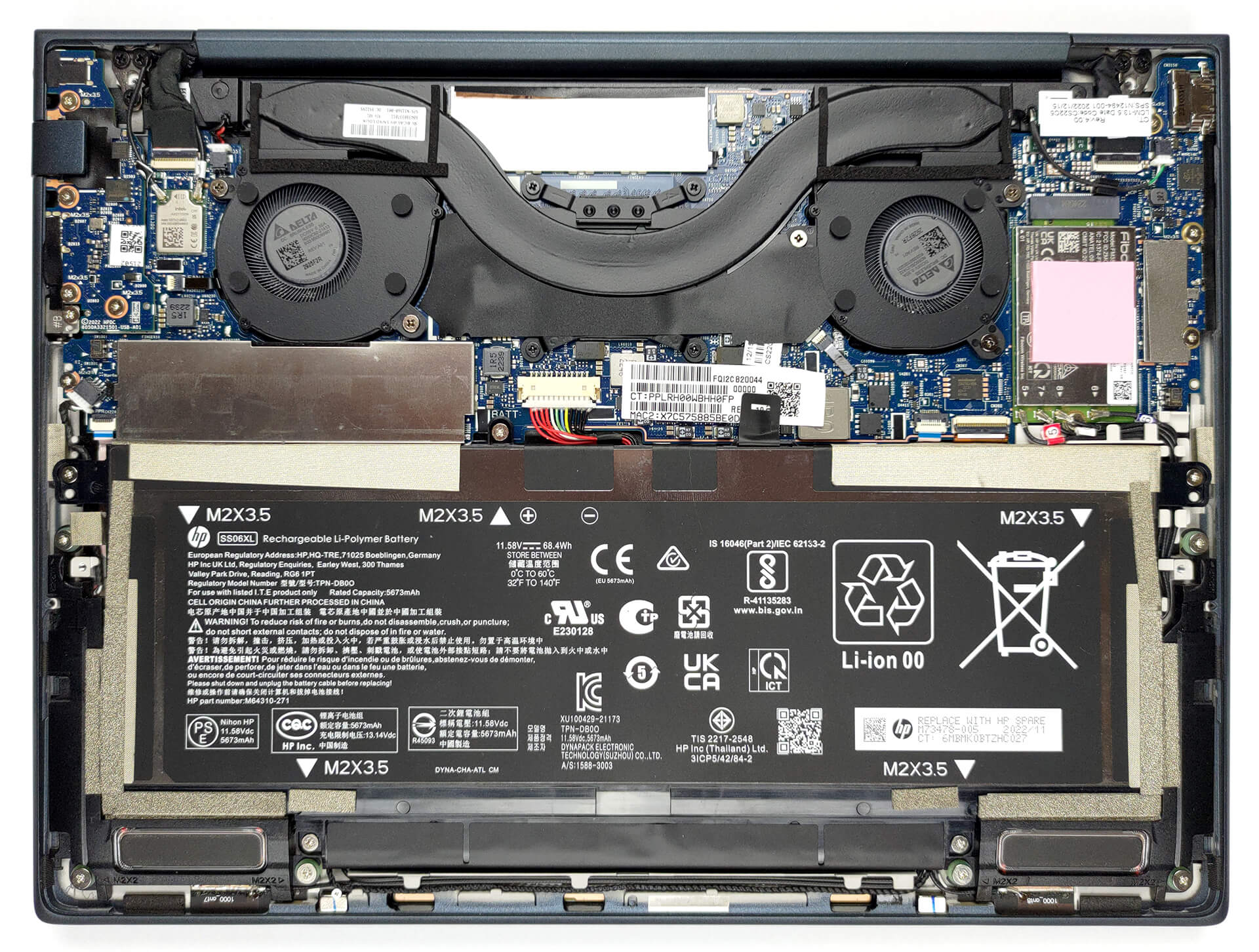
2. Remove the battery
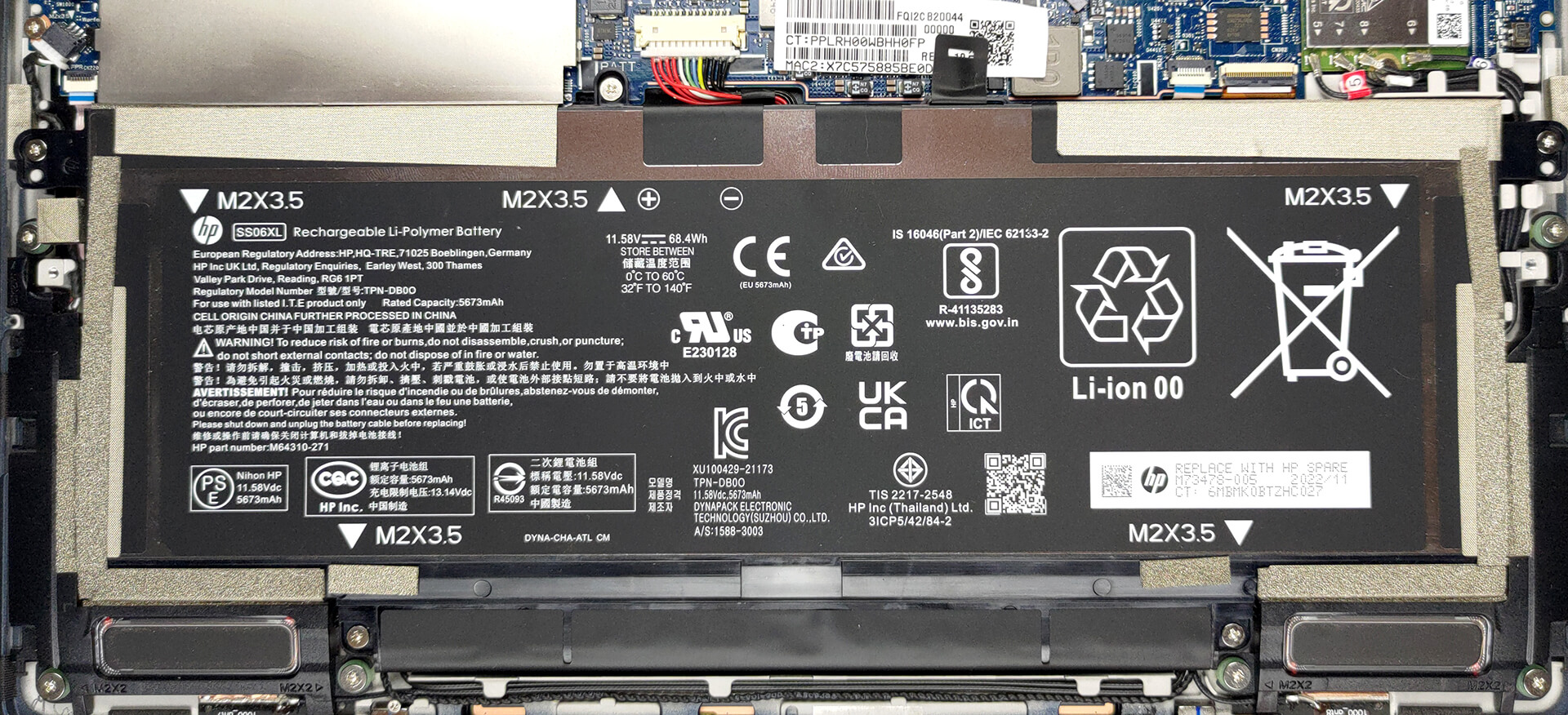
The battery inside this machine has a capacity of 68.4Wh. To remove it from the chassis, you need to undo a total of 5 Phillips-head screws.
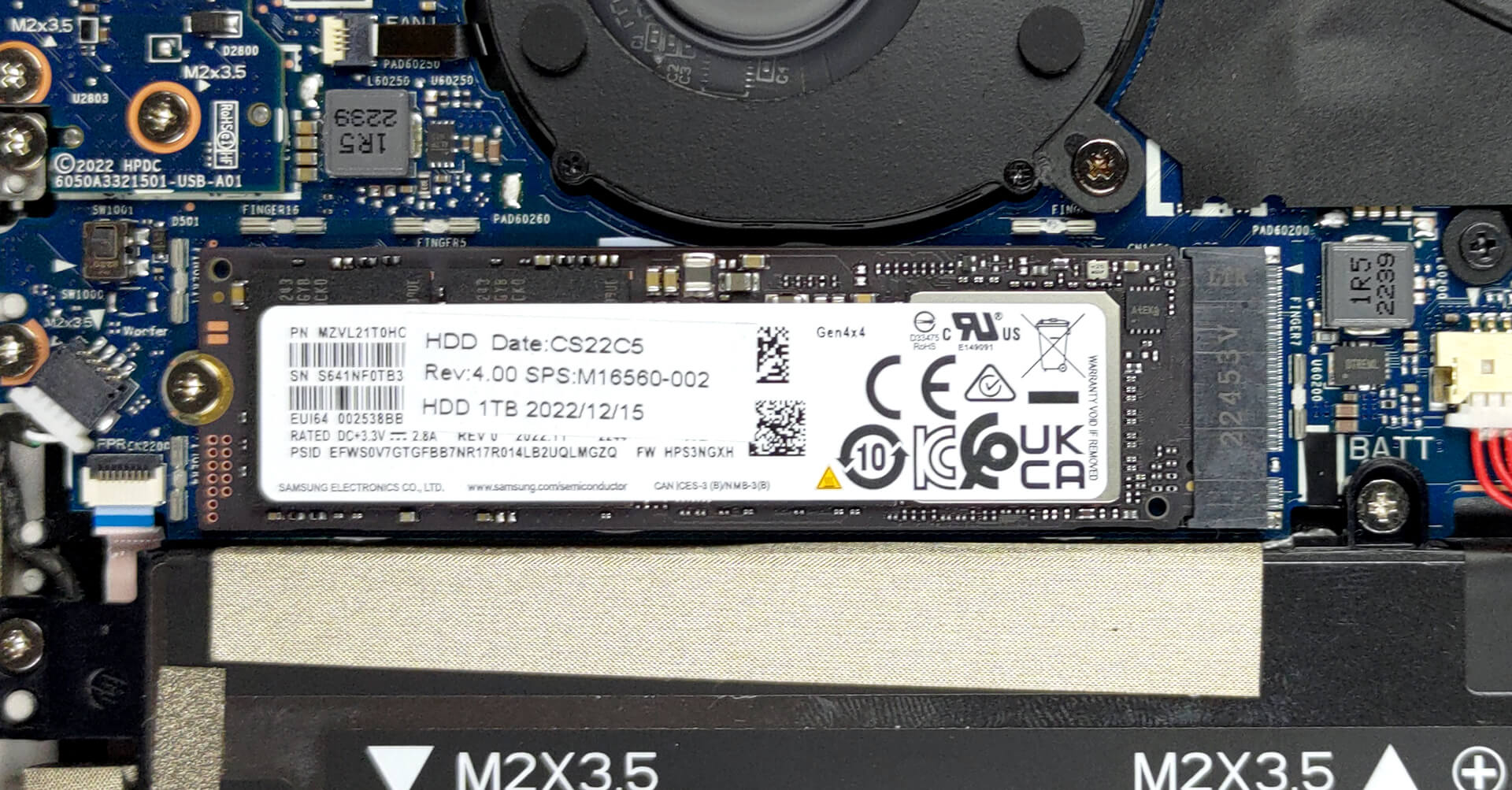
3. Upgrade memory and storage
Unfortunately, the memory is soldered to the motherboard. However, you can choose from 8, 16, and 32GB of LPDDR5 RAM, working at 4800MHz. Storage-wise, you get one M.2 PCIe x4 slot, working with Gen 4 SSDs.
4. Cooling system
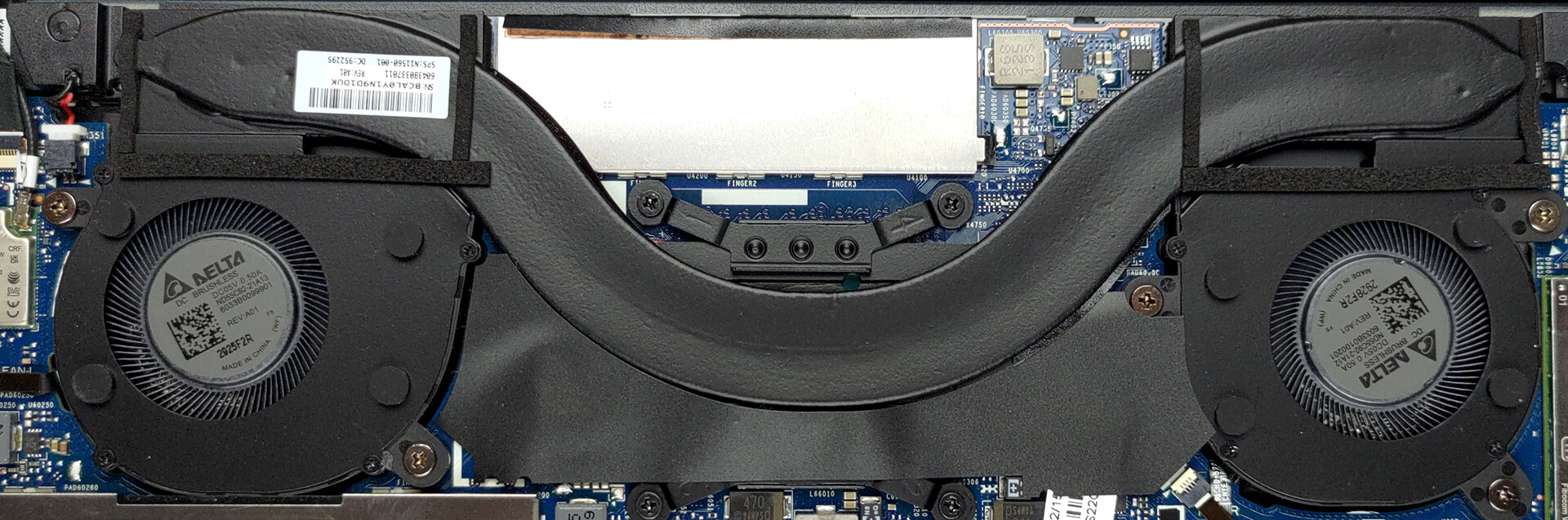
Interestingly, the cooling of the Elite Dragonfly G3 now comprises one heat pipe, two heat sinks, and two small fans.
Check out all HP Elite Dragonfly G3 prices and configurations in our Specs System, or read more in our In-Depth review.
HP Elite Dragonfly G3 recenzie detaliată
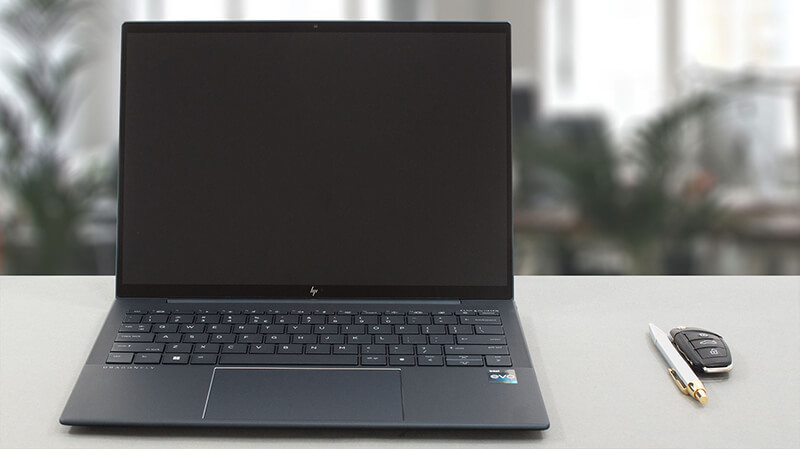
If there was one laptop that could bring HP on the level of Dell's XPS and Lenovo's ThinkPad X1 Carbon series, this would be the Elite Dragonfly. Today, we have the third generation, called the HP Elite Dragonfly G3. It is an interesting participant in the field of premium computers.However, right from the bat, we see a change that might not be endorsed by everybody. HP has transformed the Elite Dragonfly from a convertible to a "regular" clamshell notebook. At the same time, it partially retained the touchscreen functionality, making it optional.This decision from the manufacturer is[...]
Avantaje
- Comfortable keyboard and touchpad
- 96% sRGB coverage and accurate color representation with our profile (CMN13C0)
- Low gloss and reflectivity of the display (CMN13C0)
- No PWM (CMN13C0)
- Supports PCIe x4 Gen 4 drives
- Long battery life
- Two Thunderbolt 4 connectors (both can be used for charging)
- Wi-Fi 6 support plus optional IR face recognition, fingerprint reader, and 5G support
- Up to 32GB RAM
Dezavantaje
- Lacks an SD card reader
- Memory is soldered to the motherboard
 Author: Alex Iliev

![[Iunie 2026] Cele mai vândute mărci de laptopuri pe Amazon Global – Dominația de neegalat a Apple în ceea ce privește numărul de unități vândute și veniturile](https://laptopmedia.com/wp-content/uploads/2026/07/GLOBAL-Best-Brands-400x225.jpg)
![[Iunie 2026] Amazon Global: Top 10 cele mai vândute laptopuri – Noul MacBook Neo de la Apple se clasează pe locul 1, redefinind piața prin prețul accesibil](https://laptopmedia.com/wp-content/uploads/2026/07/Best-Selling-Laptops-GLOBAL-Top-10-400x225.jpg)
![[Iunie 2026] Amazon Global: Top 10 cele mai bine vândute laptopuri pentru jocuri – Modelul Nitro V 16S AI de la Acer domină vânzările, în timp ce ASUS conduce în ceea ce privește veniturile totale](https://laptopmedia.com/wp-content/uploads/2026/07/Best-Selling-Gaming-Laptops-GLOBAL-Top-10-400x225.jpg)
![[Iunie 2026] Clasamentul global al celor mai bine vândute plăci grafice pentru laptopuri pe Amazon – NVIDIA RTX 5060 este cea mai bine vândută placă grafică dedicată](https://laptopmedia.com/wp-content/uploads/2026/07/Best-Selling-GPUs-GLOBAL-Top-10-400x225.jpg)
![[Iunie 2026] Clasamentul global al celor mai bine vândute procesoare pentru laptopuri de pe Amazon – Apple M5 domină, iar AMD Ryzen 7 260 înregistrează o cotă solidă în segmentul premium](https://laptopmedia.com/wp-content/uploads/2026/07/Best-Selling-CPUs-GLOBAL-Top-10-400x225.jpg)
