How to open HP Spectre x360 16 (16-f1000) – disassembly and upgrade options
Slim chassis and attractive looks come at an expense – nonupgradeable memory. On the bright side, you can pick between 16GB and 32GB of RAM preconfigured on your device.
Check out all HP Spectre x360 16 (16-f1000) prices and configurations in our Specs System, or read more in our In-Depth review.
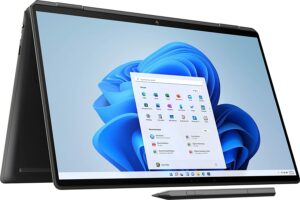
1. Remove the bottom plate
Getting inside this notebook is extremely easy. Just undo 4 Torx-head screws from the bottom panel, and pry it with a plastic tool.

2. Remove the battery
Inside, we find an 83Wh battery pack. It lasts for nearly 13 hours of Web browsing, or 10 hours of video playback on a single charge. To take it out, unplug the connector from the motherboard, and undo all 8 Phillips-head screws that keep it in place.
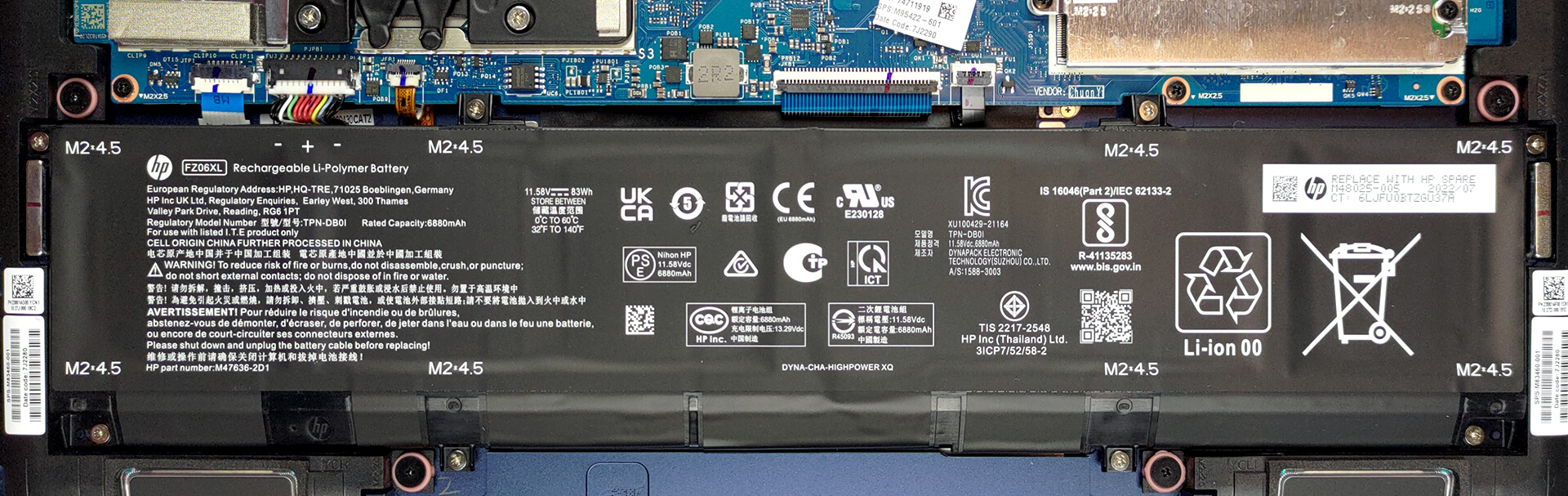
3. Upgrade memory and storage
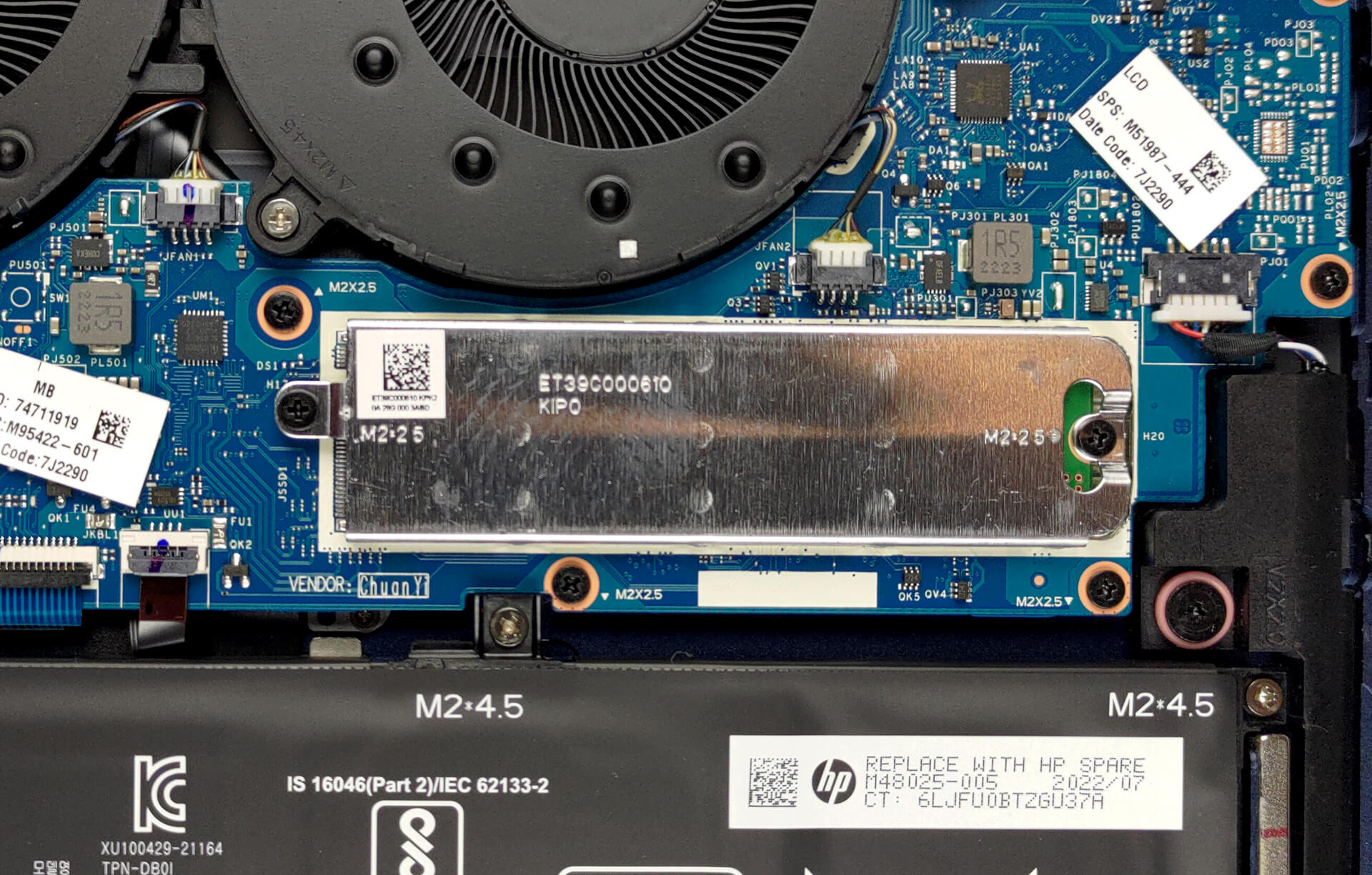
Here, the memory is soldered to the motherboard. It comes equipped with either 16 or 32GB of DDR4 RAM. Storage-wise, you get one M.2 PCIe x4 slot, which can fit Gen 4 SSDs.
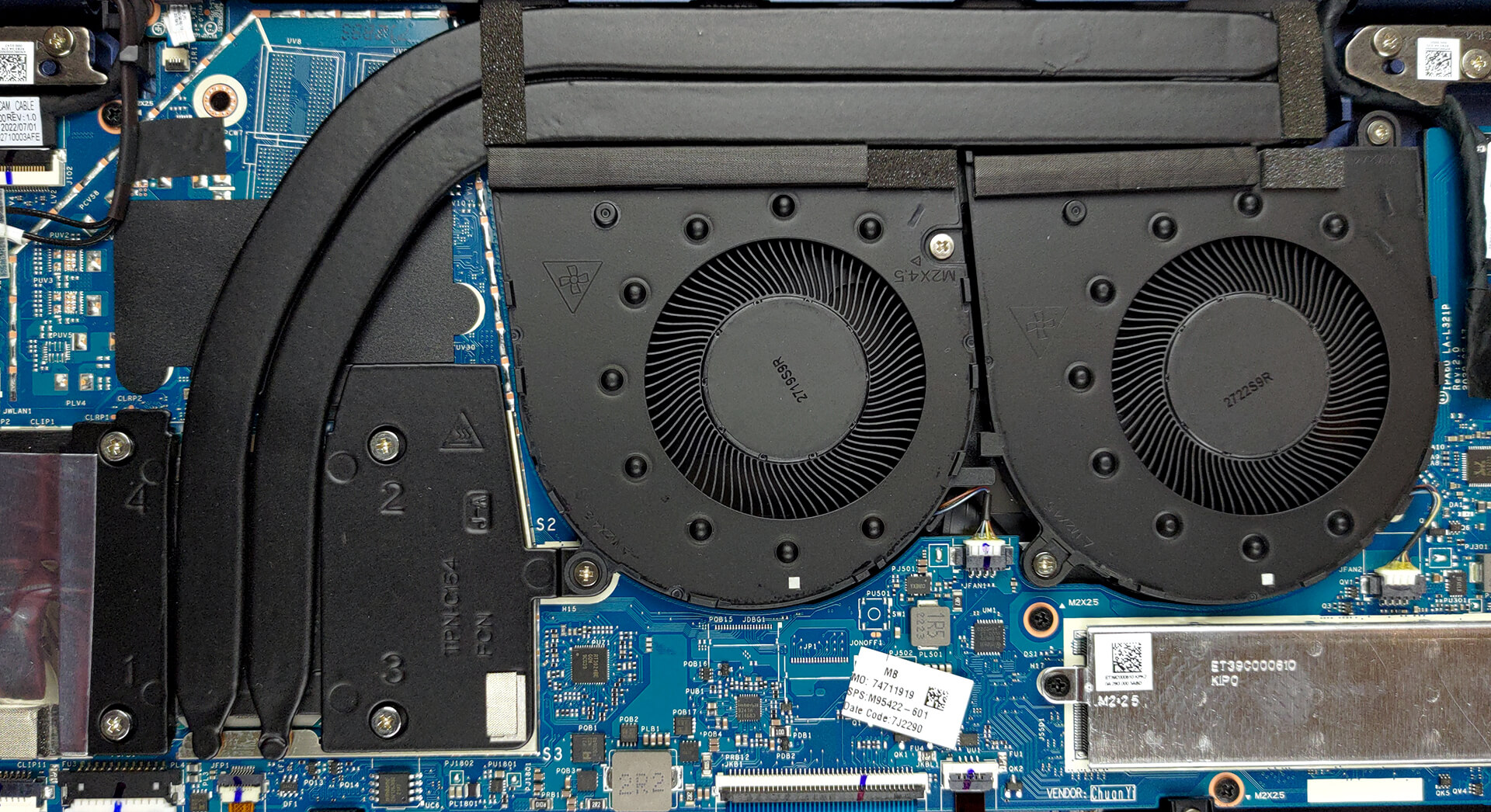
4. Cooling system
The cooling of this device comprises two heat pipes, a long heat sink, and two big fans. Thankfully, the VRMs are also being cooled.
Check out all HP Spectre x360 16 (16-f1000) prices and configurations in our Specs System, or read more in our In-Depth review.
HP Spectre x360 16 (16-f1000, f2000 2022, 2023) recenzie detaliată
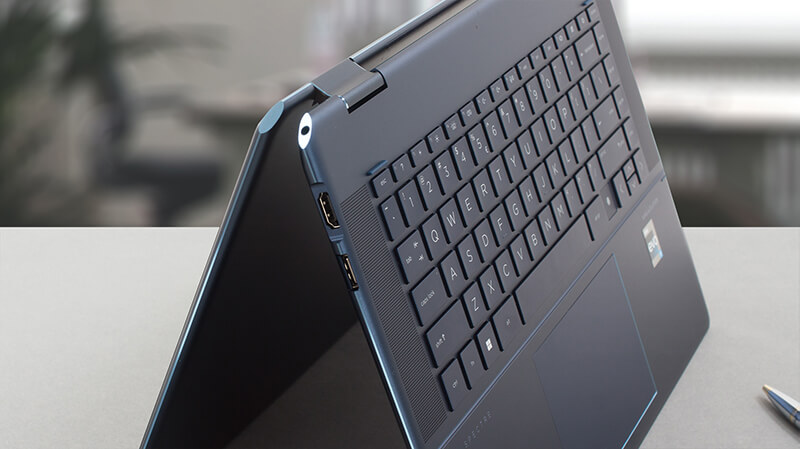
Convertible laptops usually have one big flaw. At the expense of the good that comes with the touchscreen capability and the 360° of the hinge, which allows you to use it as a tablet, there is a limitation. That of the improper cooling.And when we took our first look at the Spectre x360 16 (16-f1000) we thought - there is no way it will be able to deal with the hardware it was given. It has a very slim chassis (or one that appears slimmer than it is).HP, on the other hand, appears to be really confident to give you the option of an Intel Core i7-12700H - one of the most powerful lapt[...]
Avantaje
- Excellent build quality
- Up to 4 display support
- High resolution and 98% sRGB coverage (AUO AUO60A3)
- No PWM (AUO AUO60A3)
- Great keyboard
- IR face recognition and fingerprint sensors
- Overperforming in image-editing applications
- Decent battery life
- 2x Thunderbolt 4 + MicroSD card slot
Dezavantaje
- Soldered memory
- Not full performance by the H-series chip
 Author: Alex Iliev

![[Iunie 2026] Cele mai vândute mărci de laptopuri pe Amazon Global – Dominația de neegalat a Apple în ceea ce privește numărul de unități vândute și veniturile](https://laptopmedia.com/wp-content/uploads/2026/07/GLOBAL-Best-Brands-400x225.jpg)
![[Iunie 2026] Amazon Global: Top 10 cele mai vândute laptopuri – Noul MacBook Neo de la Apple se clasează pe locul 1, redefinind piața prin prețul accesibil](https://laptopmedia.com/wp-content/uploads/2026/07/Best-Selling-Laptops-GLOBAL-Top-10-400x225.jpg)
![[Iunie 2026] Amazon Global: Top 10 cele mai bine vândute laptopuri pentru jocuri – Modelul Nitro V 16S AI de la Acer domină vânzările, în timp ce ASUS conduce în ceea ce privește veniturile totale](https://laptopmedia.com/wp-content/uploads/2026/07/Best-Selling-Gaming-Laptops-GLOBAL-Top-10-400x225.jpg)
![[Iunie 2026] Clasamentul global al celor mai bine vândute plăci grafice pentru laptopuri pe Amazon – NVIDIA RTX 5060 este cea mai bine vândută placă grafică dedicată](https://laptopmedia.com/wp-content/uploads/2026/07/Best-Selling-GPUs-GLOBAL-Top-10-400x225.jpg)
![[Iunie 2026] Clasamentul global al celor mai bine vândute procesoare pentru laptopuri de pe Amazon – Apple M5 domină, iar AMD Ryzen 7 260 înregistrează o cotă solidă în segmentul premium](https://laptopmedia.com/wp-content/uploads/2026/07/Best-Selling-CPUs-GLOBAL-Top-10-400x225.jpg)
