How to open Lenovo Yoga Slim 7 Pro X (14″, 2022) – disassembly and upgrade options
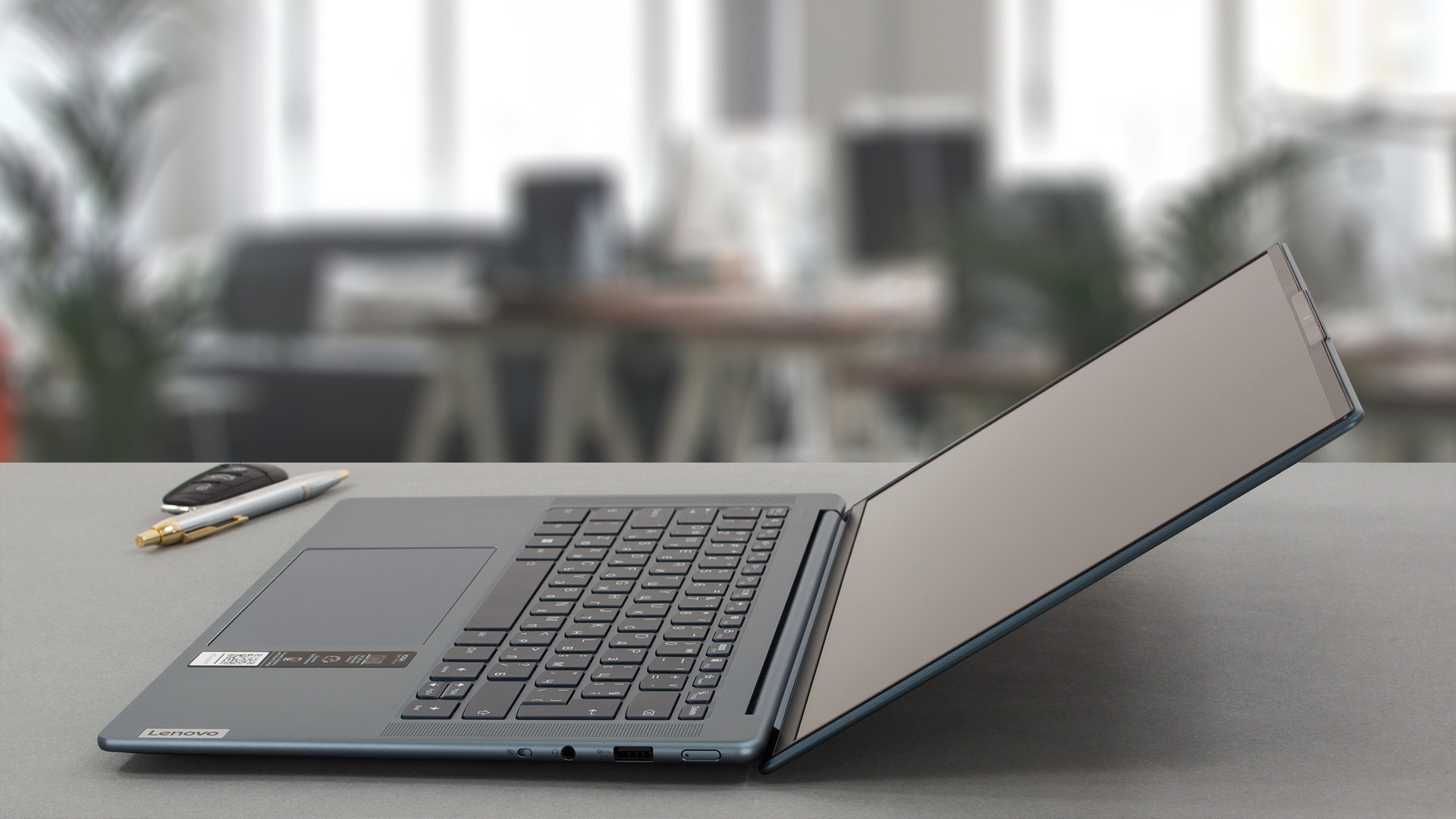
The Lenovo Yoga Slim 7 Pro X (14″, 2022) is a compact and powerful device that has a very good build quality. Now it’s time to have a sneak peek under the hood and to see the internals.
Check out all Lenovo Yoga Slim 7 Pro X (14″, 2022) prices and configurations in our Specs System, or read more in our In-Depth review.
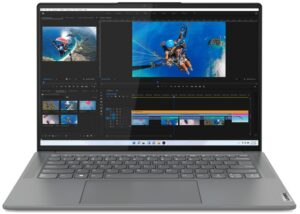
1. Remove the bottom plate
In order to open this notebook, you need to undo 5 Torx-head screws. After that, you have to pry the bottom panel with a plastic tool.
From the inside, the bottom plate has a dedicated thermal pad for the SSD which is nice to see.

2. Remove the battery
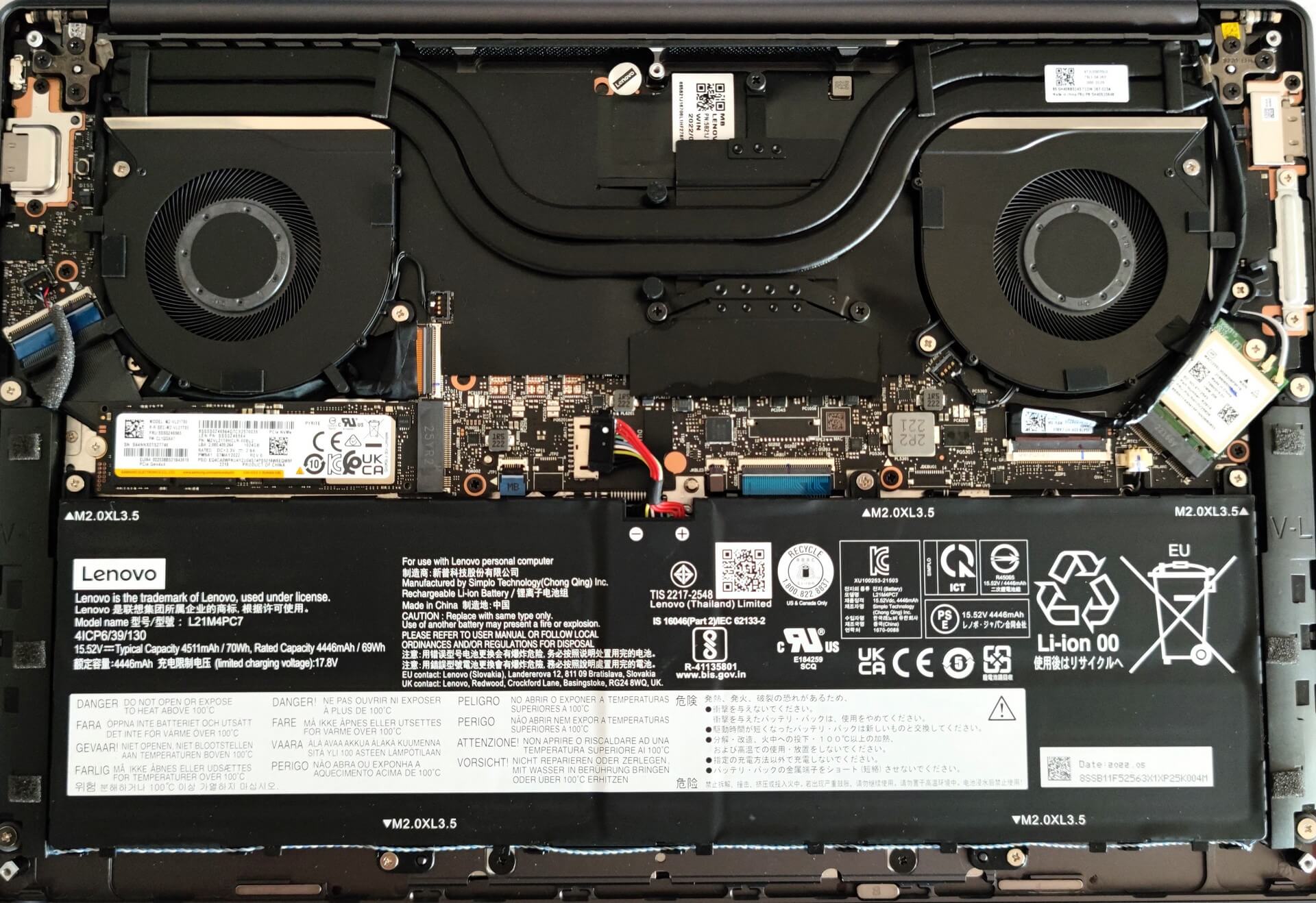
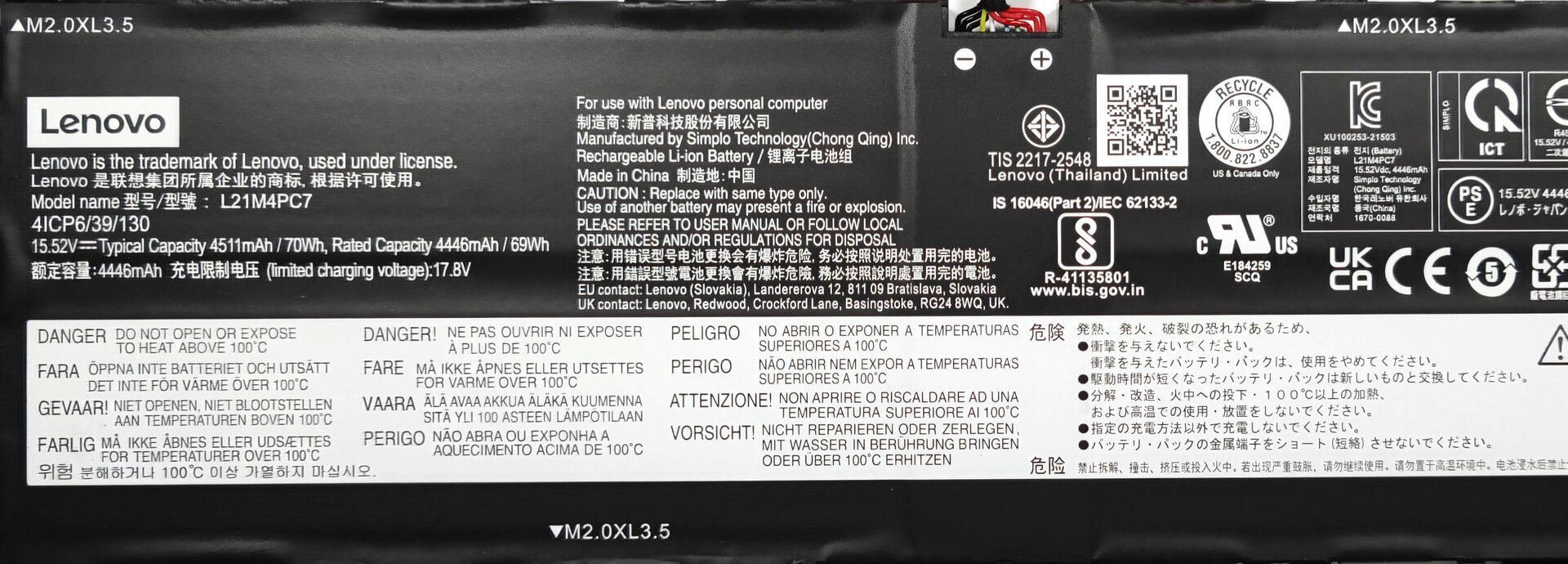
Here, we have a 70Wh battery unit. It lasts for 9 hours and 5 minutes of Web browsing, or 10 hours of video playback. To remove the battery, you need to undo 5 Phillips-head screws. Then, you just have to unplug the connector from the motherboard. The next step is to carefully disentangle the speaker cables from the bottom of the battery housing.
3. Upgrade memory and storage
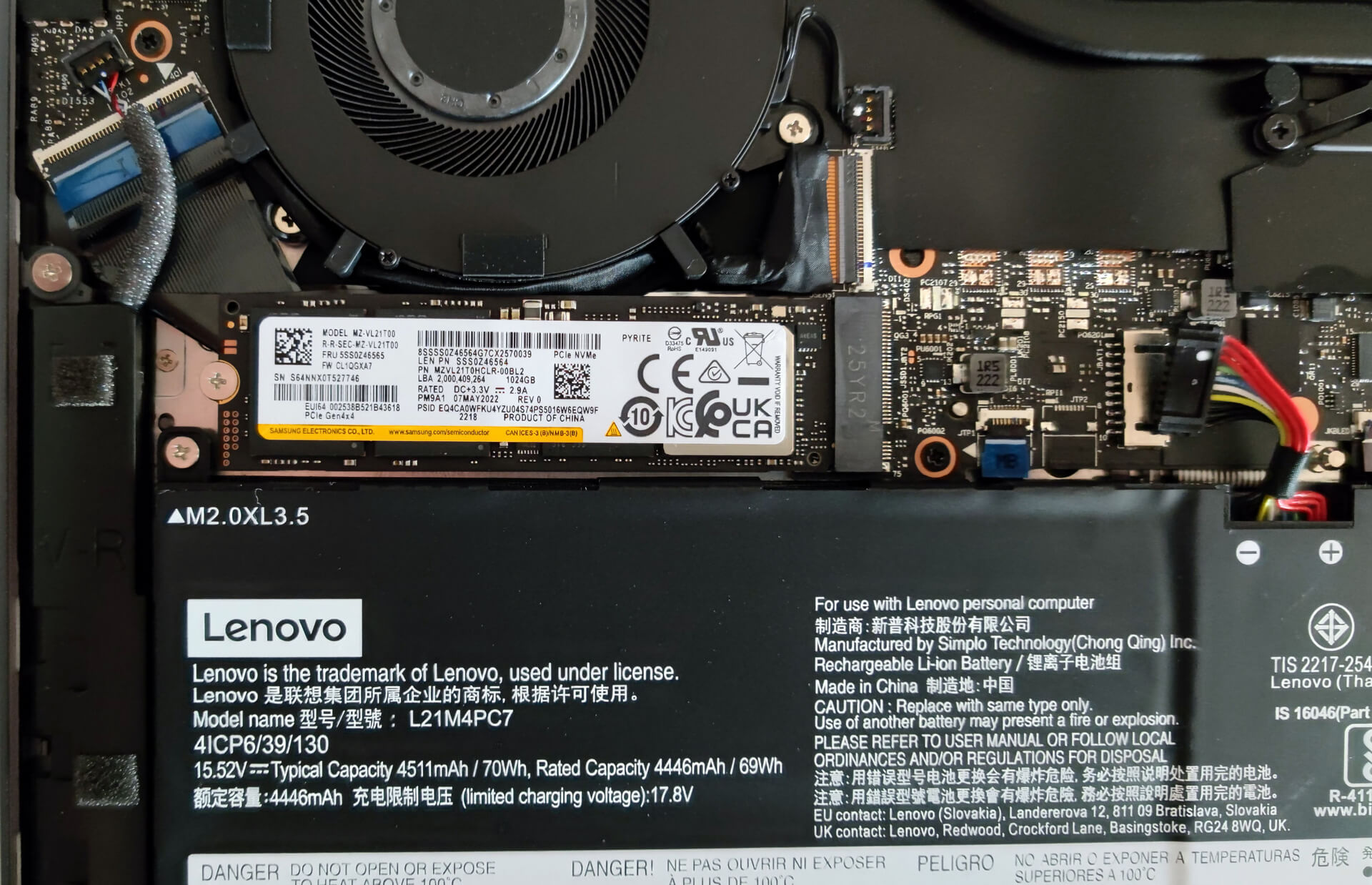
The memory here is soldered to the motherboard. The device can be configured with up to 32GB of LPDDR5 RAM. For storage, there is one M.2 PCIe x4 slot compatible with Gen 4 SSDs.
4. Cooling system
The cooling solution looks good, it has two big heat pipes, two fans, and a heat spreader over the VRMs.

Check out all Lenovo Yoga Slim 7 Pro X (14″, 2022) prices and configurations in our Specs System, or read more in our In-Depth review.
Lenovo Yoga Slim 7 Pro X (14", 2022) recenzie detaliată
Today we're going to review the Lenovo Yoga Slim 7 Pro X (14″, 2022) and since we have an article regarding the Intel-based sibling it'll be interesting to see differences between the two devices since they look 99% percent identical from the outside.In short, in front of us is a compact laptop with a high-res 13.5-inch display, capable hardware under the hood, and a decently big battery. Sounds like a good combination for multipurpose loads - this machine can be a daily driver, you can use it as an office device, or for some light gaming after work. Yep, even the integrated AMD Radeon 6[...]
Avantaje
- Thin and light machine
- Strong aluminum chassis
- Covers 94% of the sRGB color gamut and has accurate color representation with our Gaming and Web design profile (BOE NE145F8M-N61 (BOEAA8))
- High resolution and 16:10 aspect ratio
- No PWM (BOE NE145F8M-N61 (BOEAA8))
- 2x USB Type-C
- Very good performance for its class
- Full HD Web camera + IR face recognition
- Good battery life
Dezavantaje
- Soldered memory
- No SD card slot
 Author: Nikolay Palaozov

![[August 2026] Clasamentul global al celor mai bine vândute plăci grafice pentru laptopuri de pe Amazon – Apple domină clasamentul, iar modelul RTX 5060 de la NVIDIA ocupă primul loc în clasamentul dedicat](https://laptopmedia.com/wp-content/uploads/2026/09/Best-Selling-GPUs-GLOBAL-Top-10-400x225.jpg)
![[August 2026] Clasamentul global al celor mai bine vândute procesoare pentru laptopuri de pe Amazon – Apple domină atât segmentul economic, cât și cel premium: A18 Pro și M5 surclasează Intel și AMD în august 2026](https://laptopmedia.com/wp-content/uploads/2026/09/Best-Selling-CPUs-GLOBAL-Top-10-400x225.jpg)
![[August 2026] Amazon Global: Top 10 cele mai vândute laptopuri – Apple MacBook Neo domină clasamentul, în timp ce laptopurile Windows din gama economică și de mijloc se luptă pentru volumul vânzărilor](https://laptopmedia.com/wp-content/uploads/2026/09/Best-Selling-Laptops-GLOBAL-Top-10-400x225.jpg)
![[August 2026] Cele mai vândute mărci de laptopuri pe Amazon Global – Apple domină în ceea ce privește veniturile, în timp ce HP se află pe primul loc în ceea ce privește varietatea de modele](https://laptopmedia.com/wp-content/uploads/2026/09/GLOBAL-Best-Brands-400x225.jpg)
![[August 2026] Amazon Global: Top 10 cele mai bine vândute laptopuri pentru jocuri – HP Victus 15 ocupă primul loc, în timp ce modelele accesibile domină clasamentul](https://laptopmedia.com/wp-content/uploads/2026/09/Best-Selling-Gaming-Laptops-GLOBAL-Top-10-400x225.jpg)
