How to open MSI Pulse 15 (B13V) – disassembly and upgrade options
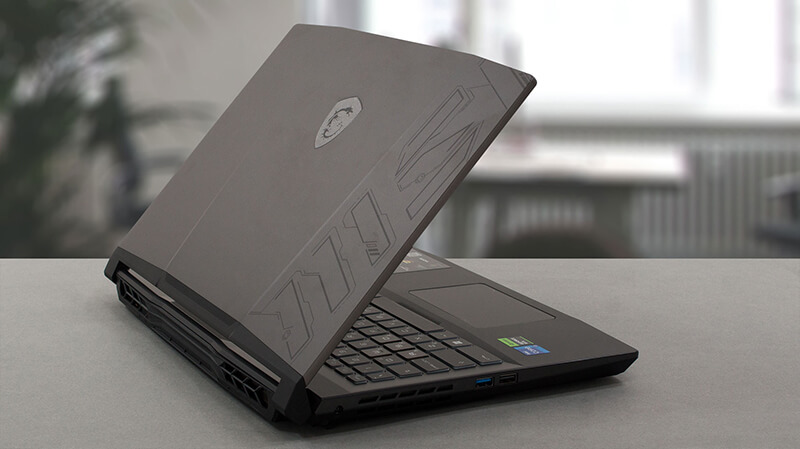
This year’s (2023) MSI Pulse 15 has quite some improvements – a big battery, DDR5 RAM, and capable cooling. Let’s have a look inside.
Check out all MSI Pulse 15 (B13V) prices and configurations in our Specs System, or read more in our In-Depth review.
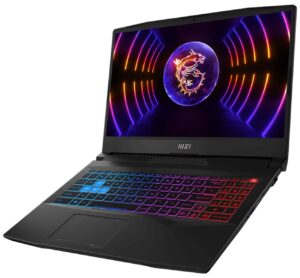
1. Remove the bottom plate
To access this notebook’s internals, you need to undo 13 Phillips-head screws. Then, pry the bottom panel with a plastic tool, and remove it from the device.
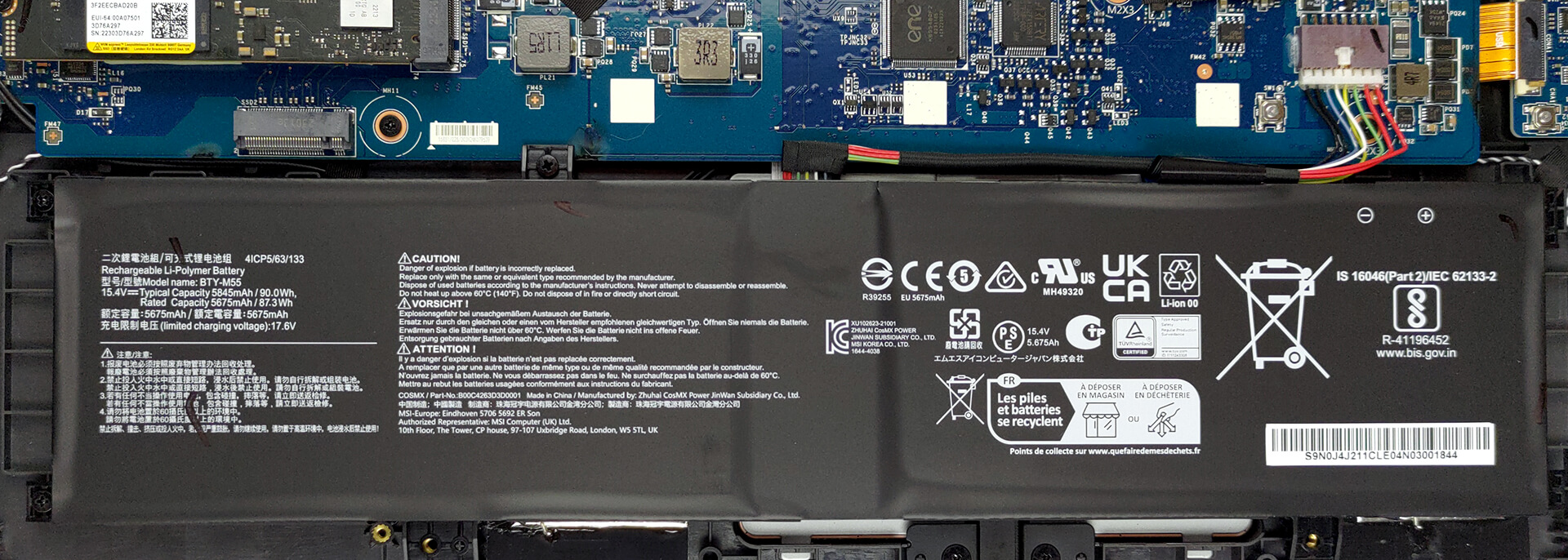
2. Remove the battery
Inside, you get a 90Wh battery pack. To take it out, unplug the connector from the motherboard, and undo the 5 Phillips-head screws, keeping the battery in place.
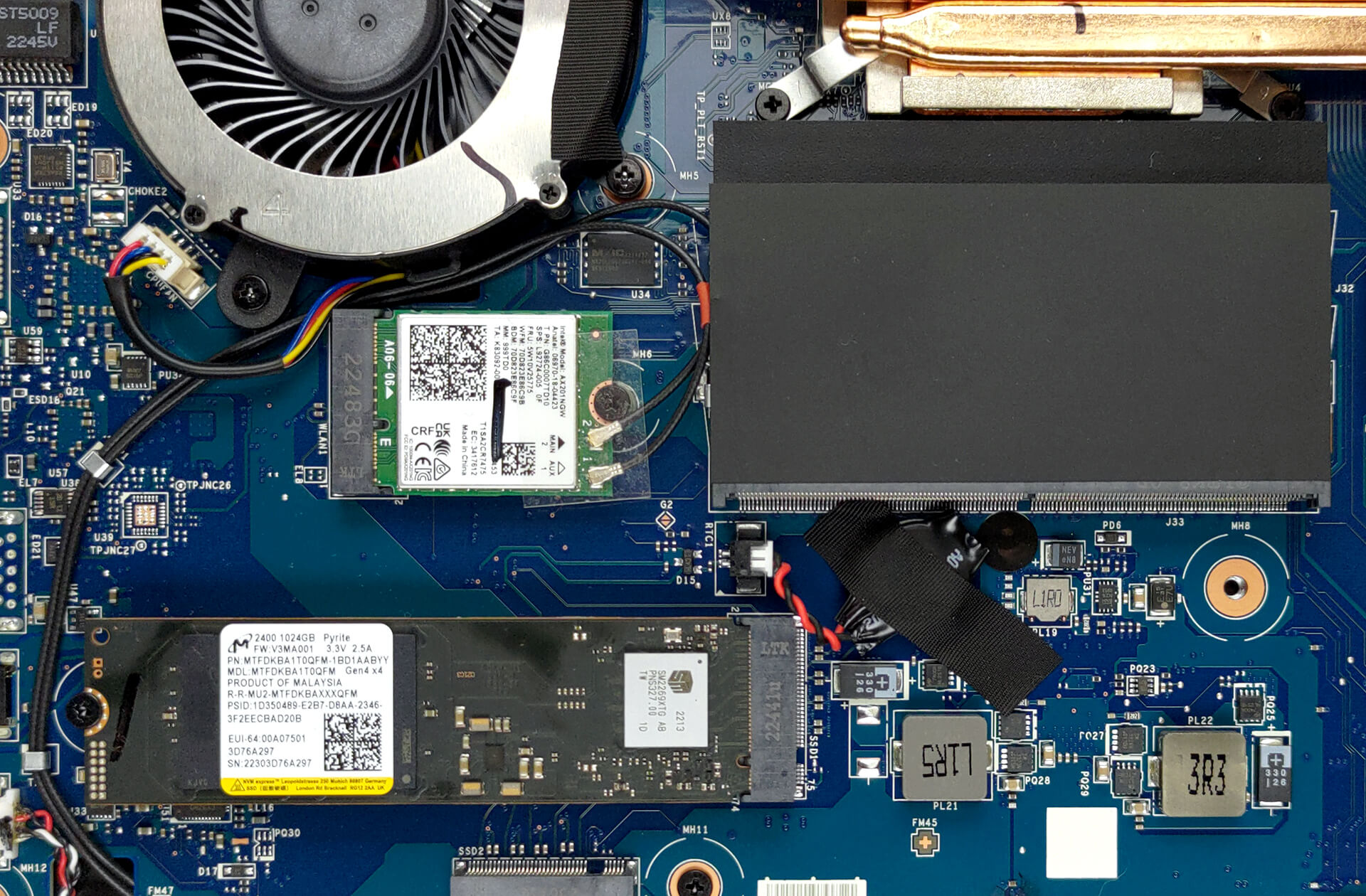
3. Upgrade memory and storage
Thankfully, you get two SODIMM slots, which work with DDR5 RAM. You can fit up to 64GB in total. As for the storage, there is one usable M.2 PCIe x4 slot, which supports Gen 4 SSDs.
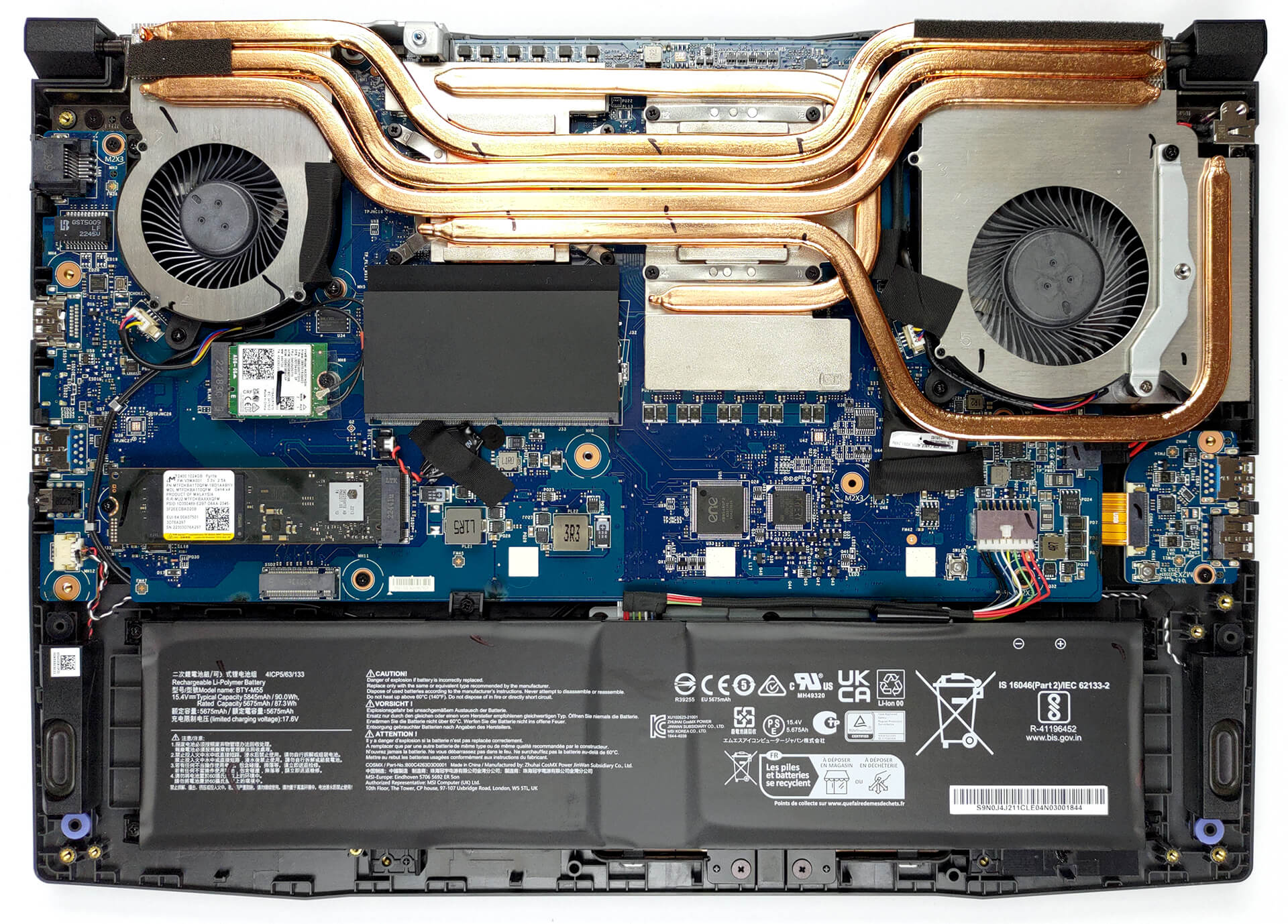
4. Cooling system
Moving to the cooling, we see a total of four heat pipes shared between the CPU and the GPU. There are three heat sinks, and two fans that dissipate the heat, while one heat pipe and a couple of spreaders take care of the graphics memory and the VRMs.

Check out all MSI Pulse 15 (B13V) prices and configurations in our Specs System, or read more in our In-Depth review.
MSI Pulse 15 (B13Vx) recenzie detaliată
MSI Pulse is a laptop that aims to combine affordability with genuine performance. This differentiates the product from its close relative - the Katana. In addition to some visual changes, however, the manufacturer relies on even more powerful hardware.In comparison to the Katana, the processor, you get is the Intel Core i7-13700H. It has the full package of P-cores and E-cores, instead of the limited Core i7-123620H, found on the Katana.This will help with both productivity and gaming, as no bottleneck should be expected. MSI calls the RTX 4070 it puts inside this machine a full powe[...]
Avantaje
- Pretty good gaming performance
- 1x M.2 PCIe x4 Gen 4 slots, 2x DDR5 RAM SODIMM slots in dual channel
- Covers only 99.5% of DCI-P3 (Sharp LQ156T1JW04 (SHP153C))
- 240Hz refresh rate (Sharp LQ156T1JW04 (SHP153C))
- No PWM (Sharp LQ156T1JW04 (SHP153C))
- MUX Switch
- Great keyboard
Dezavantaje
- No SD card
- No Thunderbolt 4
- Gets more and more expensive
 Author: Alex Iliev

![[August 2026] Clasamentul global al celor mai bine vândute plăci grafice pentru laptopuri de pe Amazon – Apple domină clasamentul, iar modelul RTX 5060 de la NVIDIA ocupă primul loc în clasamentul dedicat](https://laptopmedia.com/wp-content/uploads/2026/09/Best-Selling-GPUs-GLOBAL-Top-10-400x225.jpg)
![[August 2026] Clasamentul global al celor mai bine vândute procesoare pentru laptopuri de pe Amazon – Apple domină atât segmentul economic, cât și cel premium: A18 Pro și M5 surclasează Intel și AMD în august 2026](https://laptopmedia.com/wp-content/uploads/2026/09/Best-Selling-CPUs-GLOBAL-Top-10-400x225.jpg)
![[August 2026] Amazon Global: Top 10 cele mai vândute laptopuri – Apple MacBook Neo domină clasamentul, în timp ce laptopurile Windows din gama economică și de mijloc se luptă pentru volumul vânzărilor](https://laptopmedia.com/wp-content/uploads/2026/09/Best-Selling-Laptops-GLOBAL-Top-10-400x225.jpg)
![[August 2026] Cele mai vândute mărci de laptopuri pe Amazon Global – Apple domină în ceea ce privește veniturile, în timp ce HP se află pe primul loc în ceea ce privește varietatea de modele](https://laptopmedia.com/wp-content/uploads/2026/09/GLOBAL-Best-Brands-400x225.jpg)
![[August 2026] Amazon Global: Top 10 cele mai bine vândute laptopuri pentru jocuri – HP Victus 15 ocupă primul loc, în timp ce modelele accesibile domină clasamentul](https://laptopmedia.com/wp-content/uploads/2026/09/Best-Selling-Gaming-Laptops-GLOBAL-Top-10-400x225.jpg)
