HP Envy 16 (16-h0000) – Top 5 Pros and Cons
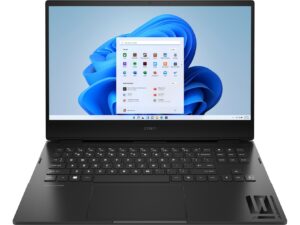
 The Envy laptops aren’t HP’s most expensive offerings, however, they certainly look like it. As 16-inch laptops are quickly becoming the norm, along with the 16:10 aspect ratio, it’s about time HP enters the conversation with their Creator and Productivity-focused Envy 16 (16-h0000).
It’s got Alder Lake H-series CPUs along with two discrete GPUs, including the RTX 3060 with a 95W TGP and the Intel Arc A370M, which doesn’t seem to be on the level of the 3060, if their desktop counterparts are to serve and any evidence.
Today we present you with LaptopMedia’s top 5 picks about the HP Envy 16 (16-h0000).
HP Envy 16 (16-h0000): Full Specs / In-depth Review
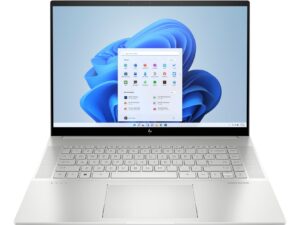

4 reasons to BUY the HP Envy 16 (16-h0000)
1. Design and build quality
The Envy 16 is entirely made from metal and has a sleek design that reminds us a lot of the ZBook Studio G9. It shares the same choices for rounded corners and edges on the front, while the back is sharper and more angular. The lid doesn’t open with one hand, however, both it and the base are as strong as it gets, delivering amazing rigidity when we tried flexing them. In terms of portability, this isn’t the lightest device, weighing 2.30 kg and having a profile of 19.9 mm.
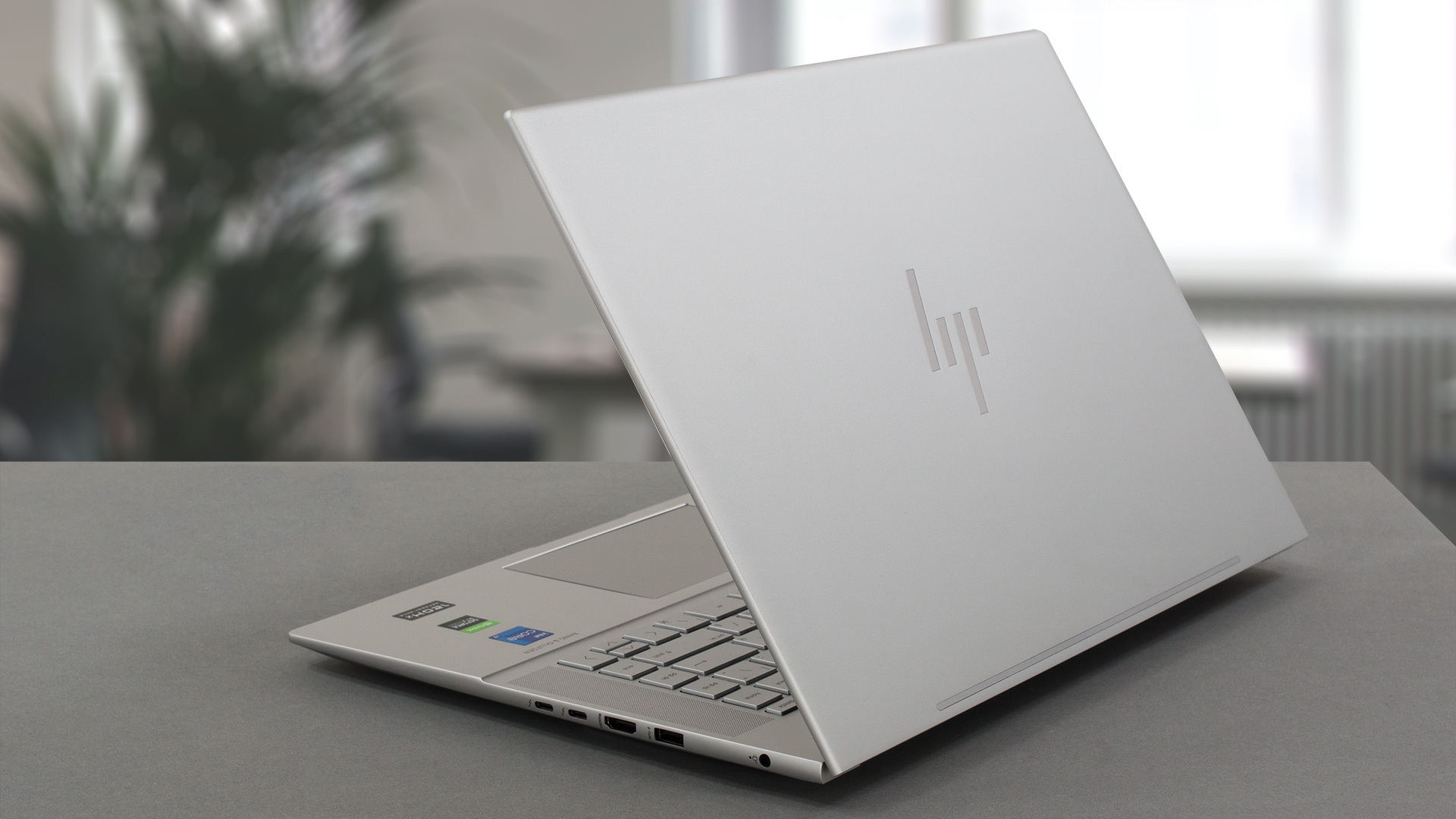
2. Upgradeability
The laptop offers access to its memory and storage, through two SODIMM slots that fit DDR5 RAM, along with two M.2 slots that support Gen 4 drives. Weirdly enough, they are angled and not completely horizontal or vertical, which is a first for us.
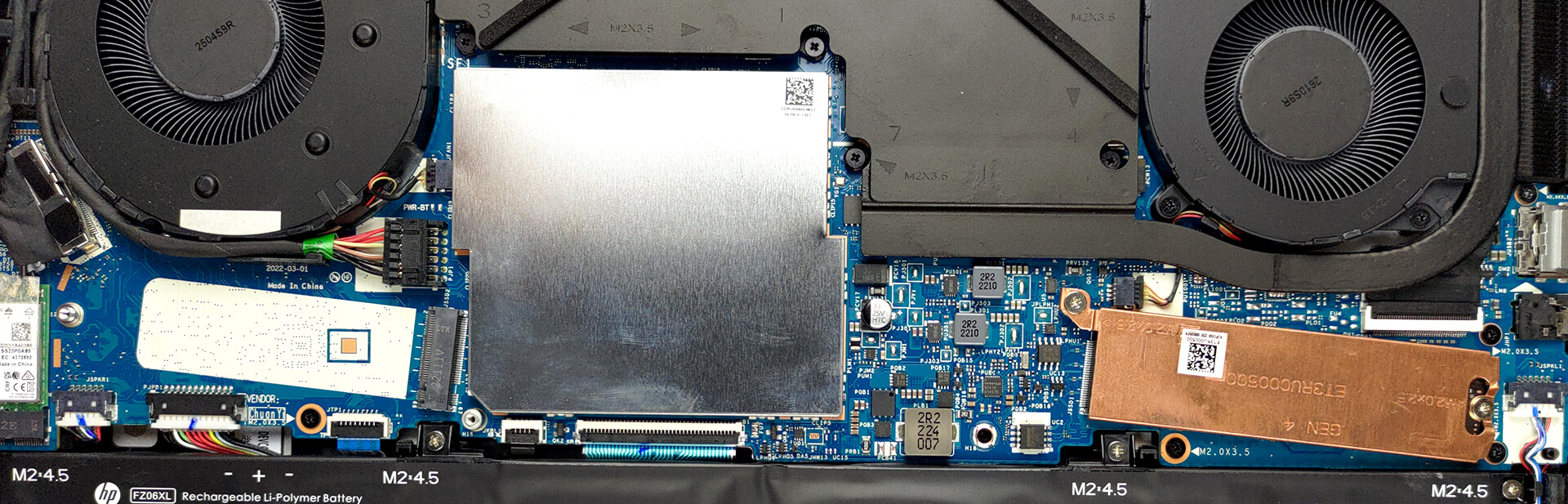
Here is our detailed teardown video, which shows how to access both the RAM and SSD slots.
3. Display quality
There are two display options, with both an IPS and an OLED panel. We chose the IPS version, which has a QHD+ resolution, a 16:10 aspect ratio, and a 120Hz refresh rate. The display reaches 461 nits of brightness and a 1260:1 contrast ratio. In terms of Creator work, the panel is suitable, showing 92% sRGB coverage.
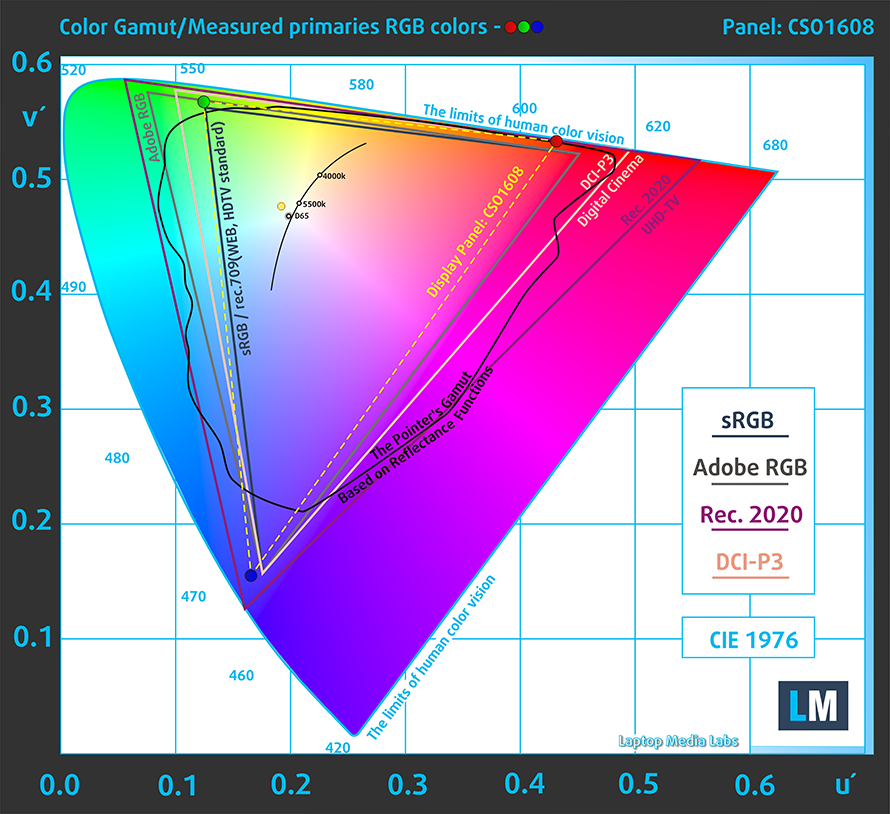
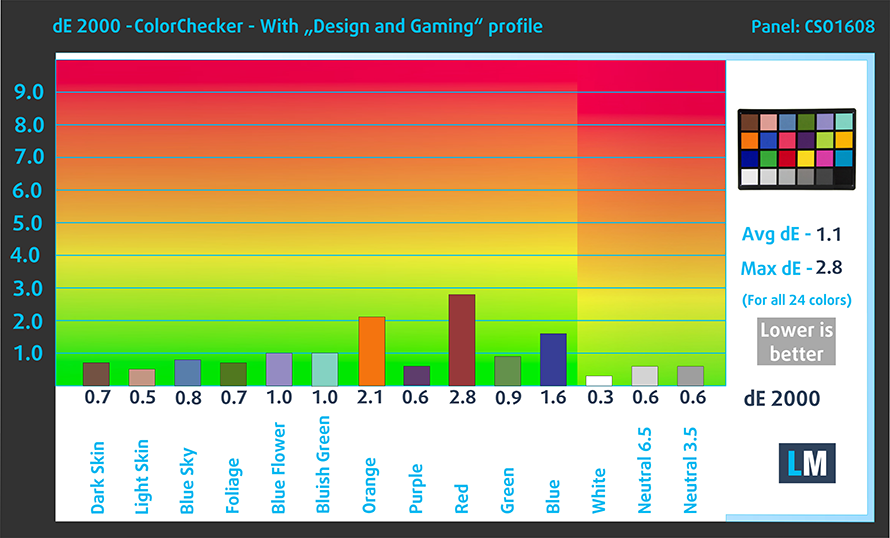
The display shows good color accuracy when applying our Design and Gaming profile, lowering the dE value down to 1.1, which is more than great. Here are the results of our color accuracy test, with both the stock settings (left) and with our profile applied (right).

Buy our profiles
Since our profiles are tailored for each individual display model, this article and its respective profile package are meant for HP Envy 16 (16-h0000) configurations with 16″ WQXGA IPS CSO1608.
*Should you have problems with downloading the purchased file, try using a different browser to open the link you’ll receive via e-mail. If the download target is a .php file instead of an archive, change the file extension to .zip or contact us at [email protected].
Read more about the profiles HERE.
Pe lângă primirea de profiluri eficiente și prietenoase cu sănătatea, prin cumpărarea produselor LaptopMedia sprijiniți și dezvoltarea laboratoarelor noastre, unde testăm dispozitive pentru a produce cele mai obiective recenzii posibile.

Office Work
Office Work ar trebui folosit în principal de utilizatorii care petrec cea mai mare parte a timpului uitându-se la texte, tabele sau pur și simplu navigând. Acest profil urmărește să ofere o distincție și o claritate mai bună prin menținerea unei curbe gamma plate (2.20), a temperaturii native a culorii și a culorilor perceptiv exacte.

Design and Gaming
Acest profil se adresează designerilor care lucrează profesional cu culorile, precum și pentru jocuri și filme. Design and Gaming duce panourile de afișaj la limitele lor, făcându-le cât mai precise posibil în standardul sRGB IEC61966-2-1 pentru Web și HDTV, la punctul de alb D65.

Health-Guard
Health-Guard elimină modulația dăunătoare a lățimii impulsului (PWM) și reduce lumina albastră negativă care ne afectează ochii și corpul. Deoarece este personalizat pentru fiecare panou, reușește să mențină culorile perceptiv exacte. Health-Guard simulează hârtia, astfel încât presiunea asupra ochilor este redusă considerabil.
Obține toate cele 3 profiluri cu 33% reducere

4. Cooling
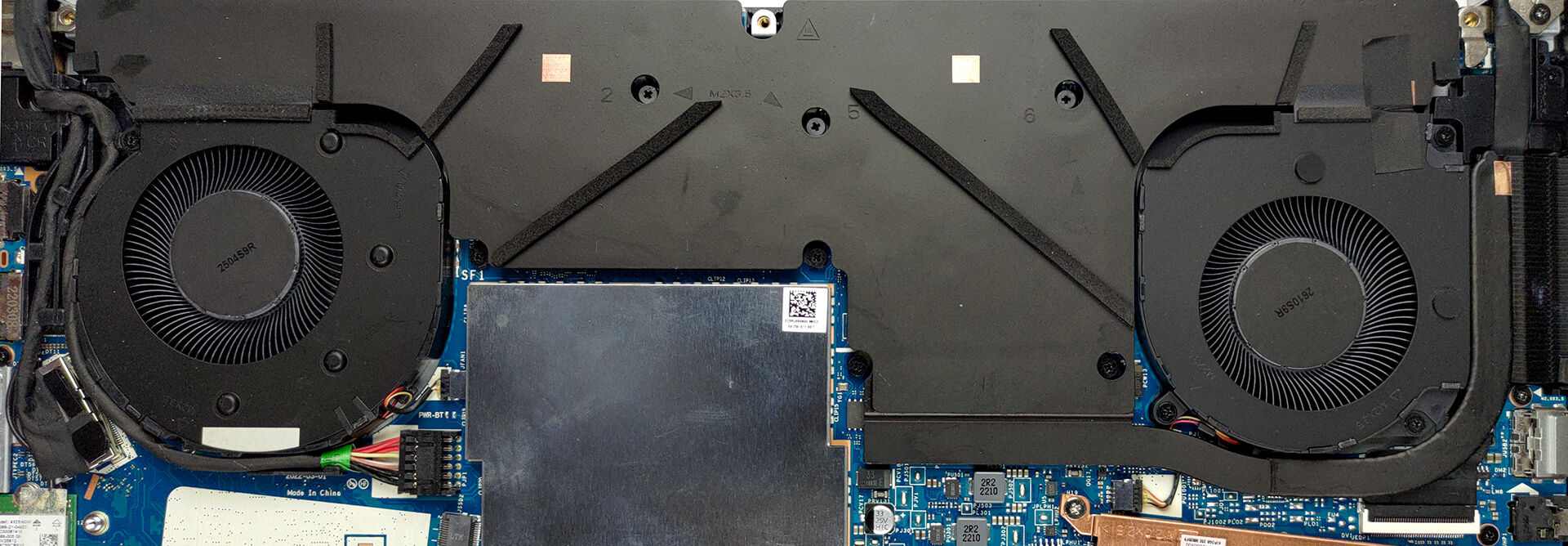
The Envy 16 uses a vapor chamber, which is becoming more and more popular with thinner notebooks, instead of a classic solution with heat pipes. The chamber covers a large part of the motherboard, including the CPU, GPU, VRMs, and GPU memory. It’s cooled by two fans.
Max CPU load
| Intel Core i7-12700H (45W TDP) | 0:02 – 0:10 sec | 0:15 – 0:30 sec | 10:00 – 15:00 min |
|---|---|---|---|
| HP Envy 16 (16-h0000) | 3.40 GHz @ 2.63 GHz @ 74°C @ 115W | 2.36 GHz @ 1.96 GHz @ 62°C @ 61W | 2.29 GHz @ 1.91 GHz @ 67°C @ 55W |
To put it simply, the Envy 16 prioritizes comfort and silence over performance, as we see the Core i7-12700H run at lower speeds, wattage, and temps, despite there being room for growth.
Real-life gaming
| NVIDIA GeForce RTX 3060 | GPU frequency/ Core temp (after 2 min) | GPU frequency/ Core temp (after 30 min) | Max Fans |
|---|---|---|---|
| HP Envy 16 (16-h0000) | 1565 MHz @ 77°C @ 94W | 1573 MHz @ 78°C @ 95W |
The GPU does fairly better, running at its max TGP, while clock speeds are relatively high as well.
Gaming comfort
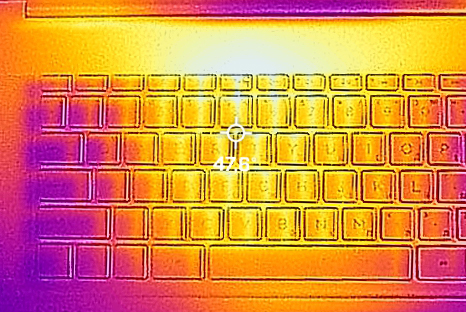
The fans can be heard under load, but noise isn’t that much of an issue. The temperature of the base is a bit high though, at nearly 48°C.
1 reason NOT to buy the HP Envy 16 (16-h0000)
1. Performance
CPU benchmarks
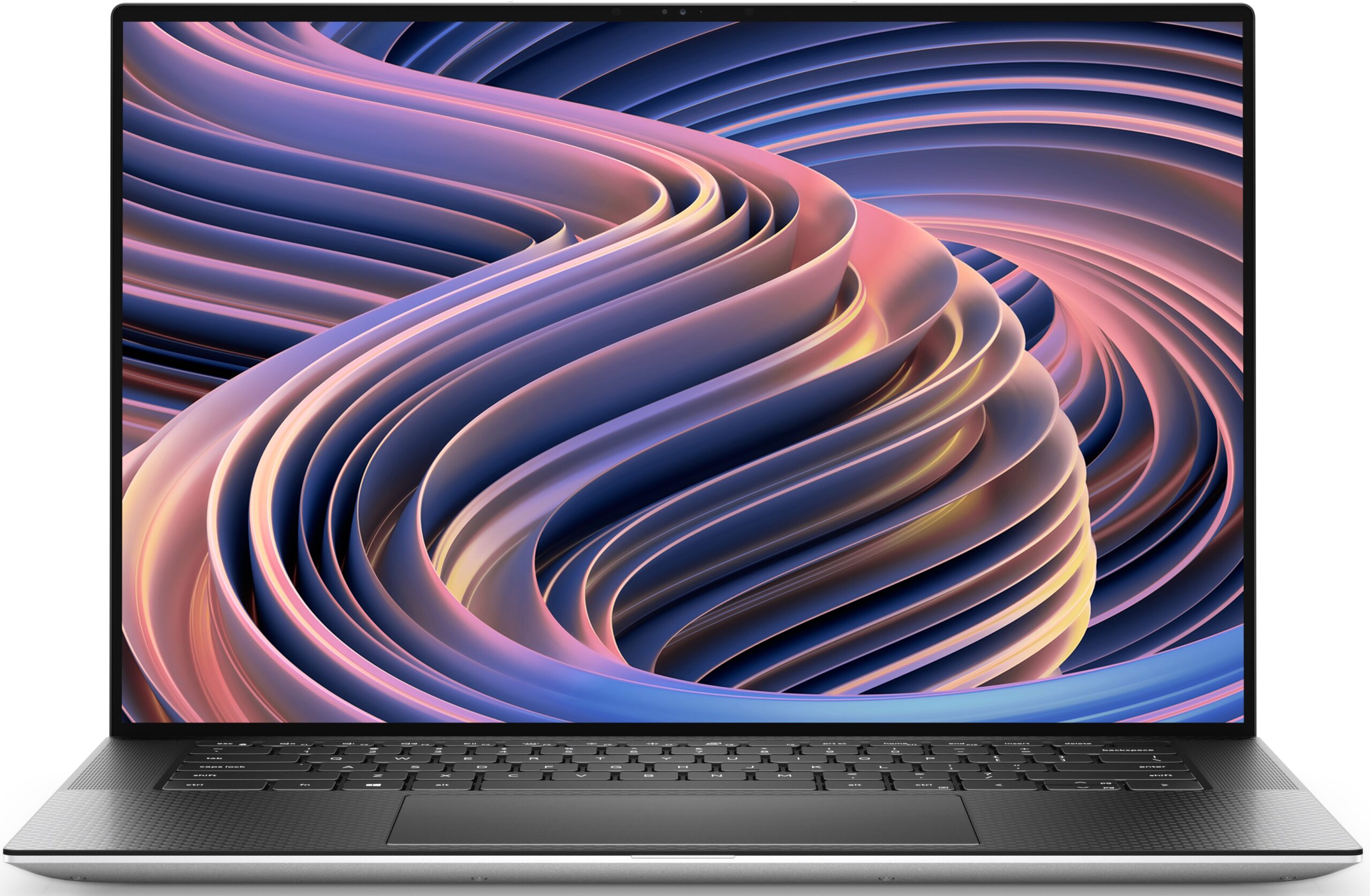
The laptop doesn’t do very well against its opposition, as both the Dell XPS 9520 and the HP Omen 16 score a fair bit better in both 3D and 2D Rendering. This is despite the fact that the Omen carries a slightly weaker Core i5-12500H.
Rezultatele sunt de la testul CPU Cinebench R23 (scorul mai mare este mai bun)
GPU benchmarks
The 95W RTX 3060 is a saving grace on the laptop, but similarly, the Omen 15 outperforms it heavily, with its 140W RTX 3060. We keep comparing the two as the OMEN 16 is only about 100 grams heavier while bringing much more performance and retaining a minimal design.
Rezultatele sunt de la testul CPU Cinebench R23 (scorul mai mare este mai bun)
All HP Envy 16 (16-h0000) configurations:
 Author: Severin Kolakov

![[August 2026] Amazon Italy: Top 10 Best-Selling Laptops – Apple MacBook Neo Claims the Crown as Budget and Mid-Range Windows Machines Dominate Volume](https://laptopmedia.com/wp-content/uploads/2026/09/Best-Selling-Laptops-IT-Top-10-400x225.jpg)
![[August 2026] Amazon Italy: Top 7 Best-Selling Gaming Laptops – ASUS V16 Claims the #1 Spot Amid Strong Mid-Range Demand](https://laptopmedia.com/wp-content/uploads/2026/09/Best-Selling-Gaming-Laptops-IT-Top-10-400x225.jpg)
![[August 2026] Best-Selling Laptop Brands on Amazon Italy – Lenovo Dominates Market Share and Revenue Leadership](https://laptopmedia.com/wp-content/uploads/2026/09/IT-Best-Brands-400x225.jpg)
![[August 2026] Amazon India: Top 10 Best-Selling Laptops – Apple MacBook Neo Dominates the Charts with Massive Sales Lead](https://laptopmedia.com/wp-content/uploads/2026/09/Best-Selling-Laptops-IN-Top-10-400x225.jpg)
![[August 2026] Amazon India: Top 10 Best-Selling Gaming Laptops – HP Victus 15 Dominates the Market with Massive Unit Lead](https://laptopmedia.com/wp-content/uploads/2026/09/Best-Selling-Gaming-Laptops-IN-Top-10-400x225.jpg)
