Inside Acer Aspire 3 (A315-34) – disassembly and upgrade options
This is the third model of the Aspire 3 2019 line-up. So far, it is the most affordable one and comes with the lowest-tier processors from Intel.
Check out all Acer Aspire 3 (A315-34) prices and configurations in our Specs System or read more in our In-Depth review.
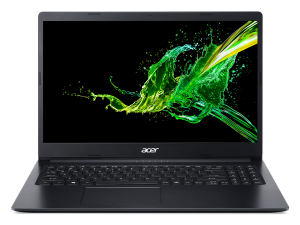
1. Remove the bottom plate
After you unscrew all 11 Phillips-head screws and pop the panel open with a plastic pry tool. Beware, of the low-quality building material used all over the place.
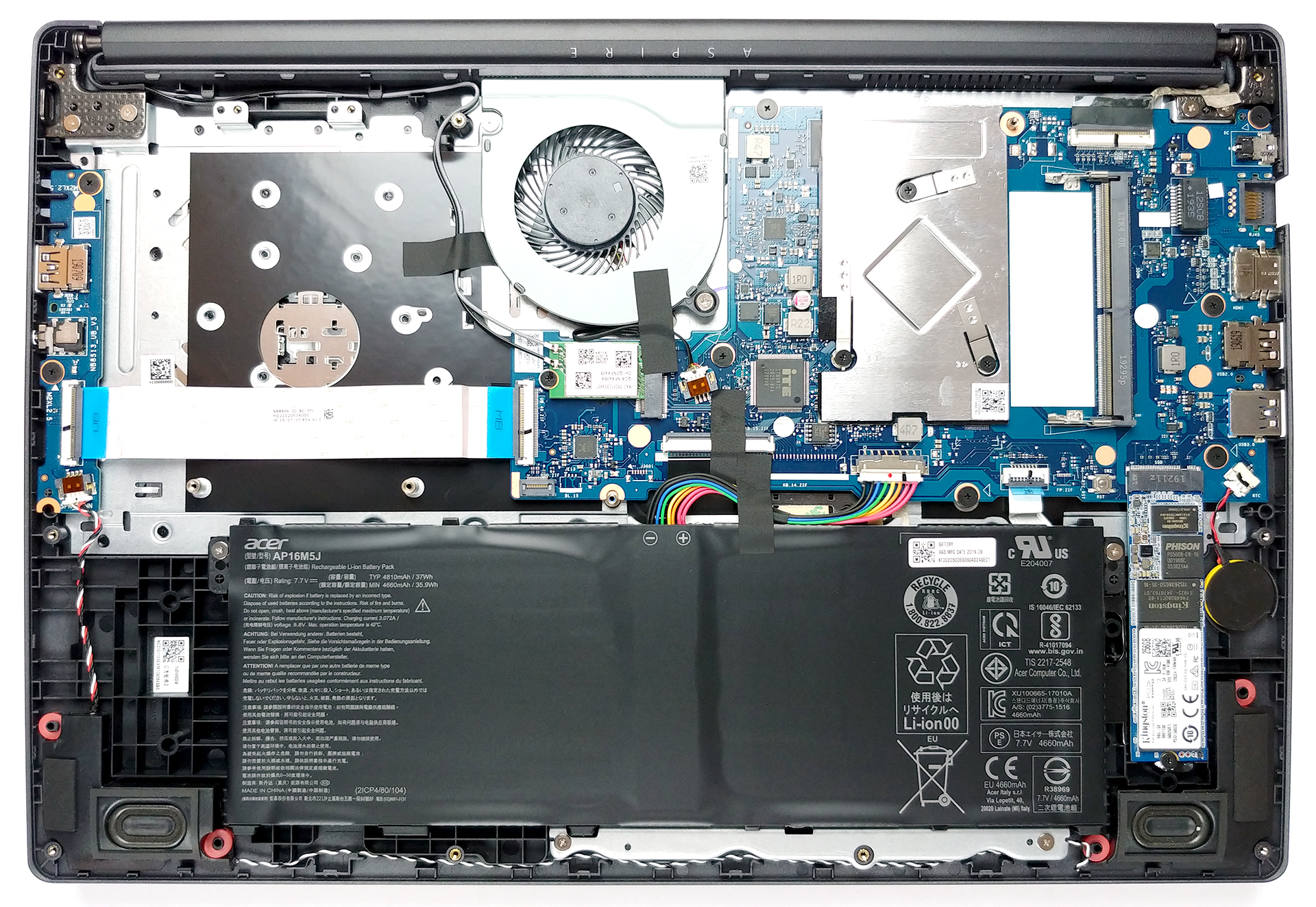
2. Battery
While the battery pack is a 37Wh unit, we expect it to perform decently well with its 6W processor inside. Should you ever need to replace it, you can do so by unscrewing two Phillips-head screws.
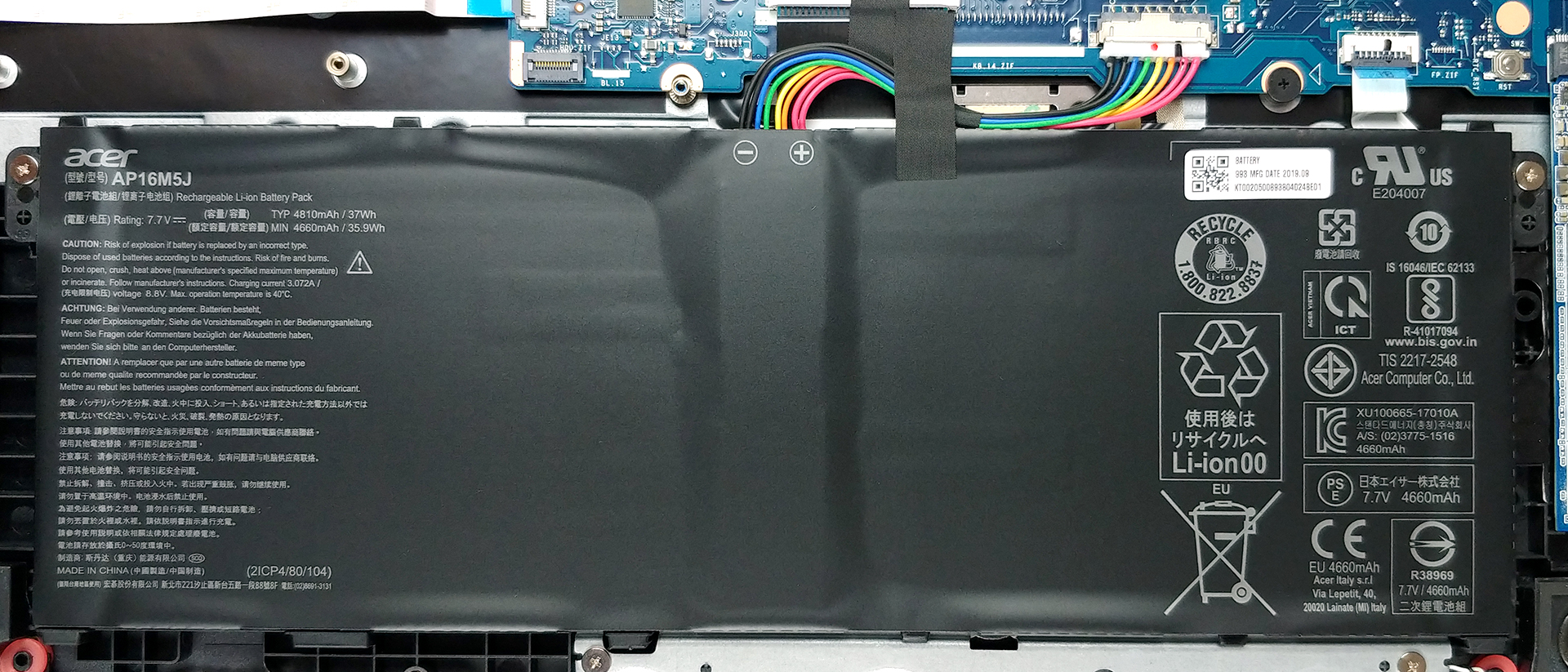
3. Memory and storage
In terms of memory – there are 4GB soldered to the motherboard. Additionally, there is a RAM DIMM that can double the amount, and more importantly, this results in a dual-channel memory. How about storage? Well, there is a single M.2 slot that we understand fits only SATA drives, while on the right empty space, you can put a 2.5″ SATA device.
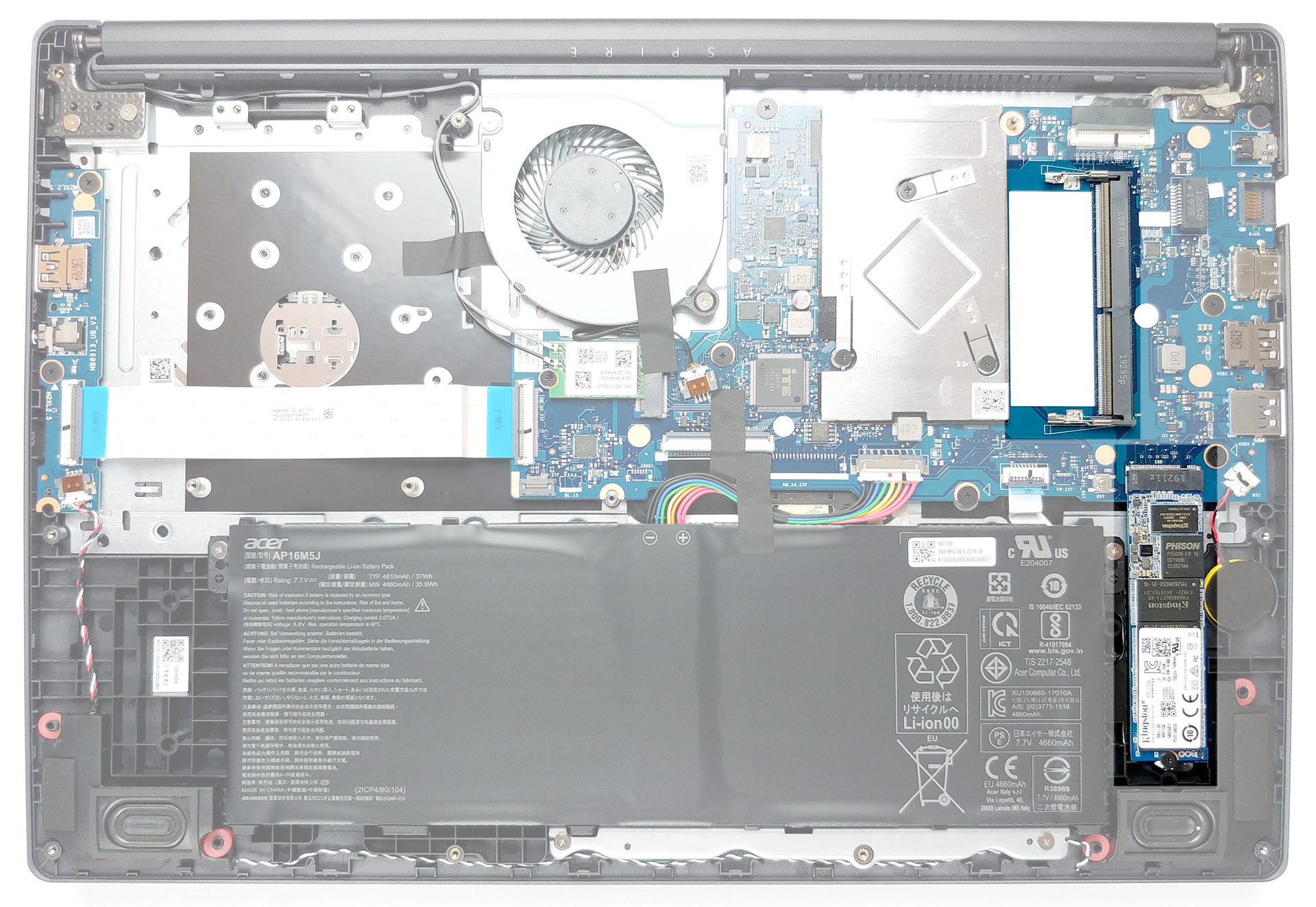
4. Cooling system
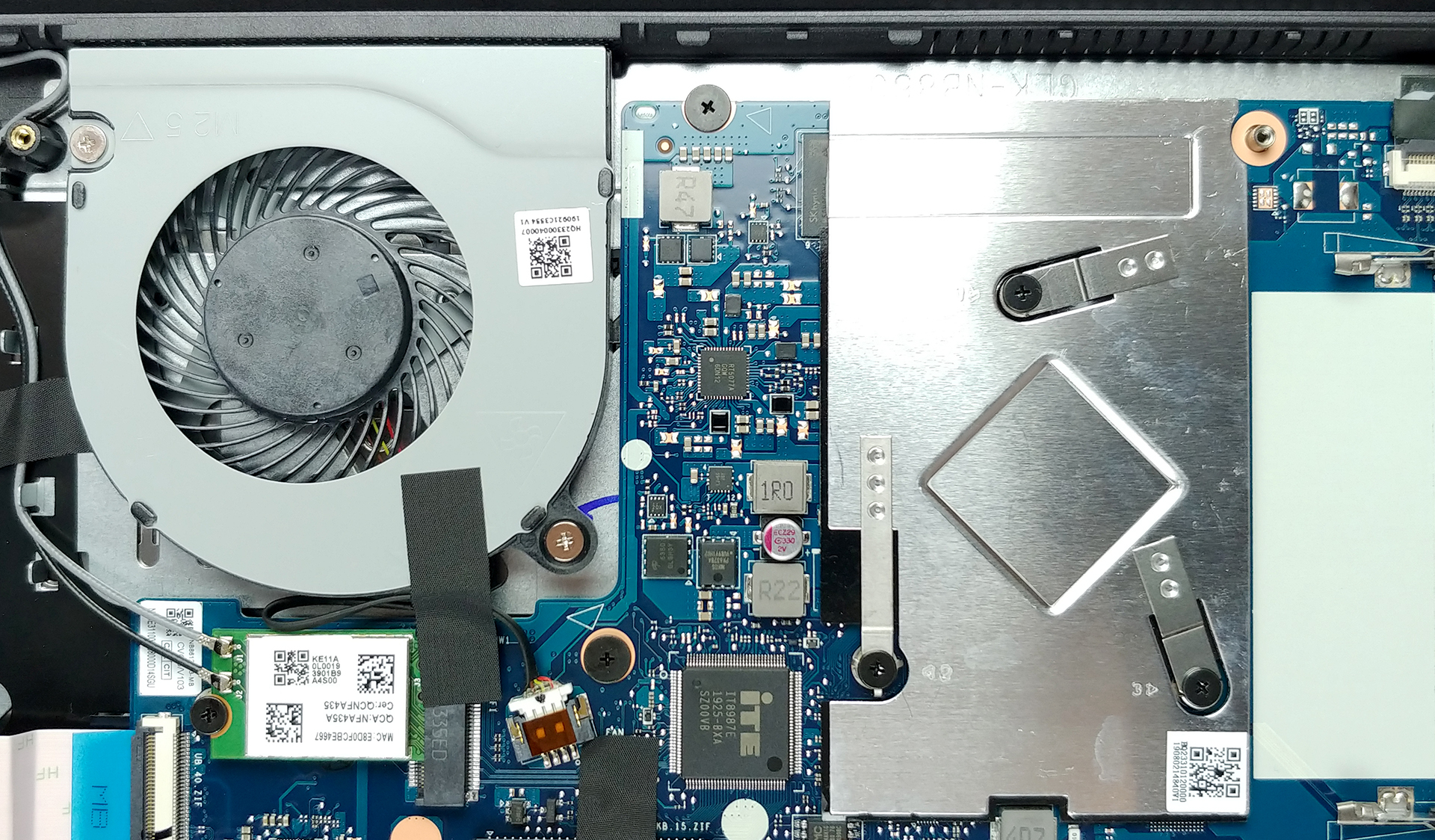
We can clearly see a fan. And we can clearly see the cooling solution. However, in this case, both things may not really be meant to be used together. So, the cooling itself represents a single sheet of metal placed above the processor. Its purpose is to dissipate the heat and hence – passively cool the CPU. However, the fan placed next to it is designed to blow upwards – where usually you will find a heat spreader and a heat pipe attached to it. So what is the purpose of this fan?
Well, what Acer did here is – they placed the ventilation grills on the bottom plate to be just underneath the metal plate. This way, the air sucked by the fan is going through the grill and past the heat spreader, thus removing some of the heat out of it – ultimately meaning, that the fan is a sucker, rather than a blower.
Check out all Acer Aspire 3 (A315-34) prices and configurations in our Specs System or read more in our In-Depth review.
 Author: Alex Iliev

![[Iunie 2026] Cele mai vândute mărci de laptopuri pe Amazon Global – Dominația de neegalat a Apple în ceea ce privește numărul de unități vândute și veniturile](https://laptopmedia.com/wp-content/uploads/2026/07/GLOBAL-Best-Brands-400x225.jpg)
![[Iunie 2026] Amazon Global: Top 10 cele mai vândute laptopuri – Noul MacBook Neo de la Apple se clasează pe locul 1, redefinind piața prin prețul accesibil](https://laptopmedia.com/wp-content/uploads/2026/07/Best-Selling-Laptops-GLOBAL-Top-10-400x225.jpg)
![[Iunie 2026] Amazon Global: Top 10 cele mai bine vândute laptopuri pentru jocuri – Modelul Nitro V 16S AI de la Acer domină vânzările, în timp ce ASUS conduce în ceea ce privește veniturile totale](https://laptopmedia.com/wp-content/uploads/2026/07/Best-Selling-Gaming-Laptops-GLOBAL-Top-10-400x225.jpg)
![[Iunie 2026] Clasamentul global al celor mai bine vândute plăci grafice pentru laptopuri pe Amazon – NVIDIA RTX 5060 este cea mai bine vândută placă grafică dedicată](https://laptopmedia.com/wp-content/uploads/2026/07/Best-Selling-GPUs-GLOBAL-Top-10-400x225.jpg)
![[Iunie 2026] Clasamentul global al celor mai bine vândute procesoare pentru laptopuri de pe Amazon – Apple M5 domină, iar AMD Ryzen 7 260 înregistrează o cotă solidă în segmentul premium](https://laptopmedia.com/wp-content/uploads/2026/07/Best-Selling-CPUs-GLOBAL-Top-10-400x225.jpg)

sir we need motherboard Acer A315-34
sir tell me possible window 7 or no
in Acer 316-34
Hello,
I have acer aspire 3 pentium quad core A31-34-P7EG laptop.
Which parts can i?
Processor, RAM, SSD ALSO. PLEASE GUIDE ME..
Which parts can i update?