Inside Acer Aspire 5 (A515-52G) – disassembly and upgrade options
We were rather disappointed by the Aspire 5 (A515-52G), especially as its predecessor – the Acer Aspire 5 (A515-51G) was such a good multimedia laptop. However, the former has some strong cards in its sleeves, with the most notable being – the form factor of the device and the pleasant keyboard experience. Additionally, it has good upgrade options. Take a look!
Check out all Acer Aspire 5 (A515-52G) prices and configurations in our Specs System or read more in our In-depth Review.
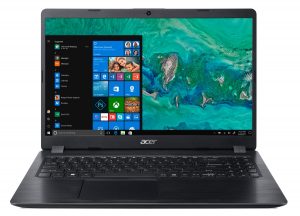
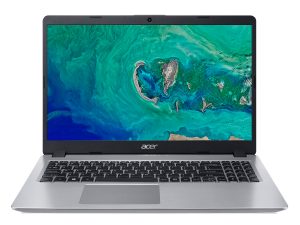
1. Remove the bottom plate
If you want to access the internals you need to remove the bottom plate – this year there’s no service lid for the RAM. After you unscrew the 10 Phillips-head screws, you need to pry the fragile plastic up. Be careful, because the material is very susceptible to scuffs and marks.
2. Battery
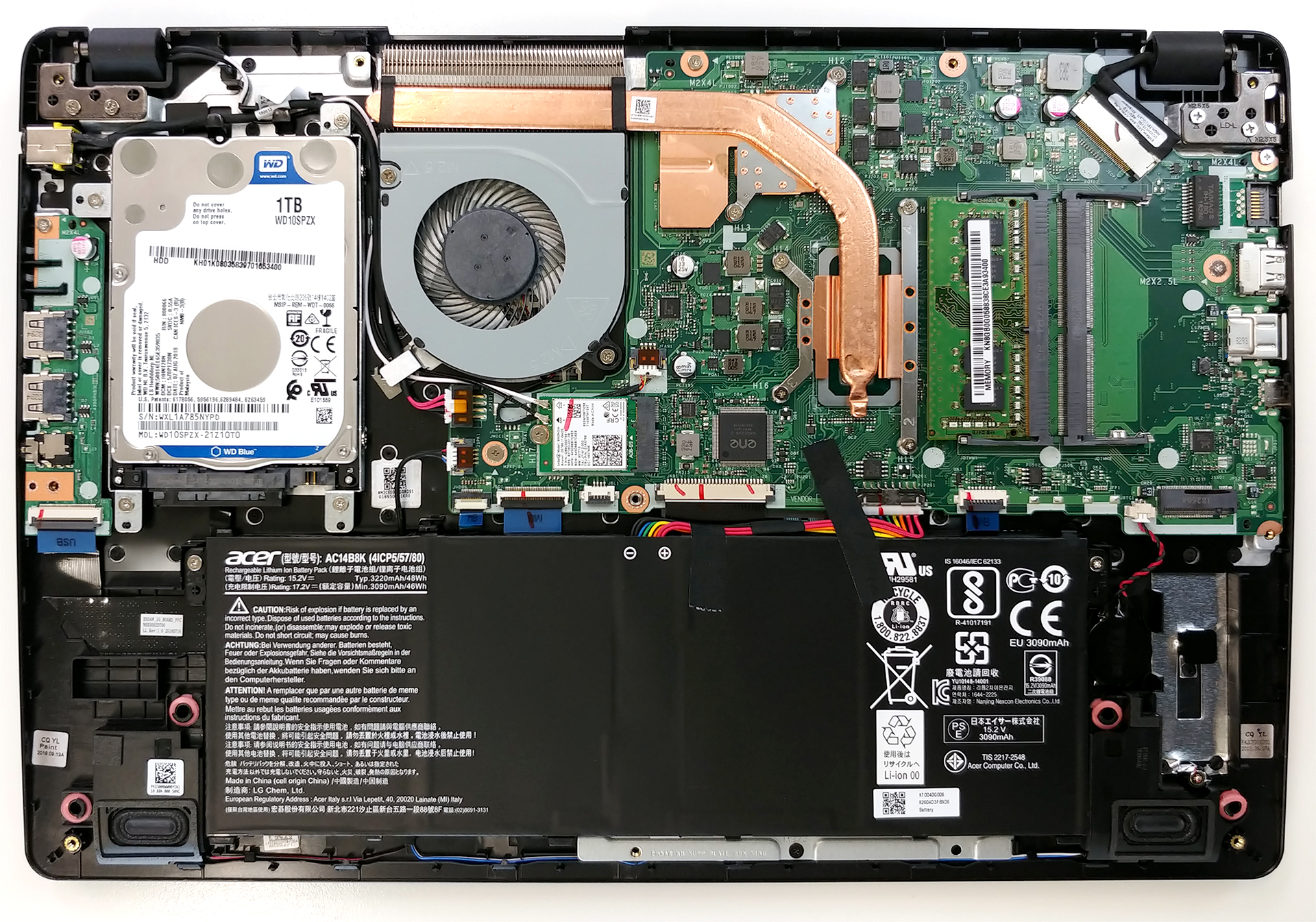
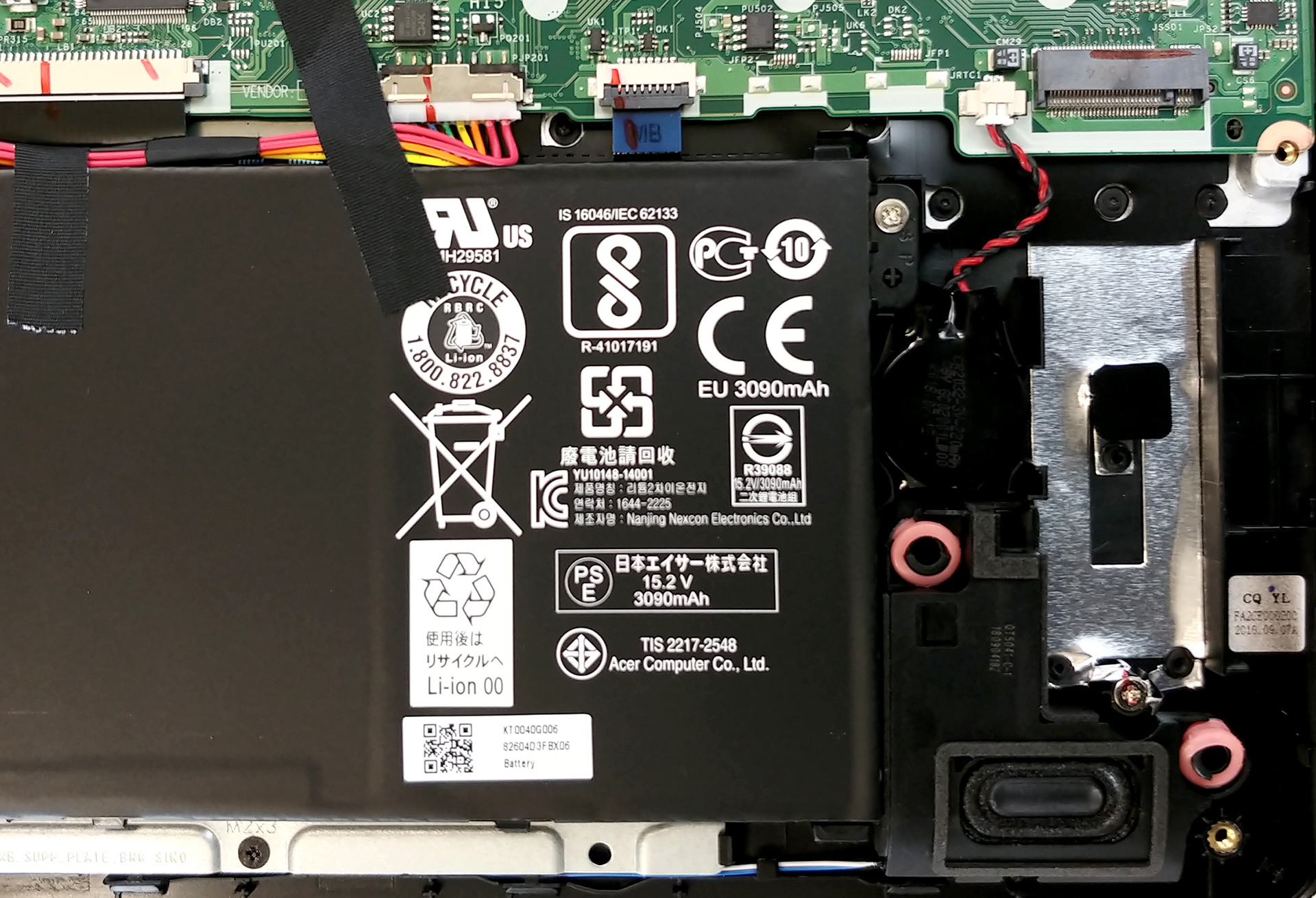
In order to start removing objects from your laptop, we recommend cutting the power supply – e.g., disconnecting the battery. If you want to remove it, however, you need to unscrew further two Phillips-head bad boys. The battery itself is rated at 48Wh, and despite it is the same we found on its predecessor (known for good battery life), the notebook has poor longevity under battery power – no more than 4 hours and 15 minutes.
3. Memory and storage
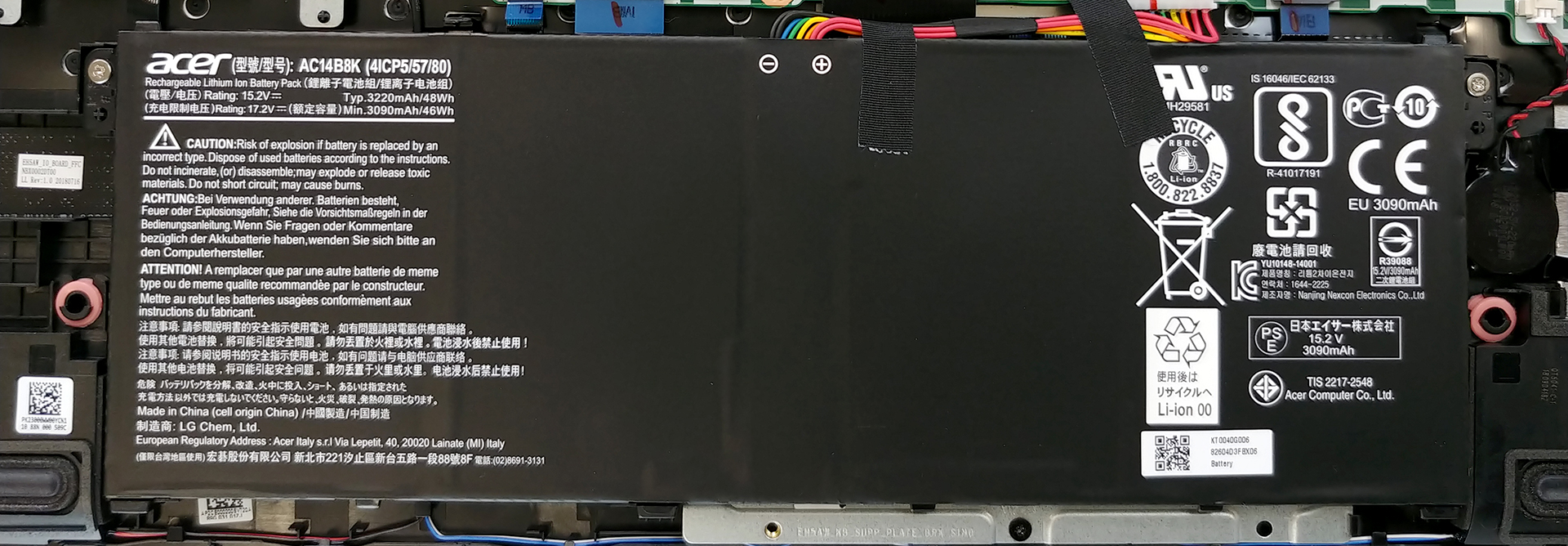
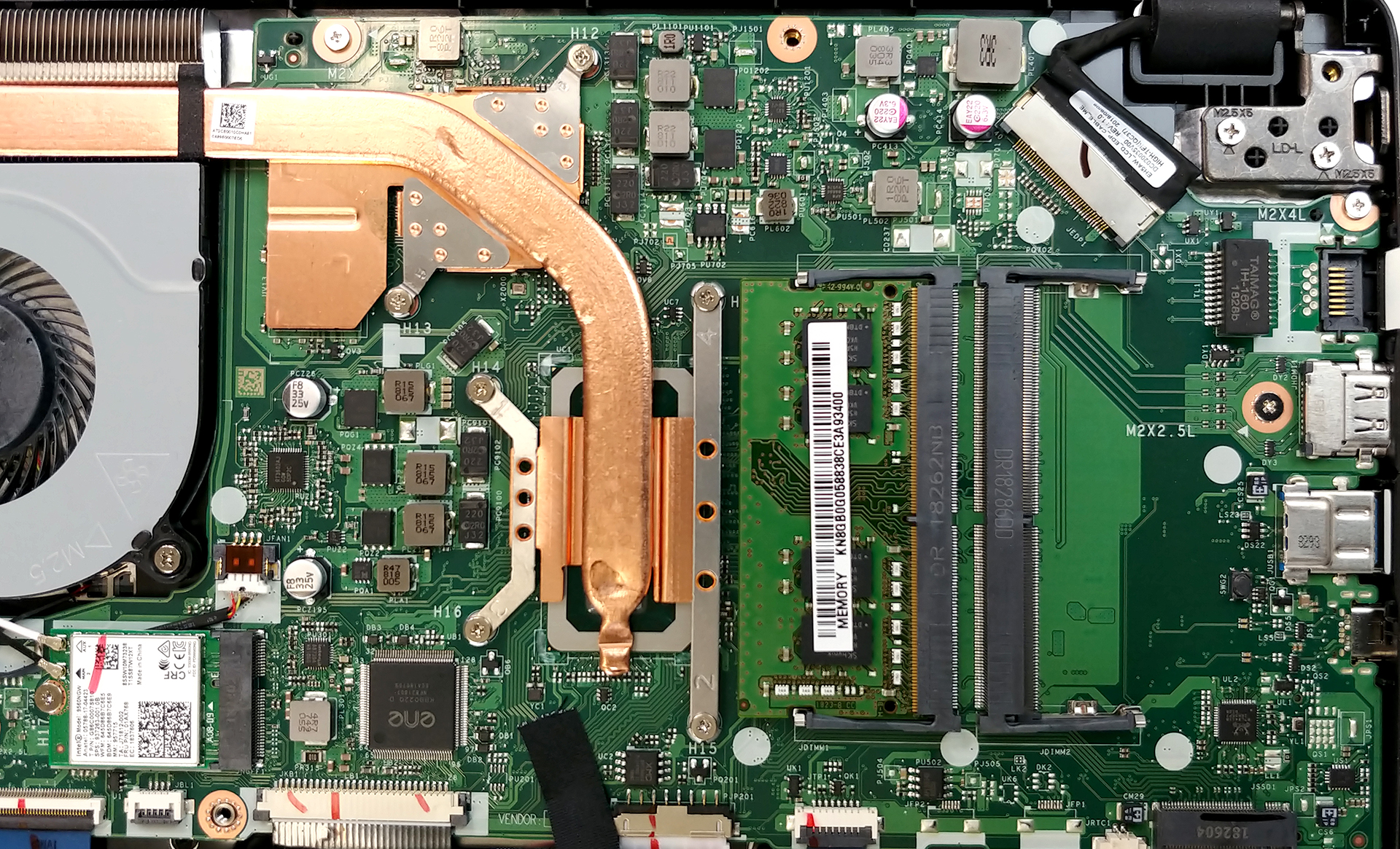
Memory-wise there are two RAM DIMMs which support up to 32 GB DDR4 memory. As for the storage, there are the mandatory lately M.2 NVMe-enabled slot and a SATA connector, located on the other side of the cooling assembly.
4. Cooling system
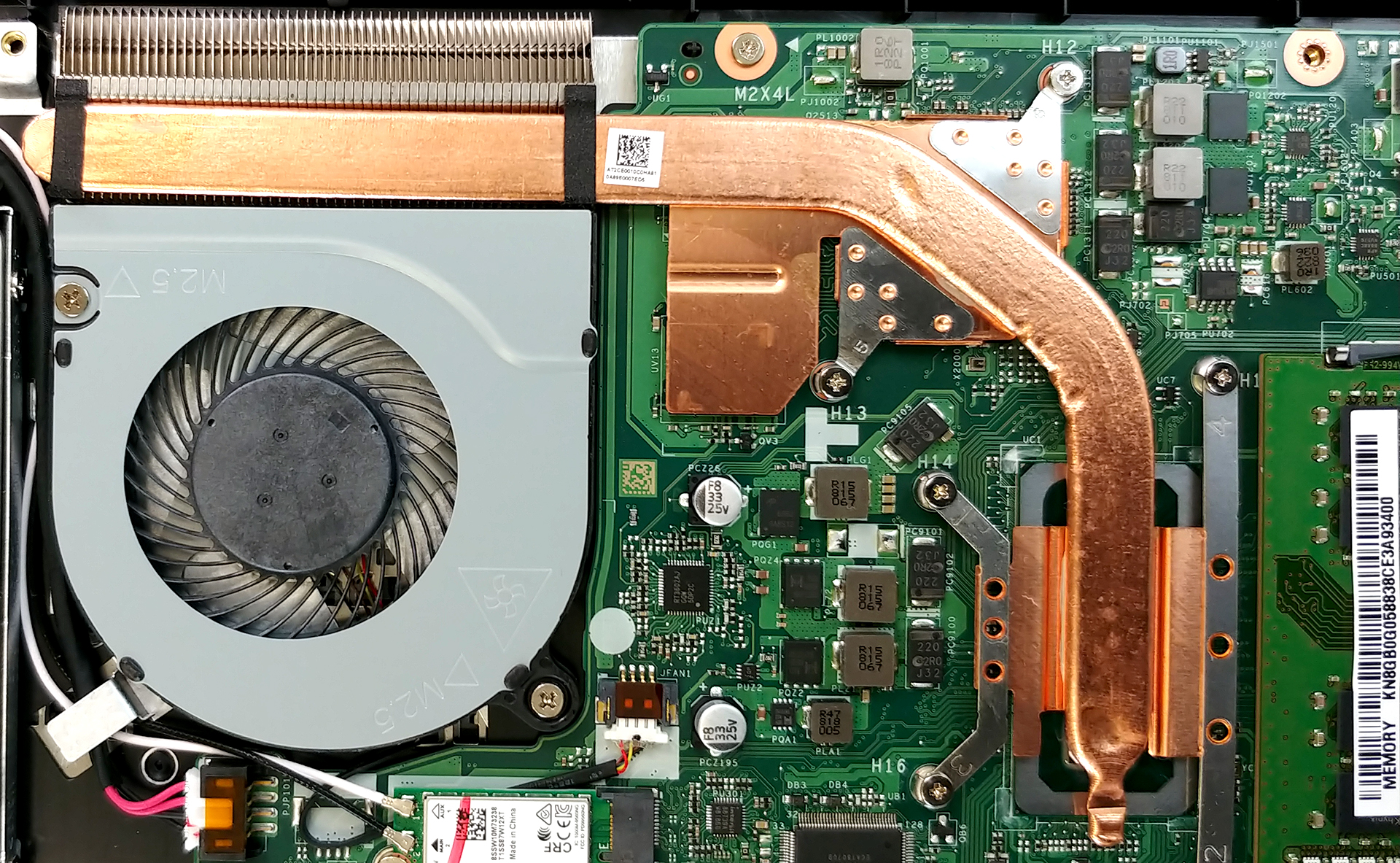
Speaking of which, the cooling here has a super simple design – just a single, super short heat pipe. It cools both the CPU and the GPU, which ultimately is a disadvantage, since the heat coming from the CPU is going directly at the GPU, before going to the heatsink. Additionally, if you want to change the thermal paste of this device, you have to unscrew four Phillips-head screws, that attach the CPU plate to the motherboard, two more of the same type, keeping the GPU plate in place and further two securing the fan.
Check out all Acer Aspire 5 (A515-52G) prices and configurations in our Specs System or read more in our In-depth Review.
 Author: Alex Iliev

![[Iunie 2026] Cele mai vândute mărci de laptopuri pe Amazon Global – Dominația de neegalat a Apple în ceea ce privește numărul de unități vândute și veniturile](https://laptopmedia.com/wp-content/uploads/2026/07/GLOBAL-Best-Brands-400x225.jpg)
![[Iunie 2026] Amazon Global: Top 10 cele mai vândute laptopuri – Noul MacBook Neo de la Apple se clasează pe locul 1, redefinind piața prin prețul accesibil](https://laptopmedia.com/wp-content/uploads/2026/07/Best-Selling-Laptops-GLOBAL-Top-10-400x225.jpg)
![[Iunie 2026] Amazon Global: Top 10 cele mai bine vândute laptopuri pentru jocuri – Modelul Nitro V 16S AI de la Acer domină vânzările, în timp ce ASUS conduce în ceea ce privește veniturile totale](https://laptopmedia.com/wp-content/uploads/2026/07/Best-Selling-Gaming-Laptops-GLOBAL-Top-10-400x225.jpg)
![[Iunie 2026] Clasamentul global al celor mai bine vândute plăci grafice pentru laptopuri pe Amazon – NVIDIA RTX 5060 este cea mai bine vândută placă grafică dedicată](https://laptopmedia.com/wp-content/uploads/2026/07/Best-Selling-GPUs-GLOBAL-Top-10-400x225.jpg)
![[Iunie 2026] Clasamentul global al celor mai bine vândute procesoare pentru laptopuri de pe Amazon – Apple M5 domină, iar AMD Ryzen 7 260 înregistrează o cotă solidă în segmentul premium](https://laptopmedia.com/wp-content/uploads/2026/07/Best-Selling-CPUs-GLOBAL-Top-10-400x225.jpg)

Which company ram has been in there acer aspire A515 5g i5 7th gen. Laptop?
Kingston memory ddr4 2444mhz