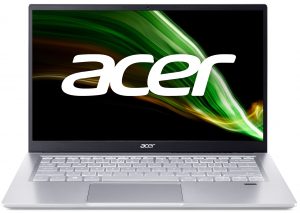
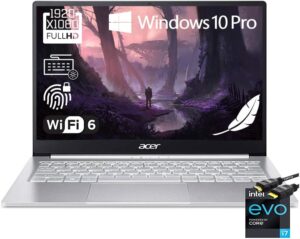
Inside Acer Swift 3 (SF314-511) – disassembly and upgrade options
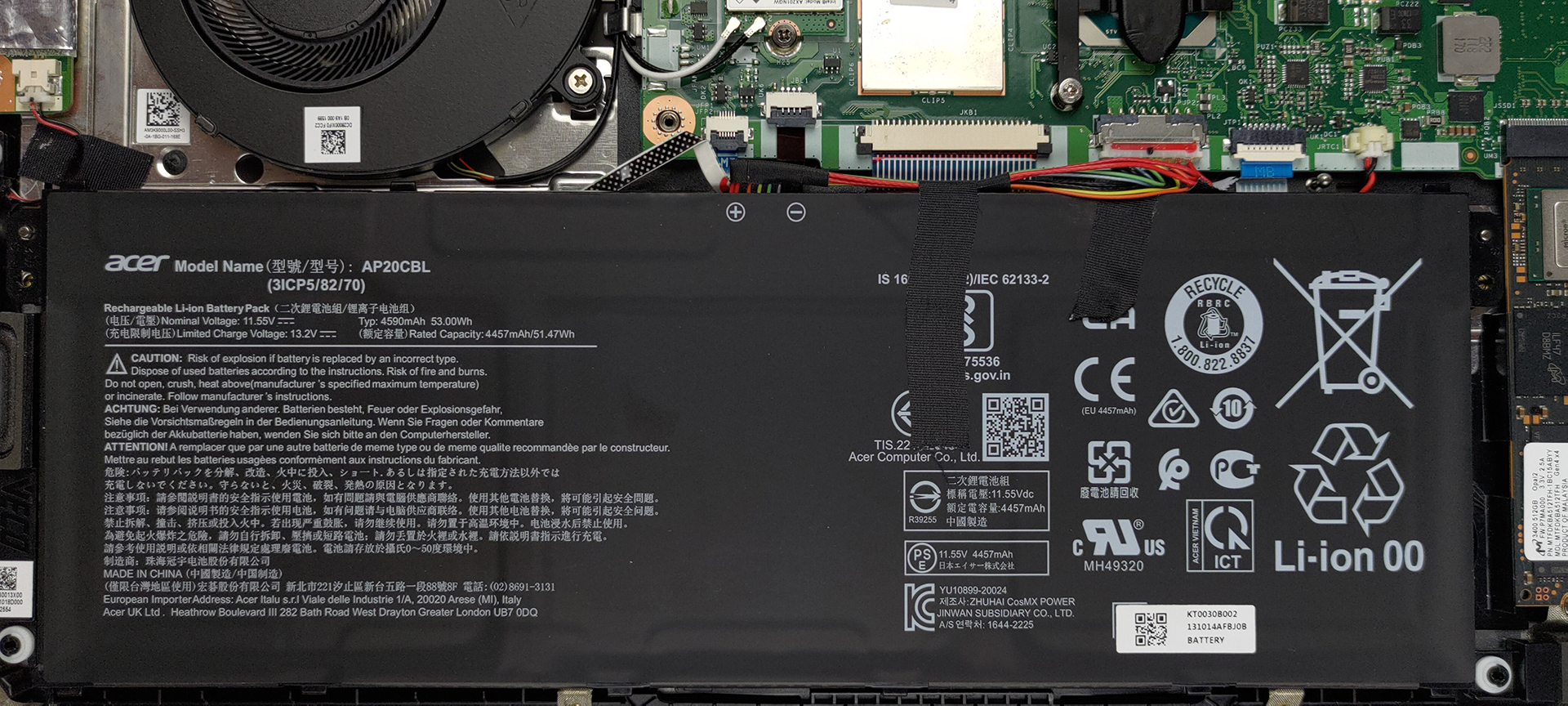
There is not much to do inside of this laptop, mainly because of the soldered memory.
Check out all Acer Swift 3 (SF314-511) prices and configurations in our Specs System or read more in our In-Depth review.
1. Remove the bottom plate
This notebook’s bottom panel is held in place by 11 Torx-head screws. After you undo them, pry the panel with a plastic tool, and lift it away from the chassis.
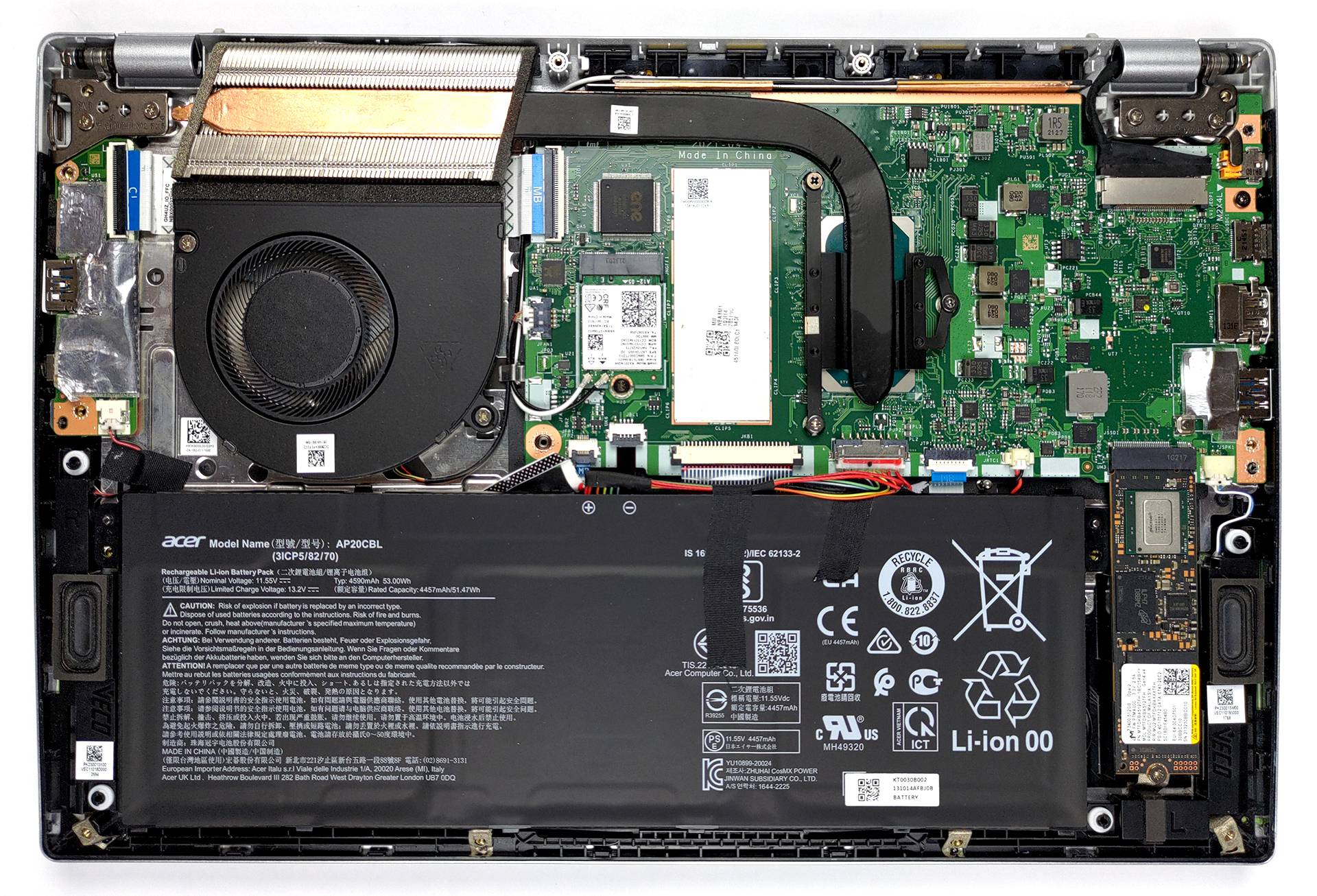
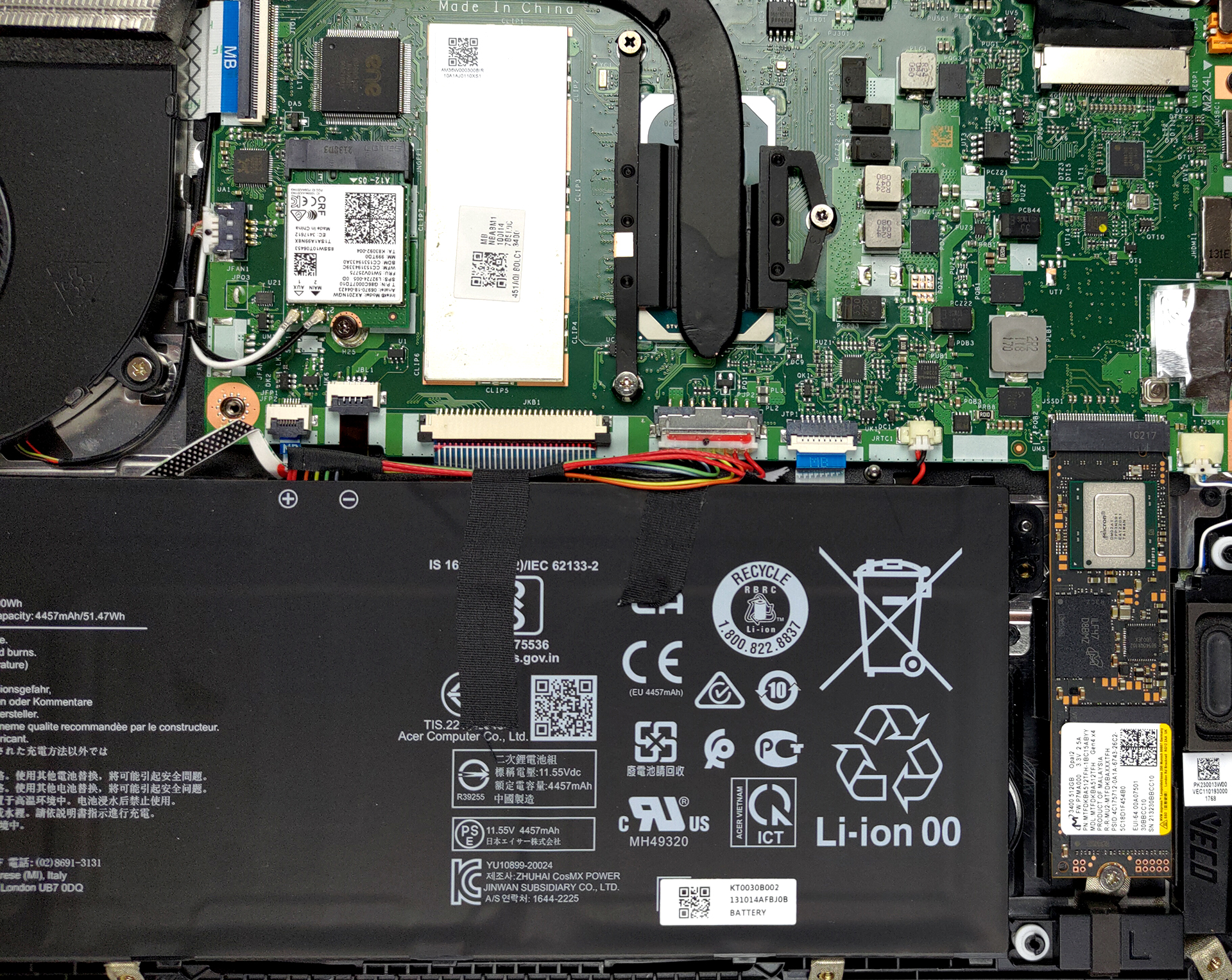
2. Battery
Here, you get a 53Wh battery. It lasted us for nearly 11 hours of Web browsing, or more than 9 hours of video playback. As you can see, removing it is a simple task, as it’s only secured in place by the will of God.
3. Memory and storage
Unfortunately, the memory here is soldered to the motherboard. On the bright side, the 16GB RAM we got works in quad-channel mode. As for the storage, there is a single M.2 PCIe x4 slot that supports Gen 4 drives.
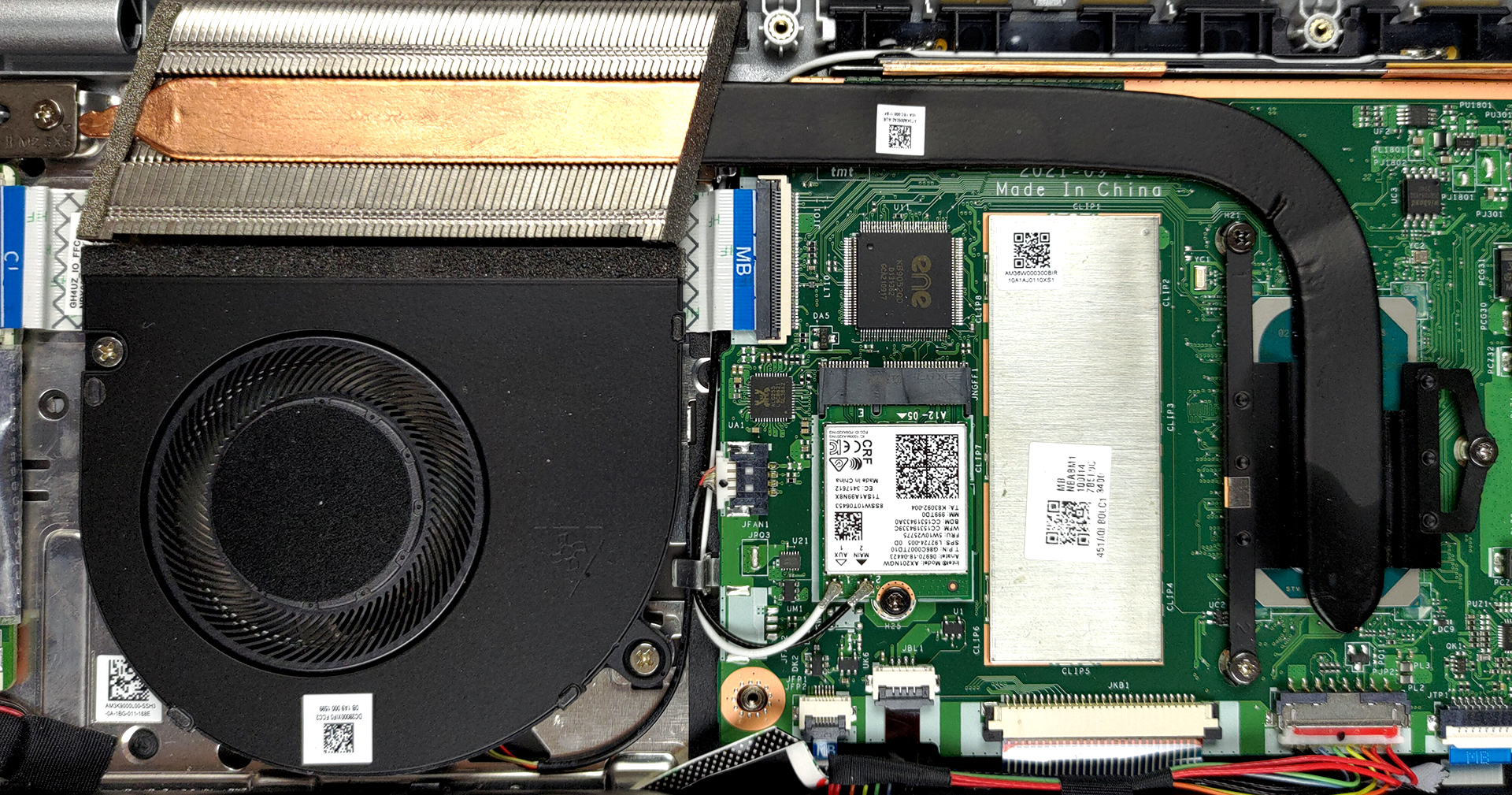
4. Cooling system
Cooling-wise, there is a single heat pipe, connecting to a pretty large heat sink.
Check out all Acer Swift 3 (SF314-511) prices and configurations in our Specs System or read more in our In-Depth review.
Acer Swift 3 (SF314-511) recenzie detaliată
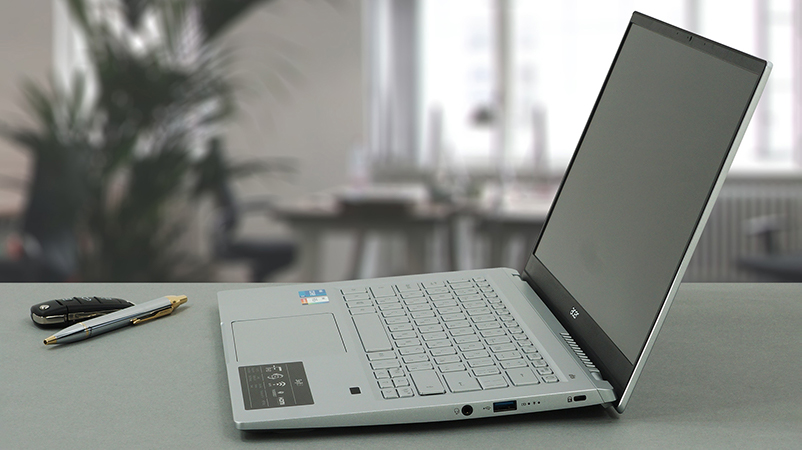
Acer's Swift 3 lineup has probably been one of the most featured series by us. Ultimately, it has always been a thin and light notebook, that is aimed at a young user base, that needs something fast on the go. And to be honest, Acer has been pretty consistent with the good execution of their plans.But what is going to make the Swift 3 (SF314-511) more appealing than its predecessors? Well, for starters, we are talking about Tiger Lake-U chips and support for Intel's Evo platform.In addition to that, the laptop comes equipped with a 1080p IPS panel. Acer promises 100% sRGB coverage, 30[...]
Avantaje
- Good performance
- Doesn't use PWM for brightness adjustment (Innolux N140HCG-EQ1 (CMN1408))
- Light and thin metal build
- Thunderbolt 4 and HDMI 2.0
- Fingerprint reader
- Covers 98% of sRGB colors and offers accurate color representation thanks to our Gaming and Web design profile (Innolux N140HCG-EQ1 (CMN1408))
- Decent battery life
Dezavantaje
- Not the best input devices
- Memory is soldered to the motherboard (although it works in quad-channel mode)
 Author: Alex Iliev

![[Iunie 2026] Cele mai vândute mărci de laptopuri pe Amazon Global – Dominația de neegalat a Apple în ceea ce privește numărul de unități vândute și veniturile](https://laptopmedia.com/wp-content/uploads/2026/07/GLOBAL-Best-Brands-400x225.jpg)
![[Iunie 2026] Amazon Global: Top 10 cele mai vândute laptopuri – Noul MacBook Neo de la Apple se clasează pe locul 1, redefinind piața prin prețul accesibil](https://laptopmedia.com/wp-content/uploads/2026/07/Best-Selling-Laptops-GLOBAL-Top-10-400x225.jpg)
![[Iunie 2026] Amazon Global: Top 10 cele mai bine vândute laptopuri pentru jocuri – Modelul Nitro V 16S AI de la Acer domină vânzările, în timp ce ASUS conduce în ceea ce privește veniturile totale](https://laptopmedia.com/wp-content/uploads/2026/07/Best-Selling-Gaming-Laptops-GLOBAL-Top-10-400x225.jpg)
![[Iunie 2026] Clasamentul global al celor mai bine vândute plăci grafice pentru laptopuri pe Amazon – NVIDIA RTX 5060 este cea mai bine vândută placă grafică dedicată](https://laptopmedia.com/wp-content/uploads/2026/07/Best-Selling-GPUs-GLOBAL-Top-10-400x225.jpg)
![[Iunie 2026] Clasamentul global al celor mai bine vândute procesoare pentru laptopuri de pe Amazon – Apple M5 domină, iar AMD Ryzen 7 260 înregistrează o cotă solidă în segmentul premium](https://laptopmedia.com/wp-content/uploads/2026/07/Best-Selling-CPUs-GLOBAL-Top-10-400x225.jpg)
