Inside ASUS VivoBook 15 M513 – disassembly and upgrade options
This notebook is a budget option that offers quite some upgradability.
Check out all ASUS VivoBook 15 M513 prices and configurations in our Specs System or read more in our In-Depth review.
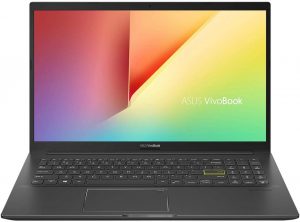
1. Remove the bottom plate
Getting inside of this notebook is as easy as undoing 10 Phillips-head screws, and then prying the bottom panel with a plastic tool.
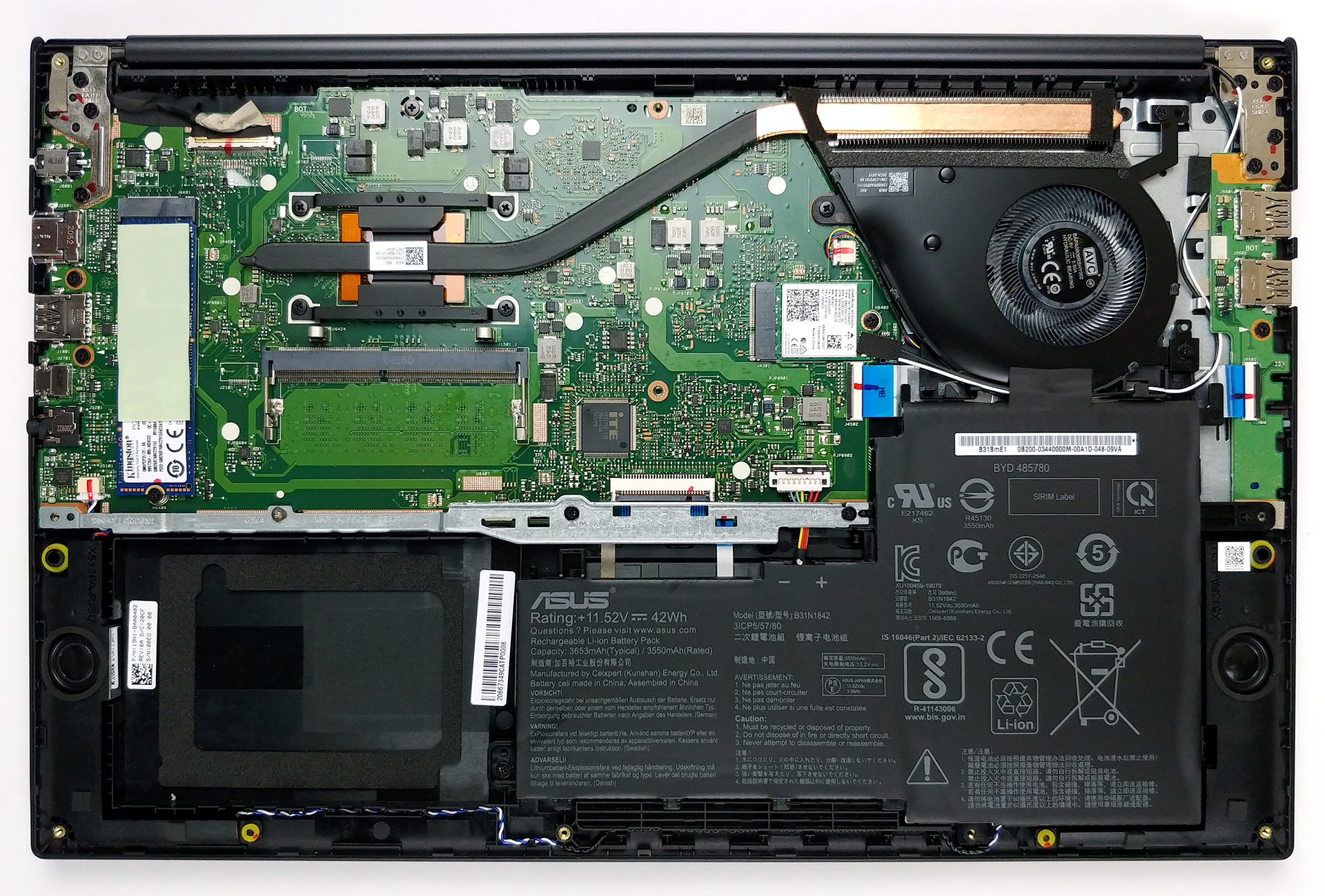
2. Battery
Once inside, you will notice that the laptop is powered by a 42Wh battery pack. Interestingly, there is a metal retention bracket that not only holds the battery in place but also acts as a support to the structure of the chassis. Additionally, you will need to remove it to install a 2.5-inch SATA drive.
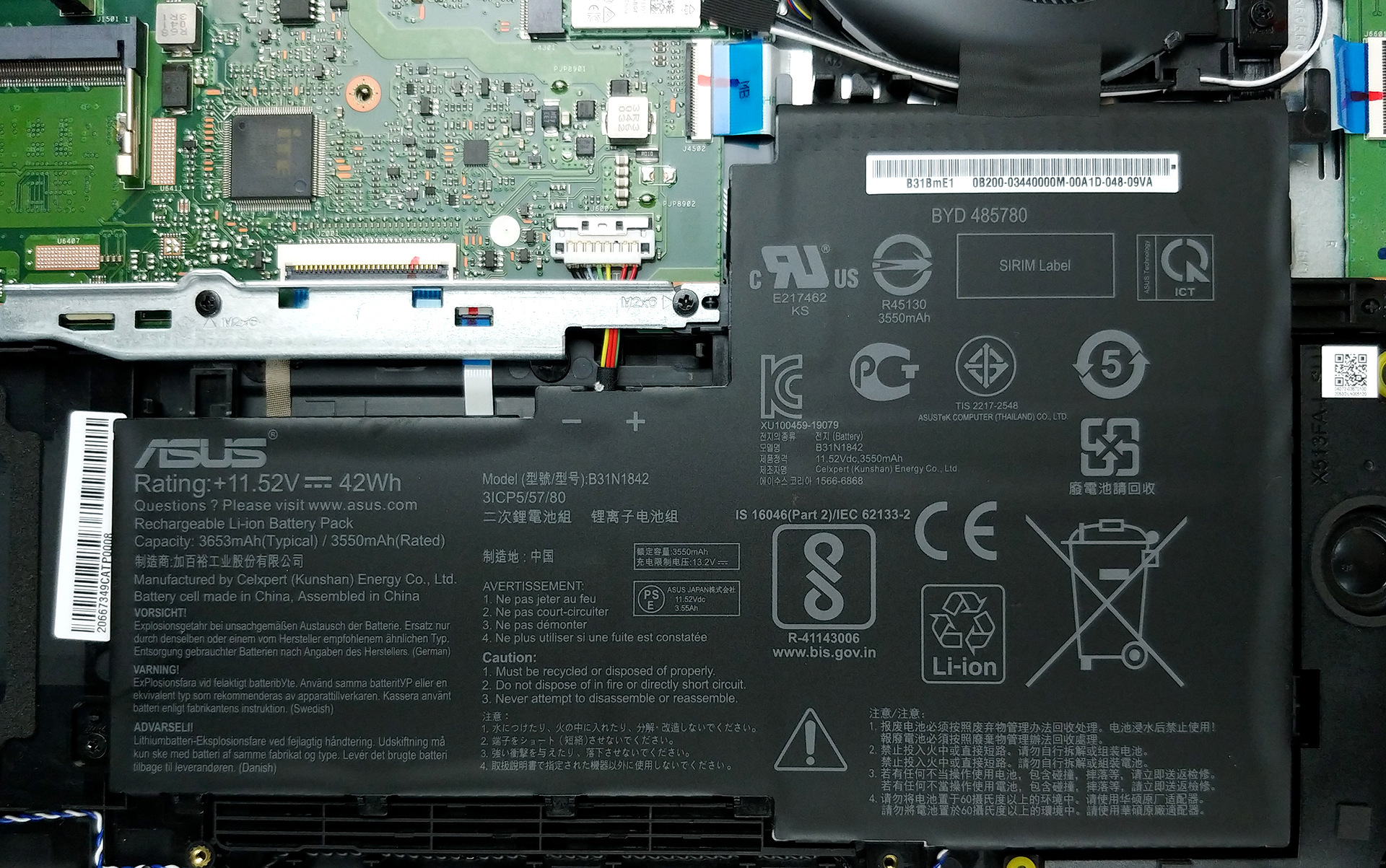
3. Memory and storage
There are configurations of the laptop coming with either 4 or 8GB of soldered memory. On top of that, you can upgrade it via the single RAM SODIMM slot, which fits sticks as large as 32GB. As for the storage, there is the aforementioned 2.5-inch SATA drive bay, as well as an M.2 NVMe slot.

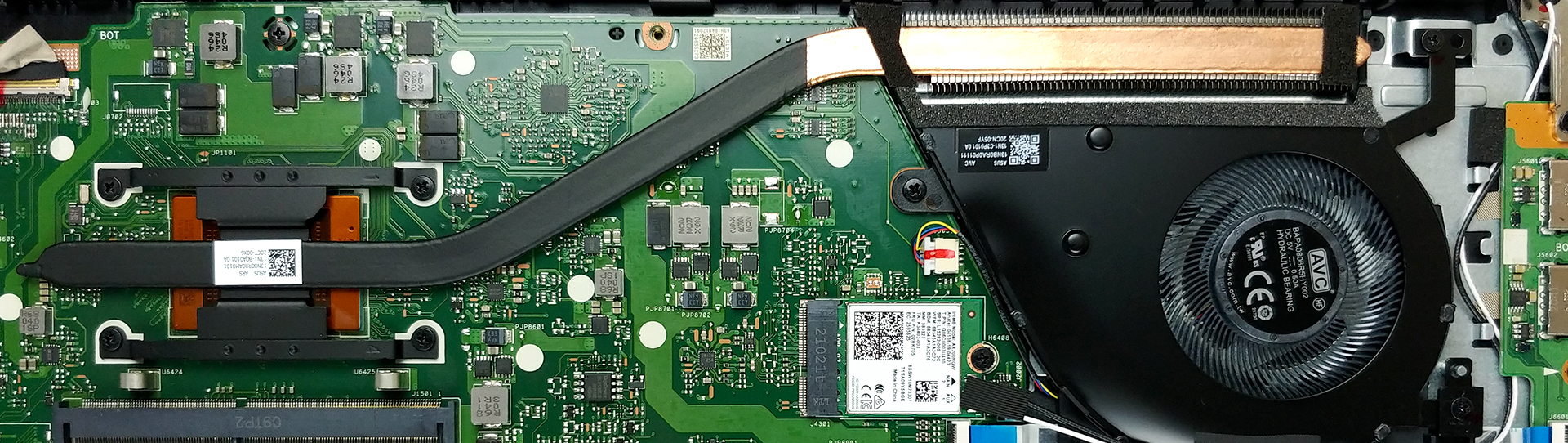
4. Cooling system
Cooling-wise, there is one very thin heat pipe, that is responsible for taking those temperatures down. Also, the fan profile looks rather thin. On the bright side, the heat sink is quite large, which may benefit the thermal efficiency of the setup.
Check out all ASUS VivoBook 15 M513 prices and configurations in our Specs System or read more in our In-Depth review.
ASUS VivoBook 15 F513 (X513 / K513 / S513 / M513) recenzie detaliată
The VivoBook brand has always been about the younger generation. An undoubtable advocate for that are the colorful design options they offer, across their entire gamut of devices.And today, we have the VivoBook 15 M513, which comes in a whopping 6 different color options. Additionally, the laptop now comes with the AMD Ryzen 4000U processors, which stand pretty high in the most powerful CPU charts out there, especially, considering the 15W ones.Nevertheless, this laptop is not only a way to express yourself. In fact, it looks so versatile, that it can easily be your daily driver, offi[...]
Avantaje
- Adequate pricing
- Reasonably comfortable keyboard with optional backlight
- Lack of PWM (Innolux N156HCA-EAB)
- Expandable memory + M.2 NVMe and 2.5-inch SATA drive slots
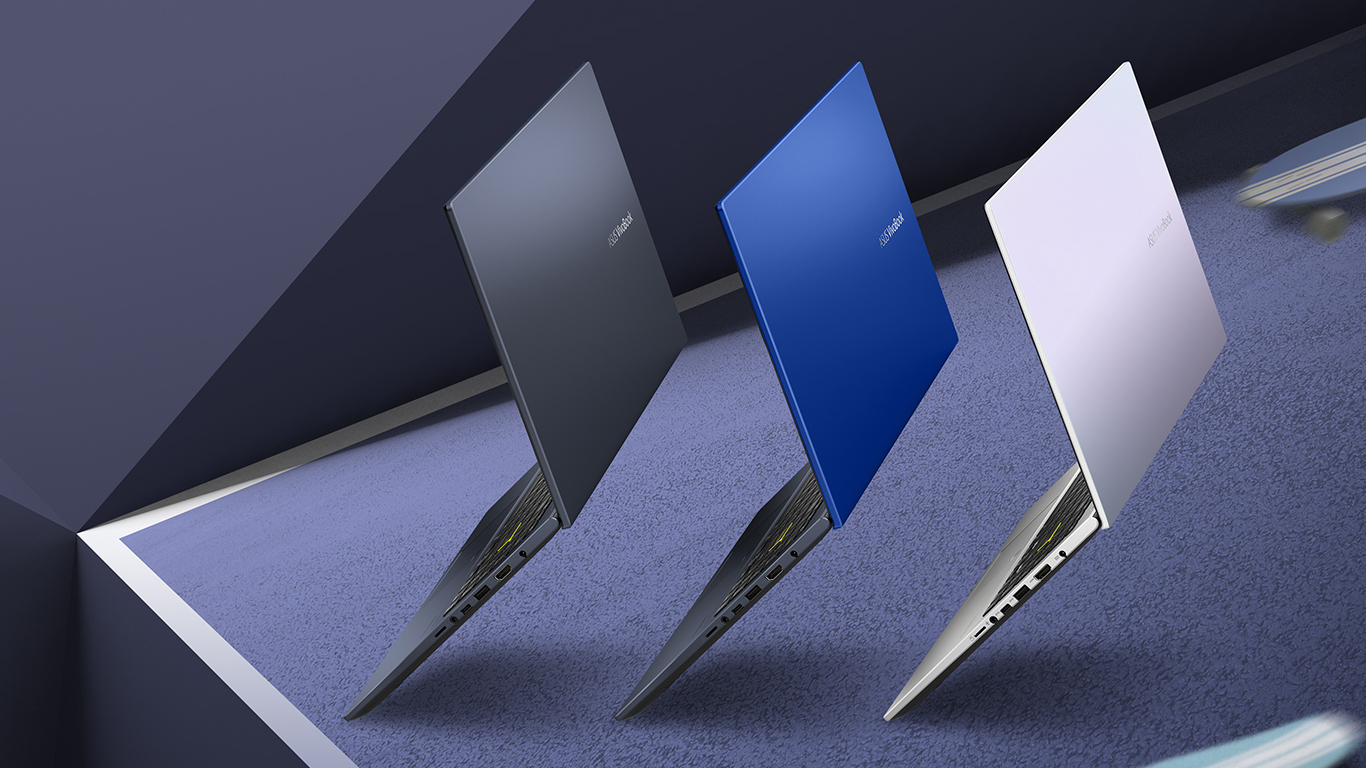
- Plethora of colors to choose from
- Optional Wi-Fi 6 and fingerprint reader
Dezavantaje
- Power limited in long extreme workloads
- Covers only 52% of sRGB (Innolux N156HCA-EAB)
- Two of its three USB Type-A ports are of 2.0 speeds
 Author: Alex Iliev

![[August 2026] Clasamentul global al celor mai bine vândute plăci grafice pentru laptopuri de pe Amazon – Apple domină clasamentul, iar modelul RTX 5060 de la NVIDIA ocupă primul loc în clasamentul dedicat](https://laptopmedia.com/wp-content/uploads/2026/09/Best-Selling-GPUs-GLOBAL-Top-10-400x225.jpg)
![[August 2026] Clasamentul global al celor mai bine vândute procesoare pentru laptopuri de pe Amazon – Apple domină atât segmentul economic, cât și cel premium: A18 Pro și M5 surclasează Intel și AMD în august 2026](https://laptopmedia.com/wp-content/uploads/2026/09/Best-Selling-CPUs-GLOBAL-Top-10-400x225.jpg)
![[August 2026] Amazon Global: Top 10 cele mai vândute laptopuri – Apple MacBook Neo domină clasamentul, în timp ce laptopurile Windows din gama economică și de mijloc se luptă pentru volumul vânzărilor](https://laptopmedia.com/wp-content/uploads/2026/09/Best-Selling-Laptops-GLOBAL-Top-10-400x225.jpg)
![[August 2026] Cele mai vândute mărci de laptopuri pe Amazon Global – Apple domină în ceea ce privește veniturile, în timp ce HP se află pe primul loc în ceea ce privește varietatea de modele](https://laptopmedia.com/wp-content/uploads/2026/09/GLOBAL-Best-Brands-400x225.jpg)
![[August 2026] Amazon Global: Top 10 cele mai bine vândute laptopuri pentru jocuri – HP Victus 15 ocupă primul loc, în timp ce modelele accesibile domină clasamentul](https://laptopmedia.com/wp-content/uploads/2026/09/Best-Selling-Gaming-Laptops-GLOBAL-Top-10-400x225.jpg)

is there an bigger battery available for M513? also, is it possible to install a better display panel? i think if we could install a higher refresh rate panel with better colour accuracy, this laptop could be a decent device for light weight creative work
Asus Vivobook 15 M513U can this be UZg to 16GB giving a total of 20GB has 4GB sokdered
Have an Asus M513UA want to add a sata 2.5″ SSD not sure which cable I should get any help please are these standard cables