Inside ASUS ZenBook Pro 15 OLED (UM535) – disassembly and upgrade options
Despite its 15-inch form factor, you will be slightly disappointed with the available upgrade options.
Check out all ASUS ZenBook Pro 15 OLED (UM535) prices and configurations in our Specs System or read more in our In-Depth review.
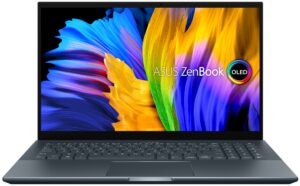
1. Remove the bottom plate
To get inside of this laptop, you need to undo 11 Torx-head screws. Then, remove the two back rubber feet, and undo the two Phillips-head screws hiding beneath them. After that, pry the bottom panel with a plastic tool and lift it away from the chassis.

2. Battery
Inside, we see a huge 96Wh battery pack. It managed to last us for the whopping 17 hours of Web browsing, or 16 hours of video playback. If you need to remove it, you will be happy to hear that the process is extremely easy. First, unplug the battery connector. Then, undo the two Phillips-head screws holding it to the chassis, and take it away.
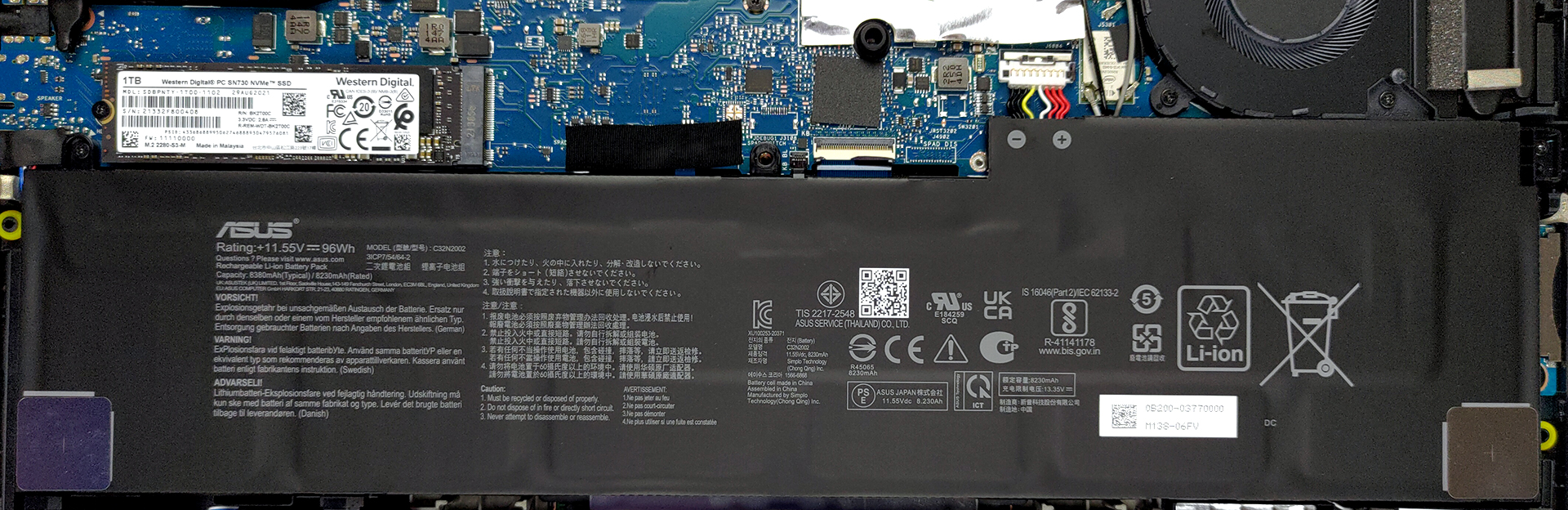
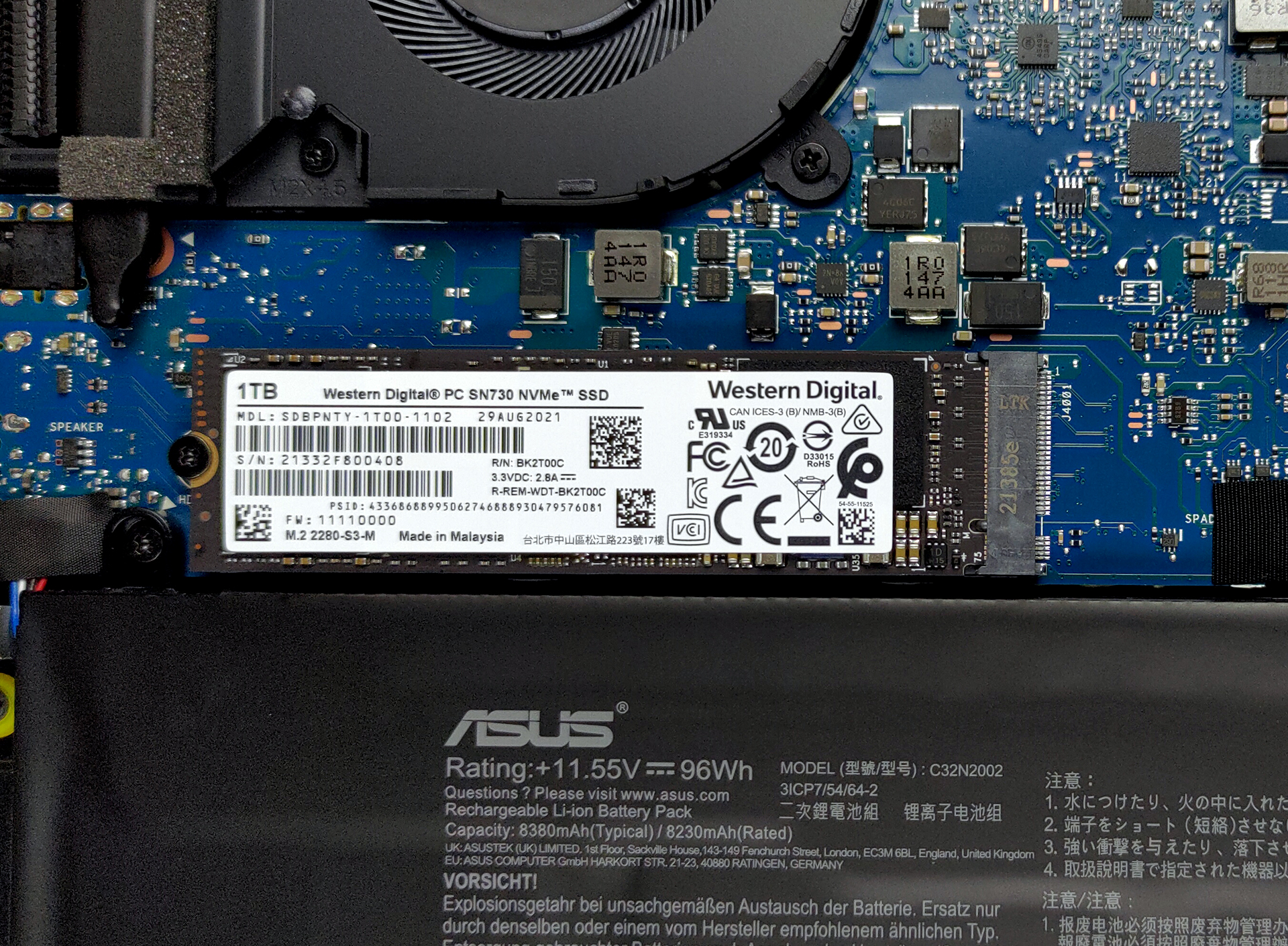
3. Memory and storage
Here, the memory is soldered to the motherboard. You get either 16 or 32GB of LPDDR4x memory, working at 4267 MHz. Storage-wise, there is one M.2 PCIe x4 slot.
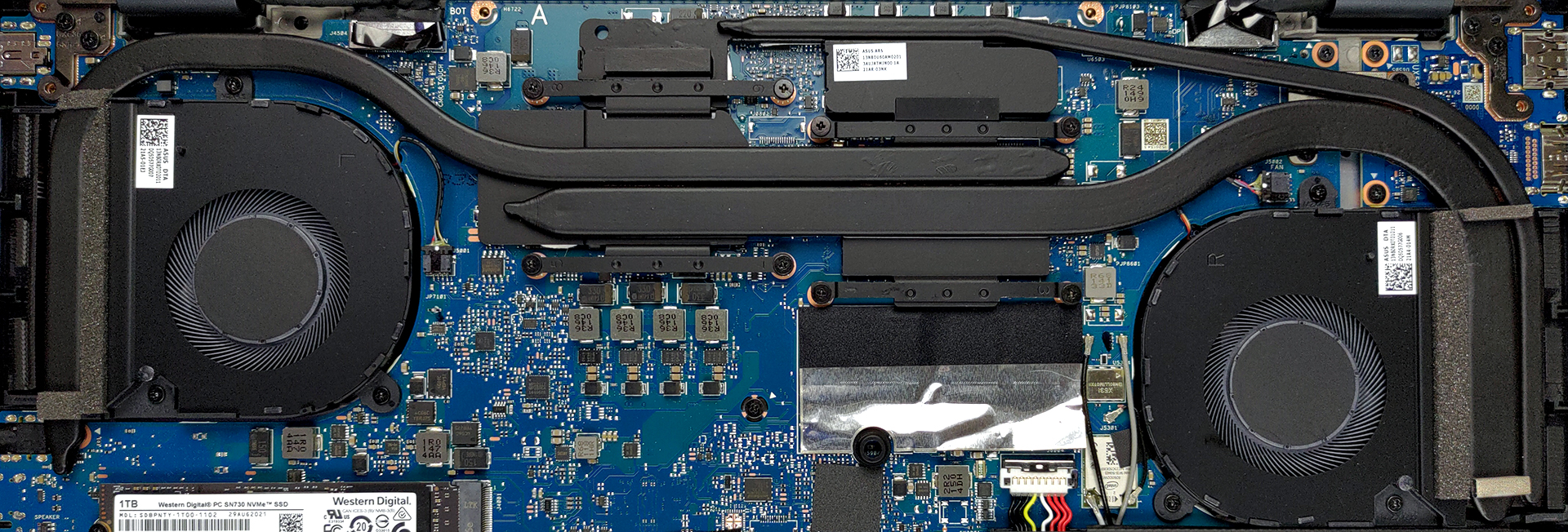
4. Cooling system
As for the cooling, you get two heat pipes, shared between the CPU and the GPU. They connect to two side-mounted heat sinks, where two fans blow the heat away. There is a third additional heat pipe, managing the thermals of the VRMs.
Check out all ASUS ZenBook Pro 15 OLED (UM535) prices and configurations in our Specs System or read more in our In-Depth review.
ASUS ZenBook Pro 15 OLED (UM535) recenzie detaliată
ASUS has a very wide range of ZenBook laptops on offer. Some of them are strictly for business purposes - like the ZenBook 14 UX425, while others are absolute beasts - the ZenBook Pro Duo 15 OLED (UX582) for example. And there is the third option - low-key content creator devices, which bring a lot of power to the table, but stay efficient, while their design doesn't scream in your face.One such notebook is the ZenBook Pro 15 OLED (UM535). Obviously, the main event is part of the naming scheme and is the OLED display. You can pick from a Full HD, or a 4K panel, both of which come with ful[...]
Avantaje
- Strong metal build
- Good input devices
- 100% sRGB and DCI-P3 coverage
- HDR True Black 600 support
- Amazing battery life
- Decent performance
- IR face recognition
- HDMI 2.0b + SD card
Dezavantaje
- USB Type-C port is data transfer only
- Soldered memory
 Author: Alex Iliev

![[Iunie 2026] Cele mai vândute mărci de laptopuri pe Amazon Global – Dominația de neegalat a Apple în ceea ce privește numărul de unități vândute și veniturile](https://laptopmedia.com/wp-content/uploads/2026/07/GLOBAL-Best-Brands-400x225.jpg)
![[Iunie 2026] Amazon Global: Top 10 cele mai vândute laptopuri – Noul MacBook Neo de la Apple se clasează pe locul 1, redefinind piața prin prețul accesibil](https://laptopmedia.com/wp-content/uploads/2026/07/Best-Selling-Laptops-GLOBAL-Top-10-400x225.jpg)
![[Iunie 2026] Amazon Global: Top 10 cele mai bine vândute laptopuri pentru jocuri – Modelul Nitro V 16S AI de la Acer domină vânzările, în timp ce ASUS conduce în ceea ce privește veniturile totale](https://laptopmedia.com/wp-content/uploads/2026/07/Best-Selling-Gaming-Laptops-GLOBAL-Top-10-400x225.jpg)
![[Iunie 2026] Clasamentul global al celor mai bine vândute plăci grafice pentru laptopuri pe Amazon – NVIDIA RTX 5060 este cea mai bine vândută placă grafică dedicată](https://laptopmedia.com/wp-content/uploads/2026/07/Best-Selling-GPUs-GLOBAL-Top-10-400x225.jpg)
![[Iunie 2026] Clasamentul global al celor mai bine vândute procesoare pentru laptopuri de pe Amazon – Apple M5 domină, iar AMD Ryzen 7 260 înregistrează o cotă solidă în segmentul premium](https://laptopmedia.com/wp-content/uploads/2026/07/Best-Selling-CPUs-GLOBAL-Top-10-400x225.jpg)
