Inside Dell Inspiron 17 3793 – disassembly and upgrade options
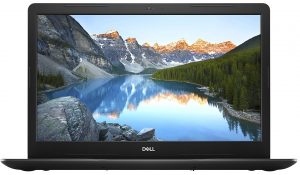
Do you need a 17-inch laptop that is most probably never going to leave your home? Well, the Inspiron 17 3793 is a very appropriate device in this perspective. However, how much versatility does it offer you post-purchase?
Check out all Dell Inspiron 17 3793 prices and configurations in our Specs System or read more in our In-Depth review.
1. Remove the bottom plate
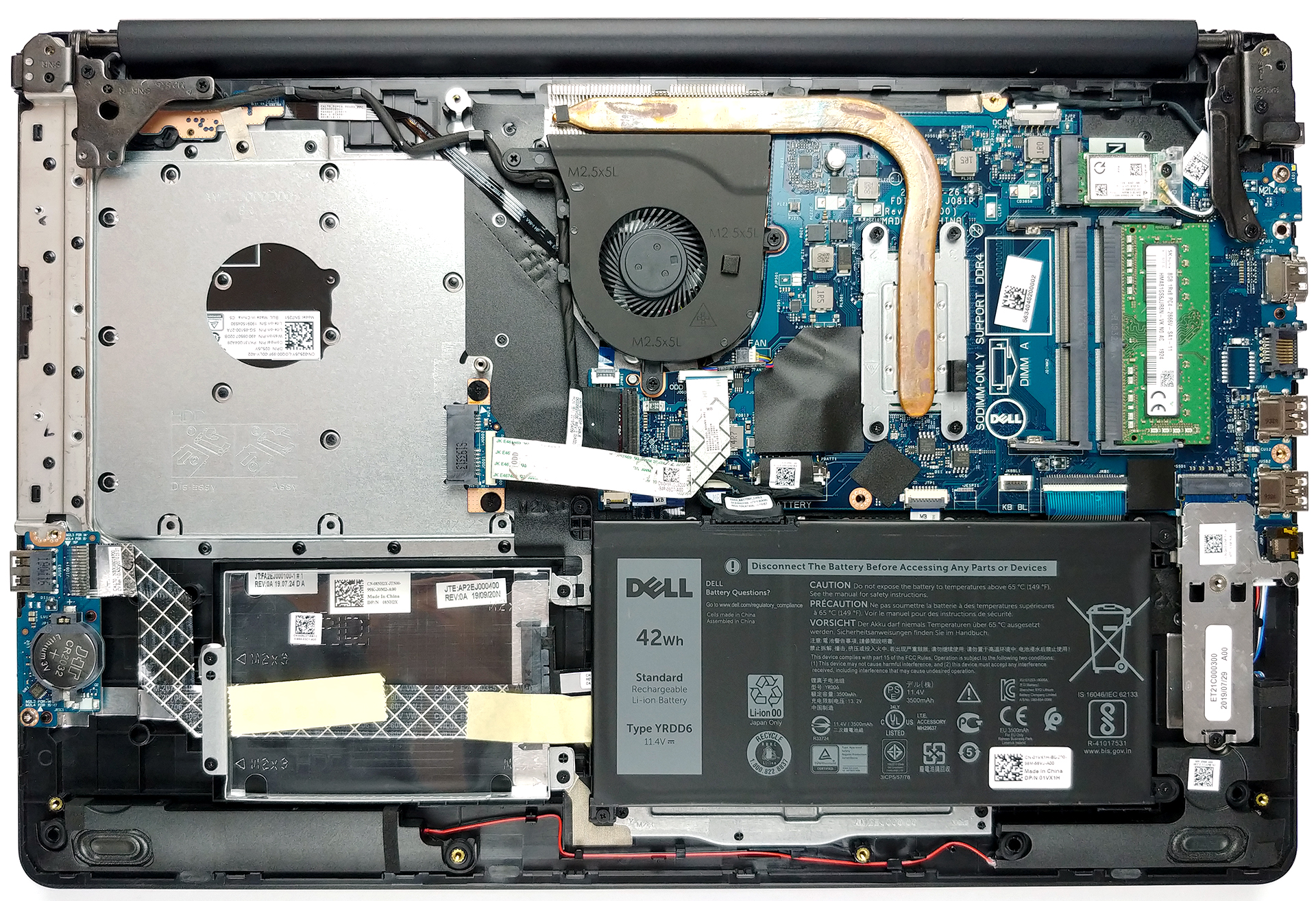
When it comes to usability, the Inspiron 17 3793 is one optical reader ahead of most of the modern devices. This is the reason you first need to remove it, before proceeding with the teardown. After you unscrew the screw that holds it in place, just pull it outwards and it should be able to come off easily. Then, remove further 14 more Phillips-head screws out of your way, and pry the panel open.
2. Battery
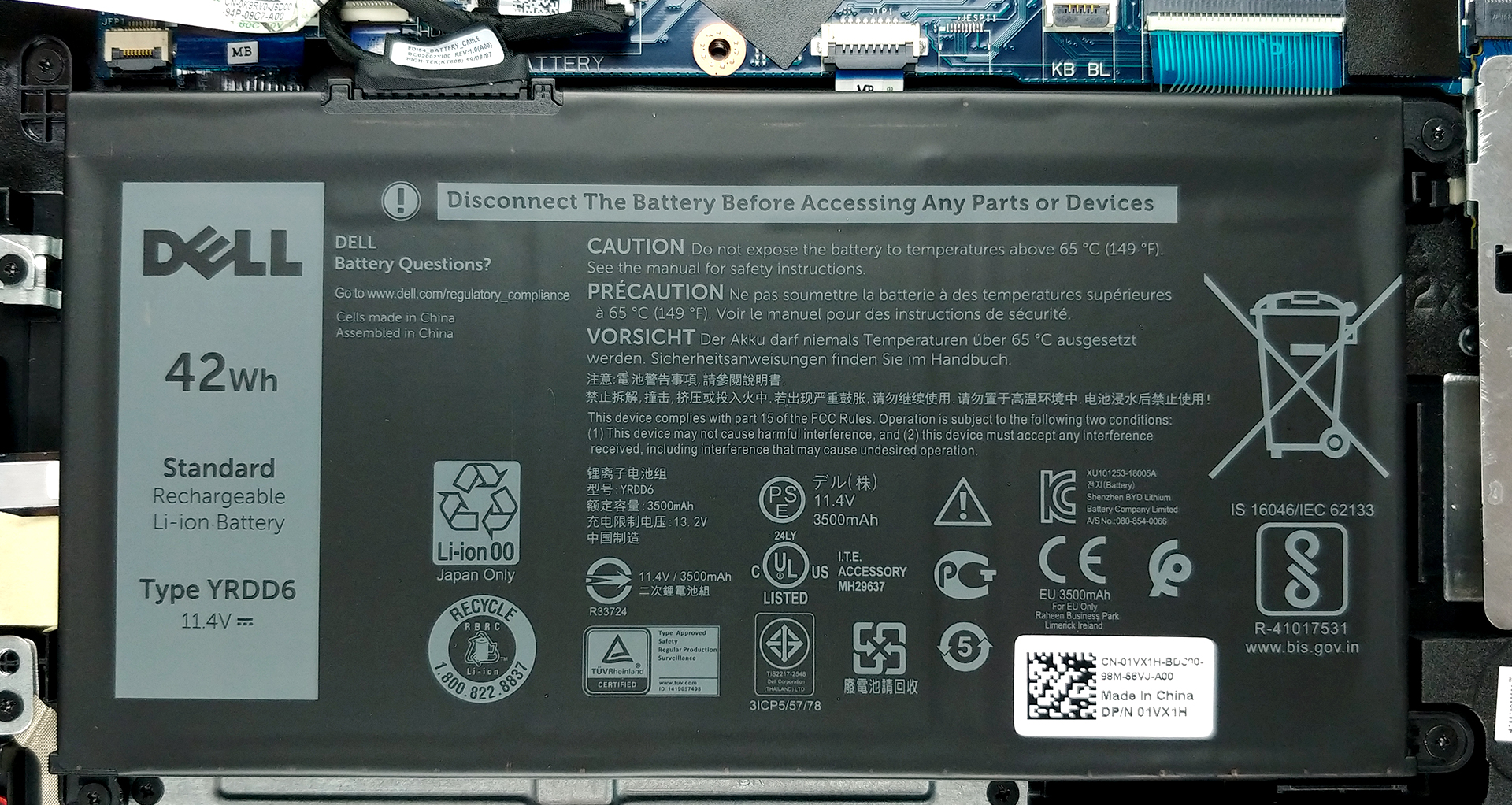
Now, we were kind of disappointed when we saw the 42Wh battery when there is so much free space inside. Nevertheless, if you ever wish to change it, there are four Phillips-head screws that prevent you from doing so. By the way, don’t forget to remove the battery connector, before anything else.
3. Memory and storage
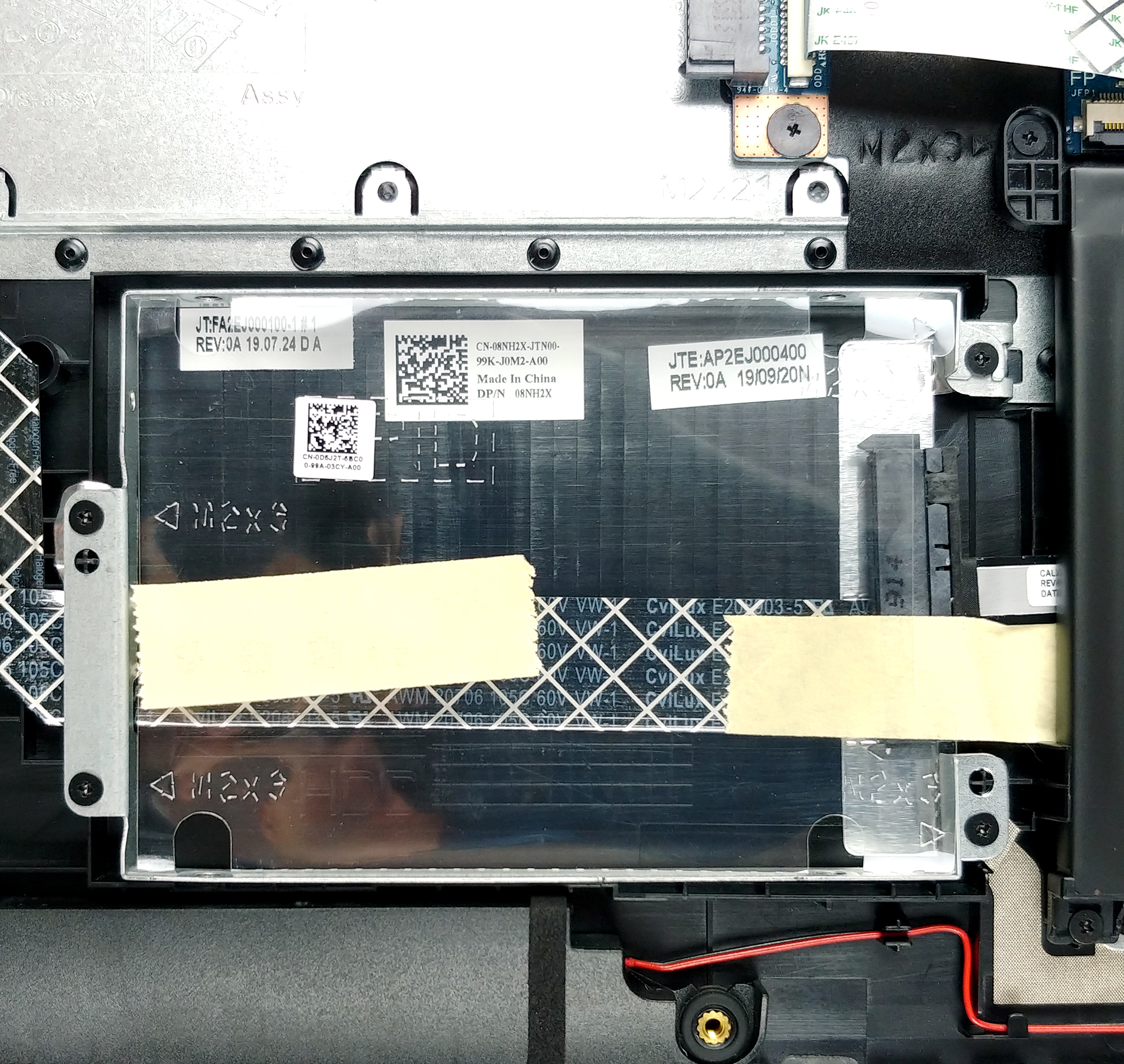
On the bright side, there are two RAM DIMMs that support up to 16GB of DDR4 memory in total. Moreover, it has an M.2 slot that supports PCIe x4 speeds and up to 512GB capacity, as well as a 2.5″ SATA drive that can fit a 2TB HDD.

4. Cooling system
As far as the cooling goes, it is not the most sophisticated out there, to be honest – just a single heat pipe and a rather small fan.

Check out all Dell Inspiron 17 3793 prices and configurations in our Specs System or read more in our In-Depth review.
 Author: Alex Iliev

![[Iunie 2026] Cele mai vândute mărci de laptopuri pe Amazon Global – Dominația de neegalat a Apple în ceea ce privește numărul de unități vândute și veniturile](https://laptopmedia.com/wp-content/uploads/2026/07/GLOBAL-Best-Brands-400x225.jpg)
![[Iunie 2026] Amazon Global: Top 10 cele mai vândute laptopuri – Noul MacBook Neo de la Apple se clasează pe locul 1, redefinind piața prin prețul accesibil](https://laptopmedia.com/wp-content/uploads/2026/07/Best-Selling-Laptops-GLOBAL-Top-10-400x225.jpg)
![[Iunie 2026] Amazon Global: Top 10 cele mai bine vândute laptopuri pentru jocuri – Modelul Nitro V 16S AI de la Acer domină vânzările, în timp ce ASUS conduce în ceea ce privește veniturile totale](https://laptopmedia.com/wp-content/uploads/2026/07/Best-Selling-Gaming-Laptops-GLOBAL-Top-10-400x225.jpg)
![[Iunie 2026] Clasamentul global al celor mai bine vândute plăci grafice pentru laptopuri pe Amazon – NVIDIA RTX 5060 este cea mai bine vândută placă grafică dedicată](https://laptopmedia.com/wp-content/uploads/2026/07/Best-Selling-GPUs-GLOBAL-Top-10-400x225.jpg)
![[Iunie 2026] Clasamentul global al celor mai bine vândute procesoare pentru laptopuri de pe Amazon – Apple M5 domină, iar AMD Ryzen 7 260 înregistrează o cotă solidă în segmentul premium](https://laptopmedia.com/wp-content/uploads/2026/07/Best-Selling-CPUs-GLOBAL-Top-10-400x225.jpg)

You say it supports an M.2 slot that supports PCIe x4 speeds and up to 512GB capacity. If you put a 1tb NVME SSD in that slot would it work?