Inside Fujitsu Lifebook U939X – disassembly and upgrade options
So, how easy it is to take apart Fujitsu’s tiny business competitor. It looks quite rigid with the amount of visible and rather large screws on the bottom plate. Let’s get inside!
Check out all Fujitsu Lifebook U939X prices and configurations in our Specs System or read more in our In-Depth review.
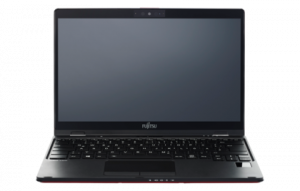
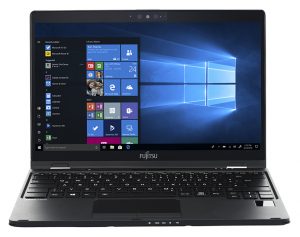
1. Remove the bottom plate
For a laptop that sits comfortably on the scale that displays 1.00 kilos, we find the method of securing the bottom plate a little weird. Fujitsu has used a total of 16 Phillips-head screws… In contrast to the Lenovo Ideapad S940 that has only four of them. On the bright side, when you manage to remove them, the bottom panel falls just like that – easy-peasy.
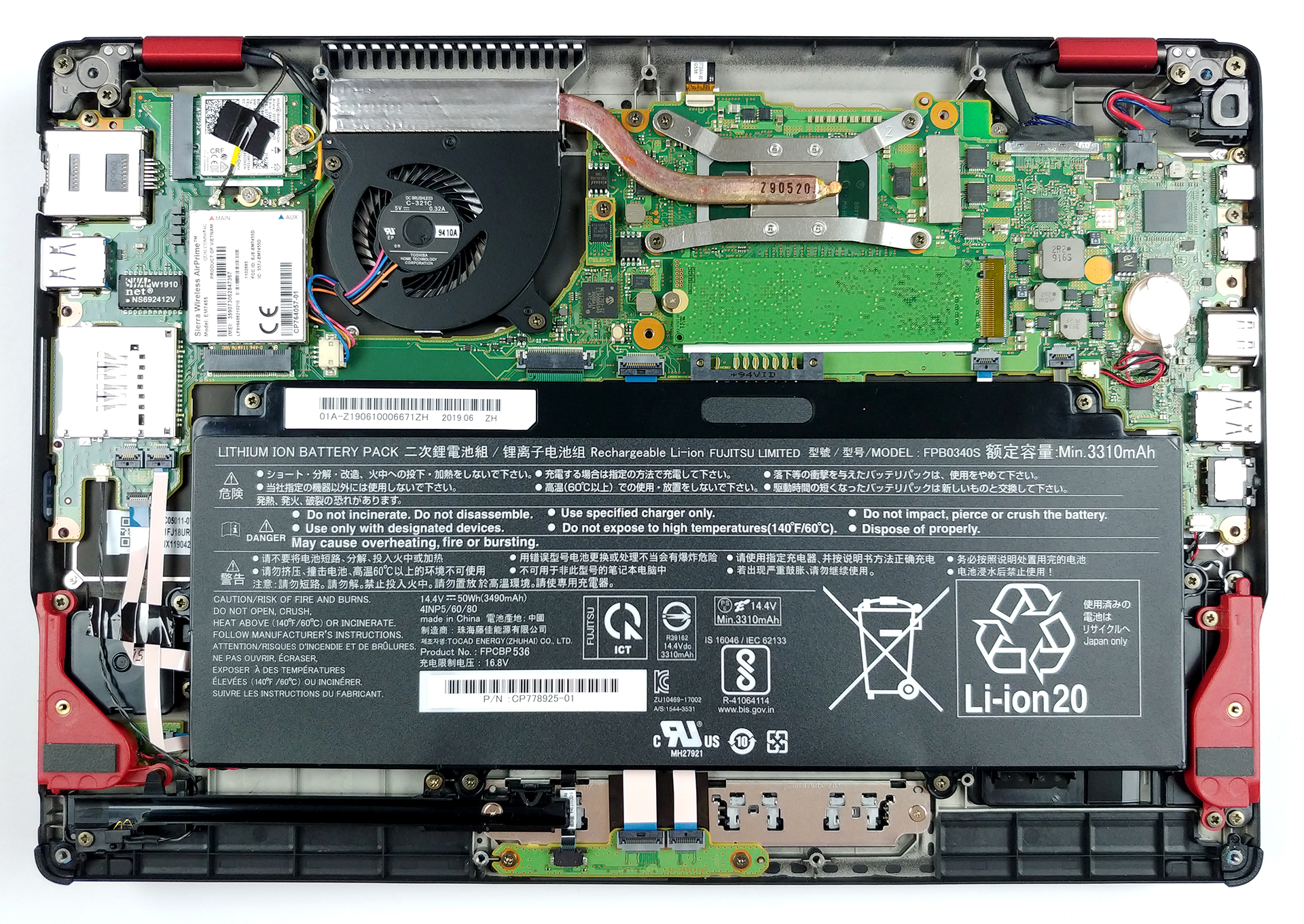
2. Battery
Fujitsu Lifebook U939X has been equipped with a sizeable 50Wh battery pack which should provide a decent amount of time away from the plug. One of the most important things you have to remember is to always unplug the battery connector when you are touching the motherboard.
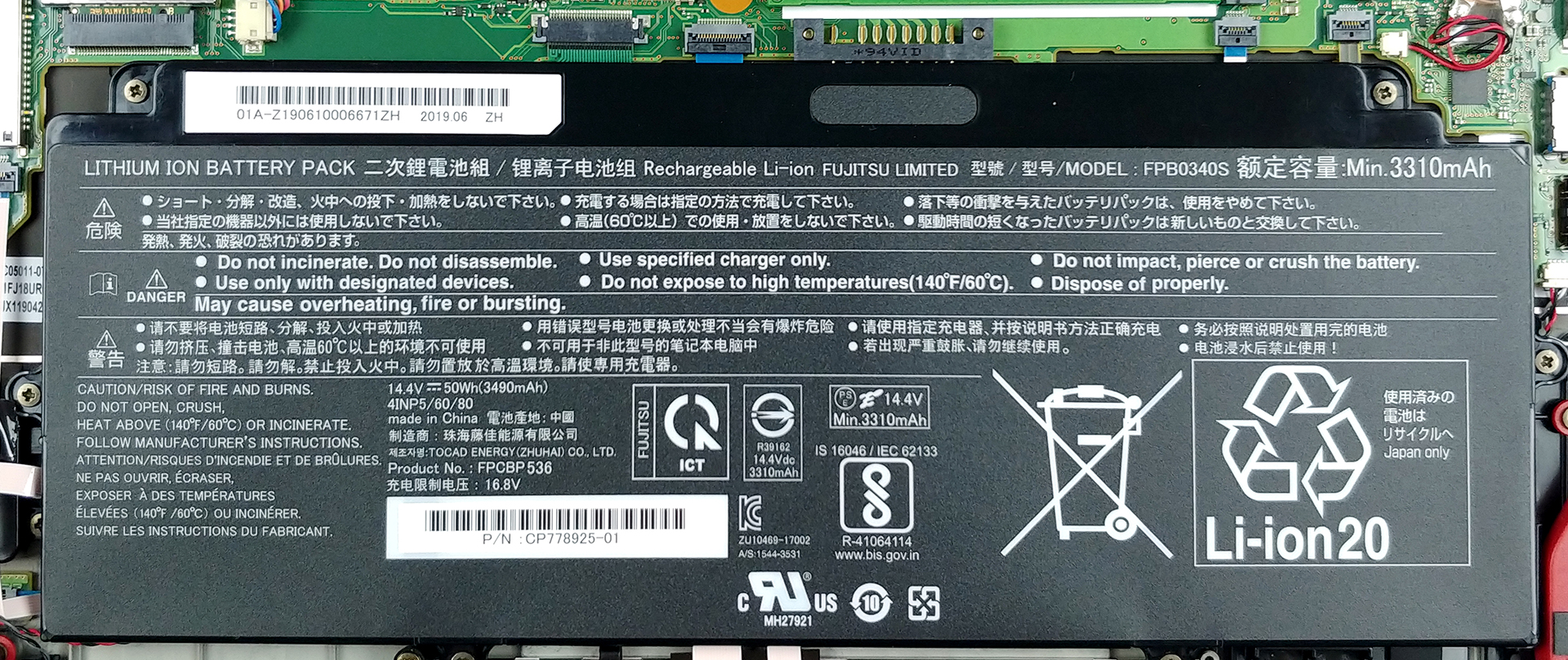
3. Memory and storage and cooling
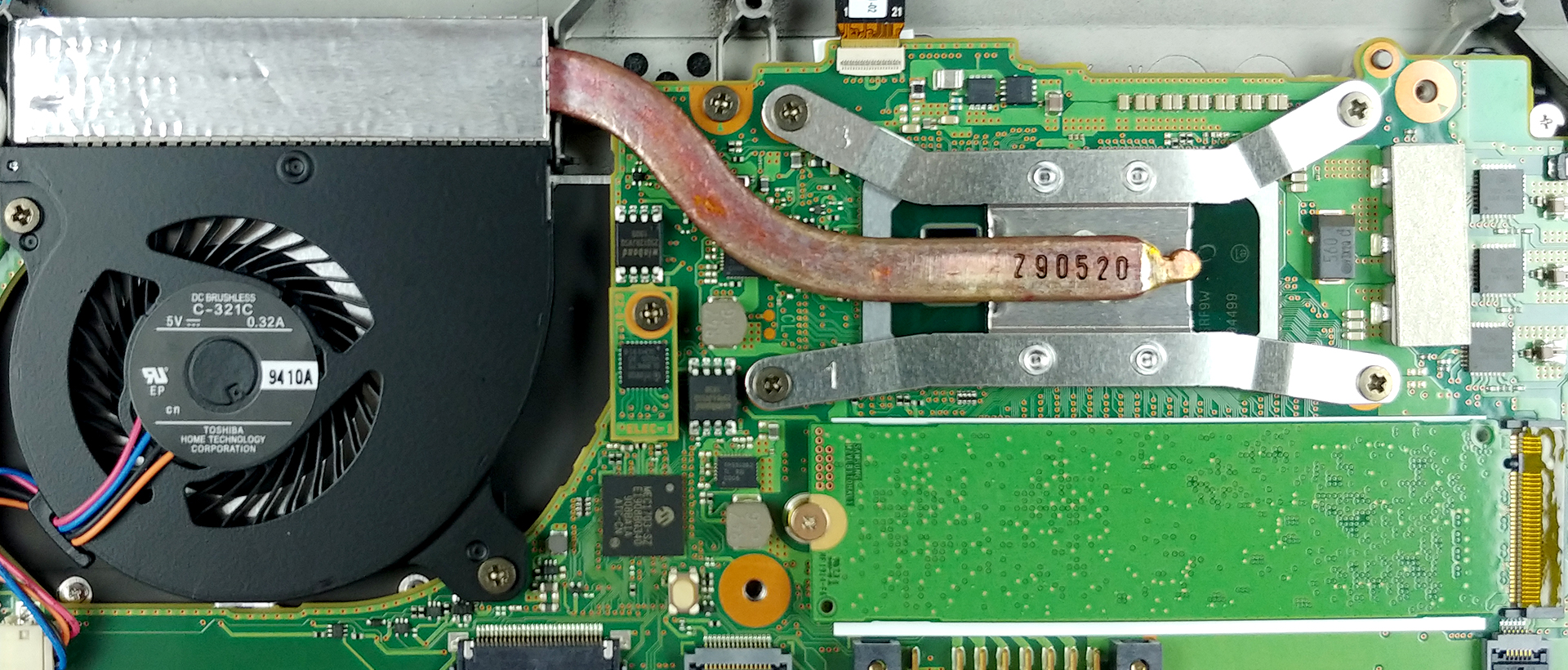
The first thing we’ve noticed (and we’re sure you did too) was that there are no visible RAM DIMM slots. Well, this is because, the memory in this device is soldered to the motherboard, so choose wisely how much RAM you need before you buy.
Then, there is the cooling solution, which incorporates an incredibly thin and short heat pipe that connects to an even smaller heatsink. Additionally, the fan that the Lifebook U939X is equipped with is yet again, not boasting a huge size. At least on the bright side, the path between the die and the actively cooled area is very short, so it should be pretty quick to stabilize its temps back when its load is decreased. By the way, just below the CPU, you can see the M.2 NVMe slot – there are some upgradability options, thankfully.
Check out all Fujitsu Lifebook U939X prices and configurations in our Specs System or read more in our In-Depth review.
 Author: Alex Iliev

![[Iunie 2026] Cele mai vândute mărci de laptopuri pe Amazon Global – Dominația de neegalat a Apple în ceea ce privește numărul de unități vândute și veniturile](https://laptopmedia.com/wp-content/uploads/2026/07/GLOBAL-Best-Brands-400x225.jpg)
![[Iunie 2026] Amazon Global: Top 10 cele mai vândute laptopuri – Noul MacBook Neo de la Apple se clasează pe locul 1, redefinind piața prin prețul accesibil](https://laptopmedia.com/wp-content/uploads/2026/07/Best-Selling-Laptops-GLOBAL-Top-10-400x225.jpg)
![[Iunie 2026] Amazon Global: Top 10 cele mai bine vândute laptopuri pentru jocuri – Modelul Nitro V 16S AI de la Acer domină vânzările, în timp ce ASUS conduce în ceea ce privește veniturile totale](https://laptopmedia.com/wp-content/uploads/2026/07/Best-Selling-Gaming-Laptops-GLOBAL-Top-10-400x225.jpg)
![[Iunie 2026] Clasamentul global al celor mai bine vândute plăci grafice pentru laptopuri pe Amazon – NVIDIA RTX 5060 este cea mai bine vândută placă grafică dedicată](https://laptopmedia.com/wp-content/uploads/2026/07/Best-Selling-GPUs-GLOBAL-Top-10-400x225.jpg)
![[Iunie 2026] Clasamentul global al celor mai bine vândute procesoare pentru laptopuri de pe Amazon – Apple M5 domină, iar AMD Ryzen 7 260 înregistrează o cotă solidă în segmentul premium](https://laptopmedia.com/wp-content/uploads/2026/07/Best-Selling-CPUs-GLOBAL-Top-10-400x225.jpg)
