Inside HP Pavilion Plus 14 (14-eh0000) – disassembly and upgrade options
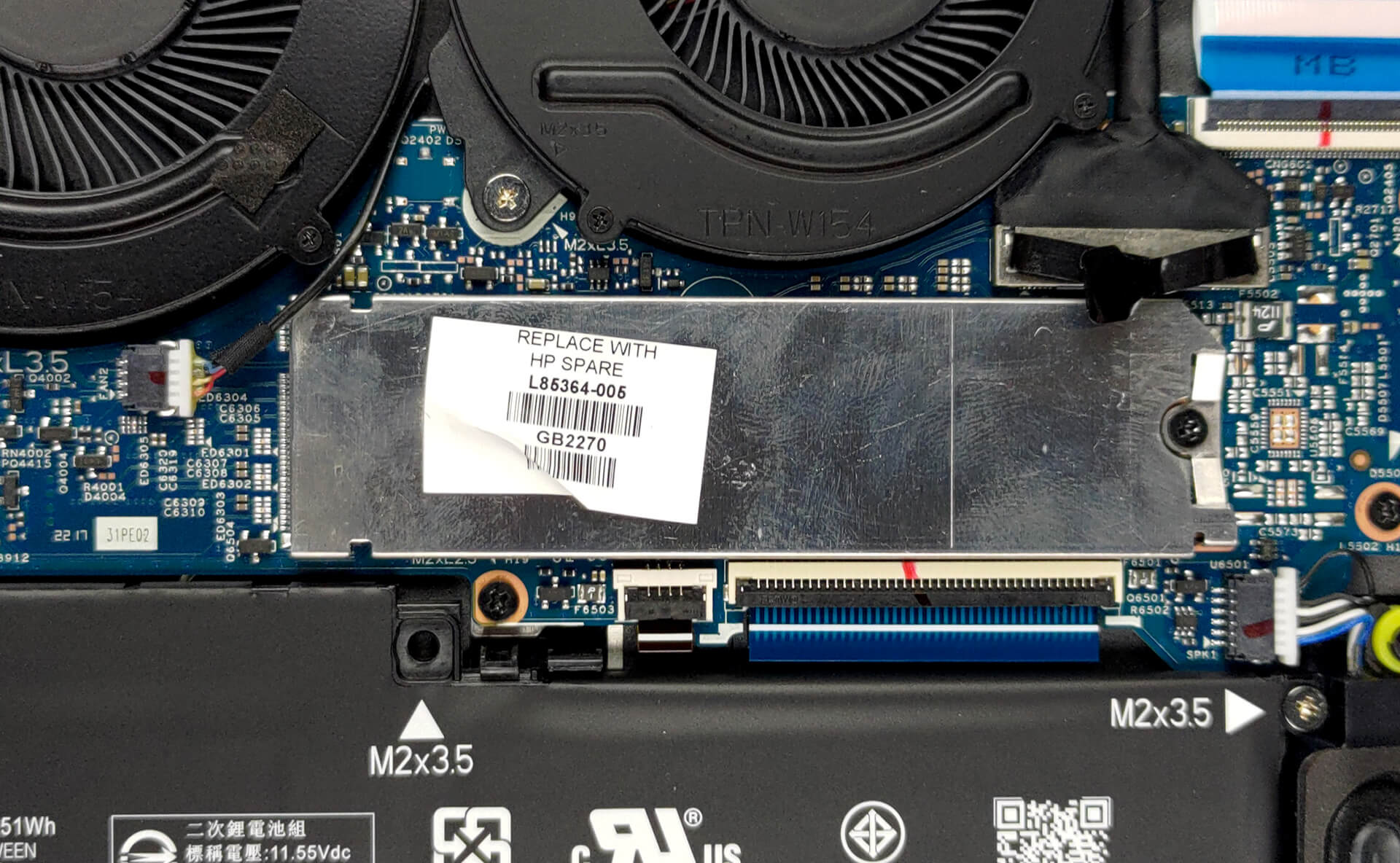
Expectedly or not, the memory here is soldered to the motherboard. On the bright side, its single M.2 PCIe x4 slot supports Gen 4 SSDs.
Check out all HP Pavilion Plus 14 (14-eh0000) prices and configurations in our Specs System, or read more in our In-Depth review.
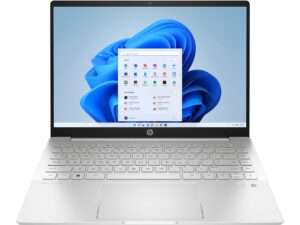
1. Remove the bottom plate
Taking this laptop apart is a lot easier than anticipated. You need to undo only 4 Phillips-head screws. Then, pry the bottom panel, starting from the hinge gaps.

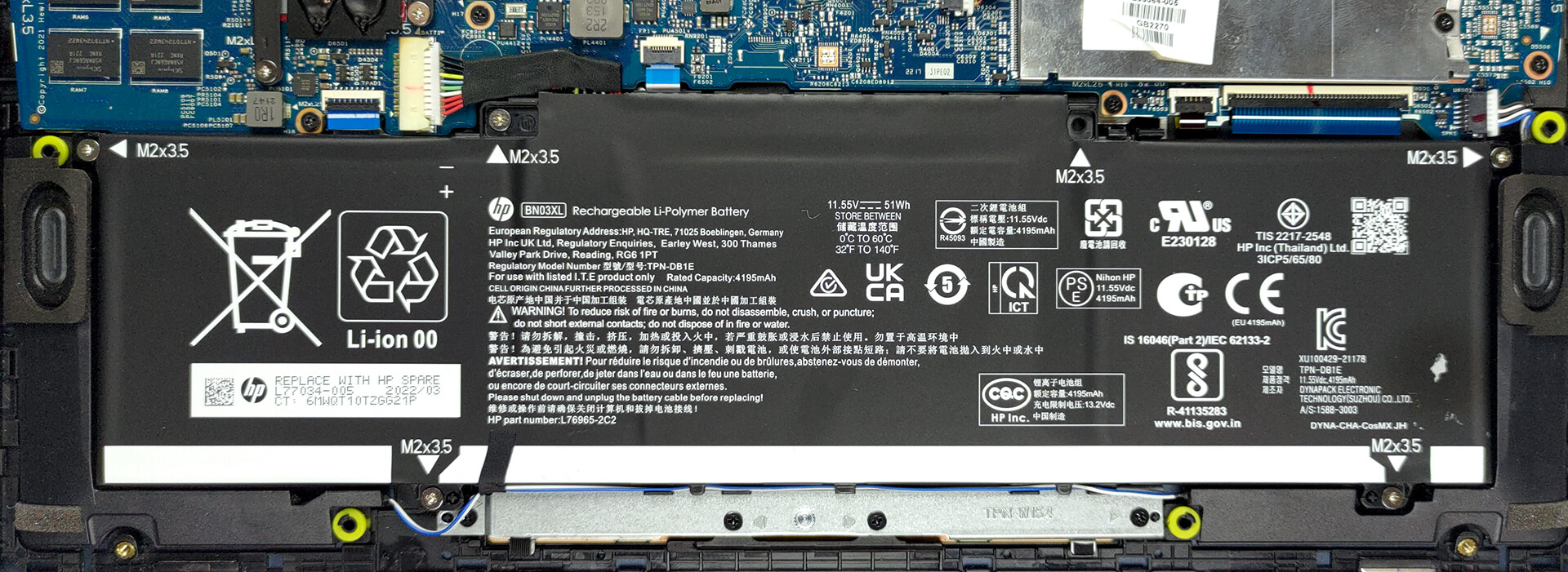
2. Battery
Inside, we find a 51Wh battery pack. It got us through 7 hours and 30 minutes of Web browsing, or about 6 hours of video playback. To remove it from the chassis, you need to unplug the connector and undo 5 Phillips-head screws.
3. Memory and storage
Here, the memory is soldered to the motherboard. You can get up to 16GB of DDR4 RAM, working at 3200 MHz. In terms of storage, there is one M.2 PCIe x4 slot, which can hold Gen 4 SSDs.
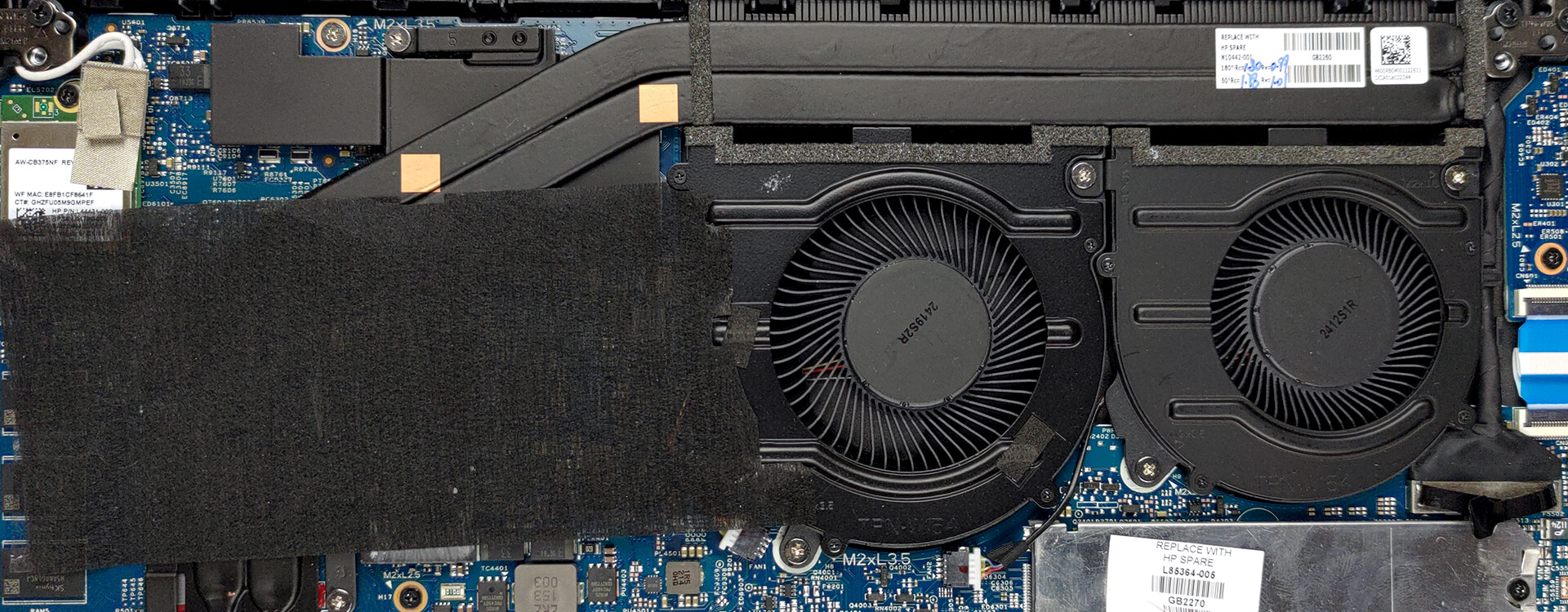
4. Cooling system
The cooling comprises two very long heat pipes shared between the CPU and GPU. They connect to a large heat sink, which dissipates the heat thanks to two fans. The VRMs and the graphics memory also get some cooling thanks to a couple of heat spreaders.
Check out all HP Pavilion 14 (14-eh0000) prices and configurations in our Specs System, or read more in our In-Depth review.
HP Pavilion Plus 14 (14-eh0000, eh1000) recenzie detaliată
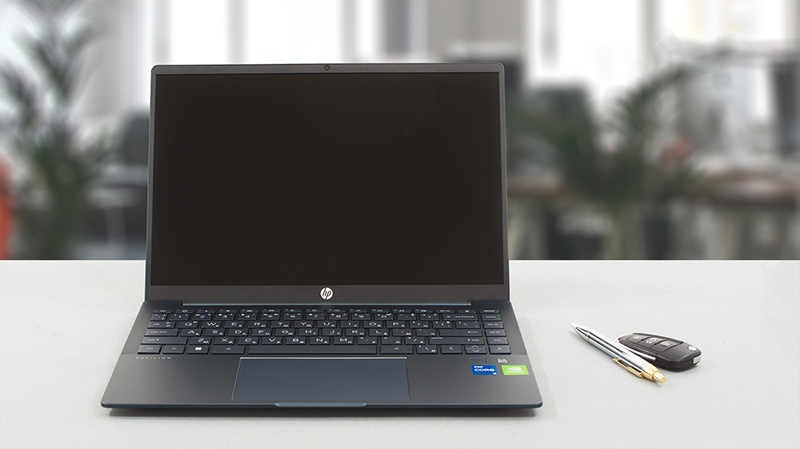
HP has a lot of work to do to keep up with the steep development curve of its rivals. Their latest effort is called the Pavilion Plus 14 (14-eh0000). It comes with a 16:10 aspect ratio, which is really useful for pretty much any type of work. On the other hand, it is a bit less comfortable for media consumption, which pretty much sets the expectations from this notebook.So, yes, we get it, HP wants to make the Pavilion more friendly towards professional users - as Lenovo does with its "Pro" IdeaPads. This is the reason for the weird processor pot. You get options from the 15W U-series, 28[...]
Avantaje
- Doesn't use PWM for brightness adjustment (IVO8C8D)
- Uses recycled aluminum
- Decent input devices
- Populous I/O which includes a MicroSD card reader
- Fingerprint reader
- Covers 93% of sRGB colors and offers accurate color representation thanks to our Gaming and Web design profile (IVO8C8D)
- High-resolution display options with a 16:10 aspect ratio
- 5MP camera
Dezavantaje
- No Thunderbolt
- Memory is soldered to the motherboard
- The processor is not utilized very well
- Below average battery life
 Author: Alex Iliev

![[Iunie 2026] Cele mai vândute mărci de laptopuri pe Amazon Global – Dominația de neegalat a Apple în ceea ce privește numărul de unități vândute și veniturile](https://laptopmedia.com/wp-content/uploads/2026/07/GLOBAL-Best-Brands-400x225.jpg)
![[Iunie 2026] Amazon Global: Top 10 cele mai vândute laptopuri – Noul MacBook Neo de la Apple se clasează pe locul 1, redefinind piața prin prețul accesibil](https://laptopmedia.com/wp-content/uploads/2026/07/Best-Selling-Laptops-GLOBAL-Top-10-400x225.jpg)
![[Iunie 2026] Amazon Global: Top 10 cele mai bine vândute laptopuri pentru jocuri – Modelul Nitro V 16S AI de la Acer domină vânzările, în timp ce ASUS conduce în ceea ce privește veniturile totale](https://laptopmedia.com/wp-content/uploads/2026/07/Best-Selling-Gaming-Laptops-GLOBAL-Top-10-400x225.jpg)
![[Iunie 2026] Clasamentul global al celor mai bine vândute plăci grafice pentru laptopuri pe Amazon – NVIDIA RTX 5060 este cea mai bine vândută placă grafică dedicată](https://laptopmedia.com/wp-content/uploads/2026/07/Best-Selling-GPUs-GLOBAL-Top-10-400x225.jpg)
![[Iunie 2026] Clasamentul global al celor mai bine vândute procesoare pentru laptopuri de pe Amazon – Apple M5 domină, iar AMD Ryzen 7 260 înregistrează o cotă solidă în segmentul premium](https://laptopmedia.com/wp-content/uploads/2026/07/Best-Selling-CPUs-GLOBAL-Top-10-400x225.jpg)
