Inside Lenovo Ideapad 110 – disassembly, internal photos and upgrade options
We have some great news about the successor of the Ideapad 100! The Ideapad 110 appears to be much easier to disassemble than its predecessor because it doesn’t require the keyboard to be removed. The only thing you have to do in order to access the commonly upgraded components is to just remove the bottom piece.
You may find some of the available models here: http://amzn.to/2ep5S6v
1. Removing the optical drive
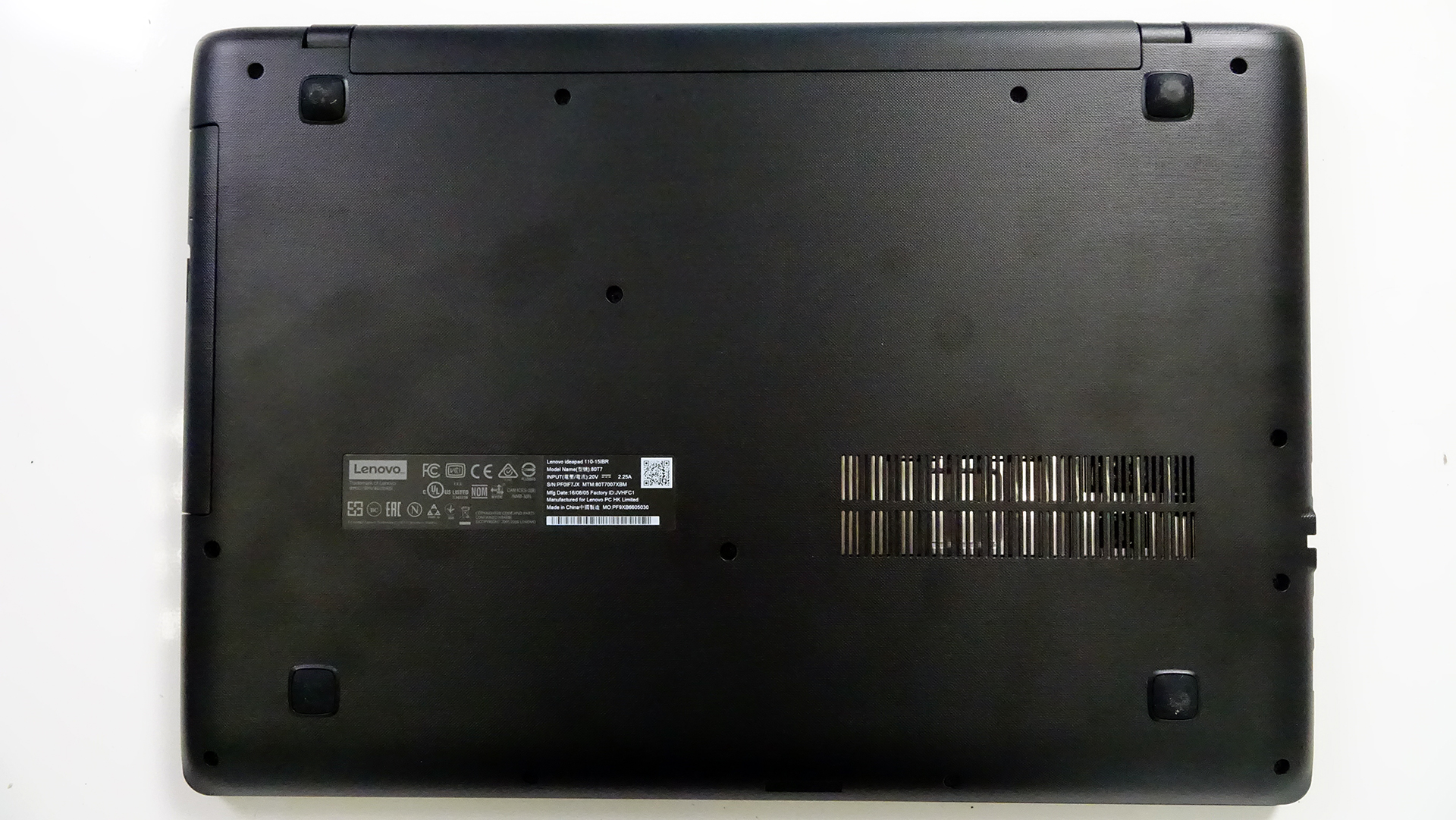
Before you start doing anything, we suggest that you unscrew the whole bottom and then remove the optical drive. There might be a few screws hiding there so be careful. Remove them before you attempt to pry it up.
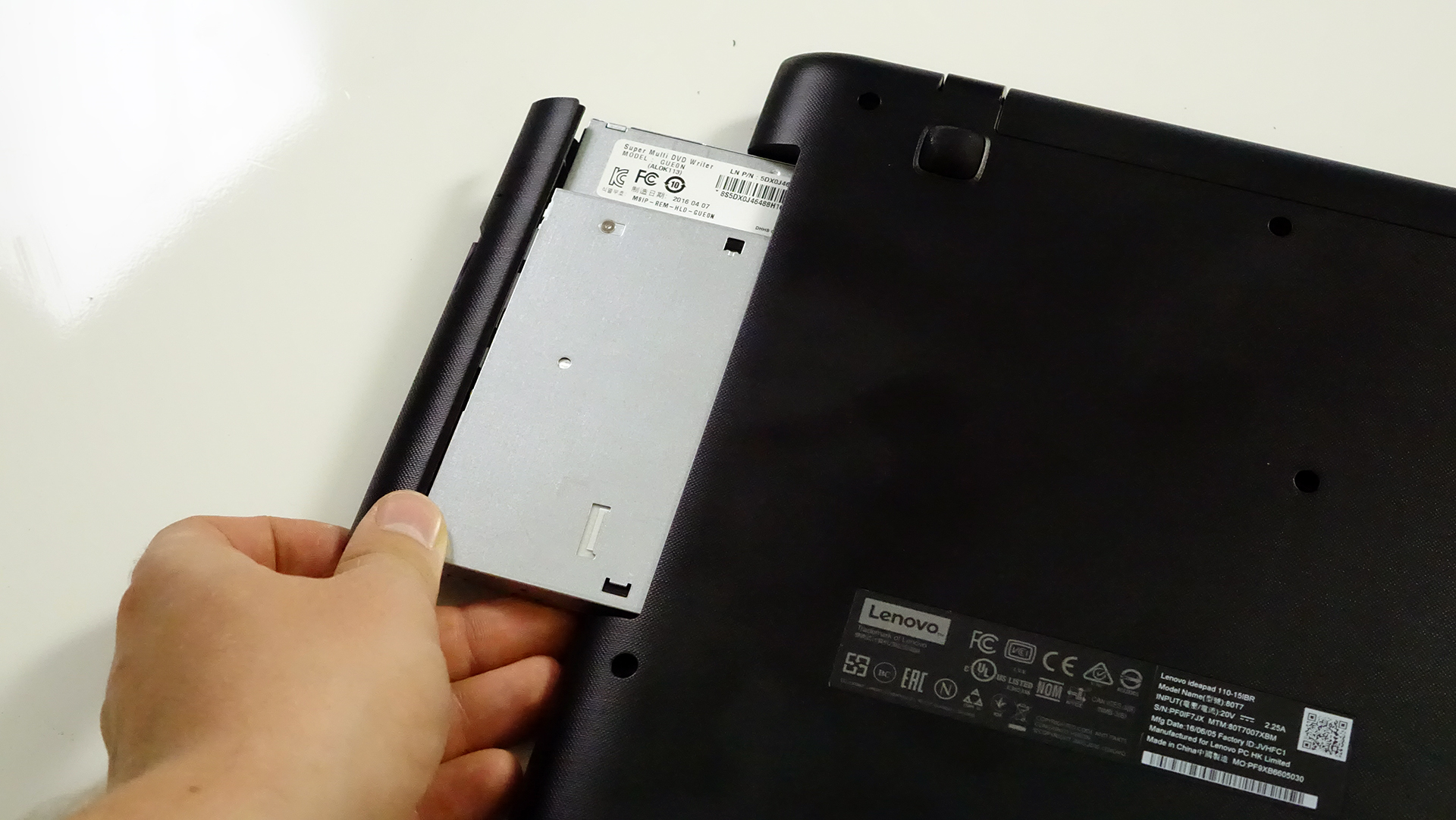
2. Detaching the bottom piece
After the optical drive has been removed, continue with the rest of the screws and pry up the bottom. It should come off easily.
3. Storage and RAM
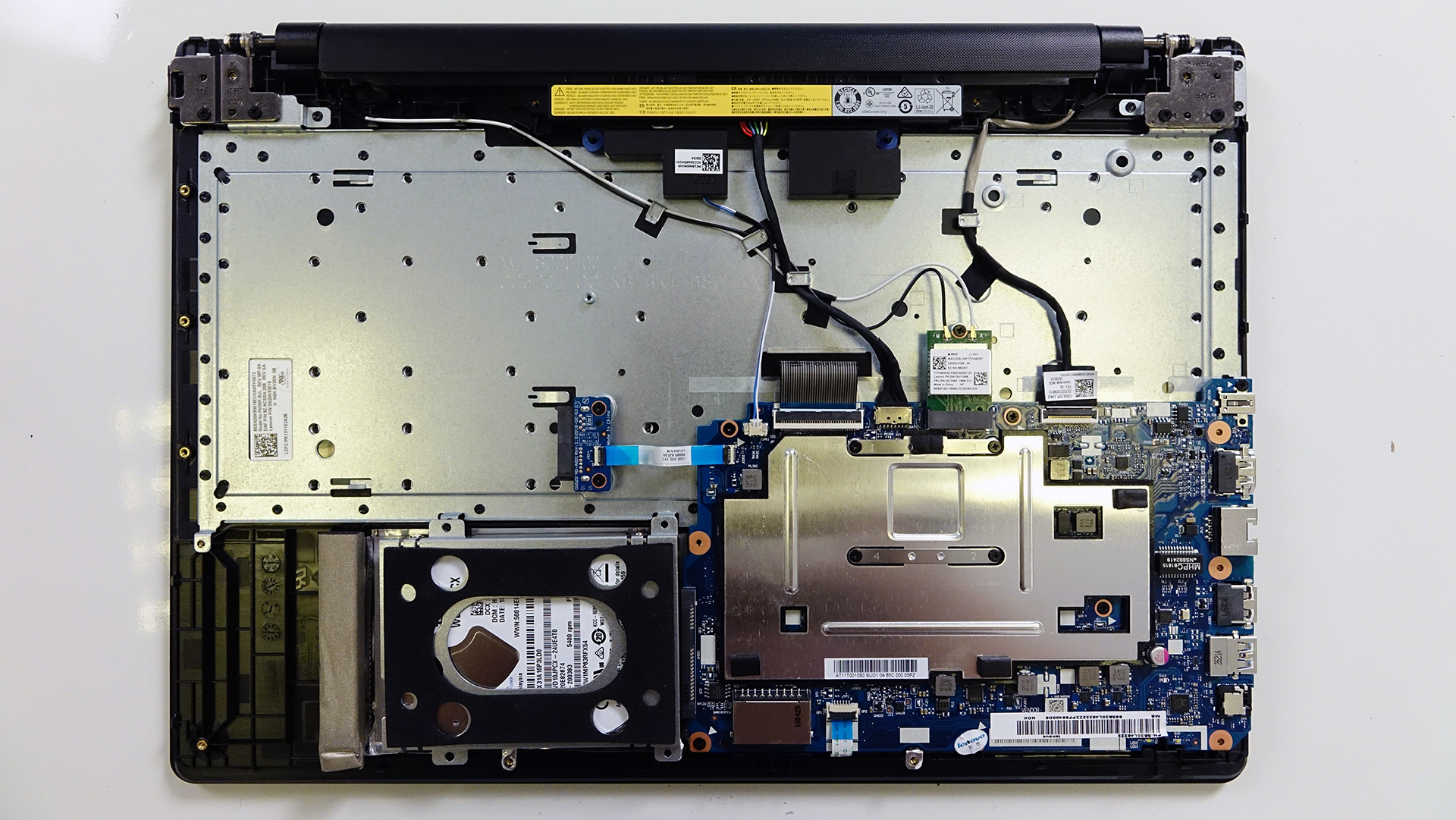
The notebook uses 4GB of DDR3 soldered RAM so unfortunately, it can’t be upgraded.
However, the 2.5-inch HDD is easily accessible, which in our case is WD packing 1TB of storage. If you throw an SSD in there and preserve the HDD using a caddy instead of the optical drive, you will have yourself an excellent budget performer with lots of space.

4. Wi-Fi card and battery
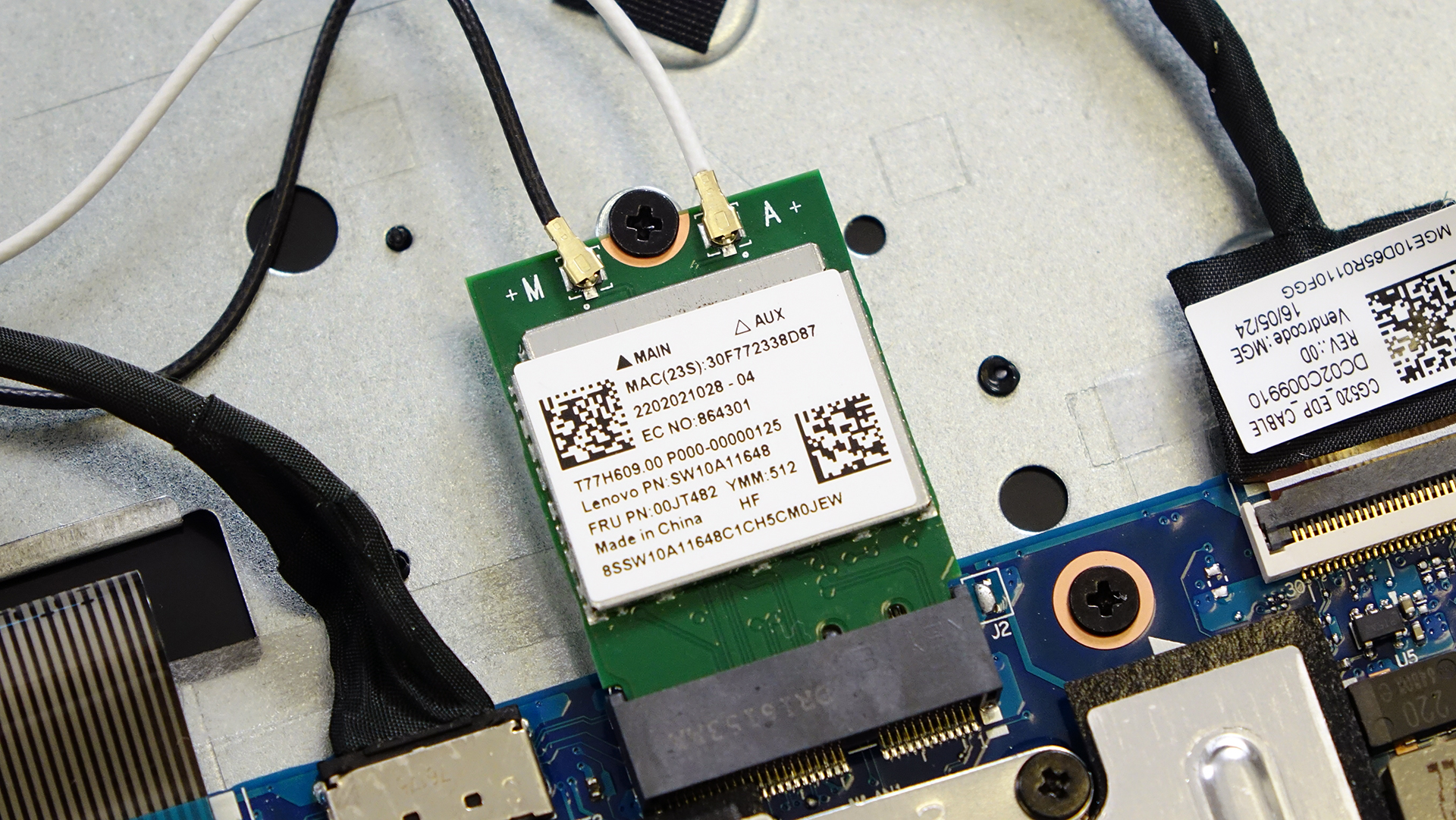
The Wi-Fi card is located next to the big heat sink plate for the CPU. Its model number is SW10A11648.
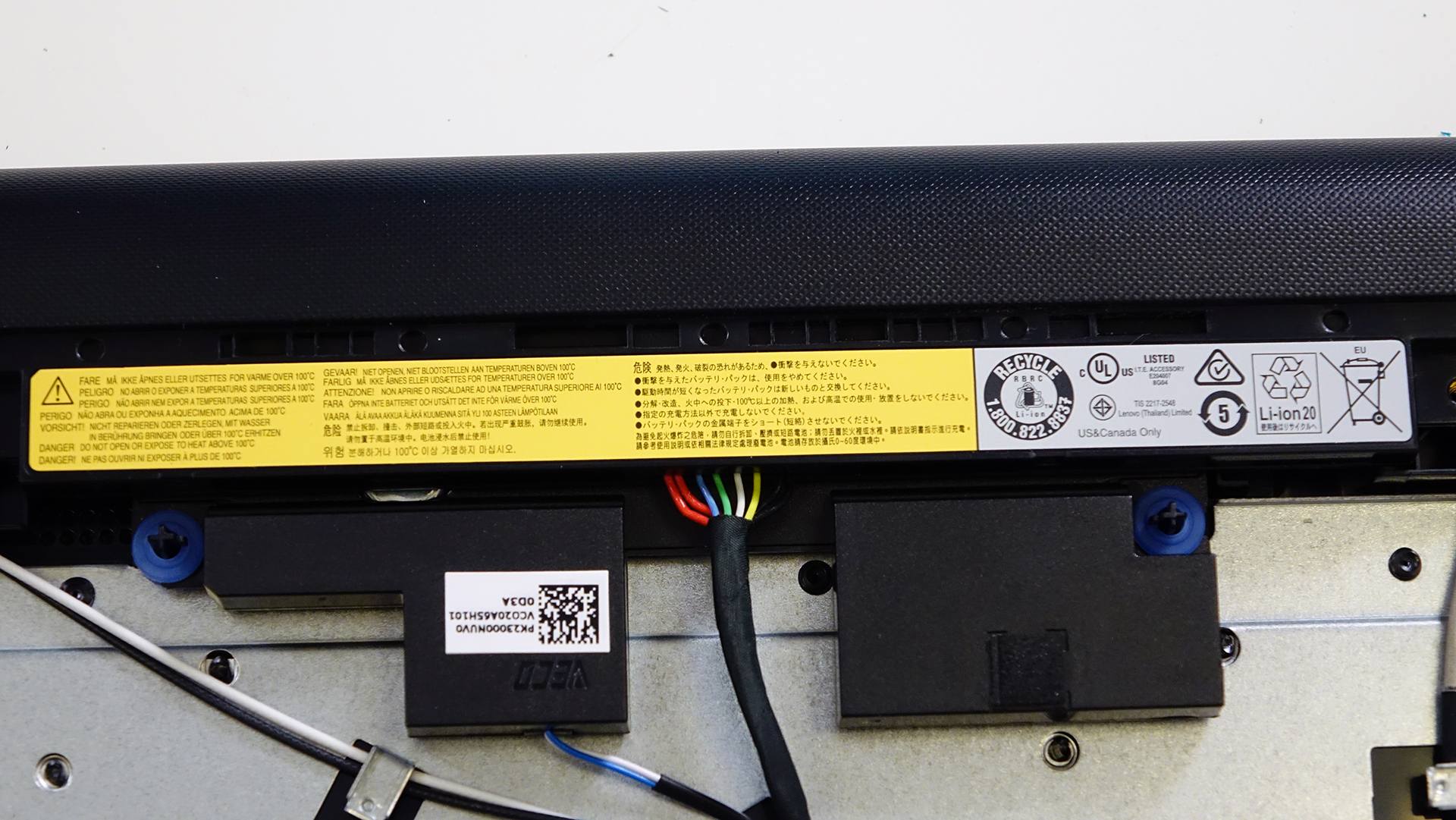
Whereas the battery, it’s located between the screen hinges and it’s rated at 24Wh so we can’t expect any record-breaking battery runtimes.
5. Cooling system
Since the notebook is equipped with an Intel Pentium N3710 CPU, it allows for a passive (fanless) cooling system. The only thing for heat dispersion is the metal plate and thermal paste applied on the CPU.
You may find some of the available models here: http://amzn.to/2ep5S6v
 Author: Rossen Pandev

![[August 2026] Amazon Global: Top 10 cele mai vândute laptopuri – Apple MacBook Neo domină clasamentul, în timp ce laptopurile Windows din gama economică și de mijloc se luptă pentru volumul vânzărilor](https://laptopmedia.com/wp-content/uploads/2026/09/Best-Selling-Laptops-GLOBAL-Top-10-400x225.jpg)
![[August 2026] Cele mai vândute mărci de laptopuri pe Amazon Global – Apple domină în ceea ce privește veniturile, în timp ce HP se află pe primul loc în ceea ce privește varietatea de modele](https://laptopmedia.com/wp-content/uploads/2026/09/GLOBAL-Best-Brands-400x225.jpg)
![[August 2026] Amazon Global: Top 10 cele mai bine vândute laptopuri pentru jocuri – HP Victus 15 ocupă primul loc, în timp ce modelele accesibile domină clasamentul](https://laptopmedia.com/wp-content/uploads/2026/09/Best-Selling-Gaming-Laptops-GLOBAL-Top-10-400x225.jpg)
![[August 2026] Best-Selling Laptop Brands on Amazon Japan – Apple Dominates Market Share and Revenue Led by Strong Unit Sales](https://laptopmedia.com/wp-content/uploads/2026/09/CO.JP-Best-Brands-1-400x225.jpg)
![[August 2026] Best-Selling Laptop Brands on Amazon USA – Apple Dominates Market Revenue and Volume Despite Lower Model Diversity](https://laptopmedia.com/wp-content/uploads/2026/09/COM-Best-Brands-1-400x225.jpg)

How do I put in an SSD in Lenovo 110-151BR and preserve the HDD?
Its currently very slow and I a told that this could assist
You have to use something called a “caddy” which you can fit in the place of the dvd drive
If there is no cooling fan in the Lenovo Ideapad 110 why do I hear what sounds like a fan running?? Please advise, thank you.
HDD Spinning