Inside Lenovo ThinkPad T16 Gen 1 – disassembly and upgrade options
Most ThinkPad laptops offer good upgradeability. While you are provided with some options to expand the memory and the storage, we would have liked to see more.
Check out all Lenovo ThinkPad T16 Gen 1 prices and configurations in our Specs System or read more in our In-Depth review.
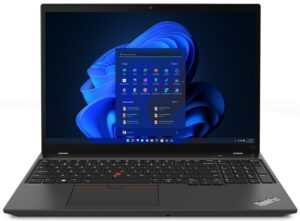
1. Remove the bottom plate
To access this laptop’s internals, you need to undo 8 captive Phillips-head screws. Then, pry the bottom panel with a plastic tool, and lift it away from the chassis.
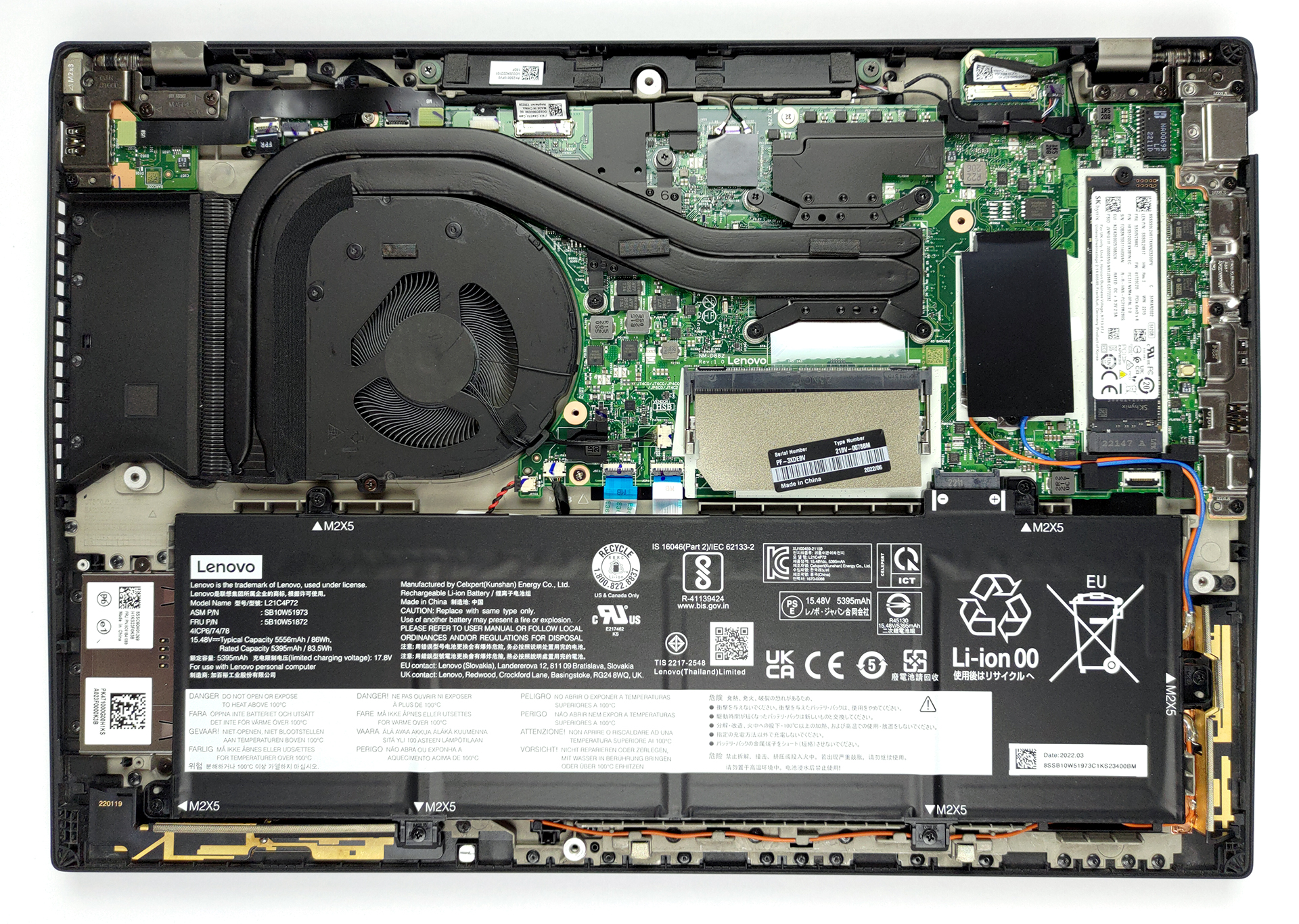
2. Battery
Inside, we find an 86Wh battery pack. It lasts for more than 14 hours of Web browsing, or more than 9 hours of video playback on a single charge. To take it out, undo all 6 Phillips-head screws keeping it attached to the chassis.

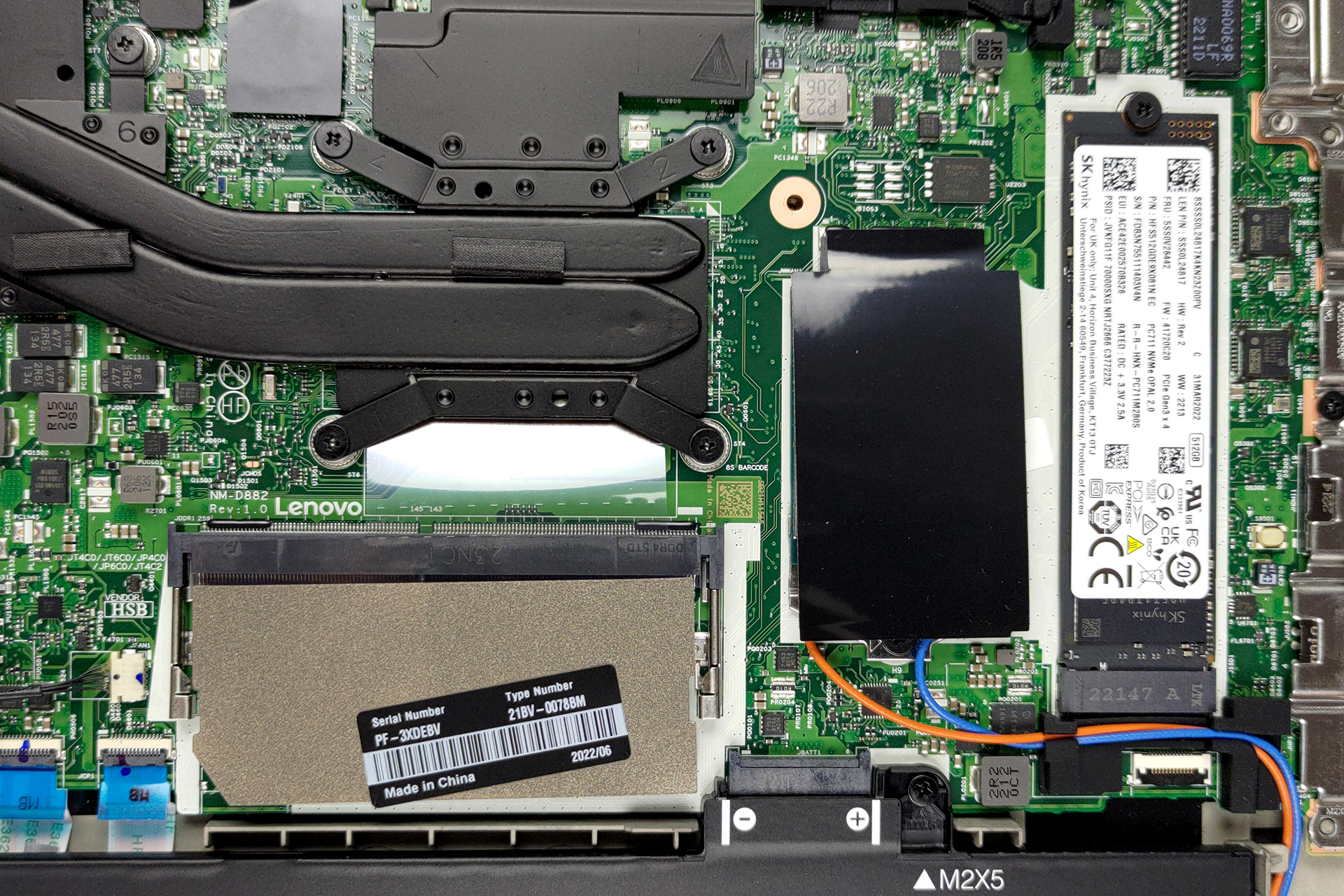
3. Memory and storage
Memory-wise, you get either 8 or 16GB of DDR4 memory soldered to the motherboard. You can further expand it by up to 32GB of RAM via the single SODIMM slot. As for the storage, there is one M.2 PCIe x4 slot, which fits Gen 4 drives.
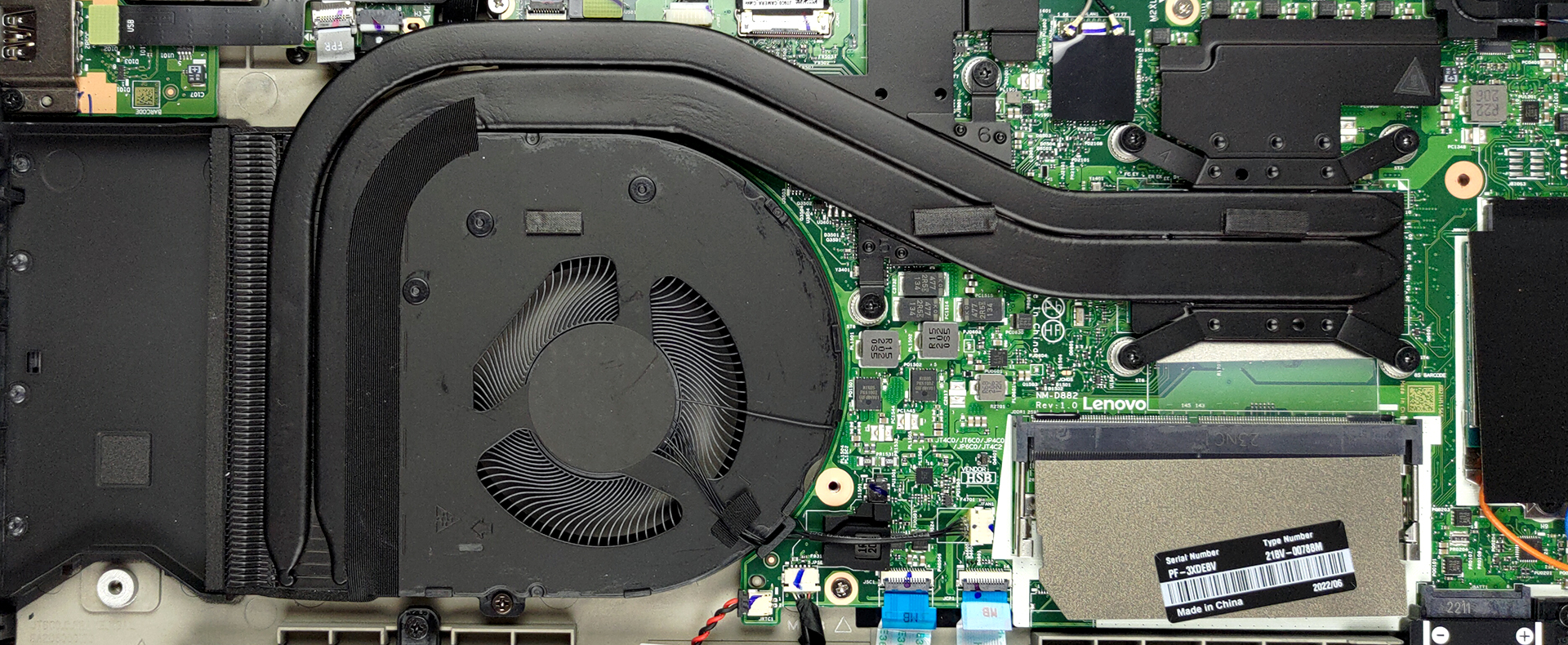
4. Cooling system
The cooling here comprises one thin and one thick heat pipe. They are both shared by the CPU and the GPU. Interestingly, the fan and the heat sink are placed at some distance from the side vent probably to save on some precious copper.
Check out all Lenovo ThinkPad T16 Gen 1 prices and configurations in our Specs System or read more in our In-Depth review.
Lenovo ThinkPad T16 Gen 1 (Intel) recenzie detaliată
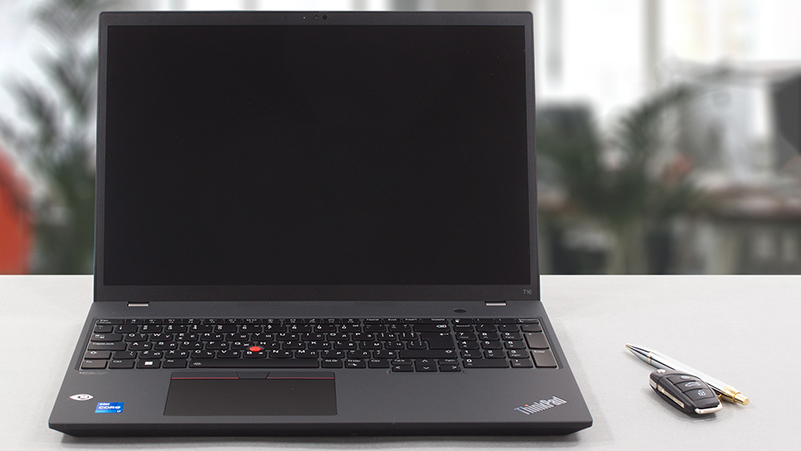
Lenovo is clearly embracing the idea of a 16-inch form factor inside of its very tight business ThinkPad family. We are too since it proved to be quite well received by the public. Thanks to the shrinking of screen bezels, the 16-inch display casually sneaks inside a 15.6-inch shell.But the ThinkPad T16 Gen 1 is not only coming with a panel of this size but also has a 16:10 aspect ratio, which puts it in the front foot of productivity notebooks. Yep, developers and traders will be happier than ever.In addition, you can explore the huge improvements brought by Intel's 12th Gen Alder La[...]
Avantaje
- 2x Thunderbolt 4 ports + LAN port
- M.2 PCIe x4 Gen 4 support
- Fingerprint reader embedded in the power button + optional IR face recognition
- Comfortable spill-resistant keyboard with a backlight
- Good battery life
- Wi-Fi 6E + 4G support (optional)
- Covers 99% of the sRGB color gamut and has accurate color representation (BOE NE160QDM-N63 (LEN41BB))
- No PWM (BOE NE160QDM-N63 (LEN41BB))
Dezavantaje
- Unimpressive thermal management
- No SD card slot
- The competition features better upgradeability
 Author: Alex Iliev

![[August 2026] Clasamentul global al celor mai bine vândute plăci grafice pentru laptopuri de pe Amazon – Apple domină clasamentul, iar modelul RTX 5060 de la NVIDIA ocupă primul loc în clasamentul dedicat](https://laptopmedia.com/wp-content/uploads/2026/09/Best-Selling-GPUs-GLOBAL-Top-10-400x225.jpg)
![[August 2026] Clasamentul global al celor mai bine vândute procesoare pentru laptopuri de pe Amazon – Apple domină atât segmentul economic, cât și cel premium: A18 Pro și M5 surclasează Intel și AMD în august 2026](https://laptopmedia.com/wp-content/uploads/2026/09/Best-Selling-CPUs-GLOBAL-Top-10-400x225.jpg)
![[August 2026] Amazon Global: Top 10 cele mai vândute laptopuri – Apple MacBook Neo domină clasamentul, în timp ce laptopurile Windows din gama economică și de mijloc se luptă pentru volumul vânzărilor](https://laptopmedia.com/wp-content/uploads/2026/09/Best-Selling-Laptops-GLOBAL-Top-10-400x225.jpg)
![[August 2026] Cele mai vândute mărci de laptopuri pe Amazon Global – Apple domină în ceea ce privește veniturile, în timp ce HP se află pe primul loc în ceea ce privește varietatea de modele](https://laptopmedia.com/wp-content/uploads/2026/09/GLOBAL-Best-Brands-400x225.jpg)
![[August 2026] Amazon Global: Top 10 cele mai bine vândute laptopuri pentru jocuri – HP Victus 15 ocupă primul loc, în timp ce modelele accesibile domină clasamentul](https://laptopmedia.com/wp-content/uploads/2026/09/Best-Selling-Gaming-Laptops-GLOBAL-Top-10-400x225.jpg)
