Inside Lenovo ThinkPad X1 Carbon 10th Gen – disassembly and upgrade options
It has been a long time since we’ve seen a ThinkPad X1 Carbon with upgradeable memory. Unfortunately, even more will pass, because the 10th Generation is no better in this aspect. However, it supports Gen 4 PCIe x4 SSDs.
Check out all Lenovo ThinkPad X1 Carbon 10th Gen prices and configurations in our Specs System, or read more in our In-Depth review.
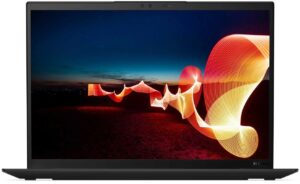
1. Remove the bottom plate
You need to undo a total of 5 captive Phillips-head screws to take this laptop’s bottom panel out of your way.
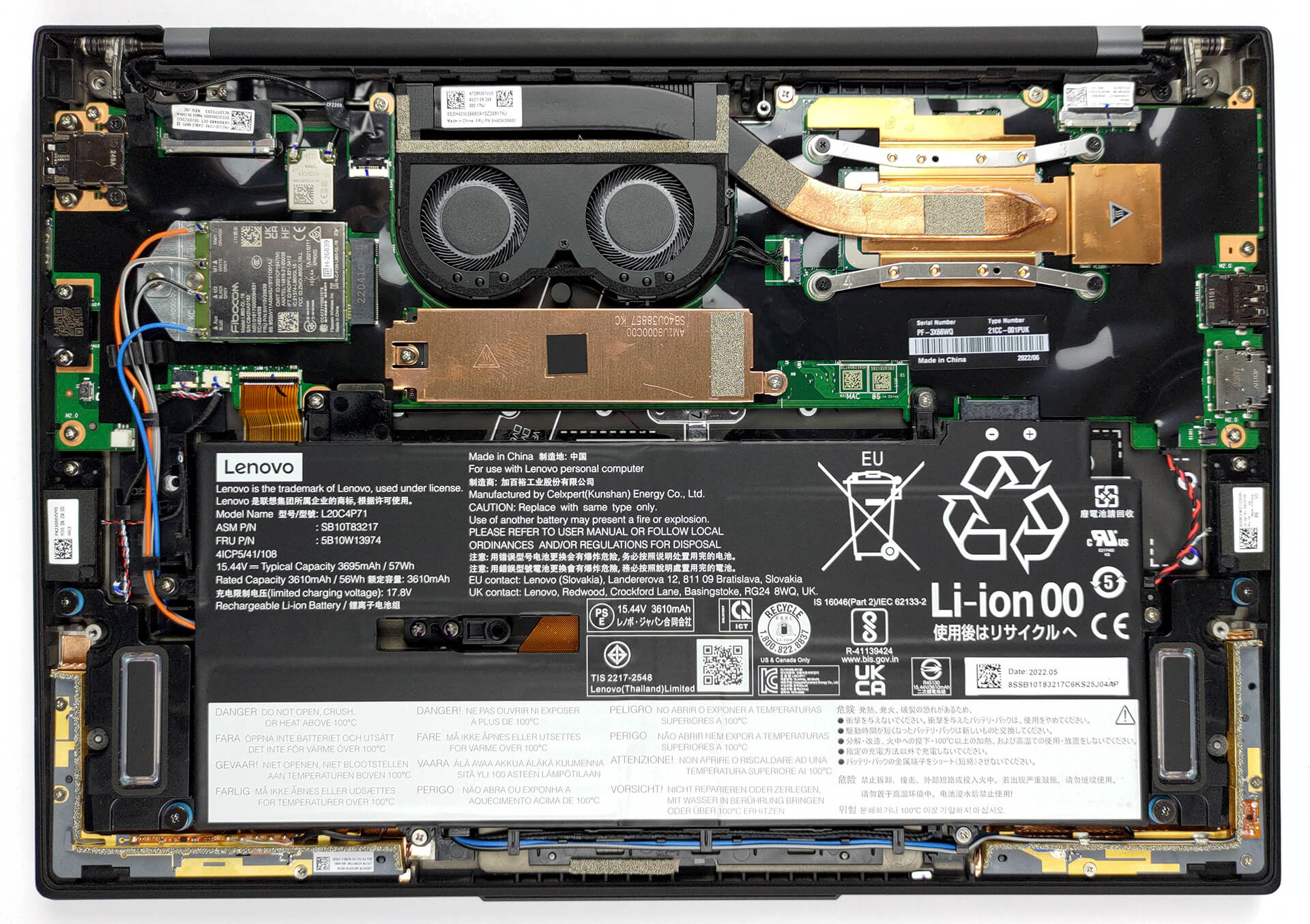
2. Battery
Inside, you will see a 57Wh battery pack. It lasts for nearly 8 hours of Web browsing, or more than 6 hours of video playback. To take it out, you have to undo the 6 Phillips-head screws, which hold the battery in place.

3. Memory and storage
This device can be configured with up to 32GB of soldered LPDDR5 memory, working at 5200 MHz in quad-channel mode. Storage-wise, there is one M.2 PCIe x4 slot, which fits Gen 4 SSDs.
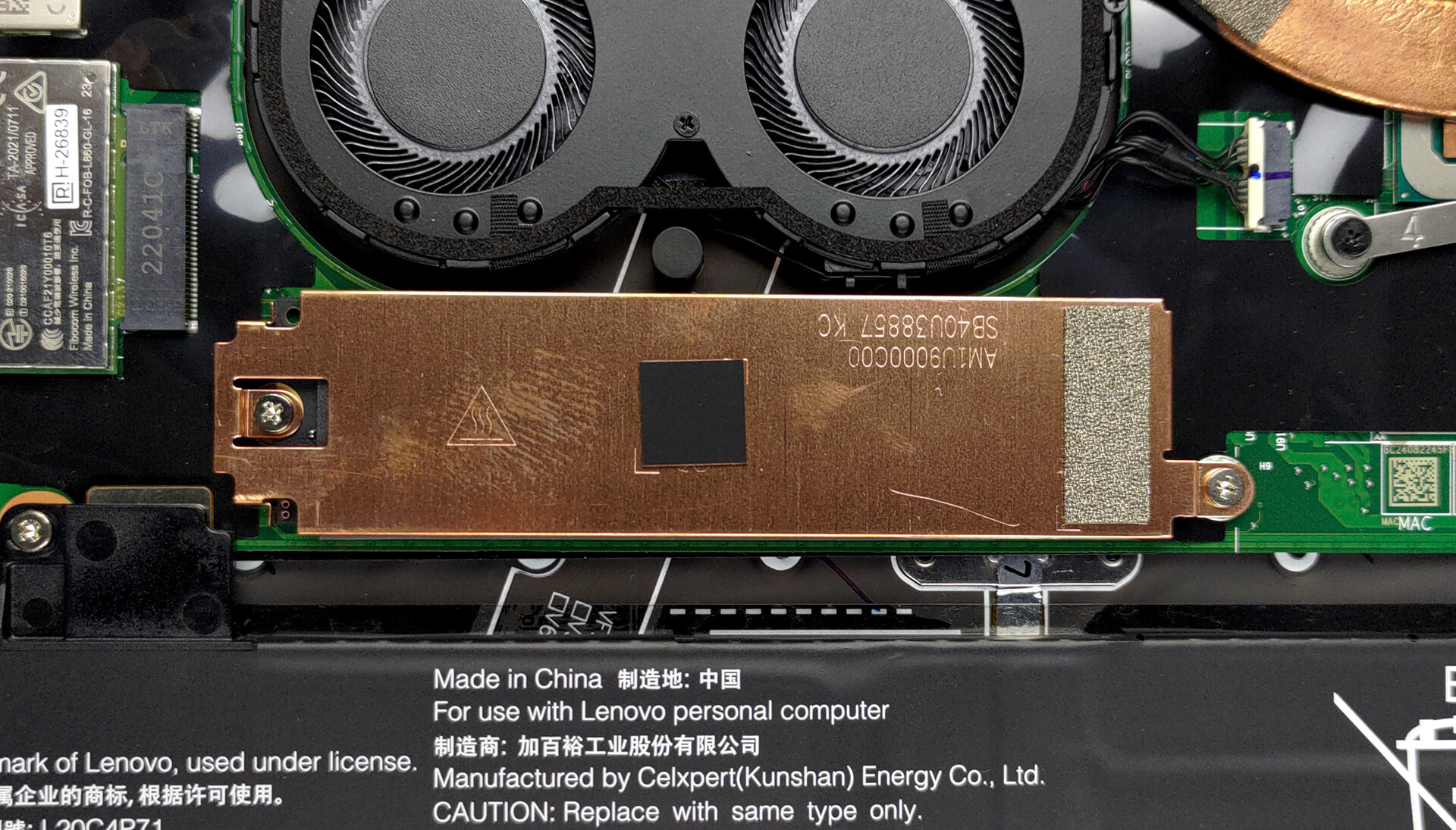
4. Cooling system
In terms of cooling, there is one heat pipe, a heat sink, two small fans, and a couple of heat spreaders.

Check out all Lenovo ThinkPad X1 Carbon 10th Gen prices and configurations in our Specs System, or read more in our In-Depth review.
Lenovo ThinkPad X1 Carbon (10th Gen, 2022) recenzie detaliată
Make way for the 10th generation Lenovo ThinkPad X1 Carbon. It is one of the most established devices in the ThinkPad X1 portfolio. Undoubtedly, it is the one the majority of people associate this brand with. What originally made the brand special was the carbon fiber material, pristine build quality, and its super thin and light form factor.In 2022, however, neither of these qualities is a rarity. This means that Lenovo needs to rely on two things to remain competitive. First - the die-hard ThinkPad fans, which know what to expect, and are ready to pay any price for their notebook. And s[...]
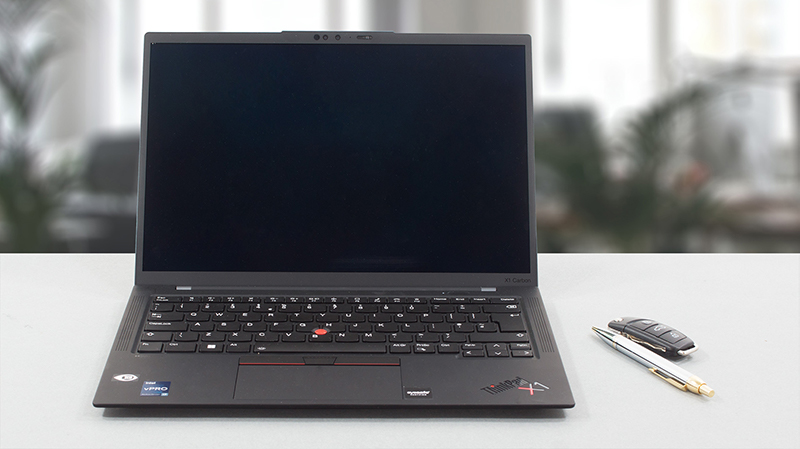
Avantaje
- Great input devices
- Full DCI-P3 coverage and accurate color representation with our profile (Samsung ATNA40YK01-1)
- High maximum brightness and 16:10 aspect ratio (Samsung ATNA40YK01-1)
- Supports PCIe x4 Gen 4 drives
- Two Thunderbolt 4 connectors (both can be used for charging)
- Wi-Fi 6 support plus optional IR face recognition, fingerprint reader, and 5G support
- Quad-channel memory
Dezavantaje
- Lacks an SD card reader
- Memory is soldered to the motherboard
- Not great power management
 Author: Alex Iliev

![[August 2026] Clasamentul global al celor mai bine vândute plăci grafice pentru laptopuri de pe Amazon – Apple domină clasamentul, iar modelul RTX 5060 de la NVIDIA ocupă primul loc în clasamentul dedicat](https://laptopmedia.com/wp-content/uploads/2026/09/Best-Selling-GPUs-GLOBAL-Top-10-400x225.jpg)
![[August 2026] Clasamentul global al celor mai bine vândute procesoare pentru laptopuri de pe Amazon – Apple domină atât segmentul economic, cât și cel premium: A18 Pro și M5 surclasează Intel și AMD în august 2026](https://laptopmedia.com/wp-content/uploads/2026/09/Best-Selling-CPUs-GLOBAL-Top-10-400x225.jpg)
![[August 2026] Amazon Global: Top 10 cele mai vândute laptopuri – Apple MacBook Neo domină clasamentul, în timp ce laptopurile Windows din gama economică și de mijloc se luptă pentru volumul vânzărilor](https://laptopmedia.com/wp-content/uploads/2026/09/Best-Selling-Laptops-GLOBAL-Top-10-400x225.jpg)
![[August 2026] Cele mai vândute mărci de laptopuri pe Amazon Global – Apple domină în ceea ce privește veniturile, în timp ce HP se află pe primul loc în ceea ce privește varietatea de modele](https://laptopmedia.com/wp-content/uploads/2026/09/GLOBAL-Best-Brands-400x225.jpg)
![[August 2026] Amazon Global: Top 10 cele mai bine vândute laptopuri pentru jocuri – HP Victus 15 ocupă primul loc, în timp ce modelele accesibile domină clasamentul](https://laptopmedia.com/wp-content/uploads/2026/09/Best-Selling-Gaming-Laptops-GLOBAL-Top-10-400x225.jpg)
