Inside Lenovo ThinkPad Z13 Gen 1 – disassembly and upgrade options
Although we faced a bit of disappointment when we opened up this laptop, it is good to see that the soldered memory runs at super-fast speeds.
Check out all Lenovo ThinkPad Z13 Gen 1 prices and configurations in our Specs System or read more in our In-Depth review.
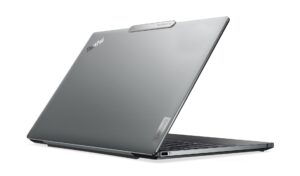
1. Remove the bottom plate
To get inside this notebook, you need to undo 5 captive Phillips-head screws. Then, pry the bottom panel with a plastic tool. We found it best to start with the top two corners.

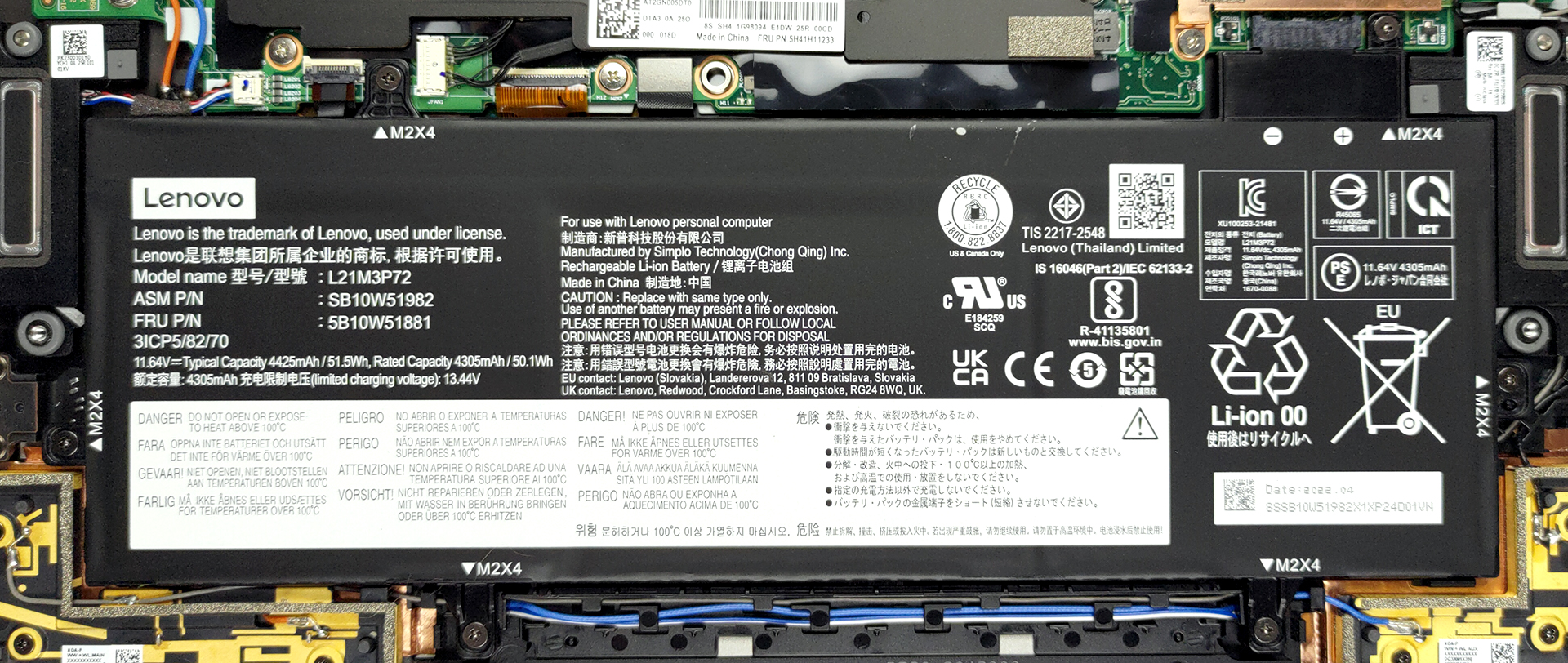
2. Battery
Inside, we see a 51.5Wh battery pack. It lasts for nearly 23 hours of Web browsing, or about 16 hours of video playback. You can take it out by undoing 6 Phillips-head screws.
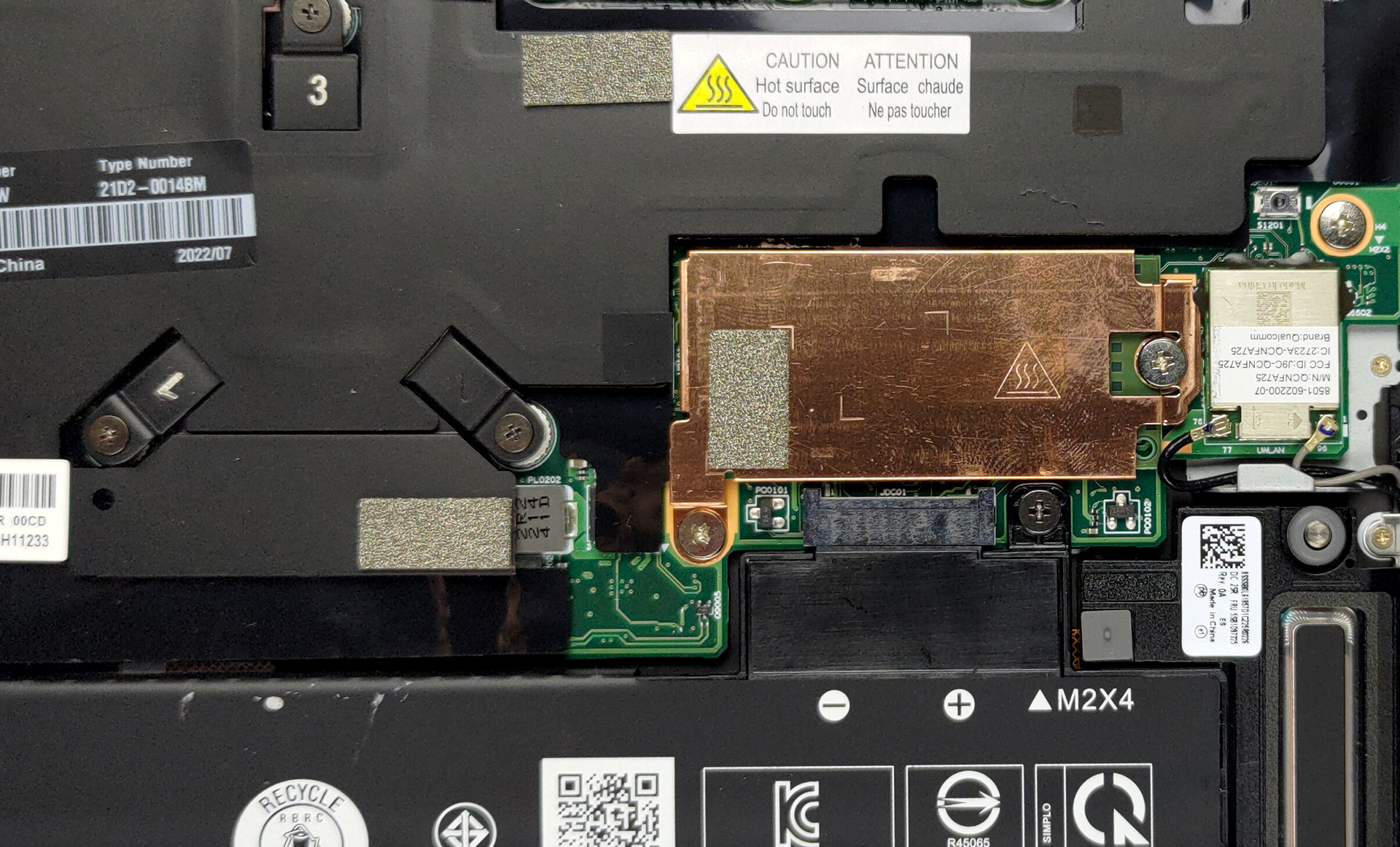
3. Memory and storage
Unfortunately, the memory here is soldered to the motherboard. You can choose between configurations with 16 or 32GB of LPDDR5 RAM, running at 6400MHz in quad-channel mode. Storage-wise, there is one M.2 PCIe x4 slot, which supports Gen 4 SSDs. To access the slot, you need to remove the metal heat spreader, which is held in place by two Phillips-head screws.
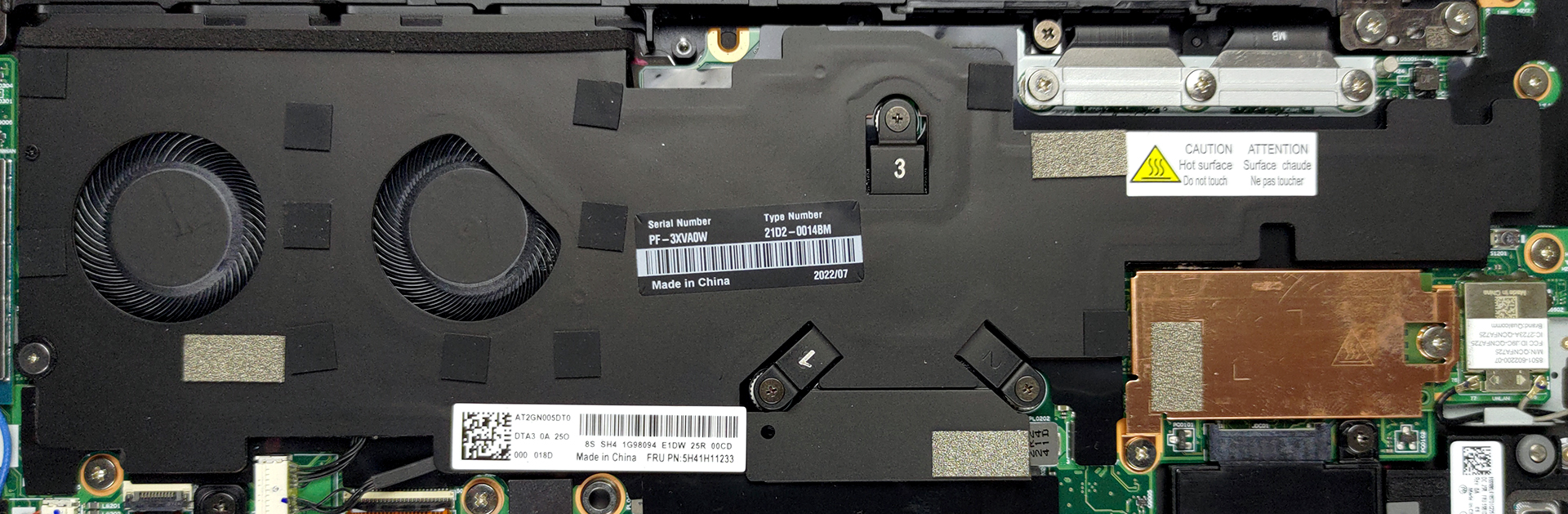
4. Cooling system
The cooling here is hidden beneath an insulation plastic. It comprises a single heat pipe, a rather long heat sink, and two small fans.
Check out all Lenovo ThinkPad Z13 Gen 1 prices and configurations in our Specs System or read more in our In-Depth review.
Lenovo ThinkPad Z13 Gen 1 recenzie detaliată
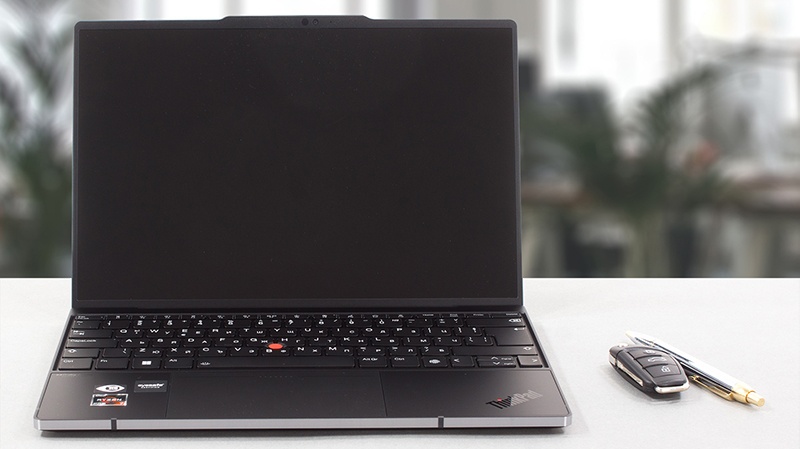
Apparently, while the new laptops, featuring all sorts of innovations continue to hit the market, and Lenovo has owned the ThinkPad brand for more than 15 years, the brand itself achieved a milestone. 2022 is ThinkPad's 30th birthday. Every one of us is scared by the number 30, only to find out that life becomes even better after that.This could very well be said about the ThinkPad brand since it enjoys popularity second to none in the business world. This is why Lenovo has decided to gift its fans and potential users a special machine. In the year 2022 of the modern age is born the Think[...]
Avantaje
- Extremely long battery life
- Super rigid chassis
- Sleek design with a thought for the environment
- 95% sRGB coverage and accurate colors with our Gaming and Web design profile (BOE NV133WUM-N63 (LEN41A7))
- No PWM (BOE NV133WUM-N63 (LEN41A7))
- Charges via Type-C
- 2x USB4 + Gen 4 SSD support
- IR face recognition + fingerprint reader
Dezavantaje
- Very limited I/O
- Soldered memory
 Author: Alex Iliev

![[August 2026] Clasamentul global al celor mai bine vândute plăci grafice pentru laptopuri de pe Amazon – Apple domină clasamentul, iar modelul RTX 5060 de la NVIDIA ocupă primul loc în clasamentul dedicat](https://laptopmedia.com/wp-content/uploads/2026/09/Best-Selling-GPUs-GLOBAL-Top-10-400x225.jpg)
![[August 2026] Clasamentul global al celor mai bine vândute procesoare pentru laptopuri de pe Amazon – Apple domină atât segmentul economic, cât și cel premium: A18 Pro și M5 surclasează Intel și AMD în august 2026](https://laptopmedia.com/wp-content/uploads/2026/09/Best-Selling-CPUs-GLOBAL-Top-10-400x225.jpg)
![[August 2026] Amazon Global: Top 10 cele mai vândute laptopuri – Apple MacBook Neo domină clasamentul, în timp ce laptopurile Windows din gama economică și de mijloc se luptă pentru volumul vânzărilor](https://laptopmedia.com/wp-content/uploads/2026/09/Best-Selling-Laptops-GLOBAL-Top-10-400x225.jpg)
![[August 2026] Cele mai vândute mărci de laptopuri pe Amazon Global – Apple domină în ceea ce privește veniturile, în timp ce HP se află pe primul loc în ceea ce privește varietatea de modele](https://laptopmedia.com/wp-content/uploads/2026/09/GLOBAL-Best-Brands-400x225.jpg)
![[August 2026] Amazon Global: Top 10 cele mai bine vândute laptopuri pentru jocuri – HP Victus 15 ocupă primul loc, în timp ce modelele accesibile domină clasamentul](https://laptopmedia.com/wp-content/uploads/2026/09/Best-Selling-Gaming-Laptops-GLOBAL-Top-10-400x225.jpg)
