Inside Lenovo Yoga 910 – disassembly, internal photos and upgrade options
The chances of you tearing down an ultrabook like the Yoga 910 are pretty slim but sometimes, the storage upgrade, replacing the battery and cleaning the fans are a necessity. Luckily, the upgrade on this one is fairly easy but keeping the fans clean will be a pain in the neck. Here’s what we found inside.
Price and availability of the Lenovo Yoga 910 can be found here: http://amzn.to/2fwppBs
1. Removing the bottom piece
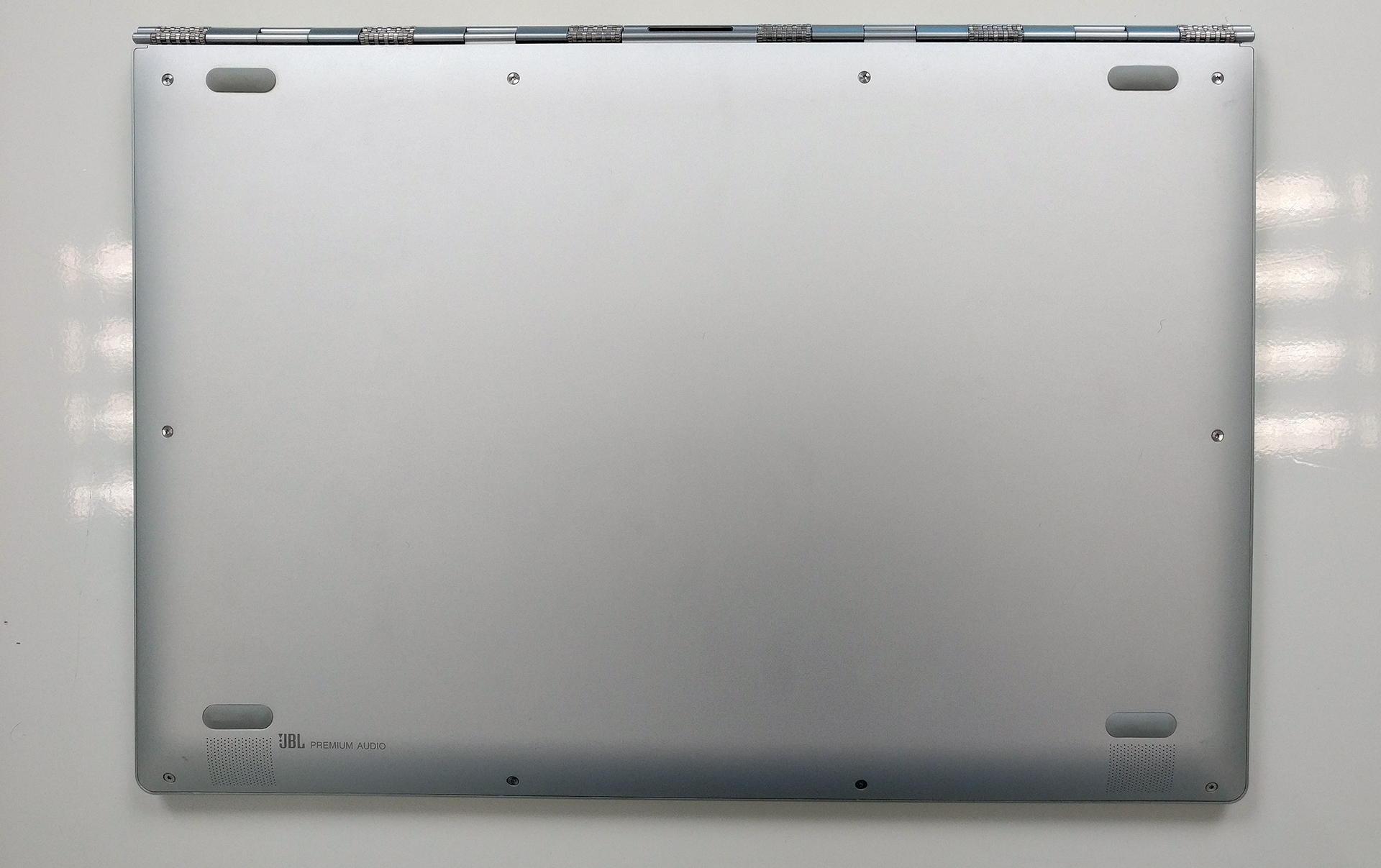
The bottom piece comes off really easy so you just have to remove all the screws around the corners.

2. Storage, battery and Wi-Fi card
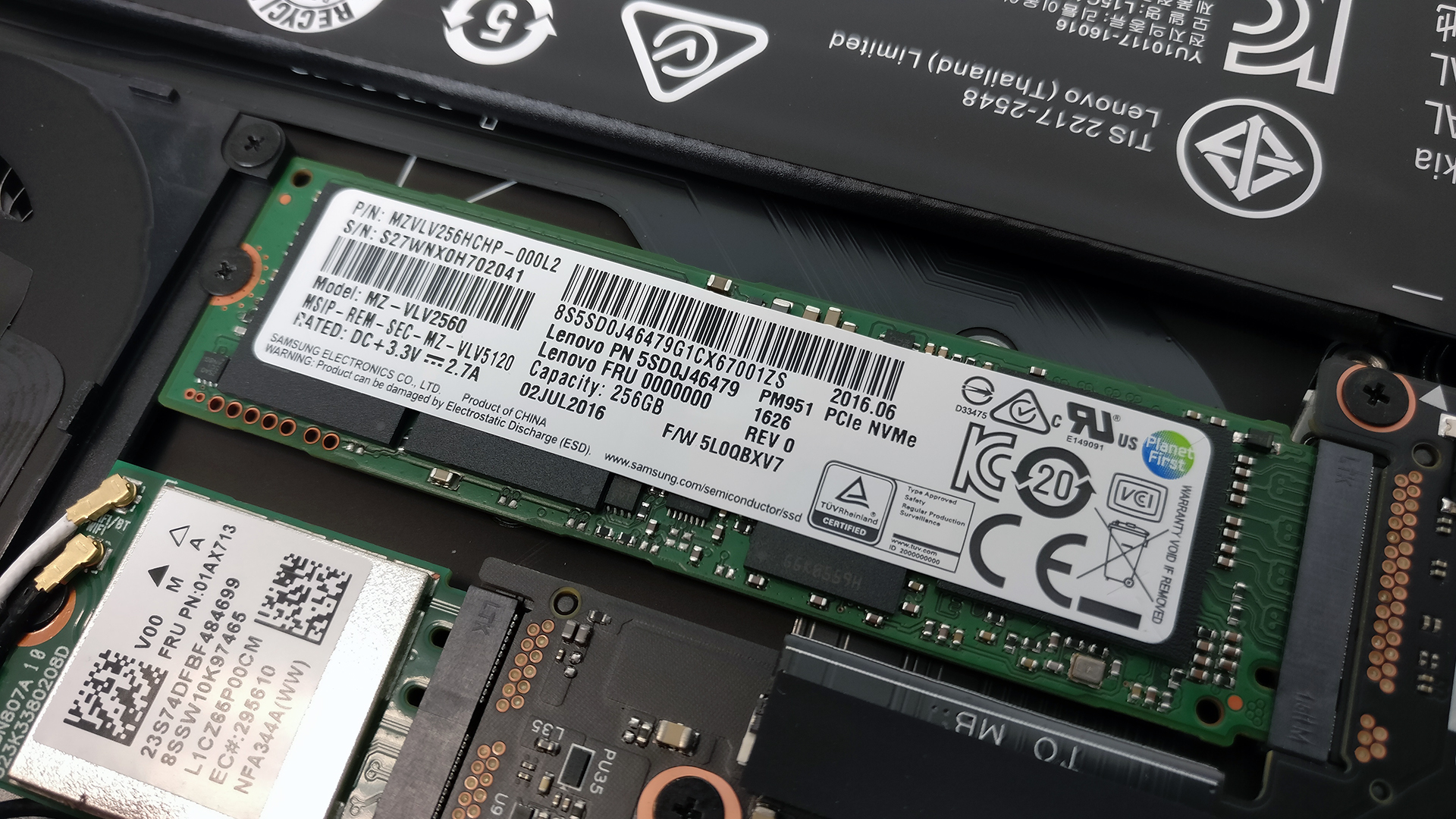
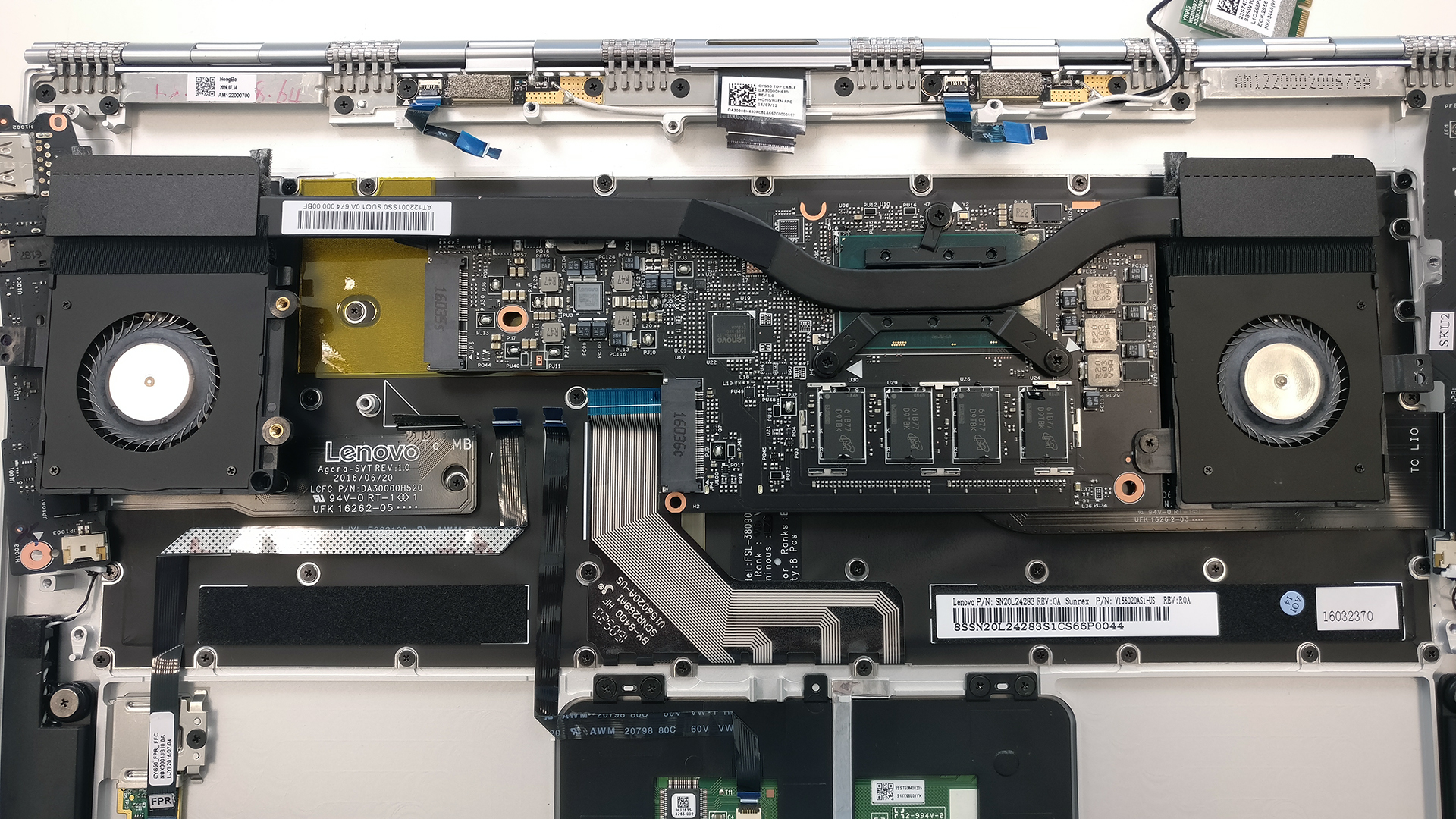
You will immediately find the M.2 PCIe NVMe SSD, which is manufactured by Samsung and it’s part of the OEM PM951 lineup. The slot supports the usual 2280 size with a B&M or M key.
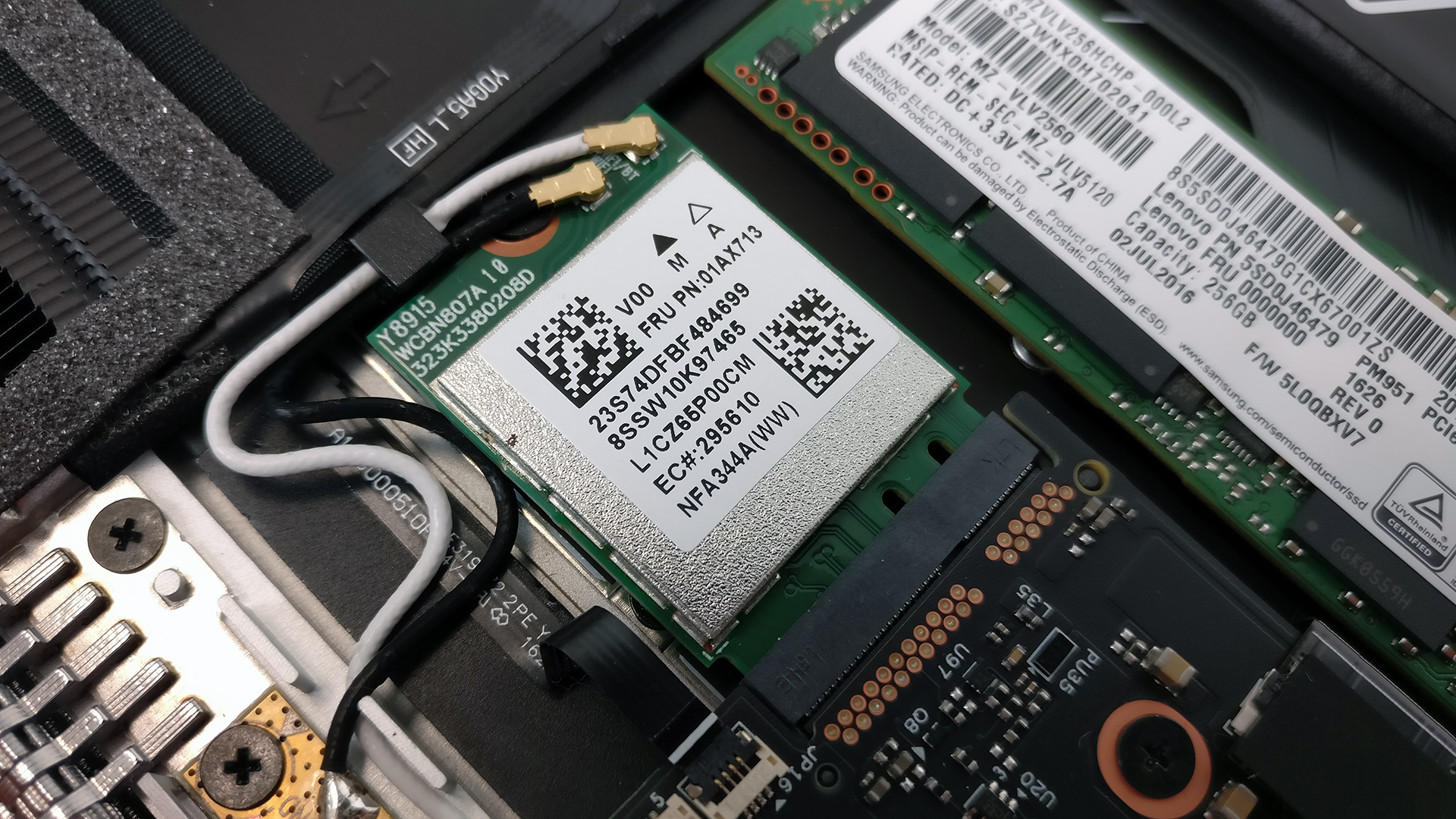
The Wi-Fi module is located right next to the fan made by Anatel.
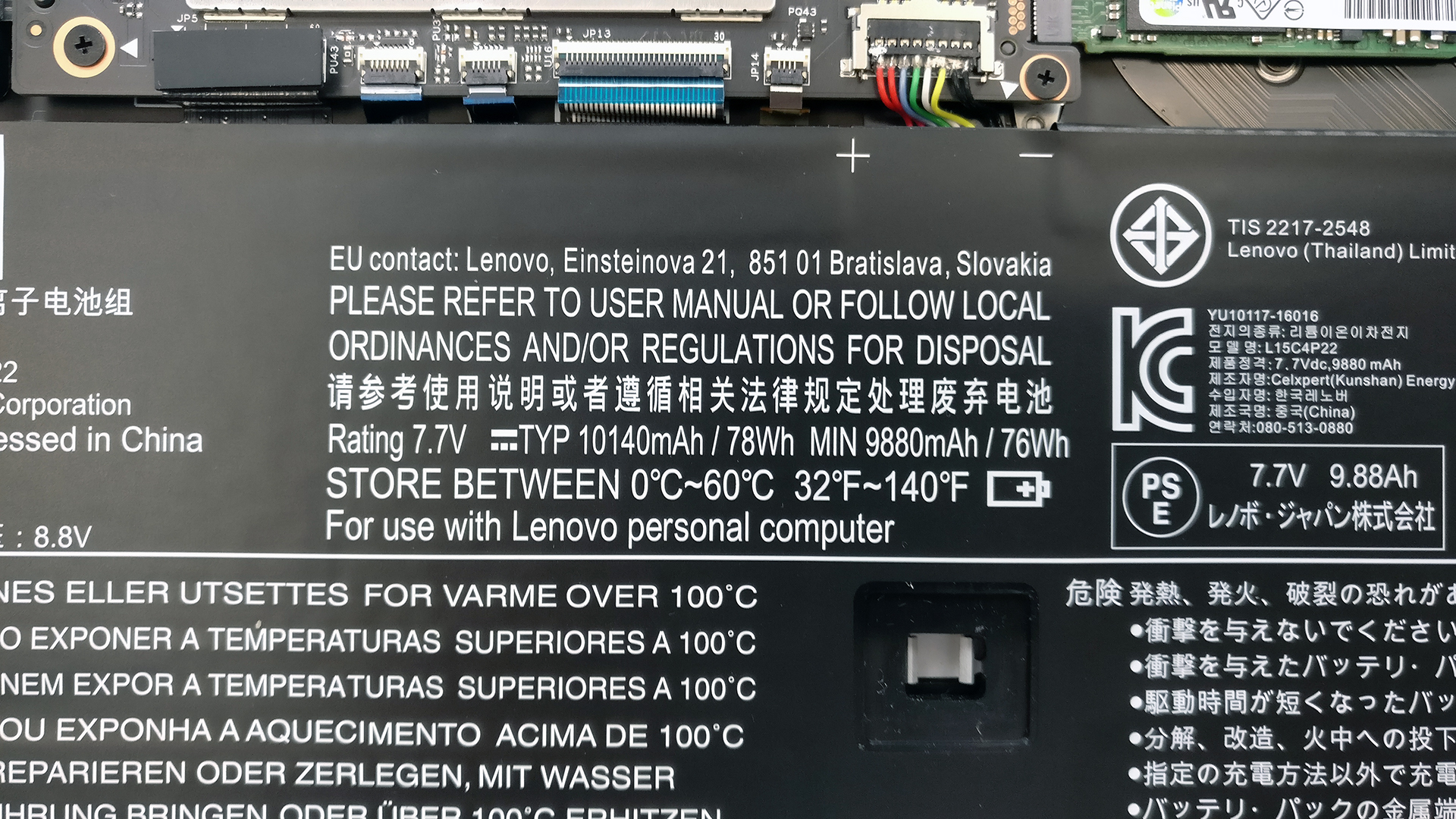
And as for the battery, it’s really hard to miss on that one since it takes most of the inner space. It’s rated at 78Wh and we are quite impressed by the size of the battery they were able to cram inside and the Intel KBL-U chip that fits on such small motherboard.
3. RAM
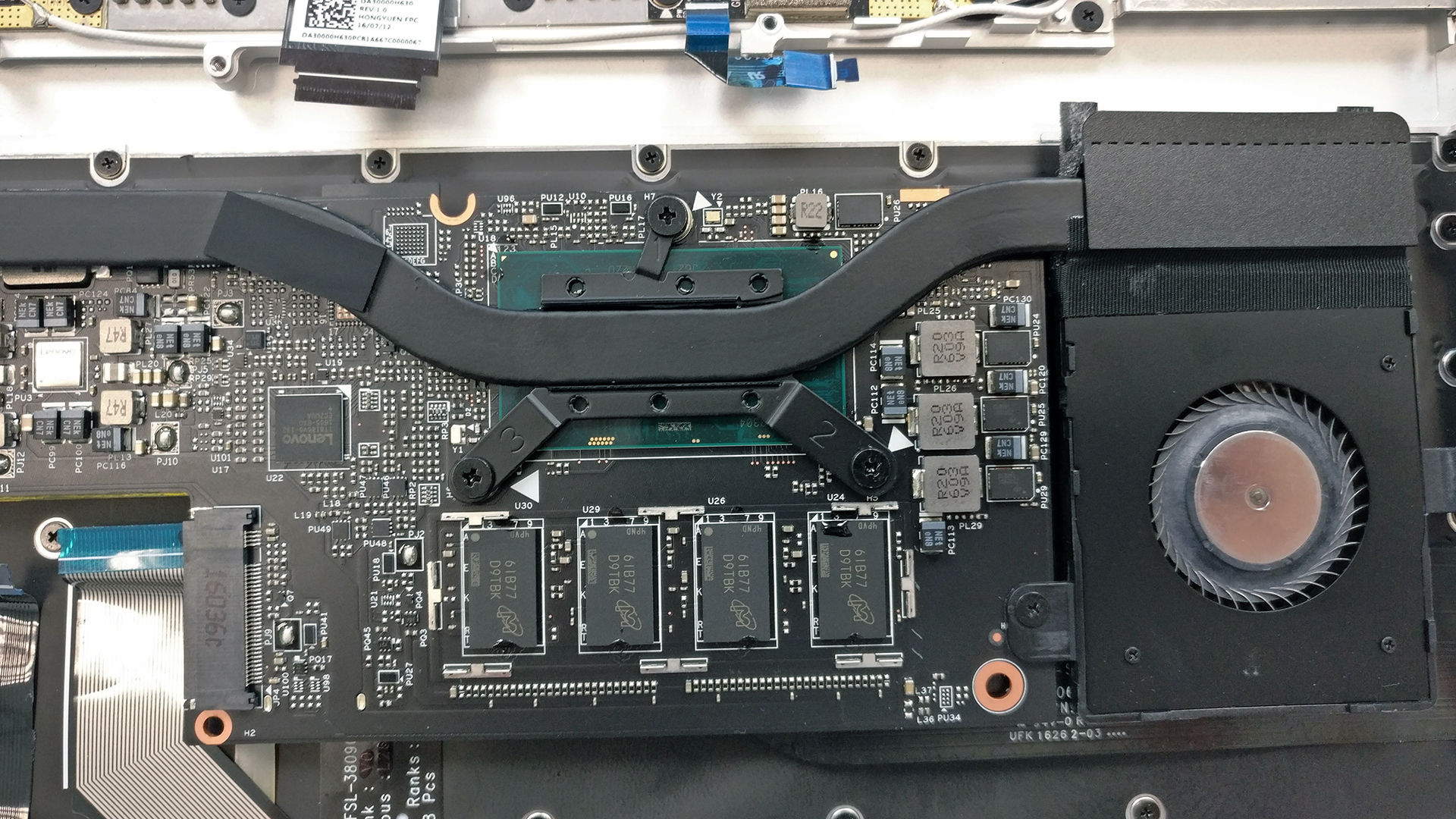
As expected, the RAM chip is just one and it’s soldered to the motherboard. You can find it once you flip the whole motherboard.

4. Cooling system
If you want to access the whole cooling system (heat pipes, heat sink and fans) you will have to go through the whole trouble of detaching it. You need to unscrew all the bolts holding the motherboard and the extensions. After this is done, the fans need to be removed along with all the cables connecting the display, battery, keyboard etc. Once all cables and screws are removed, you can proceed with flipping the motherboard.
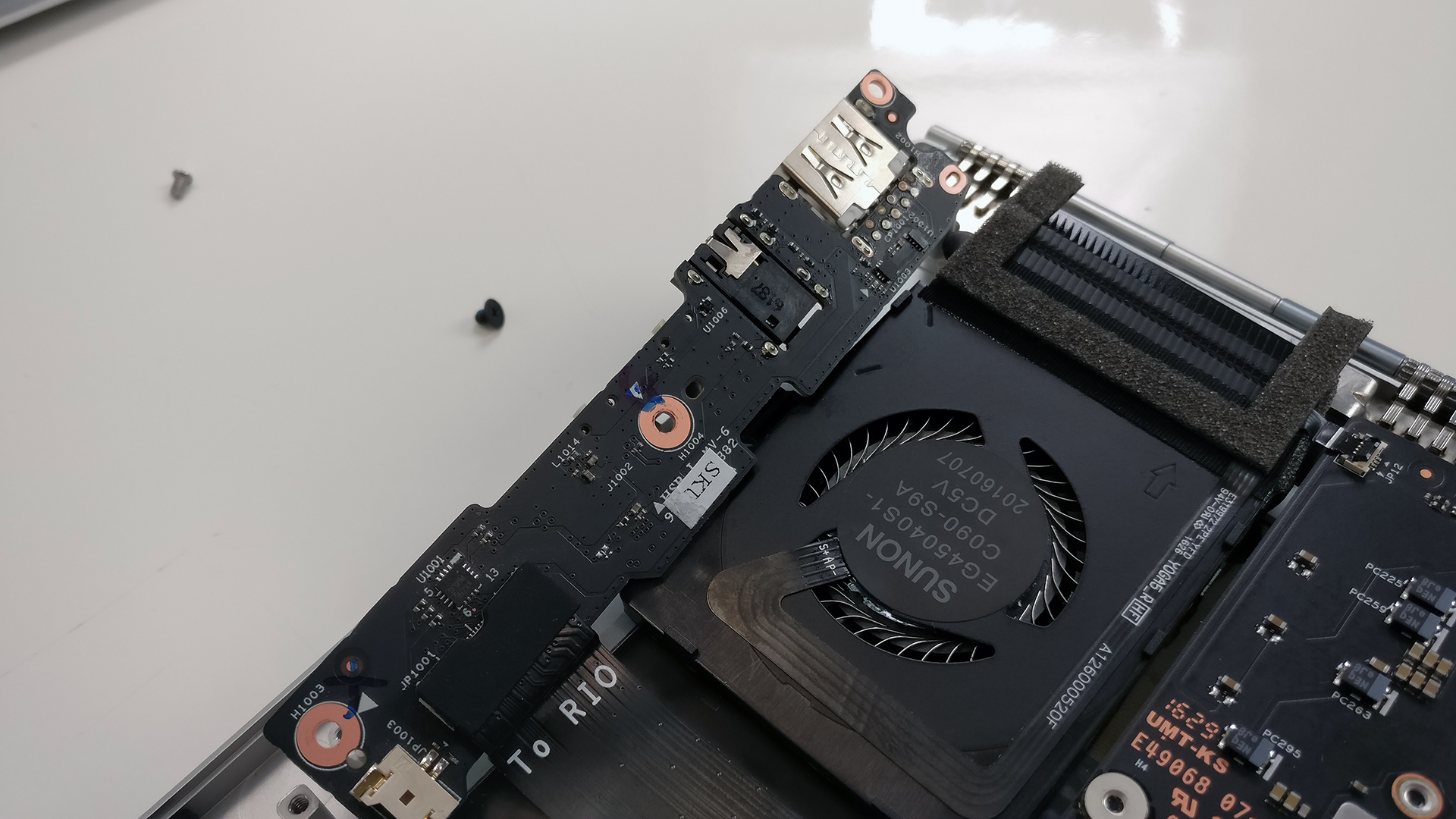
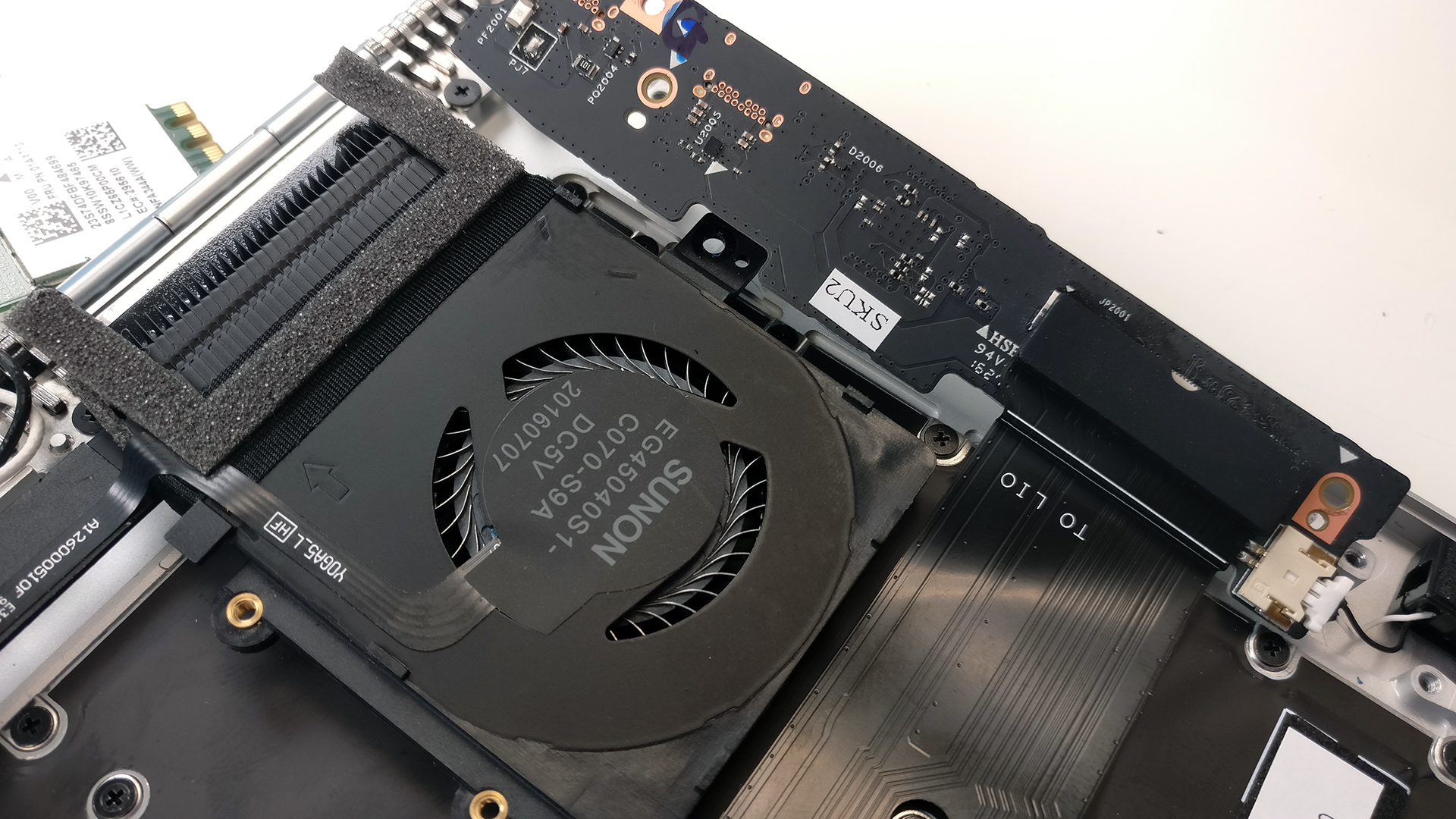
As you can see in the photos below, the cooling design is straightforward – one heat sink connecting the two fans and the CPU. Our tests, which we will publish in the upcoming full review, confirm that the cooling system keeps things cool even when fully loaded.
Price and availability of the Lenovo Yoga 910 can be found here: http://amzn.to/2fwppBs
 Author: Rossen Pandev

![[Iunie 2026] Cele mai vândute mărci de laptopuri pe Amazon Global – Dominația de neegalat a Apple în ceea ce privește numărul de unități vândute și veniturile](https://laptopmedia.com/wp-content/uploads/2026/07/GLOBAL-Best-Brands-400x225.jpg)
![[Iunie 2026] Amazon Global: Top 10 cele mai vândute laptopuri – Noul MacBook Neo de la Apple se clasează pe locul 1, redefinind piața prin prețul accesibil](https://laptopmedia.com/wp-content/uploads/2026/07/Best-Selling-Laptops-GLOBAL-Top-10-400x225.jpg)
![[Iunie 2026] Amazon Global: Top 10 cele mai bine vândute laptopuri pentru jocuri – Modelul Nitro V 16S AI de la Acer domină vânzările, în timp ce ASUS conduce în ceea ce privește veniturile totale](https://laptopmedia.com/wp-content/uploads/2026/07/Best-Selling-Gaming-Laptops-GLOBAL-Top-10-400x225.jpg)
![[Iunie 2026] Clasamentul global al celor mai bine vândute plăci grafice pentru laptopuri pe Amazon – NVIDIA RTX 5060 este cea mai bine vândută placă grafică dedicată](https://laptopmedia.com/wp-content/uploads/2026/07/Best-Selling-GPUs-GLOBAL-Top-10-400x225.jpg)
![[Iunie 2026] Clasamentul global al celor mai bine vândute procesoare pentru laptopuri de pe Amazon – Apple M5 domină, iar AMD Ryzen 7 260 înregistrează o cotă solidă în segmentul premium](https://laptopmedia.com/wp-content/uploads/2026/07/Best-Selling-CPUs-GLOBAL-Top-10-400x225.jpg)

i have the same question
Can the GPU be replaced? I have the 4K model and as weird as it sounds. I want to downgrade the graphics.
Thanks
don’t think so since it’s an integrated GPU
Hi Brian, give me your address, we can switch our Yogas 🙂
Thank you for the break down. I have noticed on my 910 our processor were overvolted and resulted in thermal throttling, I noticed that some had concerns about performance/fan noise and I am curious if that maybe the issue as well. By undervolting the processor by .125 – .140 mvs and the core cache by the same as well and the igpu by around .60 mv I noted about large performance increase due as well as 10% increase in battery life. My idle temps went down 15 degrees Celsius as a result. Intel has a program that can do this… Citește mai mult »
My Lenovo Yoga 910 has pinch of dust or residue stuck within the track-pad. This issue made the right – click button mechanism hard to press (before having this issue, the track-pad is fantastic). Do you know an easy way to get the dust out of the track-pad.
Is it relatively difficult to replace the wifi card? I got a refurbished one and suspect that my card is faulty, wondering if it would be worth opening up. Just for context I have repaired some hardware in the past, I successfully disassembled a samsung galaxy s6 and replaced the internal charging thing with no problems. I’m just a bit afraid to open up my laptop as I do need it for work!
Is there a BIOS battery in the Yoga 910? I opened mine up and don’t see it .. at least not the easy-to-find battery that looks like a watch battery … I’ve got my dad’s YOGA and it’s bricked — no power, no lights, no nothing. I realize that it might be a bad motherboard, but the machine’s out of warranty and before going there, I’d like to try to a power-reset of the bios … if I can figure out what’s going on with the BIOS power …
https://www.youtube.com/watch?v=smqwko4ZQNk hope this can help you to bios your battery, if the battery is broken, you may buy a new replacement battery to try here https://www.battery-store.eu/laptopcomputer/1005027.htm
Did you figure this out? A shop said it’s my motherboard but that is crazy. I can get the power light and keybard to flash once every 18 seconds….so what is that??
i have a yoga 910, and i think mine is bricked because someone else flashed a new bios on it and now it wont boot into bios.
so im gonna flash the bios externally with another computer, if that doest work ill just replace the bios chip. it should work after that.
i thought this might be the same issue as yours
Hi my question is Lenovo Yoga 910 has bios battery
Would it be possible to swap the 910 motherboard with a 920 motherboard?
My laptop is 5 years old and lately I am having issues with the wifi and the temperatures. I am thinking to change the thermal paste to see if it gets better. Any suggestion?