Inside MSI Pulse GL76 (12Ux) – disassembly and upgrade options
Gaming devices are now almost entirely relying on M.2 storage. This is the case for the Pulse G76 (12Ux) as well. Although you won’t be able to use your old HDD game library, the good thing is that you are basically guaranteed to have a fast device.
Check out all MSI Pulse GL76 (12Ux) prices and configurations in our Specs System or read more in our In-Depth review.
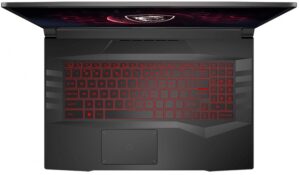
1. Remove the bottom plate
To access this notebook’s internals, you need to undo 13 Phillips-head screws. After that, carefully pry the bottom panel with a plastic tool, and lift it away from the chassis.
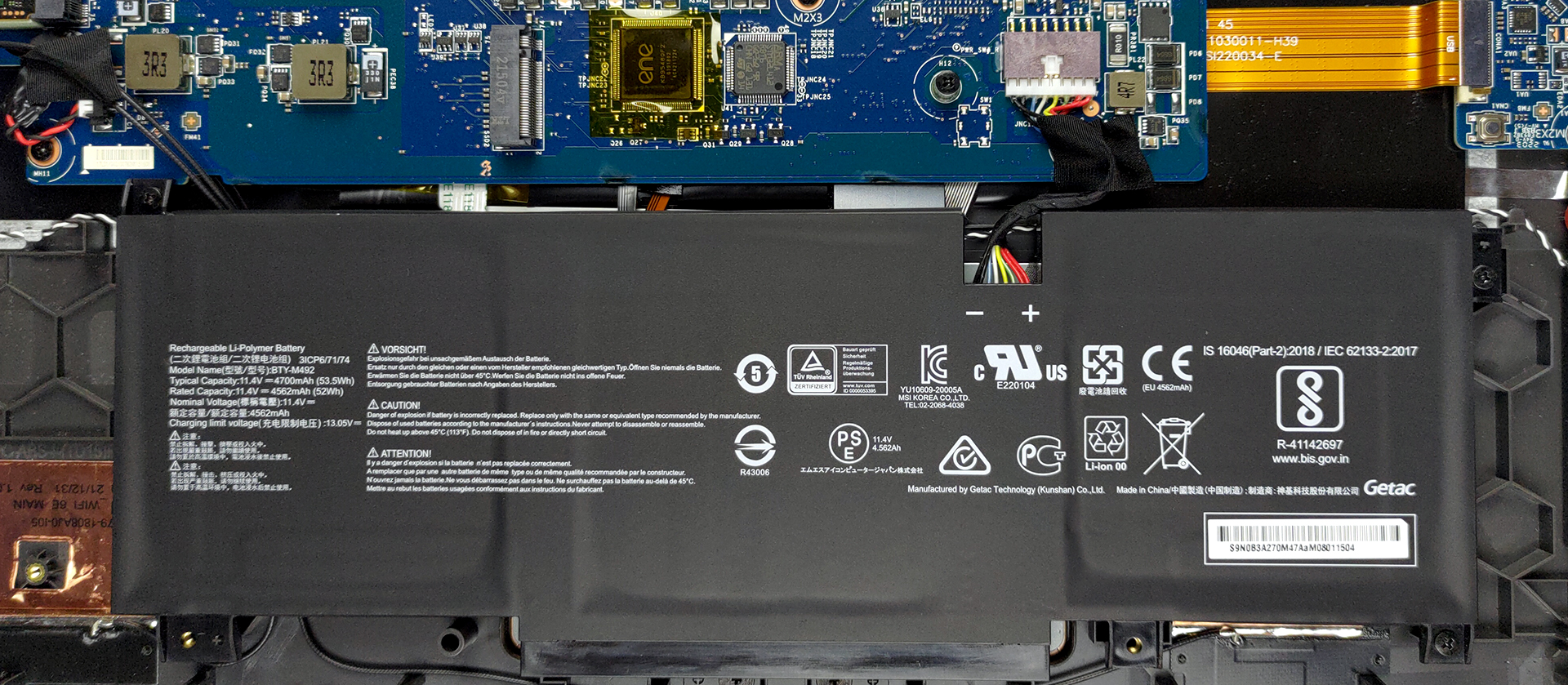
2. Battery
Here, the 53.5Wh battery pack lasts for 5 hours and 30 minutes of either Web browsing, or video playback. It is pretty easy to take it out, as you will just need to undo three Phillips-head screws and unplug the connector from the motherboard.
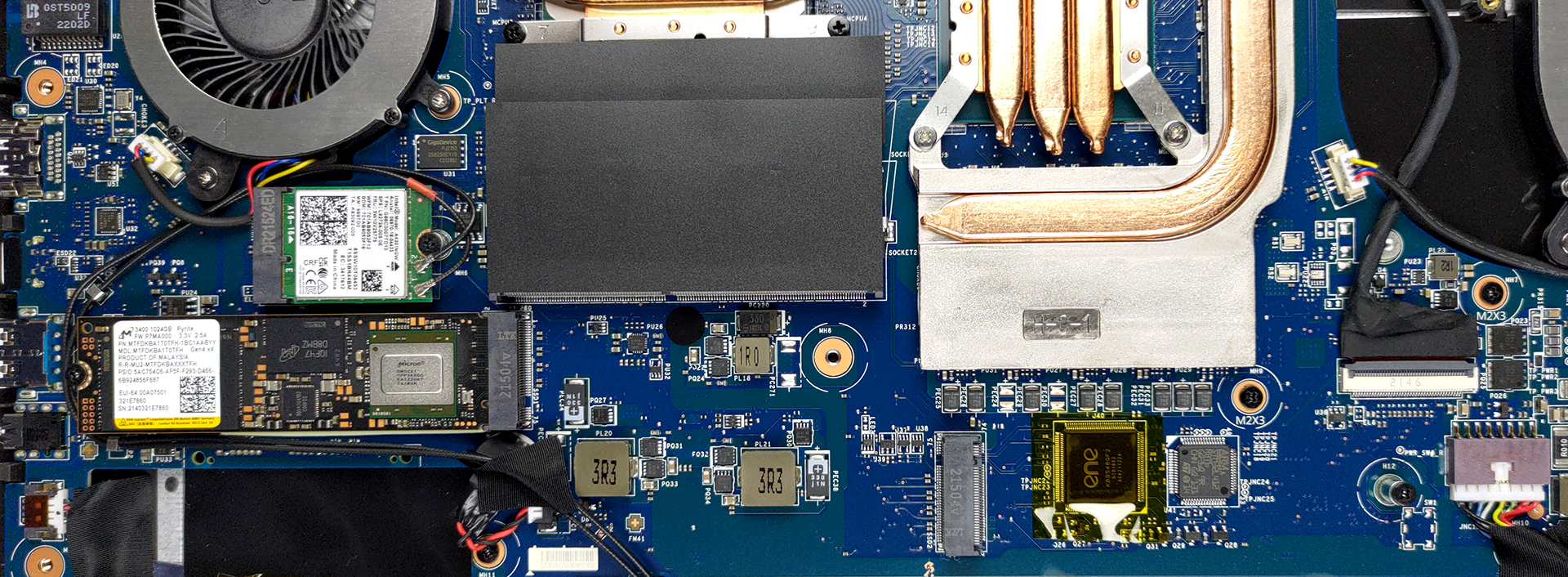
3. Memory and storage
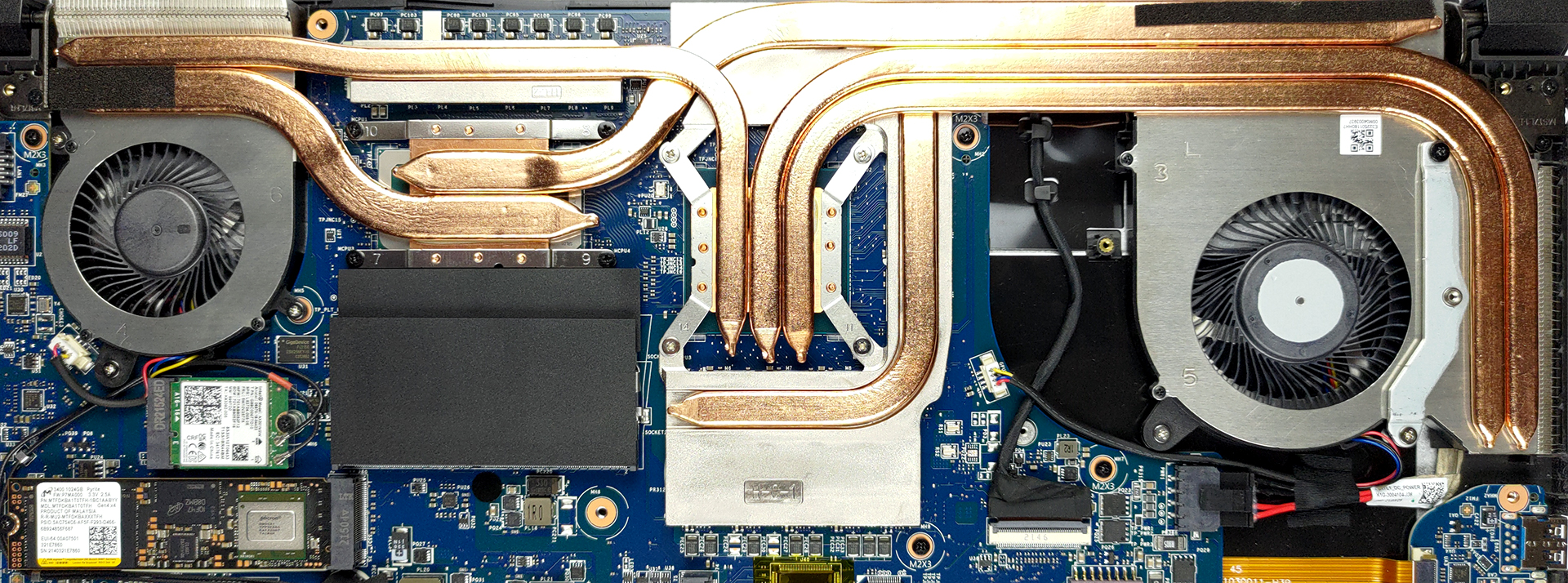
Memory-wise, you get two SODIMM slots, which fit up to 64GB of DDR4 RAM in total. For storage, you get two M.2 PCIe x4 slots, which are Gen 4 compatible.
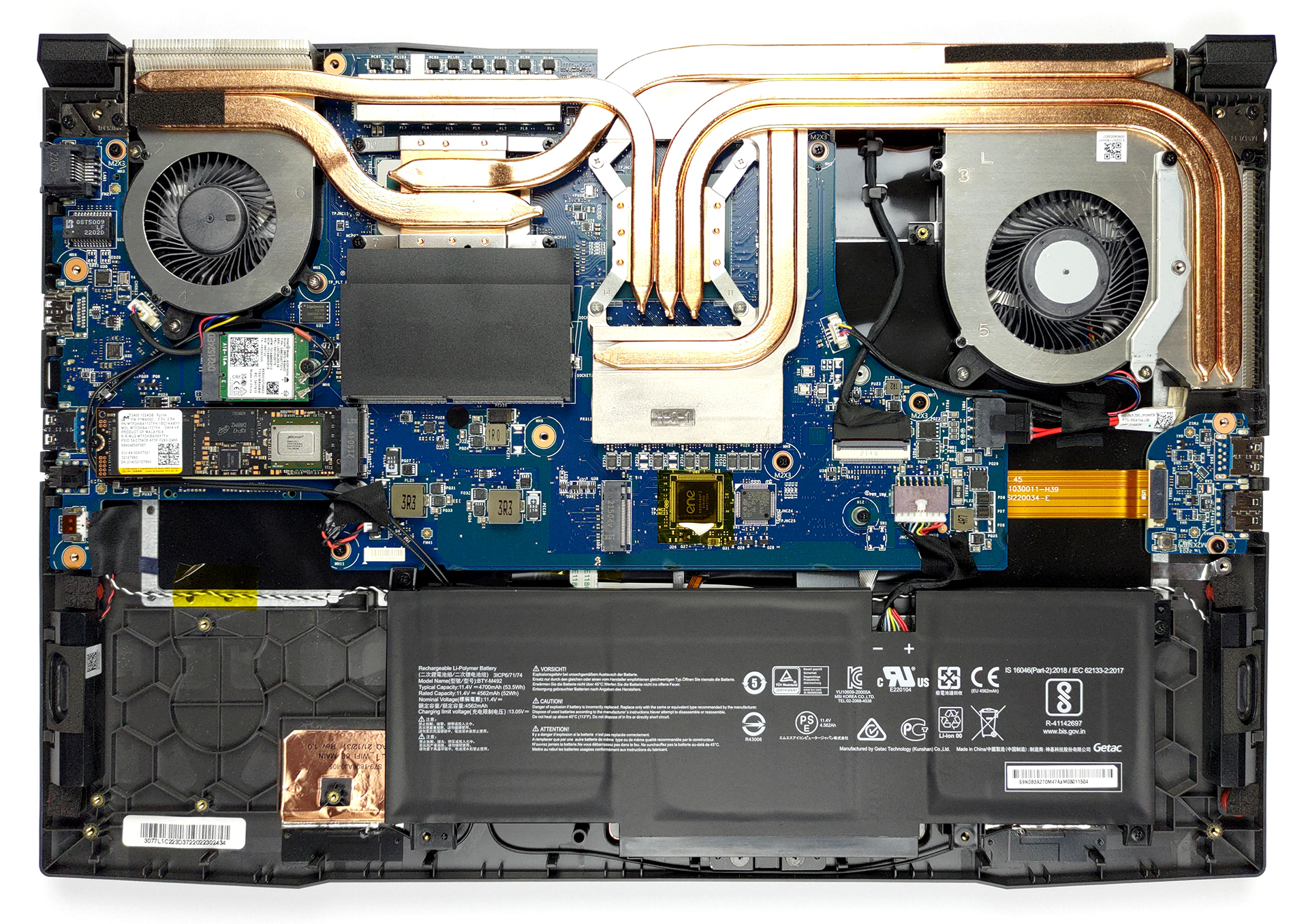
4. Cooling system
This notebook’s processor is cooled by two heat pipes. Three more are allocated to the GPU, with an additional heat pipe dedicated to the graphics memory and the VRMs. Two fans then blow the heat away from the device.
Check out all MSI Pulse GL76 (12Ux) prices and configurations in our Specs System or read more in our In-Depth review.
MSI Pulse GL76 (12Ux) recenzie detaliată
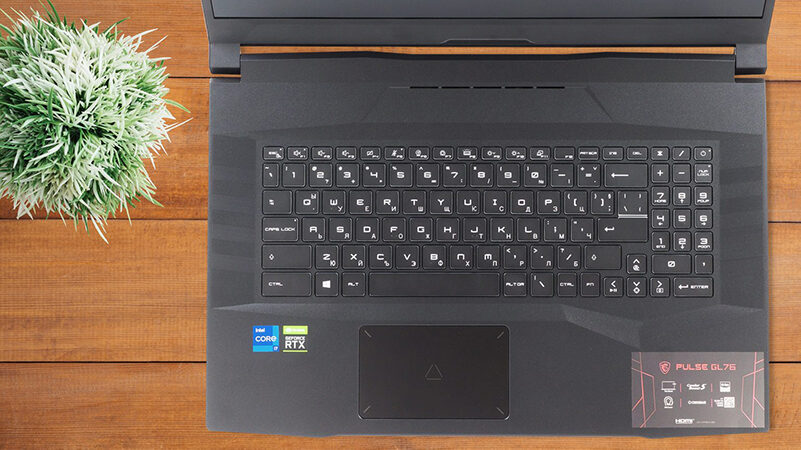
Last year, the Pulse GL76 from MSI was one of the first laptops to come with Intel's 11th Gen processors. They were a part of the company's huge renaming scheme, which included the addition of the Katana, Sword, Crosshair, Delta, Vector, and many more names.Now, the device gets the sweet Alder Lake treatment, which will push it even further. Interestingly, even though we weren't satisfied with the cooling solution on last year's model, MSI decided to give it quite a significant bump in TGP - now up to 105W (20W more than last year). We really hope that the brand has something up its sleev[...]
Avantaje
- Two SODIMM slots, two M.2 PCIe x4 slots with Gen 4 support
- Rigid structure
- 144Hz and 360Hz display options
- Alder Lake and bumped TGP of all graphics options
- Improved cooling
Dezavantaje
- No SD card reader and Thunderbolt 4
- Warm externals
- Short battery life (for configurations with 53.5Wh battery)
 Author: Alex Iliev

![[Aprilie 2026] Amazon Global: Top 10 cele mai bine vândute laptopuri – HP 14 domină piața în timp ce unitățile bugetare depășesc motoarele premium](https://laptopmedia.com/wp-content/uploads/2026/05/Best-Selling-Laptops-GLOBAL-Top-10-400x225.jpg)
![[Aprilie 2026] Cele mai bine vândute mărci de laptopuri pe Amazon Global – Apple deține aproape 60% din cota de venit](https://laptopmedia.com/wp-content/uploads/2026/05/GLOBAL-Best-Brands-400x225.jpg)
![[Aprilie 2026] Clasamentul global al celor mai bine vândute GPU-uri pentru laptopuri pe Amazon – Intel domină, dar Apple și NVIDIA domină segmentul premium](https://laptopmedia.com/wp-content/uploads/2026/05/Best-Selling-GPUs-GLOBAL-Top-10-400x225.jpg)
![[Aprilie 2026] Clasamentul global al celor mai bine vândute procesoare pentru laptopuri pe Amazon – Intel domină piața bugetară, dar Apple domină piața premium cu M4](https://laptopmedia.com/wp-content/uploads/2026/05/Best-Selling-CPUs-GLOBAL-Top-10-400x225.jpg)
![[Aprilie 2026] Amazon Global: Top 10 cele mai bine vândute laptopuri de gaming – ASUS ROG Strix G16 preia coroana pe fondul unei creșteri a gamei medii](https://laptopmedia.com/wp-content/uploads/2026/05/Best-Selling-Gaming-Laptops-GLOBAL-Top-10-400x225.jpg)
