Microsoft Surface Pro 9 – Top 5 Pros and Cons
 The notion that tablets will soon replace laptops is already coming true, at least to a small degree. The Microsoft Surface Pro 9 comes as a portable 13-inch tablet with an amazing screen and decent hardware that has enough power to outmatch other tablets when it comes to performance.
Of course, with a tablet form factor, you have to think about maximizing battery life and efficiency, which leads to the use of the Alder Lake U-series from Intel. With a few simple additions and accessories, you can absolutely transform the Surface Pro 9 into a mobile productivity workhorse, while having a portable tablet to use for something other than work.
Today we’re presenting you with LaptopMedia’s top 5 picks about the Microsoft Surface Pro 9.
Microsoft Surface Pro 9: Full Specs / In-depth Review
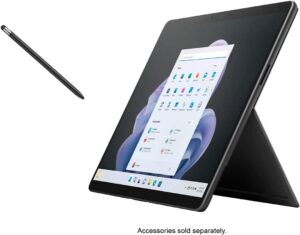
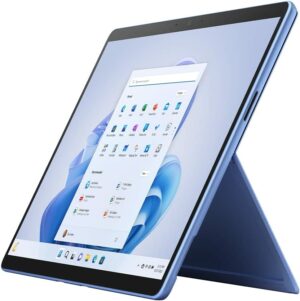
4 reasons to BUY the Microsoft Surface Pro 9
1. Battery
The Surface Pro 9 has a slightly smaller battery size, downgrading to a 47.7Wh battery pack, which lasts for 10 hours of Web browsing, or 7 hours and 30 minutes of video playback. Compared to last year’s Surface Pro 8, you get more time in web browsing, but less time in video playback.
Now, we conduct the battery tests with the Windows Better performance setting turned on, screen brightness adjusted to 120 nits, and all other programs turned off except for the one we are testing the notebook with. The
Luminozitate: 180 nits; Mod Afișaj: SDR
Timp până la Descărcare Completă: Mai mare este mai bun
Pentru a simula condiții reale, am folosit propriul nostru script pentru navigarea automată pe web prin peste 70 de site-uri.
2. Display quality
The 13.0-inch IPS display on the laptop has a 3:2 aspect ratio, a 2.8K resolution, and a 120Hz refresh rate. The panel is amazing for any type of work, offering excellent viewing angles, a peak brightness of 454 nits, and a high contrast ratio of 1320:1. The brightness uniformity is amazing, while also covering 99% of the sRGB color gamut.
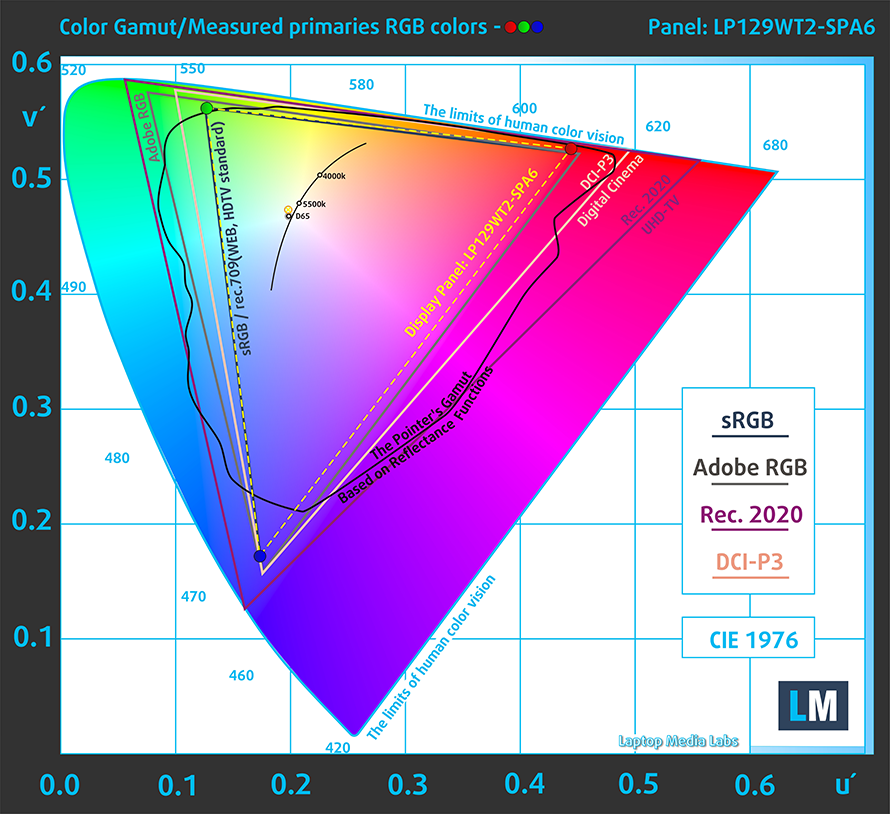
We tested the color accuracy using both the stock settings (left) and while using our Design and Gaming profile (right). Our profile lowers the dE value down to 1.1, which is ideal, as you’re getting accurate colors for both design work and when enjoying watching movies or reading comics.


Buy our profiles
Since our profiles are tailored for each individual display model, this article and its respective profile package are meant for Microsoft Surface Pro 9 configurations with 12.9″ LP129WT2-SPA6.
*Should you have problems with downloading the purchased file, try using a different browser to open the link you’ll receive via e-mail. If the download target is a .php file instead of an archive, change the file extension to .zip or contact us at [email protected].
Read more about the profiles HERE.
Pe lângă primirea de profiluri eficiente și prietenoase cu sănătatea, prin cumpărarea produselor LaptopMedia sprijiniți și dezvoltarea laboratoarelor noastre, unde testăm dispozitive pentru a produce cele mai obiective recenzii posibile.

Office Work
Office Work ar trebui folosit în principal de utilizatorii care petrec cea mai mare parte a timpului uitându-se la texte, tabele sau pur și simplu navigând. Acest profil urmărește să ofere o distincție și o claritate mai bună prin menținerea unei curbe gamma plate (2.20), a temperaturii native a culorii și a culorilor perceptiv exacte.

Design and Gaming
Acest profil se adresează designerilor care lucrează profesional cu culorile, precum și pentru jocuri și filme. Design and Gaming duce panourile de afișaj la limitele lor, făcându-le cât mai precise posibil în standardul sRGB IEC61966-2-1 pentru Web și HDTV, la punctul de alb D65.

Health-Guard
Health-Guard elimină modulația dăunătoare a lățimii impulsului (PWM) și reduce lumina albastră negativă care ne afectează ochii și corpul. Deoarece este personalizat pentru fiecare panou, reușește să mențină culorile perceptiv exacte. Health-Guard simulează hârtia, astfel încât presiunea asupra ochilor este redusă considerabil.
Obține toate cele 3 profiluri cu 33% reducere

3. Performance
The Core i5-1235U performs exceptionally, outscoring most of its competition in both 3D Rendering and Photoshop.
Rezultatele sunt de la testul CPU Cinebench R23 (scorul mai mare este mai bun)
4. Upgradeability
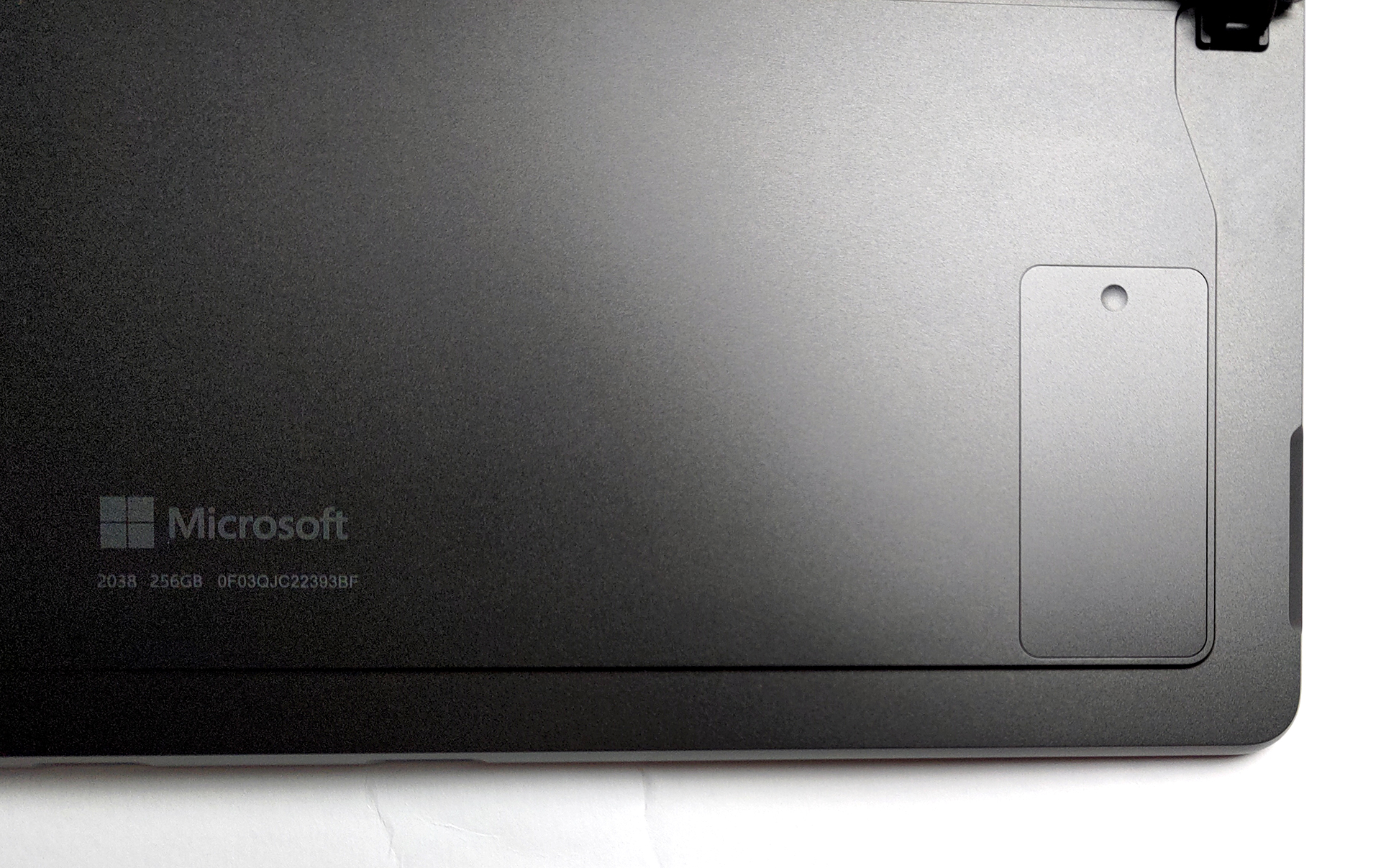
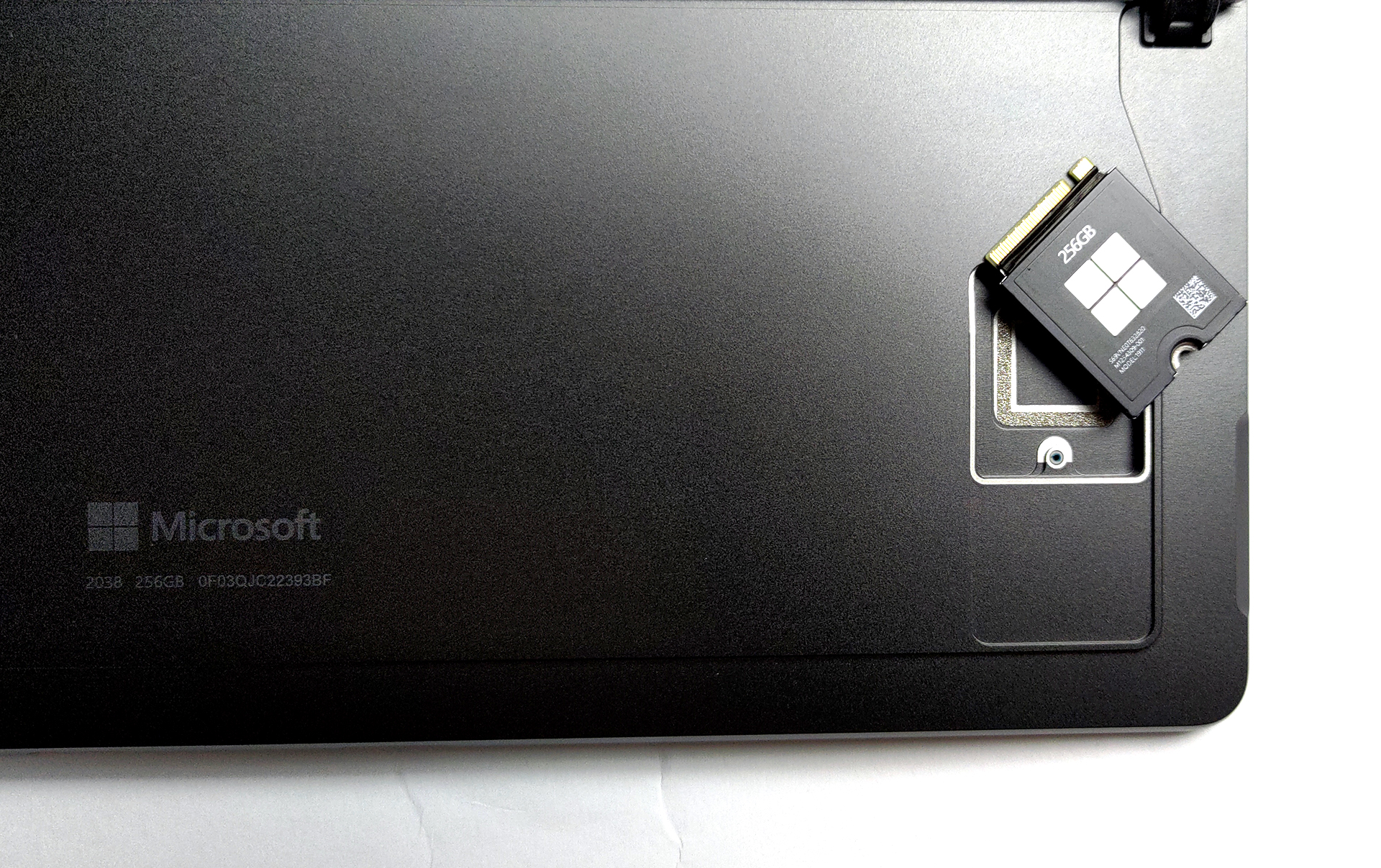
The laptop comes with soldered memory, however, that’s the case with all tablets as well. Thankfully, you’re getting up to 32GB of LPDDR5 memory in quad-channel mode. In terms of storage, there’s a trap door, with a screw, which gives you access to one M.2 slot for 30 mm SSDs.

1 reason NOT to buy the Microsoft Surface Pro 9
1. I/O
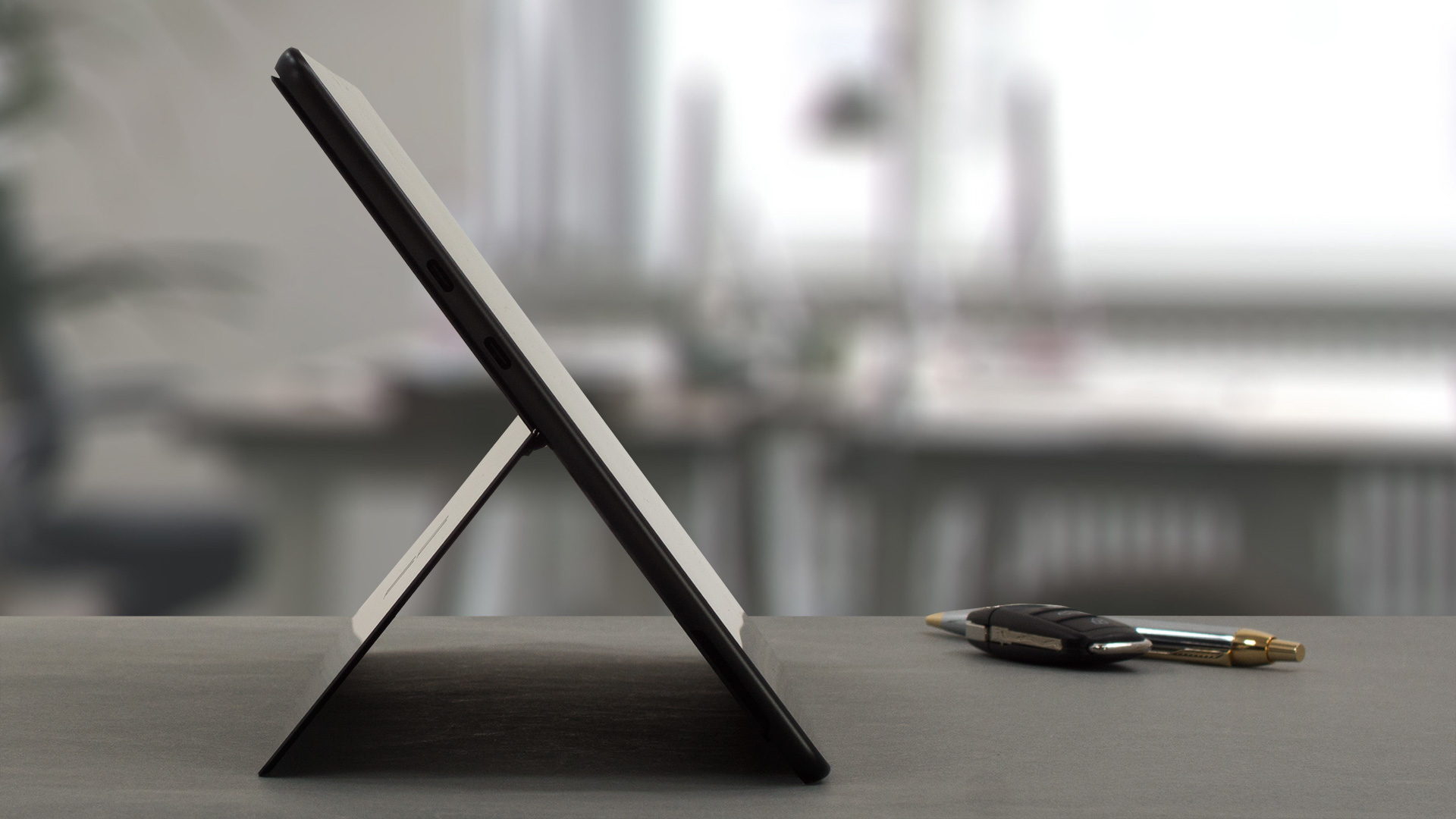
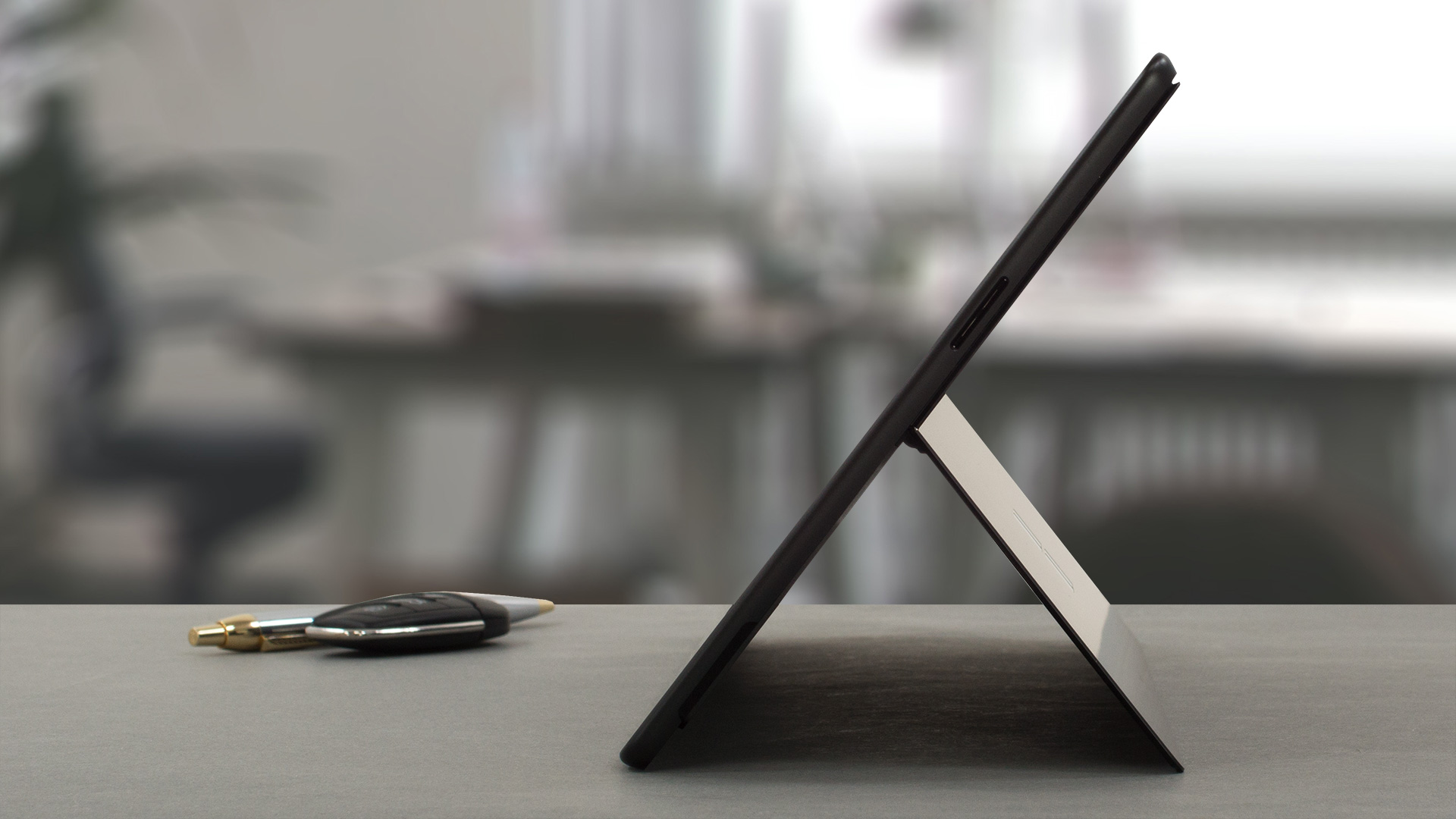
The port selection includes only two Thunderbolt 4 ports and a Surface Connect port for charging. On the bottom, there’s a connector for a Surface keyboard.

All Microsoft Surface Pro 9 configurations:

 Author: Severin Kolakov

![[August 2026] Clasamentul global al celor mai bine vândute plăci grafice pentru laptopuri de pe Amazon – Apple domină clasamentul, iar modelul RTX 5060 de la NVIDIA ocupă primul loc în clasamentul dedicat](https://laptopmedia.com/wp-content/uploads/2026/09/Best-Selling-GPUs-GLOBAL-Top-10-400x225.jpg)
![[August 2026] Clasamentul global al celor mai bine vândute procesoare pentru laptopuri de pe Amazon – Apple domină atât segmentul economic, cât și cel premium: A18 Pro și M5 surclasează Intel și AMD în august 2026](https://laptopmedia.com/wp-content/uploads/2026/09/Best-Selling-CPUs-GLOBAL-Top-10-400x225.jpg)
![[August 2026] Amazon Global: Top 10 cele mai vândute laptopuri – Apple MacBook Neo domină clasamentul, în timp ce laptopurile Windows din gama economică și de mijloc se luptă pentru volumul vânzărilor](https://laptopmedia.com/wp-content/uploads/2026/09/Best-Selling-Laptops-GLOBAL-Top-10-400x225.jpg)
![[August 2026] Cele mai vândute mărci de laptopuri pe Amazon Global – Apple domină în ceea ce privește veniturile, în timp ce HP se află pe primul loc în ceea ce privește varietatea de modele](https://laptopmedia.com/wp-content/uploads/2026/09/GLOBAL-Best-Brands-400x225.jpg)
![[August 2026] Amazon Global: Top 10 cele mai bine vândute laptopuri pentru jocuri – HP Victus 15 ocupă primul loc, în timp ce modelele accesibile domină clasamentul](https://laptopmedia.com/wp-content/uploads/2026/09/Best-Selling-Gaming-Laptops-GLOBAL-Top-10-400x225.jpg)
