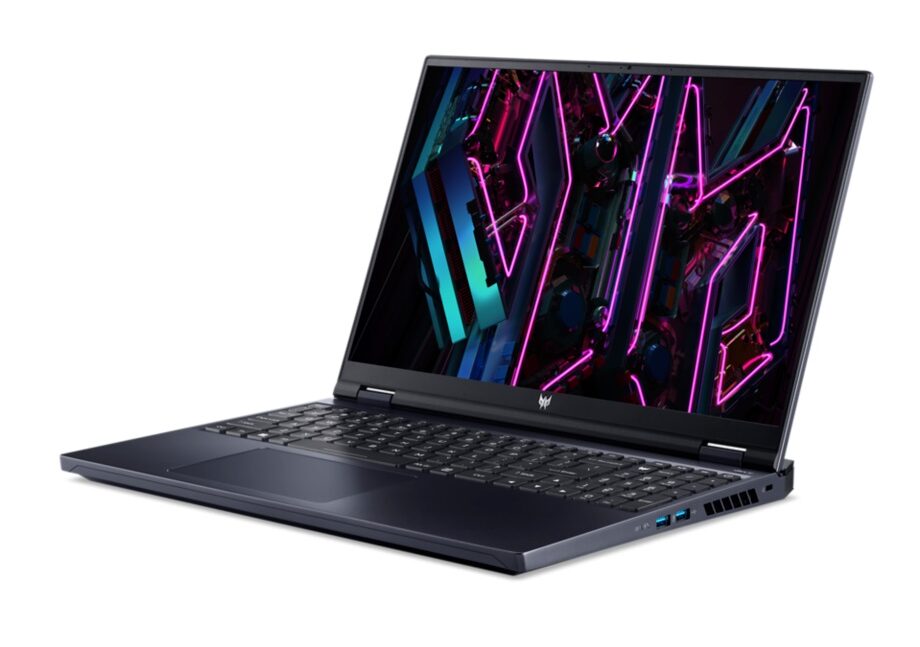
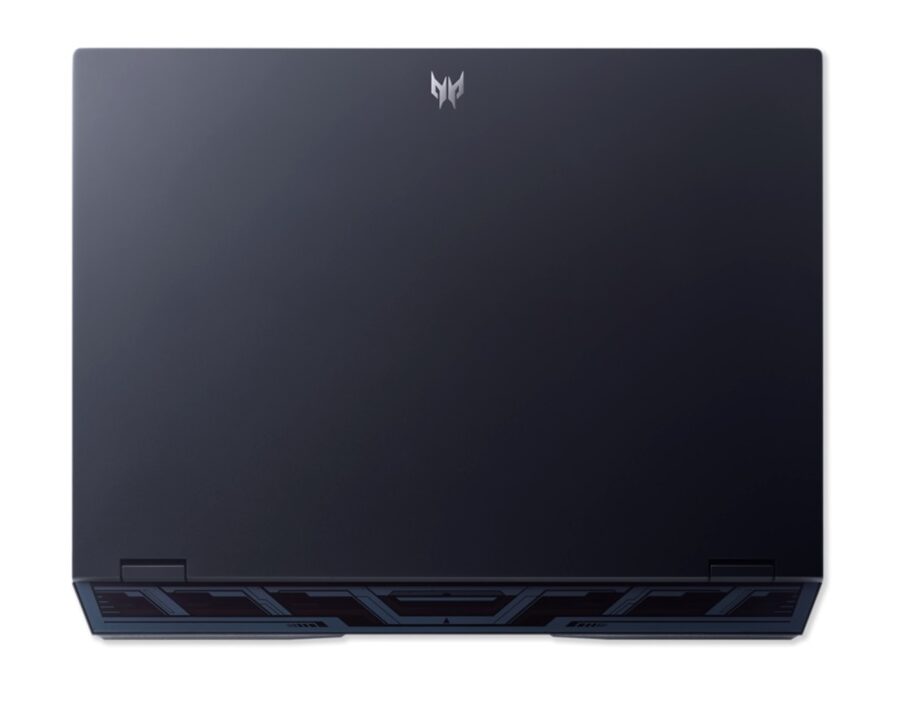
Acer Predator Helios 16
_000052.jpg)


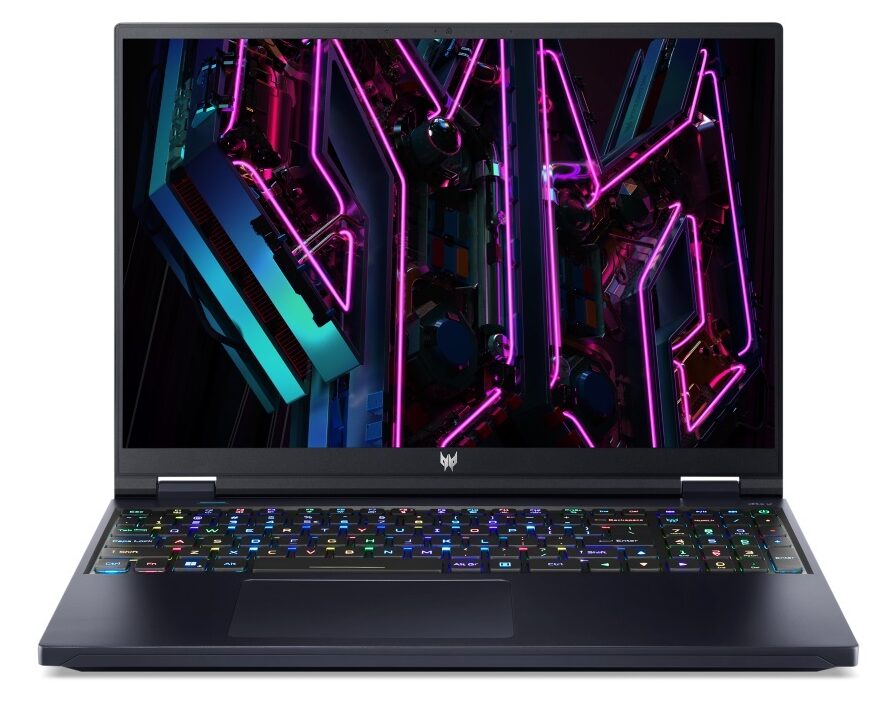
- Data publicării: 20 May 2024
- Intel Core i9-13900HX
- NVIDIA GeForce RTX 4080 (Laptop, 175W)
- 16.0", WQXGA (2560 x 1600), 165 Hz, IPS
- 2000GB SSD
- 16GB RAM
- 2.60 kg (5.7 lbs)
Acer Predator Helios 16 (PH16-71) recenzie detaliată
If you remember the gaming laptops of the past - they were bulky, heavy, and super aggressive. However, modern technology has grown in such a way that manufacturers now have more headroom to play with the design. It can still remain aggressive, but it can be slimmer, or feature even more impressive [...]
Citește recenzia completă
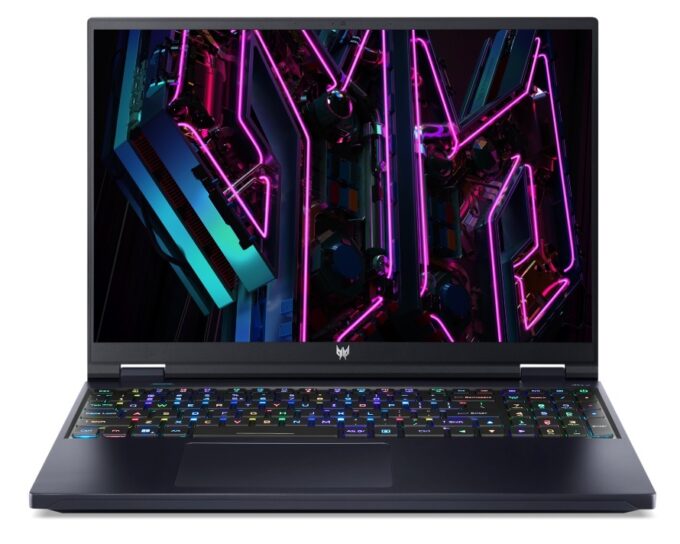
Specificații
- HDD/SSD
- 2000GB SSD
- Slot M.2
- 2x 2280 PCIe NVMe 4.0 x4 Vezi foto
- RAM
- 16GB RAM
- OS
- Windows 11 Pro
- Material Carcasă
- Aluminiu
- Dimensiuni
- 357.78 x 278.74 x 24.90 - 26.90 mm (14.09" x 10.97" x 0.98")
- Greutate
- 2.60 kg (5.7 lbs)
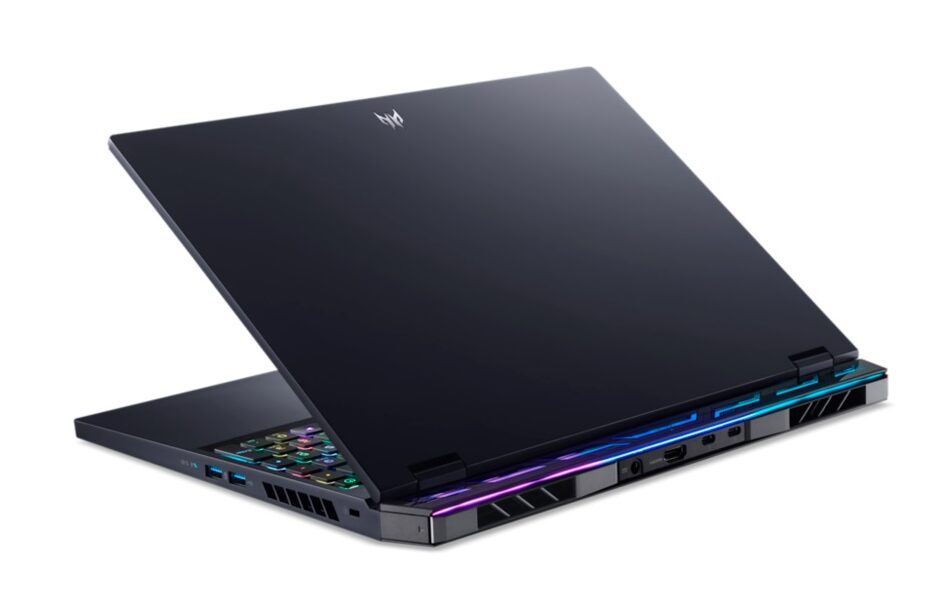
- Porturi și conectivitate
- 2x USB Type-A
- 3.2 Gen 2 (10 Gbps)
- 1x USB Type-A
- 3.2 Gen 2 (10 Gbps), Sleep and Charge
- 2x USB Type-C
- 3.2 Gen 2 (10 Gbps), Thunderbolt 4, Power Delivery (PD), DisplayPort
- HDMI
- 2.1
- Cititor de carduri
- microSD (microSD, microSDHC, microSDXC)
- Ethernet LAN
- 10, 100, 1000 Mbit/s
- Wi-Fi
- 802.11ax
- Bluetooth
- 5.1
- Audio jack
- 3.5mm Combo Jack
- Caracteristici
- Cititor de amprente
- Cameră web
- FHD
- Tastatură iluminată
- Microfon
- Dual Microphones with Acer Purified Voice
- Difuzoare
- Speaker, DTS X: Ultra
- Slot blocare securitate
- Kensington Lock
Portabilitate
Recenzie
Acer Predator Helios 16 recenzie detaliată
If you remember the gaming laptops of the past - they were bulky, heavy, and super aggressive. However, modern technology has grown in such a way that manufacturers now have more headroom to play with the design. It can still remain aggressive, but it can be slimmer, or feature even more impressive hardware.But what completely turned the laptop world on its head is something as trivial as narrowing down the bezels of the displays. This provided two options - make body panels that are smaller or introduce a larger display inside the same panels. For the first couple of years, we saw manufacturers take the first route.However, NVIDIA decided to give laptop users even more power, now surpassing the 175W mark on some devices. This is where 16 and 18-inch notebooks come to fruition. To[...]
Citește recenzia completăAvantaje
- Low GPU temperatures
- 2x M.2 PCIe x4 Gen 4 slots, 2x DDR5 RAM SODIMM slots in dual channel, Wi-Fi 6
- Covers 99% of the DCI-P3 color gamut and has accurate color representation (BOE NE160QDM-NZ2 (BOE0B17))
- Snappy panel with quick response times (BOE NE160QDM-NZ2 (BOE0B17))
- No PWM (BOE NE160QDM-NZ2 (BOE0B17))
- G-Sync support + MUX switch
- Wide port selection
- Great keyboard and touchpad
- The keyboard remains cool after long gaming sessions
- Good build quality
Dezavantaje
- Weird CPU behavior
- Subpar battery life
Opțiuni de dezasamblare, întreținere și upgrade
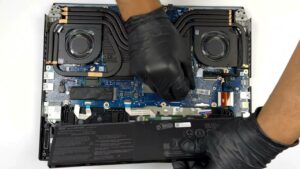
The Predator Helios 16 is easy to open and offers a lot of upgradeability. It is definitely one of its strong points.Check out all Acer Predator Helios 16 (PH16-71) prices and configurations in our Specs System, or read more in our In-Depth review.1. Remove the bottom plate To get inside this machine, you need to undo 10 Torx-head screws. Use a T6 screwdriver. After that, pry the bottom panel with a plastic tool and lift it away from the chassis.2. Remove the battery Here, we find a 90Wh battery pack. To take it out, just unplug the connector from the motherboard.3[...]
Citește mai mult