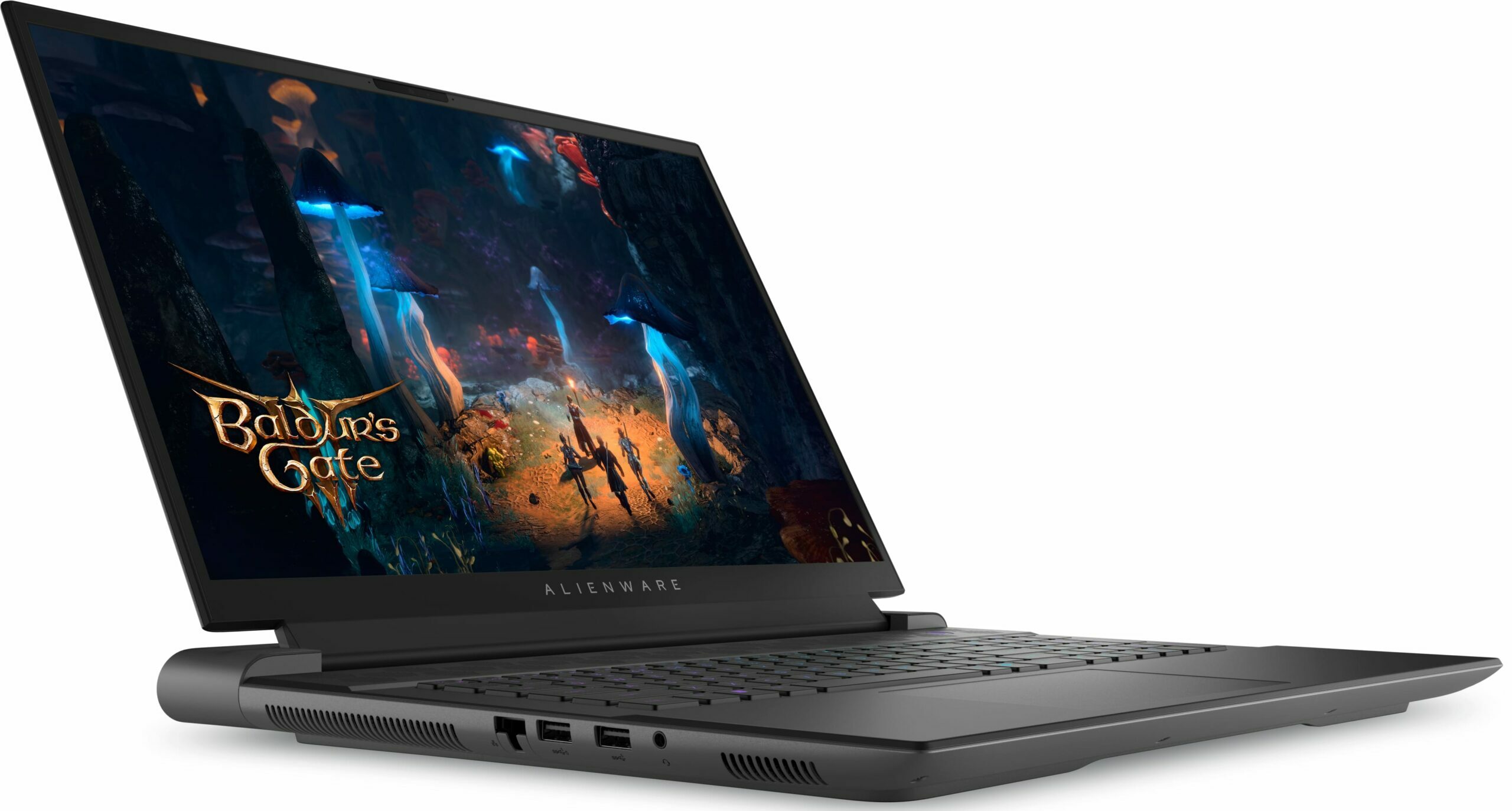
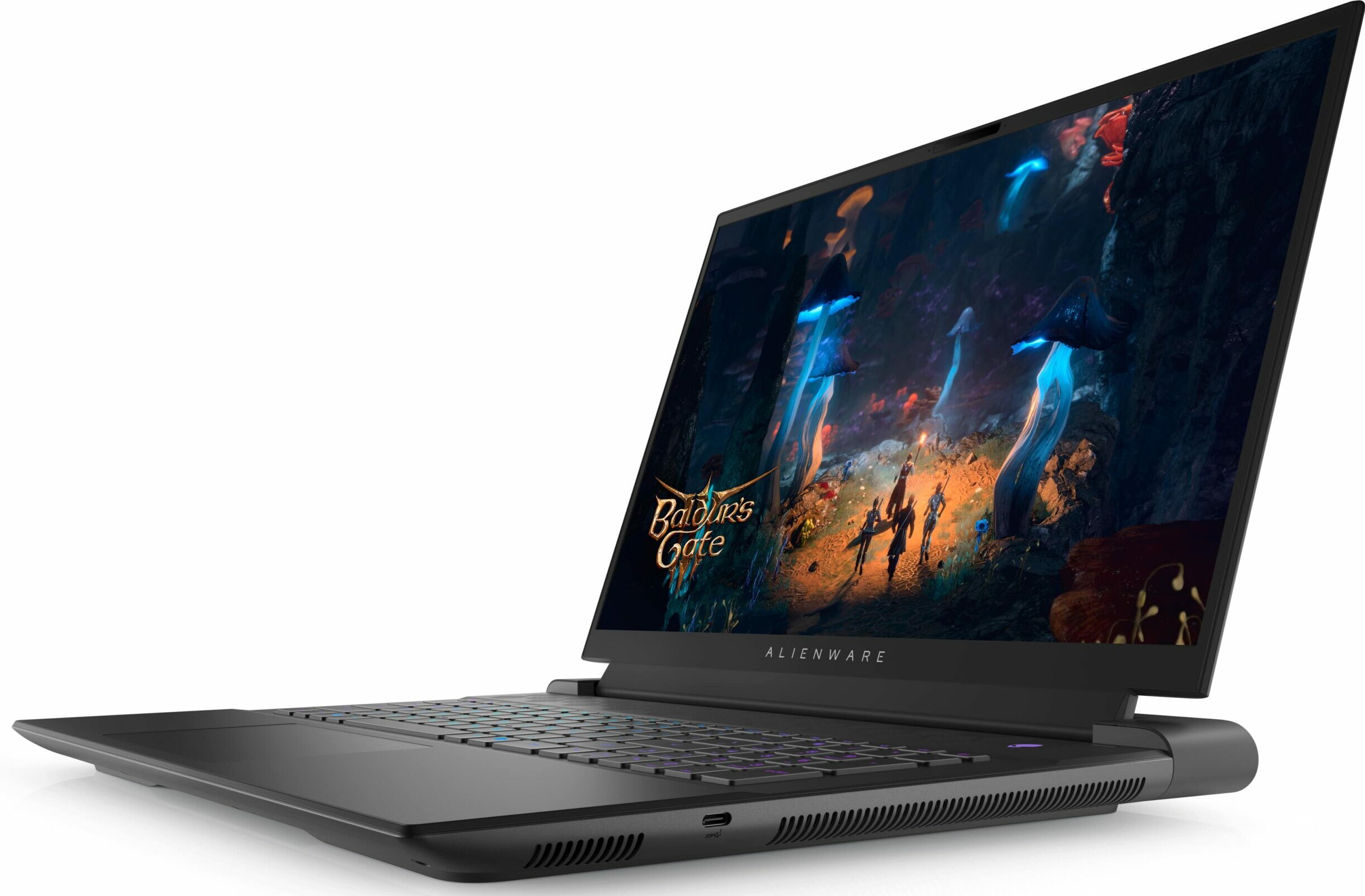
Alienware m18 R2

- Data publicării: 26 Feb 2025
- Intel Core i9-14900HX
- NVIDIA GeForce RTX 4080 (Laptop, 175W)
- 18.0”, WQXGA (2560 x 1600), 165 Hz, IPS
- 1000GB SSD
- 32GB RAM
- 4.23 kg (9.3 lbs)
Alienware m18 R2 recenzie detaliată
The Alienware m18 R2 is another 18-incher that offers high-end hardware. Expectedly, we are talking about 14th gen Intel Raptor Lake-HX CPU options and GeForce RTX 4000 graphics cards with hefty TGPs. Wealthy enthusiasts could have fun with the 175W RTX 4090 or 4080. Still, if you don't need so much [...]
Citește recenzia completă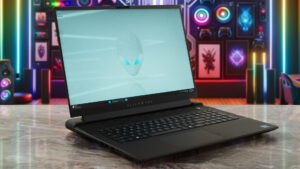
Recenzie
Alienware m18 R2 recenzie detaliată
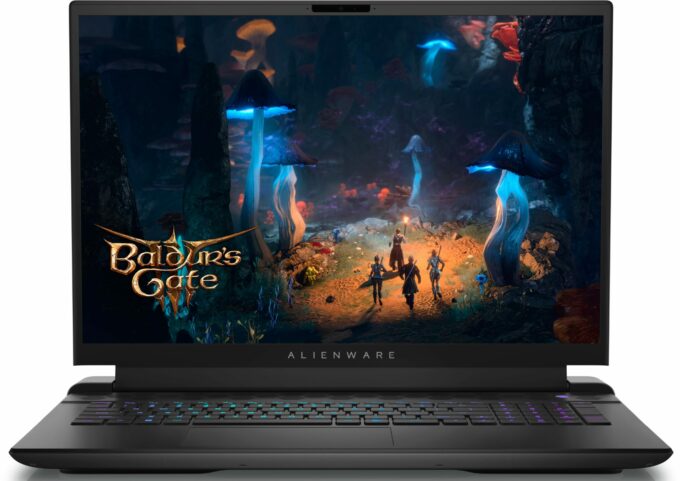
The Alienware m18 R2 is another 18-incher that offers high-end hardware. Expectedly, we are talking about 14th gen Intel Raptor Lake-HX CPU options and GeForce RTX 4000 graphics cards with hefty TGPs. Wealthy enthusiasts could have fun with the 175W RTX 4090 or 4080. Still, if you don't need so much graphics power, the other video cards rely on 140W power limits which is more than enough for the AD107 and AD106 chips. Interestingly, the laptops with the top-tier GPUs have vapor chamber cooling, preapplied Element 31 liquid metal on the CPU and GPU, and two more M.2 slots. If you want these goodies, you have to stretch your wallet a lot.Since that's an expensive gaming laptop, the presence of extras such as Wi-Fi 7-ready connectivity, MUX switch, NVIDIA Advanced Optimus, and G-Sync isn'[...]
Citește recenzia completăAvantaje
- Solid premium build
- Thin profile for such a form factor
- Capable thermal system
- Stable and high CPU and GPU frequencies under any kind of load
- Wide viewing angles (BOE HF1FV-NE18NZ1 (BOE0AFB; NE180QDM-NZ1))
- Snappy pixel response times (BOE HF1FV-NE18NZ1 (BOE0AFB; NE180QDM-NZ1))
- PWM-free (BOE HF1FV-NE18NZ1 (BOE0AFB; NE180QDM-NZ1))
- 98% sRGB coverage + accurate colors with our "Design and Gaming" profile (BOE HF1FV-NE18NZ1 (BOE0AFB; NE180QDM-NZ1))
- 2x SODIMM slots
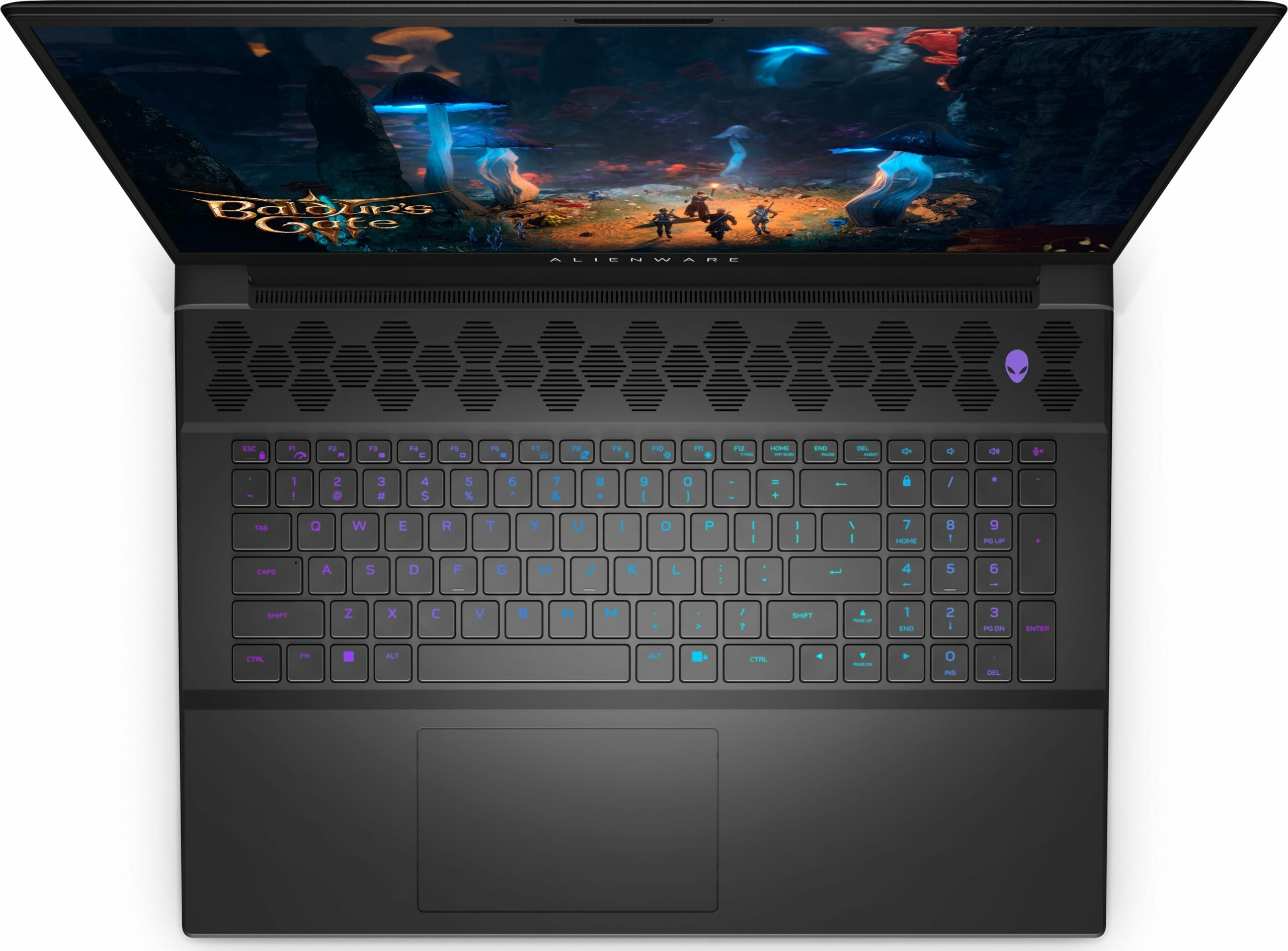
- Comfortable per-key keyboard and touchpad
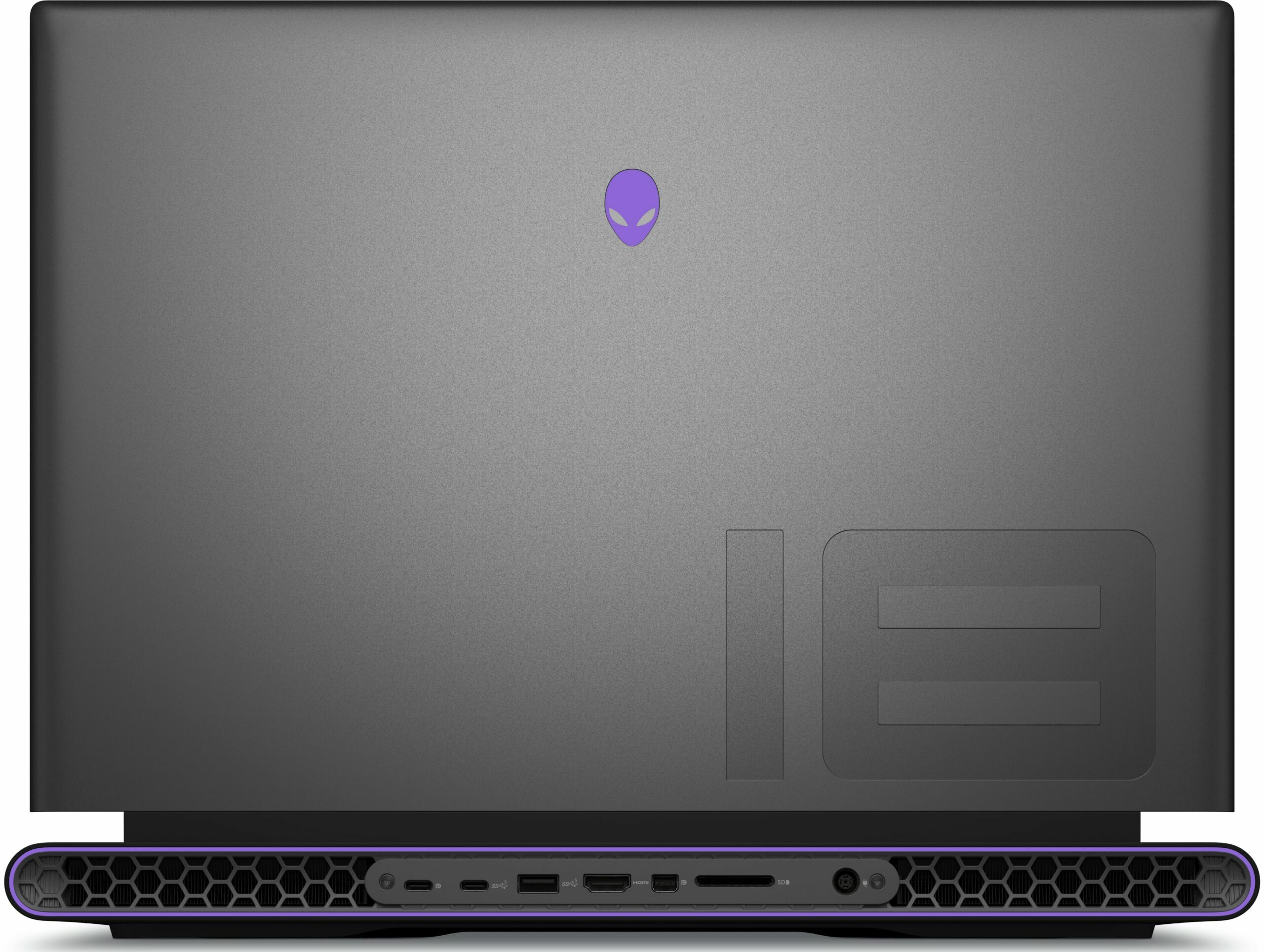
- Offers plenty of ports
- The fans aren't that loud in "Overdrive" mode
- Low noise and a 115W GPU TGP in "Quiet" mode
- Good battery battery life given the 1600p display and the powerful hardware
- The Alienware Command Center app is full of useful extras such as CPU undervolt
- Offers NVIDIA Advanced Optimus, G-Sync + MUX switch
Dezavantaje
- High price
- Heavy
- Only the RTX 4080 / 4090-based machines have four M.2 slots and a vapor chamber cooling
- Too many Gen 1 ports + the Thunderbolts connectors support just a 15W charging
- For such a pricey laptop, the 1600p display should offer better contrast ratio and max brightness
Opțiuni de dezasamblare, întreținere și upgrade
Step 1: Opening the Alienware m18 R2Ensure the laptop is powered off and placed on a clean, flat surface. Undo the 8 Phillips-head screws securing the bottom panel. Note the screws in the front corners are captive and lift the panel slightly. Begin prying the sides using a thin plastic tool, except the back. Lift slightly the front section of the metal plate and push it forward. Carefully lift away the panel from the chassis.Step 2: Battery RemovalLocate the battery connector on the mainboard and carefully unplug it. Remove the 4 Phillips-head screws secur[...]
Citește mai mult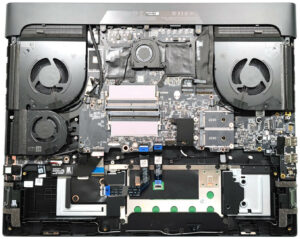
Ecran: 18.0-inch, 2560 x 1600, IPS
- Nume
- BOE HF1FV-NE18NZ1 (BOE0AFB; NE180QDM-NZ1)
- Diagonală
- 18.0"
- Densitate pixeli
- 167.72 ppi
- Refresh rate
- 165 Hz
- Luminozitate
- 319 cd/m2
- sRGB
- 98%
- Tip Panou
- IPS
- Rezoluție
- 2560 x 1600
- Devine "Retina" de la
- 21 inches (52 cm)
- Contrast
- 1080:1
- dE Color Checker
- 3.1 1.6

Cumpără profilurile noastre pentru BOE HF1FV-NE18NZ1 (BOE0AFB; NE180QDM-NZ1)
Pe lângă primirea de profiluri eficiente și prietenoase cu sănătatea, prin cumpărarea produselor LaptopMedia sprijiniți și dezvoltarea laboratoarelor noastre, unde testăm dispozitive pentru a produce cele mai obiective recenzii posibile.

Office Work
Office Work ar trebui folosit în principal de utilizatorii care petrec cea mai mare parte a timpului uitându-se la texte, tabele sau pur și simplu navigând. Acest profil urmărește să ofere o distincție și o claritate mai bună prin menținerea unei curbe gamma plate (2.20), a temperaturii native a culorii și a culorilor perceptiv exacte.

Design and Gaming
Acest profil se adresează designerilor care lucrează profesional cu culorile, precum și pentru jocuri și filme. Design and Gaming duce panourile de afișaj la limitele lor, făcându-le cât mai precise posibil în standardul sRGB IEC61966-2-1 pentru Web și HDTV, la punctul de alb D65.

Health-Guard
Health-Guard elimină modulația dăunătoare a lățimii impulsului (PWM) și reduce lumina albastră negativă care ne afectează ochii și corpul. Deoarece este personalizat pentru fiecare panou, reușește să mențină culorile perceptiv exacte. Health-Guard simulează hârtia, astfel încât presiunea asupra ochilor este redusă considerabil.





