MSI Thin GF63
_000052.jpg)

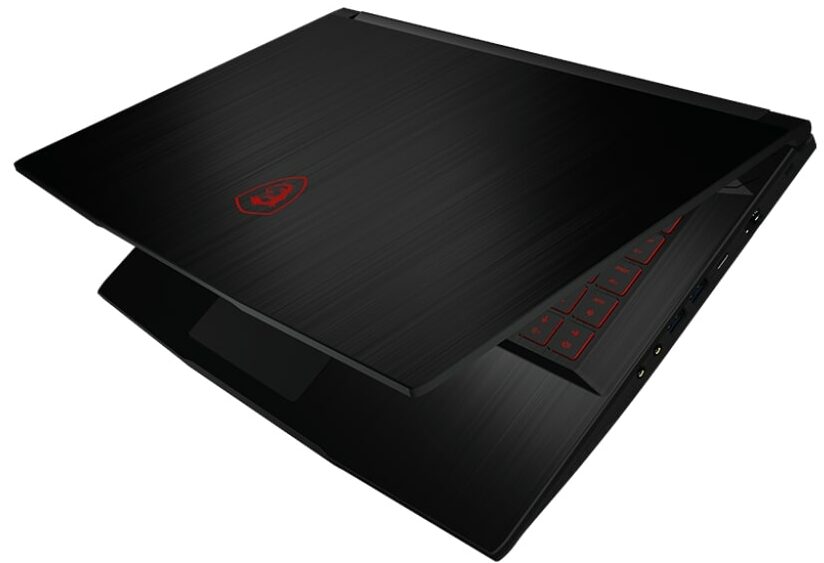
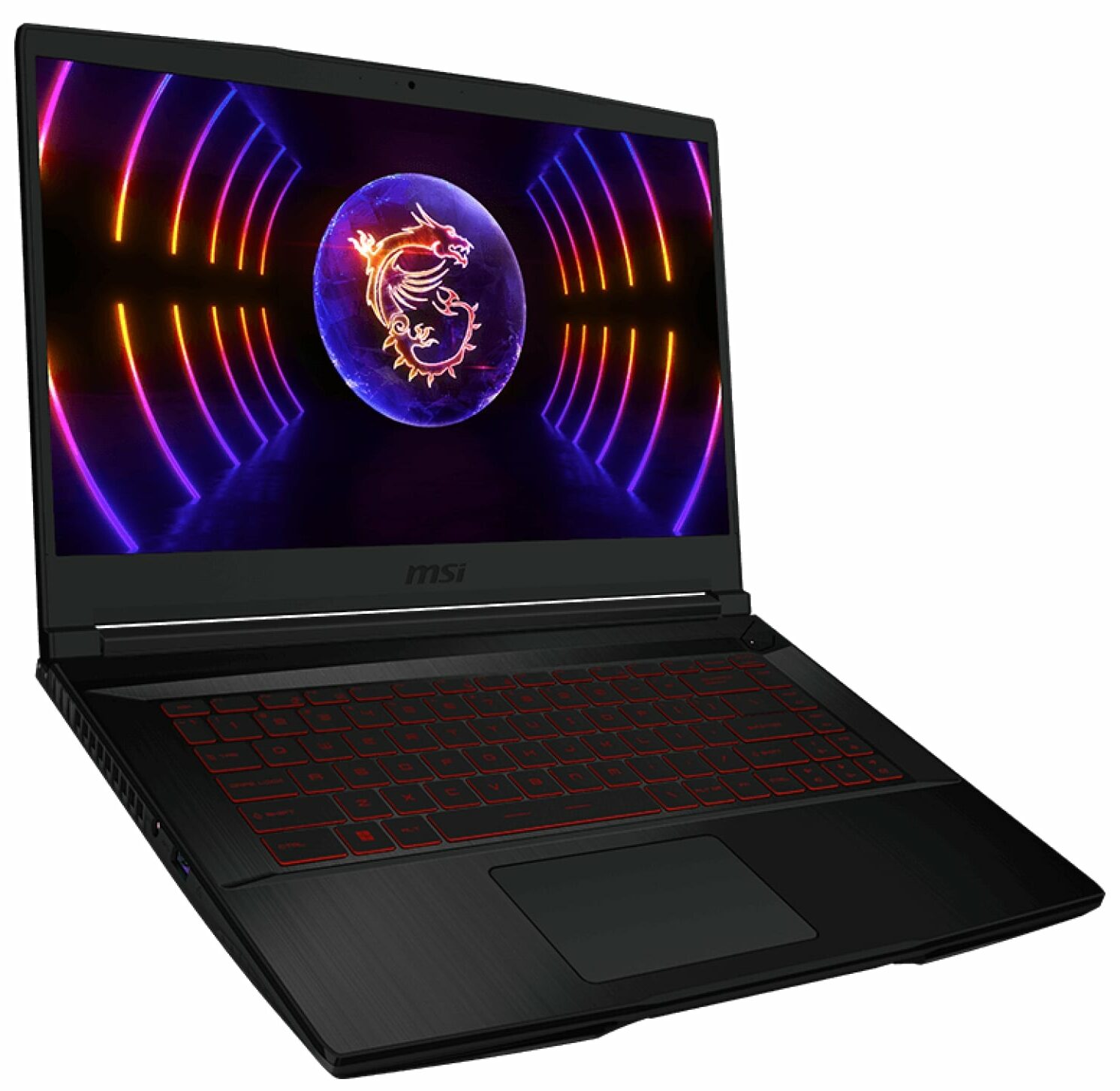
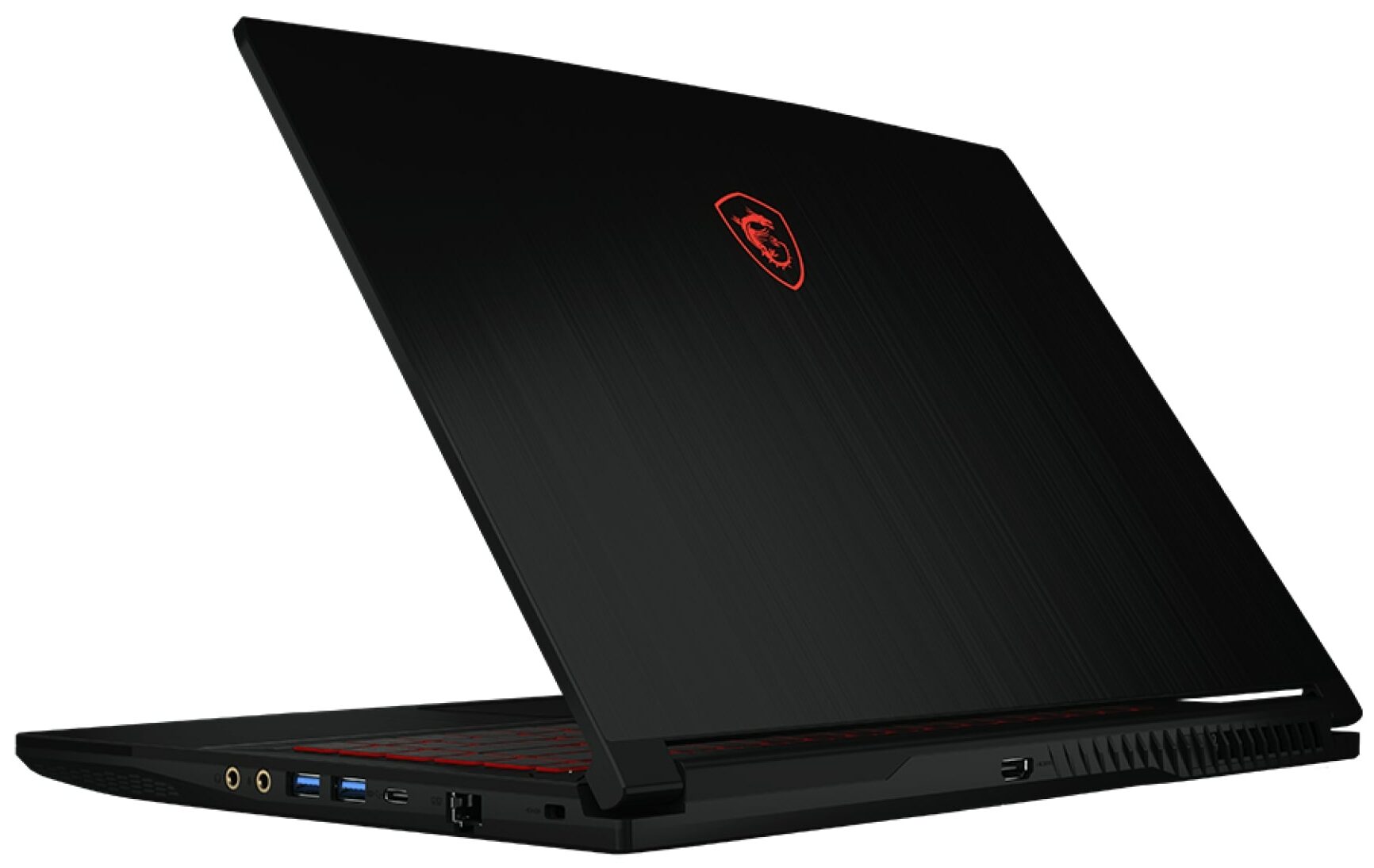
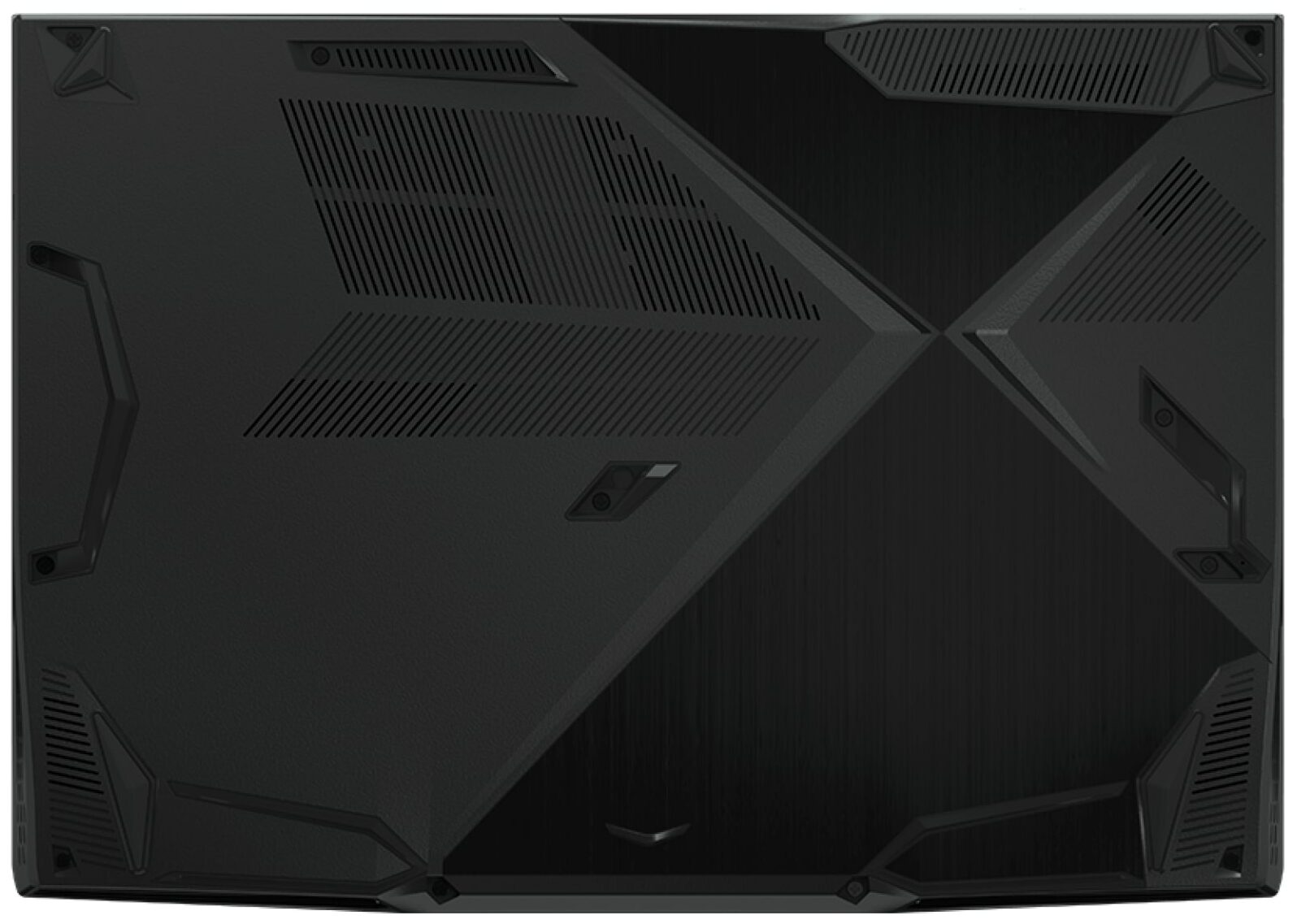

- Data publicării: 24 Oct 2023
- Intel Core i7-12650H
- NVIDIA GeForce RTX 4050 (Laptop, 45W)
- 15.6”, Full HD (1920 x 1080), 144 Hz, IPS
- 2000GB SSD
- 64GB DDR4
- 1.86 kg (4.1 lbs)
MSI Thin GF63 (12Vx) recenzie detaliată
In the last few years, finding a decent gaming laptop that isn't expensive is a hard job. One of the possible offerings is the MSI Thin GF63 (12V). The manufacturer has made a lot of right choices in order to keep the end price as low as possible. This machine can be configured with Intel Alder [...]
Citește recenzia completă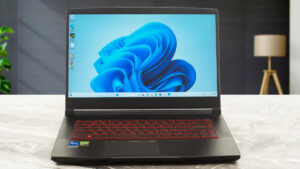

Recenzie
MSI Thin GF63 recenzie detaliată
In the last few years, finding a decent gaming laptop that isn't expensive is a hard job. One of the possible offerings is the MSI Thin GF63 (12V). The manufacturer has made a lot of right choices in order to keep the end price as low as possible.This machine can be configured with Intel Alder Lake-H CPUs which isn't bad at all. These chips still pack plenty of power but they cost less than their new Raptor Lake siblings. The laptop relies on DDR4 memory which is another cost-saving method. Given the choice of mid-range GeForce RTX 4000 GPUs with very modest TGPs, the old RAM version shouldn't be much of a problem / bottleneck.There is just one display model but since it's an IPS variant with a high refresh rate, we can call it a day. MSI mentions that the cooler solution of this m[...]
Citește recenzia completăAvantaje
- Decent gaming performance
- 1x M.2 PCIe x4 Gen 4 slot, 1x SATA slot, and 2x DDR5 RAM SODIMM slots in dual channel
- 144Hz refresh rate (AUO B156HAN15.1 (AUOD0A2))
- No PWM (AUO B156HAN15.1 (AUOD0A2))
- Good and quiet keyboard
- Adequate build quality
Dezavantaje
- No SD card and No Thunderbolt 4
- All ports are rated at 5GBps
- Covers only 54% of sRGB (AUO B156HAN15.1 (AUOD0A2))
- The touchpad quality is questionable
- The fan has a weird temperature hysteresis in idle
- The removal of the bottom plate is complicated
- The battery is glued to the base
Opțiuni de dezasamblare, întreținere și upgrade
Step 1: Accessing the Internal ComponentsEnsure the MSI Thin GF63 (12Vx) is powered off and placed on a soft, clean surface to prevent scratches or damage. Remove the 12 Phillips-head screws from the bottom of the laptop. Begin the prying process from the front of the device, carefully working your way around, and leave the back side for the end. Flip the laptop to pop up the small cap behind the lid, then use a plastic tool to pry the last section.Hint: Proceed with caution to avoid damaging the internal clips or the laptop casing.Step 2: Removing the Battery [...]
Citește mai mult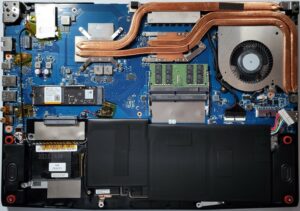
Ecran: 15.6-inch, 1920 x 1080, IPS
- Nume
- AUO B156HAN15.1 (AUOD0A2)
- Diagonală
- 15.6"
- Densitate pixeli
- 141.21 ppi
- Refresh rate
- 144 Hz
- Luminozitate
- 264 cd/m2
- sRGB
- 54%
- Tip Panou
- IPS
- Rezoluție
- 1920 x 1080
- Devine "Retina" de la
- 24 inches (62 cm)
- Contrast
- 253
- dE Color Checker
- 4.5 3.8

Cumpără profilurile noastre pentru AUO B156HAN15.1 (AUOD0A2)
Pe lângă primirea de profiluri eficiente și prietenoase cu sănătatea, prin cumpărarea produselor LaptopMedia sprijiniți și dezvoltarea laboratoarelor noastre, unde testăm dispozitive pentru a produce cele mai obiective recenzii posibile.

Office Work
Office Work ar trebui folosit în principal de utilizatorii care petrec cea mai mare parte a timpului uitându-se la texte, tabele sau pur și simplu navigând. Acest profil urmărește să ofere o distincție și o claritate mai bună prin menținerea unei curbe gamma plate (2.20), a temperaturii native a culorii și a culorilor perceptiv exacte.

Design and Gaming
Acest profil se adresează designerilor care lucrează profesional cu culorile, precum și pentru jocuri și filme. Design and Gaming duce panourile de afișaj la limitele lor, făcându-le cât mai precise posibil în standardul sRGB IEC61966-2-1 pentru Web și HDTV, la punctul de alb D65.

Health-Guard
Health-Guard elimină modulația dăunătoare a lățimii impulsului (PWM) și reduce lumina albastră negativă care ne afectează ochii și corpul. Deoarece este personalizat pentru fiecare panou, reușește să mențină culorile perceptiv exacte. Health-Guard simulează hârtia, astfel încât presiunea asupra ochilor este redusă considerabil.





