MSI Vector 16 HX (A13Vx)

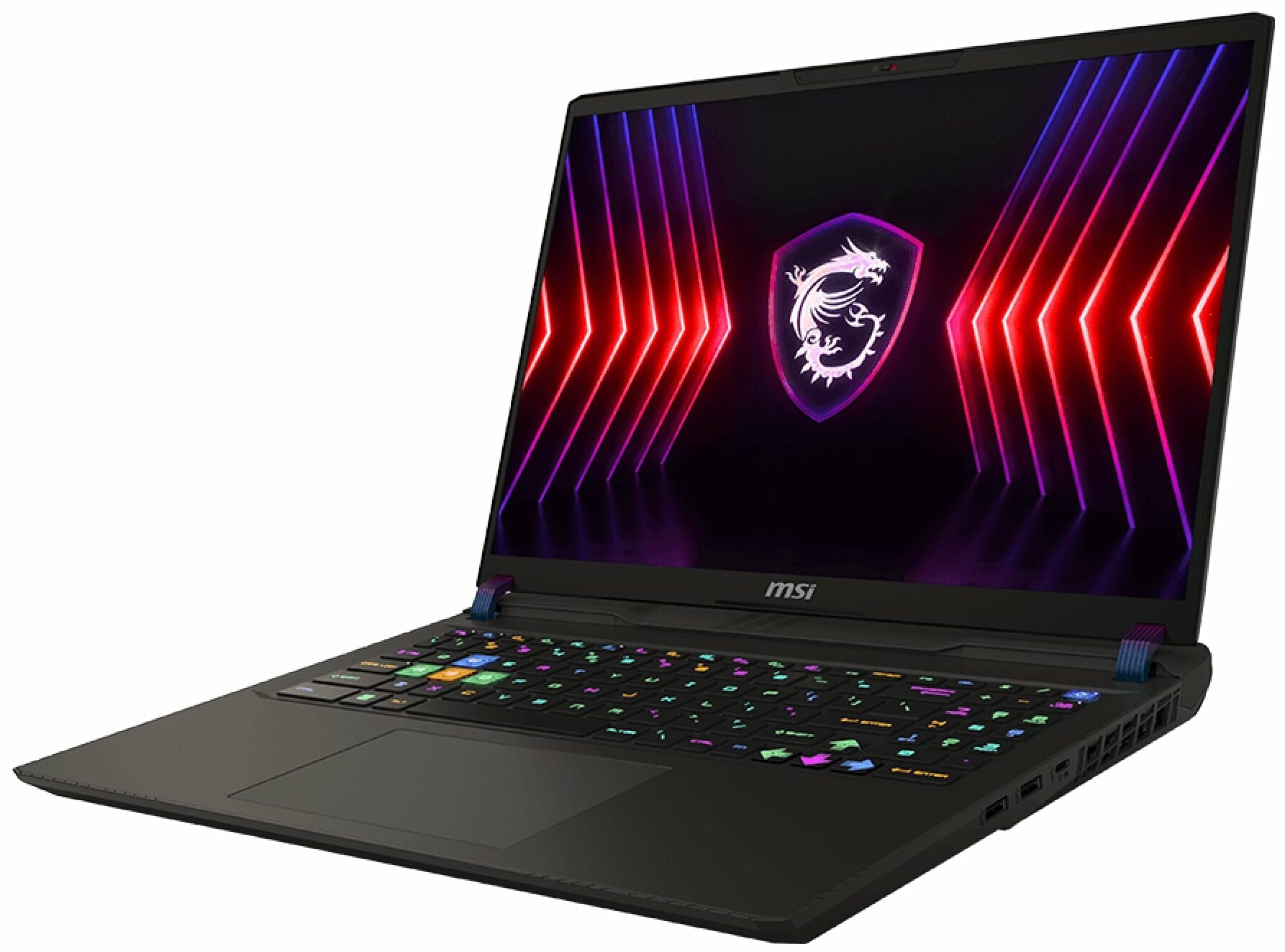


- Data publicării: 12 Apr 2024
- Intel Core i9-13980HX
- NVIDIA GeForce RTX 4080 (Laptop, 175W)
- 16.0″, WUXGA (1920 x 1200), 144 Hz, IPS
- 1000GB SSD
- 32GB DDR5
- 2.70 kg (6 lbs)
Recenzie
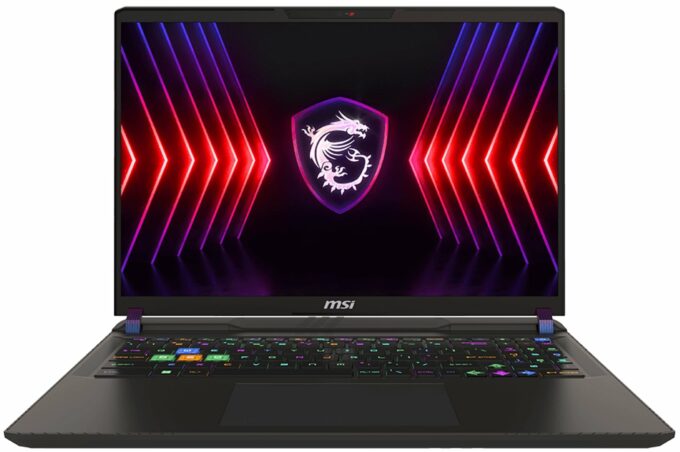
MSI Vector 16 HX (A13Vx) recenzie detaliată
Nowadays, you can find a lot of high-end devices in a 17-inch or 18-inch form factor. On the other hand, if you want a smaller machine with top-end hardware, your choice is fairly limited. Still, with the aid of Vector 16 HX A13V, MSI tries to prove that a 16-incher can perform as well as some of its bigger siblings with larger displays. Specs-wise, the device is a true monster. You get a choice of Intel Raptor Lake HX CPUs with tons of cores and the latest and greatest NVIDIA Ada Lovelace GPUs with the highest possible power limits.Display-wise, there are two IPS variants. The base one is a 144Hz 1200p unit and you can opt for a 240Hz 1600p model. There are no fancy OLED or 4K panels here. The absence of G-Sync support is quite strange given the price tag of the notebook. Still, there[...]
Citește recenzia completă
Avantaje
- Great performance for a 16-inch machine
- 2x SODIMMs + 2x M.2 slot (one is for Gen 5 SSDs)
- 144Hz refresh rate (Innolux N160JME-GTK (CMN1621))
- PWM-free + very good contrast ratio (Innolux N160JME-GTK (CMN1621))
- Superb SteelSeries keyboard
- Solid build quality
- High CPU and GPU clocks under heavy loads or gaming
- The MSI Center offers plenty of customizations
- Modern port selection + SD Express Card Reader
- Decent battery life
- Quality audio
Dezavantaje
- Bulky and heavy
- Low sRGB coverage (Innolux N160JME-GTK (CMN1621))
- Plastic base
- No G-Sync support
Opțiuni de dezasamblare, întreținere și upgrade
Step 1: Opening the MSI Vector 16 HX A13VEnsure the laptop is powered off and placed on a clean, flat surface. Remove the 13 Phillips-head screws from the bottom of the laptop. Use a thin plastic tool to pry the sides of the hinge cover, then use a lever tool to pop the front of the cap. Open the laptop lid to ease the removal of the bottom shield. Carefully lift the left side and slide the panel to the right to avoid the audio jack.Step 2: Battery RemovalDisconnect the battery by detaching its connector from the motherboard. Remove the four Phillips-hea[...]
Citește mai mult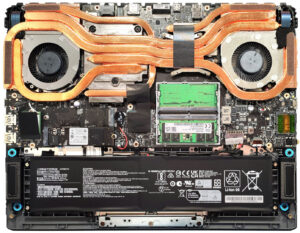
Ecran: 16.0-inch, 1920 x 1200, IPS
- Nume
- Innolux N160JME-GTK (CMN1621)
- Diagonală
- 16.0"
- Densitate pixeli
- 141.51 ppi
- Luminozitate
- 347 cd/m2
- sRGB
- 53%
- Tip Panou
- IPS
- Rezoluție
- 1920 x 1200
- Devine "Retina" de la
- 24 inches (62 cm)
- Contrast
- 1500:1
- dE Color Checker
- 5.9 3.5

Cumpără profilurile noastre pentru Innolux N160JME-GTK (CMN1621)
Pe lângă primirea de profiluri eficiente și prietenoase cu sănătatea, prin cumpărarea produselor LaptopMedia sprijiniți și dezvoltarea laboratoarelor noastre, unde testăm dispozitive pentru a produce cele mai obiective recenzii posibile.

Office Work
Office Work ar trebui folosit în principal de utilizatorii care petrec cea mai mare parte a timpului uitându-se la texte, tabele sau pur și simplu navigând. Acest profil urmărește să ofere o distincție și o claritate mai bună prin menținerea unei curbe gamma plate (2.20), a temperaturii native a culorii și a culorilor perceptiv exacte.

Design and Gaming
Acest profil se adresează designerilor care lucrează profesional cu culorile, precum și pentru jocuri și filme. Design and Gaming duce panourile de afișaj la limitele lor, făcându-le cât mai precise posibil în standardul sRGB IEC61966-2-1 pentru Web și HDTV, la punctul de alb D65.

Health-Guard
Health-Guard elimină modulația dăunătoare a lățimii impulsului (PWM) și reduce lumina albastră negativă care ne afectează ochii și corpul. Deoarece este personalizat pentru fiecare panou, reușește să mențină culorile perceptiv exacte. Health-Guard simulează hârtia, astfel încât presiunea asupra ochilor este redusă considerabil.