Acer Aspire 7 (A715-76G) review – good all-rounder that can be used even for gaming
Disassembly, Upgrade options, and Maintenance
In order to open the laptop, you need to unscrew 11 Phillips-head screws. The top two are captive so they will slightly lift the panel up. That’s a good starting point for popping the plate with a plastic tool.

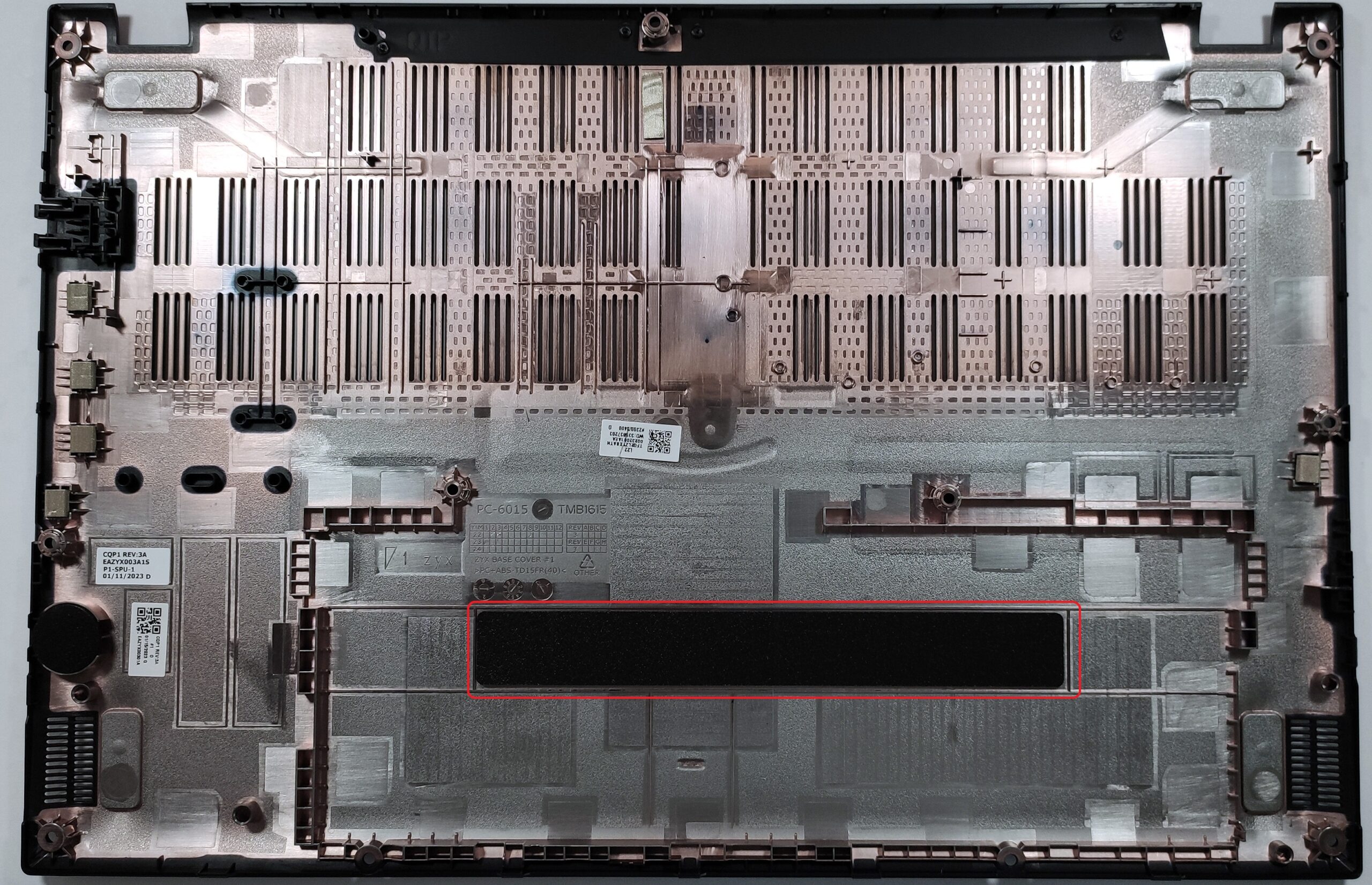
The battery isn’t fixed with screws to the base, but there is a rubber element on the panel that isn’t allowing the battery to move around and it is securing the unit to stay in place.
The capacity of the battery is 54.6Wh which is enough for 9 hours and 5 minutes of Web browsing or 7 hours and 9 minutes of videos. If you want to take out the unit, you have to unplug the connector and then you can remove the battery.

The upgrade options look good. There are two SODIMMs that can handle up to 32GB of DDR4-3200MHz memory in dual-channel mode. For storage, there are two M.2 slots. One of them is compatible with Gen 4 SSD, while the other can handle Gen 3 NVMes.

The cooling seems good for such a device. It comprises two heat pipes shared between the CPU and the GPU, and the third one is dedicated to the graphics card. We can also see two fans, two heat spreaders, and a couple of heat sinks.

 Author: Nikolay Palaozov
 Author: eng. Kroum NikolovHead of Engineering at LaptopMedia.com, inventor and innovator with 40+ years of experience in electronics and high technology.

![[Iunie 2026] Cele mai vândute mărci de laptopuri pe Amazon Global – Dominația de neegalat a Apple în ceea ce privește numărul de unități vândute și veniturile](https://laptopmedia.com/wp-content/uploads/2026/07/GLOBAL-Best-Brands-400x225.jpg)
![[Iunie 2026] Amazon Global: Top 10 cele mai vândute laptopuri – Noul MacBook Neo de la Apple se clasează pe locul 1, redefinind piața prin prețul accesibil](https://laptopmedia.com/wp-content/uploads/2026/07/Best-Selling-Laptops-GLOBAL-Top-10-400x225.jpg)
![[Iunie 2026] Amazon Global: Top 10 cele mai bine vândute laptopuri pentru jocuri – Modelul Nitro V 16S AI de la Acer domină vânzările, în timp ce ASUS conduce în ceea ce privește veniturile totale](https://laptopmedia.com/wp-content/uploads/2026/07/Best-Selling-Gaming-Laptops-GLOBAL-Top-10-400x225.jpg)
![[Iunie 2026] Clasamentul global al celor mai bine vândute plăci grafice pentru laptopuri pe Amazon – NVIDIA RTX 5060 este cea mai bine vândută placă grafică dedicată](https://laptopmedia.com/wp-content/uploads/2026/07/Best-Selling-GPUs-GLOBAL-Top-10-400x225.jpg)
![[Iunie 2026] Clasamentul global al celor mai bine vândute procesoare pentru laptopuri de pe Amazon – Apple M5 domină, iar AMD Ryzen 7 260 înregistrează o cotă solidă în segmentul premium](https://laptopmedia.com/wp-content/uploads/2026/07/Best-Selling-CPUs-GLOBAL-Top-10-400x225.jpg)

THATS A GOOD LAPTOP
nice review