ASUS Zenbook 14 OLED (UX3405) review – premium 14-incher with superb OLED panel and Meteor Lake-H CPU options
Design and construction
The ASUS Zenbook 14 OLED (UX3405) is a new notebook but its design with geometric lines on the lid is very similar to the one of the ASUS Zenbook 14 (UM3402) or ASUS Zenbook 14 Flip OLED (UP3404). The Ponder Blue and Foggy Silver are the color options. Based on our previous experience with other ASUS laptops with similar-looking chassis, we can say that the Foggy Silver option is the way to go if you don’t want to clean the machine frequently. The surface of our blue machine is a true fingerprint magnet. The gadget impresses with a 1.20 kg starting weight and a profile thickness of just 14.9 mm.

The lid opens smoothly with a single hand and can’t be flexed too much if you try to twist it on purpose. The whole zone below the keyboard can be bent a bit but nothing too serious.

The base houses many stickers. The “Intel Evo edition” label reminds us that the battery life should be boosted because of the additional optimizations.
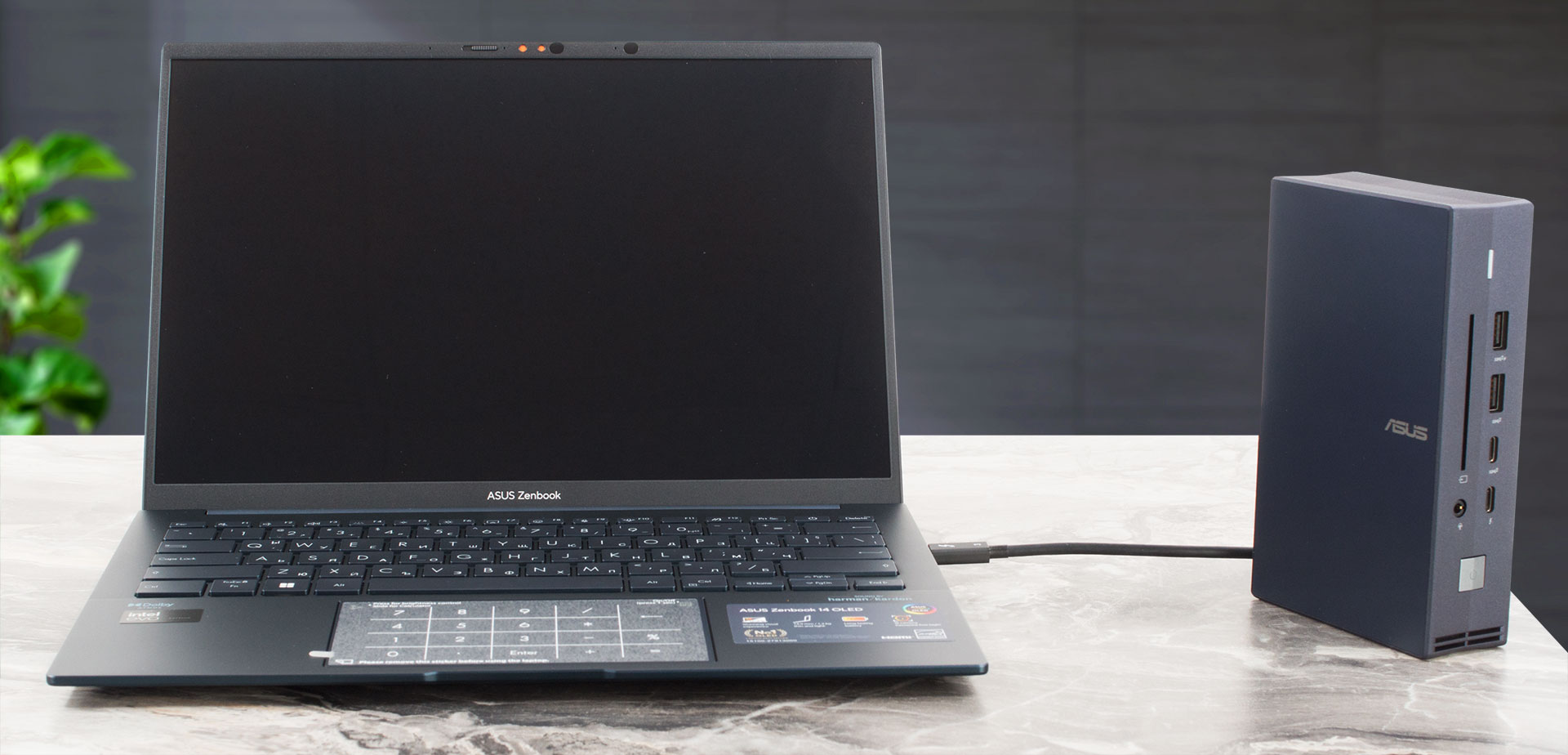
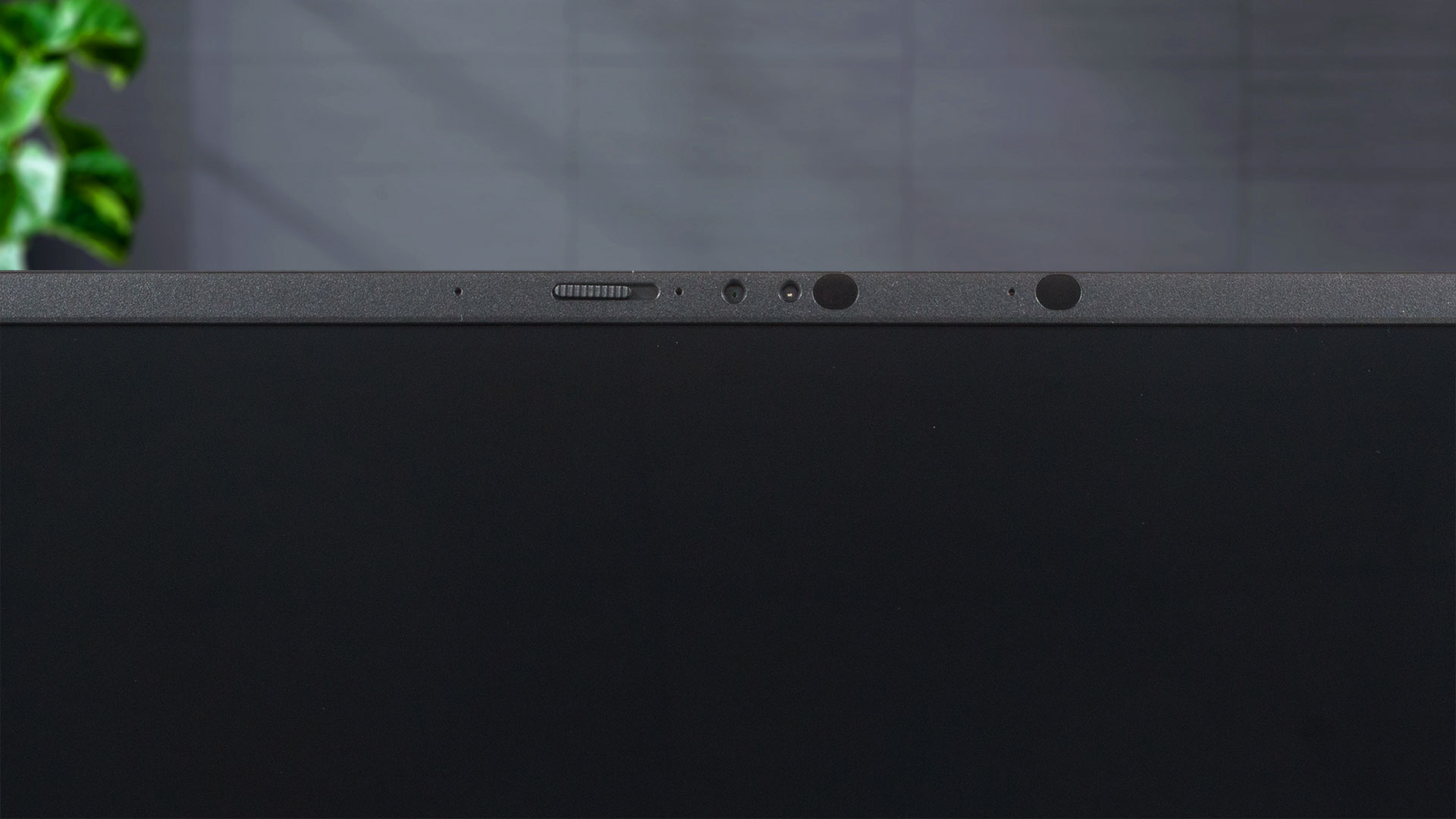
The bezels that surround the high-end display are as thin as possible.


The top bezel is home to a 1080p IR Web camera with a privacy shutter.

This fella can lay flat on your desk. The two small rubber feet on the lower side of the lid protect the unit against scratches. That’s because the lid raises the back of the laptop but that happens only when the angle of the opening is too wide for comfortable work (or at least that’s our humble opinion).

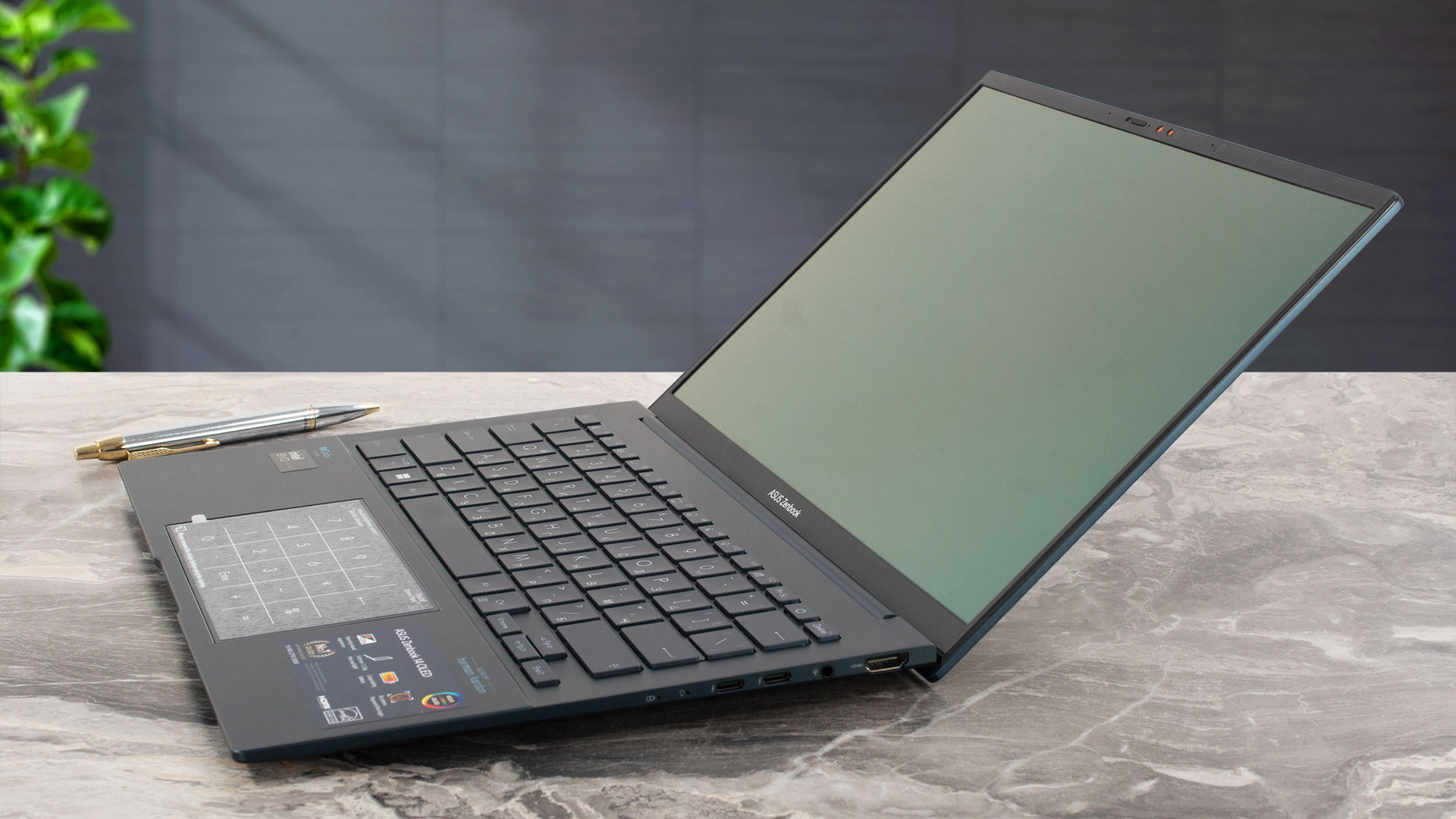
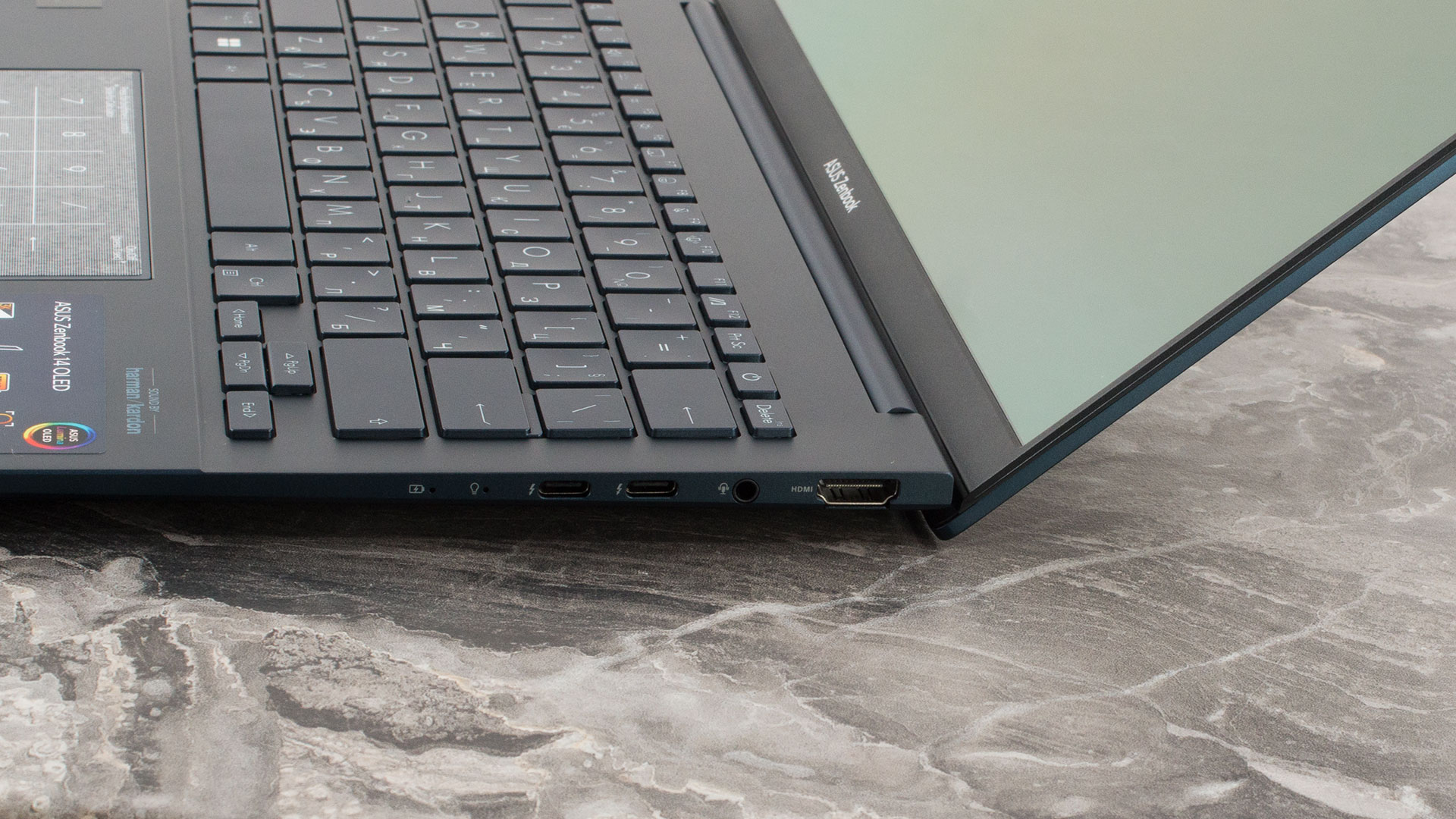
The profile of the device may be thin but the backlit chiclet keyboard has a long travel and clicky feedback. The smooth and accurate touchpad can be transformed into an ASUS NumberPad (option) with a touch of a virtual button.

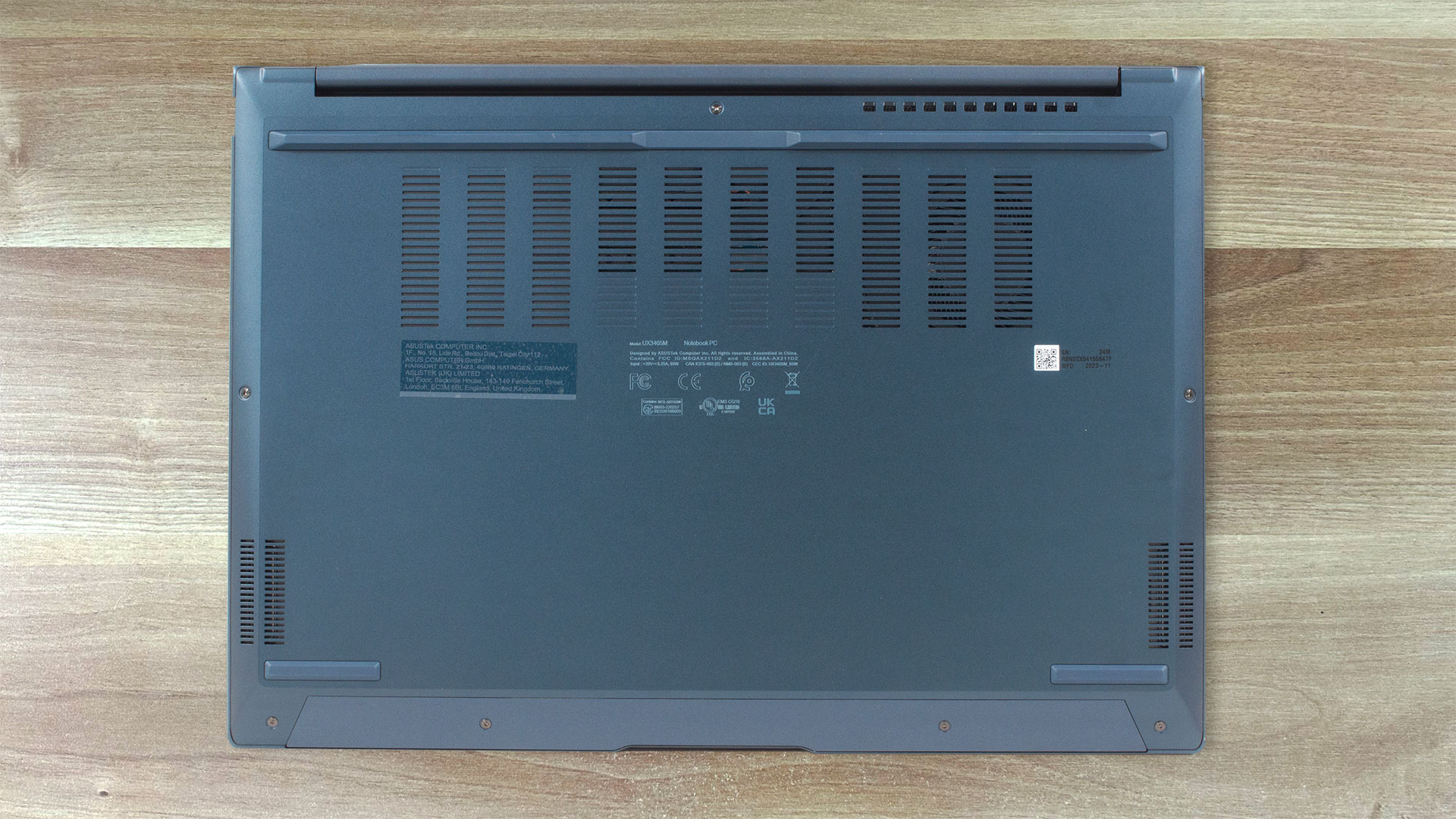
On the bottom panel, we can spot three rubber feet, a big ventilation grill, and the cutouts for the speakers. The hot air is pushed on the back of the device through a two-level vent. Its upper part aims at the display hinge while the bottom one blows the heat to the ground. There is another vent on the left side of the laptop.

Ports
On the left, you get just one USB Type-A 3.2 (Gen. 1) port. The other side houses the majority of the ports – an HDMI 2.1 TMDS, an Audio combo jack, and two Thunderbolt 4 ports with DisplayPort and power delivery capabilities.


 Author: Nikolay Palaozov
 Author: eng. Kroum NikolovHead of Engineering at LaptopMedia.com, inventor and innovator with 40+ years of experience in electronics and high technology.

![[Iulie 2026] Clasamentul global al celor mai bine vândute plăci grafice pentru laptopuri de pe Amazon – RTX 5060 domină segmentul premium, iar Intel rămâne lider în segmentul economic](https://laptopmedia.com/wp-content/uploads/2026/08/Best-Selling-GPUs-GLOBAL-Top-10-400x225.jpg)
![[Iulie 2026] Clasamentul global al celor mai bine vândute procesoare pentru laptopuri de pe Amazon – Apple domină segmentul premium, iar Intel își păstrează primul loc în clasamentul general](https://laptopmedia.com/wp-content/uploads/2026/08/Best-Selling-CPUs-GLOBAL-Top-10-400x225.jpg)
![[July 2026] Amazon Canada: Top 10 Best-Selling Laptops – Apple MacBook Neo Dominates the Market to Claim the #1 Spot](https://laptopmedia.com/wp-content/uploads/2026/08/Best-Selling-Laptops-CA-Top-10-2-400x225.jpg)
![[July 2026] Best-Selling Laptop Brands on Amazon Japan – HP and Lenovo Dominate Units and Revenue Amid Fierce Competition](https://laptopmedia.com/wp-content/uploads/2026/08/CO.JP-Best-Brands-2-400x225.jpg)
![[July 2026] Amazon Italy: Top 10 Best-Selling Laptops – Apple MacBook Neo Claims the #1 Spot Amid Budget-Friendly Dominance](https://laptopmedia.com/wp-content/uploads/2026/08/Best-Selling-Laptops-IT-Top-10-400x225.jpg)
