Lenovo ThinkPad E14 Gen 5 (Intel) review – well-build comfortable business notebook
Design and construction
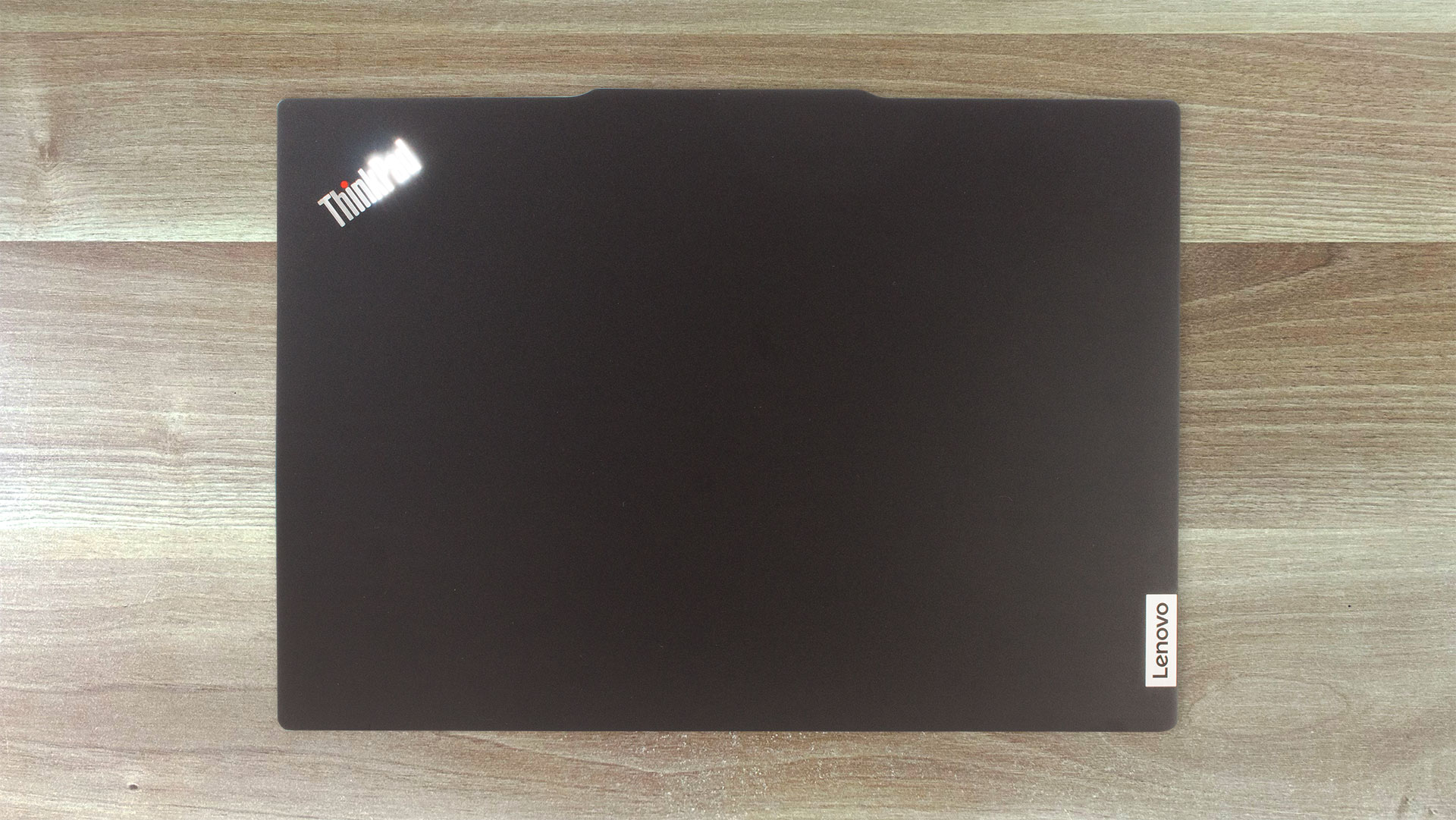
The design is a bit different compared to the predecessor. This time around we have a protrusion on the center of the lid for easier opening. You can find this notebook in two color options – Arctic grey and Graphite black. We got the black version and our laptop features an all-aluminum build that weighs 1.43 kg. Other machines from the series have a plastic base and they are slightly lighter – 1.41 kg. The profile thickness is the same for all devices – 17.99 mm. In short, this is a compact and light gadget.

The chassis feels solid. The lid isn’t bendable when it’s close and you can flex it slightly when it’s opened. The base is super stable and we observed just a slight bend in the zone between the touchpad and the Space key.
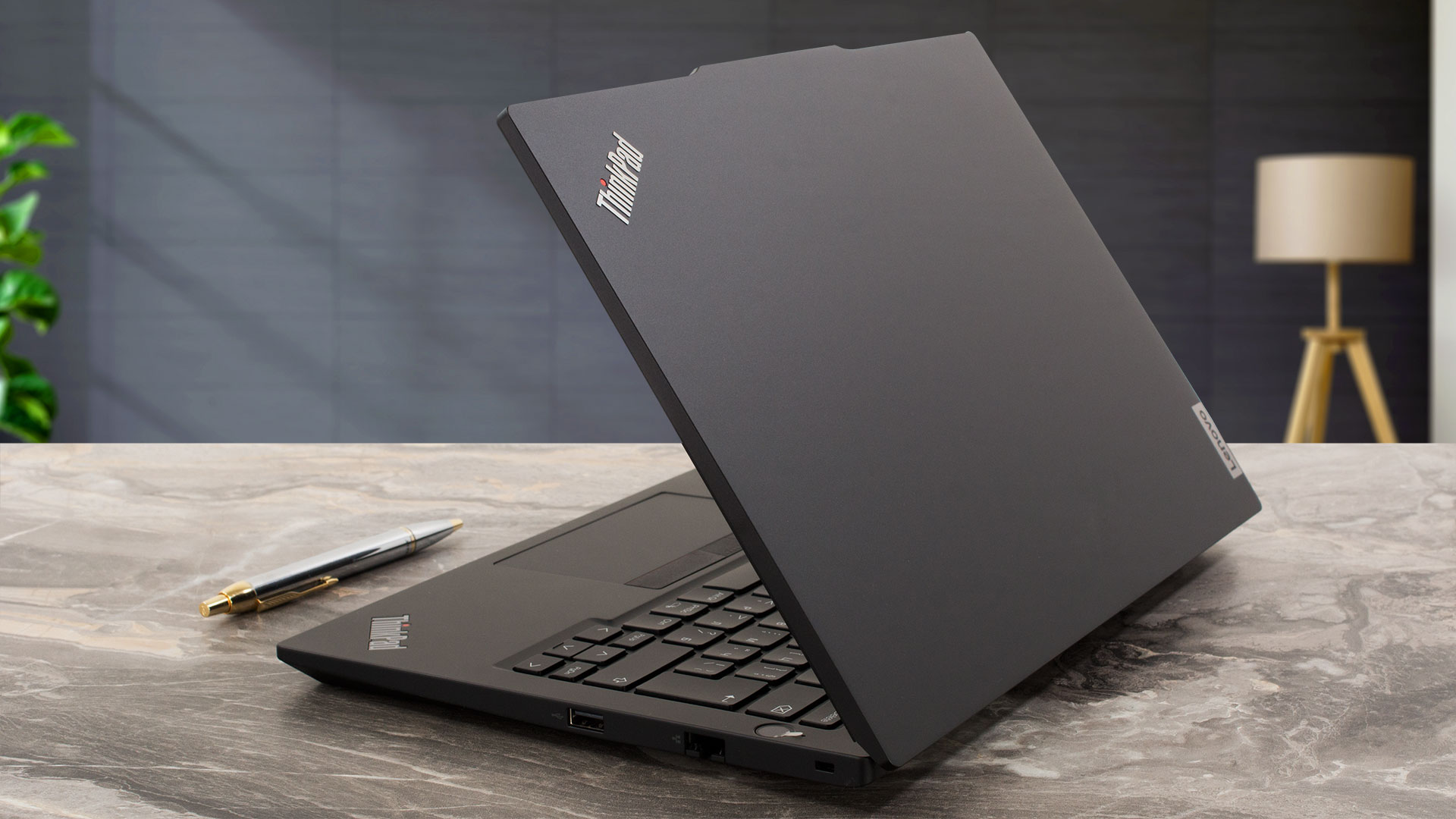
Sadly, the lid can’t be opened with a single hand because of the hinge stiffness. The bezels around the display are a bit thinner than the previous-gen notebook.
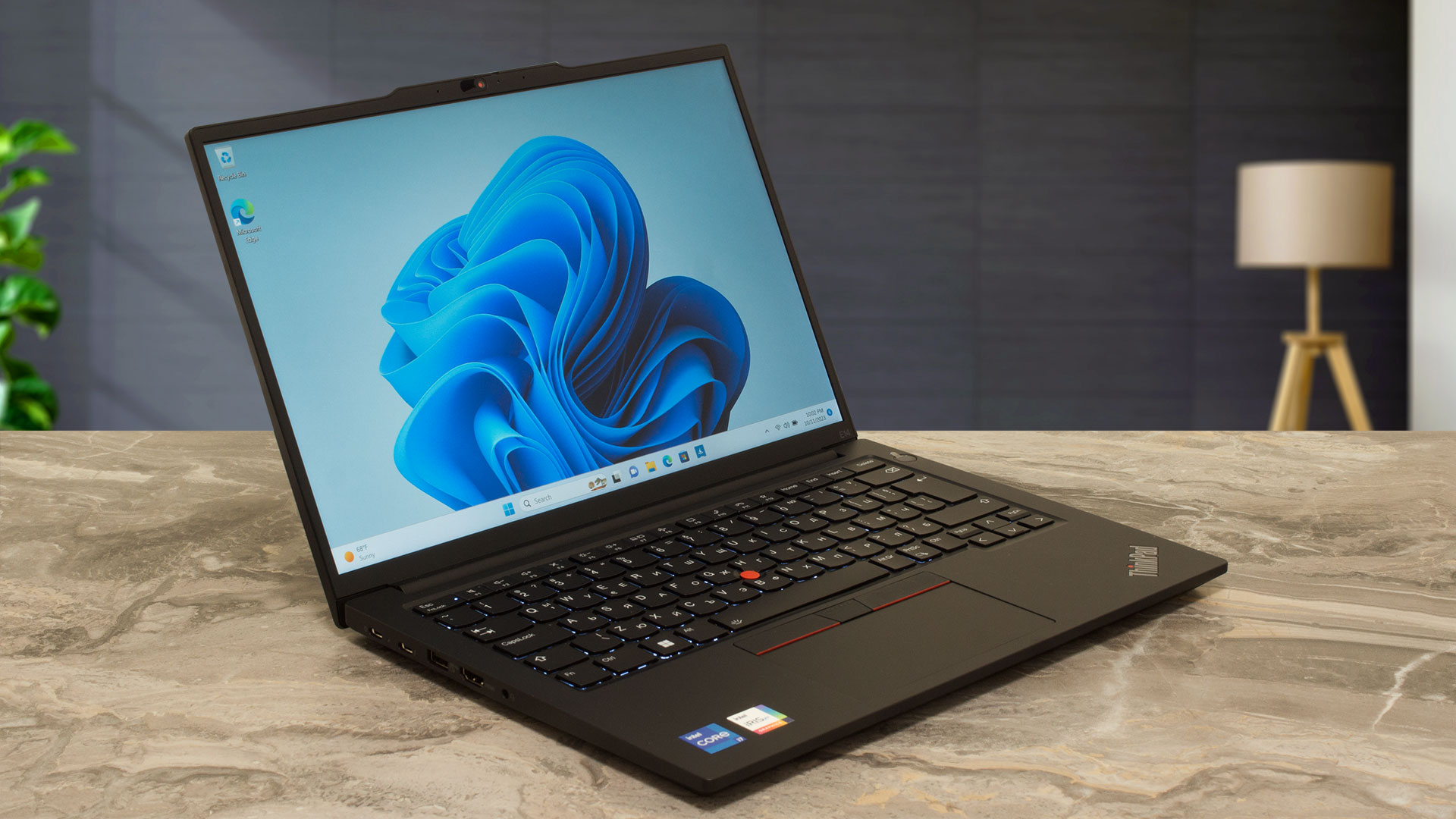
The “hump” on the top houses a Web camera with a privacy shutter that can be a 720p, 1080p, or 1080p + IR hybrid model.
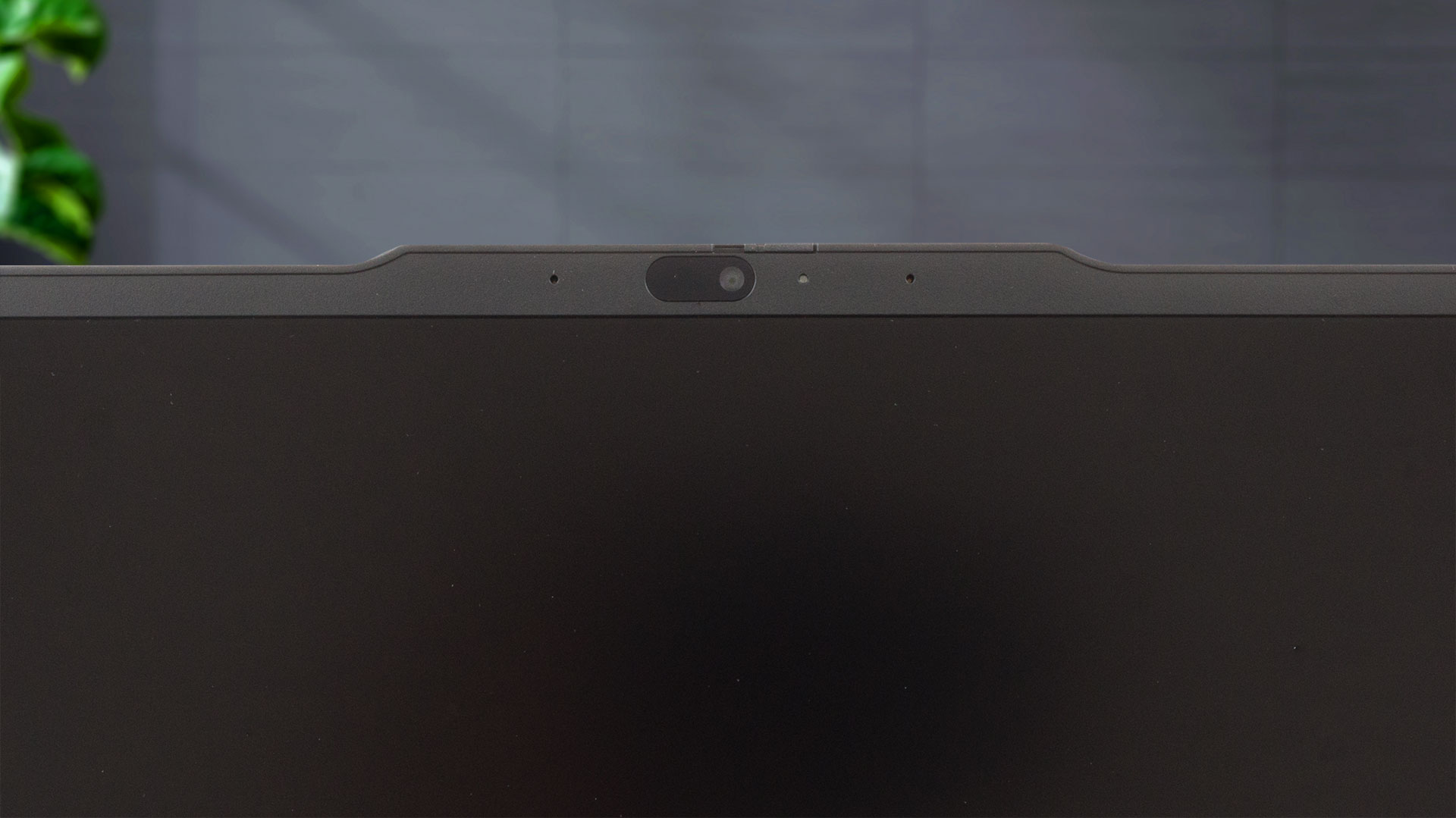

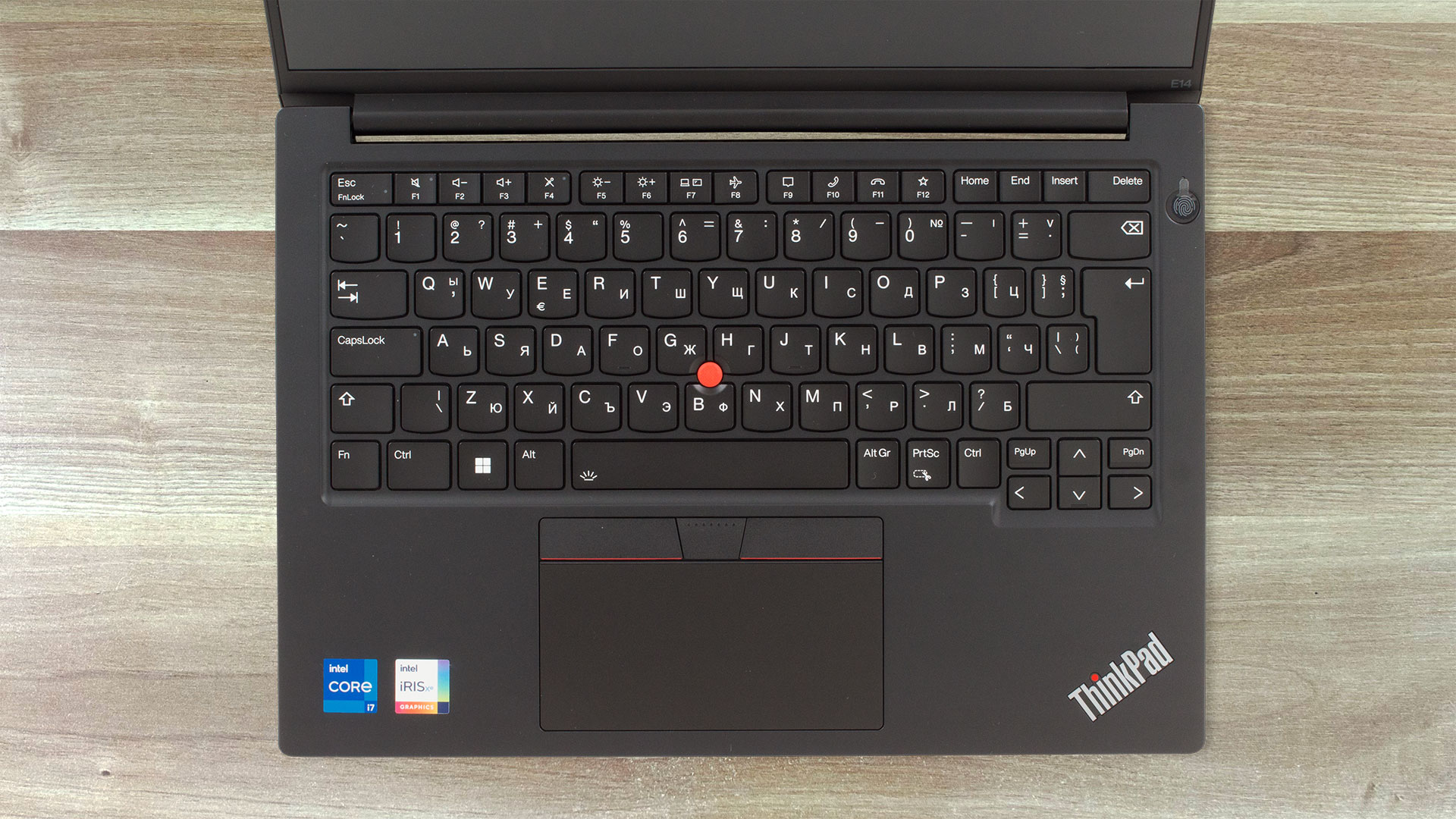
The angle of the opening almost reaches the 180-degree mark. On the base, we can see the spill-resistant keyboard that has an optional backlight. The board is comfortable – it has big keycaps with long travel and clicky feedback.

The laptop lacks a lid with a level mechanism.
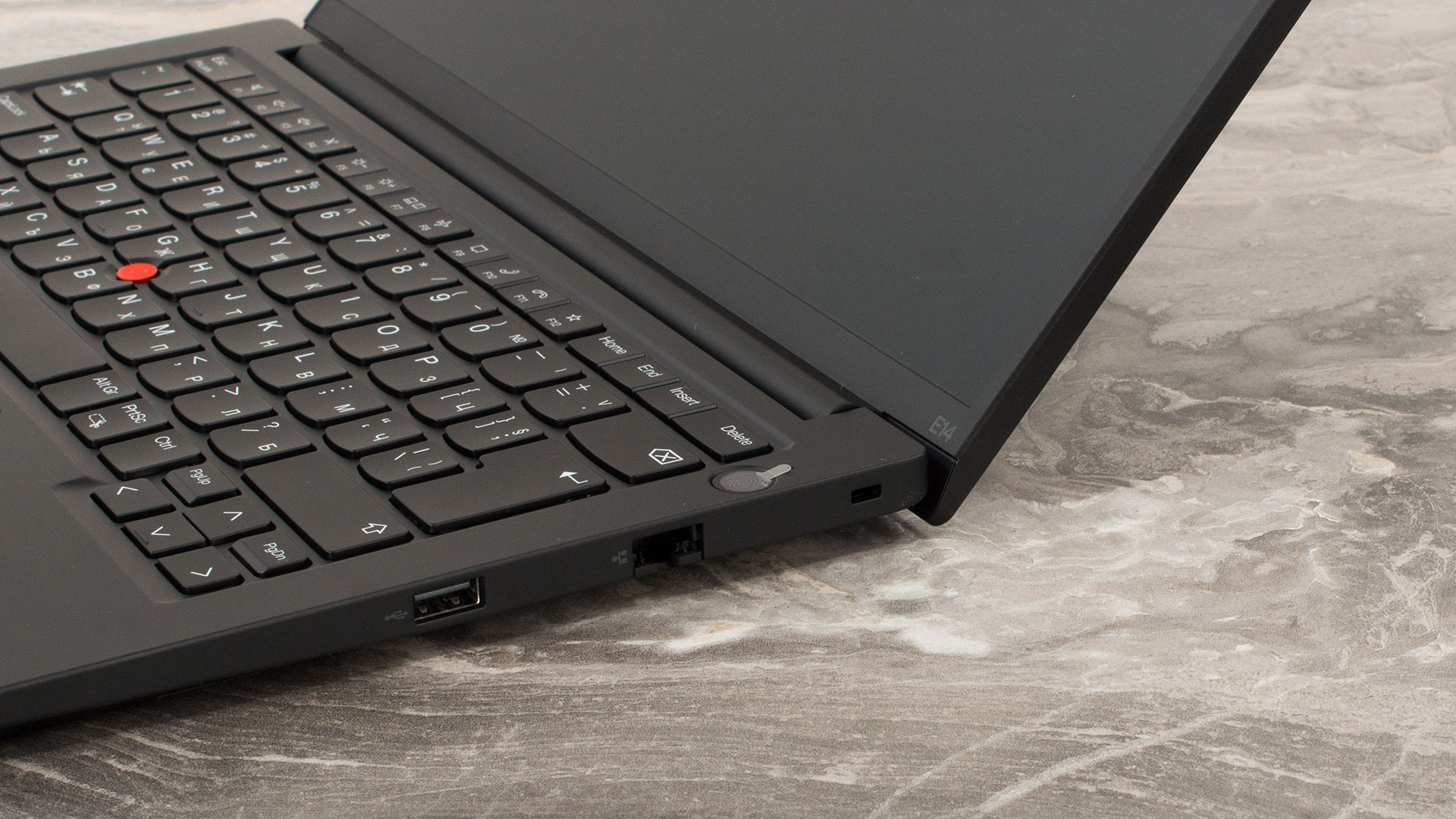
The Power button doubles as an optional fingerprint reader. The trackpoint is placed in the middle of the board and it works together with the three buttons above the touchpad. The latter has a Mylar surface and it’s not big (56 x 115 mm). It’s not very smooth or fast either. The accuracy isn’t bad but could be better. Still, the unit is good enough for work.
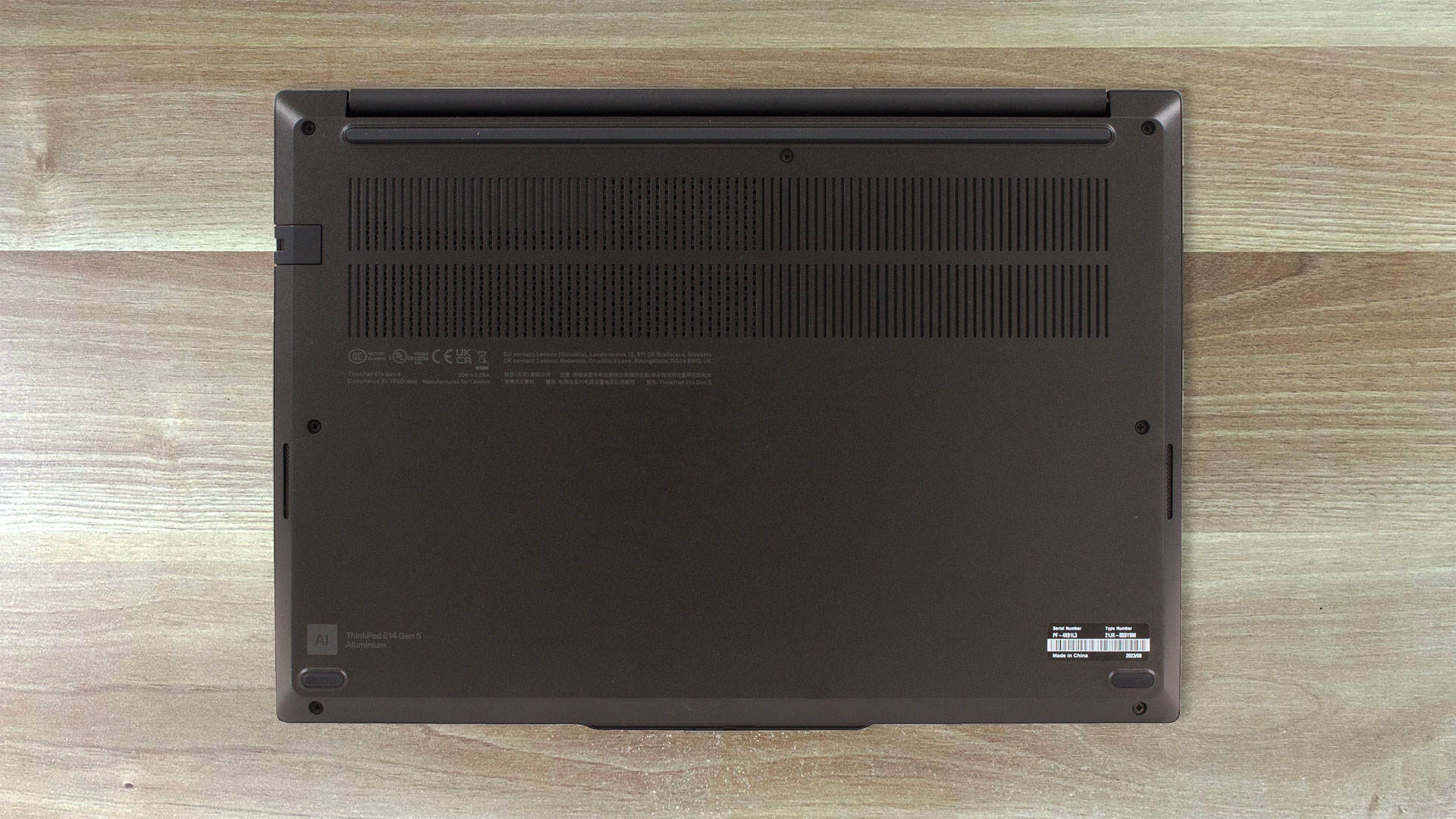
If you flip the machine upside down you’ll see a big ventilation grill, two speaker cutouts for the 2W Dolby Atmos units, and three rubber feet. The heat is being exhausted through a vent on the back of the device. Some amount of hot air makes its way to the display under heavy CPU stress.
Ports
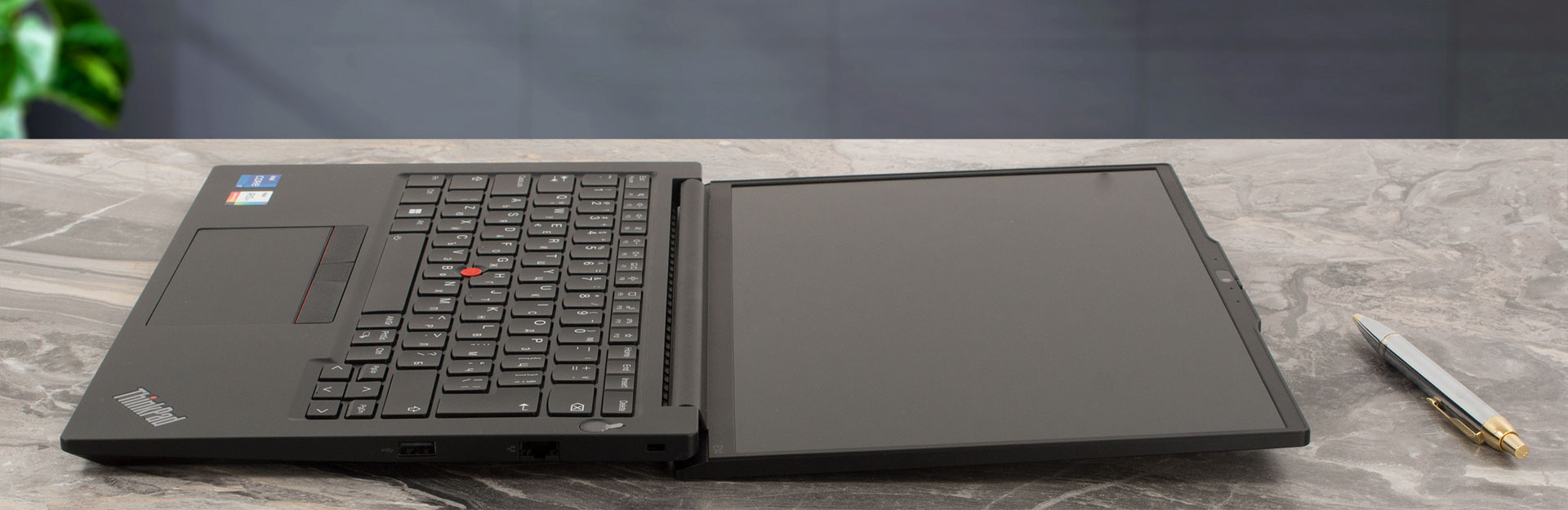
On the left, there is a USB Type-C 3.2 (Gen. 2) port that supports data transfer, Power Delivery 3.0 and DisplayPort 1.4 functions, a Thunderbolt 4 connector, a USB Type-A 3.2 (Gen. 1) port with Always On function, a HDMI 2.1 connector (for up to 4K 60Hz external screens), and an Audio combo jack. On the right, there is the Kensington Nano security lock slot, LAN, and a USB 2.0 port.


 Author: Nikolay Palaozov
 Author: eng. Kroum NikolovHead of Engineering at LaptopMedia.com, inventor and innovator with 40+ years of experience in electronics and high technology.

![[August 2026] Amazon Global: Top 10 cele mai vândute laptopuri – Apple MacBook Neo domină clasamentul, în timp ce laptopurile Windows din gama economică și de mijloc se luptă pentru volumul vânzărilor](https://laptopmedia.com/wp-content/uploads/2026/09/Best-Selling-Laptops-GLOBAL-Top-10-400x225.jpg)
![[August 2026] Cele mai vândute mărci de laptopuri pe Amazon Global – Apple domină în ceea ce privește veniturile, în timp ce HP se află pe primul loc în ceea ce privește varietatea de modele](https://laptopmedia.com/wp-content/uploads/2026/09/GLOBAL-Best-Brands-400x225.jpg)
![[August 2026] Amazon Global: Top 10 cele mai bine vândute laptopuri pentru jocuri – HP Victus 15 ocupă primul loc, în timp ce modelele accesibile domină clasamentul](https://laptopmedia.com/wp-content/uploads/2026/09/Best-Selling-Gaming-Laptops-GLOBAL-Top-10-400x225.jpg)
![[August 2026] Best-Selling Laptop Brands on Amazon Japan – Apple Dominates Market Share and Revenue Led by Strong Unit Sales](https://laptopmedia.com/wp-content/uploads/2026/09/CO.JP-Best-Brands-1-400x225.jpg)
![[August 2026] Best-Selling Laptop Brands on Amazon USA – Apple Dominates Market Revenue and Volume Despite Lower Model Diversity](https://laptopmedia.com/wp-content/uploads/2026/09/COM-Best-Brands-1-400x225.jpg)
