Lenovo Yoga Pro 7 (14″, 2023) review – takes on the 14-inch MacBook Pro
 Usually, when you think of a Yoga notebook, you imagine a convertible Lenovo that is definitely going to have a good build quality. While the last statement is still true, not many Yoga devices remain convertibles.
Some even offer a huge performance to the table, which was unthinkable a couple of years ago. Well, now the Lenovo Yoga Pro 7 (14″, 2023) is here to shatter the need to own a MacBook Pro 14 (or even a separate gaming device).
Today, we have the AMD version with us. It includes either the Ryzen 5 7535HS or the Ryzen 7 7735HS. These CPUs are refreshed Ryzen 5 6600H, and Ryzen 7 6800H, respectively, boasting slightly bumped clock speeds.
In addition to that, you get the option to configure the machine with the RTX 3050. Yet, this is not an ordinary 3050 – it has 6GB of GDDR6 VRAM and a TGP of 63W. Yep, all of that sounds weird, but it really makes the laptop stand out, doesn’t it? Plus, the device features NVIDIA Studio drivers.
But would it be a true MacBook Pro 14 competitor if it doesn’t have a comparable display? Well, here, you can choose between two options – a 2.5K 90Hz unit, or a 3K 120Hz panel, both of which are IPS displays. In addition, the latter comes in a touch-screen variant too.
You can check the prices and configurations in our Specs System: https://laptopmedia.com/series/lenovo-yoga-pro-7-14-2023/
Contents
Specs, Drivers, What’s in the box
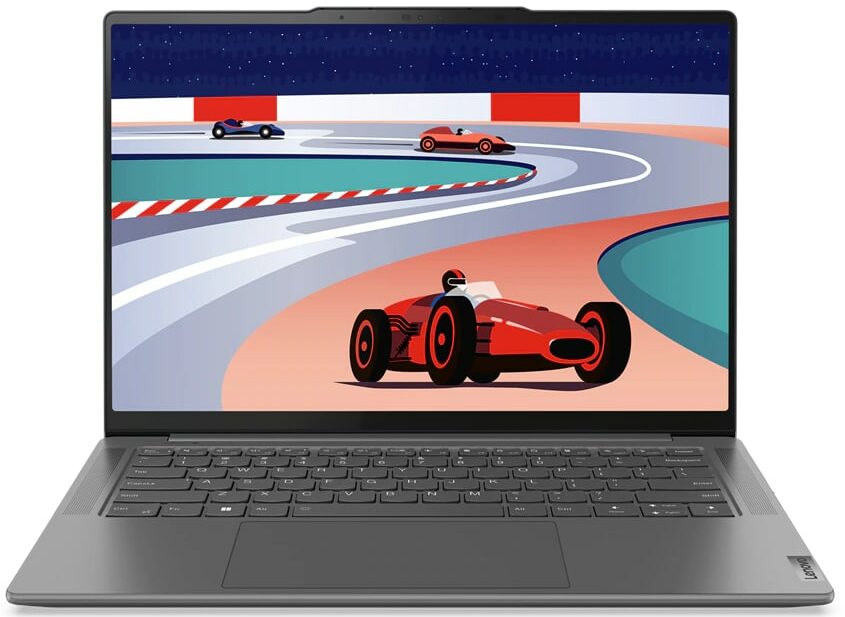
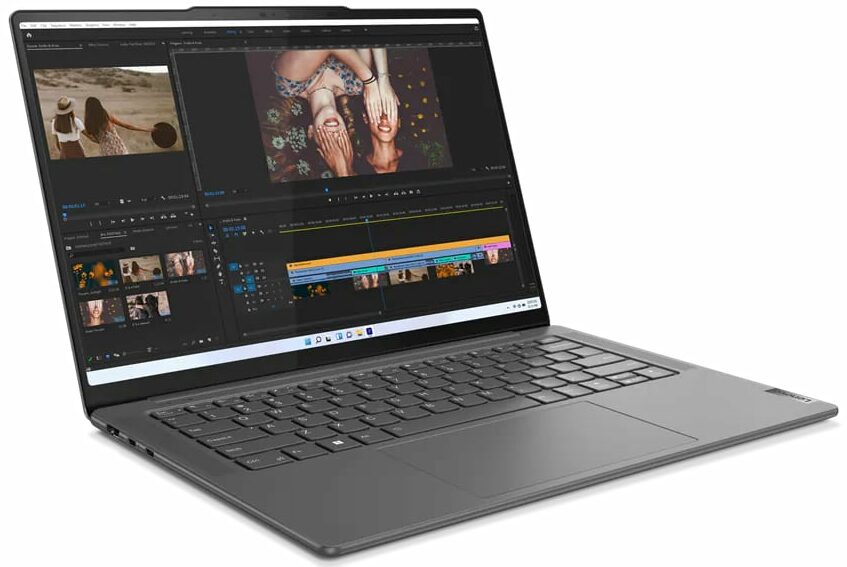
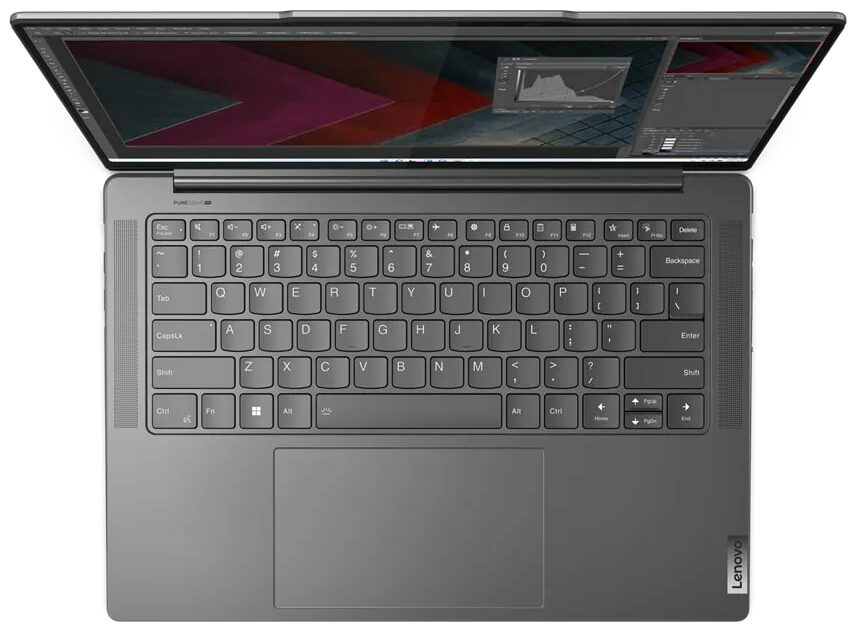
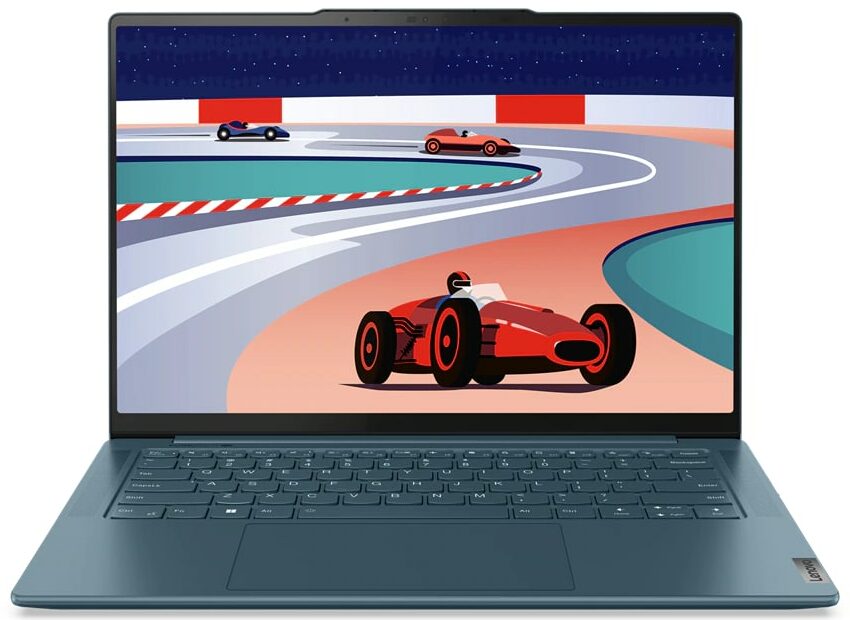
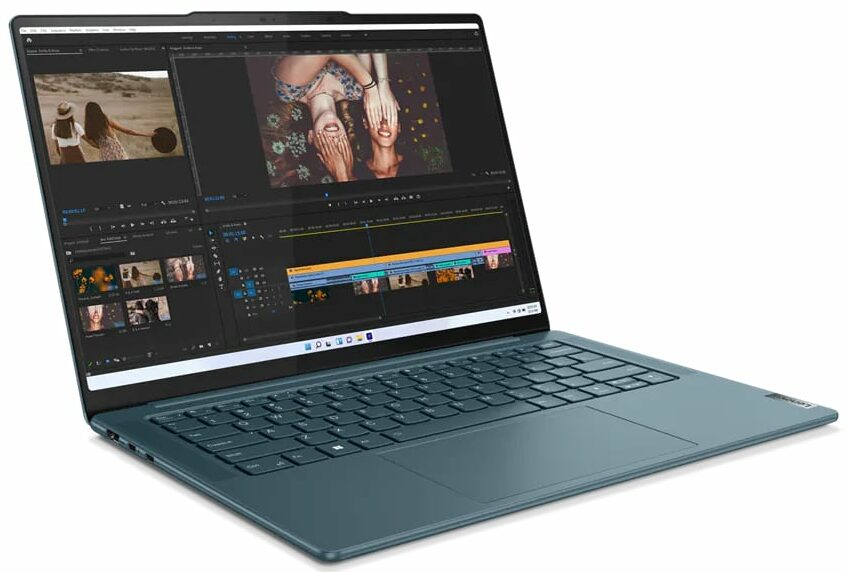
Lenovo Yoga Pro 7 (14", 14ARP8) - Specificații




- HDD/SSD
- până la 1000GB SSD
- Slot M.2
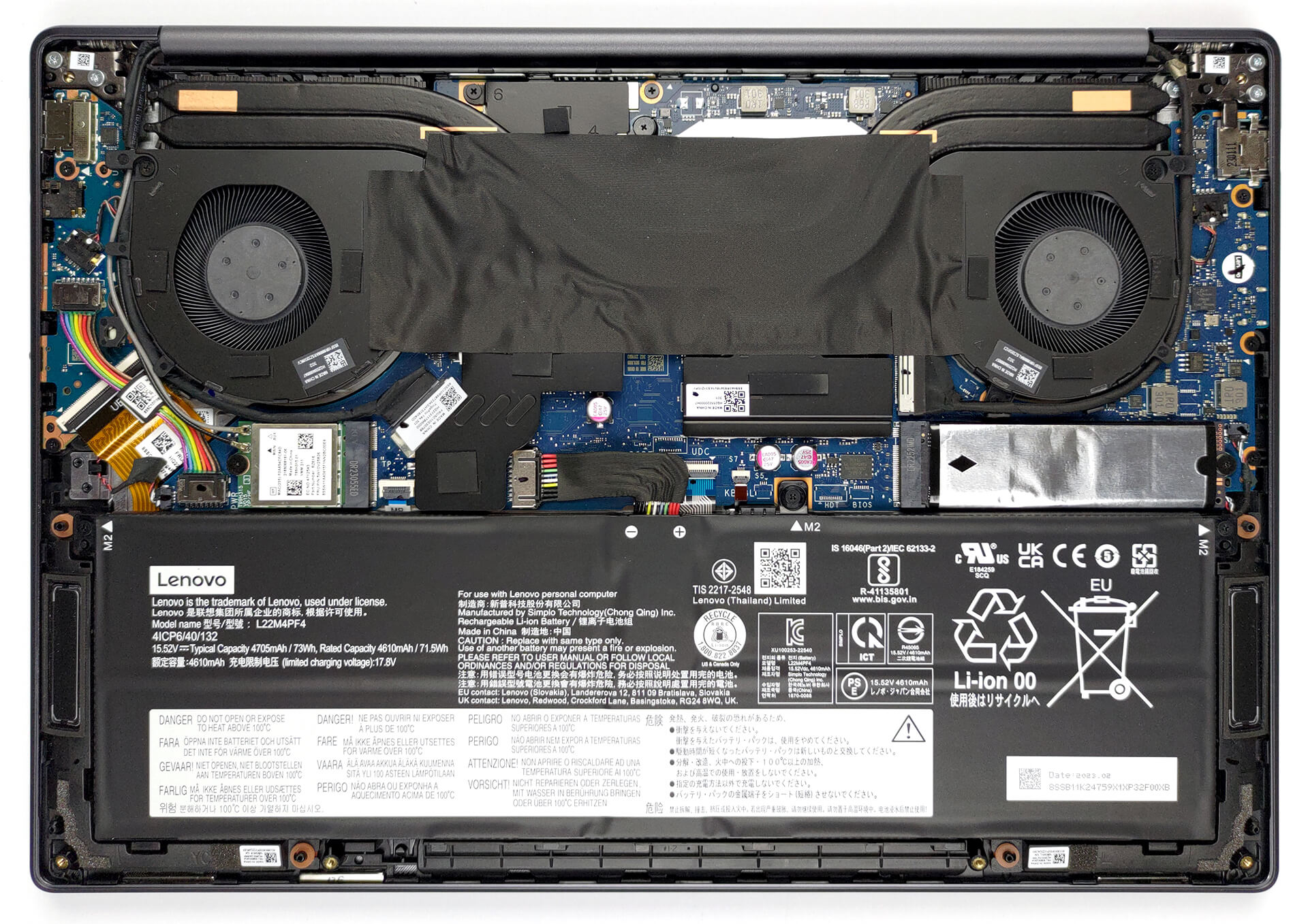
- 1x 2280 PCIe NVMe 4.0 x4 Vezi foto
- RAM
- up to 16GB
- SO
- Windows 11 Home, No OS, Windows 11 Pro
- Baterie
- 73Wh
- Material Carcasă
- Aluminum
- Dimensiuni
- 325.5 x 226.49 x 15.6 mm (12.81" x 8.92" x 0.61")
- Greutate
- 1.49 kg (3.3 lbs)
- Porturi și conectivitate
- 1x USB Type-A
- 3.2 Gen 1 (5 Gbps), Sleep and Charge
- 1x USB Type-C
- 3.2 Gen 2 (10 Gbps), Power Delivery (PD), DisplayPort
- 1x USB Type-C
- 4.0, Power Delivery (PD), DisplayPort
- HDMI
- 2.1 (4K@60Hz)
- Cititor de carduri
- Ethernet LAN
- Wi-Fi
- 802.11ax
- Bluetooth
- 5.1
- Mufă audio
- 3.5mm Combo Jack
- Caracteristici
- Cititor de amprente
- Cameră web
- FHD IR with E-shutter, fixed focus, with ToF sensor
- Tastatură iluminată
- optional
- Microfon
- Quad-microphone array with noise-cancelling
- Difuzoare
- 2x 4W Stereo Speakers, optimized with Dolby Atmos, Amplifier (AMP)
- Unitate optică
- Slot blocare securitate
Toate Lenovo Yoga Pro 7 (14″, 14ARP8) configurații
Drivers
All drivers and utilities for this notebook can be found here: https://pcsupport.lenovo.com/us/en/products/laptops-and-netbooks/yoga-series/yoga-pro-7-14arp8/downloads/driver-list
What’s in the box?
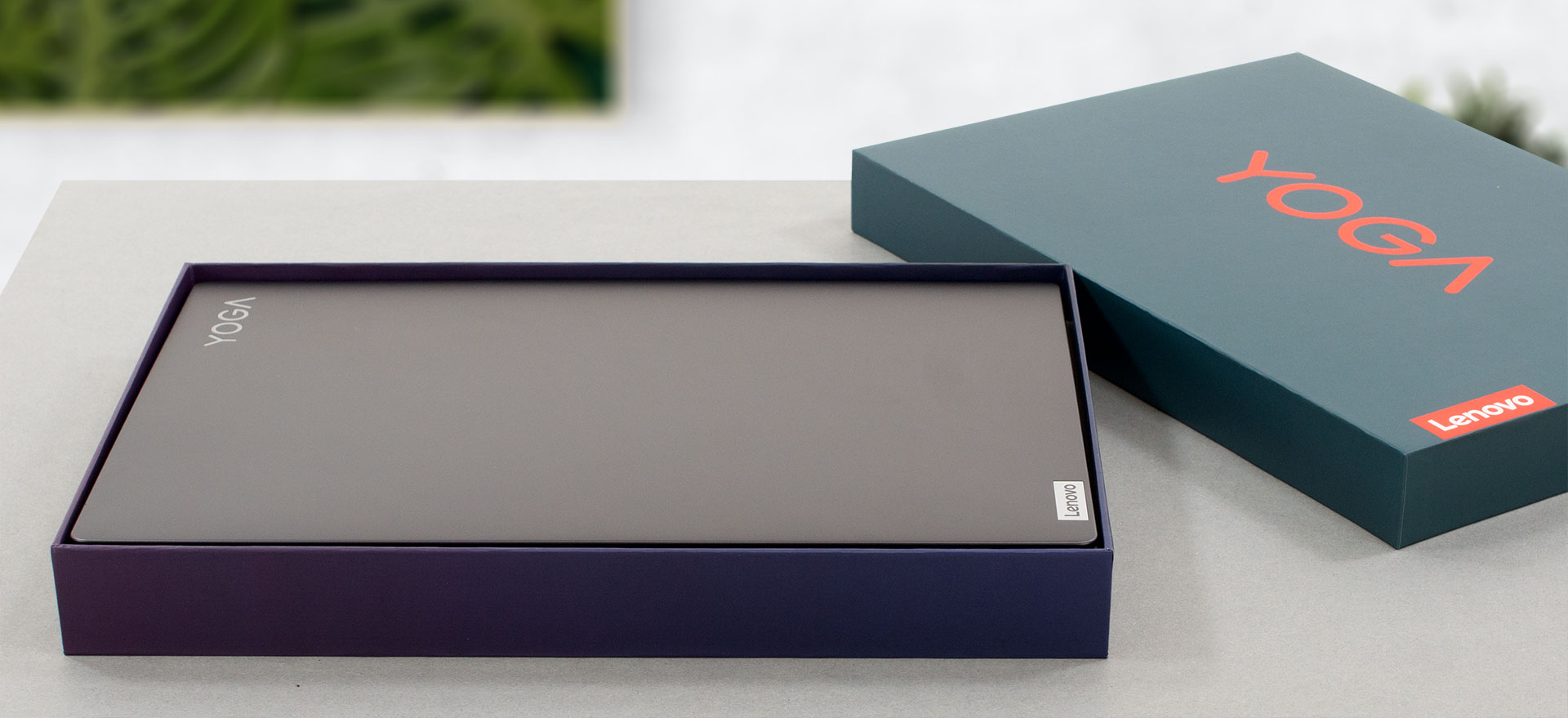
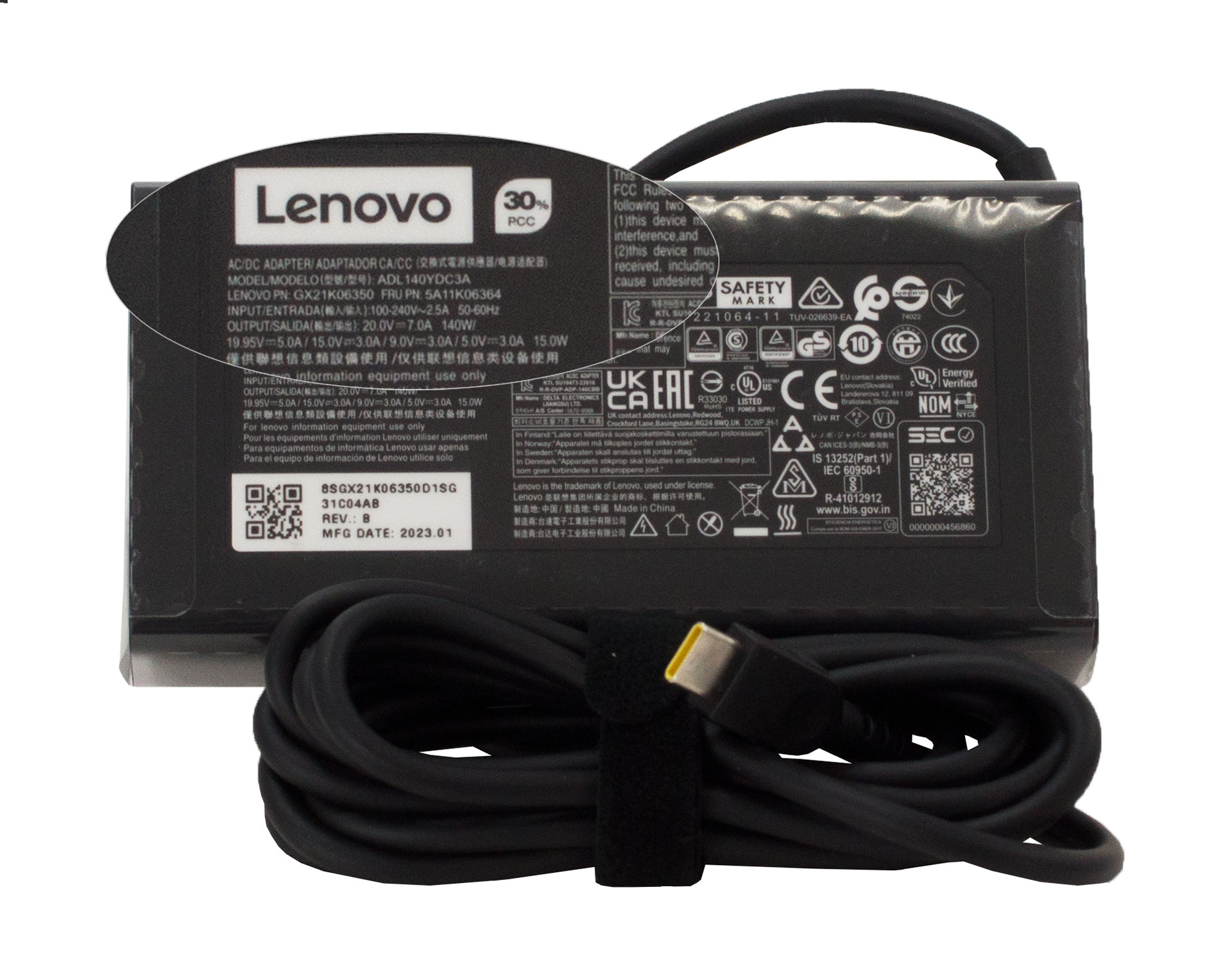
Inside the package, there are some paper manuals, as well as a 140W USB Type-C charger.
 Author: Alex Iliev
 Author: eng. Kroum NikolovHead of Engineering at LaptopMedia.com, inventor and innovator with 40+ years of experience in electronics and high technology.

![[Iunie 2026] Cele mai vândute mărci de laptopuri pe Amazon Global – Dominația de neegalat a Apple în ceea ce privește numărul de unități vândute și veniturile](https://laptopmedia.com/wp-content/uploads/2026/07/GLOBAL-Best-Brands-400x225.jpg)
![[Iunie 2026] Amazon Global: Top 10 cele mai vândute laptopuri – Noul MacBook Neo de la Apple se clasează pe locul 1, redefinind piața prin prețul accesibil](https://laptopmedia.com/wp-content/uploads/2026/07/Best-Selling-Laptops-GLOBAL-Top-10-400x225.jpg)
![[Iunie 2026] Amazon Global: Top 10 cele mai bine vândute laptopuri pentru jocuri – Modelul Nitro V 16S AI de la Acer domină vânzările, în timp ce ASUS conduce în ceea ce privește veniturile totale](https://laptopmedia.com/wp-content/uploads/2026/07/Best-Selling-Gaming-Laptops-GLOBAL-Top-10-400x225.jpg)
![[Iunie 2026] Clasamentul global al celor mai bine vândute plăci grafice pentru laptopuri pe Amazon – NVIDIA RTX 5060 este cea mai bine vândută placă grafică dedicată](https://laptopmedia.com/wp-content/uploads/2026/07/Best-Selling-GPUs-GLOBAL-Top-10-400x225.jpg)
![[Iunie 2026] Clasamentul global al celor mai bine vândute procesoare pentru laptopuri de pe Amazon – Apple M5 domină, iar AMD Ryzen 7 260 înregistrează o cotă solidă în segmentul premium](https://laptopmedia.com/wp-content/uploads/2026/07/Best-Selling-CPUs-GLOBAL-Top-10-400x225.jpg)

Yoga brand outside of the US can either be clamshell or convertible. Currently, to distinguish between the two, the Pro (or Slim Pro) moniker applies to the clamshell version like this one, Yoga Pro 7. In the US it’s just Yoga for convertible and Slim for clamshell period – no need for the confusion like elsewhere.
The US is not the centre of the world. If it’s only like that in the US, then too bad for you, but the rest of us have to deal with how it’s being named so these reviews using the global naming schemes is fundamentally correct.
Soldered ram, so what? Almost every laptop out there has soldered rams these days. 16GB is still more than enough. I never use more than 7GB with heavy work. And who needs an SD card reader these days?
You never talked about upgrade options in the upgrade options section! How large of an m.2 disk will it take?