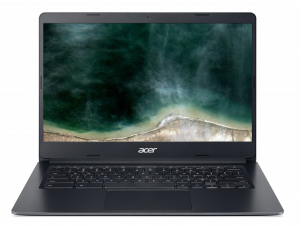
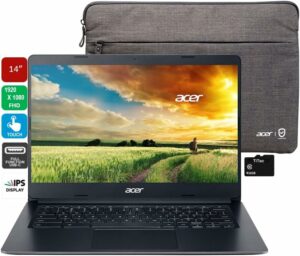
Acer Chromebook 314 (C933)
Acer Chromebook 314 (C933) - Specificații
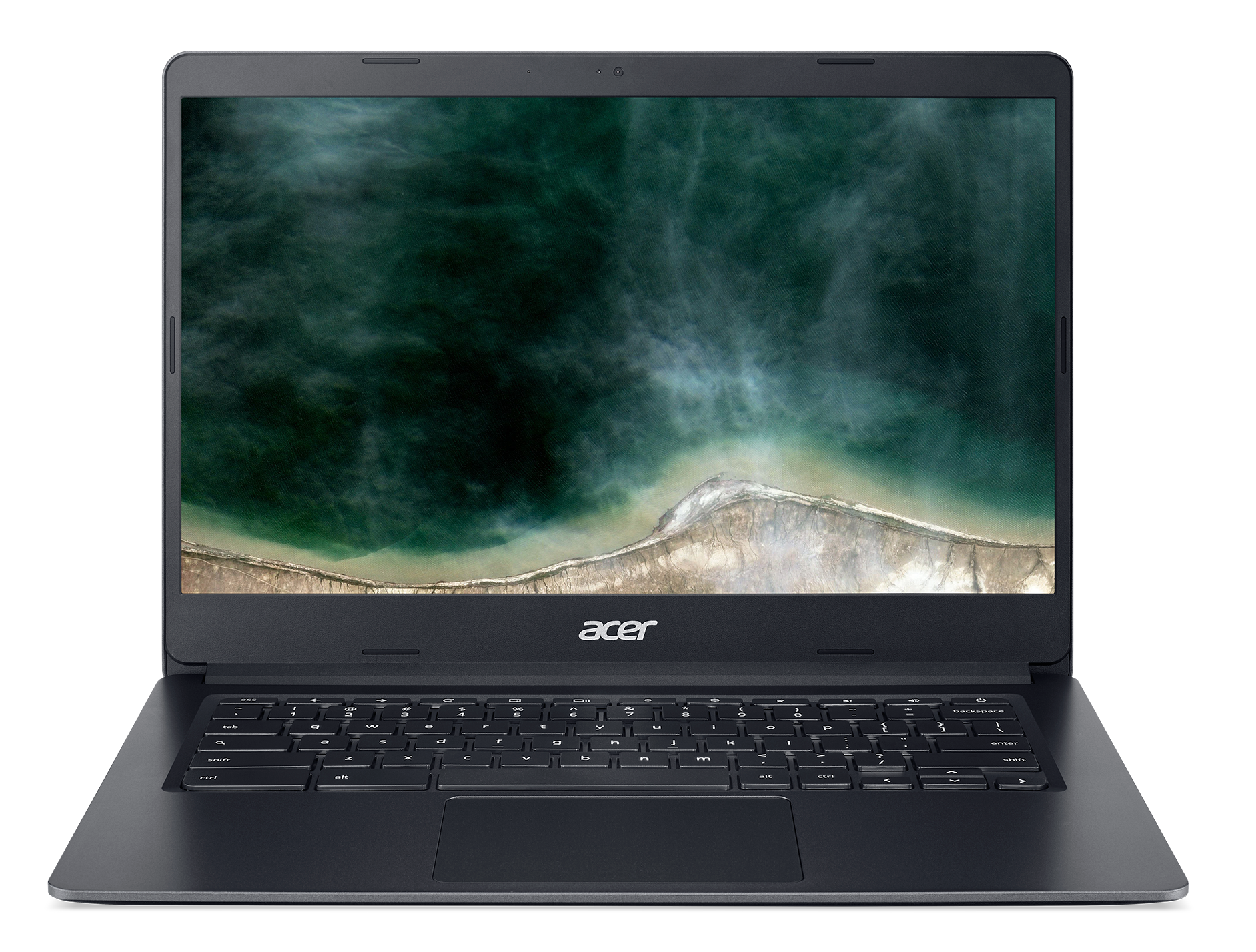
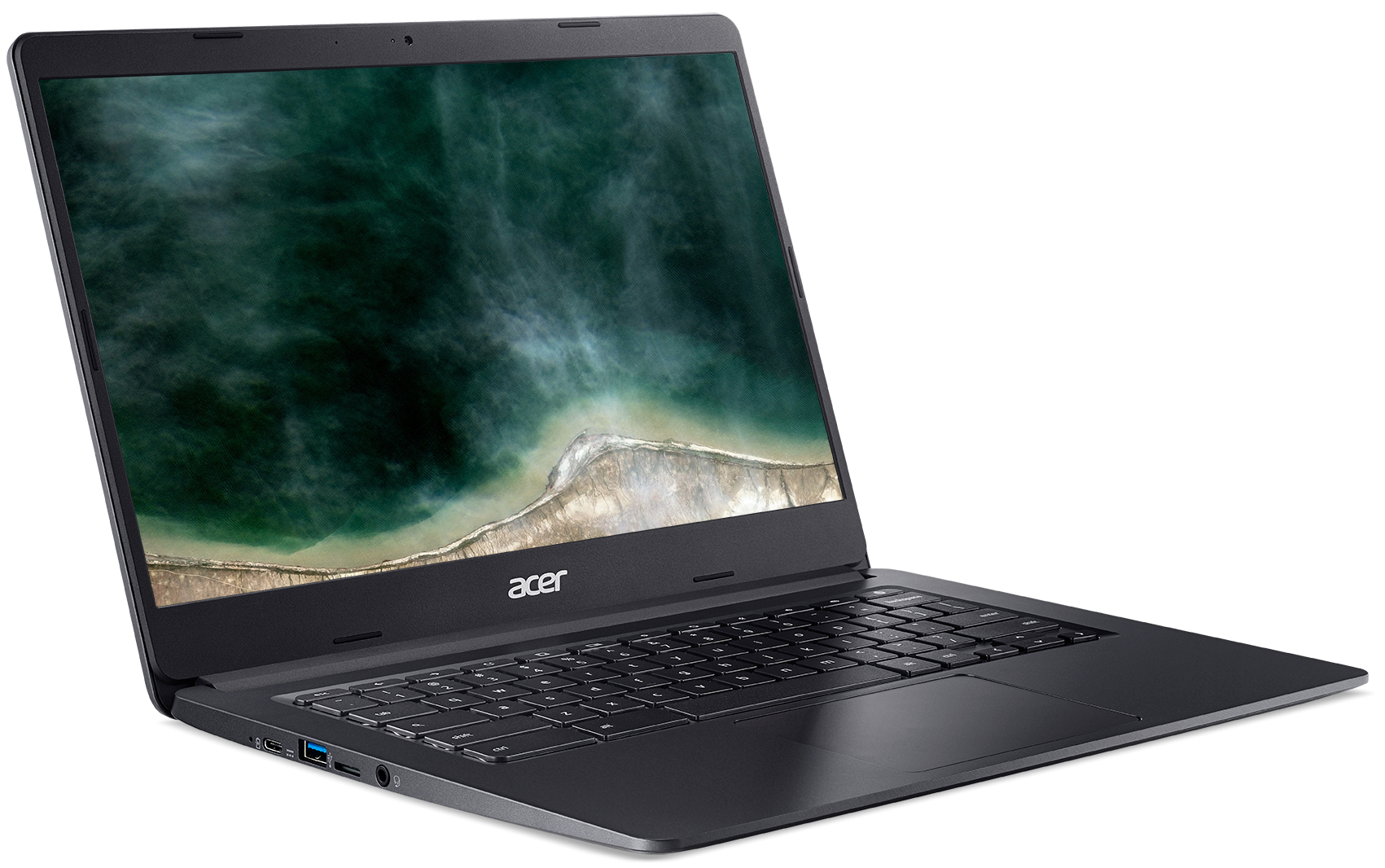
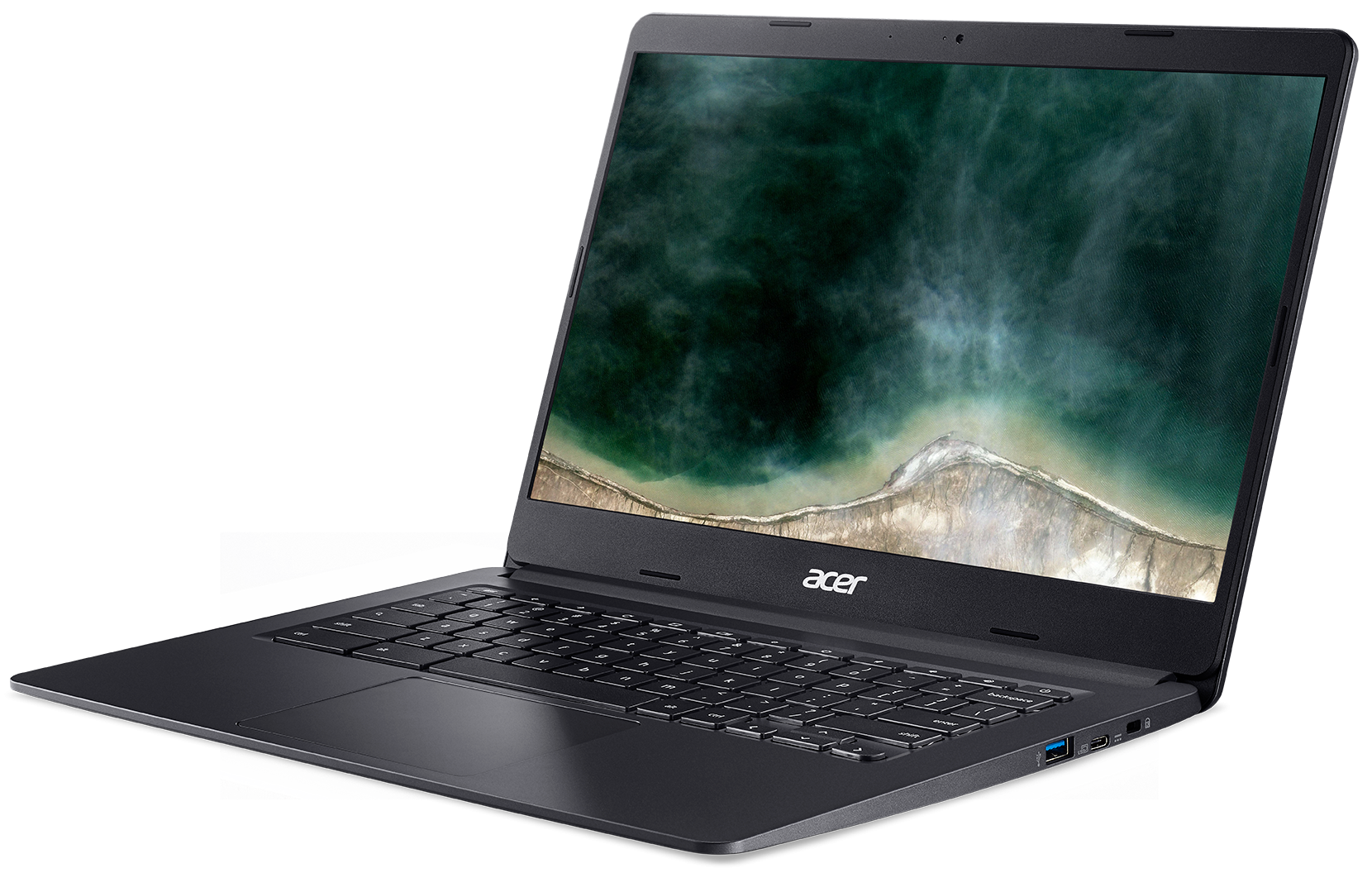
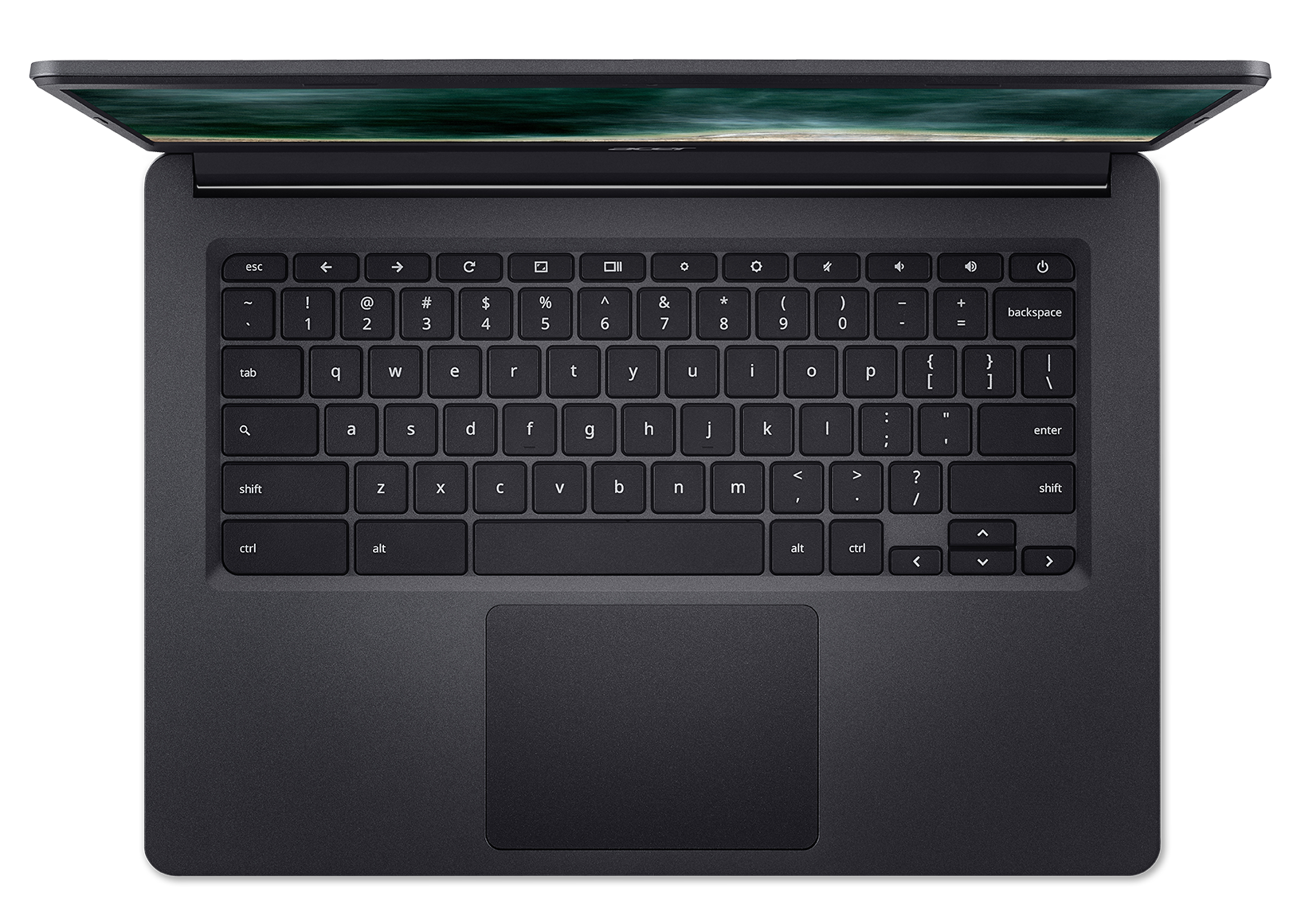
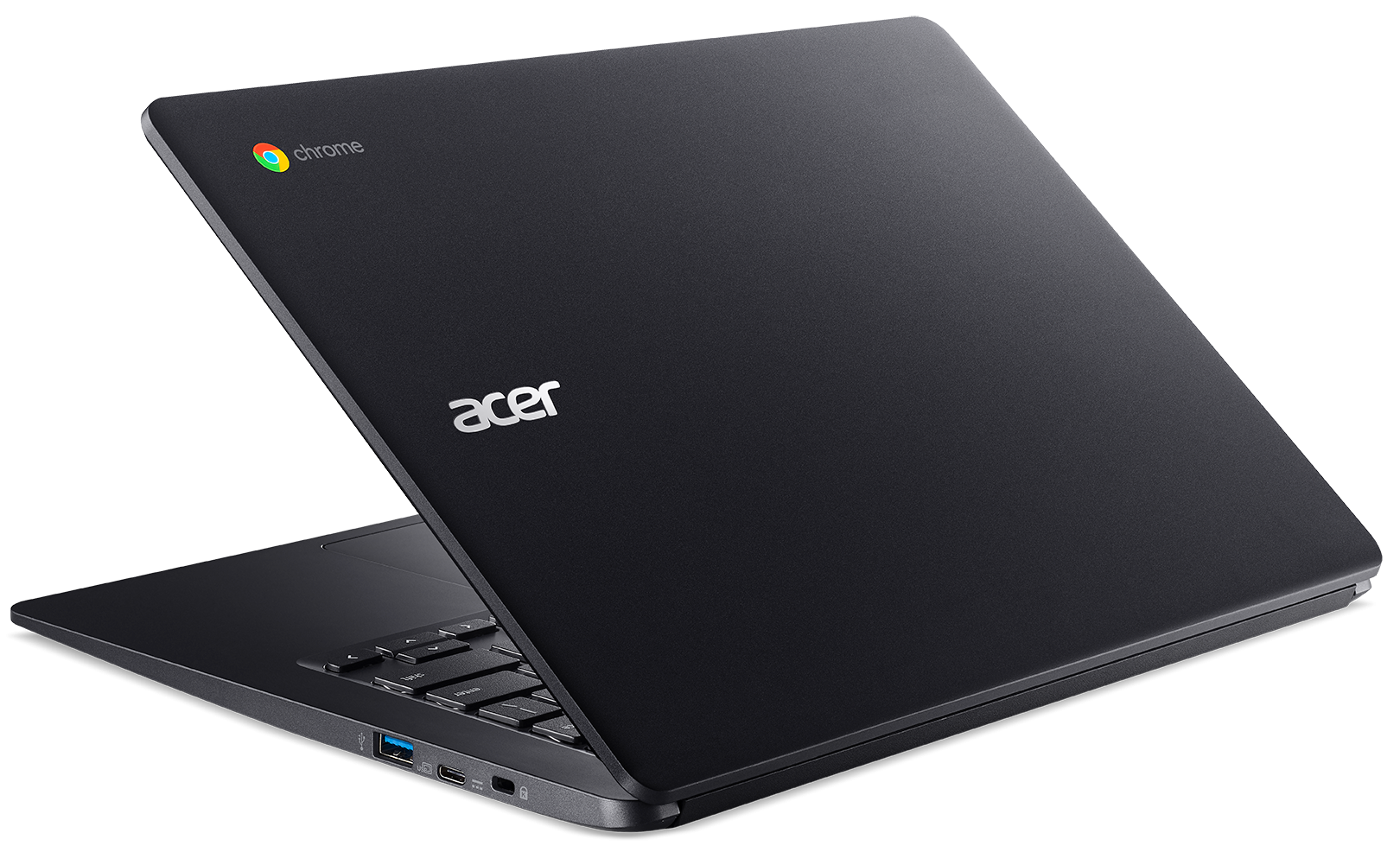
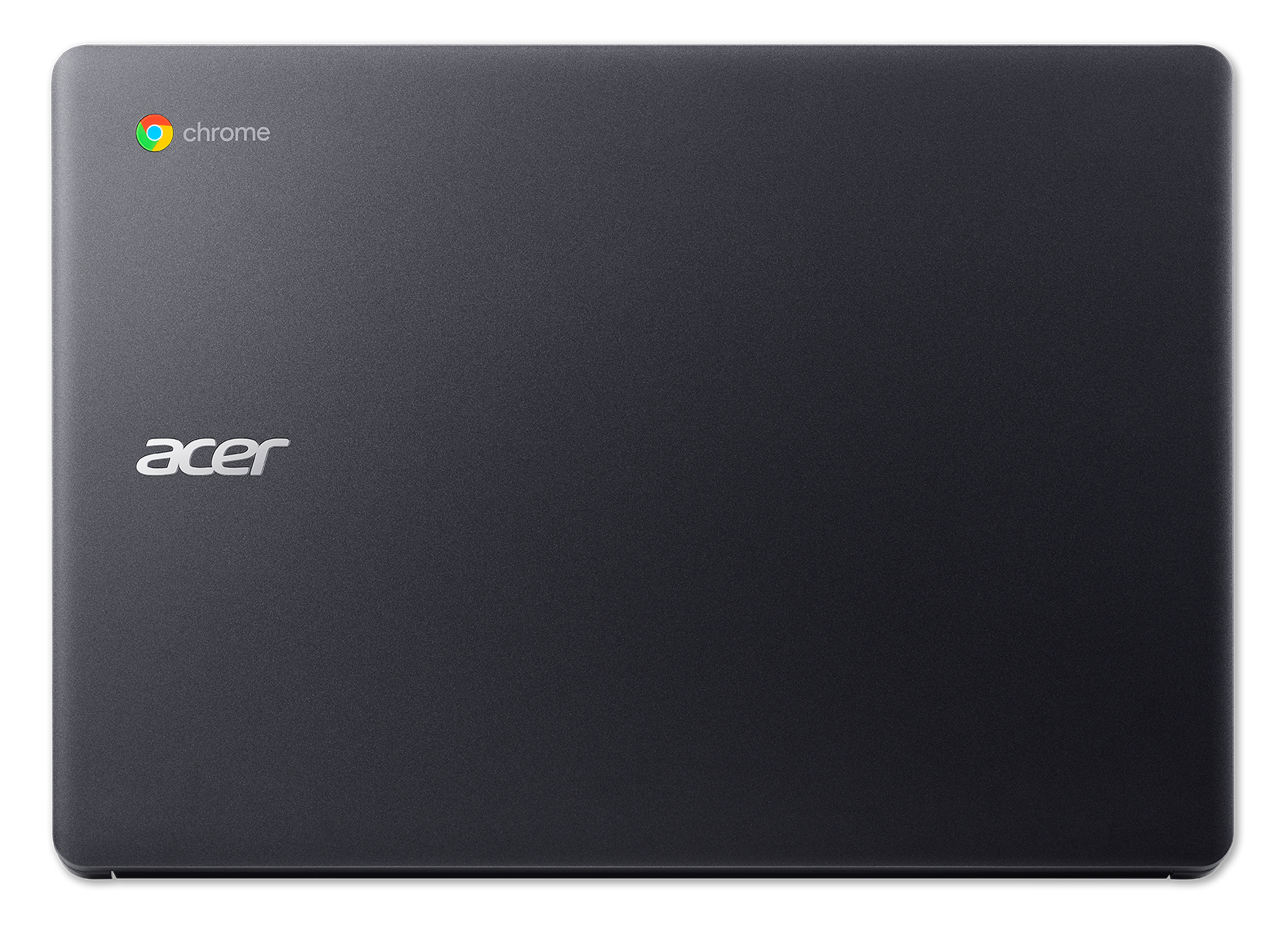
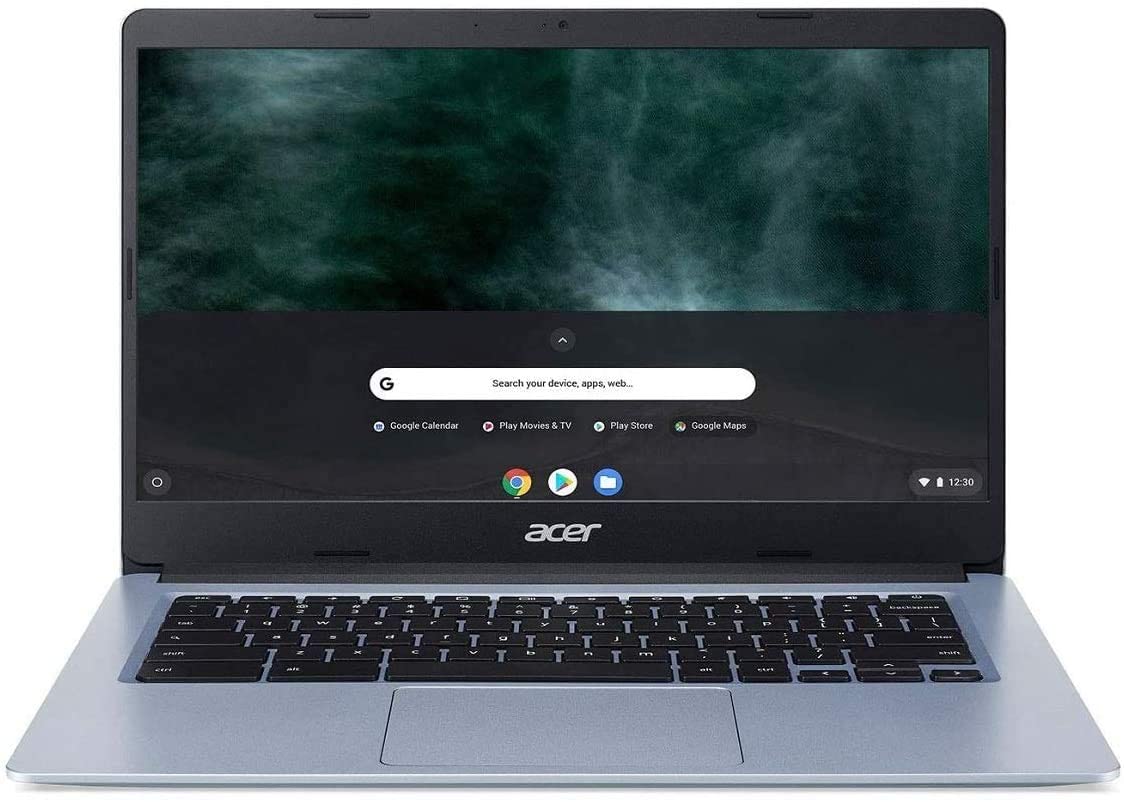
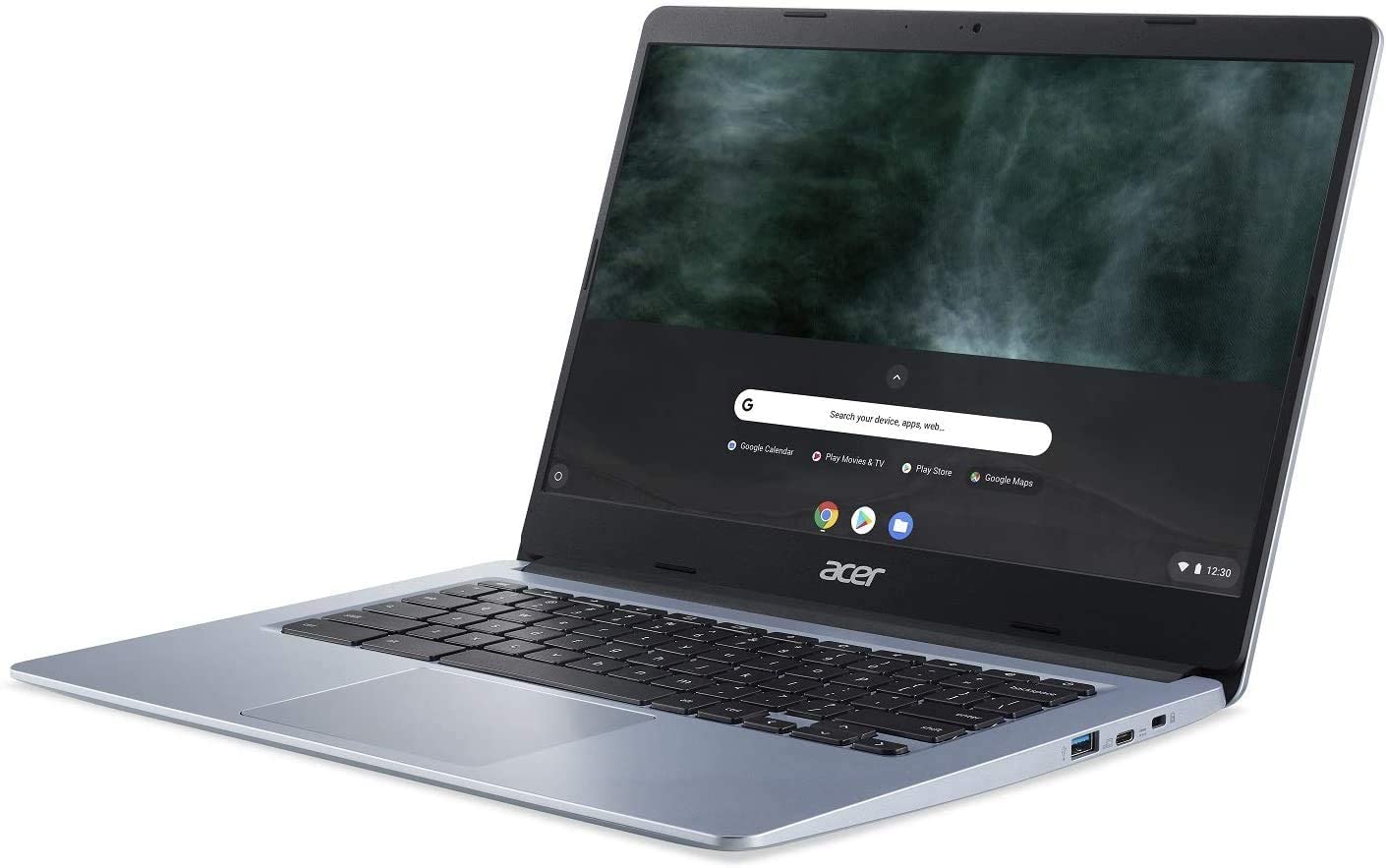
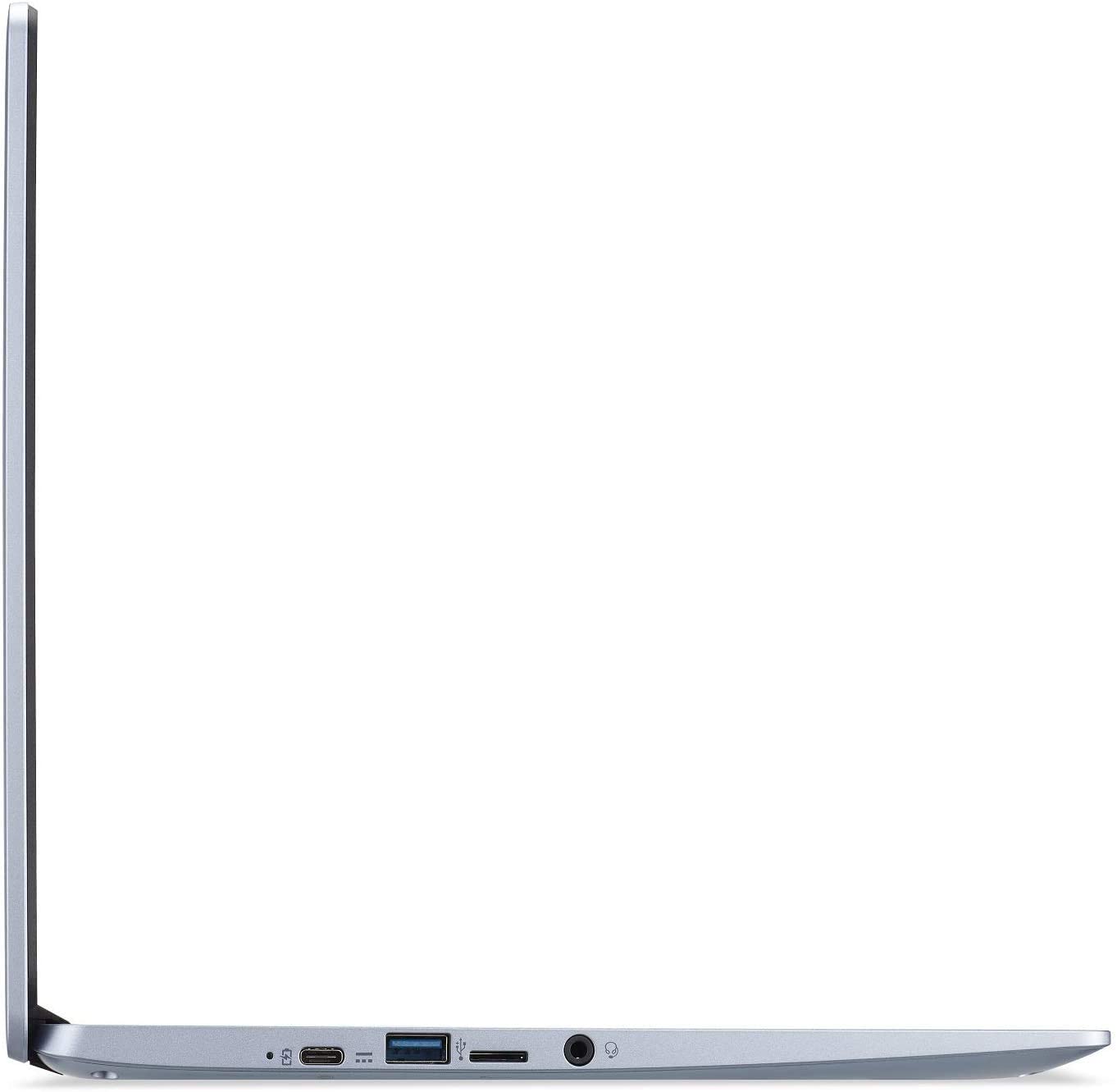
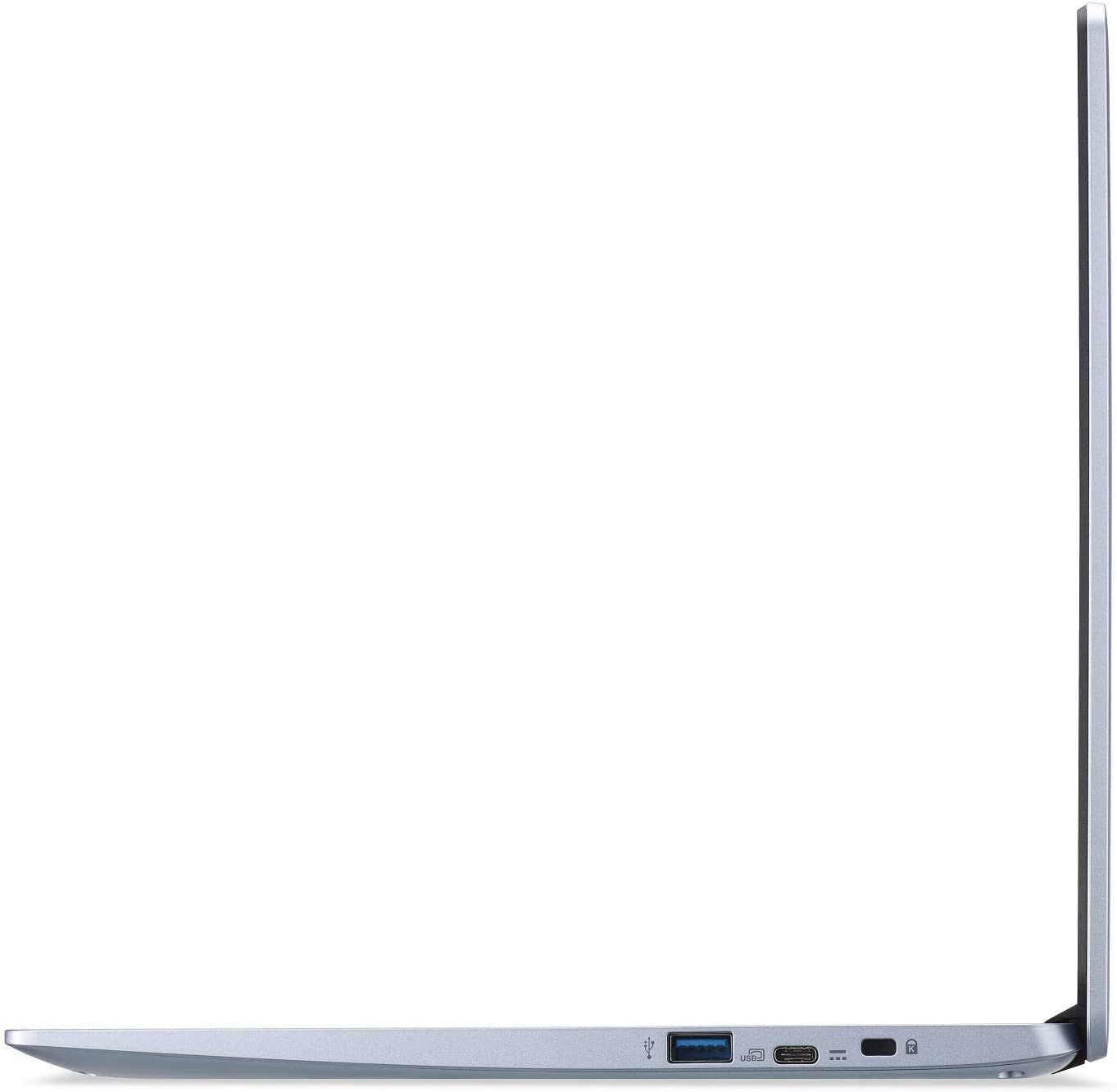
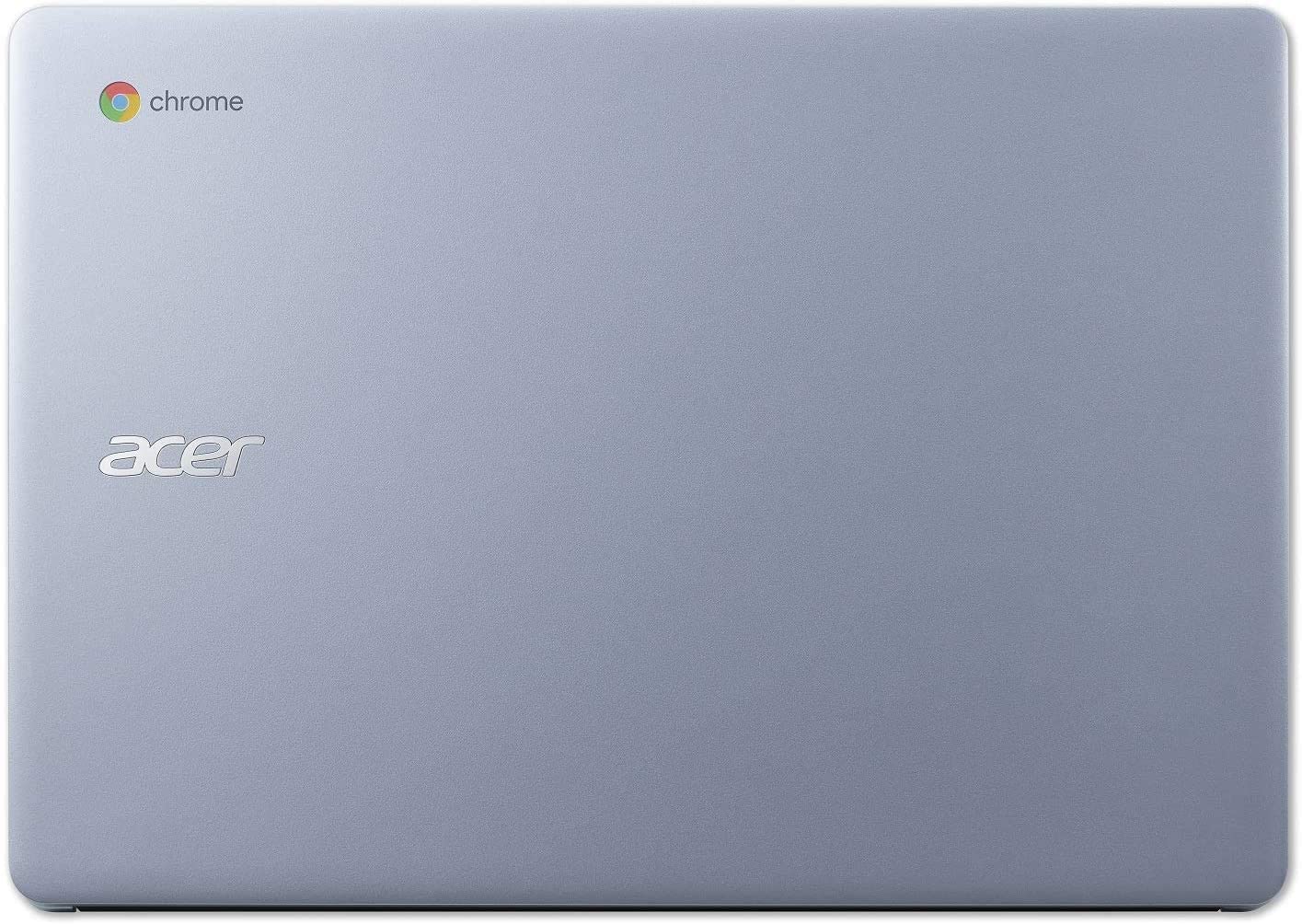

- HDD/SSD
- până la 128GB SSD
- RAM
- up to 8GB
- SO
- Chrome OS, Windows 10 Home
- Baterie
- 48Wh, 3-cell, 48Wh, 4-cell, 45Wh, 3-cell, 3-cell, 4-cell
- Dimensiuni
- 325.1 x 231.1 x 19.8 mm (12.80" x 9.10" x 0.78")
- Greutate
- 1.70 kg (3.7 lbs)
- Porturi și conectivitate
- 2x USB Type-A
- 3.2 Gen 1 (5 Gbps)
- 2x USB Type-C
- 3.2 Gen 1 (5 Gbps), DisplayPort
- Cititor de carduri
- MicroSD
- Wi-Fi
- 802.11ac
- Bluetooth
- 5.0
- Mufă audio
- 3.5 mm combo
- Caracteristici
- Cititor de amprente
- Cameră web
- Tastatură iluminată
- optional
- Microfon
- Difuzoare
- 2 Stereo Speakers
- Unitate optică
- Slot blocare securitate
Toate Acer Chromebook 314 (C933) configurații
Performanță CPU
Aici puteți găsi diferența de preț/performanță între toate procesoarele disponibile pentru Acer Chromebook 314 (C933) Serii.
Rezultatele sunt de la testul CPU Cinebench R23 (scorul mai mare este mai bun)
Performanță GPU
Aici puteți găsi diferența de preț/performanță între toate plăcile video disponibile pentru Acer Chromebook 314 (C933) Serii.
Rezultatele sunt de la 3DMark Time Spy (Grafică). Un scor mai mare este mai bun.
Acer Chromebook 314 (C933) recenzie detaliată
A Chromebook meant for working inside the office and out (at home as well). As a 14-inch laptop, the Acer Chromebook 314 (C933) has a big competition in the business market. Most of it comes from Windows-equipped devices, of course, but how exactly does the Chrome OS benefit (or hurt) its usability.Essentially, you won't be able to use the full-fledged Adobe Suit, nor any sophisticated 3D modeling software, but honestly, this is not what the Chromebook 314 (C933) is about. Even if you had the OS support for these programs, the low-power Intel Pentium Silver N5030 simply doesn't have the p[...]

Avantaje
- Quick through the menu
- The OS loads in an instant
- Two USB Type-C ports that charge the laptop and can output DisplayPort
- Its display has comfortable viewing angles and good contrast ratio (BOE BOE07A0)
- Doesn't use PWM to adjust screen brightness (BOE BOE07A0)
- MicroSD card storage expansion and LTE connectivity
Dezavantaje
- Touchpad feels weird
- Covers only 50% of sRGB
- Memory and storage are soldered to the motherboard


![[August 2026] Amazon Global: Top 10 cele mai vândute laptopuri – Apple MacBook Neo domină clasamentul, în timp ce laptopurile Windows din gama economică și de mijloc se luptă pentru volumul vânzărilor](https://laptopmedia.com/wp-content/uploads/2026/09/Best-Selling-Laptops-GLOBAL-Top-10-400x225.jpg)
![[August 2026] Cele mai vândute mărci de laptopuri pe Amazon Global – Apple domină în ceea ce privește veniturile, în timp ce HP se află pe primul loc în ceea ce privește varietatea de modele](https://laptopmedia.com/wp-content/uploads/2026/09/GLOBAL-Best-Brands-400x225.jpg)
![[August 2026] Amazon Global: Top 10 cele mai bine vândute laptopuri pentru jocuri – HP Victus 15 ocupă primul loc, în timp ce modelele accesibile domină clasamentul](https://laptopmedia.com/wp-content/uploads/2026/09/Best-Selling-Gaming-Laptops-GLOBAL-Top-10-400x225.jpg)
![[August 2026] Best-Selling Laptop Brands on Amazon Japan – Apple Dominates Market Share and Revenue Led by Strong Unit Sales](https://laptopmedia.com/wp-content/uploads/2026/09/CO.JP-Best-Brands-1-400x225.jpg)
![[August 2026] Best-Selling Laptop Brands on Amazon USA – Apple Dominates Market Revenue and Volume Despite Lower Model Diversity](https://laptopmedia.com/wp-content/uploads/2026/09/COM-Best-Brands-1-400x225.jpg)
